


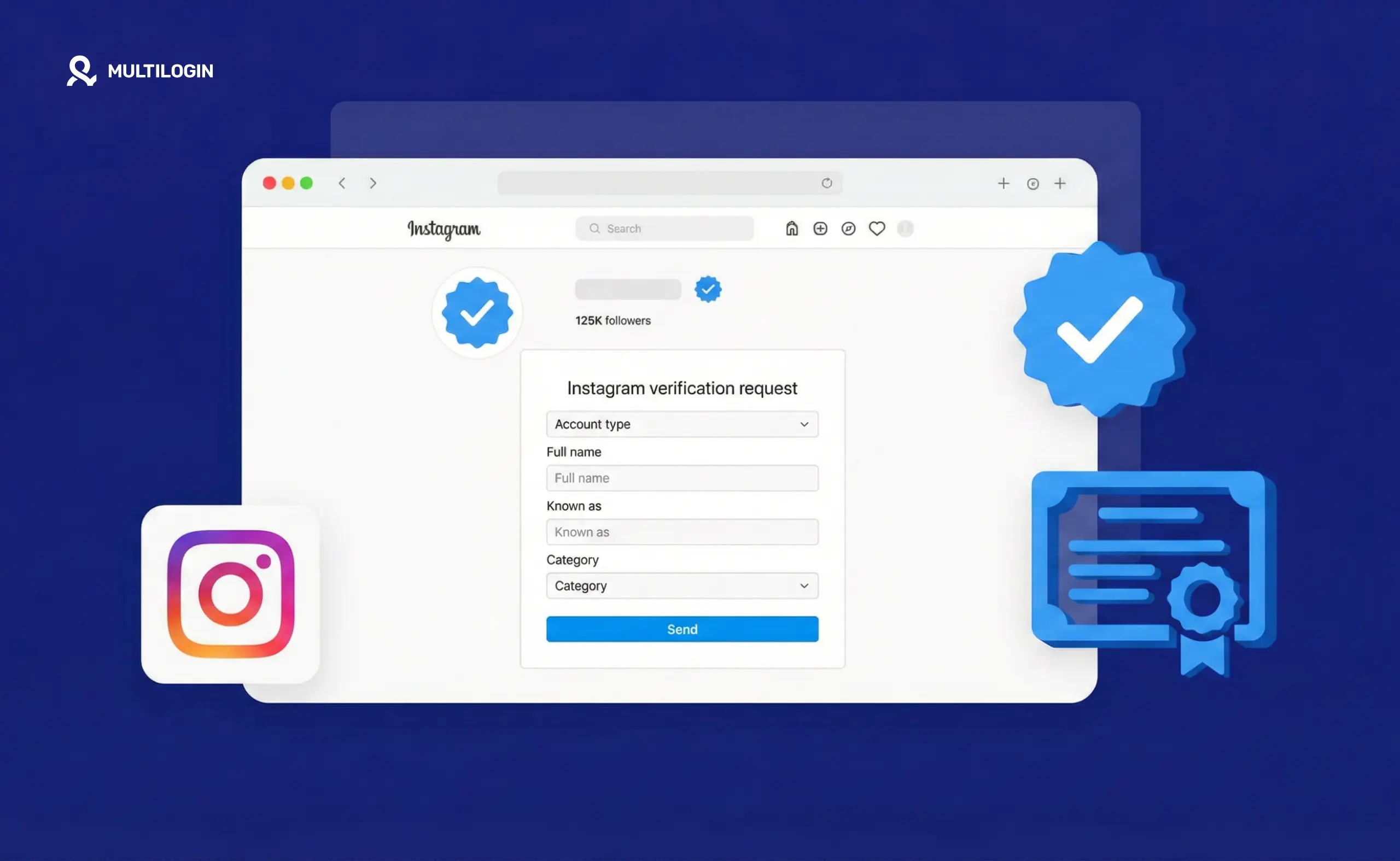



Instagram verification means two different things in 2026, and most guides treat them as the same thing — which is why so many people apply wrong or pay for something they didn’t expect.
There’s the free blue badge awarded by Meta to public figures, celebrities, and brands with significant public interest. And there’s Meta Verified, a paid subscription that gives anyone a blue checkmark for $14.99/month (or $7.99/month on mobile).
Both give you a blue checkmark. They work very differently.
The two types of Instagram verification
Free blue badge (organic verification)
The traditional Instagram blue badge is awarded by Meta’s review team. It signals that the account is the authentic presence of a notable public figure, celebrity, journalist, brand, or entity.
This badge is free. You can’t buy it. You request it, and Meta decides whether you qualify.
Who qualifies:
- Public figures with significant media coverage (news articles, press mentions — not paid content or promotional material)
- Celebrities, athletes, musicians, politicians
- Major brands with notable public interest
- Journalists and public-facing professionals with verifiable coverage
What “notable” means in practice: Meta looks for substantial coverage in credible, independent news sources. A TikTok creator with 500K followers who has been featured in Variety, The Guardian, or Forbes has a much stronger case than a creator with 2M followers who has never been covered by independent press.
What you need to apply:
- A complete profile (bio, photo, at least one post)
- Public account
- Government-issued ID (for individuals) or official business documents (for brands)
- Must not have previously violated Instagram’s Terms of Service
- Must represent a real person, brand, or entity
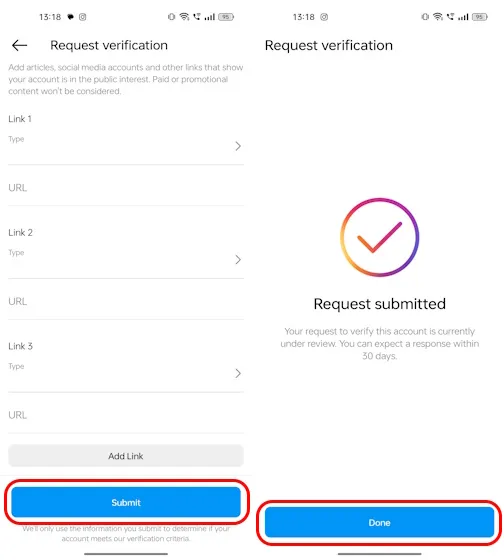
How to request the free badge:
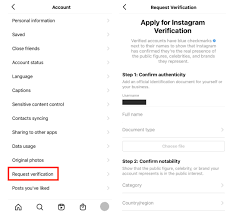
- Go to your Instagram profile
- Tap the three-line menu (≡) → Settings
- Go to Account → Request verification
- Fill in your full name, account category, and upload your ID
- Submit and wait — Meta’s review can take a few days to several weeks
Reality check: The majority of applications are rejected. Meta doesn’t disclose the approval rate, but anecdotally it’s very low for accounts that aren’t already widely covered by independent media. If your application is rejected, you can reapply after 30 days, but submitting a second application without new qualifying coverage rarely changes the outcome.
Meta Verified (paid subscription)
Meta Verified launched in 2023 and is the main path most creators and businesses use to get a blue checkmark today.
Cost:
- $14.99/month via browser/desktop
- $7.99/month on iOS and Android (Note: iOS and Android subscriptions must be purchased in-app and have platform billing fees applied)
What Meta Verified includes:
- Blue badge on your Instagram profile
- Account verification (confirms your identity via government ID)
- Proactive account monitoring for impersonation
- Access to human agent support
- Increased distribution in some contexts (Meta has stated verified accounts may see enhanced visibility in certain surfaces)
- Cross-platform: one subscription covers both Facebook and Instagram
Who qualifies for Meta Verified:
- Must be 18 years or older
- Must have a government-issued ID that matches the name on your account
- Account must meet Instagram’s minimum activity requirements
- No recent history of violating Instagram’s policies
Meta Verified is available to individuals, not businesses (as of mid-2026 — Meta has been expanding eligibility). The name on your account must match your ID exactly.
How to subscribe to Meta Verified:
- Go to your Instagram profile
- Tap the three-line menu → Settings → Meta Verified
- Follow the sign-up process including ID verification
- Complete payment
The blue checkmark appears on your profile after successful verification. If you cancel the subscription, the badge is removed.
What the blue badge actually does (and doesn’t do)
What verification does:
- Signals authenticity — tells viewers this is the real account, not an impersonator
- Reduces impersonation risk — Meta monitors verified accounts for copycat profiles
- May improve search visibility — verified accounts can rank higher when your name is searched
- Unlocks features — some features are limited to verified accounts (Live scheduling, certain creator tools)
- Builds trust — particularly for public-facing brands and creators working with sponsors
What verification doesn’t do:
- It doesn’t guarantee reach or engagement increases. Meta Verified includes “increased distribution in certain surfaces” but this isn’t a significant algorithmic boost for most accounts
- It doesn’t protect you from bans or suspensions for policy violations
- It doesn’t replace building an actual audience — a blue badge with 2,000 followers is still an account with 2,000 followers
- The free organic badge doesn’t come with support — it’s purely symbolic until something goes wrong
Which type of verification is right for you?
Go for Meta Verified if:
- You want the verified badge and can meet the identity requirements
- You’re building a public-facing brand or creator account
- You’re concerned about impersonators
- $14.99/month fits your budget
- You want the cross-platform Facebook + Instagram coverage
Apply for the free badge if:
- You’re a public figure with genuine media coverage from credible sources
- You represent a major brand with verifiable public interest
- You want the badge to reflect genuine notability, not subscription status
Don’t bother applying for the free badge if:
- Your media coverage is primarily sponsored content, guest posts, or self-generated press releases
- You don’t have verifiable coverage in independent, credible publications
- You don’t meet the “public interest” criteria — applying without qualifying evidence wastes the application
The organic verification path: what actually works
If you’re trying to qualify for the free badge without paying for Meta Verified, the legitimate path is building genuine press coverage. This means:
Getting covered in credible independent media. Magazine features, news articles, podcast appearances that result in published articles, industry trade publications. The coverage needs to be about you or your work — not paid placements or press releases picked up verbatim.
Growing a meaningful public presence. Meta evaluates whether your account represents someone the public would benefit from having an authentic point of contact with. A local influencer doesn’t typically qualify. A musician on a major label, a politician, or someone covered in national media does.
Being consistent with your real identity. The name on your account, the name on your government ID, and the name in your press coverage all need to match. Accounts with screen names or pseudonyms that don’t match ID documentation typically fail the identity check.
There’s no shortcut here. Third-party services claiming to “get you verified” are either selling Meta Verified subscriptions (which you can buy directly) or are scams. The free organic badge is awarded by Meta’s team on their criteria, not purchasable through intermediaries.
Managing multiple Instagram accounts and verification
If you manage multiple Instagram accounts — different brands, client profiles, or separate creator channels — verification is handled at the account level. Each account needs its own verification request or Meta Verified subscription.
Meta Verified is tied to your government ID, which means you can technically use the same ID to verify a limited number of accounts. However, managing multiple Instagram accounts from the same device or with shared login credentials creates linking risks that affect all of them.
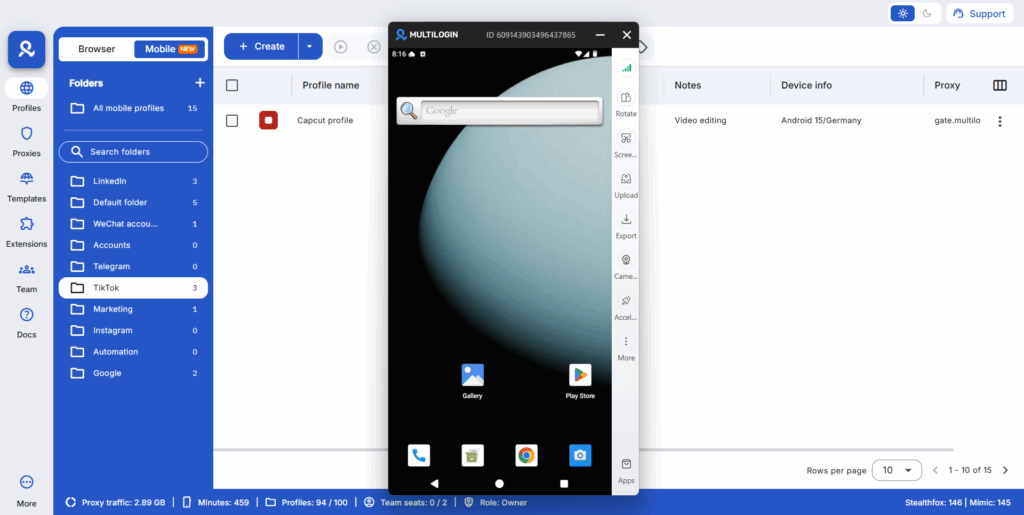
Social media managers and agencies handling multiple client accounts typically run each in a completely isolated environment — separate browser profile or separate device per account — to prevent Instagram from associating them. This keeps each account’s status, verification, and standing independent.
Try Multilogin now for managing multiple Instagram accounts with proper isolation between each profile.
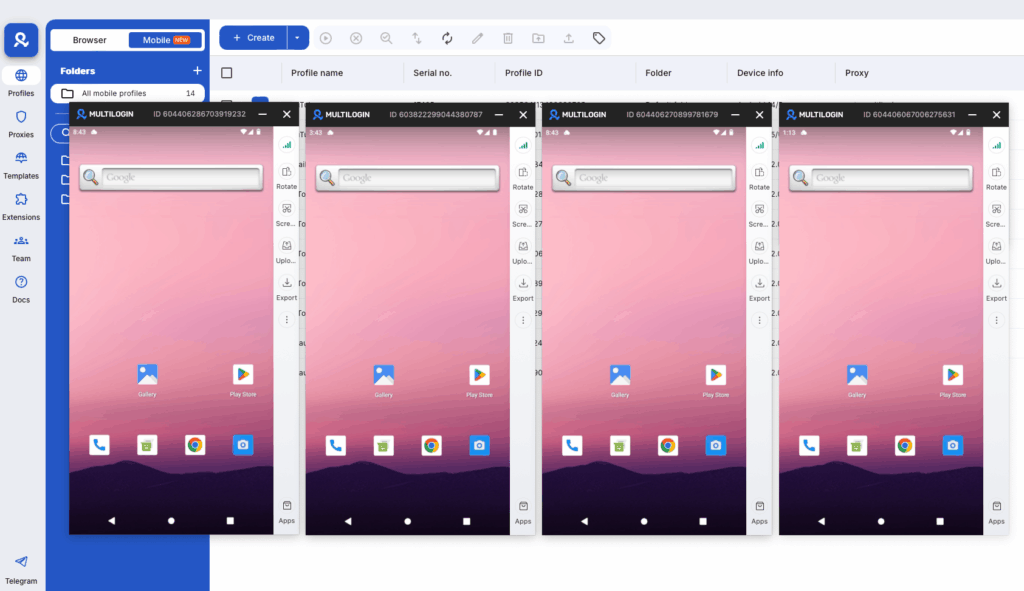


Manage multiple accounts with Android cloud phones
Build account trust, reach new locations, and grow faster from one dashboard
Frequently asked questions About How to get verified on Instagram
Meta Verified costs $14.99/month on desktop or $7.99/month on mobile. The organic blue badge (awarded by Meta to notable public figures and brands) is free but requires meeting eligibility criteria.
Yes — by applying for the organic verification badge through Instagram’s “Request verification” option in account settings. This is awarded by Meta to accounts that demonstrate genuine public interest and media coverage. Most accounts are rejected because the bar is high.
Meta Verified is a paid subscription ($14.99/month). The blue badge awarded through “Request verification” is free and based on notability. Both give a blue checkmark, but the organic badge is seen as more prestigious — it can’t be purchased.
Meta states that Meta Verified subscribers may see increased distribution in certain surfaces, but this isn’t a major algorithmic boost. The badge primarily signals authenticity. Organic growth strategies — posting frequency, content quality, engagement — still drive reach more than verification status.
Your blue checkmark is removed. You keep your followers and account history, but the badge disappears. You can re-subscribe to reinstate it.
Meta Verified subscriptions are processed quickly — often within 24–48 hours after ID verification. The organic verification application review can take several days to a few weeks, and Meta doesn’t provide status updates during the process.


