


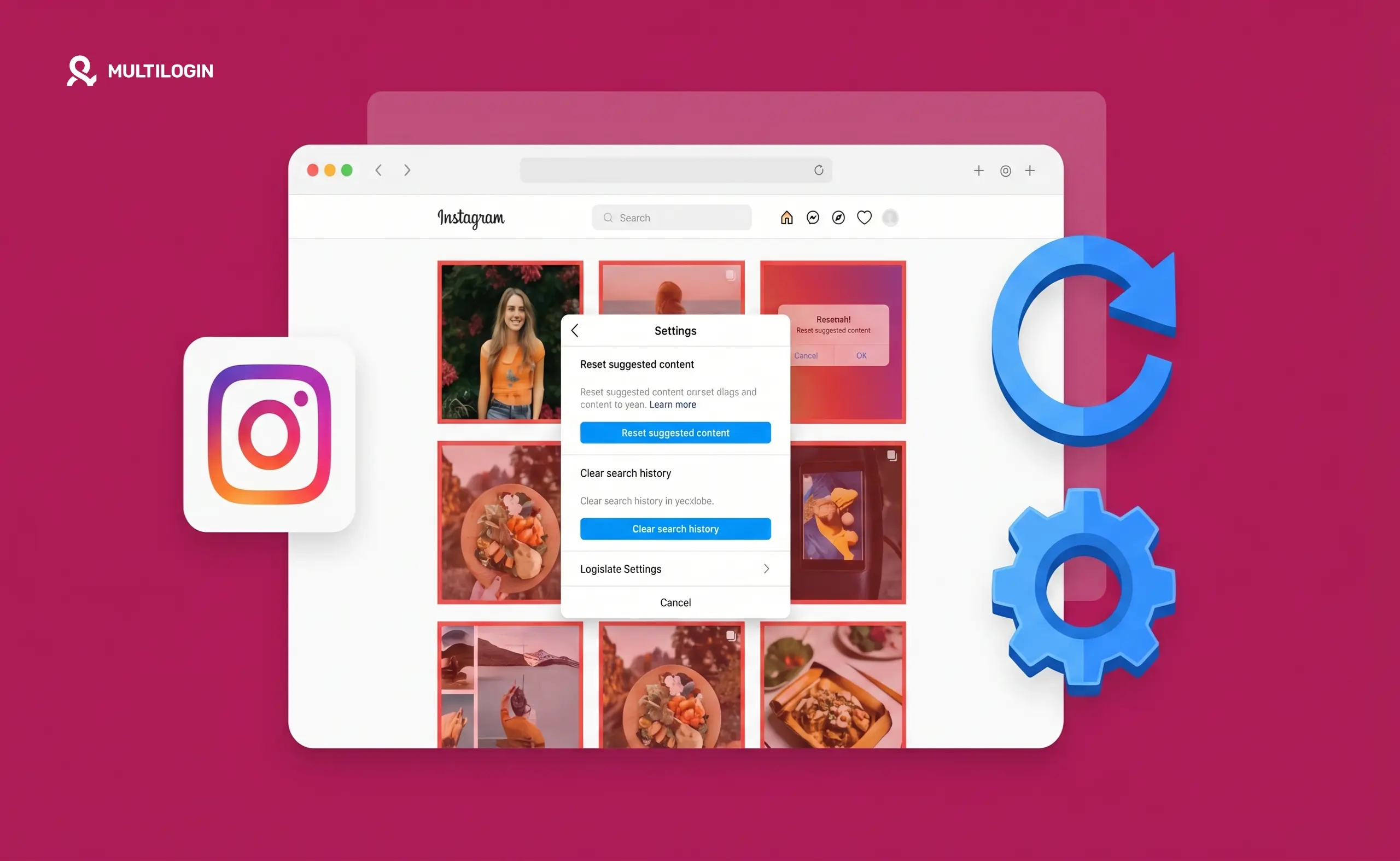



You can influence what Instagram shows you — and how it distributes your content — but there’s no single “reset” button. What people mean when they search for this falls into two separate problems: fixing a dead or irrelevant explore feed, and recovering from stagnant reach on posts. Both have real solutions.
Here’s what actually works.
Why people want to reset the algorith
The Instagram algorithm isn’t one system — it’s several, each ranking content differently for your Feed, Explore, Reels tab, and Stories. When people say the algorithm is “broken,” they usually mean one of these things:
- Their explore page is showing irrelevant content they have no interest in
- Their feed is cluttered with suggested content from accounts they don’t follow
- Their own posts are underperforming — reach dropped, engagement fell off, the account feels stuck
Fixing your explore page and feed is relatively straightforward. Recovering post performance is more involved. Both are covered below.
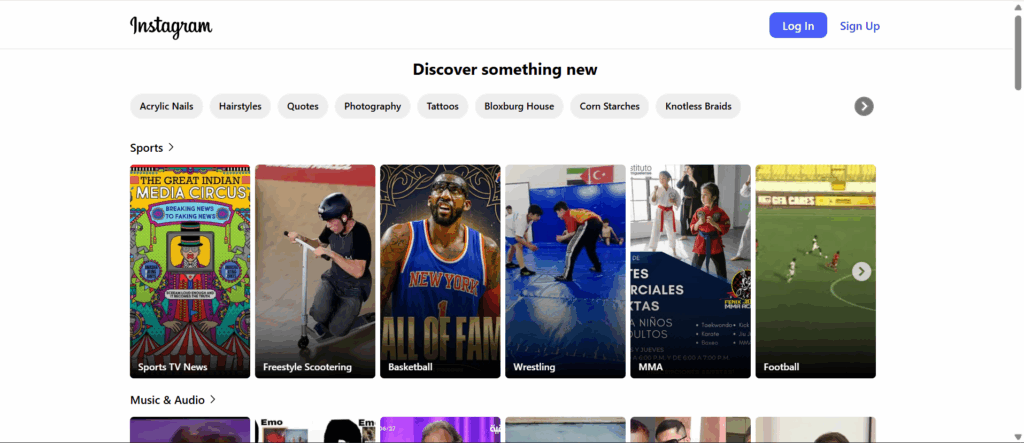
How to reset your Instagram explore page and feed
The fastest way to reset what Instagram shows you is to tell it directly what you don’t want — and stop engaging with content you don’t like.
Step 1: Mark content as “Not interested”
On any post in your feed or explore page that you don’t want to see more of: tap the three-dot menu (⋯) in the top right corner of the post and select Not interested. Do this consistently for a week and Instagram’s recommendation system will pick up the signal.
This is the most direct reset tool Instagram provides. It works for Feed posts, Explore, and Reels suggestions. Do it aggressively for a few days and the feed changes noticeably.
Step 2: Clear your search history
Instagram’s search history influences what appears in Explore. To clear it: go to your profile → tap the search icon → tap the search bar → tap See all next to Recent → select Clear all.
This removes the historical search data Instagram was using to personalise your Explore content. Explore will feel more generic at first and then recalibrate as you start engaging with content you actually like.
Step 3: Review and prune your following list
If your feed is full of content you don’t care about, it’s often because you’re following accounts you used to be interested in but no longer are. Unfollowing 20–30 accounts that no longer reflect your interests shifts the feed more reliably than any “reset” trick.
To do this faster: go to a post from an account you want to unfollow → tap their profile → tap Following → Unfollow. Or go to your profile → Following → use the search to find specific accounts.
Step 4: Actively engage with what you want to see more of
Instagram’s algorithm is trained on your behaviour. Watch full Reels, like posts in the niche you actually care about, leave comments, save posts. This re-trains the recommendation system faster than any passive approach.
After a week of deliberate engagement with content you like and consistent “Not interested” taps on content you don’t, the feed and explore page shift substantially.
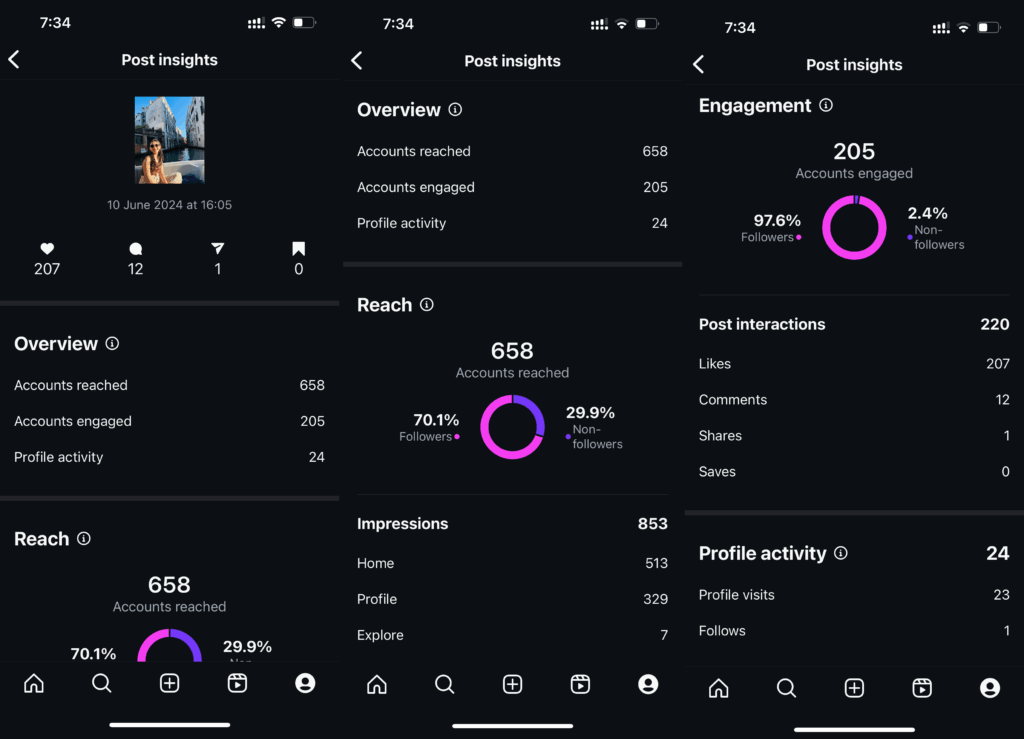
How to reset the Instagram algorithm for your own content (fix dead reach)
If your posts stopped performing — reach dropped, engagement dried up — the problem is almost never the algorithm acting against you randomly. There are specific, fixable causes.
Check whether your account has a shadowban first
Before changing your strategy, confirm your account isn’t restricted. Post a photo with a moderately used hashtag, then ask someone who doesn’t follow you to search that hashtag. If your post doesn’t appear, you may be shadowbanned. Instagram restricts distribution from accounts that have received spam reports, used banned hashtags, or been flagged for violating community guidelines.
If you are shadowbanned: stop posting for 24–72 hours, avoid the hashtags that triggered it, and don’t use any third-party tools that interact with Instagram’s API in ways that look automated (mass-liking, mass-following, comment bots). The restriction usually lifts on its own within a week.
What actually drives Instagram’s distribution algorithm
Understanding what the algorithm rewards makes it easier to diagnose why reach dropped. Instagram’s ranking factors, in rough order of importance:
- Relationship signals — how often someone has engaged with your content before. Accounts with a loyal, engaged following consistently outperform accounts chasing new followers.
- Content format signals — Reels currently get the widest non-follower distribution. Carousels tend to get shown to more of your existing followers than single images.
- Engagement velocity — how quickly a post accumulates likes, comments, saves, and shares in the first hour. Slow starts get limited distribution; fast starts get amplified.
- Completion rate — for videos and Reels, whether people watch to the end. A 90% completion rate is a strong positive signal.
- Session context — whether the viewer has been shown similar content recently and whether they engaged with it.
Common causes of dropped reach and how to fix them
You changed your posting frequency significantly. Dropping from daily to twice a week, or the reverse, confuses the algorithm’s expectations for your account. Pick a frequency you can sustain and stick to it for 4–6 weeks before drawing conclusions.
Your content format shifted. If you moved from Reels (high distribution) to static images (lower non-follower reach), your overall reach numbers will naturally fall even if nothing is “wrong.”
Your engagement rate dropped. If the first comments and likes on your posts are slower than they used to be, reconsider your posting times. Instagram shows your content first to your most engaged followers — if those people aren’t online when you post, the initial engagement signal is weak and distribution suffers.
Your captions stopped prompting engagement. Caption strategy matters more than most creators admit. Posts that ask specific, answerable questions or share a strong opinion tend to get more comments, which boosts distribution.
The “reset” that actually works
There’s no magic fix, but this sequence consistently helps accounts that have gone stagnant:
- Take 2–3 days off from posting
- Come back with a Reel — Reels get the widest non-follower distribution and are the fastest way to reach new audiences
- Post at the time your analytics show your followers are most active
- Be in the app for 30–60 minutes after posting — reply to every comment, engage with accounts in your niche
- Do this consistently for three weeks before evaluating whether it’s working
Managing multiple Instagram accounts and algorithm recovery
If you’re managing multiple Instagram accounts — whether your own or for clients — algorithm recovery becomes more complicated when accounts are linked at the device level.
Instagram’s systems can associate accounts that share hardware identifiers, IP addresses, and session patterns. When one account gets restricted or flagged, the platform can extend scrutiny to other accounts on the same device. An account that was performing fine can suddenly underperform because it’s been associated with a flagged account.
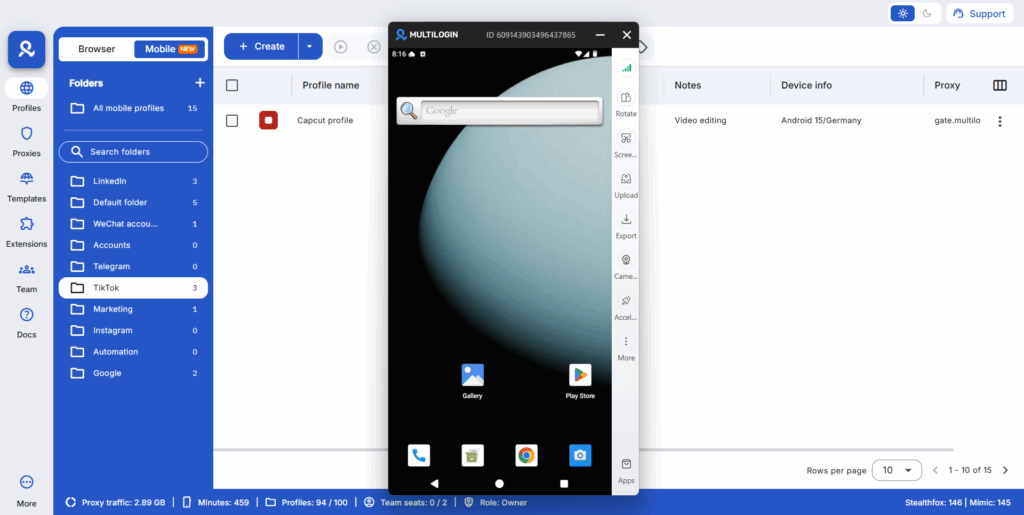
Keeping accounts properly separated — each with its own device identity, IP, and session — prevents this kind of cross-contamination. Running each client account from a dedicated cloud phone for Instagram means each account has its own real Android hardware fingerprint. A restriction on one account stays isolated to that account.
For creators or agencies managing multiple Instagram accounts, proper isolation is as important as content strategy when it comes to sustained reach. An algorithm “reset” for one account won’t work if that account is linked to a flagged one at the device level.
Try Multilogin now to keep every Instagram account’s identity genuinely separate.
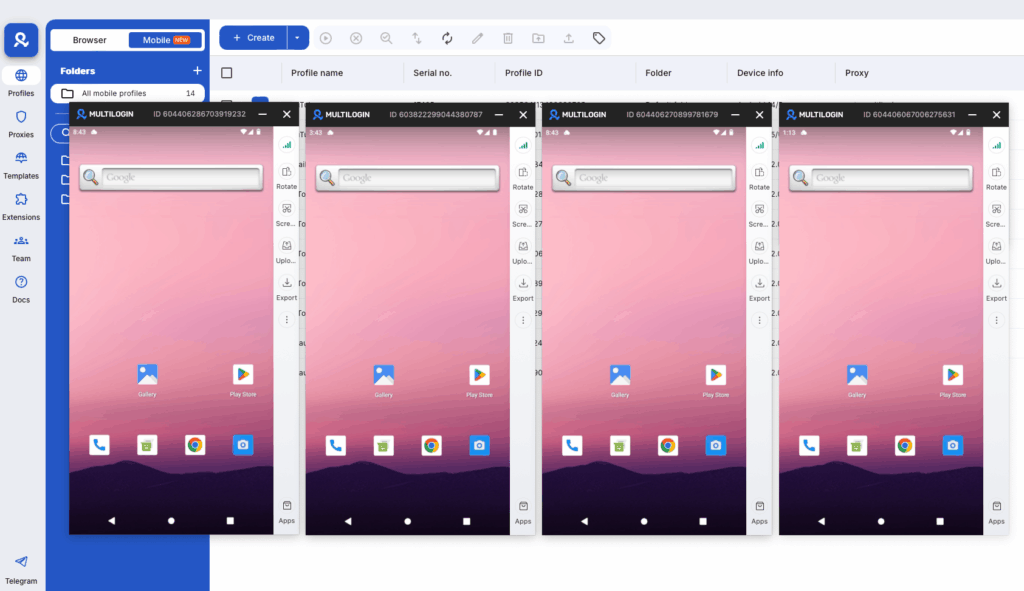
Need to manage multiple Instagram accounts? Try Multilogin Cloud Phones.
Frequently asked questions About How to Reset the Instagram Algorithm on Your Account
You can’t do a full reset with a single action, but you can significantly shift what Instagram shows you within a week using “Not interested” signals, clearing your search history, and actively engaging with the content you want to see more of. For your own post reach, consistent posting, strong engagement in the first hour, and Reels format are the levers that matter most.
For your explore page and feed: noticeable changes within a week of consistent “Not interested” signals and deliberate engagement. For your own post performance: 3–4 weeks of consistent strategy changes is the minimum before drawing conclusions.
The most common reasons are: a change in posting frequency, a switch in content format, slower initial engagement (often a timing issue), or a shadowban from flagged content or hashtags. Check for a shadowban first, then review whether your posting habits changed around the time reach dropped.
No. Clearing your app cache removes stored data on your phone but doesn’t change Instagram’s backend record of your engagement history. The algorithm is server-side — it persists regardless of what you do on your device.
Tap “Not interested” on content you don’t want to see, clear your search history (Profile → Search → See all → Clear all), and actively engage with content in the topics you actually want to see. Explore recalibrates within 5–7 days of consistent signal changes.


