


LinkedIn prospecting tools help B2B sales teams find qualified prospects faster, automate repetitive outreach, and build a more consistent pipeline. In this guide, you’ll compare the best LinkedIn prospecting tools in 2026, including options for lead discovery, outreach automation, data enrichment, and prospect management.
If your workflow involves multiple LinkedIn accounts, Multilogin can complement your prospecting stack by keeping account environments separate and easier to organize across campaigns, clients, or markets.
👉 Compare the top tools below and find the best fit for your LinkedIn prospecting workflow.
What Are LinkedIn Prospecting Tools?
LinkedIn prospecting tools help sales teams find, qualify, and reach out to decision-makers on LinkedIn without doing it all by hand. Some search and filter for you. Some send connection requests and follow-ups on autopilot. Others just pull emails and phone numbers off a profile so you can take the conversation somewhere else.
Here’s the thing nobody tells you upfront: “prospecting tool” is a pretty loose category. A tool that’s great at building a targeted list might be terrible at actually starting conversations, and vice versa. So before you buy anything, it helps to know which job you’re hiring it for. Finding people? Reaching them? Enriching their contact info? Keeping track of who replied? Rarely does one tool nail all four.
Why LinkedIn Prospecting Still Matters in 2026
LinkedIn stopped being just a place to post a resume years ago. For B2B sales teams, it’s become the closest thing to a live directory of decision-makers, complete with job changes, company updates, and posts that basically tell you what someone’s worried about this quarter.
That shift is exactly why LinkedIn prospecting tools exist in the first place. Cold email open rates keep sliding. Cold calls get screened before they ring. LinkedIn, love it or not, still gets a response rate that outbound teams can’t easily replicate elsewhere, mostly because there’s a real, verifiable person behind every profile you’re reaching out to.
None of this means LinkedIn prospecting is easy, though. Search manually and you’ll hit LinkedIn’s own search limits fast. Message everyone by hand and you’ll burn a full day reaching maybe thirty people. That gap between what a rep can realistically do alone and what a modern sales quota demands is where these tools step in.
👉 Reply rates on LinkedIn tend to run higher for messages referencing something specific about the prospect (a recent post, a job change, a shared connection) than for generic templated outreach, regardless of which tool sends the message.
Best LinkedIn Sales Prospecting Tools Compared
Below are eight LinkedIn sales prospecting tools worth testing in 2026, picked to cover different jobs: native search, automated outreach, scaled multi-account sending, data enrichment, and relationship tracking.
1. LinkedIn Sales Navigator
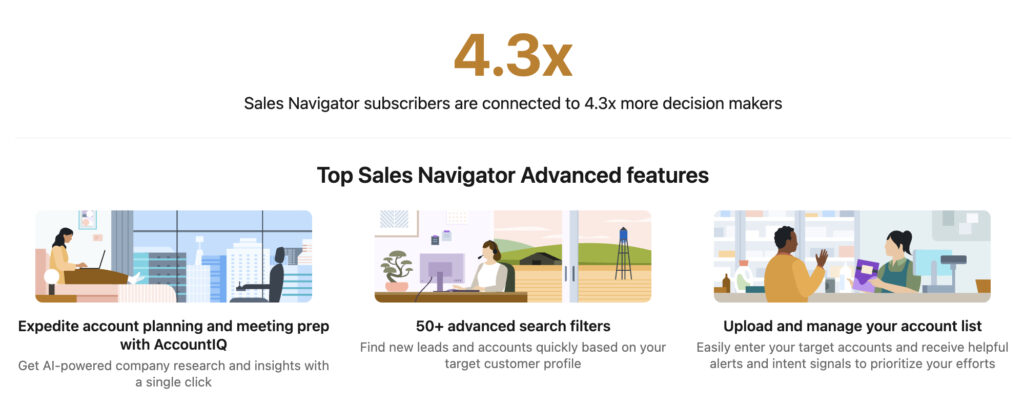
This is the baseline, and honestly, most teams end up using it alongside something else rather than instead of it. Sales Navigator gives you advanced search filters (seniority, headcount growth, recent funding, job changes) plus lead recommendations and InMail credits so you can message people outside your network.
It’s built by LinkedIn, for LinkedIn, so the data is first-party and accurate. What it doesn’t do is automate outreach at scale. You’re still sending messages one at a time, which is fine for account-based selling and pretty painful for high-volume outbound.
2. Expandi
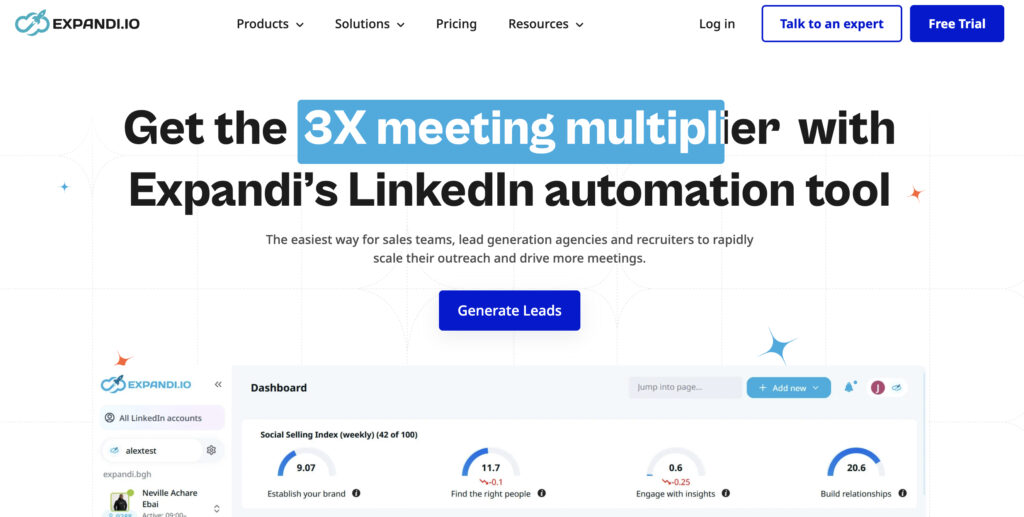
Expandi is a cloud-based automation tool built specifically around LinkedIn outreach, and it’s often mentioned as one of the more robust options for multi-step sequences that combine connection requests, messages, and even email. It runs from the cloud rather than your browser, which matters more than it sounds. Cloud-based tools tend to look less “bot-like” to LinkedIn’s systems than browser extensions do.
3. HeyReach
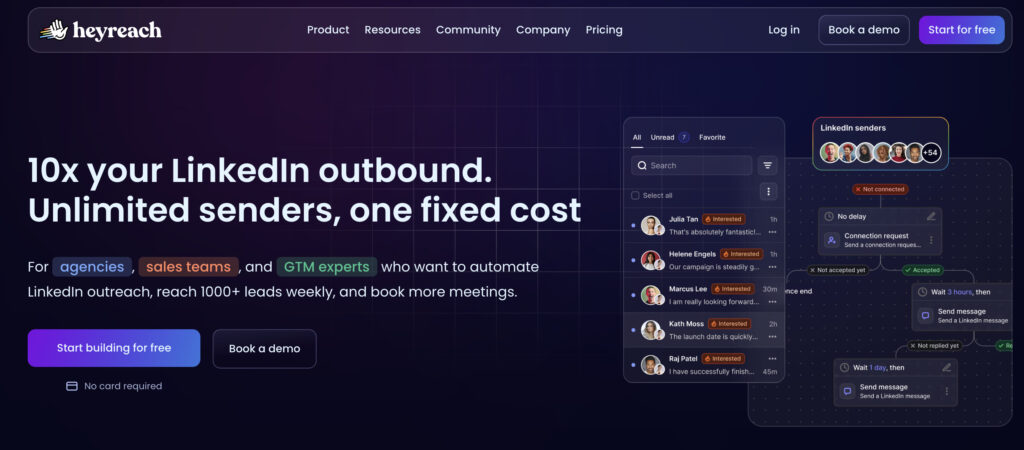
If you’re managing outreach across several sender accounts (agencies and larger sales teams, mostly), HeyReach is built for exactly that. It helps scale LinkedIn outreach across multiple accounts while trying to keep each one under safe sending limits. For a solo rep this is overkill. For an agency running campaigns on behalf of ten clients, it’s arguably the whole point.
4. Waalaxy
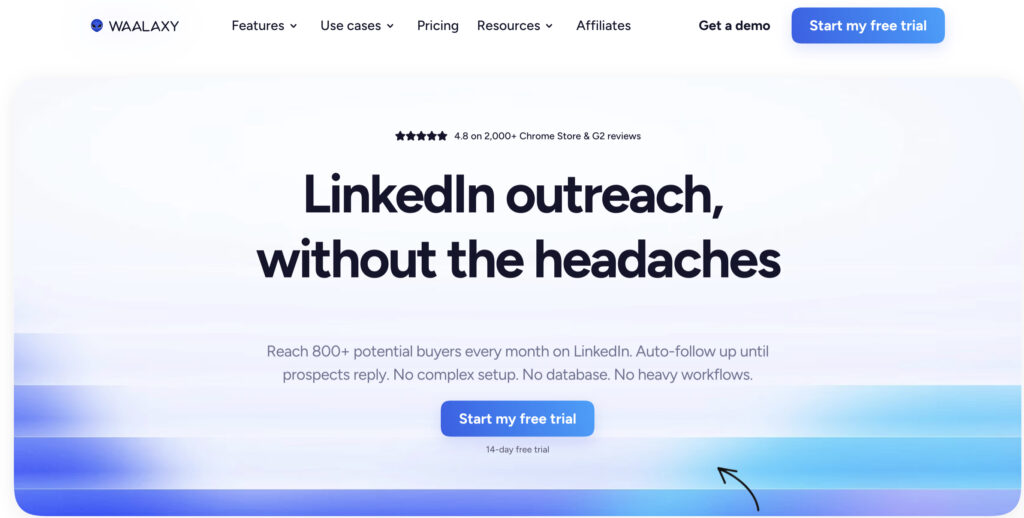
Waalaxy leans toward being an all-in-one option, combining LinkedIn automation with email sequences in the same workflow. It’s popular with smaller teams and solo founders who don’t want to stitch together three separate tools just to run a simple outreach cadence.
5. Dux-Soup
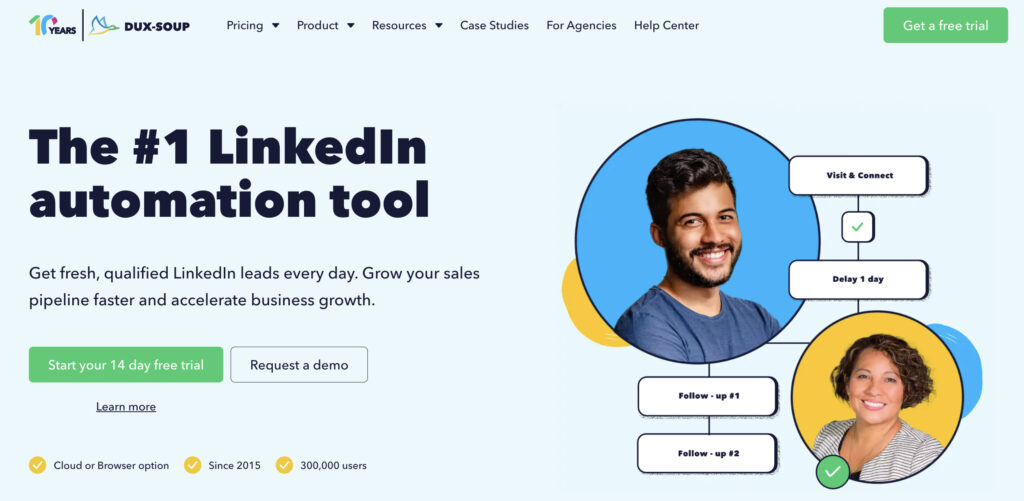
One of the older names in this space, and still around for a reason. Dux-Soup runs as a browser extension and automates profile visits, connection requests, and basic follow-up messaging. It’s not flashy, but it’s cheap relative to newer cloud platforms, and plenty of freelancers and small agencies still swear by it.
6. Apollo.io
Apollo goes broader than LinkedIn alone. It’s a full prospecting database with sequencing built in, so if your team needs contact data beyond what LinkedIn shows (verified emails, phone numbers, firmographic filters) Apollo tends to come up as the go-to. Think of it less as “a LinkedIn tool” and more as a prospecting platform that happens to work well alongside LinkedIn.
7. Skrapp.io
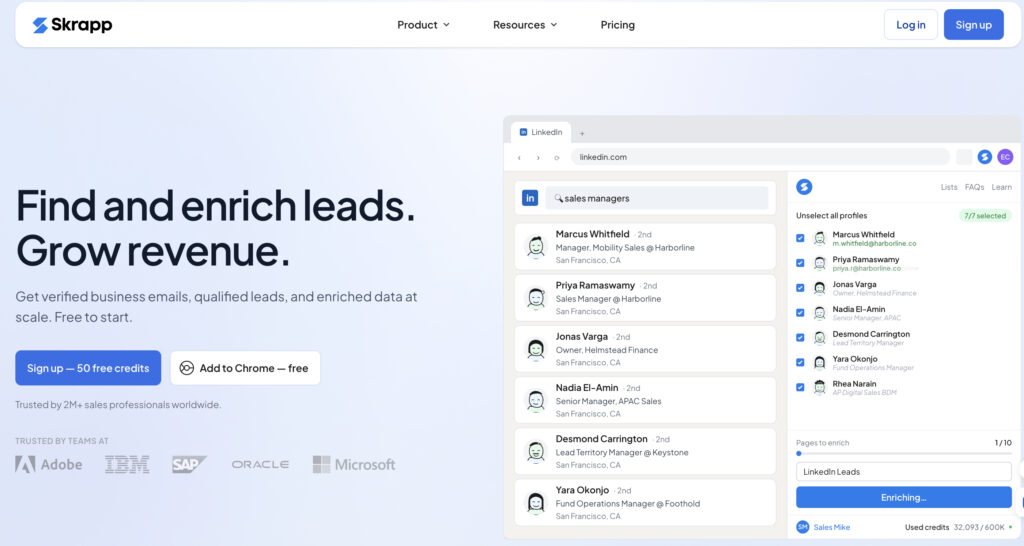
Skrapp is an email finder that pulls verified contact information straight from LinkedIn profiles and company pages. Simple, more affordable than a lot of alternatives, and the pricing model (credits that roll over) tends to suit smaller teams that don’t burn through volume every month.
8. folk
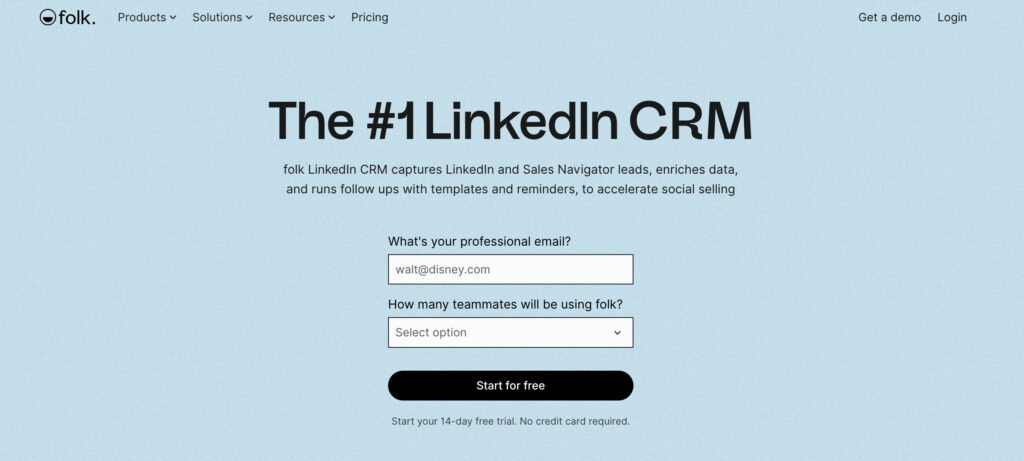
folk is built more like a lightweight CRM than an outreach tool. Its Chrome extension captures LinkedIn profiles and turns them into contact records instantly, so instead of tracking prospects in a spreadsheet (we’ve all been there) you get a structured pipeline. It’s particularly popular with founder-led sales, agencies, and small teams that live on LinkedIn as their primary channel.
Comparison Table: Pros and Cons
| Tool | Best For | Pros | Cons |
|---|---|---|---|
| LinkedIn Sales Navigator | Native search and targeting | First-party accurate data; deep filters; InMail included | No outreach automation; manual sending only |
| Expandi | Cloud-based multi-step sequences | Cloud-based, safer sending patterns; combines LinkedIn and email | Learning curve for complex sequences |
| HeyReach | Agencies, multi-account scaling | Manages several sender accounts safely; built for scale | Overkill for solo reps or small volume |
| Waalaxy | All-in-one small team automation | Combines LinkedIn and email in one workflow; easy setup | Less depth than dedicated data or CRM tools |
| Dux-Soup | Budget-friendly browser automation | Cheap; simple; long track record | Browser-based, so less discreet than cloud tools |
| Apollo.io | Broader B2B contact database | Verified emails and phone data beyond LinkedIn; strong sequencing | Not LinkedIn-specific; can feel like overkill just for LinkedIn work |
| Skrapp.io | Email finding from profiles | Affordable; credits roll over; straightforward | Doesn’t handle outreach itself, just data |
| folk | Lightweight CRM for LinkedIn-heavy teams | Turns profiles into contact records instantly; clean pipeline view | Not built for high-volume automated sending |
| Multilogin cloud phone | Not a prospecting tool. Infrastructure for safely running multiple LinkedIn accounts | Isolates a real device fingerprint per account; reduces the risk of linked-account restrictions | Adds a separate subscription on top of whichever prospecting tool you pick |
This is exactly the kind of decision where a table beats a paragraph. Eight tools, four columns, and you can scan it in the time it takes to read one sentence.
Multilogin Cloud Phone: Where It Fits Into LinkedIn Prospecting
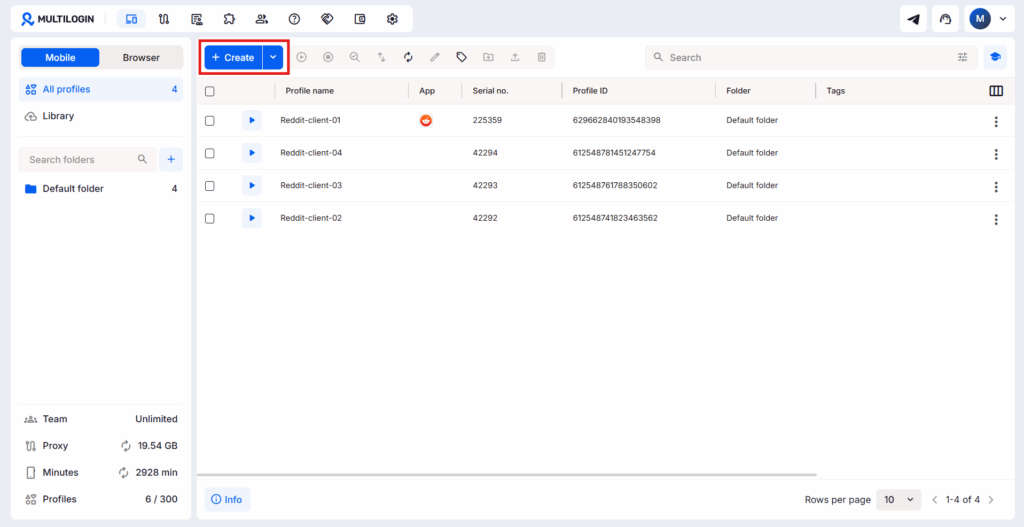
Multilogin’s cloud phone isn’t a LinkedIn prospecting tool, and it’s worth being upfront about that. It doesn’t search for leads, it doesn’t send messages, and it won’t build you a pipeline. What it does is solve a problem that shows up the moment your prospecting actually starts working: running more than one LinkedIn account without LinkedIn treating them as connected.
Here’s why that matters. Every one of the tools above gets more valuable the more accounts you run through it, whether that’s an agency managing outreach for five clients or a sales team splitting territories across several reps. The catch is that LinkedIn’s own detection systems look at more than just login credentials. Shared IP addresses, matching browser fingerprints, and identical device parameters across “different” accounts are exactly the kind of pattern that triggers a review, sometimes a restriction on all of them at once.
A cloud phone gets around that by giving each account its own isolated environment, essentially a separate virtual device with its own fingerprint, rather than everything running through one browser profile on one machine. Pair that with a tool like HeyReach for multi-account outreach, and you’ve got a setup where scaling doesn’t automatically mean scaling your risk of a ban.
👉 If you’re only running one LinkedIn account for prospecting, a cloud phone is probably unnecessary overhead. It earns its keep once you’re managing two or more accounts that need to look, and stay, genuinely separate.
Best LinkedIn Lead Generation Tools vs. Manual Outreach
Manual outreach still works. Nobody’s saying it doesn’t. But here’s the blunt truth: reps who rely purely on manual searching and copy-pasting spend most of their week on tasks that a LinkedIn lead generation tool could do in the background while they’re on a call with an actual prospect.
The tradeoff isn’t really “tool versus no tool.” It’s how much of the process you’re comfortable automating, and how much risk you’re willing to take with LinkedIn’s sending limits. Push too hard with an aggressive automation setup and you risk a temporary restriction. Go too manual and you’ll burn hours that should’ve gone to actual selling.
How to Choose the Right Tool for Your Team
Start with the job, not the tool. Ask yourself what’s actually broken in your current process.
- If finding accurate contact data is the bottleneck, look at Apollo or Skrapp first.
- If you’re doing everything manually and it’s eating your week, an automation tool like Expandi or Waalaxy will probably pay for itself fast.
- If you’re running campaigns across multiple accounts or clients, HeyReach solves a problem the others don’t even attempt.
- If your issue is just staying organized (who did I message, who replied, who went cold), folk might matter more than any outreach feature.
Budget matters too, obviously. Smaller teams tend to start with one focused tool rather than stacking three or four subscriptions on day one. You can always add a layer later once you know exactly where the gaps are.
A few questions worth asking before you sign up for anything:
- How many prospects do we realistically need to reach per week? (This decides whether you need automation at all.)
- Does our team message from one account or several? (Multi-account changes the answer fast, see HeyReach above.)
- Do we already have a CRM, or are we tracking replies in a spreadsheet somewhere? Because if it’s the spreadsheet, fix that first.
- What’s our actual budget per rep, per month, not per year rounded down?
Answer those honestly and the shortlist usually narrows itself to two or three tools, not eight.