


LinkedIn automation tools can save B2B teams hours of repetitive prospecting work by automating connection requests, follow-ups, messaging, and lead outreach. In this guide, you’ll compare the 8 best LinkedIn automation tools in 2026, see where each one fits, understand key features and trade-offs, and learn what to look for before choosing a platform.
The strongest tools today go beyond simple message automation. They help teams personalize outreach, manage sequences, connect with CRMs, and build more scalable prospecting workflows without turning every campaign into generic mass messaging.
If your team also manages multiple LinkedIn accounts with cloud phones, Multilogin can complement your automation stack by keeping account environments separate and easier to organize.
You’ll also get a practical comparison of pricing, use cases, strengths, limitations, and workflow fit so you can quickly narrow down which LinkedIn automation software makes the most sense for your sales process.
👉 Compare the top tools below, then explore Multilogin Cloud Phone if you need a cleaner way to manage multiple LinkedIn accounts.
What Are LinkedIn Automation Tools, Exactly?
LinkedIn automation software handles the repetitive parts of outreach, connection requests, follow-up messages, profile views, so you don’t have to click the same buttons a hundred times a day. That’s it. That’s the whole pitch.
But here’s where people get it wrong. They think automation means “set it and forget it,” blast a thousand messages, and watch replies roll in. It doesn’t work that way, not anymore. LinkedIn’s detection systems have gotten sharper, and the tools that survive long-term are the ones that mimic natural behavior: random delays between actions, daily sending caps, warm-up periods for new accounts. Anyone selling you “unlimited automation with zero risk” is, frankly, lying to you.
Sales teams use these tools to fill pipelines. Recruiters use them to source candidates faster. Founders use them because, well, nobody has time to manually message 50 prospects a week while also running a company. The use case varies, but the mechanics stay the same: automate the boring, keep the human touch where it counts.
Why Businesses Actually Use LinkedIn Automation Software
Businesses use LinkedIn automation software because manual outreach simply doesn’t scale, and time spent clicking “connect” one profile at a time is time not spent closing deals.
Think about the math for a second. A rep manually sending 20 personalized connection requests a day, checking profiles, writing custom notes, tracking who replied, that’s easily two hours gone. Multiply that across a team of five and you’ve burned ten hours daily on tasks a tool could handle in the background. Automation gives that time back.
There’s also the consistency angle. Humans get tired, forget follow-ups, lose track of who they messaged last Tuesday. Software doesn’t forget. It logs every touchpoint, schedules the next message at exactly the right interval, and hands off warm leads to your CRM without anyone having to copy-paste a spreadsheet.
A few concrete reasons teams adopt these tools:
- Faster pipeline building without hiring extra SDRs
- Consistent follow-up sequences that don’t rely on someone’s memory
- Better tracking of open rates, reply rates, and connection acceptance
- Integration with CRMs like HubSpot, Salesforce, or Pipedrive
- Multi-channel sequencing (LinkedIn plus email) from one dashboard
🔵 A tool is only as good as the strategy behind it. Automation speeds up outreach, but it won’t fix a weak message or a poorly targeted list.
What to Look for in the Best LinkedIn Automation Tools
The best LinkedIn automation tools share a handful of traits: safety features that mimic human behavior, solid personalization at scale, and clean integrations with the rest of your sales stack.
Safety comes first, always. Look for tools offering randomized delays, daily action limits that respect LinkedIn’s unofficial thresholds, and (ideally) cloud-based sending so your personal IP isn’t the one taking the risk. Second, personalization matters more than volume. A generic template blasted to 500 people converts worse than a thoughtful message sent to 50. Third, check for real integrations, not just a Zapier workaround bolted on as an afterthought.
Pricing structures vary wildly too. Some charge per seat, some per LinkedIn account connected, and a few bundle email automation into the same price. Don’t just compare sticker prices; compare what’s actually included.
Before committing to an annual plan, run any tool for one full month on a secondary or test account first. Watch how LinkedIn’s platform responds. If you see warning banners or temporary restrictions, that’s your signal to slow down the sending cadence, not necessarily to abandon the tool entirely.
8 Best LinkedIn Automation Tools in 2026
Here’s the shortlist, based on safety track record, feature depth, and how well each one plays with existing sales workflows.
1. Expandi
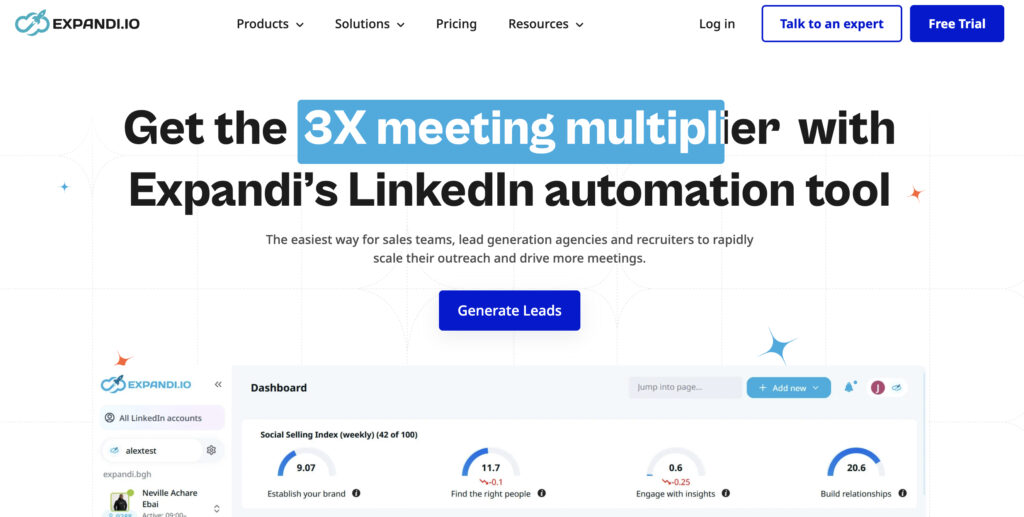
Expandi is a cloud-based LinkedIn automation platform built for teams that want to automate prospecting while maintaining more controlled sending behavior. It is especially popular among agencies and outbound teams managing multiple campaigns.
⭐️ Use case: It works well for connection requests, personalized follow-ups, lead nurturing, and multi-step outreach sequences across different prospect segments.
⭐️ Strengths: Its key advantages include cloud-based operation, account warm-up options, campaign personalization, smart limits, and strong workflow flexibility for agencies running LinkedIn outreach at scale.
2. Waalaxy
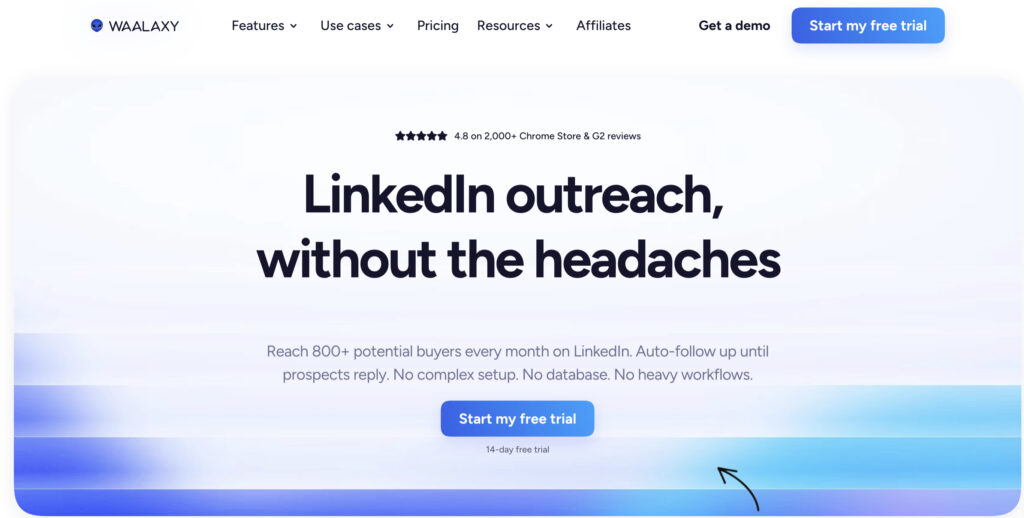
Waalaxy is a beginner-friendly LinkedIn prospecting tool designed for founders, freelancers, and smaller sales teams that want to automate outreach without dealing with a complicated setup.
⭐️ Use case: Users can build simple prospecting sequences combining LinkedIn connection requests, messages, and follow-ups, making it useful for lead generation campaigns with relatively straightforward workflows.
⭐️ Strengths: Waalaxy stands out for its accessible interface, quick onboarding, affordable entry point, and pre-built campaign templates. It is a practical choice for teams that value simplicity over highly advanced automation features.
3. Dux-Soup
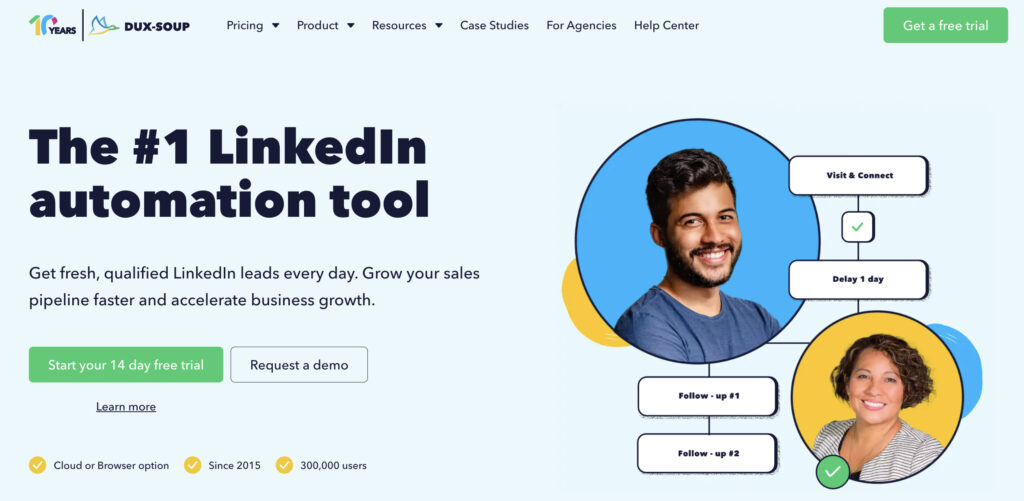
Dux-Soup is one of the longer-established LinkedIn automation tools and operates primarily through a browser extension. Its focus is on making repetitive prospecting activities easier to manage.
⭐️ Use case: It can support profile visits, connection requests, prospect organization, messaging, and follow-up workflows for users who regularly prospect directly from LinkedIn.
⭐️ Strengths: The tool is relatively easy to learn, has a familiar LinkedIn-based workflow, and offers enough flexibility for individual sales reps and smaller teams. Its long presence in the market also makes it a recognizable option for basic LinkedIn automation.
4. Lemlist
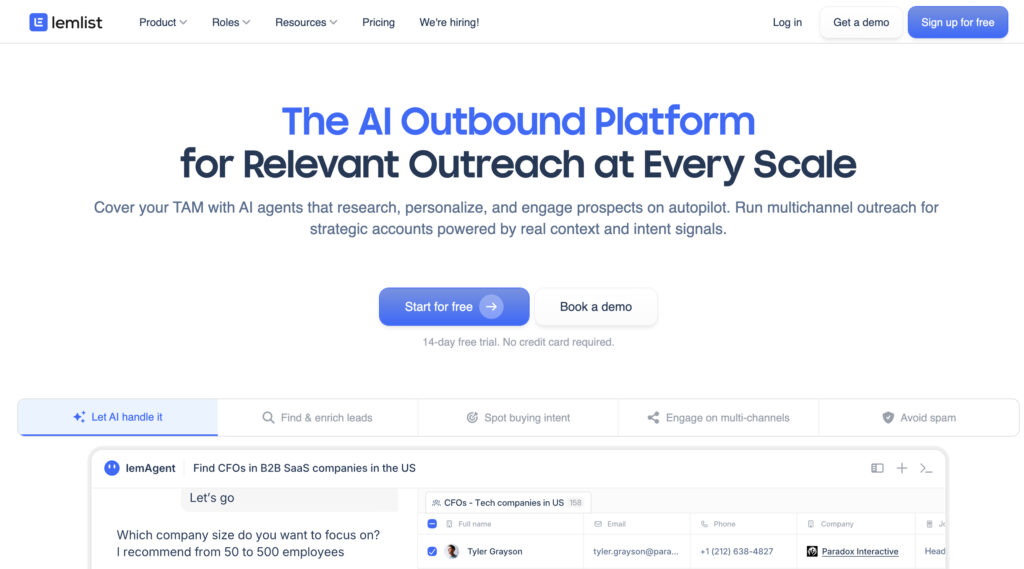
Lemlist began as a cold email outreach platform but has expanded into broader multichannel prospecting, including LinkedIn touchpoints. It is designed for teams that do not want their sales process limited to one channel.
⭐️ Use case: Lemlist is particularly useful when a campaign combines email outreach with LinkedIn actions, allowing sales teams to coordinate multiple touches within the same prospecting sequence.
⭐️ Strengths: Its strongest areas include email personalization, sequence building, campaign management, and multichannel outreach. Teams already relying heavily on cold email may find it easier to add LinkedIn into an existing Lemlist workflow.
5. Meet Alfred
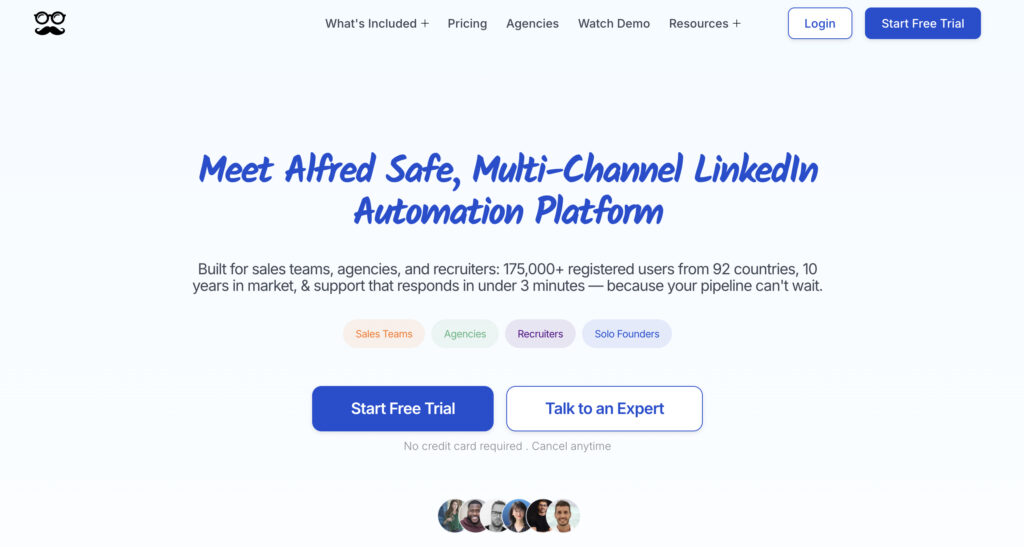
Meet Alfred is an all-in-one outreach platform designed to bring LinkedIn, email, and other sales touchpoints into a single campaign workflow. It targets users who prefer managing prospecting activity from one dashboard.
⭐️ Use case: Teams can create multi-step sequences that combine connection requests, LinkedIn messages, emails, and follow-ups, making it suitable for structured B2B outreach campaigns.
⭐️ Strengths: Its main advantage is centralized campaign management. Users can organize multichannel sequences, track prospects, manage templates, and monitor campaign activity without constantly switching between separate outreach platforms.
6. Octopus CRM
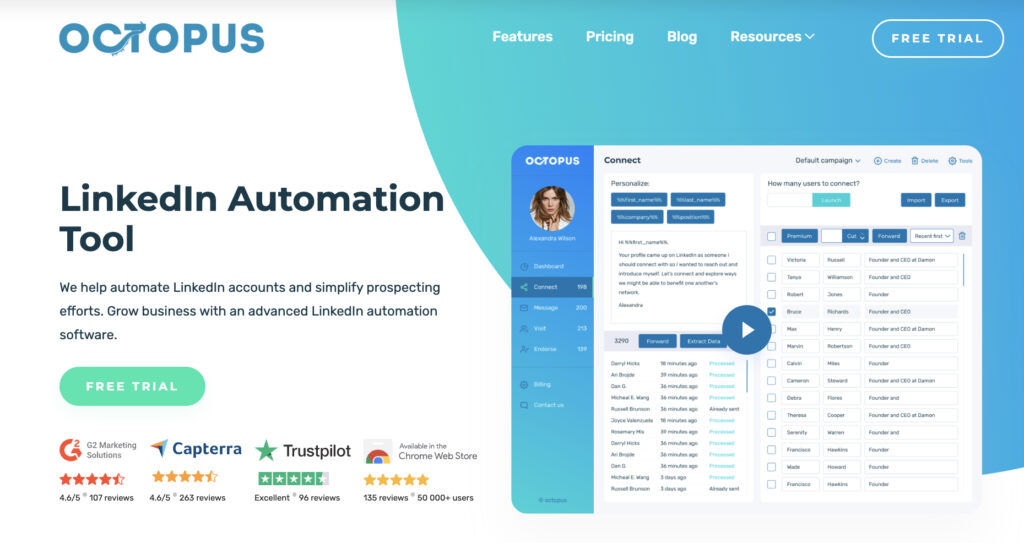
Octopus CRM is a lightweight LinkedIn automation tool aimed at users who want straightforward prospecting features without paying for a large enterprise-style platform.
⭐️ Use case: It is commonly used to automate connection requests, send bulk or personalized messages, visit profiles, and organize prospects into simple outreach funnels.
⭐️ Strengths: The platform is relatively affordable, easy to understand, and focused on essential LinkedIn prospecting tasks. For freelancers, small businesses, or first-time automation users, Octopus CRM offers a lower-complexity entry point without requiring extensive campaign configuration.
7. Salesflow
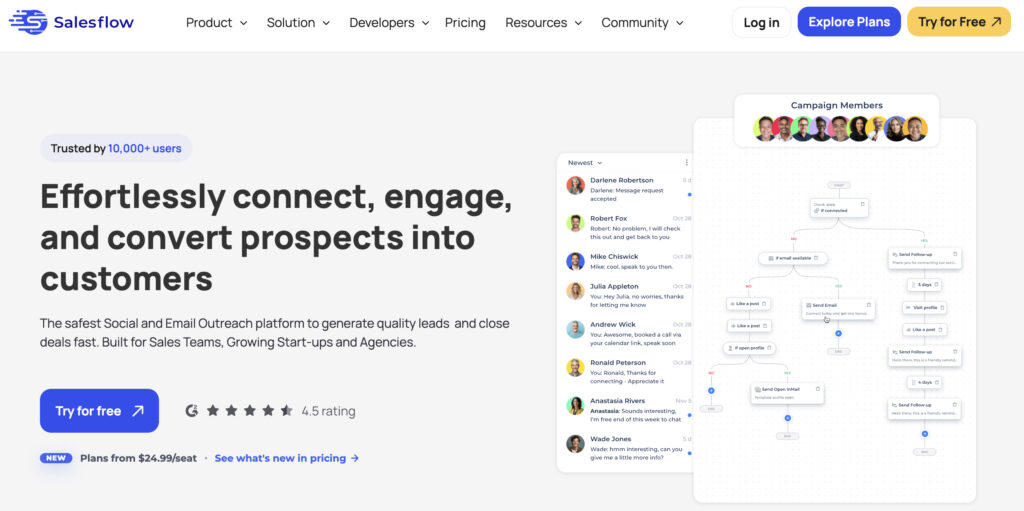
Salesflow is a cloud-based LinkedIn automation platform built with sales teams and lead generation agencies in mind. It places more emphasis on campaign visibility, reporting, and team-level prospecting workflows.
⭐️ Use case: The platform can be used to automate connection and messaging sequences, manage lead lists, and monitor how different outreach campaigns perform across multiple sales activities.
⭐️ Strengths: Salesflow’s reporting and analytics capabilities are a major advantage for teams that want to track campaign performance closely. Its cloud-based setup also makes it suitable for structured outreach operations where several campaigns or users need centralized management.
8. Multilogin
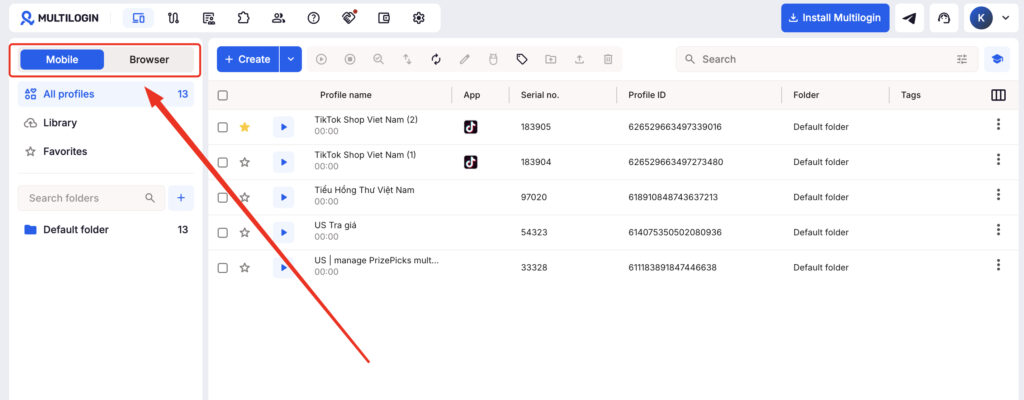
Multilogin takes a different approach from traditional LinkedIn outreach automation tools. Rather than focusing on automated messages or connection sequences, it helps teams create and manage separate account environments for multi-account workflows.
⭐️ Use case: It is particularly relevant for agencies, recruiters, growth teams, and businesses managing multiple LinkedIn accounts across different clients, markets, or prospecting projects.
⭐️ Strengths: Multilogin provides isolated browser profiles and cloud phone environments, helping teams keep account workflows separated and organized. It can complement LinkedIn automation platforms when the broader requirement includes structured multi-account management rather than outreach automation alone.
LinkedIn Automation Tools Comparison Table
| Tool | Best For | Pros | Cons |
|---|---|---|---|
| Expandi | Agencies, multi-account use | Strong safety features, account warm-up | Higher price point |
| Waalaxy | Solo founders, small teams | Affordable, easy setup | Fewer advanced integrations |
| Dux-Soup | Simple connection workflows | Long track record, intuitive UI | Browser-based, tied to one device |
| Lemlist | Email + LinkedIn outreach | Strong email features | LinkedIn features are less robust |
| Meet Alfred | All-in-one sequencing | Multi-channel outreach in one dashboard | Interface can feel dated |
| Octopus CRM | Budget-conscious users | Low cost, simple to learn | Limited feature depth |
| Salesflow | Sales teams needing analytics | Detailed reporting and team features | Pricier for smaller teams |
| Multilogin | Managing multiple LinkedIn accounts | Separate account environments, cloud phone support, scalable multi-account workflow | Not a dedicated LinkedIn outreach automation tool |
Is LinkedIn Automation Safe to Use?
Yes, LinkedIn automation is generally safe when used with sending limits, randomized delays, and a warmed-up account, but reckless use of any tool can get an account restricted or banned.
LinkedIn doesn’t publish exact rules on what triggers a flag, and honestly, nobody outside LinkedIn knows the precise thresholds. What we do know, from years of agencies and sales teams testing the waters, is that new accounts sending hundreds of connection requests overnight get flagged fast. Established accounts with a history of normal activity have more room to breathe.
The safest approach treats automation like a marathon, not a sprint. Start slow. Increase volume gradually over weeks. Vary your message templates so every outreach doesn’t look identical. And if you’re managing outreach for multiple clients or team members, consider how each account’s browsing environment, IP address, device fingerprint, all of it, appears to LinkedIn’s systems. Running several accounts from the same recognizable setup is one of the fastest ways to get more than one account flagged at once.
How to Choose the Right LinkedIn Outreach Automation Tool for Your Team
Choosing the right LinkedIn outreach automation tool comes down to matching the tool’s strengths to your team’s size, budget, and how much personalization your outreach actually needs.
A solo founder running lean doesn’t need the same tool as a ten-person SDR team managing dozens of active campaigns. Start by asking what you actually need automated. Just connection requests and follow-ups? A lighter tool like Waalaxy or Octopus CRM probably covers it. Need multi-channel sequencing across email and LinkedIn, with detailed analytics for a sales manager to review? Something like Salesflow or Meet Alfred earns its higher price tag.
Budget matters too, obviously, but don’t let it be the only factor. A cheap tool that gets your account flagged within a month costs you more in lost pipeline than a slightly pricier, safer option would have.
A quick decision framework:
- Define your monthly outreach volume target
- Decide if you need email automation bundled in or LinkedIn-only
- Check whether the tool is cloud-based or browser-based
- Compare pricing against your actual usage, not the sales page’s ideal scenario
- Test on a secondary account before rolling it out to your whole team