


Manage multiple Lazada accounts
Run multiple Lazada accounts and keep each seller account separate. Manage listings, products, and grow your revenue.
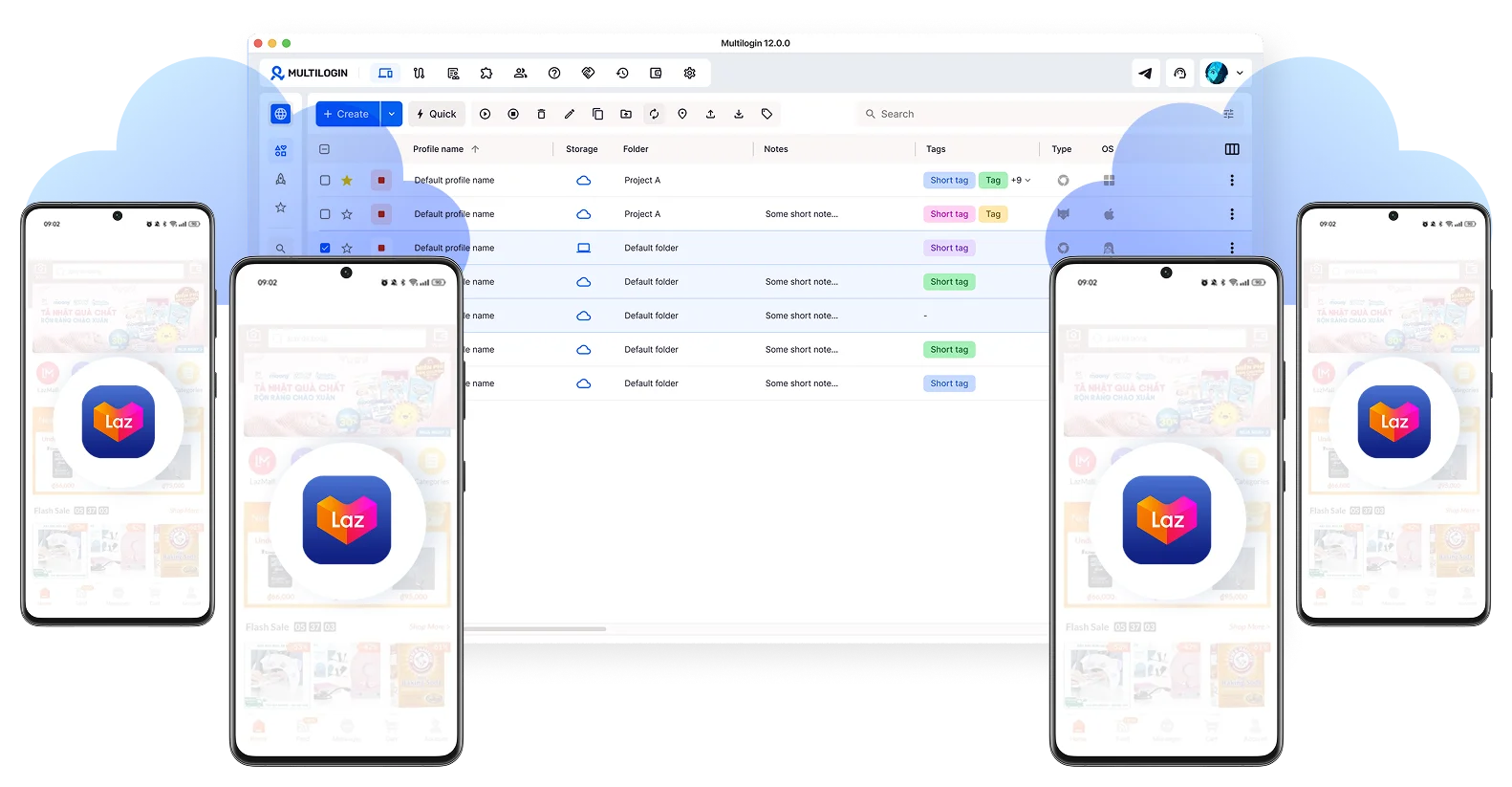
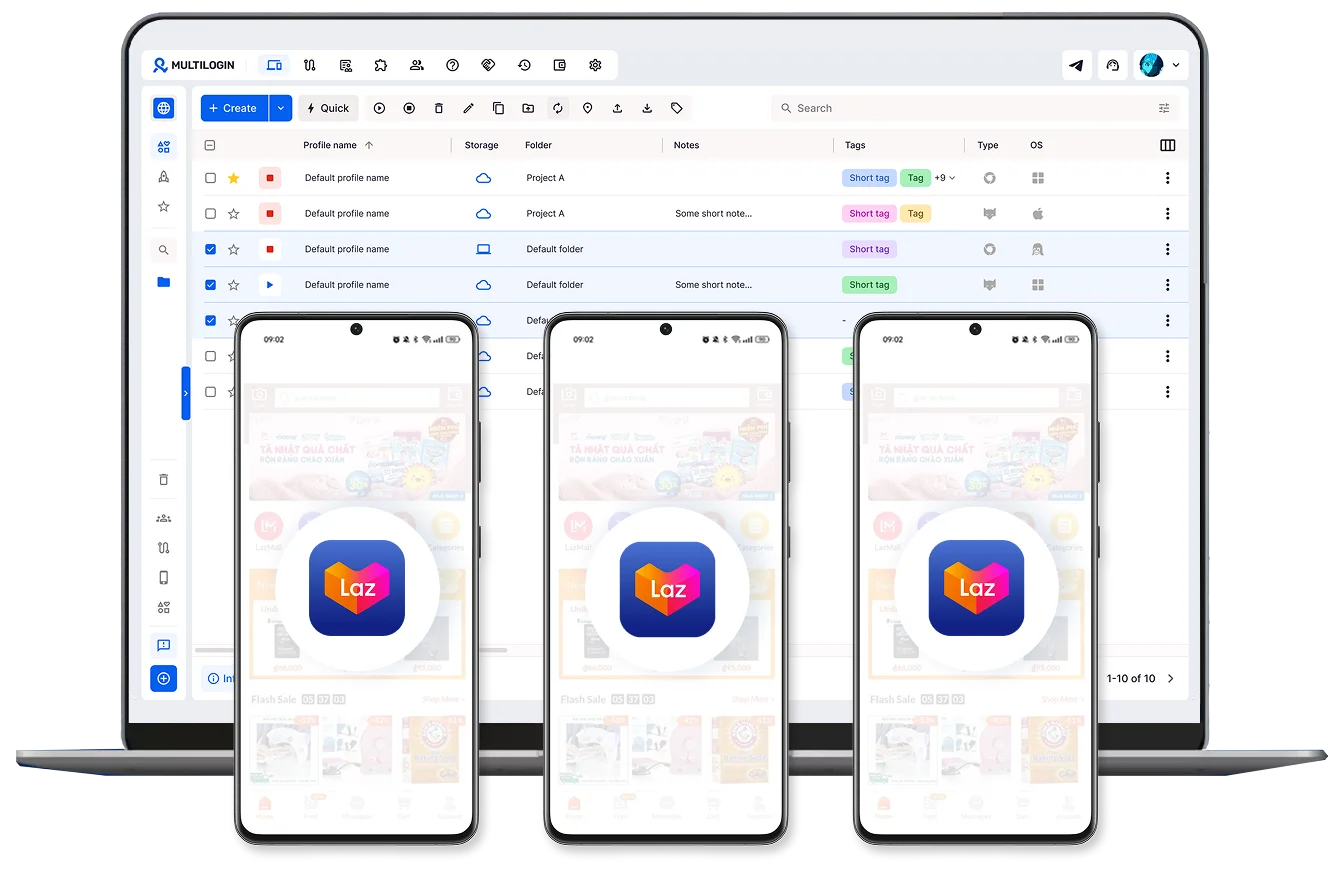
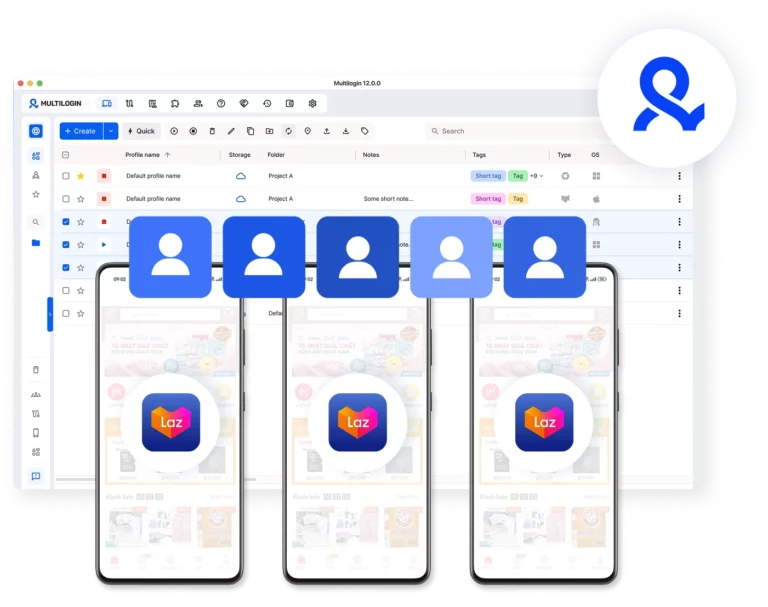
Connect cloud phones for multiple Lazada accounts
Switch between Lazada accounts without logging in and out. Operate different stores in parallel while keeping each account fully separated.
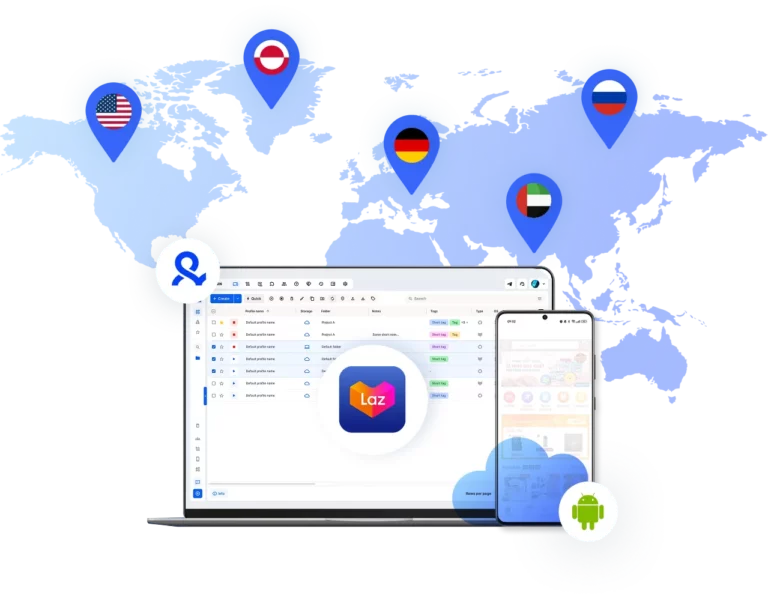
Sell your products on the global market
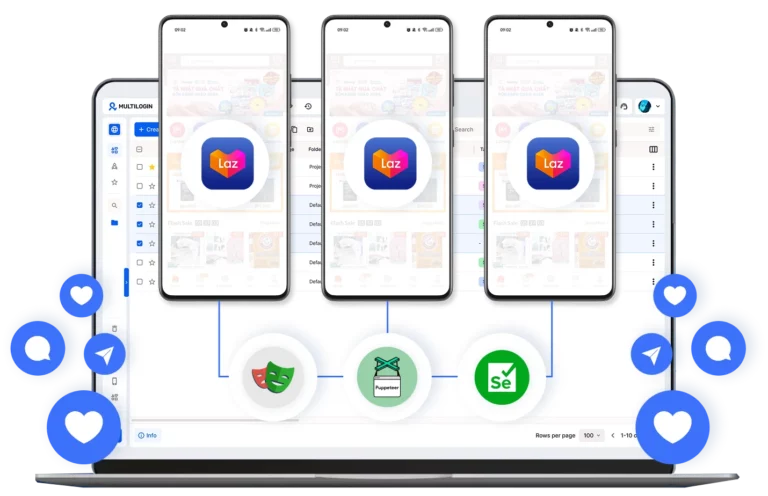
Automate daily Lazada account tasks
Assign your tasks to your team
Give access to team members, set roles per account, and manage all Lazada accounts from one dashboard.
Grow your social media accounts with Multilogin cloud phones
-
Unlimited time
-
Mobile and browser profiles included
-
Free built-in proxies & mobile minutes
-
Unlimited time
-
Mobile and browser profiles included
-
Free built-in proxies & mobile minutes
What are cloud phones for Lazada accounts?
Cloud phones are real Android devices that run online instead of physical hardware. They let you create and manage Lazada accounts through the mobile app without using real phones or emulators.

Why use Multilogin for Lazada accounts?
Multilogin gives every Lazada account the tools it needs: cloud phones, browser profiles, and built-in residential proxies from 150+ locations, all in one platform with no extra setup.

The most awarded multi accounting platform















Watch the Multilogin Demo
Managing more than one Lazada account with Multilogin
Running several stores on Lazada is a common way to sell different products or reach more customers in Southeast Asia. While the platform helps you grow, having more than one store can be tricky. Most sellers run into trouble not because of what they sell, but because Lazada sees that the same person is using different accounts from the same device.
To keep your stores running without interruptions, you need to make sure each one looks like it is coming from a different person and a different place.
Why you might have trouble with a Lazada account setup
Lazada has systems that check how you log in. If you use the same browser or phone for many stores, the platform can link them together. It looks at things like your IP address and your browser settings. When these signals match, Lazada might flag your accounts.
This can lead to a few problems:
- Your stores get linked and suspended at the same time.
- You have to verify your identity over and over again.
- You get logged out suddenly while trying to talk to customers or process orders.
If one store has an issue, it can affect all your other stores because they share the same digital footprint.
A better way to handle how to create account in Lazada stores at scale
The best way to manage many stores is to give each one its own space. This means each account should have its own browser data and its own connection.
A good setup for many stores includes:
- Separate browser profiles: This keeps your cookies and history for each store completely apart.
- Stable logins: You stay logged in so you can work faster without needing to enter codes every time.
- Unique device signals: Each profile sends different information to Lazada, so they don’t look like they belong to the same person.
This lets you focus on your sales instead of worrying about your accounts getting blocked
Using Multilogin for a stable Lazada account portfolio
Multilogin helps you keep your stores separate and safe. Instead of using many laptops or clearing your browser history all the time, you can manage everything from one place.
Here is what Multilogin offers:
- Control over fingerprints: You can change 55 different settings to make each profile look unique.
- Residential IPs: You can use a pool of 30 million IPs from 150 locations so your store matches the country where you are selling.
- Team sharing: You can let your team work on specific stores without giving them your passwords.
- Cloud storage: Your login data is saved in the cloud, so you can switch computers and stay logged in.
Each store stays in its own bubble. If something happens to one, the others are not affected.
Using cloud phones for how to create account in Lazada mobile stores
If you use the Lazada app to chat with buyers or check orders, cloud phones are a great tool. These are real Android phones that run in the cloud. They work just like a physical phone in your hand.
With cloud phones, you can:
- Run the real Lazada seller app on Android versions 10 to 15.
- Keep your chat history and login data saved between sessions.
- Use unique hardware details like IMEI and MAC addresses for every store.
This is very helpful for stores that need you to be active on mobile to keep your response rates high.
Making your work easier for how to create account in Lazada regional stores
When your technical setup is solid, managing many stores is much simpler. You can grow your business without needing more hardware.
This works well for:
- Sellers who have different stores for different types of products.
- Teams that manage stores for clients in different countries.
- People who want to test new selling strategies without risking their main store.
By using separate IPs and device identities, you can run your business naturally and avoid being flagged by automated systems.
Keeping your stores safe for the long term
Selling online is competitive, and platforms are always updating their security. The sellers who do well are the ones who keep their accounts organized and separate.
Multilogin makes it easy to keep your sessions stable and your stores in order. It gives you the tools you need to grow your business with less stress.
ones. This lets you run many stores at once without them being linked or restricted.
Multiple Lazada accounts FAQ
Yes, but when multiple stores share the same device, the platform links them together and flags the activity, even if every store is completely legitimate.
The safe way to run multiple stores is through Multilogin, where each store gets its own dedicated Android cloud phone with genuine hardware identifiers and a matched residential IP. To Lazada, each store looks like it belongs to a completely different person using a completely different device.
Most multi-store suspensions come down to one thing: shared device signals. Lazada does not need to catch you doing something wrong. If it detects multiple stores being accessed from the same phone or device, it flags them automatically. This usually means:
- Multiple stores suspended at the same time
- Repeated identity verification requests
- Sudden logouts while talking to customers or processing orders
Once one store is flagged, every account on the same device is at risk. Multilogin keeps each store on its own dedicated Android cloud phone so a problem with one account never touches the others.
Each store needs its own device identity, its own connection, and its own session history. Sharing any of these creates overlapping signals that get stores flagged.
With Multilogin, each store runs on its own Android cloud phone with genuine hardware identifiers including IMEI, Android ID, and MAC address. Each cloud phone connects through a built-in residential proxy matched to the store’s target market. App data, login states, and chat history are all saved between sessions, so you can pick up exactly where you left off every time.
Most Lazada sellers manage their stores through the mobile app. Doing this across multiple stores on one physical phone creates the same detection risks as sharing a browser on desktop, and juggling multiple physical devices is expensive and chaotic.
Multilogin’s Android cloud phones give each store its own real Android device running in the cloud, with full support for the native Lazada seller app. Each cloud phone runs on genuine Android versions 10 to 15, maintains persistent app data and chat history between sessions, and comes with unique hardware identifiers for every store. You get the security of a dedicated physical phone per store without any of the hardware costs.
Each store needs to look like it is genuinely operating from its target market. A store based in Thailand connecting through a mismatched IP raises red flags immediately.
Multilogin’s Android cloud phones handle this automatically. Each cloud phone is assigned a built-in mobile-grade proxy matched to the store’s target location, with GPS settings and network signals that align with that region. Whether you are managing stores across Thailand, Indonesia, Vietnam, or Malaysia, each one connects to Lazada as a real local device.
Yes, and doing it the right way matters for both security and account safety. Sharing login credentials or physical devices between team members creates overlapping signals that get stores linked and flagged.
Multilogin lets you assign specific Android cloud phones to individual team members with controlled permissions, without ever sharing passwords. App data and login states are saved in the cloud, so anyone on the team can pick up exactly where the last person left off without disrupting the account’s session history.
Lazada continuously updates its detection systems, so accounts that looked fine one month can get flagged the next if their signals change or overlap. The key is keeping each store on the same dedicated Android cloud phone from day one.
Multilogin’s cloud phones maintain persistent app data, login states, and device identifiers consistently over time. That builds a natural usage history that Lazada recognizes as a real, active seller. And when you want to add a new store, you simply launch a new cloud phone without touching any of your existing ones.
