


Cloud phones for KineMaster
Install the native KineMaster app on real Android cloud phones. Edit videos, manage projects, and publish content without physical devices or shared hardware.
Run multiple KineMaster accounts in parallel
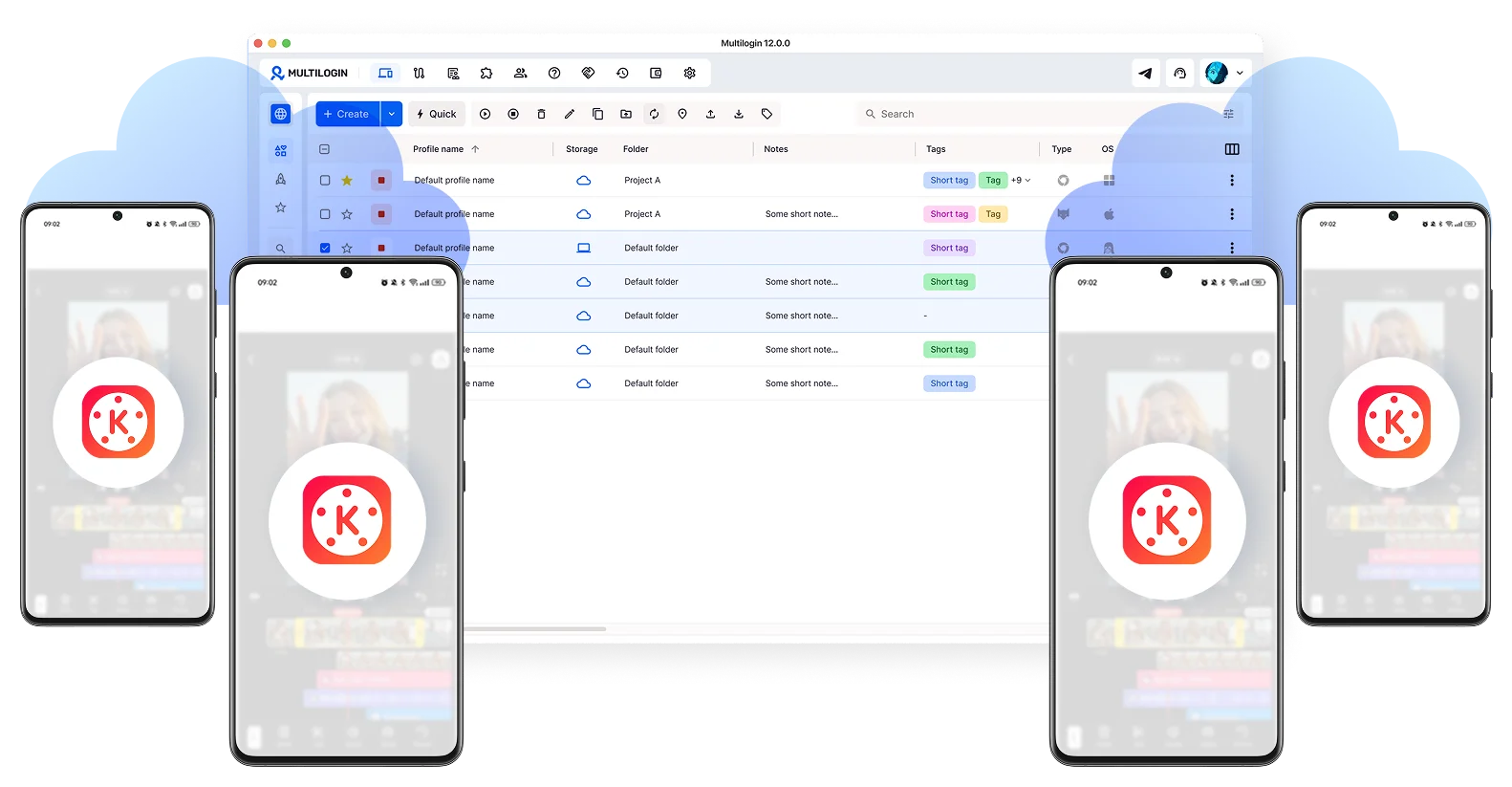
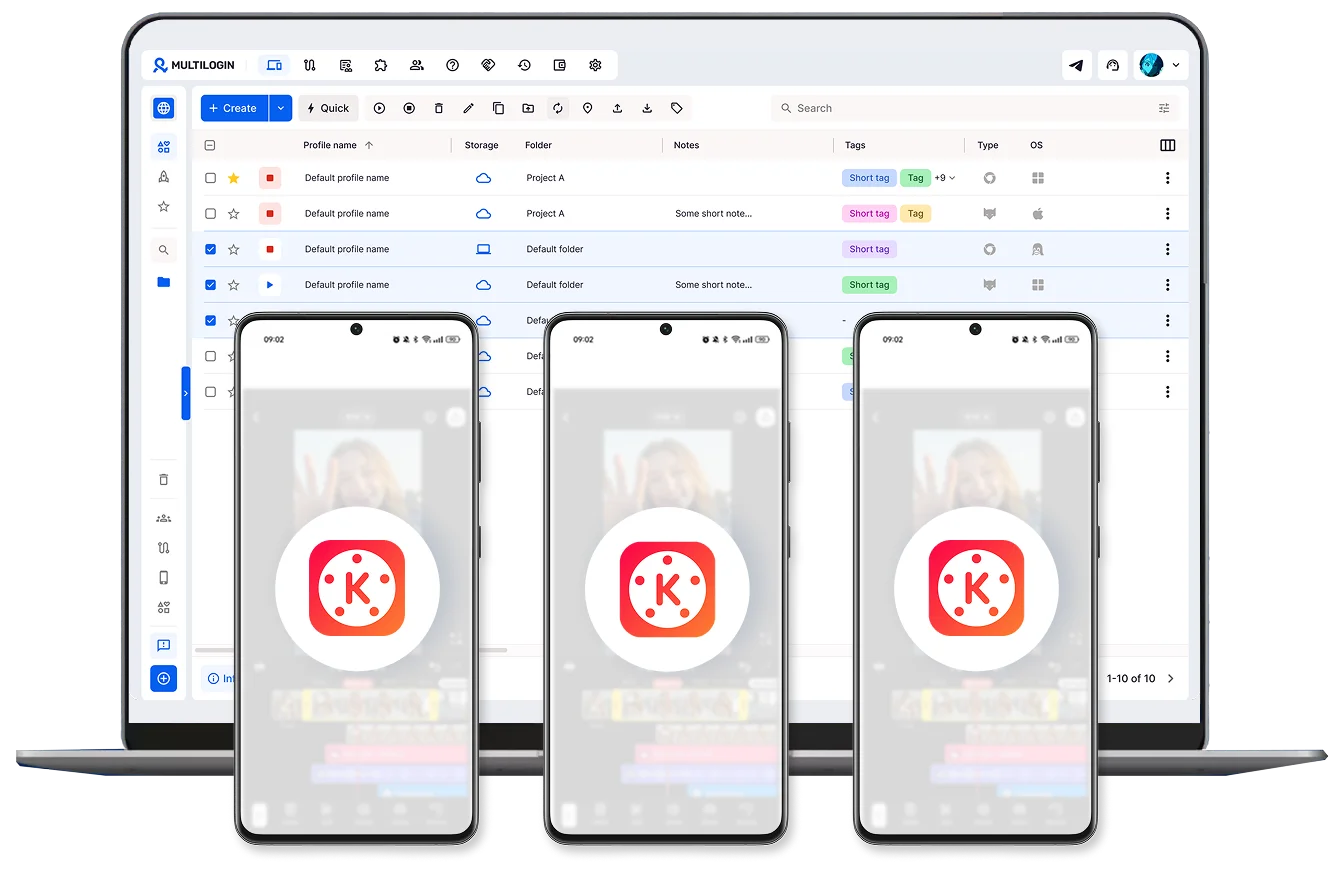
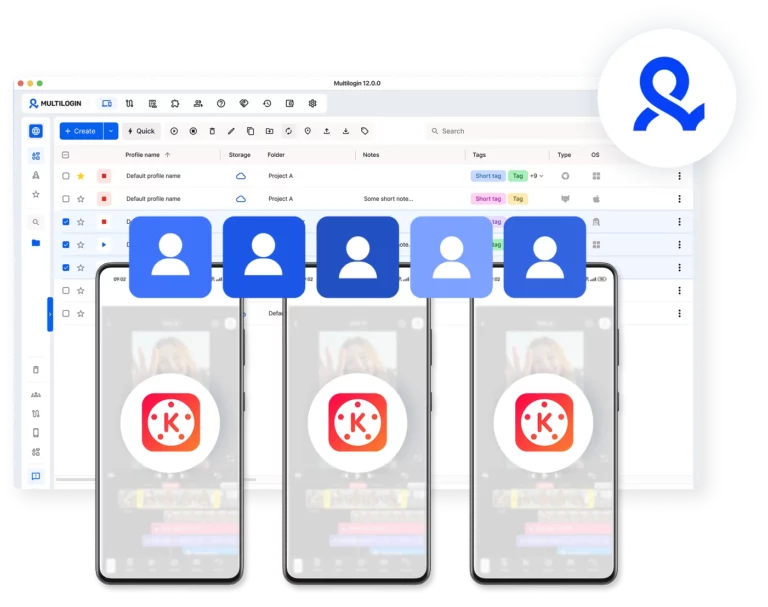
Sign into multiple KineMaster accounts at the same time using separate cloud phones. Keep each creator or client profile fully isolated: no shared sessions, no mixed timelines.
Take your KineMaster video editing global
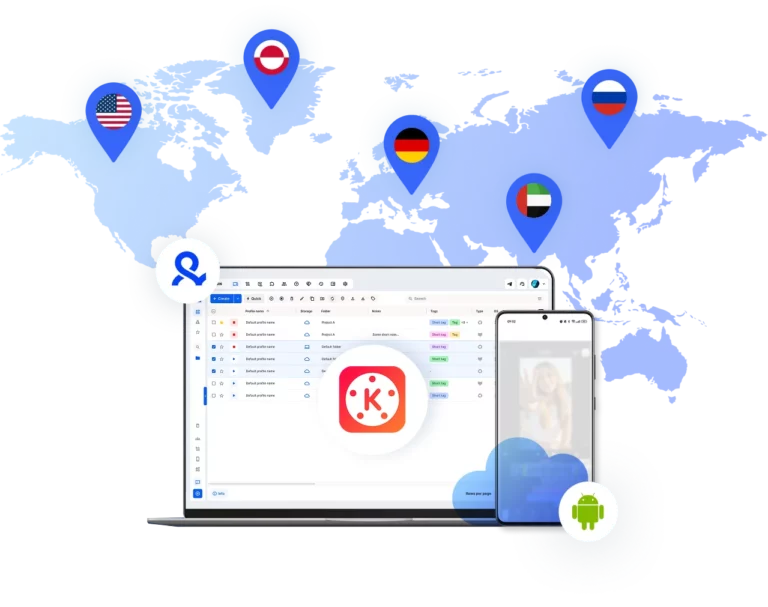
Choose from 150+ locations and align each account with its target region. Build a consistent local presence for every creator profile using residential IPs that match each account’s market.
Automate KineMaster workflows
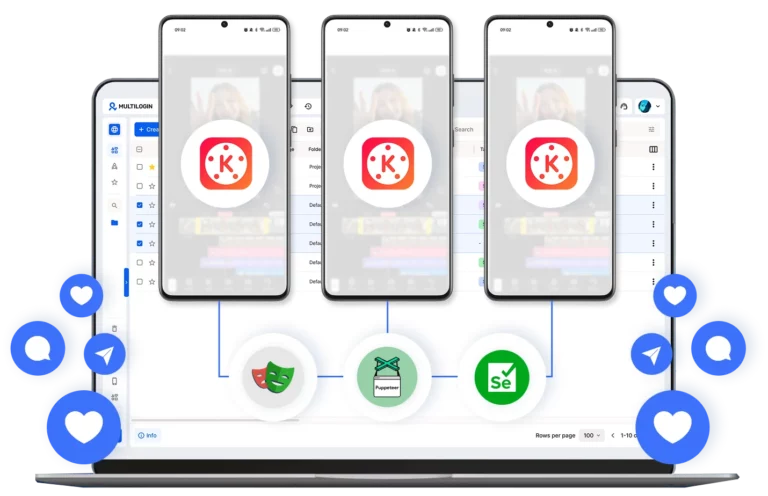
Keep publishing activity and account management running across profiles with automation scripts. Run routine actions without switching between devices manually.
Collaborate across KineMaster accounts
Give your team access to specific creator profiles, assign roles, and manage every KineMaster account from one centralized dashboard — without sharing passwords or physical hardware.
Grow your social media accounts with Multilogin cloud phones
-
Unlimited time
-
Mobile and browser profiles included
-
Free built-in proxies & mobile minutes
-
Unlimited time
-
Mobile and browser profiles included
-
Free built-in proxies & mobile minutes
What are cloud phones for KineMaster?
Cloud phones are real Android devices that run online instead of on physical hardware. They let you access and manage KineMaster accounts through the native mobile app without using real phones or emulators.

Why use Multilogin for KineMaster?
Multilogin gives every KineMaster account the tools it needs: cloud phones, browser profiles, and built-in proxies — all in one platform with no extra setup.

Multilogin features for cloud phone management
Multilogin 2-in-1
Anti-detect browser profiles and cloud phones in one ecosystem. One app, one dashboard, full control.
Built-in proxy integration
Residential IPs are included by default. 150+ countries and 1,400+ cities with daily quality testing.
Up-to-date Android versions
Stable Android versions 10–15, fully compatible with modern mobile apps.
Real brands and devices
Support for 7 real Android device brands with unique IMEI and system-level digital fingerprints.
App repository
Install TikTok, Instagram, Reddit, and other popular apps without Google Play. APK uploads are also supported.
Folders, tags and access control
Organize profiles using folders, tags, and role-based access. Manage team workflows with ease.
Enterprise-grade security
Profile encryption, 2FA, access control, and compliance-ready security for safe operations.
Connect cloud phones for KineMaster
Get started with Multilogin and start posting content on social media
Why Multilogin wins for KineMaster
Fast and intuitive interface
Everything at your fingertips: drag-and-drop, hotkeys, and smooth multitasking without losing speed.
Browser built for multi-accounting
Advanced engine effectively avoids multi-account detection by creating unique browser fingerprints.
Created for team collaboration
Proxies included in every plan
24/7 support in 5 languages
Watch the Multilogin Demo
How to start using Multilogin cloud phone
Launch and manage real mobile environments in the cloud.

Sign up
Register using a verified email address.

Choose your plan
Select from various subscription plans tailored to your business needs.

Download Multilogin
Install the Multilogin desktop app to manage mobile sessions securely.

Access the Multilogin dashboard
Launch cloud phone, assign proxies, create tags and folders for your profiles

Manage multiple cloud phone profiles for KineMaster
Sign in to your KineMaster video editor accounts and manage them with cloud phones
The most awarded multi accounting platform















Cloud phones for KineMaster: Manage multiple accounts without device limits
Running KineMaster on one phone is straightforward. Running it across multiple accounts, for different clients, different channels, or different content strategies, is where most setups start to break.
This guide covers why multi-account KineMaster video editing creates device-level problems, what those problems actually look like in practice, and how cloud phones solve them at the root.
Why multi-account KineMaster video editing creates device problems
KineMaster is built around account-linked creative projects. Every video timeline, audio layer, media asset, and export history is tied to a specific account. The app is designed for one creator on one device, not for teams managing multiple identities from shared hardware.
When multiple KineMaster accounts run through the same phone or the same app install, the separation that should exist between them disappears. Projects bleed into each other. Sessions reset unexpectedly. Subscription features behave inconsistently because the underlying device identity is being reused across profiles that are supposed to be independent.
The core issue is not how you use the KineMaster app. It is where you run it and what device signals sit underneath each session.
The limits of one-phone and shared-device setups
Using one phone for multiple KineMaster accounts works at very small scale. As soon as the number of accounts grows, the problems compound.
Switching between accounts on the same device means every session shares the same hardware identifiers. App data, cache, and login states overlap. Export queues compete for the same processing resources. Team members waiting for device access slow down production timelines that were already tight.
Emulators introduce a different set of problems. They replicate Android behavior on a desktop environment, but the device signals they produce are synthetic. KineMaster can detect inconsistencies between what an emulated environment presents and what a real manufactured Android device looks like — leading to unstable sessions, feature restrictions, or account flags that appear without obvious cause.
Neither approach is designed for serious multi-account KineMaster video editing at professional scale.
What cloud phones do differently for KineMaster accounts
A cloud phone is a real Android device hosted in the cloud. Not a simulation. Not a virtualized layer running on top of a desktop OS. Real manufactured hardware accessible remotely from a single dashboard.
When KineMaster runs on a cloud phone, it runs exactly as it would on a physical Android device. The app sees genuine hardware identifiers, a consistent device environment, and a persistent session that does not reset between uses. Everything that KineMaster expects from a real device is present because a real device is what it is running on.
For multi-account KineMaster video editing, this means:
Complete isolation between accounts. Each cloud phone is a separate device. The video projects, media libraries, audio tracks, and export history belonging to one account have no contact with those of any other account. Nothing is shared unless explicitly configured.
Stable subscription access. KineMaster subscription features are tied to device identity. Because each cloud phone has its own unique hardware profile, subscription access remains consistent and stable per account over time — without the inconsistencies that come from running the same subscription across recycled or shared device environments.
Genuine device signals. Multilogin cloud phones run Android versions 10 through 15 across a range of real device models and brands. The hardware identifiers are real. KineMaster sees a genuine device because it is a genuine device.
How teams use KineMaster cloud phones in practice
Agencies managing multiple client video accounts assign one cloud phone per client. Each client’s KineMaster video editor environment is completely separate — their projects, their assets, their export history. When one client account needs attention, the team member assigned to it accesses that cloud phone without touching any other client’s environment.
Content creators running multiple niche channels keep each channel’s video production inside its own dedicated cloud phone. Channel A’s editing timeline does not appear in Channel B’s workspace. Brand voice, visual style, and audio library stay contained to the account they belong to.
Social media teams producing regional content use location-matched residential proxies on each cloud phone to align device signals with the account’s target market. A KineMaster account producing content for a Brazilian audience connects from a Brazilian residential IP. The device environment and network origin stay consistent — which matters for distribution behavior on the platforms where that content is published.
Freelancers handling multiple clients access each client’s KineMaster video editing environment from the same desktop dashboard, without passing physical devices between projects or clearing app data between sessions. Each cloud phone acts as a dedicated workstation for that client’s video production.
Conclusion
KineMaster is a powerful video editing tool. The limitation was never the app, it was always the device underneath it.
When each KineMaster account runs on its own real Android cloud phone, the operational problems that come with shared hardware disappear. Projects stay organized. Teams stay productive. And scaling from a handful of accounts to dozens doesn’t require a single additional physical device.
Multilogin Cloud Phones give every KineMaster video editing operation the infrastructure it actually needs: isolated, persistent, and built to grow.
FAQ
Can I run multiple KineMaster accounts from the same dashboard?
Yes. Multilogin’s dashboard lets you manage all your KineMaster accounts from one place. Each account runs on its own dedicated cloud phone with a separate device identity, so you control everything centrally without the accounts being linked to each other.
Will KineMaster detect that I'm using a cloud phone instead of a real device?
No. Multilogin cloud phones are real Android devices hosted in the cloud — not emulators or simulations. Each one has its own genuine hardware identifiers, including IMEI and Android ID. KineMaster sees a real device because it is a real device.
What happens to my KineMaster projects if I close a session?
Because each cloud phone maintains persistent app data, your KineMaster video editing projects, media libraries, and export history stay saved between sessions. When you return to an account, everything is exactly where you left it — no re-importing assets or rebuilding timelines.
Can I access KineMaster video editor features that require a subscription on cloud phones?
Yes. KineMaster subscription features work the same way on a cloud phone as they do on a physical Android device. Because each cloud phone has its own unique device identity, subscription access remains stable and consistent per account over time.
How many KineMaster accounts can I manage with Multilogin?
There is no hard limit on the number of cloud phones you can run. Multilogin’s usage-based pricing model lets you scale up as your operation grows — adding new cloud phones on demand without purchasing additional physical hardware. Whether you’re managing five creator profiles or fifty, the infrastructure scales with you.
