




A product can look ready inside Instagram, then fail when a real customer taps the tag, lands on the product page, and moves to checkout. The price may be wrong. The cart may open empty. A payment method may fail. The tracking event may never fire. That is why teams need to test Instagram Shop checkout as a full mobile journey, not as a quick product tag check.
This guide explains how to test the Instagram product page, checkout URL, payment flow, order confirmation, inventory update, and analytics trail across multiple Android environments. It also explains where cloud phones can help when a team needs repeatable native Instagram app testing without managing a stack of physical phones.
Key takeaways
- Instagram Shop checkout testing should cover the full path from product tag to website checkout, order confirmation, inventory update, and analytics tracking.
- Meta moved Shops on Facebook and Instagram toward website checkout in 2025, so older in-app checkout guides may no longer match the current buyer journey.
- The best manual test uses a real product scenario, an Android app session, a test payment method, a post-order check, and a short issue log.
- Multiple Android devices help teams catch differences in app state, account state, region, language, network, and mobile checkout behavior.
- Payment sandboxes can validate payment handling without using real card details, but each payment provider has its own testing rules.
- Cloud phones can support Android shopping QA when teams need organized mobile environments, but they do not fix checkout setup, payment, inventory, or policy issues.
What does it mean to test Instagram Shop checkout?
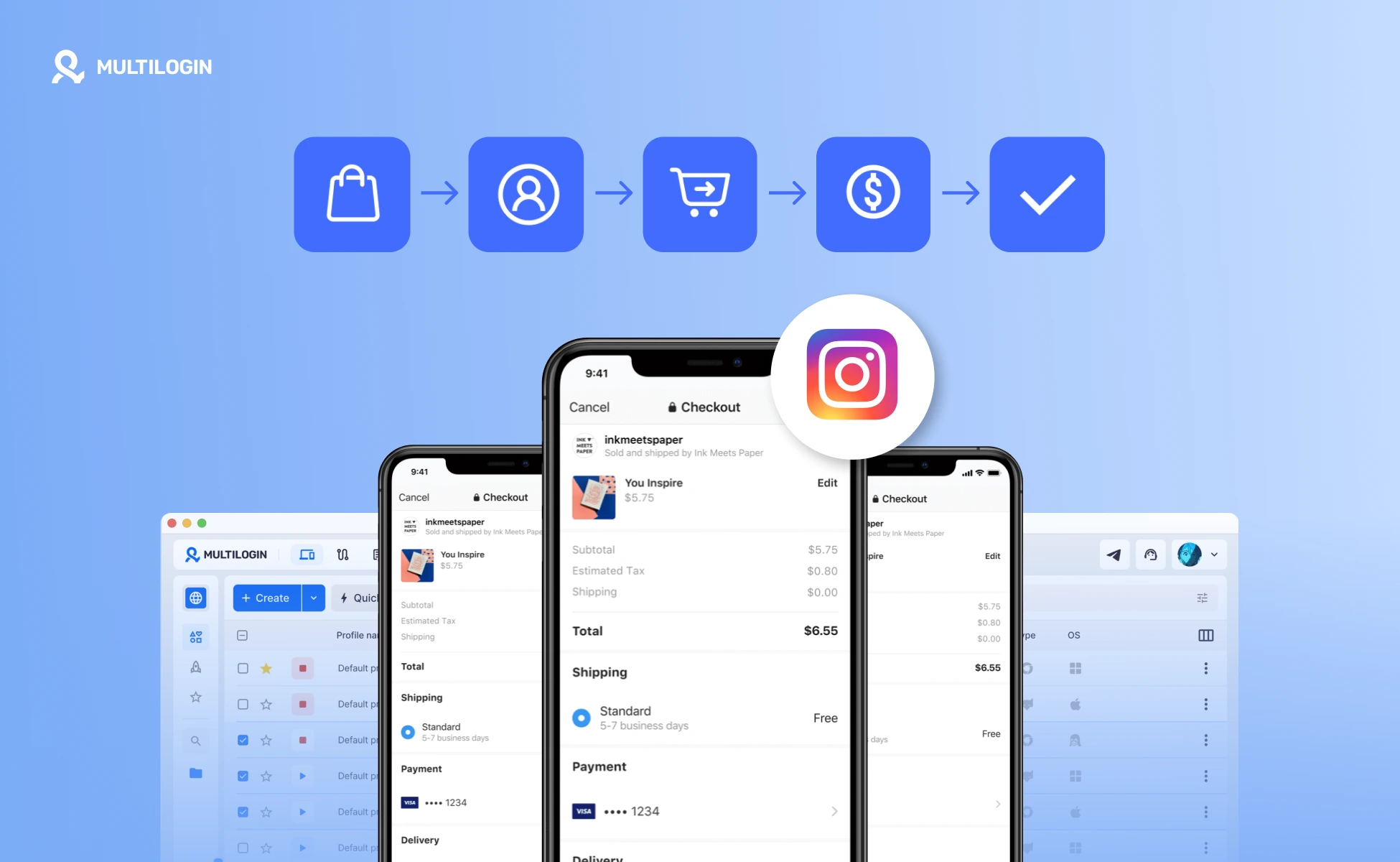
Testing Instagram Shop checkout means checking the full customer journey from an Instagram product tag or Shop product page to the merchant website checkout, payment attempt, order confirmation, inventory change, and analytics event. Since Meta shifted Shops on Facebook and Instagram toward website checkout in 2025, teams should test both the Instagram mobile app path and the ecommerce checkout path that opens after the redirect.
Why checkout testing matters
- Meta reported 3.58 billion Family daily active people on average for December 2025, which shows the scale of discovery surfaces across Facebook, Instagram, WhatsApp, and Messenger.
- The U.S. Census Bureau estimated U.S. retail ecommerce sales at $302.3 billion in Q1 2026 on a not adjusted basis, with ecommerce at 16.8 percent of total retail sales.
- Baymard Institute calculated an average documented online shopping cart abandonment rate of 70.22 percent from 50 studies, which makes checkout friction a direct revenue risk.
- Stripe reported that businesses on Stripe generated $1.9 trillion in 2025, showing the scale of online payment infrastructure that ecommerce testing must work with.
What changed with Instagram Shop checkout in 2026?
In 2026, teams should treat Instagram Shop checkout as a product discovery to website checkout journey. The main shift happened in 2025, when Meta moved Shops on Facebook and Instagram to website checkout instead of native checkout inside Facebook or Instagram.
For QA teams, this changes the test scope. The test is no longer only whether a product appears inside Instagram. The full flow should confirm that the Instagram app sends the shopper to the right website checkout path, with the correct product, price, quantity, shipping rules, payment options, tax setup, coupon behavior, and confirmation state.
This also changes what teams need to test after the click. Ecommerce platform documentation describes shoppers being redirected from Facebook or Instagram Shops to the merchant’s own website to complete the purchase. Shopify also notes that, since August 26, 2025, Meta is no longer a marketplace tax facilitator, which means merchants need to manage tax settings correctly across sales channels.
That is why older Instagram Shop checkout guides can be risky in 2026. A guide focused only on native in-app checkout may miss the redirect, checkout URL, website cart, payment gateway, tax setup, attribution, and order confirmation parts of the journey.
What should you test before publishing an Instagram Shop product?
Before publishing an Instagram Shop product, test the product data, product tag, product page, checkout URL, payment flow, inventory update, and analytics trail. A customer sees one flow, but your team manages several systems behind it.
Product tags and product page data
Product tags should open the correct product page with the correct name, image, price, variant, and availability. Shopify notes that Instagram Shopping lets sellers tag products in posts and stories, while customers can use the Instagram profile shop or tagged posts to view products.
Check product variants carefully. A tag that points to the parent product when the customer selected a size or color can create a mismatch after redirect. Also check that the product is active in the catalog and available for the relevant sales channel.
Checkout URL and redirect behavior
The checkout URL should send the shopper to a checkout path that already understands the selected product. Meta’s checkout URL documentation and Commerce Manager flow point to testing the URL before the shop is treated as ready.
A bad checkout URL often creates a silent failure. The customer may land on an empty cart, a generic storefront, a blocked page, or a checkout page with no product context. Test this path from the Instagram app, not only from a desktop browser.
Payment methods and order confirmation
Payment testing should prove that the selected payment method can authorize or simulate a payment and then return the correct order state. Stripe provides test cards for simulated payment scenarios, and Shopify supports test orders through Shopify Payments test mode or the Bogus Gateway.
Do not use real card details in payment testing. Stripe states that real card details should not be used for testing and provides test cards for that purpose. PayPal also provides a sandbox environment for simulated payment processing without touching live accounts.
Inventory, tax, shipping, and returns
A checkout test in 2026 should confirm what happens after the order is created, not only whether the buyer can reach the payment page. Check inventory quantity, fulfillment state, tax behavior, shipping rate, confirmation email, cancellation flow, refund handling, and return instructions.
This matters for 2026 checkout testing because Instagram Shop checkout should now be treated as a product discovery to website checkout journey, not only an in-app shopping flow. Meta states that, as of September 2025, Shops on Facebook and Instagram use website checkout, and customers are directed to the seller’s own website to complete the purchase.
For Shopify merchants, this also changes tax validation. Shopify states that, as of August 26, 2025, Meta is no longer a marketplace tax facilitator for new orders, and merchants are responsible for collecting and remitting sales taxes on Facebook and Instagram orders. In a 2026 QA checklist, that means testers should verify that tax settings, shipping rules, confirmation emails, cancellations, and refunds work correctly inside the seller’s ecommerce system.
Analytics and attribution events
Analytics testing should confirm that each important step fires the expected ecommerce event. Google Analytics documentation describes ecommerce measurement events for actions such as viewing an item, adding to cart, beginning checkout, and purchase.
Track both the Instagram entry point and the website checkout behavior. A checkout may work for the customer but fail to create clean reporting if campaign parameters, product IDs, or purchase events are missing.
How to perform a manual Instagram Shop checkout test
A manual Instagram Shop checkout test should recreate a realistic customer journey on an Android device and then compare the result against the expected product, payment, order, inventory, and analytics states.
Create a test product and scenario
Start with one product that has a clear expected result. Define the product title, variant, price, quantity, checkout URL, shipping option, payment method, discount code if used, and expected inventory change.
Use a low-risk test product or a controlled test setup from your ecommerce platform. If the platform supports test orders, use that path rather than creating live transactions that later need manual cleanup.
Open the Instagram app on Android
Open the native Instagram app on an Android device or Android cloud phone because Instagram shopping behavior can differ from desktop preview behavior. Confirm that the account, app version, language, region, and login state match the scenario you want to test.
Document the starting state before the test. Note whether the user is logged in, whether the account follows the brand, whether cookies or browser state exist, and whether the app opens product pages inside an in-app browser or external browser.
Follow the path from product tag to checkout
Tap the product tag, open the product page, select the product or variant, and continue to checkout. Record each screen where the shopper must make a decision or wait for a redirect.
The key check is context preservation. The checkout page should receive the product, variant, quantity, and any expected tracking parameters. If the checkout opens without the product, the issue may sit in the checkout URL, ecommerce platform integration, caching, or query parameter handling.
Complete payment in test mode
Complete the order with a provider-approved test method. Shopify test orders, Stripe test cards, and PayPal sandbox accounts are designed to test payment behavior without live payment movement.
Test at least one successful payment and one failure state. A failed payment should return a clear error and keep the shopper in a recoverable checkout path. It should not create a duplicate order or reduce inventory as if the payment passed.
Check inventory and analytics
After the test order, check the ecommerce admin, product inventory, order status, confirmation email, and analytics events. The result should match the test scenario you defined before the run.
Write each issue in a short format: device, account, product, step, expected result, actual result, evidence, owner, and priority. AI tools can help summarize long notes, but a human should confirm the order and payment state before marking the test as passed.
How can you test Instagram Shop checkout on multiple Android devices?
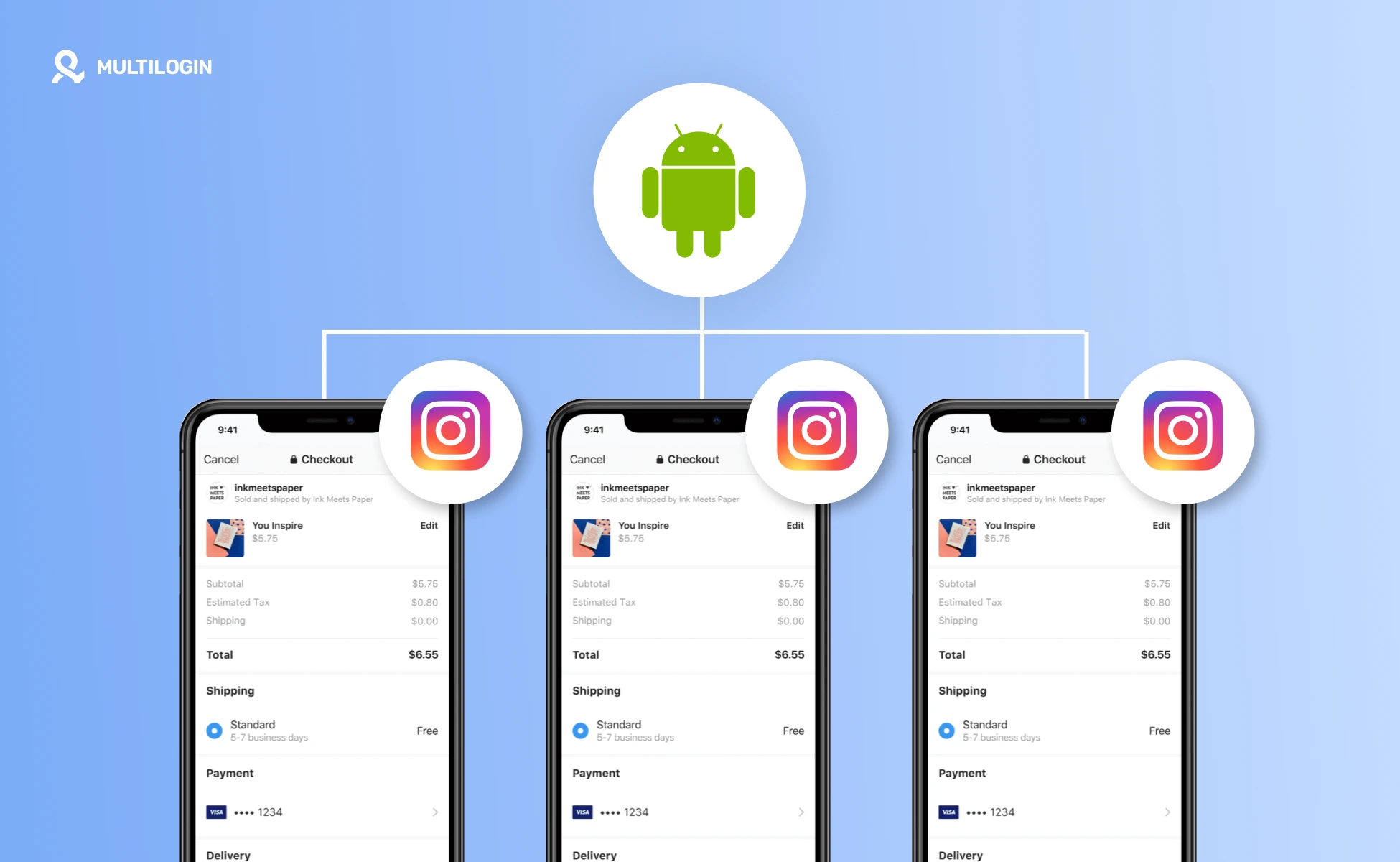
You can test Instagram Shop checkout on multiple Android devices by building a small device matrix around app state, region, account state, payment path, and product state. The goal is not to run random tests. The goal is to catch differences that real shoppers may experience.
Start with the minimum useful matrix. Test one clean Android session, one returning customer session, one logged-in Instagram account, one account that does not follow the brand, one target region, and one backup region if regional display matters.
Then expand only when a risk justifies it. For example, a global store may test language, country, and currency. A fashion store may test variant selection. A sale campaign may test coupon handling and inventory after the first purchase.
Which tools can support Instagram Shop checkout testing?
The best tool depends on which part of the journey you are testing. Physical phones are useful for final validation, payment sandboxes are useful for payment logic, browser testing is useful for website checkout, and cloud phones are useful when a team needs repeatable Android app sessions.
Option / tool / method | Best for | Strengths | Limitations | Pricing signal | Compliance or operational note |
Physical Android phones | Final real-device validation | Closest match to a normal shopper device and useful for launch signoff | Hard to scale, difficult to share, and messy for repeated account-state testing | Paid | Use clean test accounts and approved payment test methods. |
Android emulators | Early app and layout checks | Fast to create and useful for basic UI checks | May not reflect native app behavior or device integrity checks for social apps | Free or freemium | Do not rely on emulator-only results for final Instagram shopping QA. |
Cloud phones | Repeatable native Android app testing across accounts, regions, and team members | Persistent environments, easier organization, and no physical device handoff | Provider behavior varies and still needs real checkout setup from Meta and the ecommerce platform | Paid | Use for QA structure, not as a way around platform rules. |
Desktop browser testing | Website checkout debugging after redirect | Easy for developers to inspect network, URL parameters, and analytics events | Does not show the full Instagram app path or in-app browser behavior | Free | Pair with Android app testing before launch. |
Payment sandboxes | Payment success, failure, and edge-case testing | Stripe, PayPal, and ecommerce platforms provide test environments or test cards | Each provider has its own rules and setup steps | Free with account or paid platform plan | Never test with real card details when the provider offers test credentials. |
QA automation tools | Regression checks for website checkout and analytics events | Useful for repeat checks after feed, theme, or checkout updates | Instagram app flows and login states may limit automation reliability | Paid or custom pricing | Keep automation within platform rules and do manual checks for sensitive payment flows. |
How can AI help summarize checkout friction?
AI can help summarize test notes, group repeated failures, turn screen-by-screen observations into issue lists, and draft QA tickets. It should not replace payment verification, policy review, or the final human decision to release a shopping flow.
A useful AI-assisted workflow is simple. Testers record the device, app state, product, checkout path, and result. Then an AI tool clusters failures by root cause, such as checkout URL, variant mismatch, payment error, inventory update, or analytics gap. The QA lead still validates the evidence and assigns fixes to the right owner.
Best practices for Instagram Shop checkout testing
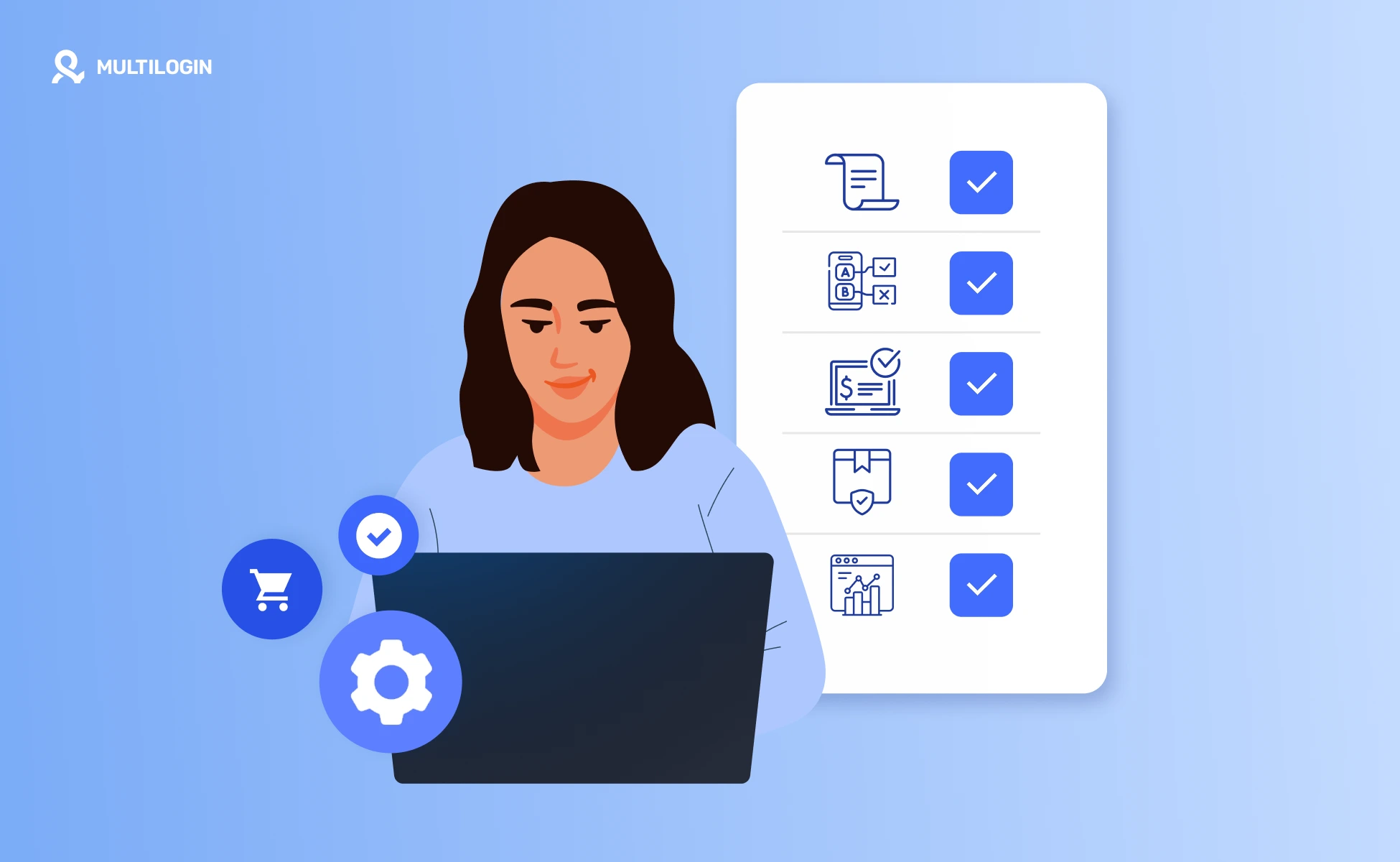
- Start with a written test scenario because checkout testing needs a clear expected product, price, variant, shipping option, payment method, and order result.
- Test from the native Instagram app on Android because Instagram Shopping is a mobile-first journey and desktop preview can miss app-state and redirect issues.
- Use provider-approved test payments because Stripe, Shopify, and PayPal provide testing paths that avoid live payment movement and reduce cleanup risk.
- Check post-order states because Shopify and other ecommerce platforms now handle more of the checkout and post-purchase experience after Meta’s 2025 website checkout shift.
- Validate analytics events after the order because GA4 ecommerce reporting depends on correctly configured events such as view item, add to cart, begin checkout, and purchase.
How to test Instagram shopping flows across Android environments
The main challenge is not only finding a checkout bug. It is repeating the same test across different Android app sessions, account states, regions, and buyer scenarios without mixing the results.
For social commerce teams, one shared phone can quickly become confusing. App state, login state, browser history, language settings, location context, and previous test activity may all affect what the tester sees. When that happens, it becomes harder to understand whether the issue comes from the shop setup, the website checkout, or the test environment itself.
Meta and ecommerce platform documentation show that the buyer journey can move from Instagram product discovery to checkout on the seller’s website. That means Instagram shopping QA should cover both the native Instagram app experience and the website checkout path.
Cloud phones can help teams keep this testing process more organized. With Multilogin Cloud Phone, a team can run separate Android environments for different test cases, such as a U.S. buyer journey, a returning customer scenario, or a regional product display check.
For example, an Instagram marketer can use one cloud phone to test product tags from a clean account, another to check how the shop appears to a returning customer, and another to review regional display differences. The team can then compare product tags, redirect behavior, payment test results, and checkout notes without passing around physical devices or mixing app states.
This setup is especially useful when Instagram shopping QA involves several team members, client accounts, or repeat test cycles. It gives the team a clearer way to organize mobile testing without turning the article into a product walkthrough.
For a wider comparison of mobile testing options, you can review cloud phones for social media marketing and cloud phone vs Android emulator.
When your Instagram shopping QA needs repeatable Android environments, Multilogin Cloud Phone can help keep mobile test flows cleaner and easier to manage.
Multilogin is not a way around platform rules; the safest approach combines clean account separation with original content, real engagement, and platform-compliant activity.
Benefits of a cleaner checkout testing workflow
- Keep test accounts, app states, and product scenarios easier to compare.
- Reduce confusing handoffs when several people test the same shopping flow.
- Give developers clearer reproduction steps for checkout URL, cart, and payment issues.
- Separate product feed issues from device, session, region, or payment issues.
- Create a repeatable release checklist for new products, campaigns, and regional shop updates.
