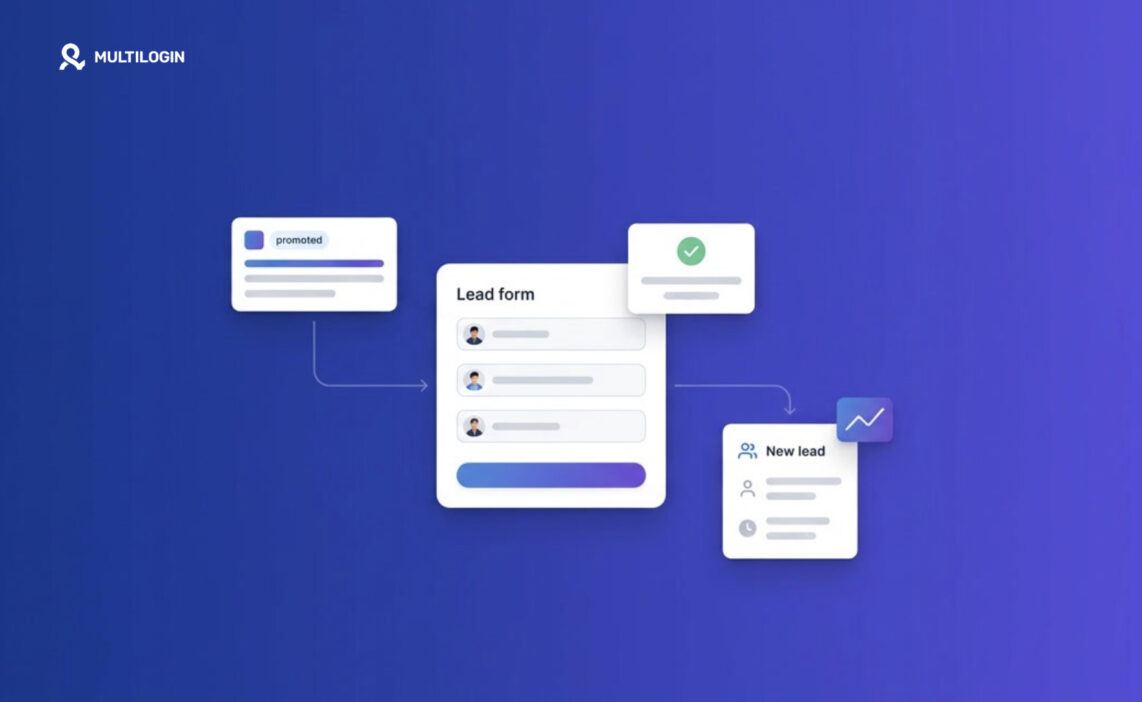



LinkedIn lead gen forms let you collect leads directly inside LinkedIn, using data the platform already has (name, email, job title, company) so people don’t have to type anything. That auto-fill is exactly why they convert so much better than sending traffic to a landing page. This guide walks through how they work, how to set one up, and how to actually get good leads out of them, not just a pile of names.
If you run B2B campaigns on LinkedIn and you’re still sending clicks to an external landing page, you’re probably losing leads at the form. Here’s the fix.
What Are LinkedIn Lead Gen Forms?
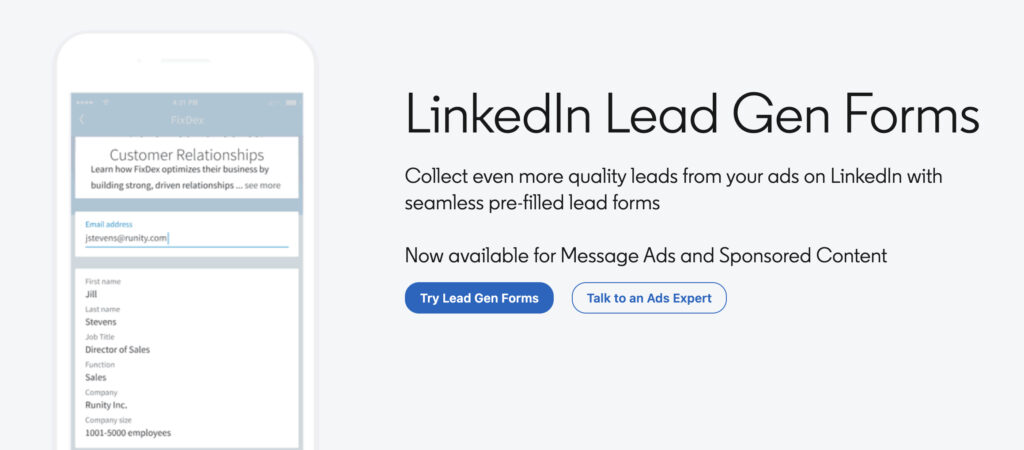
LinkedIn Lead Gen Forms are pre-filled forms that appear natively inside LinkedIn ads, so users can submit their information without leaving the platform or typing a single field.
When someone taps your ad, instead of getting redirected to a website, a form slides open right there in their feed. Most of it is already filled in: name, email, job title, company, seniority, whatever fields you chose. All they have to do is hit submit. That’s the whole appeal. Mobile users especially hate typing into forms, and this removes that friction entirely.
Why Do Lead Gen Forms Convert Better Than Landing Pages?
They convert better because they remove the two biggest drop-off points: page load time and manual data entry.
Think about it from the user’s side. They’re scrolling, something catches their eye, they tap it. If that tap sends them off-platform to a landing page that takes three seconds to load, plus a form asking for six fields, most people just… don’t finish. LinkedIn’s own benchmarks put average conversion rates for Lead Gen Forms well above standard landing page forms, often in the double digits versus low single digits for external pages. It’s not magic. It’s just less work for the user.
There’s a tradeoff, though, and it’s worth naming upfront: pre-filled convenience means people submit faster and sometimes with less intent. You’ll get more leads. Not all of them will be great leads. More on that below.
How to Set Up a LinkedIn Lead Gen Form
Setting one up takes a few minutes inside Campaign Manager, but a few choices early on shape your results later.
- Create a Sponsored Content or Message Ad campaign and choose “Lead Generation” as your objective.
- Build the form: add a headline, a short description of what the person is getting (a guide, a demo, a webinar seat), and select your fields.
- Choose your fields carefully. LinkedIn auto-fills fields like name, email, company, job title, and location. You can add custom questions, but every extra field costs you completion rate.
- Write a custom thank-you page with a clear next step: a link to a calendar, a download, or a follow-up email.
- Connect your CRM (or set up a Zapier/webhook integration) so leads land somewhere your sales team actually checks, not just a CSV you remember to export once a week.
Pro tip: Keep your form to three or four fields whenever the goal is volume. Save the longer, qualifying forms (job function, company size, budget range) for high-intent offers like demo requests, where a slightly higher form-fill cost is worth it.
What Fields Should You Actually Include?
The fields you need depend on what your sales team does with the lead afterward, not on what LinkedIn offers.
If a rep is going to call every lead within 24 hours, you need enough context to make that call useful: job title, company size, maybe a custom question about their current tool or budget. If leads are going into a nurture email sequence instead, name and email might be genuinely enough. Adding fields “just in case” is the most common mistake here, and it’s a direct tax on your conversion rate.
Lead Gen Forms vs. Landing Pages: A Quick Comparison
| Factor | Lead Gen Forms | Landing Pages |
|---|---|---|
| Conversion rate | Higher (auto-filled) | Lower (manual entry) |
| Data control | Limited to LinkedIn fields | Fully customizable |
| Page load / friction | None (stays in-app) | Depends on your site speed |
| Lead intent | Often lower, faster submits | Often higher, more deliberate |
| Retargeting flexibility | Limited to LinkedIn ecosystem | Full pixel/cookie tracking |
Neither option is “better” across the board. Volume campaigns tend to favor Lead Gen Forms. Anything where you need to qualify hard before a sales conversation often does better on a landing page, or on a longer Lead Gen Form built specifically for that purpose.
How Do You Improve Lead Quality From Lead Gen Forms?
You improve lead quality mainly by adding one or two qualifying questions and by being specific about what the offer actually is.
A vague offer (“Download our guide”) pulls in a lot of low-intent submits. A specific one (“See how [Industry] teams cut onboarding time by 40%”) filters for people who actually care about that problem. Beyond copy, a single custom question, something like company size or current tool, does a lot of quiet filtering without adding real friction.
Common Mistakes to Avoid
- Too many form fields. Every additional field lowers completion rate, sometimes significantly.
- No CRM connection. Leads sitting in a LinkedIn dashboard nobody checks are leads you paid for and never used.
- Generic thank-you pages. This is a missed second conversion opportunity, use it to book a call or push a next step.
- Ignoring lead quality data. If a form is generating volume but no closed deals, the form or the offer needs adjusting, not just the budget.
- One form for every campaign. A webinar signup and a demo request should ask for different things.
Managing Multiple LinkedIn Accounts With Cloud Phones
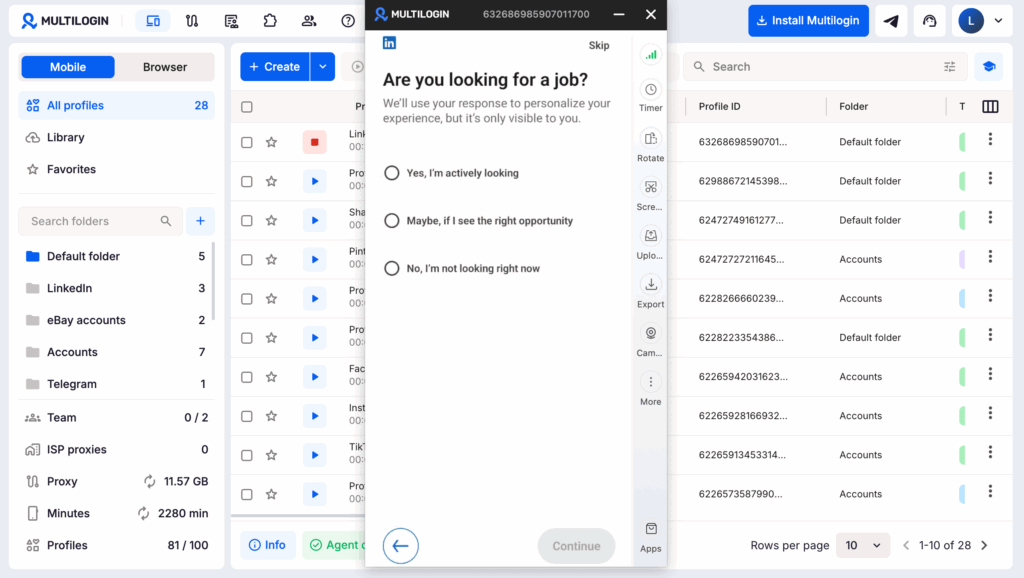
If your lead generation setup involves multiple LinkedIn accounts, client accounts, or separate campaign workflows, keeping each account in its own environment can make day-to-day management much cleaner.
Multilogin cloud phones let you run multiple accounts from separate Android environments, while browser profiles can be used for web-based workflows. Each profile keeps its own session, device settings, and network configuration, so teams can manage accounts separately from one dashboard.
This is useful for agencies, sales teams, or marketers handling multiple LinkedIn workflows alongside Lead Gen campaigns. You can learn more about Multilogin cloud phones and how they fit into multi-account management.