


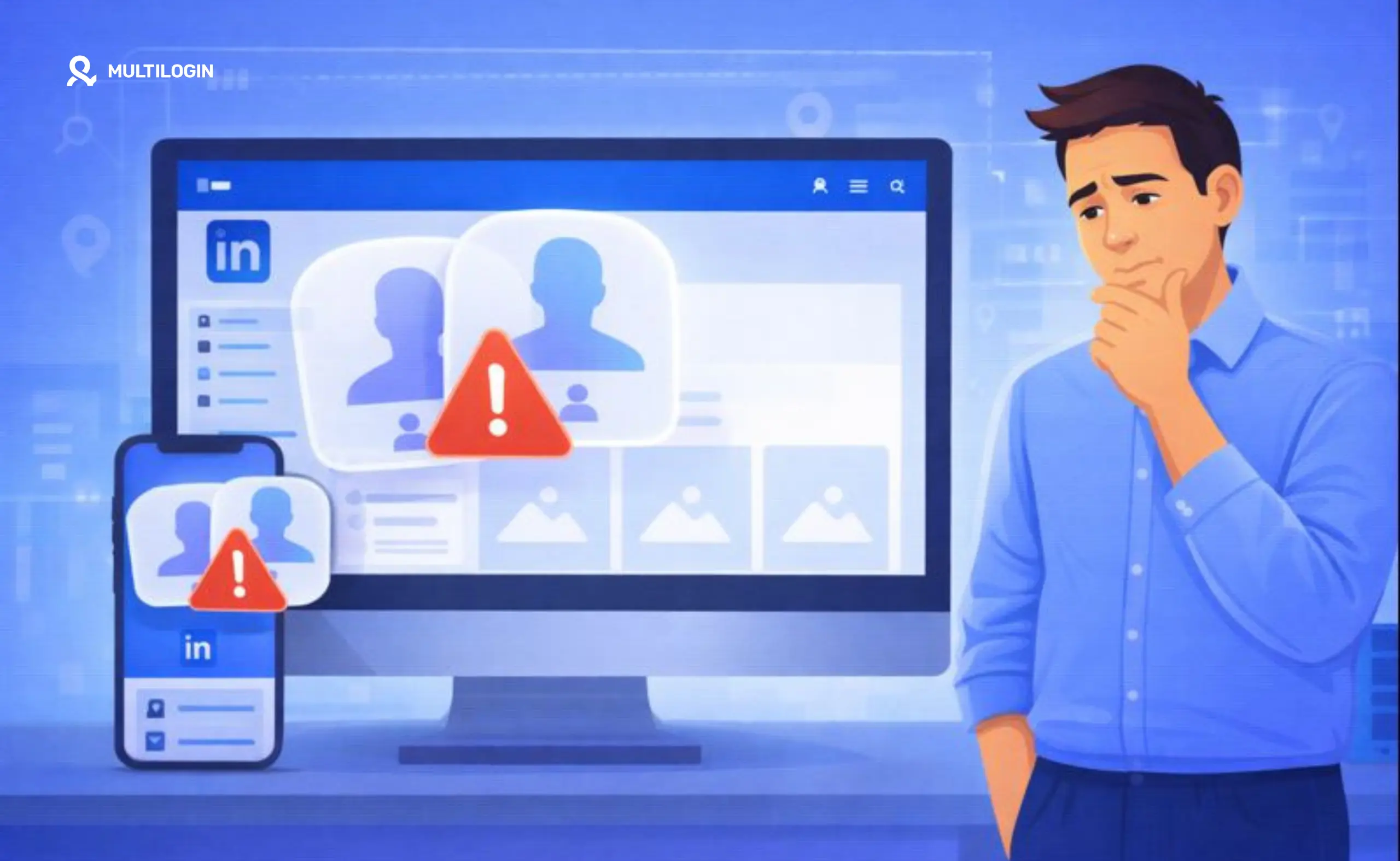



LinkedIn may detect duplicate accounts over time. If you’re thinking about creating or managing a second account, it helps to understand how LinkedIn evaluates account activity before you put your profiles at risk. LinkedIn is built around a one-person, one-profile model, so duplicate personal accounts can trigger additional checks or restrictions.
This guide isn’t another article telling you to just use a different email. Account separation involves much more than that, and we’ll explain why.
We’ll break down how LinkedIn detects duplicate profiles, what can happen when accounts are linked, and the more practical ways to manage multiple LinkedIn accounts with clearer separation between sessions, devices, and account activity.
LinkedIn’s Official Policy on Multiple Accounts
Let’s get this out of the way first. LinkedIn’s User Agreement states that members should maintain one personal account under their real identity. The platform is built around authentic professional profiles that represent real people, names, and career histories.
Why is LinkedIn strict about this? Trust is central to how the professional network works.
Duplicate accounts, fake profiles, spam, and misleading activity can reduce that trust, which is why LinkedIn monitors account authenticity and may restrict profiles that appear to violate its policies.
How LinkedIn Detects Duplicate Accounts (The Technical Reality)
So, how can LinkedIn recognize that multiple accounts may be connected? A different email address alone is not enough to separate them. Platforms can evaluate a combination of technical and behavioral signals across sessions.
Device Fingerprinting and Account Linking
When you access LinkedIn, your browser can expose technical information such as operating system, browser version, screen resolution, installed fonts, and other parameters. Together, these signals contribute to a device fingerprint.
Using the same device for multiple LinkedIn accounts can create overlapping technical signals, even when switching browsers or using incognito mode.
When several accounts repeatedly appear from environments with similar technical characteristics, platforms may associate them through their digital signature and other account signals.
Behavioral Signal Analysis
LinkedIn may also evaluate patterns in how accounts behave on the platform. Signals can include:
- Connection Patterns: Do multiple accounts repeatedly connect with the same groups of people?
- Messaging Behavior: Are similar outreach patterns or messages being used across accounts?
- IP Address: Are multiple accounts consistently accessed from the same IP address or network?
- Profile Information: Do profile details significantly overlap, such as employers, skills, or other identity information?
When multiple signals overlap, accounts may be flagged for additional review or verification.
What Actually Happens When LinkedIn Detects Duplicate Accounts
If LinkedIn determines that accounts violate its policies, several outcomes are possible:
- Account Restrictions: One or more profiles may have access limited or suspended. This can also affect visibility, similar to how LinkedIn shadow bans can reduce account reach.
- Identity Verification: LinkedIn may ask you to verify your identity before restoring access.
- Account Merge or Removal: Duplicate profiles may need to be merged or one account may need to be removed.
More serious or repeated policy violations can lead to longer restrictions or permanent account loss.
Why People Have Two LinkedIn Accounts (And Why It’s Risky)
People may try to operate multiple LinkedIn accounts for different business workflows, including:
- Sales and Outreach: Sales teams and agencies may manage multiple professional profiles for different representatives or client workflows.
- Separating Business Activities: Business owners may want clearer separation between different brands, ventures, or markets.
- Managing Client Accounts: Social media managers and agencies may need to access LinkedIn profiles belonging to different clients or team members.
The important distinction is whether you’re creating duplicate personal identities or legitimately managing separate accounts that belong to different people, teams, or clients. In either case, mixing sessions, devices, and network environments can make account management harder and increase operational risk.
Legitimate Alternatives to Multiple Personal Accounts
If your goal is to represent multiple businesses or brands, LinkedIn provides official tools that may remove the need for additional personal profiles.
LinkedIn Pages for Businesses
LinkedIn Pages are designed for businesses, brands, and organizations. They allow companies to publish updates, build an audience, share content, and run advertising under a business identity while administrators continue using their own personal profiles.
LinkedIn Showcase Pages
Showcase Pages are extensions of a main LinkedIn Page and can be used to highlight specific brands, business units, products, or initiatives under the same organization.
How Multilogin Helps Professionals Manage Multiple LinkedIn Profiles
For agencies, marketing teams, and professionals who legitimately manage multiple client, employee, or business profiles, keeping sessions organized and separated can become difficult with a standard browser setup. Multilogin provides one platform for managing isolated web and mobile profile environments from a single dashboard.
Multilogin combines isolated browser profiles for web-based workflows with Android cloud phones for mobile workflows. Built-in proxies, persistent sessions, and profile management are available within the same platform.
Multilogin Browser Profiles
For LinkedIn workflows that primarily happen on the web, Multilogin browser profiles give each profile its own isolated environment with separate cookies, session data, and IP configuration. This helps teams keep client and business sessions organized instead of mixing multiple logins inside one browser environment.
With Multilogin browser profiles, teams can:
- Manage Client Profiles: Keep different client LinkedIn sessions in separate browser environments.
- Organize Outreach Workflows: Assign dedicated profiles to different team members, clients, or campaigns.
- Keep Sessions Separate: Maintain independent cookies, login states, and profile data for each environment.
- Built-in Proxies: Use included residential proxies without relying on a separate proxy management tool.
- Cookie and Session Isolation: Keep profile data independent through proper cookie isolation and persistent sessions.
Multilogin Cloud Phones
For teams that also manage social media workflows through mobile apps, Multilogin’s cloud phones provide dedicated Android environments hosted in the cloud. Each mobile profile runs on its own Android cloud phone with persistent app data, account history, location, and network settings. Teams can manage browser profiles and cloud phones from one dashboard instead of combining separate tools. Multilogin also offers a Free plan with no time limit and no credit card required, while paid plans start from $7.08 per month.
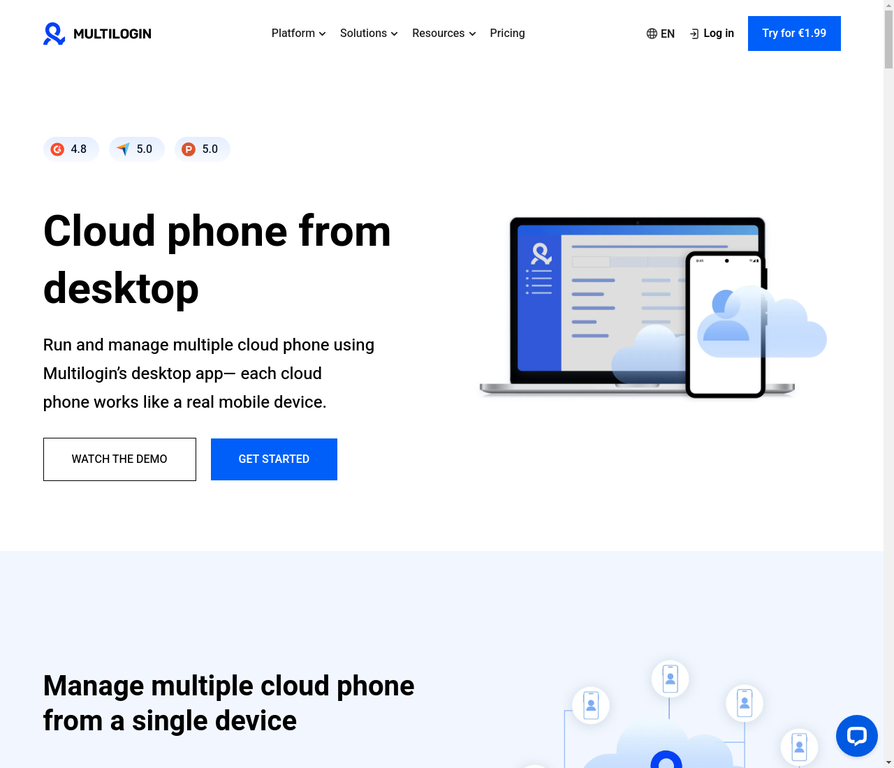
- Manage Multiple Mobile Accounts: Create and manage multiple LinkedIn accounts on virtual mobile devices without any device linking.
- Scale Team Operations: Agencies and teams can manage dozens or hundreds of accounts from a centralized dashboard.
- Perfect Device Isolation: Each cloud phone has a unique IMEI, device fingerprint, and operating system signature.
- Location Flexibility: Assign different locations to each account for geo-targeted outreach.
- Team Collaboration: Share profiles and accounts with team members while maintaining security and isolation.
- Persistent Sessions: Accounts stay logged in and active 24/7, perfect for employee advocacy programs.
Which Solution Is Right for You?
Choose the antidetect browser if you primarily manage accounts from desktop or laptop computers and need browser-based LinkedIn management. Choose cloud phones if you need mobile-based account management, want to scale operations across a team, or require the highest level of device isolation and authenticity. For maximum flexibility, many agencies use both solutions together: cloud phones for mobile-based outreach and the antidetect browser for desktop management. Learn more about how to create a second LinkedIn account with Multilogin. See how Multilogin helps professionals manage multiple accounts safely or explore cloud phones for team-based account management

Manage multiple accounts with Android cloud phones
Build account trust, reach new locations, and grow faster from one dashboard
Frequently Asked Questions About Can I Create Multiple LinkedIn Accounts
No, LinkedIn’s policy allows only one personal account per person. Creating more is a violation of their User Agreement.
You can create a new account, but if LinkedIn detects it’s a duplicate, both may be restricted or closed.
No, each LinkedIn account must be associated with a unique email address and, typically, a unique phone number for verification.
You should have one personal account (your profile) and create a separate LinkedIn Page for your business.
LinkedIn’s mobile app allows you to add and switch between accounts, but this is primarily for managing a personal profile and a Company Page, not two personal profiles.
When you merge accounts, you choose one to keep. The connections from the other account are transferred, but the profile information, content, and messages are permanently lost.
Next step (if you want fewer headaches this month)
While it’s technically possible to create multiple LinkedIn accounts, it’s a risky game that you will eventually lose. LinkedIn’s detection technology is simply too sophisticated. The safe, professional, and recommended approach is to use one personal profile and leverage LinkedIn Pages for your business interests.
For those with a legitimate need to manage multiple online identities, don’t rely on flimsy workarounds. Use a professional tool built for the job. Learn more about how to prevent LinkedIn account restrictions.
Ready to manage your online identities with confidence? Compare our plans and find the right fit for your needs.


