


Anti-fingerprint browser with cloud phones
Run multiple accounts with unique browser fingerprints and cloud phones. Manage multiple accounts on any platform.


Create and manage multiple accounts from one dashboard
Create and manage multiple browser profiles with unique fingerprints from one dashboard. Bulk-create accounts for any platform.
Collaborate with your team and work on accounts
Set up a team workspace to share accounts and team profiles, and boost team collaboration.
Reduce restrictions across platforms
Minimize bans with an anti-fingerprint browser, and use built-in proxies to reach any location in the world.
Share multiple accounts with your team
Automate simple actions like posting and liking to boost engagement for your account.
What is anti fingerprint browser?
An anti-fingerprint browser allows you to manage multiple accounts without restrictions or account linking. This way, you can manage multiple accounts on one device across any platform.

Why choose Multilogin?
Multilogin is a leading multi-account management platform with browser profiles featuring 55+ fingerprint parameters. For mobile platforms, Multilogin offers cloud phones, real Android devices in the cloud, alongside built-in proxies across 150+ countries.
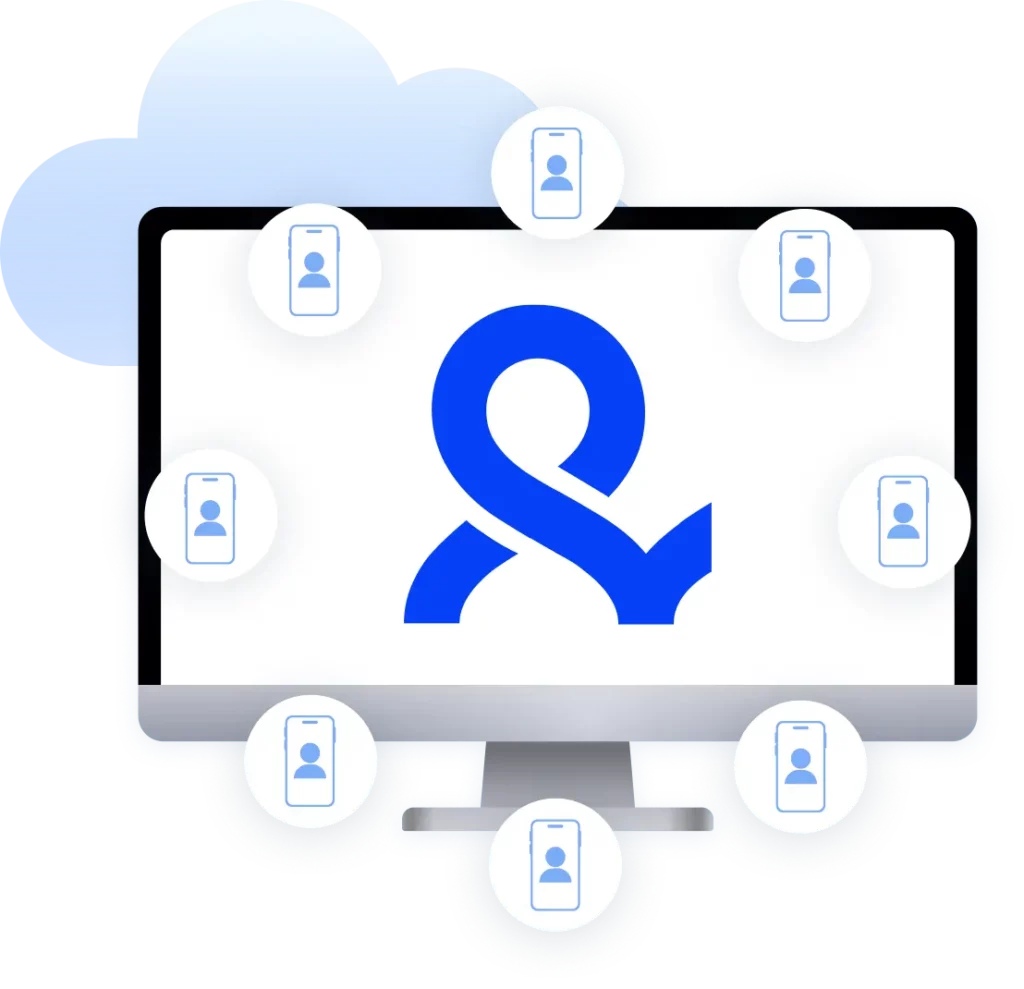
Multilogin features for Cloud Phone management
Multilogin 2-in-1
Browser profiles and cloud phones in one ecosystem. One app, one dashboard, full control.
Built-in proxy integration
Residential IPs are included by default. 150+ countries and 1,400+ cities with daily quality testing.
Up-to-date Android versions
Stable Android versions 10–16, fully compatible with modern mobile apps.
Real brands and devices
Support for 12 real Android device brands with unique IMEI and system-level digital fingerprints.
App repository
Install TikTok, Instagram, Reddit, and other popular apps without Google Play. APK uploads are also supported.
Folders, tags and access control
Organize profiles using folders, tags, and role-based access. Manage team workflows with ease.
Enterprise-grade security
Profile encryption, 2FA, access control, and compliance-ready security for safe operations.
Multilogin is daily tested on 50+ websites










The most awarded multi accounting platform















How to start using Multilogin
Create and manage multiple accounts with the industry leading anti fingerprint browser.

Sign up
Register using a verified email address

Choose your plan
Select from various subscription plans tailored to your business needs

Download Multilogin
Available for Windows, Mac, and Linux.

Access the Multilogin dashboard
Start creating and managing browser profiles

Run multiple accounts
Set up and manage multiple accounts using browser profiles and cloud phones
Watch the Multilogin Demo
Anti-fingerprint browser for multi-account management
Managing multiple accounts online has become a technical discipline, not just a creative one. Platforms analyze dozens of signals to identify users, and most of those signals have nothing to do with your IP address. Browser fingerprinting is one of the most effective tracking methods in use today, and standard browsers do nothing to stop it.
An anti-fingerprint browser solves this at the source. Instead of hiding your IP, it controls how your browser appears to websites, giving each profile a distinct and believable identity. For anyone running accounts at scale, this is the foundation that everything else builds on.
Browser fingerprinting and its impact on multi-account work
Websites do not need cookies to identify you. They collect dozens of data points every time your browser loads a page: screen size, installed fonts, system language, browser version, plugins, graphics rendering behavior, and more. These details combine into a digital fingerprint that is unique to your device and browser configuration.
Common fingerprinting methods include:
- Browser fingerprinting based on configuration and installed plugins
- Canvas fingerprinting based on how your graphics card renders images
- Device fingerprinting based on hardware and software details
The problem for multi-account users is that this fingerprint stays consistent across sessions. Even if you log out, clear cookies, or switch IP addresses, the underlying browser signals remain the same. Platforms use this to connect accounts that share a device or browser environment.
Anti-fingerprinting: the mechanics
An anti-fingerprint browser does not block tracking scripts. Blocking them outright would itself be a signal that something unusual is happening. Instead, it feeds websites a different but believable identity for each profile.
This works through a combination of approaches:
- Data variation: browser version, fonts, screen size, and other parameters are set differently per profile
- Controlled consistency: fingerprints are designed to look like real, common device configurations rather than obvious fakes
- Session isolation: each profile runs as a separate environment with no shared cookies, storage, or browser state
The result is that each profile looks like a different person using a different device in a different location. Platforms see what they expect to see, and accounts stay stable.
Anti-fingerprinting browser vs a standard browser or VPN
A VPN changes your IP address but leaves everything inside the browser untouched. Websites still see your screen size, fonts, plugins, and rendering behavior. Anti-fingerprinting addresses the signals that a VPN cannot reach.
A standard browser, even with multiple profiles, shares core device parameters across all of them. Chrome profiles, for example, do not isolate hardware identifiers or canvas fingerprints. This works for casual use but breaks down quickly when managing more than a handful of accounts professionally.
An anti fingerprint browser isolates the full environment per profile, combining fingerprint control with proxy support so each account has both a unique browser identity and a separate network connection.
Managing social media accounts with an anti-fingerprint browser
Social media platforms are among the most aggressive when it comes to cross-account detection. Instagram, TikTok, Facebook, and Reddit all analyze device and browser signals to identify accounts that share an origin. For agencies and social media managers running dozens of client accounts, this creates real operational risk.
An anti fingerprinting browser removes that risk at the browser level. Each profile runs in its own isolated environment with its own fingerprint, so accounts managed from the same machine do not appear connected. This applies to desktop-based work across any platform. For TikTok specifically, where how many accounts you can have is a common concern, browser profile isolation removes the practical ceiling on account volume.
For mobile-first platforms like TikTok and Instagram, the picture is different. Mobile apps interact with real device hardware, not browser APIs, so fingerprint customization does not apply in the same way. This is where cloud phones come in. Cloud phones are real Android devices hosted in the cloud with genuine hardware identifiers and native app behavior. Because they are real devices, each one already has its own authentic identity. No fingerprint manipulation is needed or applied.
Together, browser profiles with anti-fingerprinting and cloud phones cover both sides of multi-account work: desktop and mobile, all from one dashboard.
Multilogin for multi-account management
Multilogin is a leading multi-account browser with browser profiles featuring 55+ fingerprint parameters. For mobile platforms, Multilogin offers cloud phones, real Android devices in the cloud, alongside built-in proxies across 150+ countries. Get everything you need from the start, across any platform, without third-party tools.
Key capabilities include:
- Browser profiles with 55+ configurable fingerprint parameters including screen size, OS, timezone, fonts, and canvas behavior
- Cloud phones for managing mobile-first platforms like TikTok and Instagram as real Android devices
- Built-in residential proxies across 150+ countries with 24-hour sticky sessions
- Automation support through Selenium, Playwright, and Puppeteer
- Team management with role assignment, shared profiles, and controlled access
- One dashboard for both browser and mobile workflows
The legal side of anti-fingerprint browsing
An anti-fingerprint browser is a tool, and its legality depends on how it is used. It is widely used for marketing, security research, account management, and privacy protection. Using it to impersonate real people, violate platform terms in ways that break local laws, or engage in fraud is a separate matter entirely. For multi-account work, it is a standard operational tool.
Anti fingerprint browser FAQ
An anti-fingerprint browser protects your privacy and keeps accounts separate by preventing websites from tracking you through browser fingerprinting. It hides device details like screen size, browser version, and installed plugins, replacing them with a unique and believable identity for each profile. For multi-account users, this means accounts managed from the same machine do not appear connected, which reduces the risk of restrictions across platforms like Instagram, TikTok, Facebook, and Reddit.
Yes. Using an anti-fingerprint browser like Multilogin is legal. These tools are built for privacy protection and professional multi-account management. As with any tool, what matters is how it is used. Using it for legitimate marketing, account management, security research, or privacy is standard practice. Using it to impersonate real individuals or bypass government systems crosses a legal and ethical line that has nothing to do with the browser itself.
Websites can attempt to track you, but a properly configured anti-fingerprint browser makes it extremely difficult. By setting distinct fingerprint parameters per profile and isolating each session environment, it breaks the consistency that platforms rely on to identify and link accounts.
No tool provides absolute guarantees, but combining browser-level isolation with dedicated proxies covers the two main tracking vectors platforms use.
No. A VPN only hides your IP address. An anti-fingerprint browser goes further by masking the device and browser characteristics websites use to identify you, including screen size, fonts, plugins, and rendering behavior. These are signals a VPN never touches.
For full separation across multiple accounts, both tools complement each other: proxies handle the network layer, and the anti-fingerprint browser handles the environment layer. Multilogin includes built-in residential proxies so both are covered without extra setup.
A regular browser shares core device parameters across all profiles and sessions. Even Chrome’s fingerprinting behavior means that multiple profiles still share hardware identifiers, canvas fingerprints, and local storage at the environment level. An anti fingerprinting browser creates a fully separate environment per profile with its own fingerprint, cookies, storage, and connection, making it possible to manage many accounts from one machine without them appearing linked.
Anti-fingerprinting applies to browser environments, not native mobile apps. Platforms like TikTok and Instagram interact with real device hardware when accessed through their apps, so browser fingerprint customization does not apply in the same way. Cloud phones fill this gap. Cloud phones are real Android devices hosted in the cloud with genuine hardware identifiers and native app behavior. Because they are real devices, each one already carries its own authentic identity with no manipulation needed.
They are particularly useful for growth-focused work like getting followers on TikTok organically or qualifying for the TikTok Creator Rewards Program, where device authenticity affects reach and eligibility. Multilogin provides both browser profiles and cloud phones from one dashboard.
Anti-fingerprinting handles browser-level isolation so accounts do not get linked through shared device signals. A complete multi-account setup also needs proxy support for network-level separation, persistent sessions for account stability, and tools for team collaboration and automation.
Multilogin combines all of these in one platform, covering browser profiles, cloud phones, built-in proxies, and automation support through Selenium, Playwright, and Puppeteer.
Yes. Multilogin supports team collaboration with role assignment, shared cloud-based profiles, and controlled access permissions. Team members can work on the same profiles from different locations without logging in and out or compromising the account environment. Profiles can be paused, resumed, and handed off without losing session state.
You can start with a free plan that includes 5 browser profiles, 1 mobile profile, and 200 MB of proxy traffic with no payment required. The desktop app is available directly from the Multilogin website and takes a few minutes to install.
