


Running many social media accounts on one phone is how accounts get linked and banned. When they share a device and an internet connection, the platform can tell they belong to one person.
A cloud phone fixes this. Each one is its own separate Android phone, with its own apps, files, and internet connection. So every account looks like it sits on a different device.
This guide ranks the top 10 cloud phones for social media in 2026, with Multilogin as our top pick. The quick list is right below, then full reviews and a comparison table. Further down we explain what a cloud phone is, how to handle account verification, and answer the common questions.
Top 10 cloud phones for social media at a glance
Here is the ranking. Multilogin is first because it is the only tool here that gives you real Android phones, web and mobile in one place, and a clean internet connection built in.
Multilogin, best overall: Android cloud phones, browser profiles, built-in proxies into one platform for managing both mobile and web social profiles.
GeeLark, best for mobile-first workflows: cloud phones, browser profiles, automation, and AI content tools.
- MoreLogin: strong automation and fast scaling for posting a lot.
- VMOS Cloud: built for social media growth with smart automation.
- DuoPlus: copies location and SIM data for accounts in different countries.
- BitCloudPhone: low-cost Android setup that runs on your PC.
- Redfinger: light social use and mobile gaming.
- MaxCloudPhone: a middle option with basic team features.
- UgPhone: best for gaming and staying online all day, light on social.
- FlashID: a mobile-first option for social media and selling online.
Top 10 cloud phones for social media in 2026
1. Multilogin cloud phone
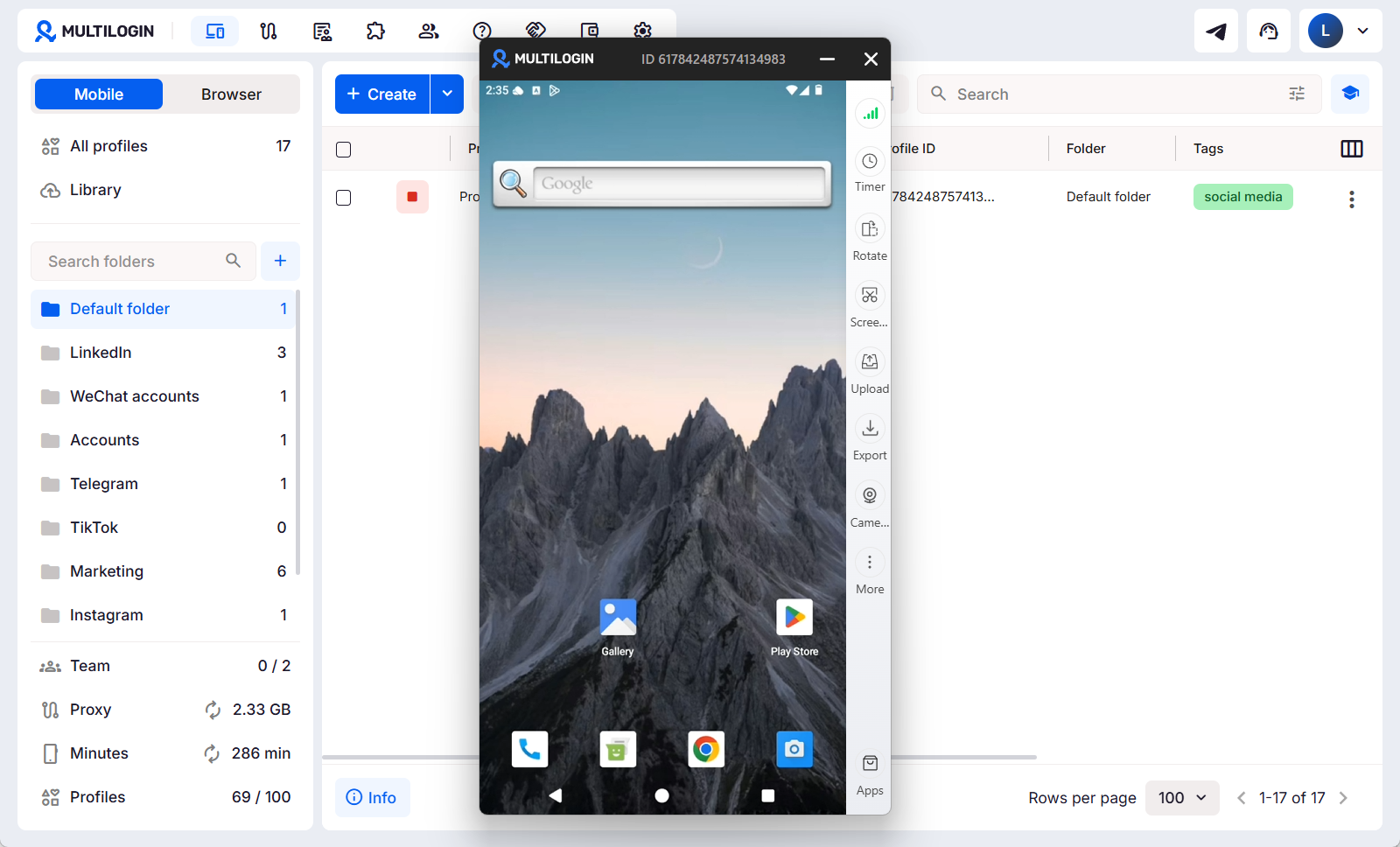
Multilogin cloud phone gives each social profile its own real Android device in the cloud, with separate apps, files, sessions, and network settings. It supports native social media apps, including TikTok, Instagram, Facebook, and YouTube.
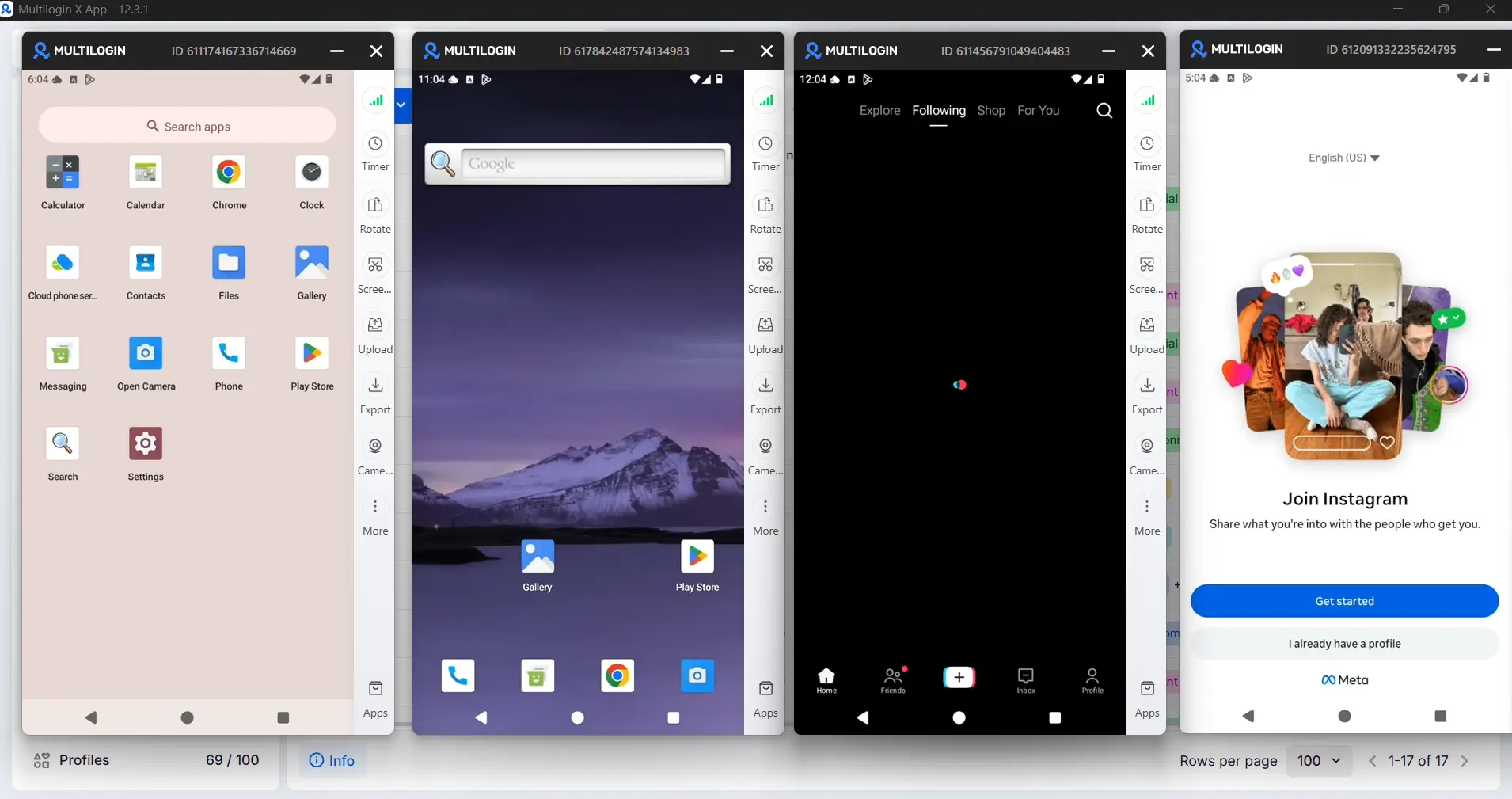
What makes Multilogin different is that it combines Android cloud phones with isolated browser profiles in one dashboard. Every plan also includes built-in residential proxies, so users do not need a separate proxy provider.
What it does well:
- Real Android cloud phones across 12 device brands
- Separate apps, files, sessions, and IPs
- Built-in residential proxies
- Mobile and browser profiles in one dashboard
- Automation through ADB, API, Selenium, Puppeteer, Playwright, and Postman
- Team permissions, folders, tags, and notes
Best for: Agencies, marketers, sellers, and growth teams managing social profiles across mobile and web.
Try the Multilogin cloud phone
2. GeeLark
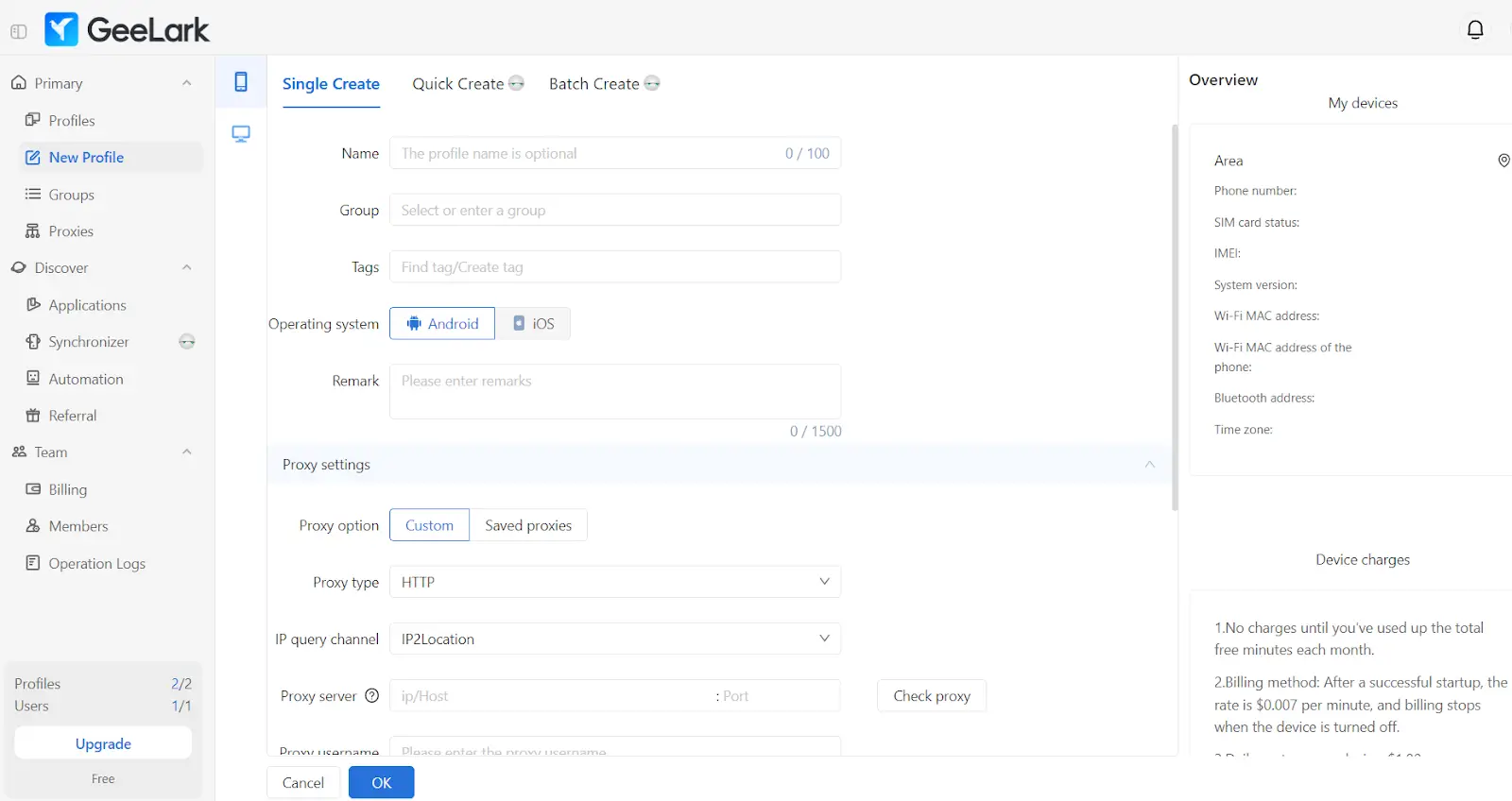
GeeLark is a mobile-first multi-account platform that combines Android cloud phones, browser profiles, AI content tools, and social media automation. Each cloud phone provides a separate environment for apps, account data, device settings, and proxy configuration.
Its Synchronizer can repeat supported actions across multiple phones, while ready-made templates and no-code RPA help automate posting, scheduling, engagement, and other repetitive workflows. Users must configure their own proxies, and advanced features vary by plan.
Best for: Social media teams that prioritize no-code automation and AI-assisted content workflows.
3. MoreLogin
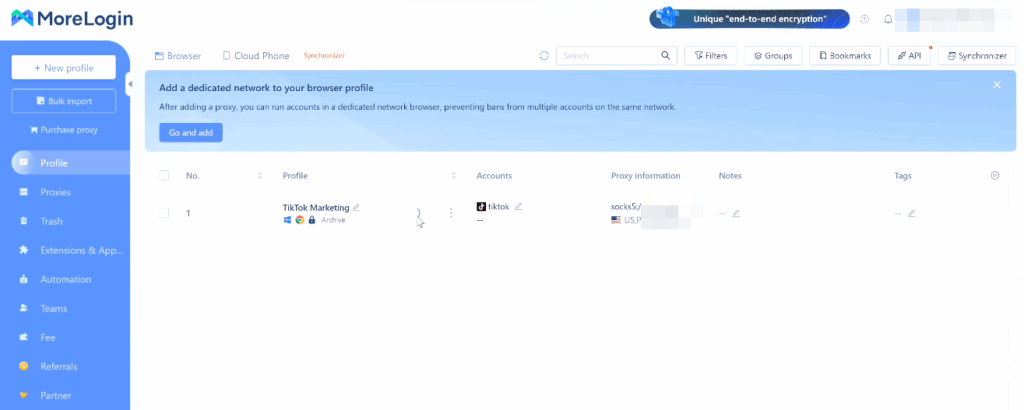
MoreLogin runs Android phones on real chips, with strong automation. You can make 100+ phones in one click, use scripts and an API, sync actions, and connect tools like Make, Zapier, and n8n. You pay as you go, with a daily limit so costs stay clear. New users get 2 free phones and 100 minutes of cloud phone time.
It works well for social, affiliate, and online selling, with the option to install, open, and upload across many phones at once.
Best for: Teams that want heavy automation and fast scaling.
4. VMOS Cloud
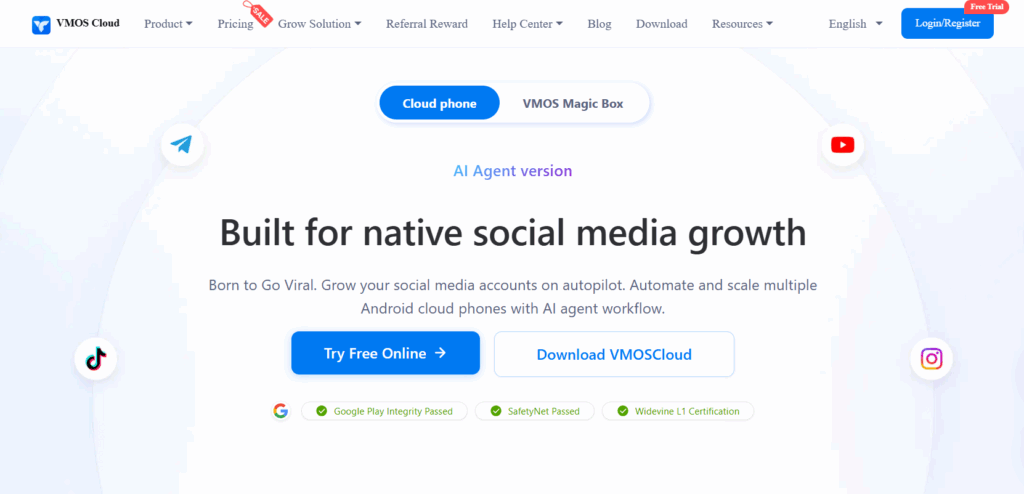
VMOS Cloud is built first for social media growth. Its strong points are smart automation, a sync tool to control many phones at once, a built-in internet option, team roles, and support for many Android versions.
It focuses on TikTok, Instagram, Facebook, and WhatsApp growth, and packages automation as a ready-to-use growth tool. There is a lot to learn, since it has so many features.
Best for: Teams that want social automation ready out of the box.
5. DuoPlus
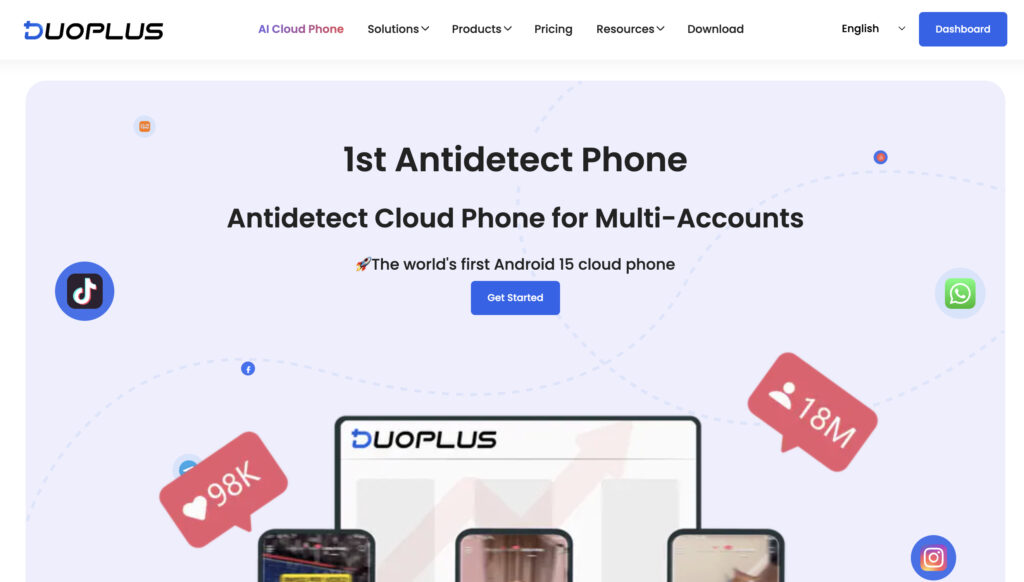
DuoPlus runs phones on real devices around the world. It can copy your location and SIM data for 150+ countries, switch phone looks in one click, and open in a browser with no download. It also supports bulk app install and automation.
It is a good fit when your accounts are in different countries, though it has no internet connections built in, and the price can confuse beginners.
Best for: Accounts spread across different countries.
6. BitCloudPhone
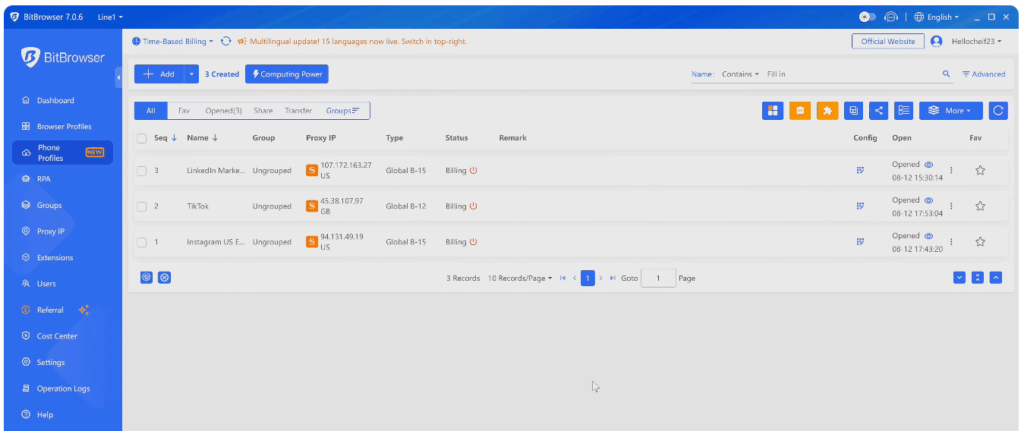
BitCloudPhone is the BitBrowser team’s Android tool for PC and Mac. It runs mobile apps with one-click setup, one IP per phone, and automation with Selenium and Puppeteer, at a low price by time. It works more like a phone on your computer than a true cloud phone, so the accounts are less separated on strict platforms.
Best for: People who want a cheap Android setup on their PC for lower-risk accounts.
7. Redfinger
Redfinger is a cloud phone you open in your browser. It is popular with mobile gamers and social media managers. It gives you Android phones online with basic internet support, and works fine for lighter social work.
Best for: Light social media work and mobile gaming across accounts.
8. MaxCloudPhone
MaxCloudPhone is a cloud Android tool for social media managers and online sellers. It runs many phones at once, supports internet connections, and has basic team features. That makes it a fair middle option as your account numbers grow.
Best for: Teams that want a middle option with basic team features.
9. UgPhone
UgPhone is a cloud phone made for gaming and staying online all day. Its best points are phones that stay on all the time, no battery or data use on your real phone, fast servers around the world, and easy multi-game play. It is light on social media automation, so it is not the pick for serious multi-account social work.
Best for: Mobile gamers and phones that need to run all day.
10. FlashID
FlashID is a mobile-first cloud phone for social media managers and online sellers. It gives you mobile phones online with internet support, and is built around apps like TikTok and Instagram.
Best for: Social media managers who want a mobile-first cloud phone.
Cloud phones compared at a glance
Here is how the 10 tools compare for running many social media accounts. The scores are a guide for this use, based on how separate the phones are, IP quality, app support, scaling, and team features.
| Cloud phone | Type | Quick take for many social media accounts | Score /10 |
|---|---|---|---|
| Multilogin | Cloud Phone + Browser Profiles | Android cloud phones, built-in residential proxies, and mobile and web profiles in one dashboard. | 9.8 |
| GeeLark | Cloud Phone + Browser Profiles | Mobile-first account management with no-code automation, synchronized actions, and AI content tools. | 8.5 |
| MoreLogin | Cloud phone | Strong automation and fast scaling for lots of posting. | 8.3 |
| VMOS Cloud | Cloud phone | Built for social growth with smart automation. | 8.0 |
| DuoPlus | Cloud phone | Copies location and SIM data for accounts in different countries. | 7.8 |
| FlashID | Mobile cloud phone | Mobile-first, good for app-heavy social accounts. | 7.5 |
| MaxCloudPhone | Cloud phone | Middle option with basic team features. | 7.0 |
| BitCloudPhone | PC-based Android | Cheap PC setup, but accounts are less separate on strict platforms. | 6.8 |
| Redfinger | Cloud phone | Popular for gaming, fine for light social use. | 6.3 |
| UgPhone | Cloud phone (gaming) | Built for all-day gaming, light on social automation. | 5.8 |
Multilogin is first because it gives you real, separate Android phones, a home IP for each one, and a desktop browser, so your mobile and web accounts stay apart and tidy in one place.
Which cloud phone is best for your work?
Different jobs need different cloud phones. These short lists are a quick guide for this article, not exact scores.
Best for running social media accounts
What matters: separate account environments, native app support, a dedicated IP per profile, and team access.
- Multilogin combines Android cloud phones, isolated browser profiles, and built-in residential proxies for managing mobile and web accounts in one dashboard.
- GeeLark combines cloud phones and browser profiles with no-code automation, synchronized actions, and AI content tools.
- MoreLogin brings strong automation and fast scaling for lots of posting.
- VMOS Cloud packages social automation as a ready-to-use growth tool.
- DuoPlus works well for accounts in different countries.
Best for online selling accounts
What matters: keeping seller accounts separate across mobile apps and websites, efficient setup, and team access.
- Multilogin lets teams manage mobile marketplace apps and web stores in separate cloud phones and browser profiles, with built-in proxies and role-based access.
- GeeLark supports social commerce and marketplace accounts across cloud phones and browser profiles.
- MoreLogin handles making and syncing many shops at once.
- MaxCloudPhone covers middle needs with basic team features.
- BitCloudPhone runs short-video shop profiles in bulk at a low price.
Best for gaming and all-day use
What matters: fast servers, staying online, and running many games.
- UgPhone is built for all-day gaming and many games at once, with fast servers worldwide.
- Redfinger handles gaming and light social use from the browser.
- Multilogin works if you also need accounts kept truly apart.
For every kind of work, the same thing decides it: how well each tool keeps one account apart from another. Multilogin leads because each phone is a real, separate Android phone with its own home IP, and the desktop browser handles your web accounts in the same place.
Why Multilogin is the best cloud phone for social media marketing teams
The gap between Multilogin and the rest comes down to how complete it is. Most tools here give you a mobile phone and stop there. Multilogin gives you real Android phones from real brands, a clean home IP for each one, and a desktop browser for your web accounts, all in one place.
This matters because accounts rarely live in one spot. You post Reels and TikToks from a phone, but you run Pages, ad accounts, and business tools from the web. Keeping both sides apart in one tool is the difference between a setup that grows with you and one that becomes a mess.
Multilogin cloud phones, with the desktop browser and home internet connections (residential proxies), give you everything you need for running many social media accounts without the fear of losing them.
What is a cloud phone?
A cloud phone is an Android phone that runs on the internet instead of in your hand. You open it in your web browser or in an app, and it works just like a real phone. You can install apps, get notifications, browse, record, and post.
Because it runs online, you can open many cloud phones at once. Each one has its own Android system, files, and settings. You do not need to buy a pile of real phones. People often search for this as a “cloud phone Android” tool, and that is exactly what it is: a real Android phone that lives online.
Why use a cloud phone for social media?
The first reason is to keep your accounts apart. If all your accounts run on the same real phone, the platform can tell they belong to one person. That is when accounts get linked and banned. A cloud phone gives each account its own phone and its own clean internet connection, so the platform sees many separate phones, not one person with many accounts.
The second reason is managing many client accounts in one place. If you run an agency, you may handle accounts for ten or twenty different clients. With cloud phones, each client account sits on its own phone, so nothing gets mixed up and nothing links one client to another. You manage all of them from one dashboard, without a drawer full of real phones.
The third reason is location, and it is a big one. Cloud phones, and Multilogin in particular, come with internet connections (proxies) from many different countries. So you can sit in the US and run accounts for clients all over the world. You pick the country for each phone, and the app behaves as if you are really there. You see the right local trends, the right local content, and the right local data. For a marketer or agency working across borders, this alone is worth it.
What to look for in a cloud phone for social media
Here is what matters most for social media:
| Feature | Why it matters |
|---|---|
| Separate phones | Each one must be its own Android phone so your accounts stay apart |
| App support | It must run TikTok, Instagram, Facebook, and other apps fully |
| Own internet connection | Each phone needs its own clean IP, ideally a home (residential) one |
| Speed | A slow phone makes posting and editing painful |
| Many phones at once | You need to run many accounts together, not one at a time |
| Team access | Important for agencies that handle client accounts |
| Automation | Scheduling, scripts, and doing things in bulk |
| Price | The cost per phone must stay fair as you grow |
Can a cloud phone solve the social media verification problem?
This is where most people get stuck. Say you open 20 Instagram accounts. Each one needs an email address, usually a Gmail, and many will also ask you to confirm a phone number. So can a cloud phone handle all of that for you? Partly. Here is the honest split.
Creating Gmail accounts without a phone number
Cloud phones help a lot here. Google has made new accounts harder to create. It now often shows a QR code that you can only scan with a trusted Google device, or it asks for a phone number. Google does this to catch fake or bulk signups, and it decides based on your device, your IP, and how the sign-up session behaves.
A cloud phone helps because it is a real Android device with real hardware details, not a fake one running on your computer. Google has gotten very good at spotting fake devices (emulators), which is why those almost always get hit with a phone or QR check now. When Google sees a real device, with its own clean IP and its own separate identity, you are more likely to pass with the easier phone step, and sometimes with no check at all. For web signups, Multilogin’s separate browser profiles do the same job, especially if you warm the profile up with a little browsing first.
So a cloud phone (or a browser profile) makes Gmail signup go more smoothly and keeps your 20 accounts from looking like one person. We walk through the whole thing in how to create a Google account without a phone number.
SMS verification with cloud phones
Cloud phones keep verification flexible. A Multilogin cloud phone is a clean Android device rather than a phone locked to one SIM, so you are free to pair it with any number you like, from any country, through an SMS provider. As we explain in cloud phones explained, the cloud phone handles the device side and the number side is yours to choose. That is handy when each account needs a number from a different country.
Some cloud phones bundle a number service. Multilogin keeps it separate on purpose, so you can pick the SMS provider and country that fit each account. Good options include SMSPool, 5sim, and SMS-Activate. One number can often be used for several accounts, and it is worth choosing a paid provider over free public SMS sites, since shared numbers get blocked quickly.
A quick note that saves confusion: the cloud phone may show a carrier name, such as a US carrier when you use a US IP. That is there to make the device look natural and match your location. The code itself arrives through your SMS provider.
Here is the simple flow:
- Get a virtual phone number from an SMS provider, in the country you need.
- Create your cloud phone and set its internet connection (proxy) to the same country.
- Start the cloud phone, open the app, and begin signing up.
- When the app asks for a phone number, enter the virtual number you rented.
- Ask for the code, then copy it from your SMS provider and paste it into the app.
Tip: match the number’s country, the proxy location, and the account region so the whole setup looks like one real person in one place.


Want to see the whole flow? This short walkthrough shows each step:
For the full guide, see how to complete SMS verification using Multilogin cloud phones, or read the cloud phones help section for setup basics.
Cloud phone vs emulator: what is the difference?
People often ask this. An emulator runs on your own computer and uses your computer’s parts. So the more accounts you add, the more they look connected. And you can only run so many before your computer slows down.
A cloud phone runs online, not on your computer. Each one is truly separate, you can run many more, and nothing is tied to your own machine. For running many accounts, a cloud phone is the better choice.