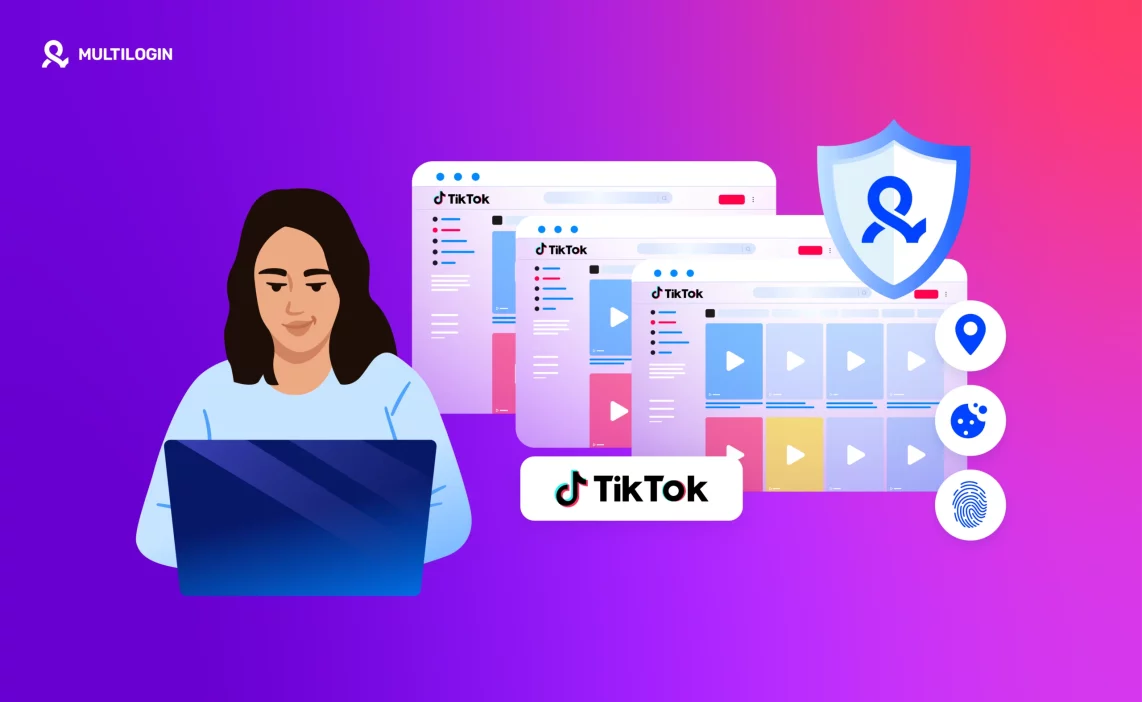

How to create a second TikTok account?
Here’s a cleaner way to set up a second profile:- Start from a separate environment. Keeping each account in its own device environment makes account management easier as your setup grows.
- Use separate login details for the new account. Use a different email or phone number where the platform requires it.
- Avoid relying on one device for every account. TikTok is a mobile-first platform, so giving each account its own Android environment is more practical for larger workflows.
- Create the account inside its own environment. A dedicated cloud Android phone keeps app data, location, IP, and account history separate from your other accounts.
How to manage multiple TikTok accounts?
You have three options. Each comes with a different level of control, convenience, and scalability.Run multiple TikTok accounts with Multilogin cloud phones
Multilogin is a cloud Android phone platform for multi-account management. Each TikTok account can run on its own real Android device in the cloud, with its own app data, location, IP, and persistent account history. Browser profiles are also included for web-based account work, so mobile and browser workflows can be managed from the same platform. You also get something most tools don’t offer:An all-in-one multi-accounting setup with built-in proxies
Multilogin combines real Android cloud phones, browser profiles, built-in residential proxies, and mobile minutes in one platform. Users no longer need to rely on multiple providers for their mobile and browser workflows. Everything can be managed from one dashboard, with one account environment per TikTok profile. This is the part that makes the difference. You don’t need a separate cloud phone provider, a separate browser-profile tool, and another proxy dashboard just to manage the same workflow. Your mobile devices, browser profiles, proxies, and usage are managed together in one place. Why Multilogin fits TikTok users so well:- Real Android cloud phones — one cloud phone per TikTok account, with persistent app data and account history.
- Built-in premium residential proxy traffic, included in every plan.
- Browser profiles included for web-based TikTok workflows and other browser accounts.
- Beginner-friendly interface that keeps mobile and browser accounts in one workspace.
- No physical phone farm required — access Android devices remotely from your desktop.
- Scales from small workflows to 10,000+ profiles as your operation grows.
- Persistent mobile environments that keep app data and login history between sessions.
- Cloud or local profile storage depending on your workflow.
- Team access and profile sharing for agencies and teams managing client accounts.
- Full automation support: Selenium, Postman, Playwright, Puppeteer, CLI.
- 24/7 support in five languages for help when you need it.
Separate accounts on separate phones
This works, but it’s expensive and inconvenient.
You need:
- A separate phone
- A separate SIM or verification method when required
- A separate IP
- A separate device environment
This gives every account its own mobile environment, but managing a growing collection of physical phones quickly becomes expensive and difficult. Charging devices, maintaining SIMs, keeping track of logins, and handing phones between team members does not scale well.
Multiple accounts on the same device
Technically possible, but harder to keep organized as the number of accounts grows.
Accounts on the same phone share the same physical device and parts of the same operating environment. For a creator with a few accounts, the built-in account switcher may be enough. For agencies and teams, it becomes more difficult to keep client accounts, app data, locations, and account histories separate.
If you choose this route:
- Use separate login details for each account
- Keep clear records of which account belongs to which client or project
- Avoid unnecessary account switching
- Keep account workflows consistent
- Use dedicated environments when the workflow becomes too large for one device
For business use or larger multi-account operations, one dedicated environment per account is usually easier to manage over time.
What TikTok tracks when you create a second account
TikTok doesn’t just look at your username and password. Like other mobile platforms, it can use information about the device, app, network, and account activity to understand how a session is being used.
That can include device information, your IP address, app data, location information, login history, and other signals generated by the mobile environment. This is one reason why keeping many business or client accounts on the same physical device can become difficult to manage.
A dedicated mobile environment gives each account its own app state, device environment, location, and history instead of having every account depend on the same phone.
Common mistakes when managing multiple TikTok accounts
Most multi-account problems come from inconsistent setup and poor account organization rather than the number of accounts alone.
Common mistakes include managing too many accounts on one device, mixing client logins, reusing credentials, constantly changing locations, switching rapidly between accounts, or losing track of which environment belongs to which account.
These problems become harder to control as the operation grows. A setup that works for two personal accounts may become difficult to maintain when you are responsible for dozens of client, brand, or regional accounts.
The practical solution is to give each important account a consistent environment and keep its app data, login history, IP, and workflow organized over time.
How to keep TikTok accounts separated
The simplest approach is to give each account its own environment instead of running every account from the same phone.
With Multilogin cloud phones, each TikTok account can run on its own real Android device in the cloud. Each cloud phone keeps its own app data, location, IP, and login history between sessions, so you can return to the same account environment without rebuilding the setup every time.
For teams, this also makes account management easier. Profiles can be organized and handed between team members from one dashboard instead of sharing physical devices or mixing multiple client accounts on the same phone.
The goal is consistency: one account, one cloud phone, one persistent environment.
How to recover after a TikTok ban before creating a new account
If an account is suspended or restricted, start by reviewing TikTok’s notice and using the platform’s official appeal or recovery process where available. Creating another account does not automatically resolve the underlying issue.
If you later create or manage another account, keep it in its own environment with separate login details and a consistent device setup. Multilogin cloud phones can give each account a dedicated Android environment, but they do not bypass TikTok policies or guarantee that an account will not be restricted.
It’s also worth reviewing the content, activity, and platform rules that affected the original account. Device infrastructure can keep workflows organized, but it cannot fix policy violations or repeated content patterns.
What you need before creating your second TikTok account
Before you open a new profile, prepare the account details and environment you plan to use. You may need a new email or phone number depending on TikTok’s verification requirements. You should also decide whether the account will stay on a physical phone or have its own cloud Android phone.
With Multilogin, you can create one cloud phone per TikTok account. Each account gets its own real Android device in the cloud with separate app data, location, IP, and persistent history, while all of the profiles can be managed from one dashboard.
For one or two personal accounts, TikTok’s built-in account switching may be enough. For agencies, e-commerce teams, and operators managing many accounts, dedicated cloud phones make the workflow easier to organize and scale.
Make the Most of TikTok Web Version
Learning how to create a second TikTok account is really about building a setup you can manage consistently over time. For a small personal setup, TikTok’s built-in account switching may be enough. For larger workflows, keeping each account in its own dedicated environment makes it easier to separate app data, login history, location, and day-to-day management.
If you run a business, agency, or e-commerce operation, Multilogin cloud phones give each TikTok account its own real Android device in the cloud. Each cloud phone keeps its own app data, IP, location, and persistent account history, while all profiles can be managed from one dashboard.
The goal is simple: one account, one environment, and a workflow that stays organized as you scale. Multilogin also includes browser profiles for web-based account work, built-in proxies, and mobile minutes in the same platform.
Start using Multilogin for free today. The permanent Free plan has no time limit and no credit card requirement, and includes 5 cloud phone and browser profiles, 200 MB of proxy traffic, and 30 minutes of cloud phone usage.
FAQs
Yes, but it’s risky. TikTok can link both accounts through the same device ID, IP address, and cookies. If one account gets flagged, the second one often gets affected too. If you want a safe setup, separate the device identity or use isolated profiles.
Yes — unless you create it inside a clean environment with a new fingerprint, new IP, and no shared cookies. If anything overlaps, TikTok treats your second account as an extension of the first one.
Because TikTok recognized something from your old account. Most of the time it’s the device ID, reused email, shared IP, or leftover cookies. Even a small overlap is enough to trigger early restrictions.
Switching quickly on the same device is the biggest red flag. If you need to manage more than one account, separate the fingerprints, cookies, and IPs — or use isolated browser profiles so TikTok sees each login as a different user.
Don’t create a new account on the same device. TikTok still sees the old fingerprint. Start fresh: new email, new IP, new environment. Warm up the new account slowly so TikTok doesn’t connect it to your banned identity.
Use isolated environments. The safest option is a tool that gives each profile its own fingerprint, cookies, and IP, so nothing overlaps. This prevents TikTok from linking your accounts or carrying bans from one profile to another.