





Imagine this: you are a competitive intelligence analyst, a web scraper, or a QA tester, and you need to access a crucial Drupal-powered website. You send a few too many requests, and suddenly, you are hit with the dreaded 403 Forbidden error. Your IP address is blocked. It is not a personal attack; it is just a security system doing its job, but it has completely derailed your work.
Drupal is one of the most secure and robust Content Management Systems available, and its security features are designed to be aggressive. This aggression, while great for site owners, is a major headache for professionals who need to access public data at scale. They get caught in the net.
In this guide, we will break down exactly how Drupal ban ip systems work, explain why your IP is being flagged, and introduce the only reliable solution for undetectable access: the antidetect browser (Multilogin).
How Drupal Ban IP Systems Work (And Why They Block You)
Drupal sites employ a multi-layered defense strategy, and your IP address is often the first line of defense to fall.
The Core Ban Module and Manual Blocking
At its simplest, Drupal has a core Ban module, available since Drupal 8, that allows administrators to manually ban ip addresses or entire ranges. This is often used after a security review identifies a known bad actor or a persistent threat. If your IP is on a shared list of known bad proxies or has been flagged elsewhere, you might be manually blocked.
Automatic IP Ban and Rate Limiting
The real challenge for professionals comes from automated systems. Drupal sites frequently use contributed modules like Autoban or integrate with external Web Application Firewalls (WAFs) to automatically ban ip addresses.
- Failed Logins: Too many failed login attempts from a single IP will trigger an automatic IP ban.
- Rate Limiting: This is the most common killer for web scraping and competitive intelligence. If you send too many requests in a short period, the system assumes you are a bot and blocks your IP.
The Digital Fingerprint Trap: Beyond the IP
The problem does not end with your IP address. Modern Drupal security is smart. Even if you change your IP using a basic VPN or proxy, the site can still detect you via your browser’s unique digital fingerprint.
Your browser leaks hundreds of unique data points—your operating system, screen resolution, installed fonts, WebGL rendering, and more. If you log in with a new IP but the same fingerprint, the system knows it is the same person trying to bypass the ban. This leads to a permanent block, often called a chain ban.
The Professional Pain Point: When Legitimate Work Triggers a Drupal Ban IP
For competitive intelligence analysts, market researchers, and web scraping professionals, getting blocked is not a nuisance; it is a business interruption.
Competitive Intelligence and Web Scraping
Professionals need to access public data on competitor sites or industry portals built on Drupal. This requires high-volume, repetitive access. The need for multiaccount management (or multi-IP access) is essential, but the high volume of requests triggers the drupal automatic ip ban. Your work is legitimate, but the server sees you as a threat.
The Cost of Downtime
Every hour your IP is blocked is an hour of lost data, delayed reports, and missed opportunities. Relying on simple proxies or VPNs is a temporary fix that often leads to a more severe, permanent ban because they fail to address the underlying digital fingerprint issue.
Learn more about how to get around an IP ban and why professional solutions matter.
Multilogin: The Only Solution for Undetectable Access
Multilogin is the essential infrastructure that allows professionals to bypass the drupal ban ip system safely and ethically. It is the bridge between your legitimate need for data and the site’s aggressive security.
Bypassing the IP Ban with Unique Proxies
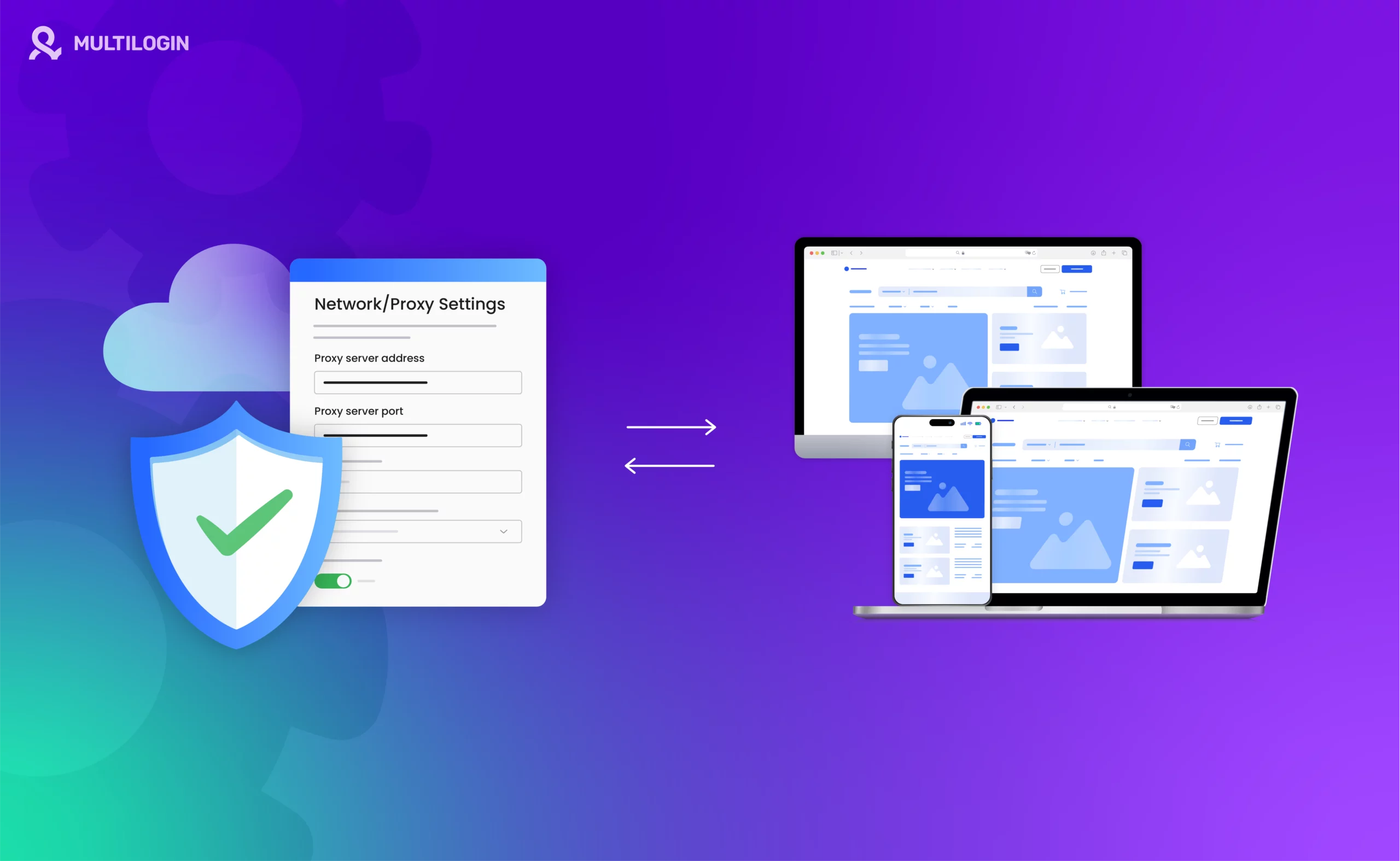
Multilogin integrates seamlessly with high-quality residential proxies, ensuring every request comes from a clean, unique IP address. This solves the initial drupal automatic ip ban problem caused by rate limiting. You can manage hundreds of different IP addresses, rotating them as needed, all from one central dashboard.
Defeating the Digital Fingerprint
This is where Multilogin truly shines and separates itself from simple proxy browsers. Multilogin spoofs the entire browser fingerprint.
For every account or task, Multilogin creates a separate, isolated browser profile with a unique, randomized digital fingerprint. This means that 100 requests from your computer look like they are coming from 100 different, legitimate users on 100 different machines. This defeats the advanced bot detection measures that block users even after they change their IP.
Safe Multiaccount Management for Web Scraping
Multilogin allows web scraping professionals to manage hundreds of unique digital identities, ensuring their data collection efforts are undetectable and sustainable. You can run multiple scraping sessions simultaneously, each in its own isolated environment, without the risk of a chain ban.
Whether you’re conducting Amazon web scraping, Google scraping, or LinkedIn data collection, Multilogin provides the infrastructure you need.
👉 Don’t risk bans: Try Multilogin and keep your accounts undetected.
Frequently Asked Questions About Drupal Ban IP
Administrators can use the core Ban module or contributed modules like Autoban to manually or automatically ban ip addresses.
This is typically done by a site administrator, either by disabling the Ban module or adjusting the rate-limiting settings of the Autoban module.
Your IP was likely blocked due to excessive requests (rate limiting) or a failed login attempt, triggering a drupal automatic ip ban.
Yes, Drupal’s security can still detect you via your browser’s unique digital fingerprint. You need an antidetect browser to change both the IP and the fingerprint through fingerprint masking.
Learn how to browse websites anonymously while maintaining functionality for business purposes.
Check out our guides on best web scraping tools and how to automate web scraping for comprehensive solutions.
Conclusion: The Professional's Way to Navigate Drupal Security
The drupal ban ip system is a powerful defense mechanism. For professionals, the solution is not to fight the system but to appear as a legitimate, non-threatening user.
Multilogin is the essential tool for undetectable web scraping and competitive intelligence, ensuring your access is never compromised by a drupal automatic ip ban.
Stop getting caught in the security net. Secure your access.
Start your 3-day trial for €1.99 and master multiaccount management today.


