





The Twitch Affiliate Program is the first monetisation milestone every streamer works toward. Once you qualify, you can turn your stream time into subscription revenue, Bits income, game sales commissions, and ad revenue. For most streamers, this is where consistent, recurring income begins.
But there is a scaling strategy that experienced streamers in 2026 use that most beginners overlook entirely: running more than one Twitch affiliate account. Each qualifying channel is an independent income stream with its own subscriber base, its own ad inventory, and its own monetisation potential. Done correctly, two channels can compound income significantly faster than a single channel scaled to the same total reach.
This guide covers the full Affiliate Program — requirements, payout breakdown, tips for qualifying faster — and everything you need to know about running multiple Twitch accounts safely.
What is the Twitch Affiliate Program?
The Twitch Affiliate Program is the entry-level monetisation tier on the platform. It sits below Partner status (which requires a much larger consistent audience) and provides access to the core tools streamers need to earn from their content: subscriptions, Bits, game sales commissions, and ad revenue.
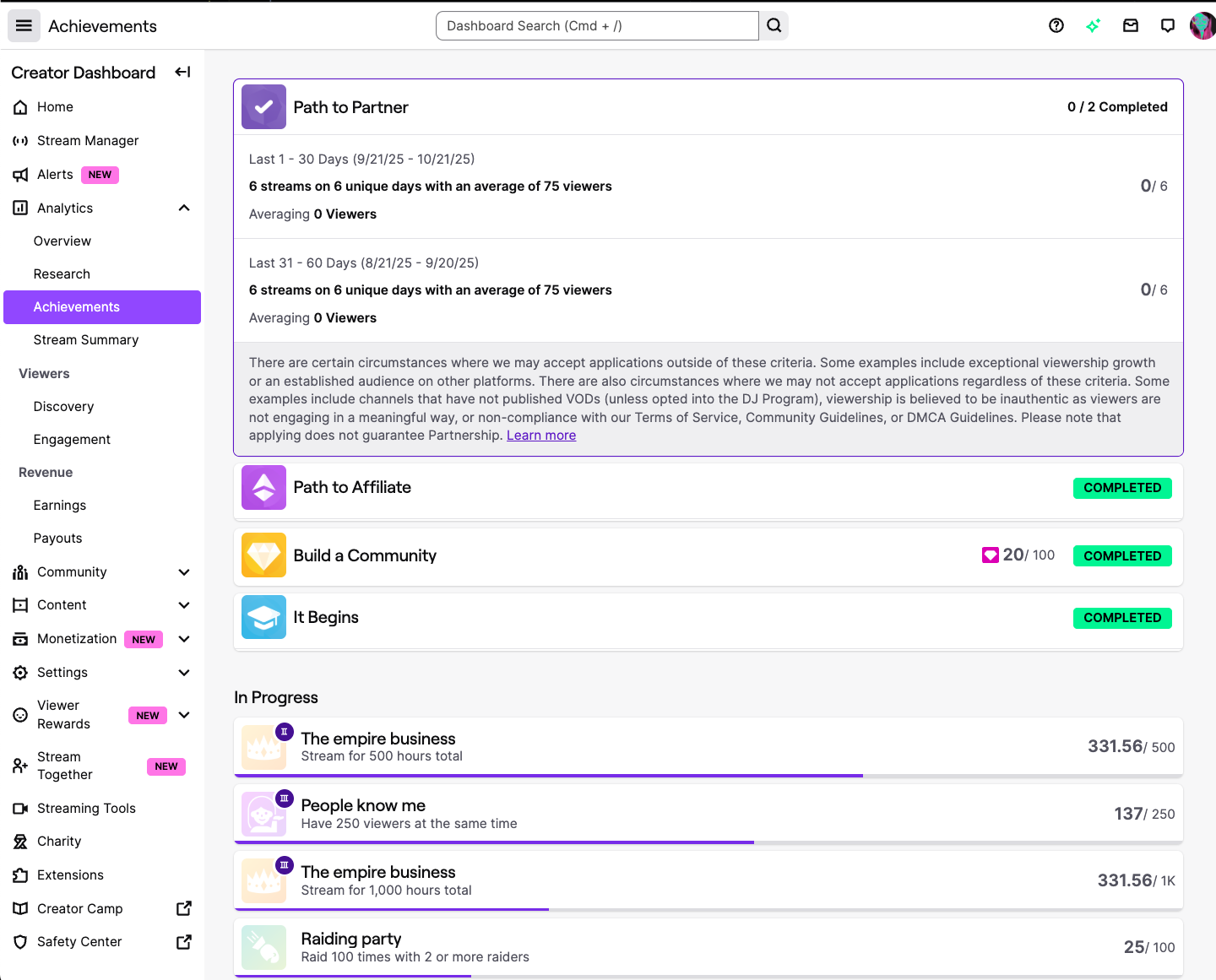
Becoming an Affiliate does not require an application in the traditional sense. Twitch monitors your channel automatically and sends an invitation via email when your metrics meet the requirements. You do not apply and wait — you reach the thresholds and receive the offer.
Twitch Affiliate requirements in 2026
To receive an Affiliate invitation, you need to meet all four of the following benchmarks within any 30-day period:
- 500 total minutes broadcast — around 8.5 hours across all streams in the month
- 7 unique broadcast days — you need to have streamed on at least 7 different calendar days
- Average of 3 or more concurrent viewers — this is a rolling average, not a peak. Three simultaneous viewers watching consistently is harder than it sounds for accounts starting from zero
- At least 50 followers — the easiest threshold to reach, usually achieved before the viewership requirements
The concurrent viewer average is where most new streamers struggle. 50 followers can come from social media promotion and friend support in a few days. Maintaining an average of 3 concurrent viewers requires building a consistent live audience — people who show up when you go live, not just people who followed you once. This typically takes 1 to 3 months of consistent streaming with a clear content identity.
How Twitch Affiliate income works: complete breakdown
Subscriptions — the most reliable revenue
Tier 1: $4.99/month | Tier 2: $9.99/month | Tier 3: $24.99/month. Affiliates receive 50% of subscription revenue. Twitch takes the other 50%. Partners can negotiate higher revenue splits — often 70/30 — but Affiliates are fixed at the standard 50/50 split until they reach Partner status.
Prime Gaming subscriptions (via Amazon Prime) also count toward your subscriber total and pay at the same rate as Tier 1 subs. Many viewers use Prime subscriptions because they cost nothing extra — it is worth prominently reminding your audience that their Prime sub is available.
Bits — variable but significant
$0.01 per Bit. Viewers purchase Bits from Twitch (at a slight markup) and cheer with them during streams. 1,000 Bits = $10 earned. Bits income is directly correlated with stream interactivity — the more you engage with viewers who cheer, the more likely they are to do it again.
Game and in-app purchase commissions
5% commission on game purchases and in-app items bought through a panel on your channel page. The product must be available in Twitch’s game inventory. For most Affiliates, this is a small additional revenue stream rather than a primary income source.
Ad revenue
Affiliates can run mid-roll ads during streams. Revenue depends on CPM rates, which vary by time of year, content category, and audience demographics. Ad income is typically the smallest Affiliate revenue stream but becomes meaningful at scale — particularly for channels that maintain consistent viewership above 100 concurrent viewers.
How to reach Affiliate status faster
Several factors consistently speed up the path to Affiliate status:
- Streaming on a consistent schedule — viewers need to know when to find you. Irregular streaming times mean you are starting from zero viewers every stream
- Choosing a niche with a manageable discovery environment — hyper-competitive games make discoverability difficult. Smaller category games with active communities on Twitch allow new channels to appear in category browsing without being buried
- Cross-promoting streams on other platforms — announce when you are going live on Twitter/X, Instagram Stories, or a Discord server. Even a small external audience drives initial concurrent viewership above the 3-viewer average
- Engaging actively with your viewers — conversation during streams retains the viewers who show up. A stream where the host interacts directly with chat retains viewers longer than a silent gameplay stream
Why experienced streamers run multiple Twitch accounts
Here is the core logic: each Twitch Affiliate channel is a separate monetisation unit. Two channels with 30 subscribers each generate twice the subscription revenue of one channel. Two channels running ads simultaneously produce twice the ad inventory. Two channels give you two Bits communities and two game sales commission channels.
Beyond the pure revenue math, there are strong strategic reasons for multiple accounts:
- Separating content categories — a Minecraft channel and a competitive FPS channel serve different audiences. Mixing them on one channel confuses algorithm-driven discovery and dilutes community identity
- Testing new content formats without risk — a secondary account can experiment with streaming times, games, or presentation styles without affecting the primary channel’s established audience
- Client channel management — agencies and freelance stream managers often run Twitch channels on behalf of clients, each requiring its own account
- Backup channel protection — a second fully set up Affiliate channel means you retain monetised streaming capability if the primary account is ever suspended or restricted
How to run multiple Twitch accounts safely
Twitch’s terms of service permit owning multiple accounts. What Twitch explicitly prohibits is using multiple accounts to ban-evade, manipulate viewership metrics, or coordinate inauthentic engagement. The detection risk is account linkage — Twitch tracks IP addresses, device identifiers, and browser fingerprints. Two accounts accessed from the same device get linked in Twitch’s system.
Once linked, a policy violation on one account can result in Twitch acting on all linked accounts simultaneously. This is the cascade ban scenario: you lose a test account for a minor violation and your primary channel — with months of built audience and Affiliate status — goes down at the same time.
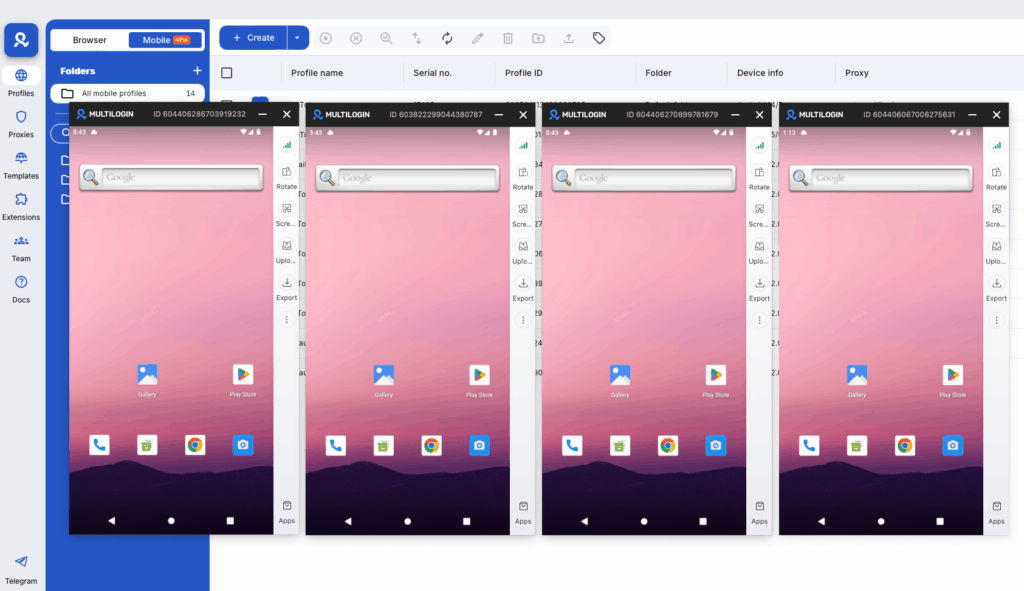
Multilogin Cloud Phones prevent this by giving each Twitch account its own virtual Android device with a completely independent device fingerprint, dedicated IP, and separate session history. From Twitch’s systems, each cloud phone looks like a different user on a different device in a different location. If one account faces a policy issue, the others remain completely unaffected.
cloud phones for social media management | create multiple Twitch accounts | can you make $1,000 a month on Twitch
Getting started with Multilogin
3-day trial: $2 — 5 profiles, cloud mobile + browser profiles, API access.
Pro plans: from $7.08/month (billed annually at $85/year) or $11/month. Includes 10–100 profiles depending on tier, quick cloning, bulk operations, automation-friendly API (RPM 50–100), and premium proxy add-on. Bonus minutes included: 60 min (Pro 10) up to 150 min (Pro 100). Bonus proxy traffic: 1–5 GB.
Business plan: from $57.08/month (billed annually at $685/year) or $89/month — 300+ profiles, unlimited team seats, advanced team management, 450+ bonus minutes, 10 GB proxy traffic.
Cloud phone minutes: $0.011/minute pay-as-you-go. Unused minutes roll over. Bulk packages:
- 2,000 min: $18 (was $21, save 20%)
- 5,000 min: $43 (was $53, save 20%)
- 10,000 min: $85 (was $105, save 20%)
- 50,000 min: $380 (was $525, save 20%)
- 100,000 min: $825 (was $1,055, save 30%)
- 1,000,000 min: $7,320 (was $10,530, save 30%)
Proxy traffic: $3.50/GB. Unused traffic rolls over.
Running Twitch channels for multiple clients or across different gaming niches? Multilogin Cloud Phones keep each account completely isolated. Plans from $7.08/month. 3-day trial at $2 — multilogin.com.


