Run TikTok ad accounts safely

Manage TikTok ad accounts and agency setups using Multilogin cloud phones. Access TikTok Ads from trusted mobile environments and operate multiple ad accounts without physical devices or risky setups.

TikTok Ads Manager on Android cloud phones for managing TikTok ads accounts
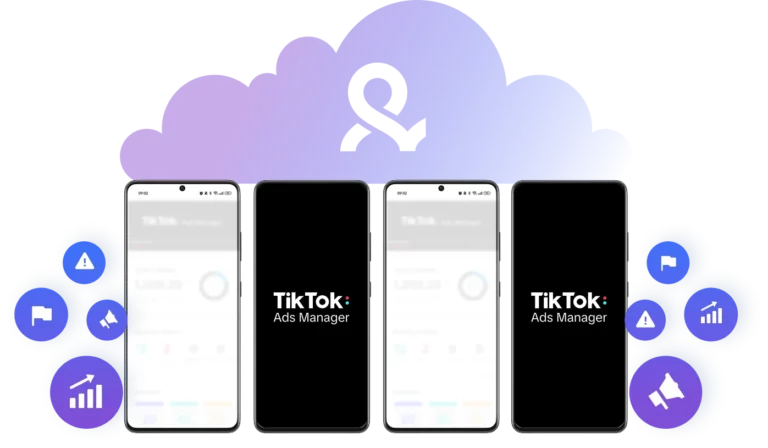
TikTok Ads Manager running on multiple Android cloud phones with Multilogin dashboard in background

Manage TikTok ads agency accounts in one workspace

Keep TikTok Ads sessions persistent across multiple accounts and switch between them without re-logging in. Organize ad accounts by client or campaign using folders, tags, and notes.

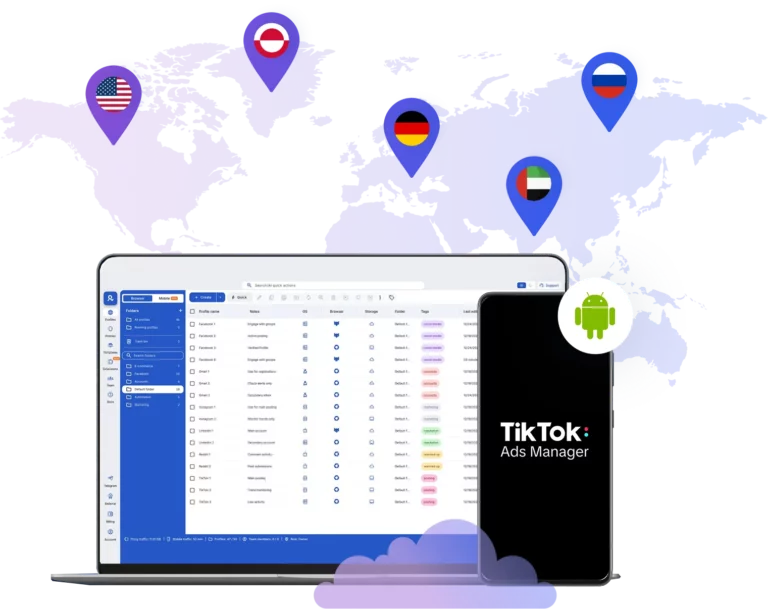
Manage TikTok ads accounts worldwide using Android cloud phones with Multilogin dashboard

Target TikTok ads accounts for any location

Run TikTok Ads from 150+ countries and 1,400+ cities using cloud phones with built-in residential and mobile IPs. Match location and timezone to your target market without using physical SIM cards.

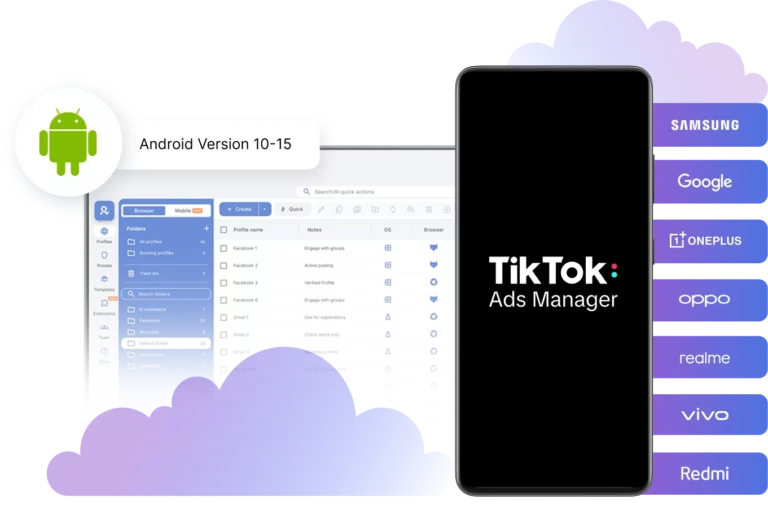
TikTok Ads Manager on Android cloud phones with real device brands and Android 10–15 support

One cloud phone per TikTok ads account

Assign a dedicated cloud phone to each TikTok Ads account or Business Center. Choose from 12+ real Android brands and models and avoid account linking.

Multiple TikTok Ads Manager sessions running on cloud phones with account performance and warning indicators

Maintain stable spend limits on TikTok Ads

Build advertiser trust by operating from consistent mobile environments. Stable devices and locations help reduce sudden spend caps, repeated reviews, and high-risk flags over time.

Collaborate on TikTok Ads accounts using cloud phones with team access and role management in Multilogin

Scale TikTok Ads teams and agency operations

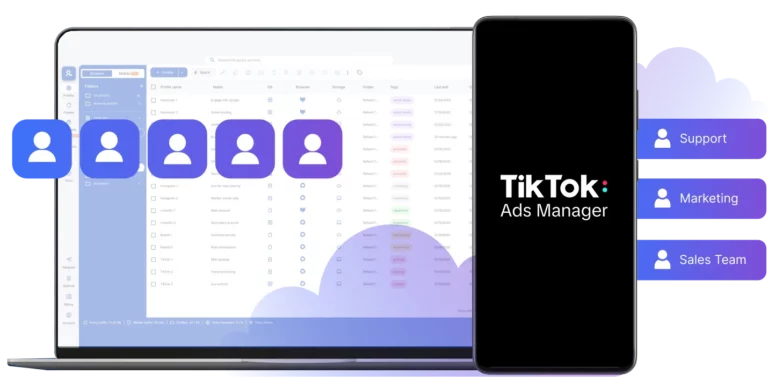
Collaborate on TikTok Ads accounts without sharing devices or login credentials. Control access by role, onboard team members securely, and manage multiple clients from one workspace.

Looking for all-in-one antidetect browser with built-in proxies?

Multilogin comes with built-in residential proxies to make multi-accounting, web scraping and web automation easier than ever. No extra setup, no third-party services—just undetectable browsing at no additional cost.
  • 3-day access to Multilogin

  • 5 cloud or local profiles

  • 200 MB proxy traffic included

  • 3-day access to Multilogin

  • 5 cloud or local profiles

  • 200 MB proxy traffic included

What is a cloud phone?

A cloud phone is a real Android device hosted in the cloud. Each cloud phone runs as an independent device, with its own operating system, hardware parameters, storage, and network signals. It also allows you to install and run mobile apps just like on any physical Android device.

Multiple cloud phone devices running in parallel for mobile account management

Why choose cloud phones in Multilogin?

Multilogin is a beginner-friendly platform with cloud Android phones, built specifically for social media marketing. Each cloud phone is unique, automatically generates a phone number, and connects to built-in proxies.

With Multilogin, you can manage your social media accounts without any other tools or physical devices.

Cloud phone management platform with multiple cloud phone devices controlled from one interface

Multilogin features for Cloud Phone management

Multilogin 2-in-1

Anti-detect browser profiles and cloud phones in one ecosystem. One app, one dashboard, full control.

Built-in proxy integration

Residential IPs are included by default. 150+ countries and 1,400+ cities with daily quality testing.

Up-to-date Android versions

Stable Android versions 10–15, fully compatible with modern mobile apps.

Real brands and devices

Support for 12 real Android device brands with unique IMEI and system-level digital fingerprints.

App repository

Install TikTok, Instagram, Reddit, and other popular apps without Google Play. APK uploads are also supported.

Folders, tags and access control

Organize profiles using folders, tags, and role-based access. Manage team workflows with ease.

Enterprise-grade security

Profile encryption, 2FA, access control, and compliance-ready security for safe operations.

Launch TikTok Ads cloud phones in one click

Start cloud phones and install any apps without physical devices.

Multilogin competitive advantages

Fast and intuitive interface

Everything at your fingertips: drag-and-drop, hotkeys, and smooth multitasking without losing speed.

Browser built for multi-accounting

Advanced engine effectively avoids multi-account detection by creating unique browser fingerprints.

Created for team collaboration

Proxies included in every plan

24/7 support in 5 languages

Manage accounts across all major platforms

How to start using Multilogin cloud phone

Create and manage real mobile environments in the cloud to access TikTok Ads from trusted devices

Step 1 of how to use Multilogin

Sign up

Register using a verified email address. 

Step 2 of how to use Multilogin

Choose your plan

Select from various subscription plans tailored to your business needs.

Step 3 of how to use Multilogin

Download Multilogin X app

Install the Multilogin desktop app to manage mobile sessions securely.

Step 4 of how to use Multilogin

Access the Multilogin dashboard

Launch cloud phone, assign proxies, configure fingerprints, and manage mobile environments from one place.

Step 5 of how to use Multilogin

Manage multiple TikTok ads

Run and control multiple cloud phone profiles for TikTok ads accounts and Business Centers.

Most awarded antidetect browser

Kinza awards for Multilogin.
Conversion club badge for Multilogin.
Mask group badge for Multilogin
Startup 2019 awards badge for Multilogin
badge for Multilogin
Best Value Software 2022 badge for Multilogin
Best support
Momentum leader
High Performer
High Performer Small Business
SourceForge top performer 2023 badge
GetApp user reviews badge

Watch the Multilogin Demo

See how Multilogin cloud phones help you manage TikTok ads accounts from trusted mobile environments. Get a demo video showing reals workflows for agencies and advertisers. Enter your details below and receive the demo instantly.

Name
Last Name
Email *
Image of locked video for Multilogin demo preview

TikTok Ads accounts and why mobile environment matters

TikTok Ads is built on top of the TikTok mobile ecosystem. Unlike many traditional advertising platforms, TikTok was designed as a mobile-first product from day one. Because of this, TikTok Ads evaluates not only ad creatives, but also the environment advertisers use to access and manage their TikTok ad accounts.

When advertisers log in to TikTok Ads, the platform analyzes device signals, location consistency, app usage, and long-term behavior. Accounts that rely only on desktop browsers often trigger additional checks, reviews, or spending limits. This is one of the main reasons TikTok ad accounts get restricted even when campaigns follow platform rules.

How TikTok Ads accounts differ from regular TikTok accounts

A TikTok account used for posting content and a TikTok Ads account serve very different purposes. Regular TikTok accounts are evaluated based on engagement, content quality, and community behavior. TikTok Ads accounts, on the other hand, are treated as business entities.

TikTok Ads are connected to Business Centers, payment methods, domains, and advertising history. Because money is involved, TikTok applies stricter controls. Frequent device changes or shared environments across multiple TikTok accounts can quickly lead to limitations.

Common problems advertisers face with these accounts

Many advertisers experience similar issues when managing TikTok Ads accounts at scale. These problems often appear even before campaigns start running.

Common challenges include:

  • Account banned shortly after creation
  • Ads stuck in “Under Review” for long periods
  • Low or capped daily spend limits
  • Business Center verification failures
  • Accounts flagged as high-risk advertisers

In many cases, these issues are not caused by ads themselves, but by inconsistent or low-trust device environments.

Why TikTok Ads agencies manage multiple accounts

Agencies and performance teams often operate multiple TikTok accounts at the same time. This allows them to:

  1. Separate clients and brands
  2. Isolate campaigns by region or product
  3. Reduce risk exposure if one account is limited
  4. Test offers independently

Managing agency accounts at scale requires strict separation between environments. When multiple ad accounts are accessed from the same device or browser setup, TikTok can link them together. This increases the risk of cascading bans across accounts.

What cloud phones are and how they work for TikTok Ads

Cloud phones are real Android devices hosted in the cloud. Unlike emulators, cloud phones run full mobile operating systems and maintain persistent device identities over time.

For TikTok Ads, cloud phones provide:

By using cloud phones, advertisers can access TikTok Ads from environments that closely match real user behavior, which helps reduce unnecessary reviews and restrictions.

Using cloud phones to manage TikTok Ads accounts safely

When each account is paired with its own cloud phone, advertisers can keep environments fully separated. This means:

  • One device per ad account or Business Center
  • No shared app data or device identifiers
  • Consistent login history over time

This setup is especially useful for agencies and affiliates who manage multiple TikTok accounts daily. It helps maintain account stability while allowing teams to scale operations without constantly replacing devices.

Combining cloud phones with browser-based workflows

TikTok Ads relies heavily on mobile trust, but many advertisers still need desktop access for reporting, creative uploads, and analytics. Multilogin combines cloud phones and antidetect browser for browser-based workflows in one platform to support both needs.

Cloud phones act as the primary trusted mobile environment, while isolated browser profiles are used for day-to-day operational tasks. This hybrid setup helps advertisers maintain strong mobile trust signals while working efficiently on desktop without increasing account risk.

Final note

Platforms continue to evolve, but one trend remains consistent: environment quality matters. Advertisers who understand how TikTok evaluates devices and behavior are better prepared to build stable, long-term advertising operations. Using mobile-first environments such as cloud phones helps align with how TikTok Ads is designed to work, especially when managing multiple ad accounts or agency setups.

FAQ

A TikTok Ads account is a business account used to run paid advertising campaigns on TikTok. It is connected to billing information, Business Centers, and ad data, and is evaluated more strictly than regular TikTok user accounts.

TikTok Ads accounts are often limited due to environment-related risk signals, such as frequent device changes, shared environments across accounts, or unusual login behavior. These issues can occur even when ads follow platform policies.

Cloud phones are real Android devices hosted in the cloud. They allow advertisers to access TikTok Ads from stable mobile environments with consistent device identities, which helps reduce unnecessary reviews and restrictions.

Yes. Many advertisers use one cloud phone per TikTok Ads account or Business Center to keep environments separated. This helps avoid account linking and supports safer scaling for agencies and performance teams.

In most cases, yes. While cloud phones provide mobile trust, advertisers often use browser-based tools for reporting, analytics, and creative management. Multilogin allows these workflows to work together safely.

Multilogin works as a 2-in-1 platform. Cloud phones are used as trusted mobile environments, while isolated browser profiles are used for desktop tasks. Both are managed in one workspace to reduce risk and improve efficiency.

Yes. Cloud phones are useful for beginners who want to avoid common setup mistakes, such as frequent device changes or shared environments. They also help new advertisers understand how TikTok Ads evaluates trust and consistency.

Thank you! We’ve received your request.
Please check your email for the results.
We’re checking this platform.
Please fill your email to see the result.

Multilogin works with amazon.com