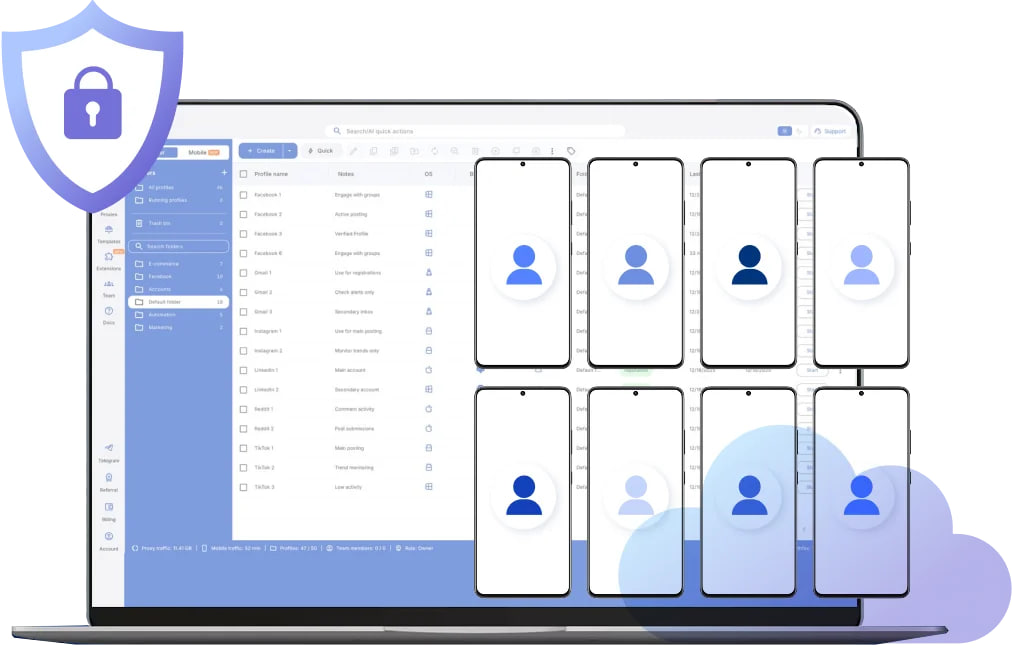
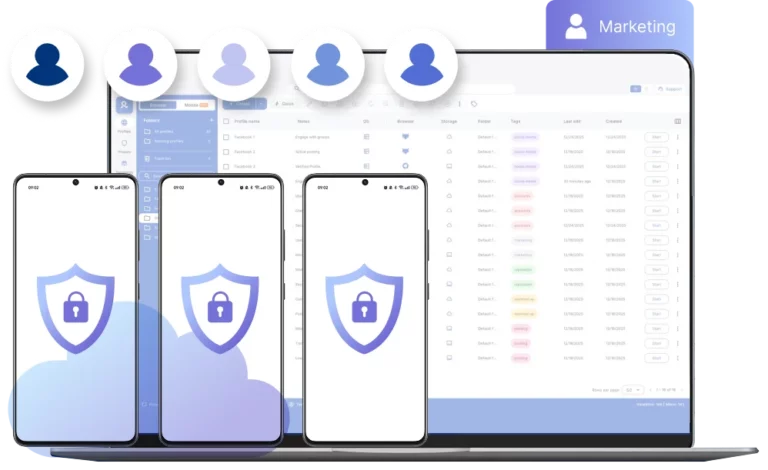
Antidetect phone for secure mobile operations
Launch fully isolated antidetect phones with independent mobile fingerprints and consistent system parameters.
Run native apps, maintain persistent device identity, and scale mobile operations.
Control antidetect phones from one secure dashboard
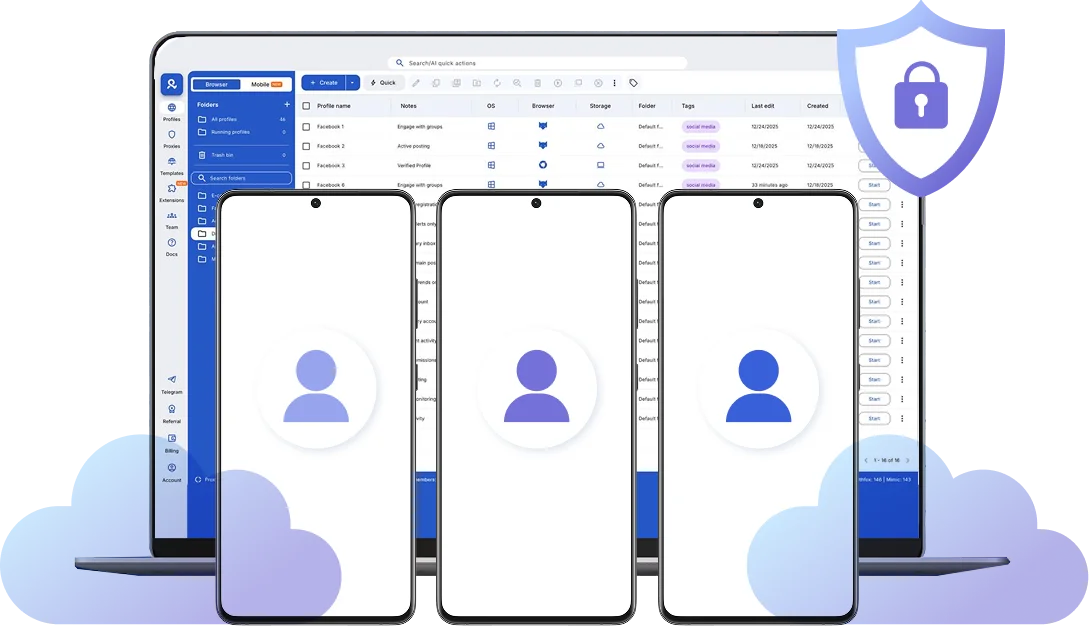
Launch and control unlimited antidetect phones from a single interface.
Maintain isolated Android identities, consistent mobile fingerprints, and persistent sessions.
Scale securely without hardware limits or emulator risk.
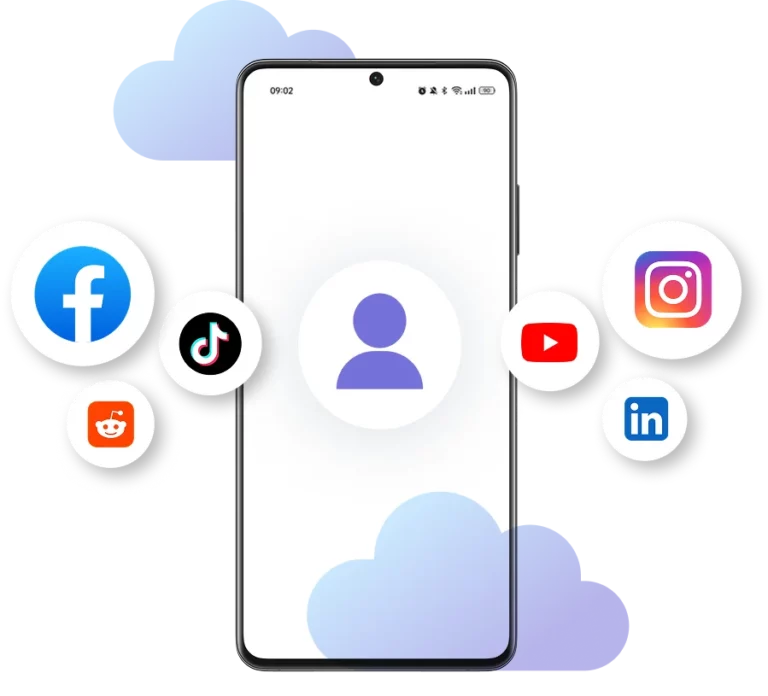
Run native apps inside each antidetect phone
Install social media apps, ad tools, marketplaces directly inside every antidetect phone. No browser wrappers, no WebView limitations.
Access a built-in app repository to install and manage native Android apps directly.
Use integrated proxies inside every device
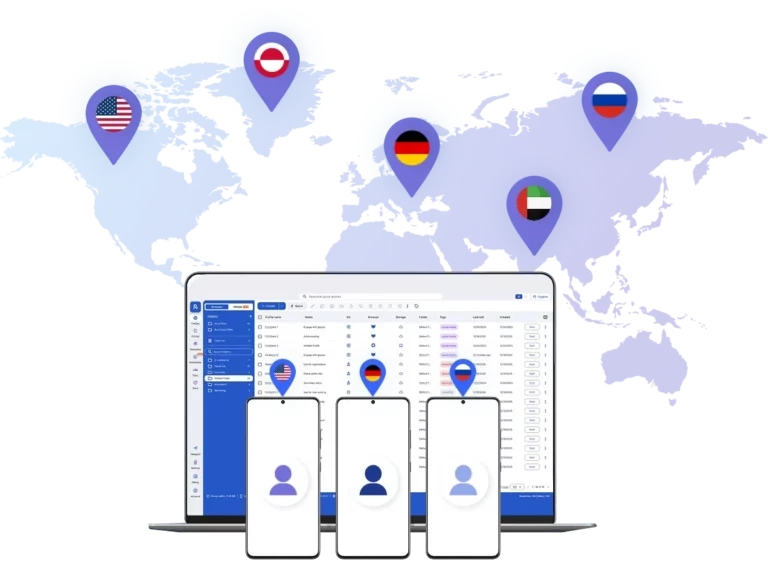
Connect each antidetect phone through built-in residential and mobile-grade proxies β no external setup required.
Access 30M+ IP addresses across 190+ countries and assign the right location to every device in seconds.
Ensure authentic Android environments
Each antidetect phone includes consistent Android ID, device model, build fingerprint, IMEI, MAC address, and hardware parameters.
Align system and network settings to maintain a stable mobile identity.
Enable team-ready phone management
Share antidetect phones with controlled access and clear device ownership.
Assign separate Android identities to team members and manage multiple accounts in parallel from one centralized cloud dashboard.
Manage Unlimited Mobile and & Web Accounts
-
3-day access to Multilogin
-
5 cloud or local profiles
-
200 MB proxy traffic included
-
3-day access to Multilogin
-
5 cloud or local profiles
-
200 MB proxy traffic included
What is a antidetect phone?
Each antidetect phone looks exactly like a separate physical smartphone β not an emulator or virtual environment. This means you can manage multiple accounts without the platform detecting any connection between them, eliminating the risk of mass account bans.
Why chooseΒ MultiloginΒ for cloud phone?Β
Multilogin’s cloud phone remain fully isolated at the identity level β enabling secure, scalable and more consistent operations.
Multilogin features for antidetect phone management
Multilogin 2-in-1
Anti-detect browser profiles and cloud phones in one ecosystem. One app, one dashboard, full control.
Built-in proxy integration
Residential IPs are included by default. 150+ countries and 1,400+ cities with daily quality testing.
Up-to-date Android versions
Stable Android versions 10β15, fully compatible with modern mobile apps.
Real brands and devices
Support for 7 real Android device brands with unique IMEI and system-level digital fingerprints.
App repository
Install TikTok, Instagram, Reddit, and other popular apps without Google Play. APK uploads are also supported.
Folders, tags and access control
Organize profiles using folders, tags, and role-based access. Manage team workflows with ease.
Enterprise-grade security
Profile encryption, 2FA, access control, and compliance-ready security for safe operations.
Launch an antidetect phone in 60 seconds
Deploy isolated Android environments and start operating mobile accounts immediately β without sourcing hardware or configuring emulators.
Multilogin competitive advantages
Fast and intuitive interface
Everything at your fingertips: drag-and-drop, hotkeys, and smooth multitasking without losing speed.
Browser built for multi-accounting
Advanced engine effectively avoids multi-account detection by creating unique browser fingerprints.
Created for team collaboration
Proxies included in every plan
24/7 support in 5 languages
How to start using MultiloginΒ cloud phone
Launch and manage real mobile environments in the cloud.

Sign up
Register using a verified email address.Β

Choose your plan
Select from various subscription plans tailored to your business needs.

Download Multilogin
Install the Multilogin desktop app or work from web to manage mobile sessions securely.

Access the Multilogin dashboard
Assign integrated proxies, define device parameters, and prepare isolated Android environments in minutes.

Manage multiple phone profiles
Run multiple antidetect phones in parallel with separated fingerprints and persistent sessions.
Watch the Multilogin Demo
Get a short walkthrough showing how to manage isolated Android environments built for secure mobile multi-accounting.
Enter your details below to receive the demo directly in your inbox.
How Multilogin antidetect phone protects your mobile accounts
Managing multiple accounts on shared Android environments increases exposure at the device layer. Structured isolation prevents identity overlap and enables controlled mobile scaling without hardware dependency.
Why do mobile platforms evaluate more than IP addresses?
Modern platforms analyze system integrity, behavioral patterns, and long-term device consistency. Network routing alone no longer determines trust.
Detection logic includes configuration coherence and environment credibility over time. Sustainable scaling requires structured Android isolation rather than traffic-only optimization.
Use Multilogin antidetect phones to secure your mobile workflows
Mobile accounts inside isolated Android environments designed for consistency and long-term stability. Antidetect phones allow you to structure workflows around independent device identities instead of shared hardware or emulator-based setups. This reduces exposure at the system level and supports safer scaling of mobile operations.
Run native apps without browser limitations
Mobile-only platforms require full Android execution. Web wrappers and partial environments limit functionality and expose inconsistencies.
Operate directly inside native Android app environments with independent storage layers and dedicated app sandboxes. Install and manage required applications within each isolated device instance.
Eliminate emulator artifacts from your workflow
Emulator-based systems often introduce artificial hardware layers, simulated drivers, and predictable system structures.
Full Android OS instances remove synthetic artifacts and maintain internally consistent system behavior aligned with real device execution.
Maintain long-term operational stability
Device trust develops across sessions. Abrupt configuration changes interrupt behavioral continuity and increase monitoring probability.
Stable Android environments preserve configuration integrity and session persistence between logins, supporting durable account performance.
Keep regional configuration consistent
Operational stability depends on logical alignment between Android system settings and connectivity routing.
Integrated proxy infrastructure allows regional matching without external configuration complexity. Maintain synchronized device and network environments to reduce anomaly signals.
Scale Android environments without operational friction
Physical hardware scaling introduces logistics, storage, setup time, and maintenance overhead.
Cloud-based Android deployment enables structured growth. Launch, duplicate, and assign isolated instances without managing physical phones or recycling device environments.
Controlled scaling replaces hardware complexity with centralized management while creating phone farms.
FAQ
How quickly can I deploy a new Android environment?
A new Android instance can be launched in seconds from the dashboard. There is no need to source hardware, configure physical devices, or install operating systems manually. Deployment, configuration, and proxy assignment are handled within a single interface.
Can multiple team members work inside separate environments?
Yes. Each Android environment can be assigned to a specific operator with controlled access. Teams can manage different accounts in parallel without sharing storage, sessions, or device configurations.
Do I need to root or modify the Android system?
No rooting or system patching is required. Each environment runs as a complete Android OS instance with stable system configuration, eliminating the risks associated with modified firmware or altered system files.
Can I install any mobile application?
You can install and run native Android applications directly inside each environment. Social platforms, ad managers, marketplaces, messaging apps, and financial tools operate within dedicated app sandboxes tied to that specific device instance.
What happens if one account gets restricted?
Because each environment operates independently, actions inside one Android instance do not affect others. There is no shared storage, no shared system layer, and no cross-device contamination between separate instances.