Manage multiple YouTube accounts: Free 2026 guide
Learn how to manage multiple YouTube accounts with Multilogin, without links, flags, or bans.
Why managing multiple YouTube accounts triggers detection
YouTube monitors access patterns, not just content. When multiple accounts share technical signals, the platform links them and applies restrictions.
Accounts accessed from the same IP
Repeated browser and device fingerprints
Overlapping cookies and login sessions
How this guide helps you manage multiple YouTube accounts with Multilogin
This guide shows how to manage multiple YouTube accounts with Multilogin by isolating browser profiles, IP addresses, and session data. It explains how YouTube detects linked accounts and how to structure your setup so each account looks and behaves like a separate real user.
Set up one browser profile per account
Assign a unique IP to every profile
Keep cookies and sessions fully isolated
2.7B+
Monthly active users on YouTube worldwide, making it one of the largest content platforms globally.
3M+
Creators earn income on YouTube, but most rely on running multiple channels or accounts to grow.
96%
Of creators earn under $12,000 per year, pushing many to manage multiple channels, niches, or client accounts.
What this guide explains about why YouTube accounts get flagged
YouTube doesn’t limit creators for having multiple accounts. Problems start when activity stops looking like it comes from different real users. The platform connects IP behavior, browser fingerprints, cookies, and usage patterns to detect linked channels and enforce restrictions.

Same IP too often, repeated requests from one IP look unnatural.

Uploads, logins, or edits done too quickly look automated.

Fake-looking fingerprints identical or odd browser details get flagged.

Shared cookies across sessions, one browser mixes data and links your traffic.

Low-quality or datacenter proxies, many are already blacklisted.

Outdated tools and predictable behavior.
What you'll learn
about managing multiple YouTube accounts with Multilogin
YouTube detection signals
Learn how YouTube links accounts using IP addresses, browser fingerprints, cookies, and activity timing—even when you use different emails.
Fingerprints and account identity
Understand how to separate YouTube accounts using isolated browser profiles, consistent fingerprints, and dedicated storage so channels don’t get linked.
IP usage for YouTube accounts
See how IP reputation, location matching, and IP reuse affect account safety, monetization access, and long-term channel stability.
Automation behavior patterns
Learn how uploads, logins, scheduling, and automation tools can be used safely without triggering YouTube’s automated abuse systems.
Long-term account stability
Understand what separates short-lived YouTube accounts from setups that stay active, monetized, and accessible over time.
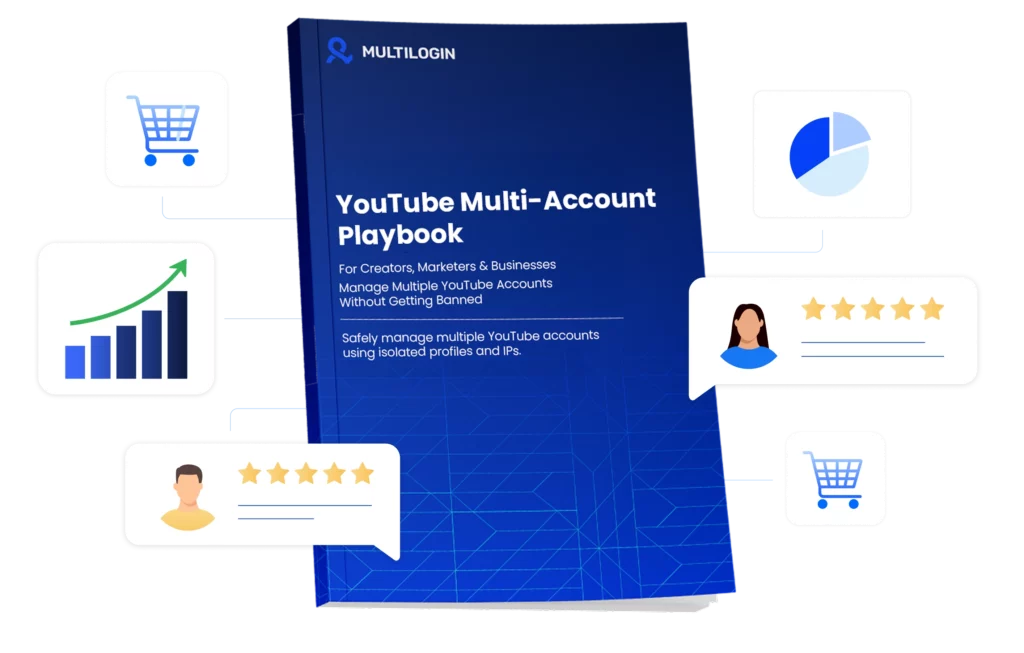
Download our latest YouTube account management guide
FAQ
Can you have multiple YouTube accounts legally?
Yes, having multiple YouTube accounts is legal as long as each account follows YouTube’s Terms of Service. YouTube does not set a hard limit on the number of accounts one person can own. Problems start when accounts appear connected through shared IPs, browser fingerprints, or behavior patterns. To avoid accidental linking, many creators and agencies manage multiple YouTube accounts with Multilogin to keep each account isolated.
Can you manage multiple YouTube channels from one Google account?
Yes, one Google account can manage multiple YouTube channels using Brand Accounts. While this is allowed, all channels still share the same device, browser, and IP signals by default. If one channel is flagged, others may be reviewed as well. This is why professionals often separate environments when managing multiple YouTube channels at scale.
How many YouTube accounts can one person have?
YouTube does not publish an official limit on how many accounts one person can create or manage. The real limitation is detection, not quantity. When accounts share the same IP, fingerprint, or session patterns, YouTube may link them. To scale safely, many users manage multiple YouTube accounts with Multilogin using isolated browser profiles.
Can you use one email for multiple YouTube accounts?
Yes, one email address can be used to manage multiple YouTube channels through Brand Accounts. However, email separation alone does not prevent account linking. YouTube also tracks browser fingerprints, cookies, and login behavior. Proper browser isolation is still required to keep accounts fully separate.
What happens if YouTube links two or more accounts?
When YouTube links accounts together, enforcement actions can spread across all of them. This may include channel restrictions, monetization reviews, or permanent bans. Appeals are rarely successful once accounts are connected at the system level. Preventing links is far easier than trying to recover accounts later.
Can multiple YouTube channels share the same AdSense account?
Yes, multiple YouTube channels can share a single AdSense account. However, if one channel violates monetization policies, the AdSense account and all connected channels may be reviewed or suspended. Shared IPs and devices increase this risk. Keeping accounts operationally separate helps reduce exposure.
Does using the same browser cause YouTube account bans?
Using the same browser for multiple YouTube accounts increases the risk of detection. Incognito mode does not reset fingerprint signals such as WebGL, fonts, or system details. Over time, repeated logins and actions make accounts look linked. This is why many users manage multiple YouTube accounts with Multilogin using isolated browser environments.