


Proxy browser with cloud phones
Run multiple accounts with cloud phones and built-in proxies. Manage profiles across any platform from one place.
Run multiple accounts without physical devices
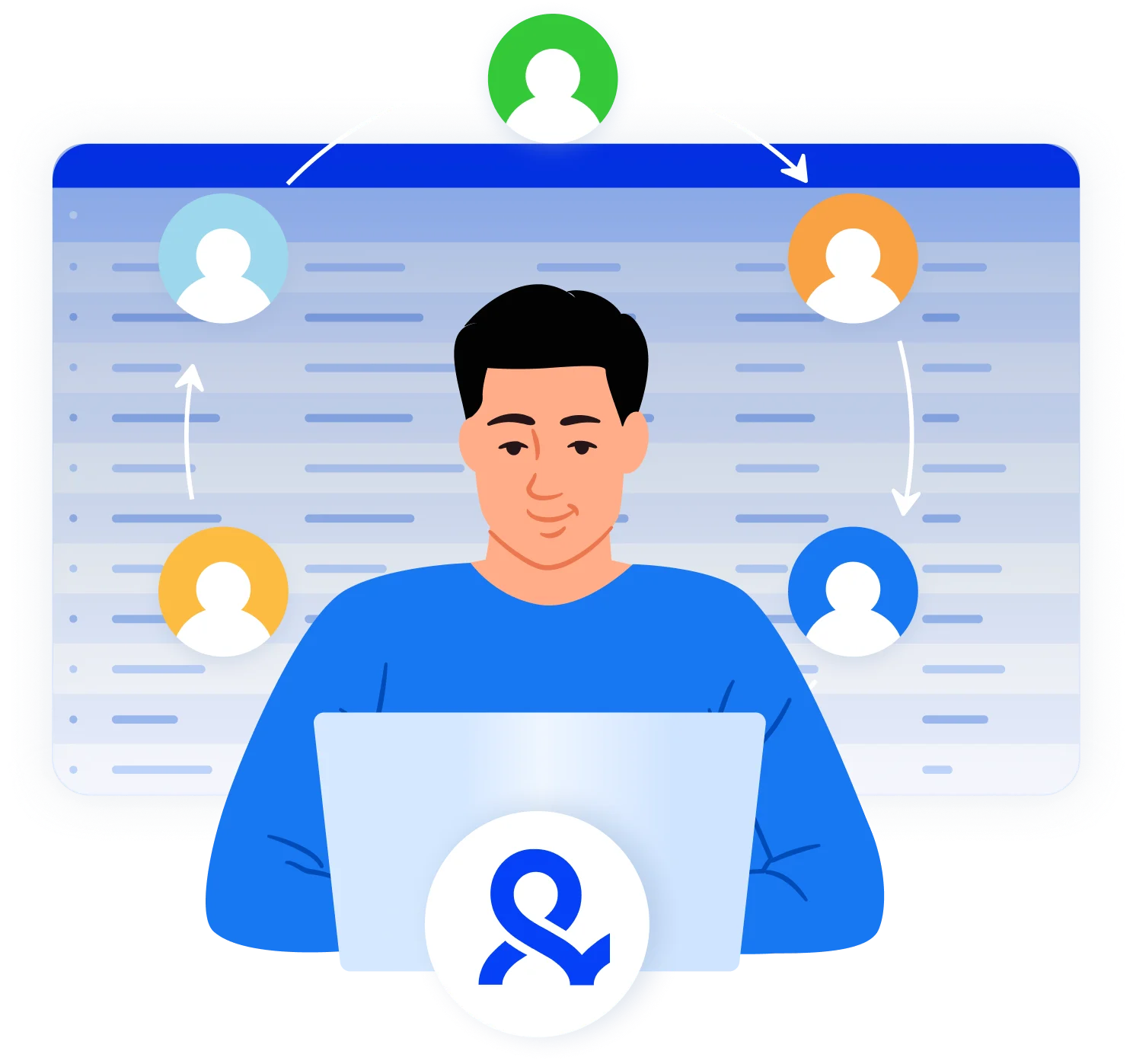
Manage multiple accounts for TikTok, Instagram, Reddit, and Facebook without relogins. Use mobile and browser profiles from one dashboard.
Access 150 locations from any point in the world
Work with any regional market using built-in proxies. Connect profiles with authentic IPs and stable connections.
Connect mobile and residential IPs
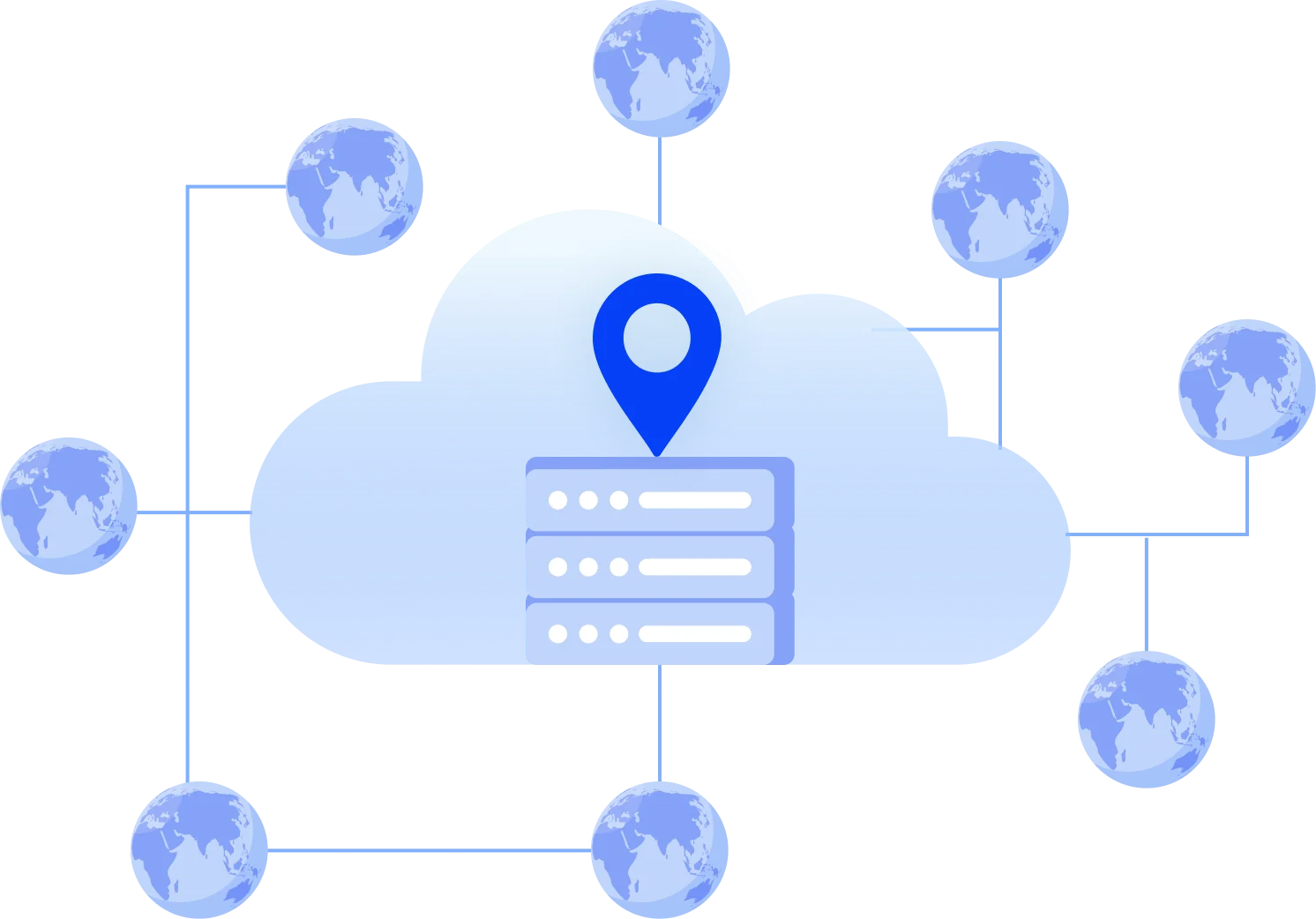
Reduce costs on third-party proxy providers with built-in tools. Pair them with cloud phones in a few clicks.
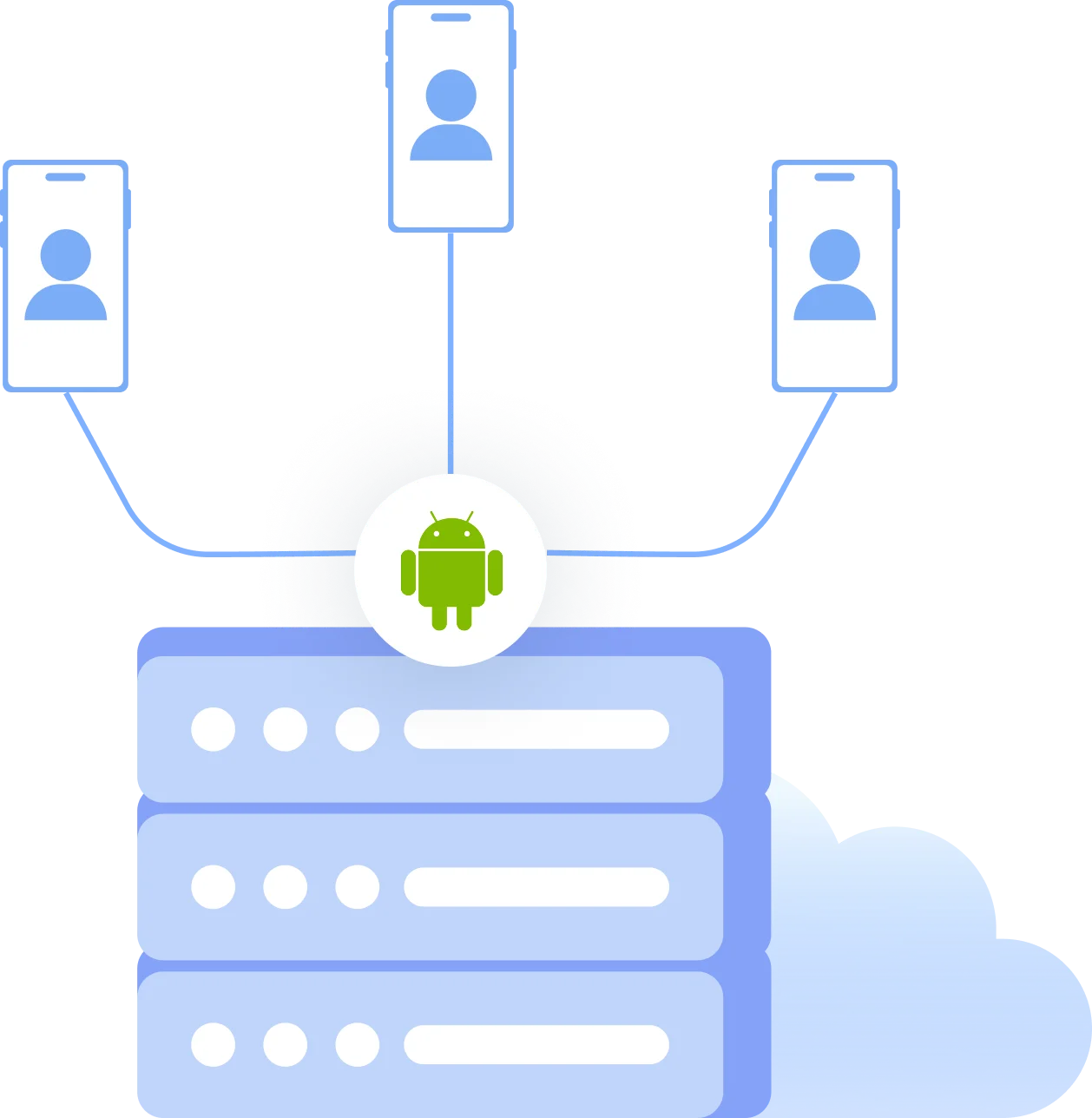
Use Android devices in the cloud for mobile apps
Access mobile-first platforms and run apps in authentic Android environments. No physical phones needed.
Work in teams and automate actions
Share browser profiles with controlled access across your team. Automate simple actions like posting and likes without manual work.
Grow your social media accounts with Multilogin cloud phones
-
Unlimited time
-
Mobile and browser profiles included
-
Free built-in proxies & mobile minutes
-
Unlimited time
-
Mobile and browser profiles included
-
Free built-in proxies & mobile minutes
What is a proxy browser?
A proxy browser lets you create multiple isolated browsing sessions, each with a unique digital fingerprint and dedicated proxy. It separates browser data and behavior across profiles so you can manage multiple accounts and reduce detection across platforms.

Why choose Multilogin?
Multilogin is a leading multi-account platform that combines isolated browser profiles, cloud phones for mobile app management, and built-in proxies in one place. Get everything you need from the start, across any platform, without third-party tools.
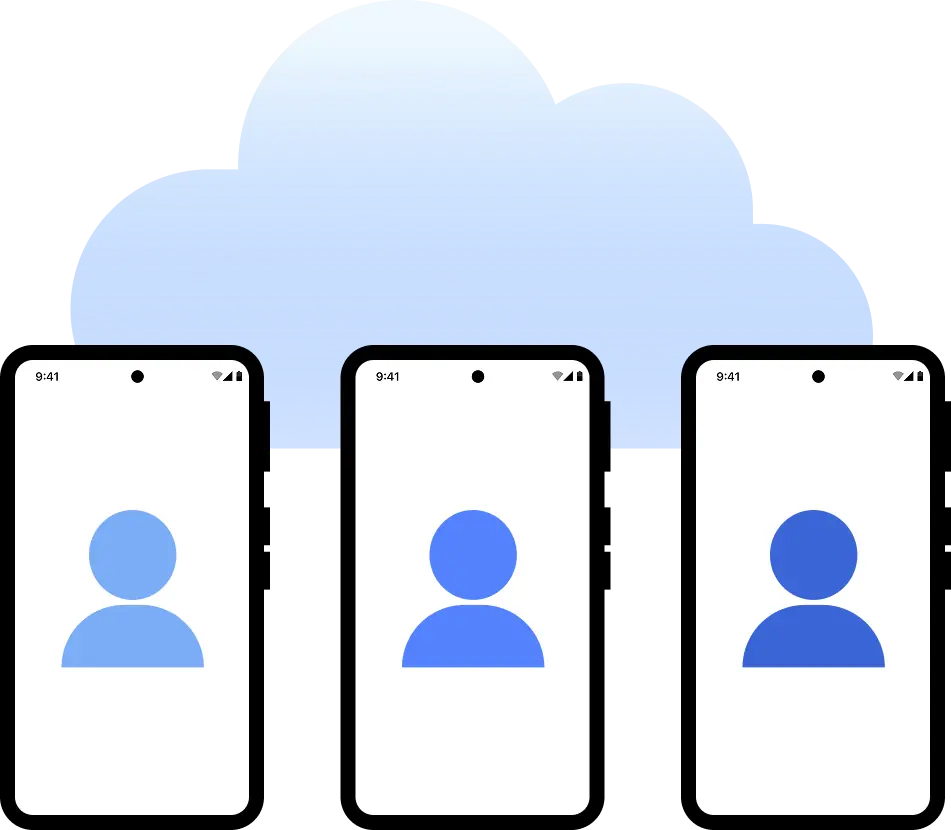
Multilogin features for Cloud Phone management
Multilogin 2-in-1
Browser profiles and Android cloud phones in one platform. One dashboard, full control over all your accounts. Built for multi-accounting at any scale.
Built-in proxy integration
Residential IPs included in every plan — no extra cost. Access 30M+ IPs across 150+ countries and 1,400+ cities, tested daily for quality and reliability.
Up-to-date Android versions
Stable Android versions 10–15, fully compatible with modern mobile apps.
Real brands and devices
Support for 7 real Android device brands with unique IMEI and system-level digital fingerprints.
App repository
Install TikTok, Instagram, Reddit, and other popular apps without Google Play. APK uploads are also supported.
Folders, tags and access control
Organize profiles using folders, tags, and role-based access. Manage team workflows with ease.
Enterprise-grade security
Profile encryption, 2FA, access control, and compliance-ready security for safe operations.
Related solutions you might like
Try Multilogin today and experience safer, smarter multi-accounting
Run unlimited accounts securely, bypass detection, and stay human-like online — all from one platform.
Tested daily across 50+ platforms

























Why people love Multilogin

Ha D.
Social Media Marketing Retail

Nino Latif

Stanislav K.
Marketing Manager

Elen S.
Marketing Manager

Hamza Arif
E-commerce Manager


Nick Horvath
Marketing agency
The most awarded multi accounting platform















Watch the Multilogin Demo
Proxy browser with cloud phones
Terms like proxy browser and multi-account browser are often used interchangeably, but they describe different approaches to solving online tracking and multi-account challenges.
Understanding how these tools work and where their limitations lie is essential for anyone managing multiple accounts, working across locations, or automating browser-based workflows.
The basics of the proxy browser
A proxy browser routes internet traffic through a proxy server. Instead of connecting directly to a website using your real IP address, requests are sent through an intermediary server, allowing you to appear as if you are browsing from a different location or network.
Some users run a proxy on browser extensions or lightweight web interfaces. These tools are commonly used to access geo-restricted content, separate traffic across different IP addresses, or mask the original network location.
Most basic proxy browsers focus almost exclusively on network-level routing. They do not isolate the browser environment itself. And that is where their limits show: modern platforms rely on far more than IP addresses to identify users.
Websites analyze:
- Browser configuration and capabilities
- Stored cookies and local data
- Device characteristics such as screen resolution and system settings
- Behavioral signals across sessions
When a proxy browser does not isolate these elements, multiple sessions may still appear connected. This is why users often experience account linking, verification challenges, or restrictions despite using proxies.
Tracking beyond IP addresses
Online tracking has shifted from simple identifiers to complex signal analysis. Platforms combine multiple data points to build a consistent picture of a user or device.
Common tracking vectors include:
- Browser fingerprints generated from APIs and rendering behavior
- Persistent storage such as cookies and local storage
- Timezone, language, and system-level parameters
- Repeated behavioral patterns across sessions
When these signals remain consistent, changing only the IP address has limited impact. This has led to the development of tools that operate at the browser environment level, not just the network level.
Browser environment isolation and multi-account management
A full multi-account browser is designed to manage and isolate browser environments, not just route traffic. Instead of focusing solely on where requests come from, it controls how the browser appears and behaves to websites.
These tools typically allow users to:
- Create multiple isolated browser profiles
- Store cookies and session data separately per profile
- Customize or manage browser fingerprints
- Reopen the same environment consistently over time
Each profile functions as an independent browser instance. From the website’s perspective, these profiles look like separate users on separate devices.
More advanced platforms also include cloud phones for managing mobile-first apps and built-in proxies, so you do not need to connect third-party services to get started.
Basic proxy browser vs full multi-account platform
Although the two terms are often used together, they address different layers of the same problem.
Basic proxy browser:
- Focuses on IP routing
- Changes network location
- Often shares browser data and fingerprints across sessions
- Limited protection against advanced tracking
Full multi-account management platform:
- Isolates browser environments and fingerprints per profile
- Manages cookies and session data separately
- Prevents cross-profile data leakage
- Includes cloud phones for mobile app management
- Provides built-in proxies across 150 locations
- Designed for long-term, scalable workflows
In practice, a tool that only handles IP routing solves part of the problem. Platforms that combine environment isolation with built-in proxy support address both layers together.
Chrome proxy extensions and their limitations
Many users start with a proxy Chrome browser extension because it is quick to install and easy to configure. These tools handle IP routing but do not isolate cookies, fingerprints, or session data between accounts.
As a result, platforms can still link profiles together, leading to restrictions or account loss at scale. Users managing more than a handful of accounts typically find that browser-level isolation becomes necessary.
From proxy browsers to full platforms
As detection systems evolved, the distinction between basic proxy browsers and full multi-account platforms began to blur. Users searching for a proxy browser are often actually looking for a way to:
- Run multiple accounts without linking
- Maintain stable sessions over time
- Avoid repeated verification and restrictions
Meeting these goals requires both network separation via proxies and environment separation via browser isolation and fingerprint control. As a result, full-featured platforms now incorporate proxy support directly rather than treating the two as separate tools.
Multilogin: browser profiles, cloud phones, and built-in proxies in one place
Multilogin is a leading multi-account management platform built for teams and agencies running accounts at scale. It combines isolated browser profiles, cloud phones, and built-in proxies in one dashboard so there is no need to piece together separate tools.
- Browser profiles give each account its own fingerprint, cookies, and session data on desktop. Accounts do not get linked, and each profile can be reopened in exactly the same state over time.
- Cloud phones are real Android devices running in the cloud. Instagram, TikTok, and other mobile-first platforms treat each one as a separate physical device, which means content reaches the audiences it was meant for and vertical video performs the way it should.
- Built-in proxies across 150 locations let each profile connect from its own IP. Accounts look local to the platforms they target, which improves content relevancy and reach. No separate proxy subscriptions required.
Beyond isolation, Multilogin removes the day-to-day friction of multi-account work: no verification prompts every hour, no accounts that cannot be added, no wondering which profile just got flagged. Teams can work on the same accounts from anywhere, and smaller tasks like liking, commenting, and light posting can run on autopilot.
Plans start from $7.08 per month on annual billing. A free plan is also available with 5 browser profiles, 1 mobile profile, and 200 MB of proxy traffic included, no payment required.
FAQ
What is a proxy browser?
A proxy browser routes your internet traffic through a proxy server so websites see a different IP address or location instead of your real one. It is commonly used to access region-restricted content, separate traffic across accounts, or mask a network location.
Most proxy browsers focus on network-level routing and do not isolate browser data such as cookies, fingerprints, or session storage by themselves.
How is a proxy browser different from a multi-account browser?
A proxy browser focuses on changing IP addresses, while a multi-account browser isolates the full browser environment for each profile. Here is how they compare:
- Proxy browser: changes network location, routes traffic through a different IP, but shares browser data across sessions
- Multi-account browser: isolates fingerprints, cookies, and session data per profile, preventing cross-account tracking at the environment level
In practice, a proxy browser without environment isolation solves only part of the problem. Modern platforms analyze dozens of signals at once, and a shared browser environment can still link accounts together even when each one uses a different IP.
Can I use a proxy browser to manage multiple accounts?
Basic proxy browsers may work for limited use, but they often reuse browser data across sessions. For long-term multi-account work, isolated browser profiles are needed to prevent account linking and repeated security checks.
Why do websites still detect me when I use a proxy?
Websites analyze many signals beyond IP addresses. Common tracking vectors include:
- Browser fingerprints generated from APIs and rendering behavior
- Stored cookies and local session data
- Screen resolution, timezone, and language settings
- Behavioral patterns repeated across sessions
If these signals remain consistent across profiles, changing only the IP address may not prevent detection or account restrictions. This is why proxy usage alone is often not enough for multi-account work at scale.
Do I need browser profile isolation if I already use proxies?
If you manage multiple accounts, reuse sessions, or automate workflows, proxies alone are usually not enough. Platforms cross-reference network signals with browser-level data, so two profiles sharing the same cookies, fingerprint, or local storage can still be linked even if they connect from different IPs. For mobile platforms, the same applies to device signals: cloud phones give each account its own Android identity so mobile sessions stay isolated at the hardware level as well.
Are proxy browsers suitable for automation and scraping?
Proxy browsers can be used for basic automation, but reliable and repeatable workflows require stable, isolated browser environments. Without profile isolation, sessions can bleed into each other and cause verification challenges, environment inconsistencies, or failed runs. Tools that combine profile isolation with support for automation frameworks give more predictable results, especially when running tasks across many accounts or over extended periods.
Can I manage mobile accounts with a proxy browser?
Most proxy browsers only cover desktop sessions, which creates a gap for platforms built around mobile devices. Cloud phones close that gap by giving each account its own mobile environment:
- Each cloud phone is a real Android device running in the cloud
- Platforms like Instagram and TikTok treat them as separate physical hardware
- Content gets distributed the way it would from a genuine mobile user
- No physical phones or SIM cards required
Does Multilogin include proxies?
Yes. Multilogin has built-in residential and mobile proxies across 150 locations, so each profile connects from its own IP without a separate proxy subscription. This is included alongside browser profiles and cloud phones in one dashboard, with no extra setup required. You can try it with a $2 trial, and annual plans start from $7.08 per month.
