


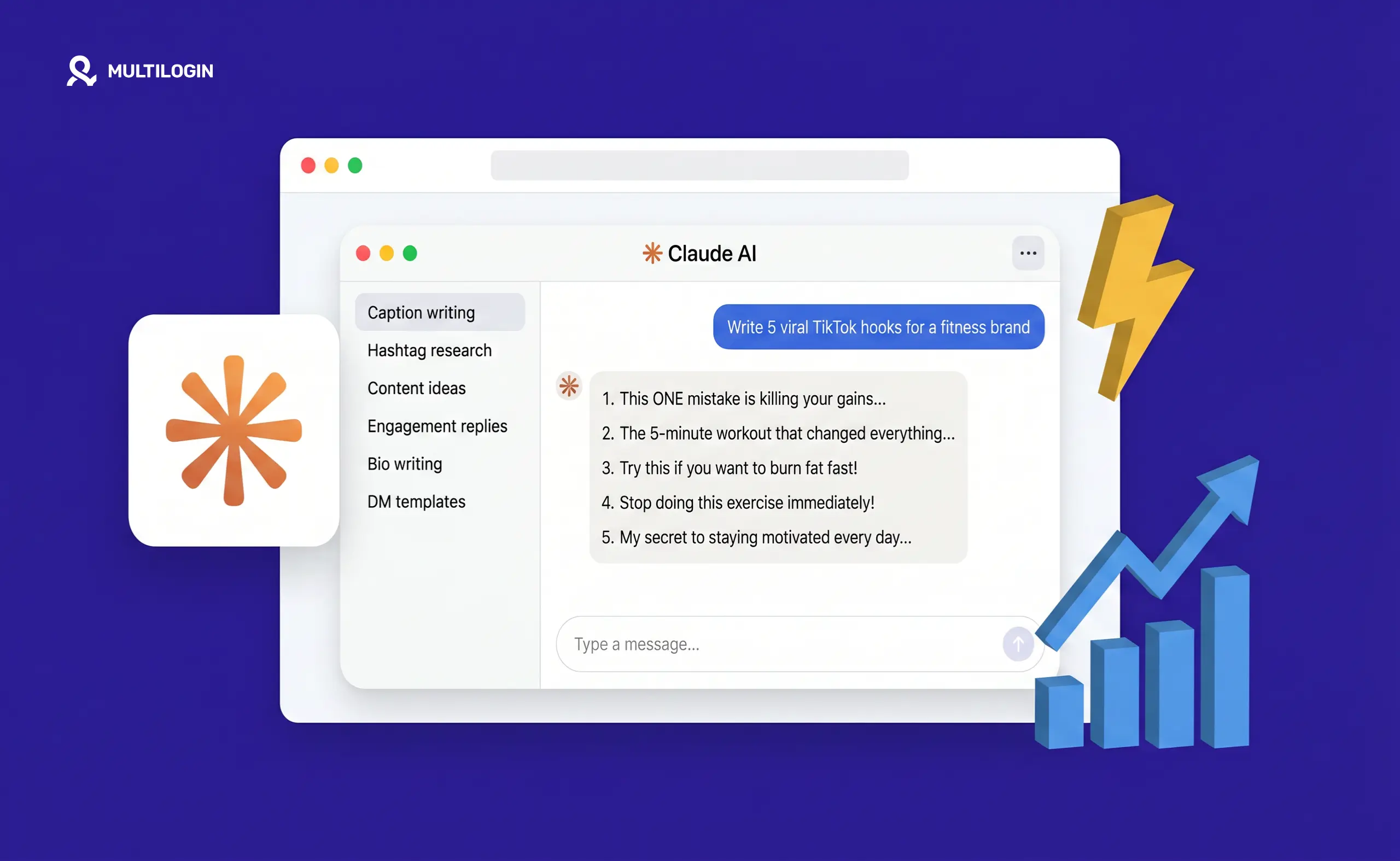



The difference between AI output that’s embarrassing and AI output you can actually publish comes down to one thing: the quality of the prompt you give it.
Most instagram marketers who try Claude and come away unimpressed made the same mistake — they gave it a vague brief and were surprised when the output was generic. “Write an Instagram caption about our new product” produces AI voice. “Write five Instagram captions in [brand voice description] for [specific audience] about [specific product feature], each under 150 characters for the opening line, with a question or CTA at the end” produces something you can use.
This is a working library of 150+ claude prompts for instagram covering every format and use case: captions, carousels, Reels scripts, Stories, campaign briefs, hashtag research, content calendars, repurposing, community management, and more. Copy them, adapt the bracketed variables for your account, and use them directly.
How to get the most from these Claude Instagram prompts
Before the prompts: a quick framework that makes every single one of these work better.
- Set up a Claude Project first. If you’re on Claude Pro, create a Project and paste in your brand voice guidelines, audience description, examples of approved posts, and any prohibited language. Every conversation in that Project uses that context automatically, so you’re not re-briefing Claude every time.
- Fill in the brackets. Every prompt below has placeholders in [brackets]. These are the inputs that make Claude’s output specific to your account rather than generic. The more specific your inputs, the less editing the output needs.
- Iterate, don’t regenerate from scratch. If Claude’s first draft is 80% there, ask it to refine: “Keep the hook, rewrite the body in a less formal tone” or “Make this 20% shorter and lead with the problem.” Iteration is faster than starting over.
150+ Claude Prompts for Social Media Growth
Click any prompt to copy it instantly. Fill in the [brackets] with your details. Or use the prompt builder to generate a custom prompt from scratch.
Claude prompts for Instagram captions
Basic caption prompts
- Write five Instagram captions for [product/topic]. Platform: Instagram. Audience: [description]. Brand voice: [3 adjectives]. Opening line: under 150 characters. Format: hook, 2–3 short paragraphs, CTA. Goal: [saves/comments/clicks]. No hashtags.
- Write an Instagram caption announcing [launch/event/feature]. Audience: [description]. Tone: [excited but not hypey / informative and warm / direct and confident]. Include: [specific detail 1], [specific detail 2]. CTA: [specific action].
- Rewrite this Instagram caption in [brand voice]: [paste original]. Keep the core message. Make the opening hook stronger. Cut anything generic.
- Write three versions of this caption — one for maximum reach (broad hook), one for maximum engagement (asks a question), one for conversion (strong CTA). Topic: [topic]. Audience: [description].
- Write an Instagram caption for a behind-the-scenes post. Show: [what’s being shown]. Tone: authentic and conversational. Include a line that makes the audience feel like insiders.
- Write a caption for a user-generated content repost. Brand: [name]. Original creator’s product use: [describe]. Tone: grateful and community-focused. Do not use the word “amazing.”
- Write an educational Instagram caption about [topic] in [niche]. Teach one clear thing. Open with a counterintuitive statement. Use short sentences. Under 200 words.
- Write a storytelling caption about [brand story / founder moment / customer story]. Start in the middle of the action. No preamble. Audience: [description].
- Write five hook variations for an Instagram caption about [topic]. Each hook should use a different approach: question, bold statement, number, “If you…” opener, and a surprising fact.
- Write an Instagram caption for a before/after post. Topic: [describe transformation]. Audience: [description]. Don’t use the words “journey,” “transformation,” or “incredible.”
Seasonal and campaign captions
- Write five Instagram captions for [holiday/event] that tie back to [product/brand value] without being cliché. Audience: [description].
- Write a caption for a limited-time offer on [product]. Create urgency without being pushy. Tone: [description]. Include the deadline: [date/time].
- Write three Instagram caption options for a giveaway post. Prize: [describe]. Entry requirements: [follow, tag, comment]. Tone: exciting but clear on the rules.
- Write a “year in review” Instagram caption for [brand]. Highlights: [list 3–5 milestones]. Tone: reflective and forward-looking. Under 150 words.
- Write a launch day Instagram caption for [product]. Core benefit: [describe in one sentence]. Target customer: [description]. Tone: confident but not salesy.
Claude prompts for Instagram Reels scripts
Short-form video scripts (15–30 seconds)
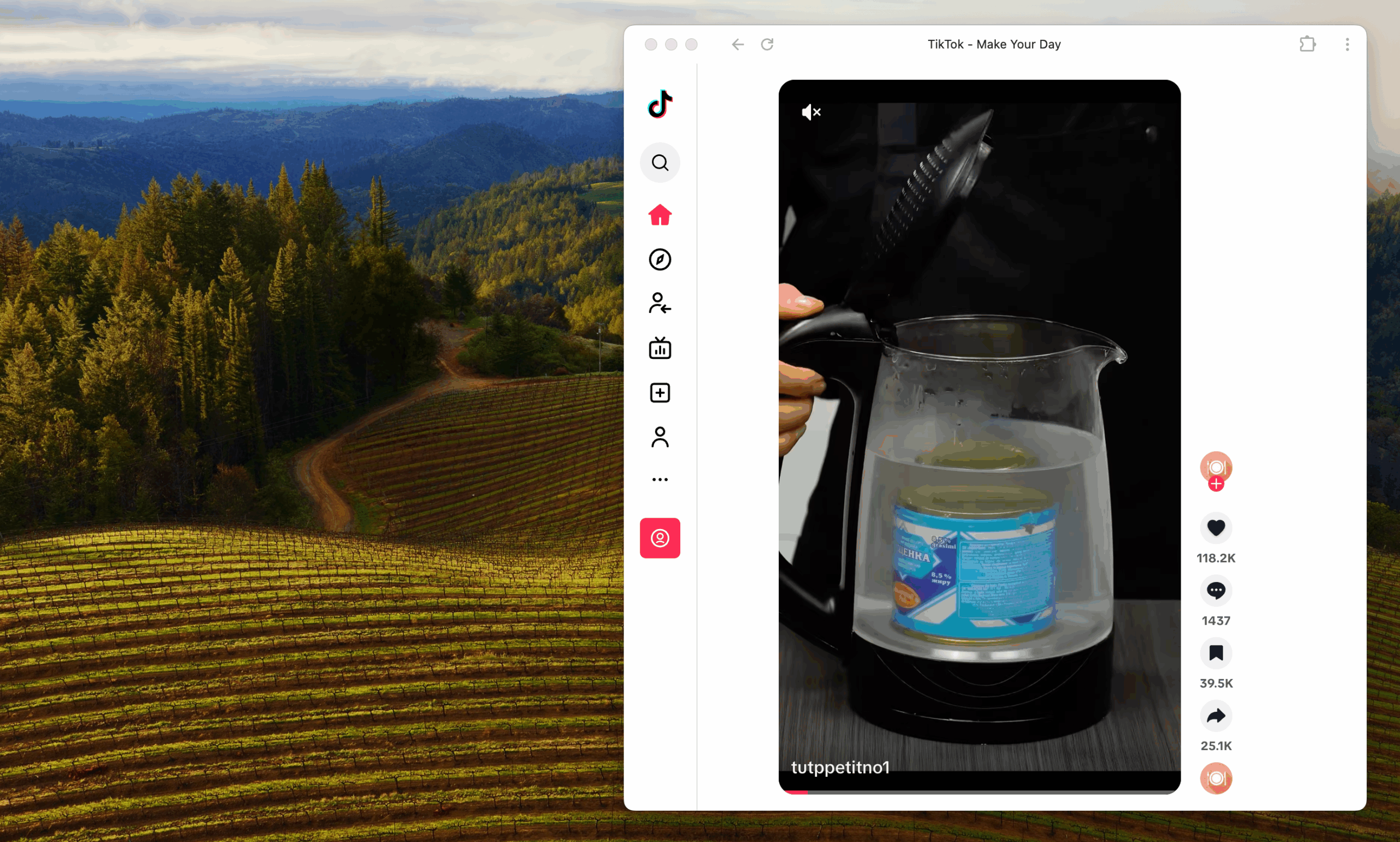
- Write a 15-second TikTok/Reels script for [product/topic]. Hook (0–3 seconds): [strong opener]. Body (3–12 seconds): one key point. CTA (12–15 seconds): [action]. Format: talking head with on-screen text prompts.
- Write five 30-second Reel script hooks about [topic]. Audience: [description]. Each hook should use a different format: problem-agitate, surprising fact, relatable scenario, “here’s what nobody tells you,” direct promise.
- Write a Reel script for an educational video about [topic]. Format: “[Number] things about [topic] that [audience description]” style. Keep each point under 10 seconds. Total: 45–60 seconds.
- Write a “day in the life” Reel script for [brand/persona]. Show: [3–4 specific moments]. Make it feel real, not aspirational. Voiceover style.
- Write a product demo Reel script for [product]. Duration: 30 seconds. Show problem, solution, result. CTA at end: [specific action]. No jargon.
- Write a “did you know” Reel script about [topic in niche]. Three surprising facts. Each fact leads to the next. CTA related to [product/service].
- Write a Reel script for a testimonial-style video. Customer: [description]. Problem they had: [describe]. Result they got: [describe]. Duration: 20–25 seconds.
- Write a trending audio concept Reel script. Format: “[thing] vs [thing]” comparison. Apply to [brand/niche]. Make it relatable and slightly self-deprecating.
- Write a “mistakes I see” Reel script for [niche/topic]. Audience: [description]. List 3 mistakes. Position [brand/product] as the solution for the last one subtly.
- Write a “hot take” Reel script about [topic]. Unpopular opinion: [describe]. Back it up in 20 seconds. No hedging.
Claude prompts for Instagram carousels
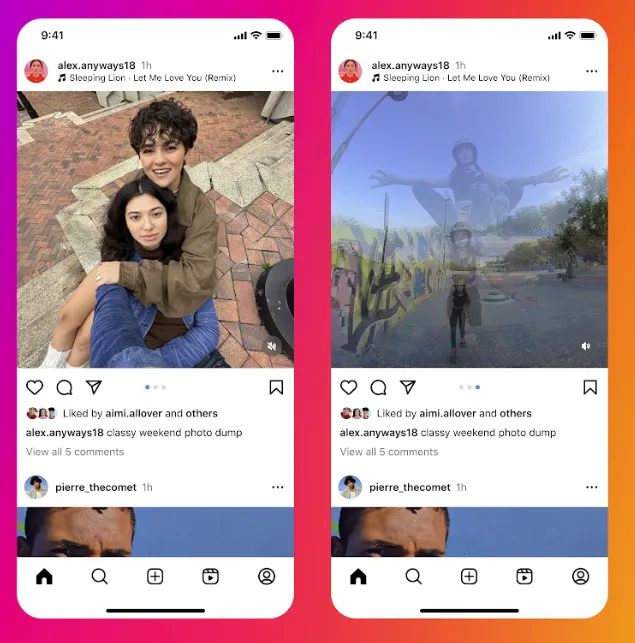
- Write a 7-slide carousel about [topic]. Slide 1: hook (one bold statement). Slides 2–6: one point per slide, 15–20 words each. Slide 7: CTA. Audience: [description].
- Write carousel slide copy for an educational post: “How to [achieve outcome] in [timeframe].” [Number] slides. Audience: [description]. Keep each slide under 15 words.
- Write a “myths vs facts” carousel for [topic]. 6 slides alternating myth and fact. Audience: [description]. Tone: clear and authoritative, not condescending.
- Write a “quick guide to [topic]” carousel. 8 slides. One actionable tip per slide. No fluff. Audience: [description, expertise level].
- Write a product showcase carousel for [product]. 5 slides: problem, who it’s for, key feature 1, key feature 2, CTA with offer. Under 20 words per slide.
- Write a “before and after” carousel comparing [old approach] vs [new approach]. Apply to [specific situation your audience faces]. 6 slides.
- Write a carousel for a case study. Client: [description, anonymized if needed]. Problem: [describe]. Solution: [describe]. Results: [describe]. 7–8 slides.
- Write a “things I wish I knew” carousel for [topic]. Audience: [description]. 8 points. First slide hook: “I wasted [X] [time/money] learning these.”
- Write a FAQ carousel for [product/service]. 6 most common questions. One Q&A per slide. Answers under 25 words each.
- Write a “step-by-step” carousel: how to [task]. [Number] steps. Each slide: step title + 1 action sentence. Audience: [description].
Claude prompts for Instagram Stories
- Write five Instagram Story text overlays for [product/topic]. Each under 10 words. Punchy, visual, designed to stop a thumb.
- Write a Story sequence for a product launch. 5 stories: tease, reveal, feature highlight, social proof, CTA. Each story text: under 15 words. Include poll/question sticker suggestions.
- Write an “Ask Me Anything” Story prompt for [niche]. Opening story: [topic]. Prompt sticker question: [what to ask audience]. Follow-up story text ideas for 5 possible responses.
- Write a Story poll sequence for [topic]. Poll 1: [question related to pain point]. Poll 2: [question related to preference]. Story 3 (after poll results): pivot to [product/offer].
- Write a countdown Story sequence for [launch/event]. 3 days out, 1 day out, day of. Text overlay for each. Make the anticipation build.
- Write a “tip of the day” Story text for [niche]. Audience: [description]. Tip: [topic]. Under 20 words. Include a swipe-up or link prompt.
- Write three Story quizzes about [topic]. Multiple choice, 3 options each. Add the answer reveal text for each.
Claude prompts for Instagram content calendar planning
- Build a 4-week Instagram content calendar for [brand]. Format: Monday, Wednesday, Friday posting schedule. Mix: [specify ratio of educational / promotional / community / entertainment posts]. Key dates in this period: [list]. Include caption theme (not full captions) for each post.
- Generate 30 Instagram content ideas for [niche]. Each idea: one line describing the content angle. Mix educational, storytelling, product, community, and trend-based content. Audience: [description].
- Generate 10 Instagram content pillars for [brand]. Each pillar: name, one-line description, 3 example post ideas. These should align with [brand values/goals].
- What should [brand] post on Instagram the week of [event/holiday/launch]? Generate a 5-day plan. Each day: content theme, format (Reel/carousel/static/Story), caption angle.
- I need to fill [number] Instagram slots for [month]. Brand: [describe]. What I already have planned: [list]. Fill the gaps with content ideas that fit the existing mix.
- Generate a month of Instagram Reels ideas for [niche]. One idea per day for 30 days. Mix: educational, entertaining, behind-the-scenes, trending format applications, and product-adjacent.
Claude prompts for hashtag research and strategy
- Generate 30 Instagram hashtags for a post about [topic]. Mix: 10 large (1M+ posts), 10 medium (100K–500K), 10 niche (under 50K). Exclude hashtags that are overused or associated with spam.
- What Instagram hashtags should [type of brand] use for [content type]? Audience: [description]. Goal: reach new followers, not just existing audience.
- I’m posting about [topic] on Instagram. Suggest hashtags in [niche] that are specific enough to have engaged communities but not so broad they’re buried instantly.
- Generate five different hashtag sets for the same post about [topic], each targeting a different audience segment: [segment 1], [segment 2], [segment 3], [segment 4], [segment 5].
Claude prompts for Instagram community management
- Write five responses to the comment “[common positive comment type]” on an Instagram post. Brand voice: [description]. Each response should feel genuine, not copy-pasted.
- Write five responses to the comment “[common negative comment type].” Tone: empathetic, non-defensive, solution-oriented. Include one that escalates to DM if appropriate.
- Write an Instagram DM template for responding to [common DM type]. Keep it conversational. Include: [specific info to include]. Under 100 words.
- Write a comment to leave on [type of content] in [niche] that adds value and increases brand visibility. Not spammy. Genuine contribution to the conversation.
- Write five Instagram bio options for [brand]. Each version: 150 characters max, include [keyword], CTA, and brand value. Options should vary in tone from [most professional] to [most casual].
Claude prompts for Instagram ad copy
- Write three Instagram ad primary text options for [product]. Audience: [description]. Goal: [clicks/conversions/awareness]. Format: 1–3 sentences, hook in the first line.
- Write five Instagram ad headlines for [product/offer]. Under 40 characters each. Test different angles: benefit, urgency, curiosity, social proof, direct.
- Write an Instagram ad for a [free trial / lead magnet / webinar / product demo]. What they get: [describe]. Audience: [description]. CTA: [specific action]. Tone: direct.
Claude prompts for Instagram repurposing
- Repurpose this blog post into an Instagram carousel: [paste post or section]. Distill the key points into 8 slides. First slide: hook headline. Last slide: CTA to read the full post.
- Turn this YouTube video transcript into an Instagram Reel script: [paste transcript]. Keep the core insight. Compress to 30–45 seconds. Voiceover format.
- Repurpose this LinkedIn post for Instagram: [paste post]. Adjust: shorter sentences, more visual language, less formal tone, different CTA.
- I have this product description: [paste]. Turn it into an Instagram caption that leads with the customer benefit, not the product feature.
- Turn this customer review into an Instagram Story sequence: “[paste review].” 3–4 story slides. Make the customer the hero of the story.
Claude prompts for multi-account Instagram management
- Write the same post in five different brand voices for five different clients: [describe each client’s brand in one line]. Topic: [topic]. Platform: Instagram.
- Generate a monthly Instagram content template I can adapt for [number] different clients in [niche]. Variables to customize per client: [list]. Fixed structure: [describe].
- I manage Instagram accounts for [number] clients in similar niches. Write 10 content ideas that work for all of them but can be differentiated through brand voice alone.
- Write an Instagram caption framework for [agency name] that any team member can fill in for any client. Include: [required elements]. Leave clear variables for client-specific inputs.
- Generate a content brief template for Instagram campaigns that I can use consistently across different client accounts. Include: audience, tone, format, goal, KPIs.
Claude prompts for Instagram analytics and strategy
- I’m analyzing my Instagram performance data: [paste key metrics]. What does this tell me about what to post more of, and what to scale back?
- My top 3 Instagram posts this month were: [describe each]. What do they have in common, and what content strategy does this suggest?
- Write an Instagram strategy for [brand] for the next 90 days. Goal: [specific goal]. Current state: [describe current account status]. Constraints: [posting frequency, team size, budget].
- I need to improve my Instagram engagement rate from [current %] to [target %]. Based on this account description: [describe]. What are the three highest-impact changes I should make?
- Write a monthly Instagram performance report template that I can fill in with real data and send to clients. Include: key metrics, performance vs last month, top content, next month recommendations.
Quick-fire Claude Instagram prompt templates
76–85. Hook generator prompts — “Write 10 hook variations for an Instagram post about [topic]. Use: question, bold claim, surprising stat, relatable scenario, “here’s what no one talks about,” “stop doing X,” “I used to think,” “The truth about,” “How I went from [A] to [B],” and a direct promise.”
86–95. Caption enders/CTAs — “Write 10 different CTAs to end an Instagram caption about [topic]. Each should feel natural, not forced. Vary between: save this, share with someone, comment below, DM me, click the link, tell me in the comments, tag a [person], which one are you, drop a [emoji], and follow for more [type of content].”
96–105. Story prompt ideas — “Give me 10 Instagram Story prompt ideas for [niche] that generate high response rates. Mix: polls, quizzes, question stickers, sliders, countdown stickers, and “this or that” formats. Audience: [description].”
106–115. Caption opening lines — “Write 15 opening lines (under 125 characters each) for Instagram captions about [topic]. Each should stop someone mid-scroll. Avoid: starting with ‘I’, using ‘journey’ or ‘amazing’, questions that feel rhetorical.”
116–125. Reels concept ideas — “Generate 10 Reel video concepts for [brand/niche]. For each: concept title, 1-line description, suggested format (talking head/text-only/B-roll+VO/trending audio), and estimated performance reason.”
126–135. Caption length variations — “Write the same Instagram caption at three lengths: 50 words (punchy), 150 words (standard), and 300 words (storytelling). Topic: [topic]. Brand voice: [description].”
136–145. Audience-specific captions — “Write the same Instagram post about [topic] for five different audiences: [audience 1], [audience 2], [audience 3], [audience 4], [audience 5]. Same core message, different angle, vocabulary, and tone for each.”
146–150. Response and engagement prompts — “Write 5 Instagram engagement comment templates I can use to start conversations under [type of post]. Each should add value to the discussion, not be generic. Niche: [describe].”
Setting up Claude for ongoing Instagram work
These ai prompts instagram work even better when Claude knows your brand from the start. The setup:
- Create a Claude Pro Project called “[Brand Name] Instagram”
- In the Project instructions, paste: brand voice description, audience personas, content pillars, approved vocabulary, prohibited words/phrases, examples of 3–5 top-performing posts, and platform-specific constraints
- Start every new caption or content session inside this Project
- Claude’s output will use that context automatically — no re-briefing required
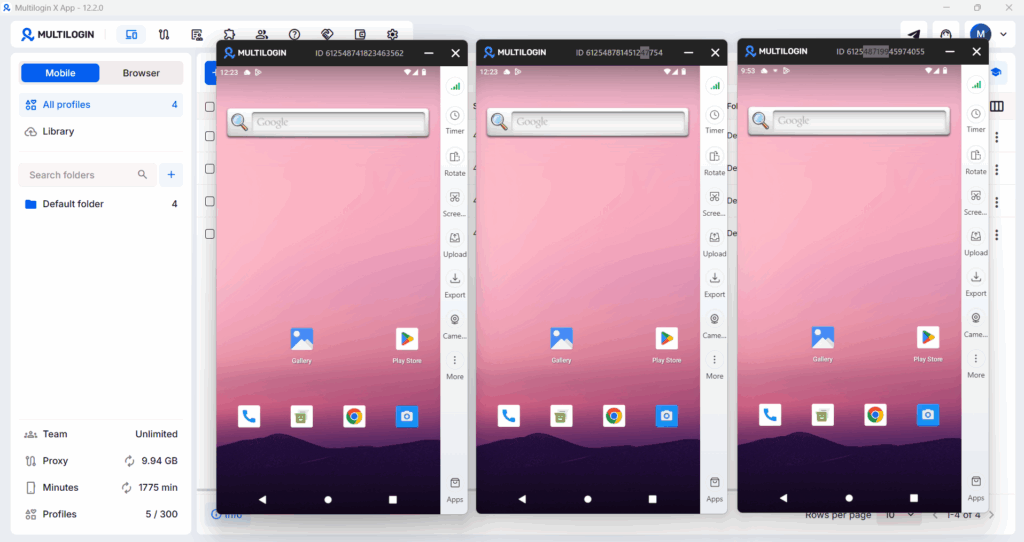
For agencies using Multilogin to manage multiple client accounts, create one Claude Project per client. Each Project holds that client’s brand context separately so output never bleeds between clients.
Need to manage multiple social media accounts? Try Multilogin Cloud Phones.
Frequently asked questions
Go to claude.ai, open Settings, then Connectors, search for Canva, and click Connect. Authorize the connection through Canva’s page. Then in any new chat, click the Tools icon and toggle Canva on. Takes under two minutes.
Yes. Without brand context, Claude produces generic output. Drag your brand guidelines PDF into the chat at the start of each session, or paste key brand information as text. Five minutes of briefing at the start saves significantly more editing time at the end.
Yes, with Magic Resize. Once a design is finished, you can resize it to any platform format, such as square post, Story, landscape, LinkedIn, YouTube thumbnail, in one step. This is one of the biggest time-savers in the workflow for multi-platform content.
Connecting Claude to Canva is available on Claude’s free plan. The Canva connector itself is free to use. Some Canva features used in this workflow (Brand Kit, Magic Resize) require a Canva Pro subscription.
Using generic prompts without brand context. “Write me 5 Instagram captions” without any brand information produces content that sounds like every other AI-generated post. Briefing Claude on the brand’s voice, tone, audience, and content pillars before generating anything is what makes the output usable.


