



Looking for a Gmail alternative that doesn’t ask for a phone number and lets you create more than one mailbox? This guide is for creators, marketers, and agencies who need several email accounts, not just one. You’ll get a numbered top 10, which domains each provider actually lets you register under, two clear comparison tables, and the honest reason most people still get stuck when they try to scale, plus how to fix it.
TL;DR
Pretty much everyone needs a Gmail account at some point, for work, an app, or just proving who you are. Getting one without a phone number is now practically impossible: Google verifies most signups through “self-SMS,” where the phone itself sends the confirmation code.
We’ve written a whole guide on making multiple Gmail accounts, and it’s still doable through Multilogin browser profiles, but you’ll still need a real phone for Gmail itself. That’s why people increasingly look for Gmail alternatives instead, and some of them are genuinely good.
Jump to a review: Proton Mail · Tuta Mail · Outlook (Hotmail) · GMX · mail.com · Yahoo Mail · Zoho Mail · Mailfence · iCloud Mail · Fastmail
Jump to the comparison table: Gmail alternatives compared: no phone, free plan, and limits →
Do these Gmail alternatives have free plans?
Yes, most of them do, and that’s a big reason to switch. Almost every provider on this list gives you a free mailbox with no upfront cost. The catch is that “free” always comes with limits: smaller storage, fewer features, or a phone number at signup.
A couple of picks, like Fastmail, skip the free tier entirely and only sell paid plans. We spell out each limit in the tables below, so you can see exactly what you give up.
What actually matters in a Gmail alternative
Before the list, let’s agree on what you’re really shopping for. If you just want one clean inbox, almost anything works. If you want to run several accounts affordably, you care about three things:
- No phone number at signup. Your number is personal, and reusing it across accounts links them together.
- A free or low-cost plan. You shouldn’t pay high prices just to skip a phone field.
- Room to scale. Can you actually create and keep multiple accounts, or does the provider block you on attempt number three?
Keep that last point in mind. It’s where most “no phone” advice quietly falls apart.
Top 10 Gmail alternatives
We ranked these by how well they fit the goal of this guide: no phone, a usable free plan, and the potential to run more than one account.
1. Proton Mail

What it is: Proton Mail is a Swiss encrypted email service built by privacy engineers. It uses end-to-end and zero-access encryption, so not even Proton can read your mail.
Best for: Privacy and security, and anyone who wants a phone-free signup that just works.
Cons and limits: The free plan gives you 1 GB of storage and one address. It’s web-first, with no native desktop app unless you pay for the Bridge. Advanced aliases (hide-my-email) sit behind paid plans.
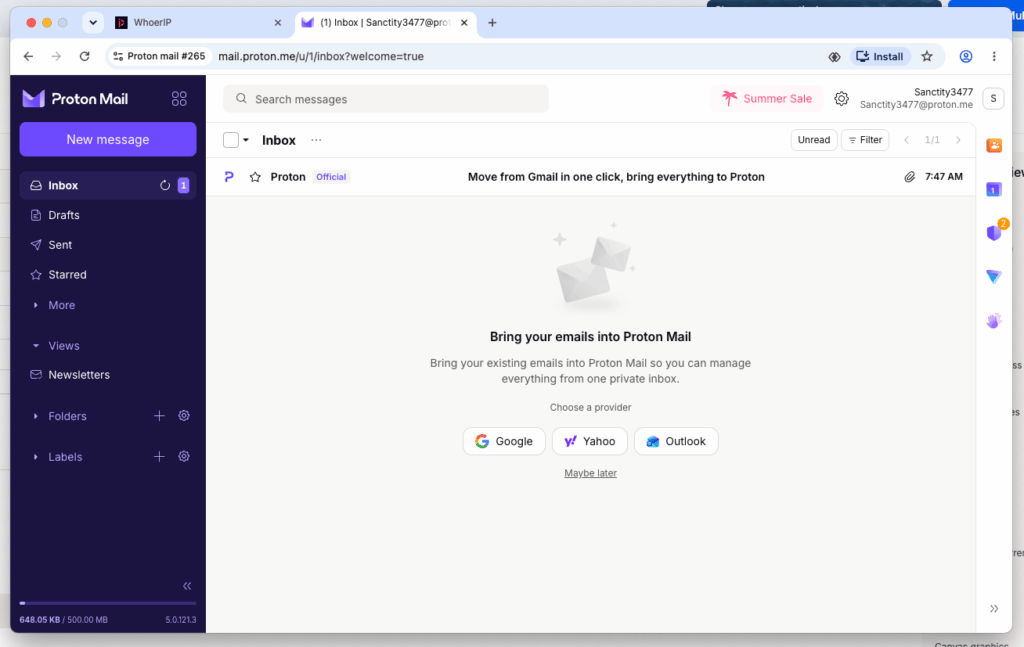
Multi-accounting friendliness: Medium. Signup skips the phone using a CAPTCHA or recovery email, but repeated signups from the same IP and fingerprint trigger CAPTCHAs and rate limits fast.
2. Atomic Mail

What it is: Atomic Mail is a privacy-focused encrypted email service with end-to-end and zero-access encryption, hosted in ISO 27001-certified German data centers.
Best for: Fully phone-free signup no phone number or secondary email needed, with a seed phrase for recovery instead.
Cons and limits: Still in active development with no fixed pricing tiers yet, free plan caps at 10 aliases, and there’s a bit of a learning curve coming from Gmail-style providers.
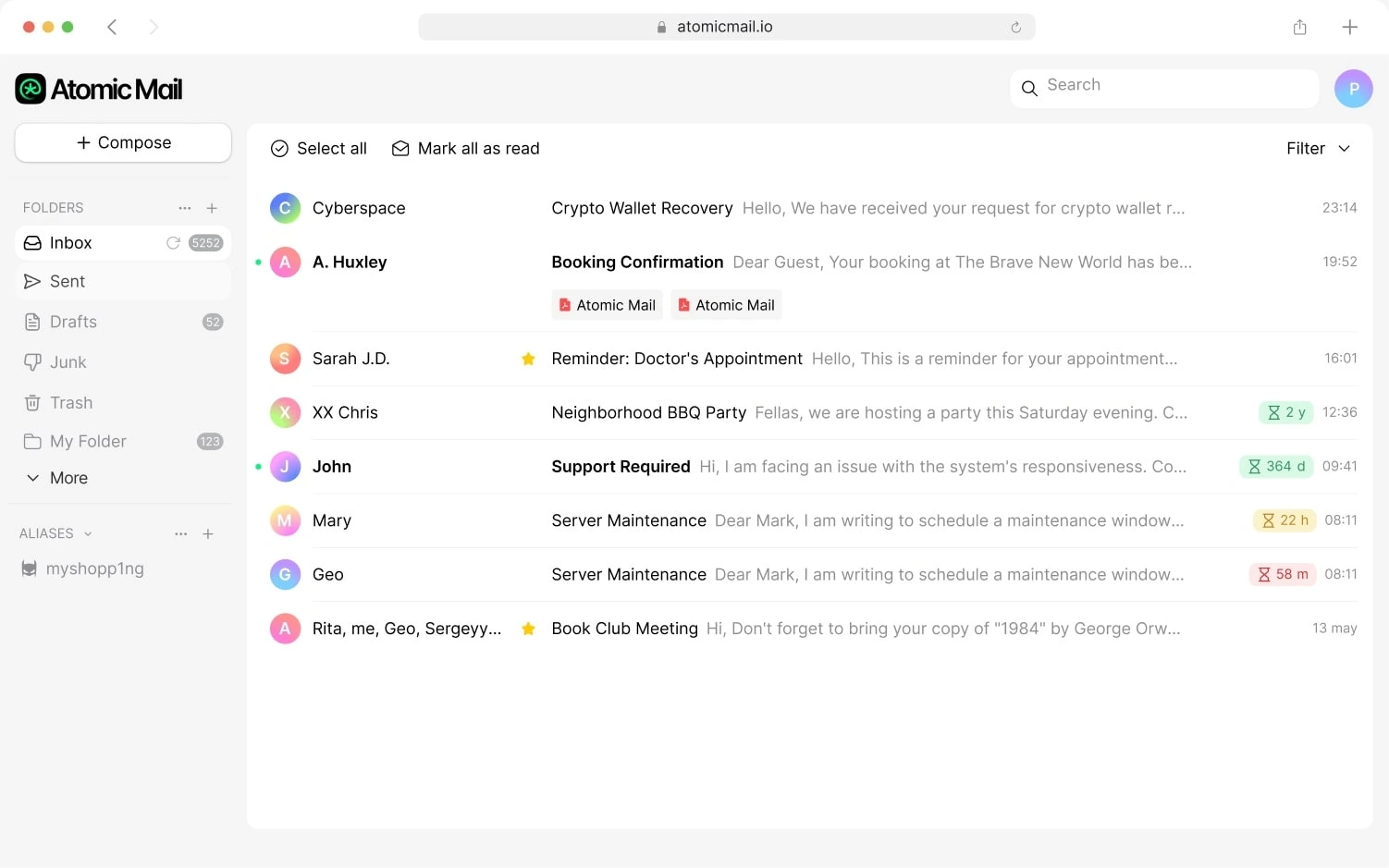
Multi-accounting friendliness: High. No identity info is required at signup and recovery is just a seed phrase, so there’s less friction than with the services that gate you behind SMS or ID checks.
3. Outlook (Hotmail)
What it is: Outlook.com is Microsoft’s free webmail, plugged into Word, Excel, OneDrive, and the Focused Inbox.
Best for: People already living in Microsoft 365.
Cons and limits: Microsoft often asks for a phone number or a puzzle, especially on repeat signups. The free tier shows ads.
Multi-accounting friendliness: Low. Outlook supports plus aliases and even real inbox aliases on any of its domains, but creating many separate accounts triggers phone checks and device signals quickly.
4. GMX

What it is: GMX is a long-running free European provider with generous storage and a built-in alias system.
Best for: Free storage plus real alias addresses under one login.
Cons and limits: The interface shows ads, and it’s less private than Proton or Tuta. GMX sometimes asks for a phone number to verify a signup.
Multi-accounting friendliness: Medium. GMX lets you create up to 10 real alias addresses inside one account, which beats the plus trick. Making many separate GMX accounts from the same setup still gets flagged.
5. mail.com

What it is: mail.com is GMX’s sister service, with the same engine and a huge menu of domain choices (like @consultant.com or @writeme.com).
Best for: Picking a memorable address and organizing mail with aliases.
Cons and limits: Ads on the free tier, and privacy is average. Phone verification can appear on some signups.
Multi-accounting friendliness: Medium. Plenty of domain options help variety, but the same IP and device signals limit how many accounts you can spin up.
6. Yahoo Mail

What it is: Yahoo Mail is a veteran free provider with large storage and smart features.
Best for: A high-storage throwaway or secondary inbox.
Cons and limits: Yahoo usually requires a phone number for SMS verification at signup. It carries a heavy breach history and an ad-loaded interface. Its “disposable address” aliases mostly sit behind the paid Yahoo Mail Plus tier.
Multi-accounting friendliness: Low. The mandatory phone step at signup is the main blocker.
7. Zoho Mail
What it is: Zoho Mail is an ad-free business email suite with strong admin tools and custom domain support.
Best for: Small businesses running email on their own domain.
Cons and limits: Here’s the honest heads-up: despite its reputation, Zoho now makes phone verification mandatory at signup. The free plan also requires you to own a custom domain and blocks IMAP and POP.
Multi-accounting friendliness: Low. A phone code per account plus the domain requirement make bulk signups hard.
8. Mailfence
What it is: Mailfence is a Belgium-based secure provider bundling encrypted email, calendar, and documents.
Best for: EU privacy with a clean, business-friendly feel.
Cons and limits: The free plan is small (limited storage, no custom aliases). Real aliases and more space need a paid plan. Mailfence may ask for extra verification in some cases.
Multi-accounting friendliness: Low to medium. It usually skips the phone, but the tight free plan and manual reviews cap how far you can scale.
9. iCloud Mail
What it is: iCloud Mail is Apple’s clean, ad-free inbox that syncs across Mac, iPhone, and iPad.
Best for: Apple users who want a simple personal address.
Cons and limits: It ties to your Apple ID and device, so it usually expects a phone number. The web interface is basic, and Hide My Email aliases need paid iCloud+.
Multi-accounting friendliness: Very low. The one-Apple-ID-per-device flow makes many accounts impractical.
10. Fastmail

What it is: Fastmail is a fast, ad-free paid provider that developers and privacy-minded pros love, with the best aliasing on this list.
Best for: Anyone who wants top-tier alias control and independence from Google and Microsoft.
Cons and limits: No free tier. You get a 30-day trial, then plans start around $6 per month for individuals. It’s paid-only, so it’s not a “free mailbox” pick.
Multi-accounting friendliness: Medium for aliases, low for separate accounts. Fastmail’s plus and subdomain addressing plus roughly 1,000 masked aliases are excellent for one power user, but it isn’t built for spinning up many independent accounts.
Which domain do you actually get when you sign up?
Every provider on this list runs more than one domain behind the scenes, and it’s worth knowing which ones you can actually pick at signup versus which ones are legacy, region-locked, or paid-only.
| Provider | Domain(s) offered at signup | Notes |
|---|---|---|
| Proton Mail | proton.me (default) or protonmail.com, selectable at signup | @pm.me short domain unlocks after signup on a paid plan; @protonmail.ch only exists on accounts from before 2016 |
| Atomic Mail | @atomicmail.io | Single domain only. Custom domain support for individuals and teams is planned but not yet available |
| Outlook (Hotmail) | Choose one at signup: outlook.com, hotmail.com, live.com, or msn.com | All four share the same backend, storage, and features |
| GMX | gmx.com on the international site, or gmx.net / gmx.de / gmx.at / gmx.ch on the European site | Up to 10 free alias addresses can pull from other GMX-family domains |
| mail.com | Roughly 200 domain choices at signup (for example consultant.com, writeme.com, europe.com) | Same parent company and backend as GMX |
| Yahoo Mail | yahoo.com only for new accounts | ymail.com and rocketmail.com stopped accepting new signups back in 2013; only pre-2013 accounts still use them |
| Zoho Mail | zohomail.com by default, or zohomail.eu / zohomail.in / zohomail.com.au | Assigned automatically based on your location, not something you choose |
| Mailfence | mailfence.com only | Custom domain support is a paid feature |
| iCloud Mail | icloud.com only for new accounts | me.com and mac.com only exist on accounts created before September 19, 2012; you can’t pick them today |
| Fastmail | fastmail.com by default, with about 20 more selectable at signup: fastmail.ca, .cn, .co.uk, .com.au, .de, .es, .fm, .fr, .im, .in, .jp, .mx, .net, .nl, .nz, .org, .se, .to, .tw, .uk, .us, plus sent.com and pobox.com | All the domains share one account; fastmail.fm is a legacy domain; custom domain needs a paid plan |
A quick way to read this table: Proton and Tuta are the only two where you genuinely pick a different domain at the free signup step. Outlook offers four domains, but they’re cosmetic, not separate accounts. Zoho’s domain is decided for you by geography. And Yahoo and iCloud have quietly narrowed down to a single domain for anyone signing up today, even though older addresses in other domains still work.
A note on the “plus” alias trick
You may have seen advice about adding a tag before the @, like [email protected], to create address variations. That’s a different thing from the domain table above; it doesn’t change your domain or create a new account; it just labels one that already exists. Every plus alias still lands in the same inbox and points back to the same identity, and many signup forms reject or normalize the + sign anyway. It’s genuinely useful for sorting your own mail, but it isn’t a way to register separate accounts.
Comparison table of Gmail alternatives: no phone, free plan, and limits
This is a side-by-side comparison table of the Gmail alternatives covered in this guide. It answers the big questions at a glance: can you register without a phone or SMS, is there a free plan, and what does that free plan cost you.
| Provider | Free plan? | Phone / SMS at signup? | Main free-plan limits |
|---|---|---|---|
| Proton Mail | Yes | No (CAPTCHA or recovery email) | 1 GB storage, 1 address, web-first |
| Atomic Mail | Yes | No (usually email verification; phone not required) | Limited storage, strict sending limits, account approval/anti-abuse checks, basic features only |
| Outlook (Hotmail) | Yes | Often yes | Ads, repeat-signup friction |
| GMX | Yes | Yes | Ads, average privacy, storage caps |
| mail.com | Yes | Sometimes asked | Ads, average privacy |
| Yahoo Mail | Yes | Yes (SMS) | Ads, breach history, phone at signup |
| Zoho Mail | Yes | Yes (mandatory SMS) | Custom domain required, no IMAP/POP |
| Mailfence | Yes | No, but a backup email is mandatory | Small storage, no free aliases |
| iCloud Mail | Yes (with Apple ID) | Yes (Apple ID requires 2FA phone) | Needs Apple device/ID, basic web UI |
| Fastmail | No (30-day trial) | No (paid service) | Paid only, from about $6/mo |
Can you realistically create dozens of accounts?
This is the table most guides skip. A provider can let you sign up without a phone and still block you the moment you try to make several accounts from the same place.
| Provider | Create many accounts? | What stops you |
|---|---|---|
| Proton Mail | Limited from one device or IP | Rate limits and CAPTCHA on repeat signups |
| Atomic Mail | Limited (possible but restricted) | Abuse checks and manual approval |
| Outlook | Hard | Phone, puzzle, and device signals |
| GMX | A few, then limited | Mandatory phone number, plus IP and device flags |
| mail.com | A few, then limited | Same IP and device flags |
| Yahoo Mail | Hard | Mandatory phone at signup |
| Zoho Mail | Needs a phone each time | Mandatory phone code per account |
| Mailfence | Limited | Needs a fresh working backup email each time, plus manual review |
| iCloud Mail | Very hard | Mandatory phone via Apple ID, one ID per device flow |
| Fastmail | Not designed for it | Paid, one power account model |
See the pattern? The wall isn’t really the phone field or which domain you pick. It’s your device, your IP, and your browser fingerprint. Every provider watches those signals, and every extra account from the same setup looks more suspicious than the last.
The real problem: everything comes from one “you”
Say you pick Proton because it’s phone-free. First account: done in minutes. Second account: CAPTCHA. Third or fourth: blocked, or asked to verify.
Nothing is wrong with the provider. Two signals give you away:
- Same fingerprint, same IP. Screen resolution, fonts, timezone, and other browser signals stay the same even after you clear cookies. The system reads every new account as the same person doing it again.
- Zero browsing history. A browser that appears out of nowhere and immediately tries to register something looks different from one that’s been used normally for a while. Platforms treat that gap as a risk signal on its own, separate from anything about a phone number.
FYI: clearing cookies resets what a site remembers about you. It does nothing to your fingerprint or your IP, which is what actually gets flagged.
If you manage social media for clients, run a marketing agency, or handle several brands, this is the daily bottleneck. Each mailbox needs to look like it belongs to a separate, established user, not a device that just appeared.
How Multilogin approaches multi-accounting
Two parts to the fix, matching the two signals above.
1. A separate device for every account. Each account runs in its own isolated browser profile with its own unique fingerprint. From a platform’s side, that’s genuinely a new device, not a repeat visitor.
2. Some history behind that device before you register. A brand-new profile with no activity is still a pattern worth flagging, even with a clean fingerprint. Before signing up, let the profile browse normally first:
- Visit a few ordinary sites
- Pick up some cookies
- Build a bit of real activity, the way an actual new device does over its first days of use
Only then go through the signup. It’s closer to what a real new user’s browser looks like the first time they register for something, which is a meaningful part of why the odds of hitting a CAPTCHA or an extra verification step go down.
A few other pieces that support the same idea:
- Built-in residential proxies keep each profile connecting from one consistent, matched location instead of jumping IPs mid-session.
- Cloud phones extend this to mobile signups: real cloud-hosted Android devices with genuine hardware identifiers (IMEI, Android ID, MAC), not emulators, with app data and logins that persist between sessions the way they would on a phone you actually own.
- One dashboard manages every profile and cloud phone, whether you’re running a handful of accounts or a few hundred, with automation available through Selenium, Puppeteer, Playwright, Postman, and an API for teams that need it.