



If you have ever posted a TikTok that felt like it should have performed and it just did not, posting time might be part of the story. Not all of it, but part of it.
TikTok works differently from most platforms when it comes to timing, and understanding why makes the recommendations in this guide a lot easier to actually use rather than just follow blindly.
This guide breaks down the best posting windows for every day of the week, covers EST and PST, explains how TikTok uses timing in its distribution logic, and shows you how to pull your own personalized posting time data from Tiktok Analytics.
There is also a section specifically for agencies and brands managing multiple TikTok accounts, because the timing question looks very different when you are running five or ten accounts at once.
Why Posting Time Matters on TikTok
When you hit post, TikTok does not blast your video to all your followers at once. It picks a small test group, typically a few hundred to a few thousand accounts, that skews toward your existing followers and other accounts TikTok thinks match your content type. What that group does in the next hour or two determines everything.
High watch-through rate, shares, comments, and saves all signal to TikTok that the video is worth pushing to a bigger audience. TikTok then rolls out distribution in waves, each wave larger than the last if engagement stays strong. This is why videos sometimes seem to explode a day or two after posting rather than immediately.
Here is where timing fits in. If your test batch goes to followers who are asleep, at work, or just not actively scrolling, the video collects slow engagement. TikTok does not know that the timing was bad. It just sees a low-engagement video and moves on. The opportunity for that first wave is gone.
Posting when your followers are most active means your initial batch is more likely to watch the video through, engage, and share it, which kicks off the wider distribution. One honest note though: even perfect timing cannot save a video that people do not want to watch. Content quality is the main driver of performance. Timing is the marginal optimization on top of it. Treat the windows below as solid defaults while you build your own data in Analytics.
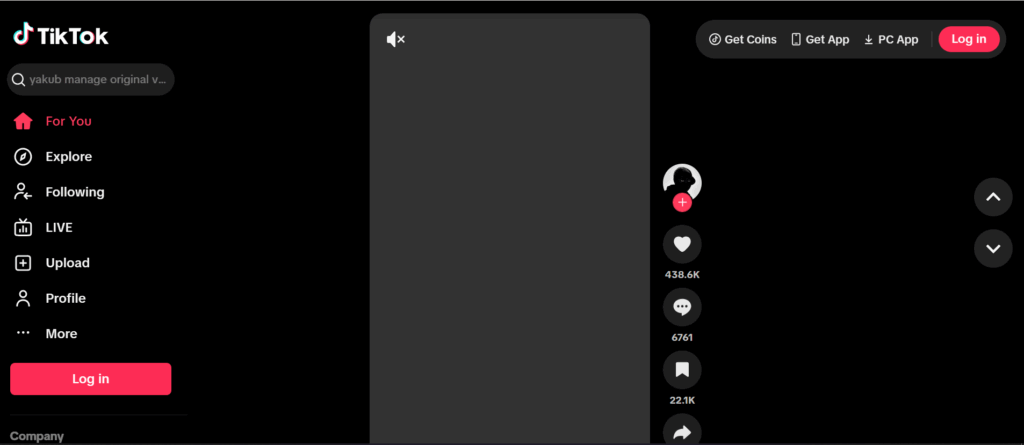
Does TikTok Show Who Viewed Your Profile?
Yes, but only under specific conditions.
TikTok does tell you who viewed your profile through the Profile View History feature, but there are three requirements that have to be met:
- You have Profile View History turned on. If you don’t have the feature enabled, you won’t see who visited your profile.
- The person who viewed you also has it turned on. If they’ve turned it off, their visit won’t appear in your list even if they visited your profile ten times.
- You’re eligible for the feature. TikTok restricts Profile View History to users who are 16 or older and have fewer than 5,000 followers.
So when people ask “does TikTok show who viewed your profile,” the honest answer is: it shows you some of them. The majority of people who visit your profile may not appear in your list at all, either because they’ve opted out, because they don’t meet the age requirement, or because the view happened more than 30 days ago.
Profile View History covers the last 30 days only. After that window, the data disappears.
Does TikTok Notify You When Someone Views Your Profile?
No. TikTok does not send a push notification each time someone views your profile. You won’t get an alert saying “so-and-so just visited your profile.” You have to manually open the Profile View History section to check who’s been there.
TikTok did briefly offer profile view notifications at one point, but that feature was removed. As of 2026, there are no automatic notifications for profile views.
How to See Who Viewed Your TikTok Profile
Here’s how to check your profile view history step by step:
- Open TikTok and tap the Inbox icon at the bottom of the screen
- At the top of your Inbox, look for a Profile views notification
- Tap it to open the list of recent profile visitors
- You’ll see usernames, profile photos, and an approximate timestamp
If you don’t see the Profile views option in your Inbox, it either means you haven’t turned the feature on yet, or your account doesn’t meet the eligibility requirements (age 16+ and under 5,000 followers).
You can also access profile view history directly from your profile page. Tap your profile, and if the feature is active you’ll see a small viewer icon near your follower count. Tap it to open the same history list.
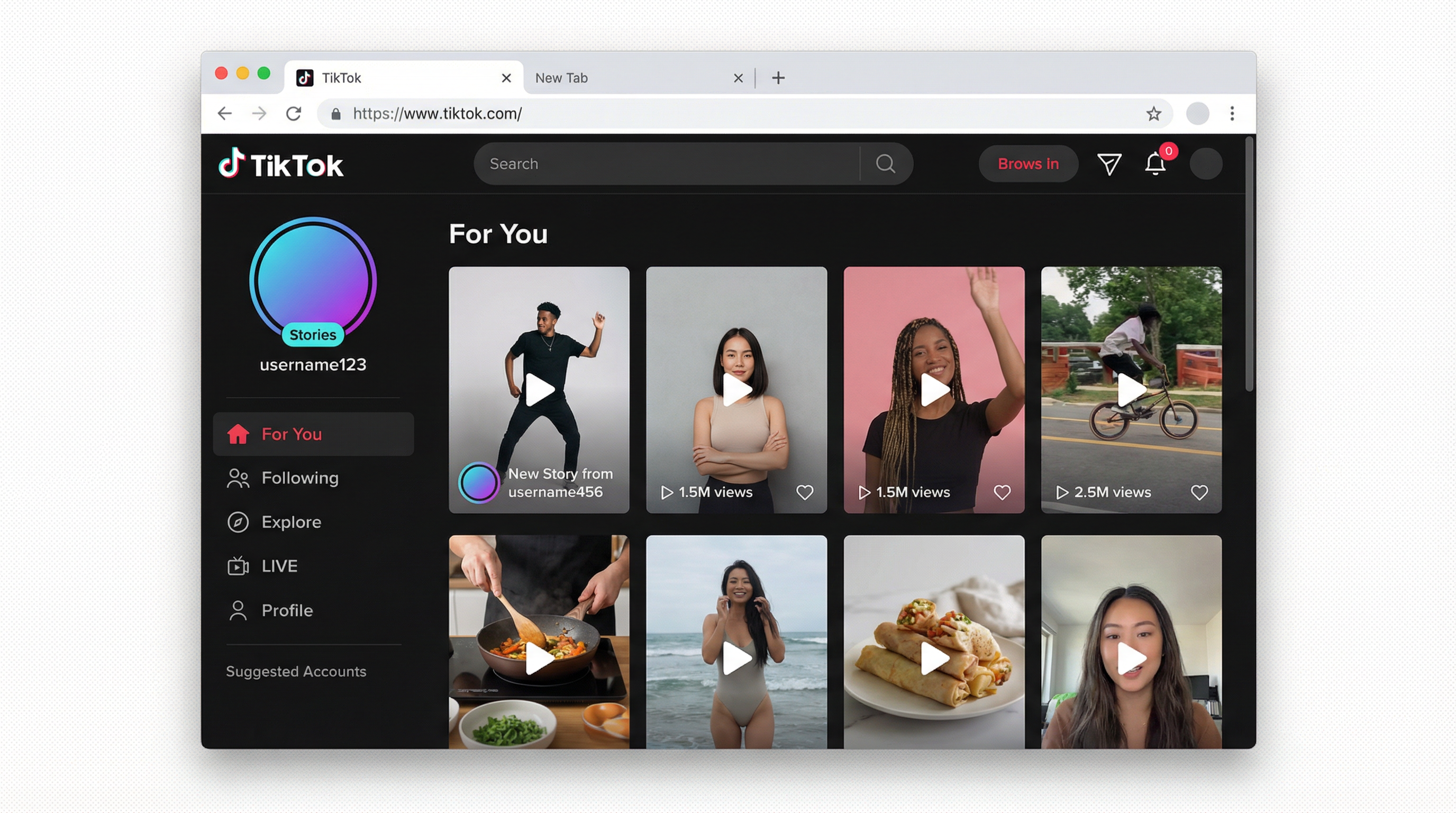
How to Turn On Profile Views on TikTok
If you want to start seeing who’s visiting your profile, here’s how to enable the feature:
- Open TikTok and go to your Profile
- Tap the three-line menu in the top right corner
- Go to Settings and Privacy
- Tap Privacy
- Scroll down to Profile views and tap it
- Toggle Profile View History on
Once you turn it on, two things happen: you can now see who visits your profile, and other users with the feature enabled can now see when you visit their profiles. It’s a mutual system.
How to Turn Off Profile Views on TikTok
If you’d rather browse profiles without leaving a trace, or if you just don’t want other people tracking when you visit their page, here’s how to turn profile views off:
- Open TikTok and go to your Profile
- Tap the three-line menu in the top right corner
- Go to Settings and Privacy
- Tap Privacy
- Scroll down to Profile views and tap it
- Toggle Profile View History off
You can also do this directly from the Profile views section in your Inbox. There’s a settings icon on that page that takes you straight to the toggle.
If You Turn Off Profile Views on TikTok, What Happens?
A few things change when you turn profile views off:
- You stop appearing in other users’ profile view history lists
- You can no longer see who visits your own profile
- Your existing 30-day view history remains accessible for up to 30 days after you disable the feature, then it disappears
- You can still visit other profiles normally, you just won’t leave a visible trace in their history
So if you turn off profile views on TikTok after viewing someone’s profile, that visit may already be recorded in their history. TikTok doesn’t retroactively remove views that happened while the feature was active. Whether they can still see it depends on when they check and whether the 30-day window has passed.
If You Turn On Profile Views on TikTok, What Happens?
When you turn profile views on:
- You start seeing a list of users who visit your profile (for the past 30 days, going forward)
- Those same users can see that you visited their profile when you do
- The mutual visibility applies immediately once the feature is enabled
The catch is you won’t see retroactive views from before you turned it on. If someone visited your profile three weeks ago but you only just enabled the feature today, that visit won’t show up.
If I Have Profile Views Turned Off, Can I Still See Who Viewed Me?
No. If your Profile View History is off, you don’t get to see who visited you. The visibility is mutual by design. TikTok doesn’t let you track other users’ visits without also exposing your own.
Can People See When You View Their TikTok Profile?
Only if both of you have Profile View History turned on. If you visit someone’s profile and either of you has the feature disabled, your visit won’t appear in their list. They won’t know you were there.
This is the most important practical point: having the feature turned off is the most reliable way to browse profiles without the other person knowing.
Profile Views on TikTok Not Showing: Why It Happens
If you can’t see your profile views on TikTok, here are the most common reasons:
The feature isn’t enabled. The most obvious one. Go to Settings and Privacy, then Privacy, then Profile views, and check if the toggle is on.
Your account has over 5,000 followers. TikTok limits Profile View History to accounts with fewer than 5,000 followers. Once you cross that threshold, the feature becomes unavailable.
You’re under 16. TikTok restricts this feature based on age. Accounts registered as under 16 don’t have access to it.
Your app needs an update. TikTok has rolled out updates to how privacy settings appear in the interface. If you’re on an older version, the option might be in a different location or temporarily unavailable. Update the app and check again.
You have a private account. Some account configurations limit the availability of profile view features.
What Does “Shared With You” Mean on TikTok Profile Views?
If you see a “shared with you” label in your TikTok profile views section, it refers to users who found your profile through a shared link rather than through a direct visit from within the app. It’s TikTok’s way of categorizing how a visit originated, whether the person clicked through from a post shared externally, a DM, or another source.
TikTok Profile Picture Viewer: Can You View Someone’s Profile Pic?
TikTok does not currently allow you to zoom in on or expand another user’s profile picture within the app. The profile picture appears at a fixed size on the profile page.
There are third-party tools that claim to function as a TikTok profile pic viewer or TikTok profile picture viewer, but these are external services with no official relationship to TikTok, and using them carries privacy and security risks.
How to View a TikTok Profile Anonymously
If you want to view TikTok profiles without the other person knowing, the most reliable method is to turn off Profile View History in your settings before browsing. With the feature disabled, your profile visits won’t appear in anyone else’s view history.
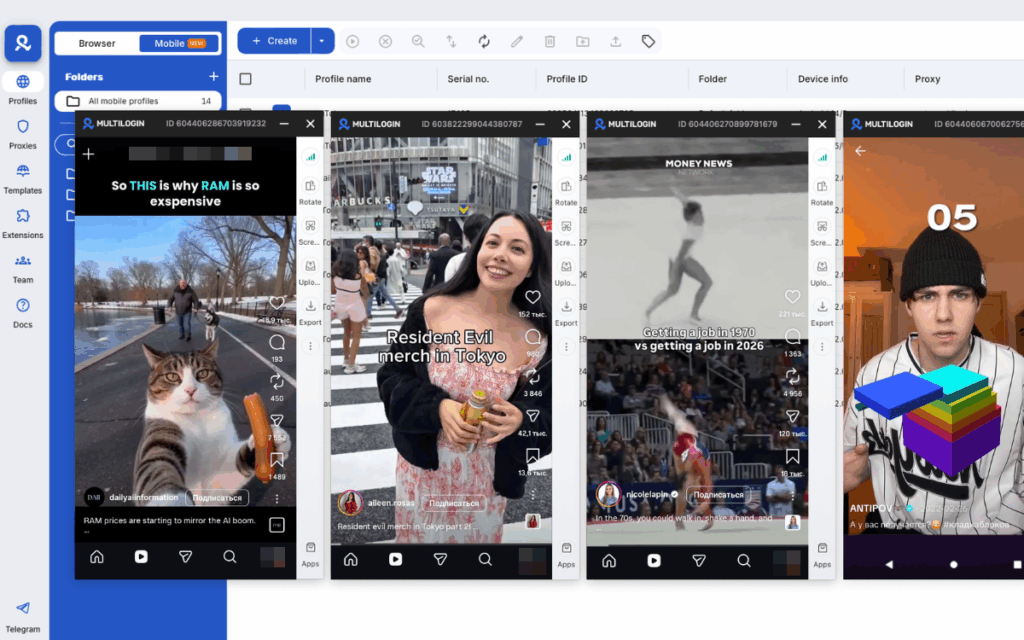
For a more complete anonymous TikTok browsing setup, particularly if you’re managing multiple accounts or you want to research profiles without any account association, Multilogin Cloud Phones give each account its own isolated Android environment with a unique device identity and location.
You can browse profiles from one account without that activity being associated with your other accounts. Each Cloud Phone maintains its own app data and session history independently.
This is particularly useful for social media managers, agencies, and creators running multiple TikTok accounts who want clean separation between account activity. You can see how the setup works at Cloud Phones for social media management.
TikTok Profile View History Feature: The Bigger Picture
Profile views matter more than most creators realize. They’re a signal of intent. When someone watches your video and then taps through to your profile, they’re not just passively consuming content. They want to know more about you, which means your video created enough curiosity to make them act.
Tracking those visits tells you which content is generating that level of interest, which is direct feedback on what’s working. If you post a video and notice a spike in profile views afterward, that video did something right beyond just getting watched. If you change your bio or profile picture and see a change in how many visitors convert to followers afterward, that’s data you can act on.
For anyone serious about growing on TikTok in 2026, keeping Profile View History on and checking it regularly is a legitimate part of the analytics toolkit, not just a curiosity feature.
Need to manage multiple Tiktok accounts? Try Multilogin Cloud Phones.
Frequently asked questions About TikTok Profile Viewer
Only if both of you have Profile View History enabled. If either person has it turned off, the visit is not recorded in their history.
Yes, through Profile View History, which shows visitors from the past 30 days. But you only see users who also have the feature turned on.
TikTok shows you a list of users who visited your profile page within the last 30 days, but only if both you and the visitor have Profile View History enabled. Video views are separate and not covered by this feature.
Yes. The feature is available to accounts with fewer than 5,000 followers who are 16 or older and have Profile View History turned on.
Most commonly because the feature isn’t turned on, your account has over 5,000 followers, your account is registered as under 16, or your app needs an update.
The most reliable way to view TikTok profiles anonymously is to turn off Profile View History in your settings. This prevents your visits from appearing in other users’ history lists.

