Create Multiple Twitch Accounts

Run multiple Twitch accounts from a single computer — with no bans, no blocks, no red flags.

Enabled by Multilogin’s advanced fingerprinting, built-in proxies, and team collaboration tools.

Creating multiple accounts Twitch
manage multiple twitch accounts

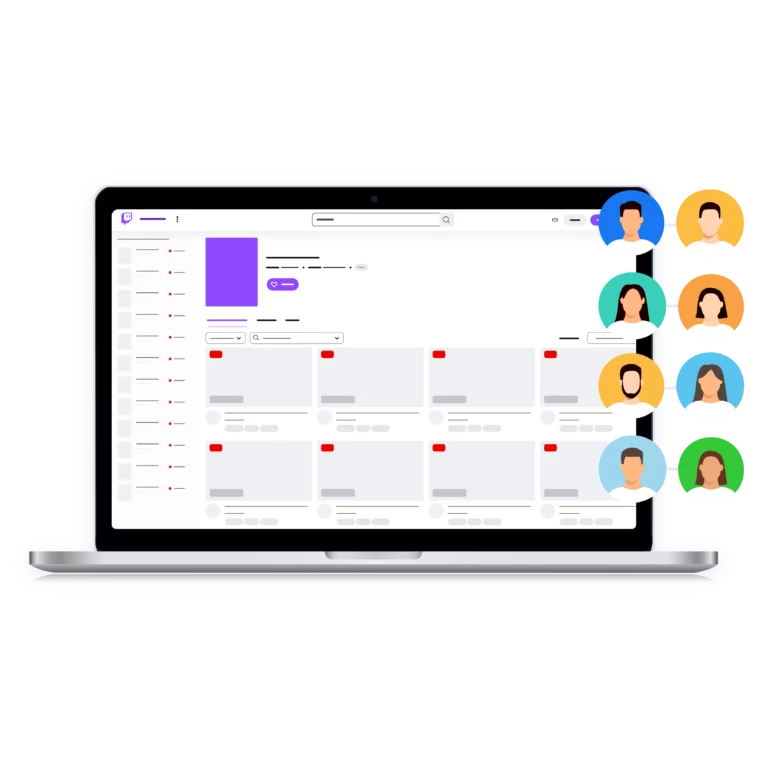
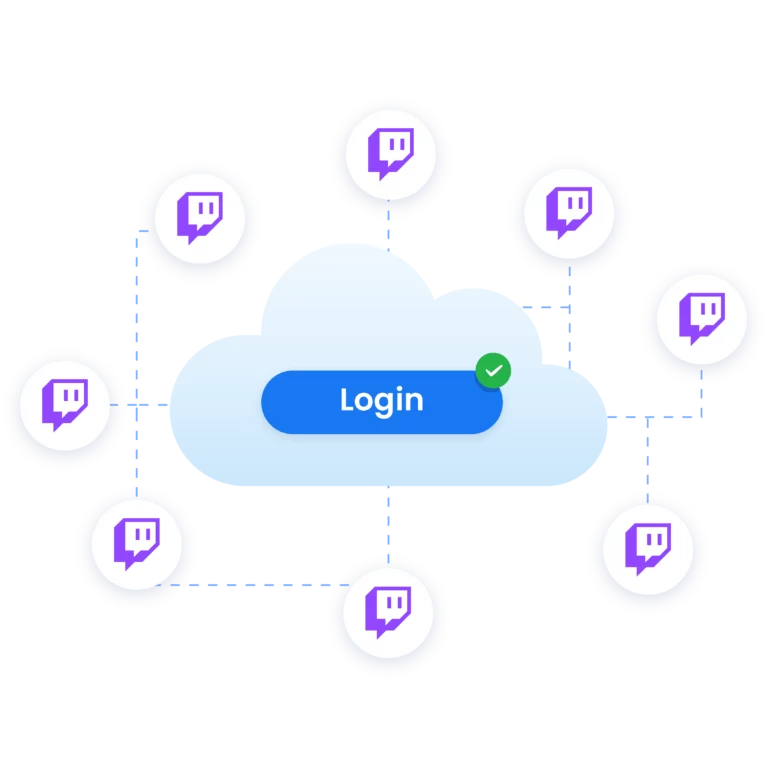
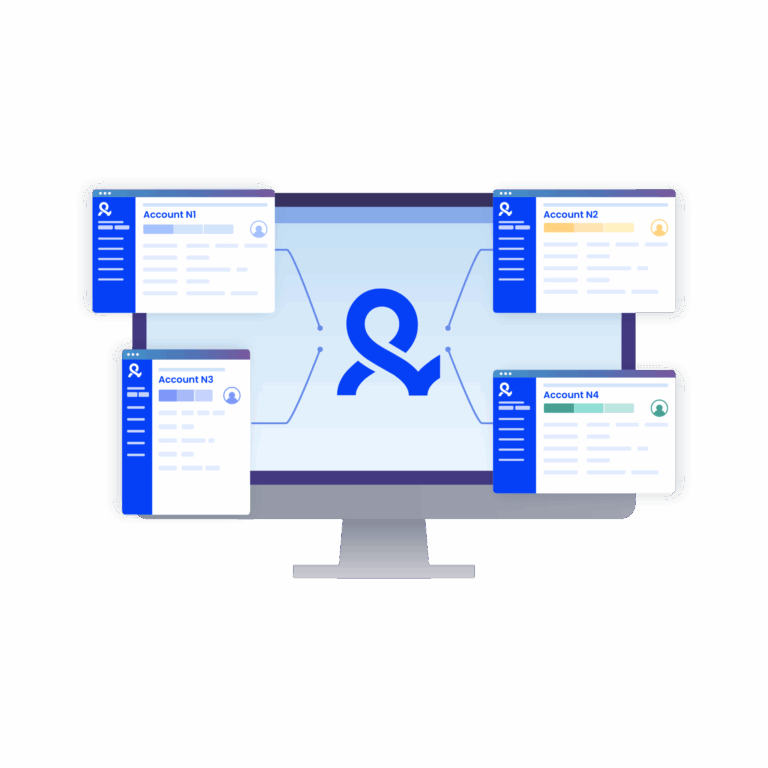
All your Twitch accounts, one dashboard

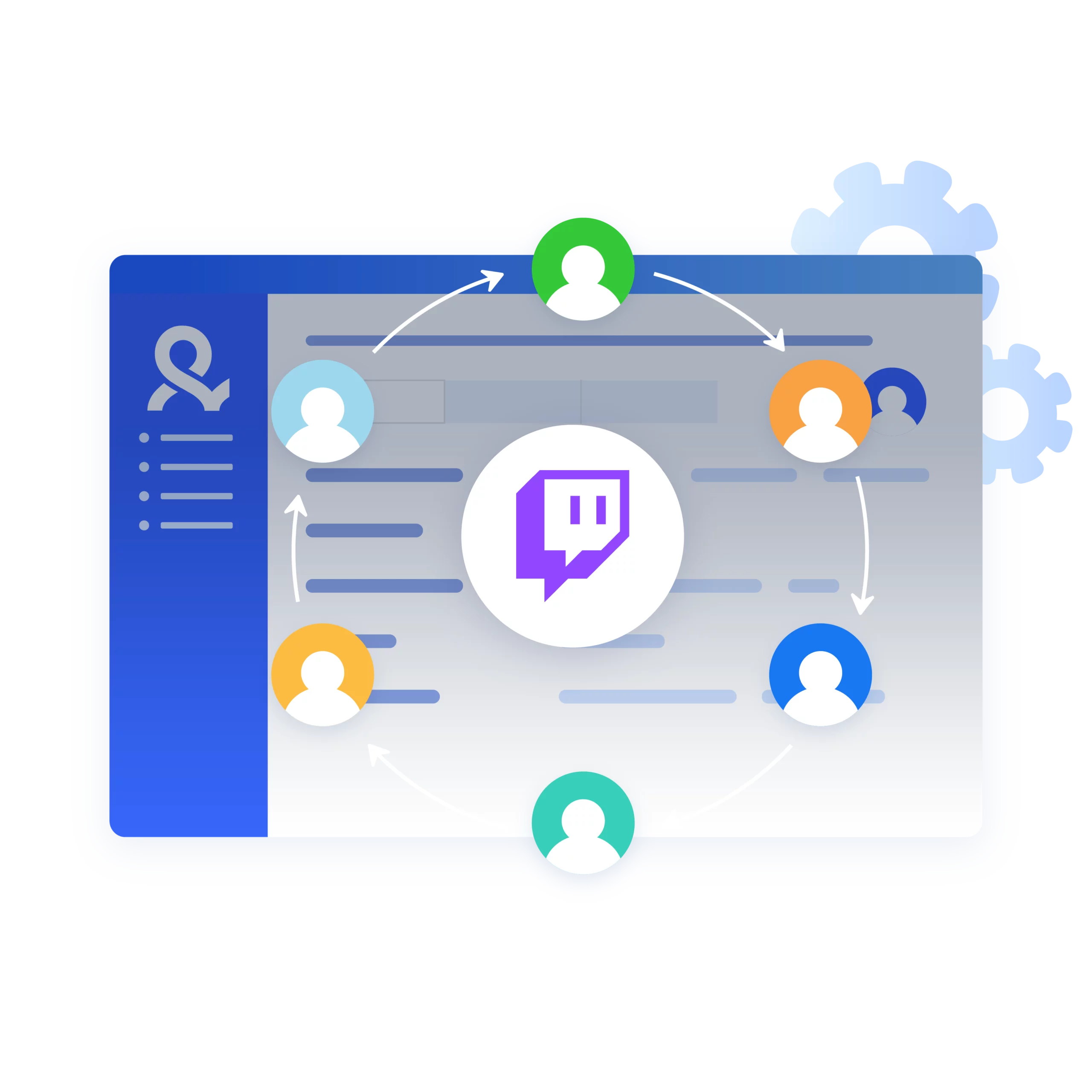
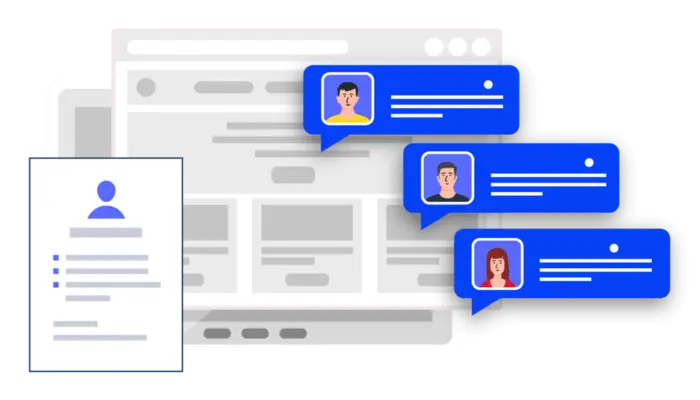
Creators, agencies, and moderators can collaborate without friction.

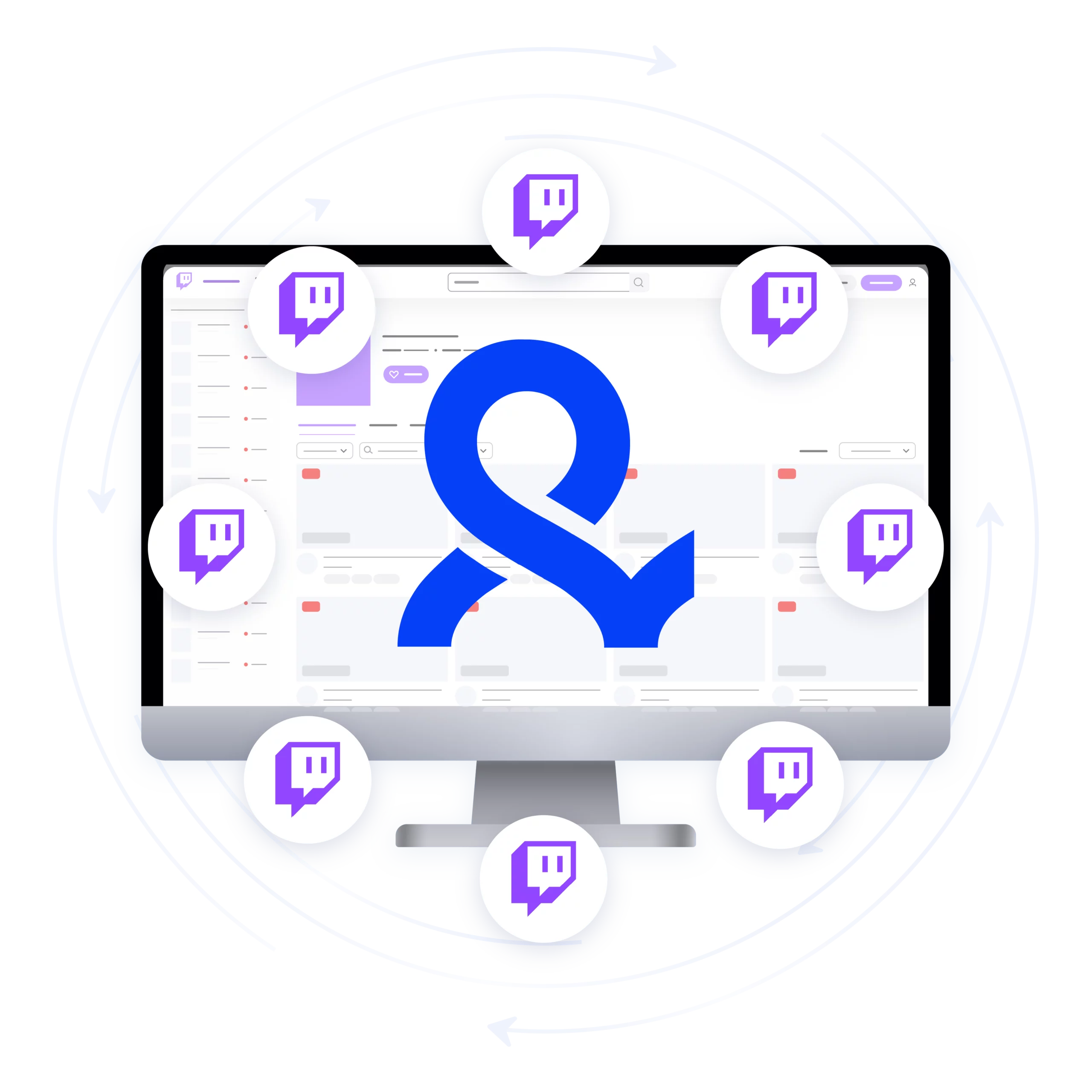
With Multilogin, you can run unlimited Twitch accounts in parallel: secure, organized, and automation-ready.

multiple twitch accounts without bans

No bans — just real engagement

Easily expand outreach and engagement strategies by managing dozens of accounts at once, all from one computer, without detection:

  • starting discussions & welcome messages,
  • voting in polls & joining giveaways,
  • echoing jokes or ideas,
  • using raids, co-stream support, moderation etc.
Creating multiple accounts Twitch

One tool, unlimited identities

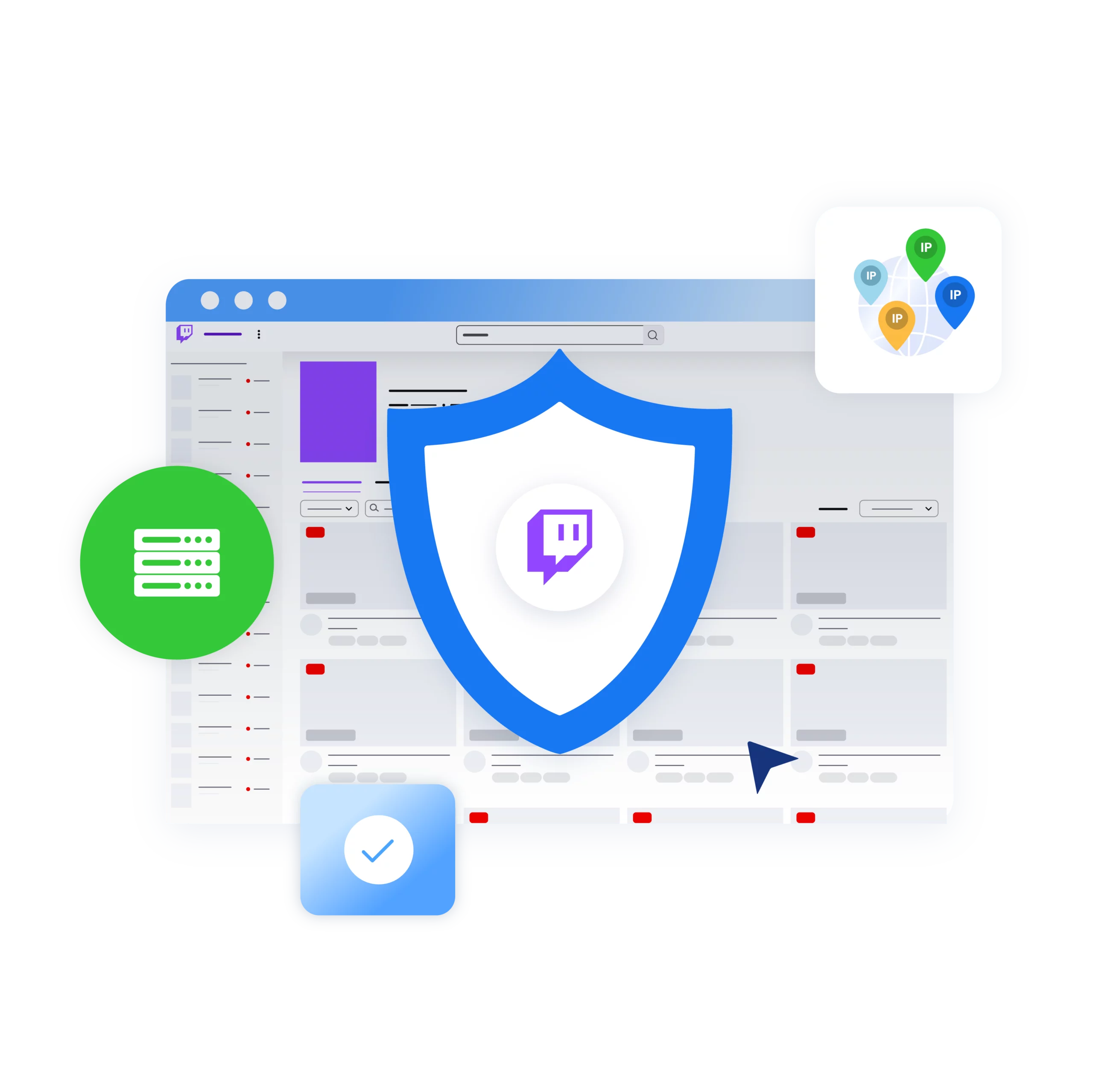
Create multiple channels, roles, and identities from one computer — with built-in proxies (30M+ IPs across 150+ countries) that make every profile look and work like a real user.

multiple twitch accounts for viewers

Scale your Twitch presence with multiple accounts

From your main Twitch channel to VOD editing, utility bots, and moderator accounts — manage them all with ease.

Creating multiple accounts Twitch

Automate the busywork on Twitch

Use Multilogin to script routine ops with Selenium/Puppeteer/Playwright and switch between isolated, human-like browser profiles.


Grow your social media accounts with Multilogin cloud phones

Build account trust, reach any location, and boost your engagement
  • Unlimited time

  • Mobile and browser profiles included

  • Free built-in proxies & mobile minutes

  • Unlimited time

  • Mobile and browser profiles included

  • Free built-in proxies & mobile minutes

What is antidetect browser?

An antidetect browser is a specialized tool that hides a user’s digital fingerprint and provides online anonymity by masking device and browser details. Users commonly use it to manage multiple accounts on various platforms without triggering detection or bans.

Multi Account Management Tool

Why choose Multilogin for managing multiple Twitch accounts?

Use unlimited, policy-safe identities with human-like fingerprints and built-in residential proxies ; automate creation, moderation, testing, and live engagement (chat, polls, raids, giveaways) with Puppeteer/Playwright/Selenium – no cross-contamination, all in one workspace.

Multilogin for multi account management

Multilogin Key Features

Icon representing Multilogin's feature to bypass bot protection.

Mimics natural human browsing

Our anti-fingerprinting tech bypasses multi-account and automated browser detection by masking unique browser fingerprints.

An icon representing browser action automation feature in Multilogin.

Built for Team Collaboration

You can collaborate on browser profiles and easily share passwords, cookies, and session progress with team members..
Icon representing the Android Chrome browser in Multilogin.

Data sync over Cloud

Cookies, extensions, and bookmarks are stored in encrypted cloud storage and synced across devices; local storage is also available.

An icon representing fingerprint adjustment to match proxy feature of Multilogin.

Android Chrome Emulation

Emulates mobile browser behavior for accurate operation on mobile-first platforms.
Icon representing Multilogin's support for all proxy types, including HTTP, HTTPS, and SOCKS5.

Live session dashboard

View all active profiles at a glance; monitor statuses and control operations without switching tabs.

Icon representing residential rotating IPs in Multilogin.

Enterprise-grade security

Profile encryption, 2FA, strict access controls, and privacy compliance for safe multi-account management.

An icon representing 'Chrome or Firefox Interface with Multilogin,' illustrating compatibility with both Chrome and Firefox browsers, allowing seamless user experience and functionality through Multilogin.

Import/export & bulk operations

Transfer profiles (including fingerprints and cookies) quickly and migrate from other antidetect tools without downtime.

An icon representing High Load Supported feature of Multilogin.

Automation via API

Automate repetitive tasks with Selenium, Playwright, Puppeteer, or Postman while staying undetected by anti-bot algorithms.

Try Multilogin today and experience safer, smarter multi-accounting

Run unlimited Twitch accounts securely, bypass detection, and stay human-like online — all from one platform.

How to start using Multilogin 

Start collecting data effortlessly with the industry leading antidetect browser.

Step 1 of how to use Multilogin

Sign up

Register using a verified email address. 

Step 2 of how to use Multilogin

Choose your plan

Select from various subscription plans tailored to your business needs.

Step 3 of how to use Multilogin

Download Multilogin agent

Available for Windows, Mac, and Linux.

Step 4 of how to use Multilogin

Access the Multilogin dashboard

Start creating and managing antidetect browser profiles.

Step 5 of how to use Multilogin

Run multiple Twitch accounts

Set up and manage multiple Twitch accounts using separate browser profiles, all from one secure platform.

Why people love Multilogin

review_ha_d

Ha D.

Social Media Marketing Retail

A Good Cloud Phone for Account Management
Running a small team means I need control over who can access what, and Multilogin handles that well. The team access controls let me manage permissions without giving everyone the keys to every account. On top of that, the cloud phones keep everything isolated so one account issue doesn't put the rest at risk. Solid choice for agencies managing multiple clients or accounts.

Nino Latif

The best service for great ideas and big minds!
Always here for their clients, always ready to help out. I am using the service for 3-4-5 months now and brought me lots of great things 🙂 Hope to grow it on a larger scale and continue using the service ...

Stanislav K.

Marketing Manager

Cloud phones make it easy to manage multiple TikTok accounts with AI agents
I use Multilogin to manage a bunch of AI agents running TikTok accounts for different countries. Since each agent needs its own account, I wanted an easy way to keep everything organized. Cloud phones make it super easy. Every account has its own phone, so I don't have to buy or manage a bunch of real devices. I can see everything in one dashboard while the AI agents handle posting and the rest of the daily work.

Elen S.

Marketing Manager

Ideal for Social Media Management
I mainly use Multilogin for client social media management, and the cloud phones have been the biggest advantage for me. I can keep different clients in separate environments, leave their sessions running, and jump between accounts without constantly switching physical devices. It feels much more practical than trying to manage everything from a pile of phones.
Hamza Arif

Hamza Arif

E-commerce Manager

Perfect browser for work, worth the money!
My overall experience with Multilogin has been excellent. I really like its intuitive dashboard, reliable customer support, and competitive pricing. It has become an essential part of my e-commerce business, and I highly recommend it to anyone looking for a dependable solution.
Yasmin's Review

Yasmin D.

Social Media Manager

Safer accounts using Cloud Phones for social profiles
Running social profiles on cloud phones feels safer, everything is properly separated instead of relying on browser fingerprint tricks alone. Been running mine for a couple months with zero linking issues.
Nick H.

Nick Horvath

Marketing agency
Efficient Account Management and Outstanding Support with Multilogin
Multilogin has been an excellent tool for managing multiple accounts efficiently. The setup was quick, and I was able to start using it right away with no learning curve. The interface feels just like Chrome, making it easy to navigate and work without interruption. Performance has been smooth, and browsing feels natural and responsive.

Most awarded antidetect browser

Kinza awards for Multilogin.
Conversion club badge for Multilogin.
Mask group badge for Multilogin
Startup 2019 awards badge for Multilogin
badge for Multilogin
Best Value Software 2022 badge for Multilogin
High performer 2024 badge for Multilogin
Leader 2024 badge for Multilogin
Best support 2024 badge for Multilogin
Easiest to do business with 2024 badge
SourceForge top performer 2023 badge
GetApp user reviews badge

Watch the Multilogin Demo for creating multiple accounts on Twitch

Learn how Multilogin enhances your anonymity for robust multi-account management and data scraping activities. 

Just fill in your name, last name and email below, and we’ll deliver the demo video directly to your inbox.

Name
Last Name
Email *
Image of locked video for Multilogin demo preview

Managing Multiple Twitch Accounts in 2025: What You Need to Know

For many creators, viewers, and teams, a single Twitch account is not enough. You might be splitting your content between a main streaming channel, a VOD/archive channel, or a niche side project. Agencies and professional teams often run moderator accounts, chatbots, and community manager profiles alongside the creator’s main account.

Even regular viewers sometimes keep separate identities for different communities — for example, one profile for casual gaming chats and another for professional or branded interactions.

What Twitch Officially Allows

Twitch officially allows users to create multiple accounts under one verified email or phone number, as long as they enable the “Additional account creation” setting. Each account, however, is independent: if you’re aiming for monetization, every channel must qualify separately for Affiliate or Partner status. It’s also important to stay compliant — accounts must never be used for ban-evasion, artificial boosting, or manipulating giveaways, since those activities can lead to permanent suspensions.

The Challenge of Managing Multiple Accounts

This raises a practical challenge: how do you manage all these accounts safely and efficiently? Juggling multiple logins in one browser leads to cookie overlap, fingerprint clashes, and security prompts. Extensions can’t handle deep fingerprint isolation, and switching back and forth quickly becomes messy — especially for teams.

How Multilogin Solves the Problem

That’s where Multilogin becomes invaluable. As the leading antidetect browser, it creates unique, human-like browser profiles for each Twitch account, ensuring no cross-contamination of cookies or fingerprints. Every subscription includes built-in residential proxy traffic, so you can assign each profile a consistent, region-appropriate IP address.

Teams gain the ability to share accounts securely through role-based permissions instead of passing raw passwords, and automation APIs allow for safe, repeatable workflows like scheduled uploads or testing overlays — without breaking Twitch rules.

Who Benefits Most from Multilogin on Twitch

In short, whether you are a streamer diversifying content, a moderator team handling community safety, or a brand running multiple channels, Multilogin provides the structure, security, and compliance you need.

It solves the exact problems that Twitch multi-account users face: overlapping sessions, messy workflows, and trust-signal conflicts — while keeping your operations professional and policy-safe.

Create multiple Twitch accounts FAQ

Yes. You can create multiple Twitch accounts provided you adhere to Terms of Service and Community Guidelines. Twitch supports this scenario for creators managing multiple channels.

Twitch uses a CPM model—gross CPM averages about $3.50 per 1,000 ad views. After Twitch’s revenue split (usually 50%), creators make approximately $1.75–$1.93 per 1,000 ad views.

It depends:

  • By default, Twitch does allow simulcasting (broadcasting the same stream on multiple platforms).
  • However, if you’re under an exclusivity agreement (common for many Partners), multistreaming may be prohibited unless explicitly agreed upon.
  • Generally, only a tiny subset of streamers (e.g., Ninja) have special multistreaming permission.

Yes. But only if you enable the “Enable additional account creation” option in Settings → Security & Privacy. Your email must be verified, and then you can create multiple accounts using that same email.

To multistream (broadcast simultaneously to Twitch and other platforms):

  • Use a tool like Restream, which connects multiple streaming platforms.
  • Stream via OBS Studio with the Restream plugin or through Restream Studio interface.
    Restream
  • Ensure compliance with Twitch rules—never direct viewers to leave Twitch, and don’t show chat from other platforms on your Twitch stream.

Subjectively, yes, it can be challenging for beginners to grow organically without promotion or investment. While raw view-count monetization is limited (around $1.75 per 1K ad views), successful streamers diversify income (subs, bits, sponsorships).

Yes. If you’re under a Twitch exclusivity contract and stream elsewhere without permission, you risk violating your agreement. Most streamers without such a contract are allowed to multistream.

Twitch Drops are controlled by developers and linked to individual Twitch accounts.

They can’t be forwarded or multi-triggered across accounts. Each viewer/account must meet the drop criteria separately. (No official workflow enables simultaneous drops on multiple accounts.)

Platforms may link accounts based on shared data such as IP addresses, cookies, browser fingerprints, or login behaviors. Here’s how you can prevent account linking:

  • Regularly Clear Cookies and Cache
  • Use Separate IP Addresses
  • Use anti-detect browsers to create isolated environments

Multilogin uses advanced browser fingerprinting techniques to ensure each browser profile has a unique fingerprint. As a result, this minimizes the chances of platforms detecting that users manage multiple profiles from the same device, therefore reducing the risk of account linkage.

Potentially—it widens reach across platforms—but should be done carefully:

  • Multistreaming can increase exposure.
  • You must maintain compliance (no chat overlays, no directing traffic off Twitch).
  • If feasible, Multilogin helps manage multiple simultaneous sessions cleanly—especially useful if you’re streaming to Twitch and web–viewing drops, alerts, or dashboards in parallel.
Telegram
Thank you! We’ve received your request.
Please check your email for the results.
We’re checking this platform.
Please fill your email to see the result.

Multilogin works with amazon.com