


Android emulator alternative with cloud phones
Run native mobile apps for social media accounts without relying on an Android emulator. Connect multiple cloud phones, choose device locations, and sign in to accounts from one dashboard.
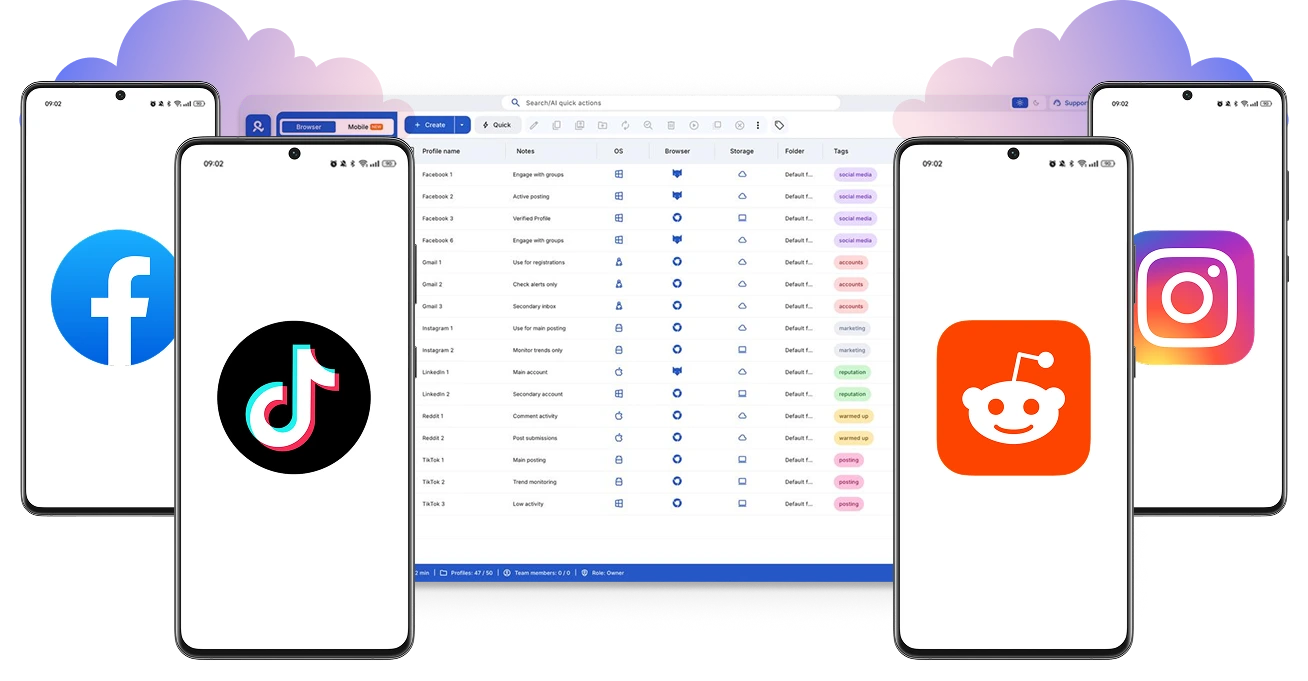
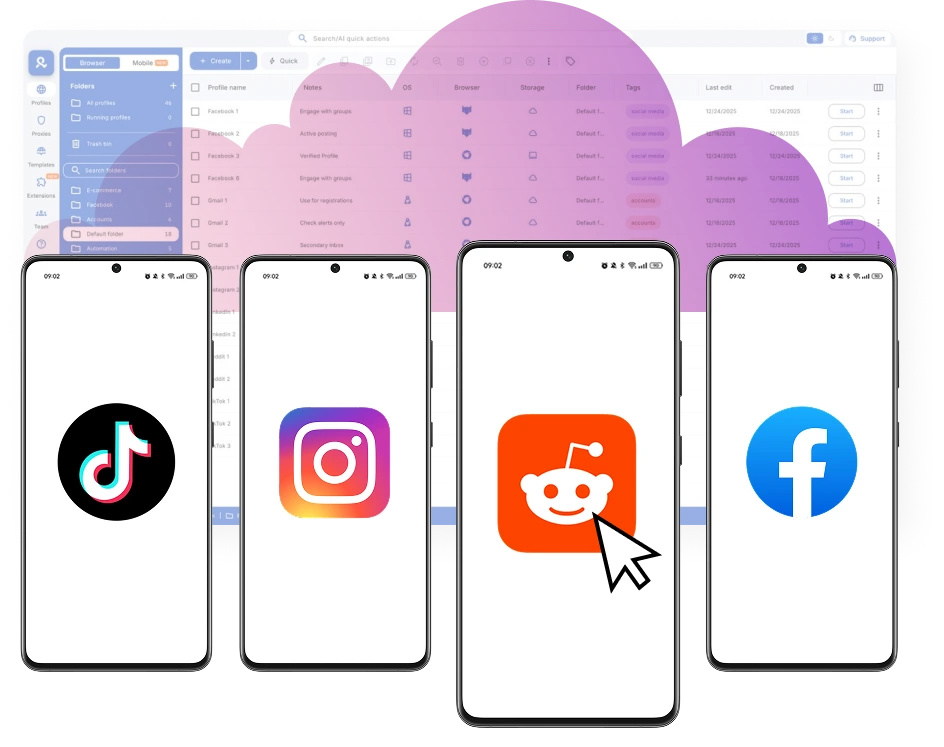
Get Android emulator alternative with unique devices
Access unique cloud devices from 12 phone brands to prevent account linkage. Organize profiles by clients and tags to simplify daily work without extra hardware or technical knowledge.
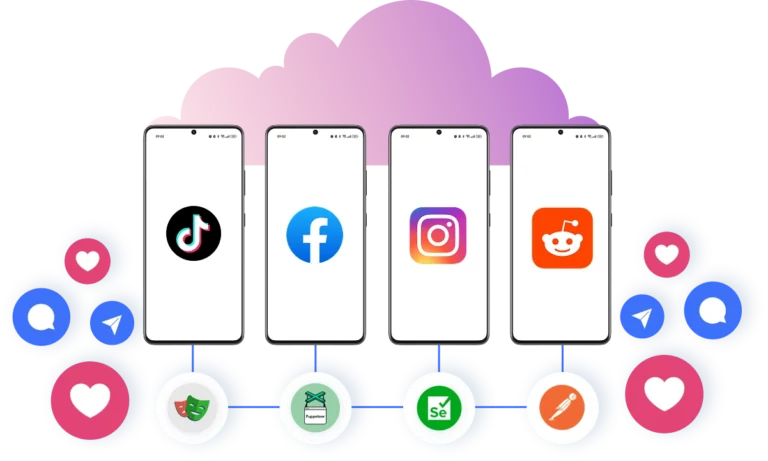
Automate posts and likes with cloud phones instead of an Android emulator
Add custom scripts to your multi‑account workflow to automate routine actions such as likes, posts, follows, and more. Use frameworks like Selenium, Playwright, Puppeteer, or Postman to reduce manual work and system resources.
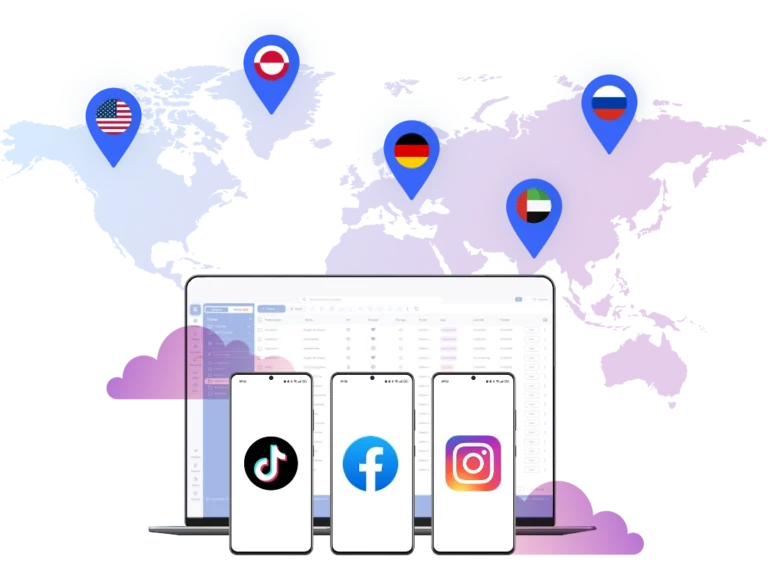
Connect cloud phones from anywhere in the world
Choose from more than 150 locations to establish a connection. Manage accounts from a real device environment tied to a specific location, without using a VPN or additional tools that can trigger suspicion.
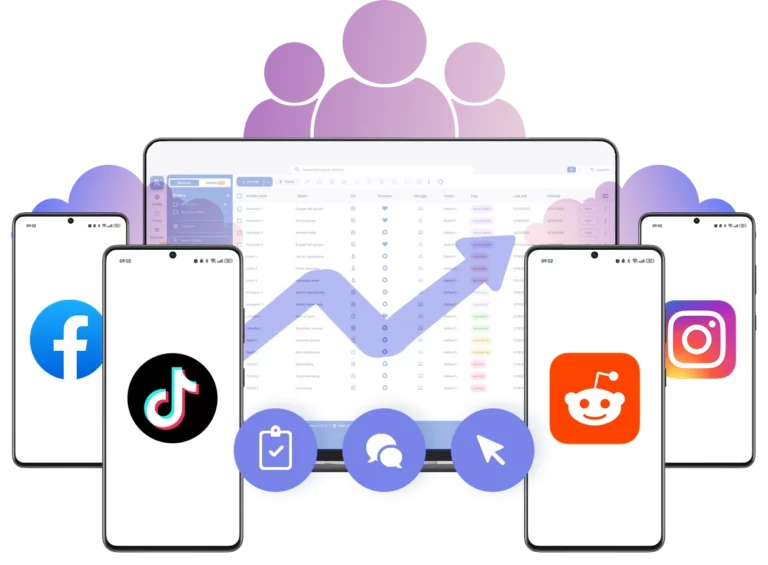
Build team workflows without Android emulator limitations
Replace Android emulators tied to one machine. Assign roles. Share access to cloud phone profiles. Organize accounts in a team workspace.
Manage Unlimited Mobile and & Web Accounts
-
3-day access to Multilogin
-
5 cloud or local profiles
-
200 MB proxy traffic included
-
3-day access to Multilogin
-
5 cloud or local profiles
-
200 MB proxy traffic included
What is a cloud phone?
Each cloud phone looks exactly like a separate physical smartphone — not an emulator or virtual environment. This means you can manage multiple TikTok accounts without the platform detecting any connection between them, eliminating the risk of mass account bans.

Why choose Multilogin for cloud phone?
Multilogin’s cloud phone remain fully isolated at the identity level — enabling secure, scalable and more consistent operations.

Multilogin features for Cloud Phone management
Multilogin 2-in-1
Anti-detect browser profiles and cloud phones in one ecosystem. One app, one dashboard, full control.
Built-in proxy integration
Residential IPs are included by default. 150+ countries and 1,400+ cities with daily quality testing.
Up-to-date Android versions
Stable Android versions 10–15, fully compatible with modern mobile apps.
Real brands and devices
Support for 7 real Android device brands with unique IMEI and system-level digital fingerprints.
App repository
Install TikTok, Instagram, Reddit, and other popular apps without Google Play. APK uploads are also supported.
Folders, tags and access control
Organize profiles using folders, tags, and role-based access. Manage team workflows with ease.
Enterprise-grade security
Profile encryption, 2FA, access control, and compliance-ready security for safe operations.
Launch Real Android Devices in 60 Seconds
Install TikTok, Instagram, Reddit and other social media apps and start managing accounts.
While your competitors spend days setting up physical phones.
Why Multilogin wins for social media management
Fast and intuitive interface
Everything at your fingertips: drag-and-drop, hotkeys, and smooth multitasking without losing speed.
Browser built for multi-accounting
Advanced engine effectively avoids multi-account detection by creating unique browser fingerprints.
Created for team collaboration
Proxies included in every plan
24/7 support in 5 languages
Manage accounts across all major platforms













How to start using Multilogin cloud phone
Launch and manage real mobile environments in the cloud.

Sign up
Register using a verified email address.

Choose your plan
Select from various subscription plans tailored to your business needs.

Download Multilogin app
Install the Multilogin desktop app to manage mobile sessions securely.

Access the Multilogin dashboard
Launch cloud phone, assign proxies, configure fingerprints, and manage mobile environments from one place.

Manage multiple cloud phone profiles
Set up and manage multiple cloud phone profiles using separate browser profiles with consistent identities.
Most awarded antidetect browser













Watch the Multilogin Demo
Get a 10-minute demo video on how Multilogin can help you easily build your database of cloud phone profiles while remaining undetected. Just fill in your name, last name and email below, and we’ll deliver the demo video directly to your inbox.

Android emulator alternative guide in 2026
Running Android apps on desktop used to mean installing an emulator and hoping your laptop could handle it. In 2026, that approach feels outdated. The more accounts you run, the more instability, lag, and account risk you introduce.
If you’re looking for an Android emulator alternative, the real goal is not better emulation. It is better separation, stronger device identity, and infrastructure that scales without collapsing under load.
This guide breaks down what actually matters when replacing emulators and why cloud phones, powered by Multilogin, are becoming the standard.
Use cases for Android emulator alternatives
Moving away from emulators is not just a technical upgrade. It changes how teams operate.
Here is how different workflows benefit from switching to a real Android emulator alternative:
- Performance marketers run mobile acquisition campaigns across separate app environments without device duplication
- Affiliate teams manage multiple personas with isolated device identities instead of cloned emulator instances
- Agencies manage client mobile accounts in parallel without passing devices between team members
In each case, the requirement is the same: each account must look independent at the device level, not like multiple tabs inside the same machine.
Limits of traditional Android emulators
The emulator inside Android Studio was designed for testing applications, not running dozens of live accounts. It replicates Android behavior, but the underlying hardware is still your computer.
That creates structural limits:
- All instances rely on the same host hardware
- GPU and system-level parameters often overlap
- Heavy memory usage increases crash rates
- Network configuration requires external tools
- Scaling means adding more physical machines
Even if you install multiple emulators or search for android emulator alternatives free, the core issue remains: simulation still depends on one physical environment.
The bottleneck is not the software. It is the architecture.
How detection happens in emulator setups
Most platforms analyze patterns, not just login credentials. When several accounts originate from similar device configurations, patterns emerge.
- Common detection triggers include:
- Identical device models across sessions
- Matching screen resolutions and OS builds
- Repeated behavioral timing across instances
- IP inconsistencies combined with stable hardware fingerprints
Running accounts inside the same emulator ecosystem increases similarity. Even with rotating IPs, the device layer can still look cloned.
An effective alternative android emulator must solve identity at the device level, not just rotate proxies.
Why emulator-based scaling becomes unstable
At a small scale, emulators seem manageable. At medium scale, problems appear.
Running 5 or 10 instances leads to:
- System overheating
- Lag during automation tasks
- Unexpected session resets
- Increased verification prompts
Adding more RAM or upgrading hardware delays the issue, but does not remove it. The system is still centralized on one machine.
That is why teams that scale beyond basic usage look for android emulator alternatives that remove local hardware from the equation entirely.
Automating mobile apps safely with Multilogin
Multilogin approaches the problem differently. Instead of simulating Android locally, it provides Android cloud phones hosted remotely.
Each account runs inside its own cloud-based Android environment. Not a copy. Not a virtualized layer on your laptop. A real Android system.
Multilogin supports automation frameworks such as:
- Selenium
- Playwright
- Puppeteer
- Postman
Because the processing happens in the cloud, your computer is not responsible for rendering and maintaining Android instances. Automation runs in isolated environments without overlapping system fingerprints.
If you compare serious android emulator alternatives, this architectural difference stands out immediately.
Real Android cloud phones instead of simulation
Multilogin cloud phones run Android versions 10 through 15.
- Every account receives:
- One dedicated cloud phone
- A persistent Android environment
- A stable device configuration
App data, cache, and login sessions remain intact between launches. That means accounts warm up naturally and maintain behavioral consistency.
For users looking for an alternative to Android Studio emulator, this removes the weakest link of emulation: artificial hardware identity.
Full compatibility with real apps
Cloud phones allow you to install apps just like on a physical device:
- Use the built-in app store
- Upload custom APK files
- Run production versions of mobile apps
- There is no compatibility translation layer. No reduced functionality. What works on a real phone works here.
That makes Multilogin a practical Android emulator alternative for production use, not just experimentation.
Location-based connections built into the device
With traditional emulators, location management usually requires separate proxy tools or VPN extensions.
Multilogin integrates this directly:
- Choose a region per account
- Built-in residential connections
- Automatic routing handled inside the system
Each Android cloud phone connects from its assigned region consistently. There is no manual switching or software stacking.
Many searching for android emulator alternatives free discover that free tools require complex networking setups. Here, location control is native to the platform.
Mobile and browser environments in one workspace
A key limitation of most emulator tools is fragmentation. Mobile apps live in one place. Browser accounts live elsewhere.
Multilogin unifies:
- Real Android cloud phones
- A full-capacity antidetect browser
- Web and mobile account control inside one dashboard
- You can manage browser profiles and mobile devices side by side, without juggling tools.
For agencies and scaling teams, consolidation reduces operational friction.
Managing accounts for teams and clients
Multi-user environments require structure.
With Multilogin:
- Each cloud phone remains isolated
- Access can be assigned by role
- Sessions persist without sharing passwords
Profiles can be grouped by project or client
Instead of passing around hardware or remote desktop access, teams operate from a centralized cloud workspace.
Flexible usage-based pricing
Infrastructure should scale with usage, not hardware purchases.
- Multilogin uses a usage-based model:
- Top up minutes when needed
- Starting from €0.009 per minute
- Unused minutes roll over with an active subscription
- You are not buying devices. You are accessing infrastructure on demand.
For teams comparing long-term android emulator alternatives, this pricing model removes hardware investment entirely.
Setup guide: Switching from emulator to cloud phones
Transitioning from an emulator setup does not require rebuilding workflows.
- Step 1: Create an account on multilogin.com
- Step 2: Launch a new cloud phone from the dashboard
- Step 3: Select Android version, device brand, and region
- Step 4: Install required apps or upload APK files
- Step 5: Log in and allow the session to persist
- Step 6: Connect automation tools if needed
Each account now runs inside a separate Android system, without sharing fingerprints or hardware traces.
Conclusion
An emulator tries to imitate a phone.
A cloud phone gives you a real one. If your goal is occasional app testing, emulators remain useful. If your goal is long-term mobile account management, scaling with simulated hardware becomes risky and inefficient.
Multilogin replaces local Android simulation with cloud-based Android infrastructure.
- One cloud phone per account.
- Persistent sessions.
- Integrated location routing.
- Full app compatibility.
- Mobile and web management in one workspace.
For anyone seriously comparing Android emulator alternatives, the shift is not incremental. It is architectural.
FAQ
What is the best Android emulator alternative in 2026?
The best Android emulator alternative in 2026 is Multilogin.
Unlike traditional emulators that simulate Android on your local machine, Multilogin provides real Android cloud phones running Android 10–15. Each account runs on its own dedicated cloud device with a unique fingerprint, persistent storage, and built-in location-based connections.
Instead of cloning virtual instances on a single computer, you access fully independent Android systems hosted in the cloud. This eliminates device overlap, reduces detection risk, improves long-term stability, and removes hardware limitations completely.
What makes an alternative Android emulator better than a traditional emulator?
A strong alternative android emulator should solve three main problems: device duplication, hardware limits, and session instability.
Unlike local emulators that rely on your computer’s CPU and GPU, Multilogin runs Android devices remotely. Each cloud phone has:
- A separate device configuration
- Persistent app sessions
- Independent storage and cache
- A unique IP connection
This means accounts do not share system-level fingerprints or resources, which makes scaling safer and more stable.
Is there a reliable alternative to Android Studio emulator for managing accounts?
Yes. If you are searching for an alternative to Android Studio emulator for account management, you need more than a developer testing tool.
The emulator inside Android Studio is built for debugging apps, not running multiple live accounts. It simulates hardware on your machine and shares system-level traits across instances.
Multilogin provides real Android cloud phones instead. Each account runs on its own dedicated device with saved sessions, installed apps, and consistent behavior between logins. That makes it suitable for long-term mobile account operations rather than short-term testing.
Are there Android emulator alternatives free of hardware limitations?
Many users search for android emulator alternatives free, but free tools often still rely on local virtualization. That means:
- Shared system fingerprints
- High CPU usage
- Increased crash rates
- Manual proxy setup
Multilogin is not based on free local virtualization. It uses cloud infrastructure where each device is independent from your computer. You do not need additional machines or constant hardware upgrades to scale.
While free tools may work for testing, stable multi-account workflows require isolated, persistent environments rather than cloned emulator windows.
How is Multilogin different from other Android emulator alternatives?
Most android emulator alternatives still rely on virtualization or modified emulator layers. They reduce resource usage but do not eliminate device similarity.
Multilogin is different because:
- It runs real Android systems, not simulations
- Devices are hosted in the cloud, not on your laptop
- Sessions persist naturally between logins
- Location routing is built into each cloud phone
It replaces emulation with dedicated mobile infrastructure.
How many accounts can I run with Multilogin as an Android emulator alternative?
There is no strict device limit tied to your hardware because Multilogin does not rely on your local machine.
As an Android emulator alternative, it allows you to:
- Launch multiple cloud phones
- Assign one device per account
- Scale usage based on minutes consumed
Since devices are cloud-hosted, scaling does not require adding more computers or upgrading RAM.
Does Multilogin support both mobile and web accounts?
Yes. One of the strongest advantages of Multilogin over typical android emulator alternatives is that it combines:
- Real Android cloud phones
- A full-capacity antidetect browser
This means you can manage mobile app accounts and browser-based accounts from the same dashboard, without switching between tools.