Summarize with AI
Manage Capcut with multiple cloud phones
Install the native CapCut app on cloud phones. Edit videos, monetize templates, and publish directly to social media without downloading files or transferring projects.
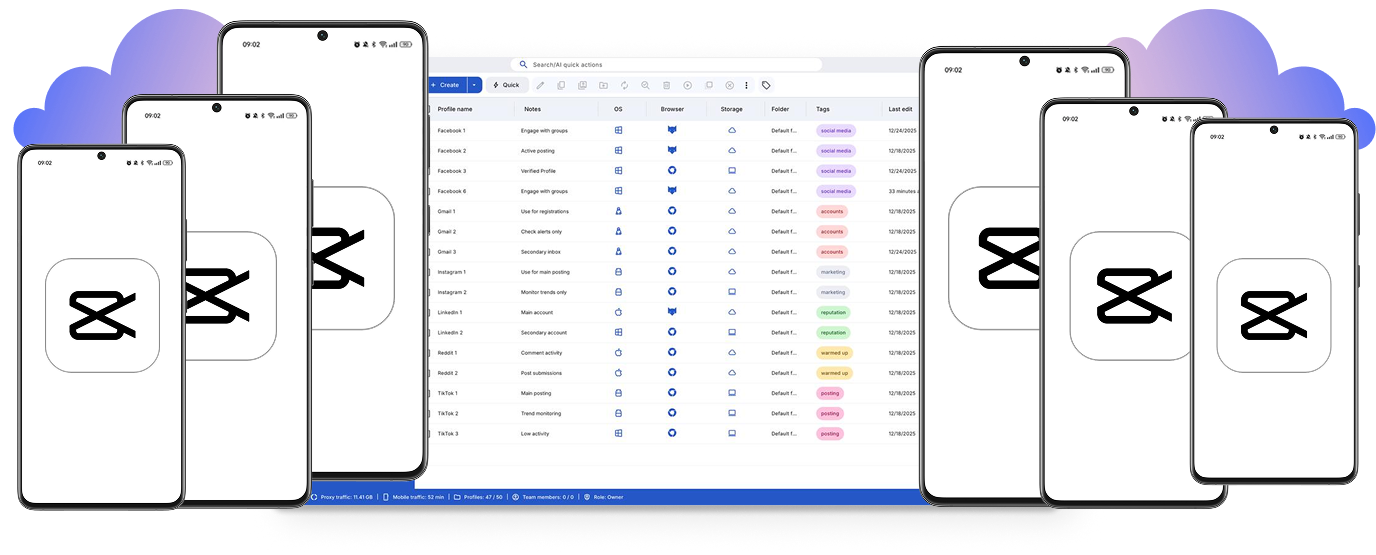
Control multiple CapCut projects from one cloud workspace
Run CapCut on multiple cloud phones in parallel. Keep templates and edits separate, and organize projects by tags and notes for streamlined video production.
Monetize templates from multiple CapCut accounts
Create and monetize video templates across multiple CapCut accounts without system flags, VPNs, or separate physical devices.
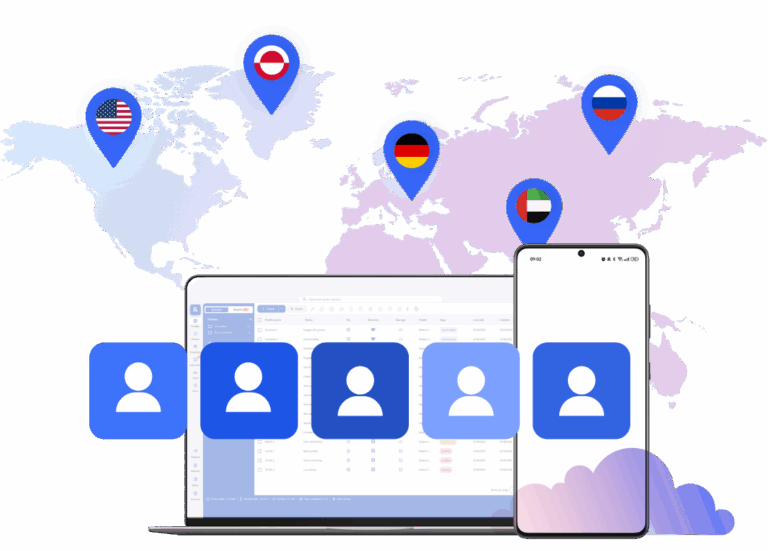
Connect cloud phones for CapCut from any location
Get access to 150 locations for your CapCut accounts. Run accounts with consistent mobile activity from real locations.
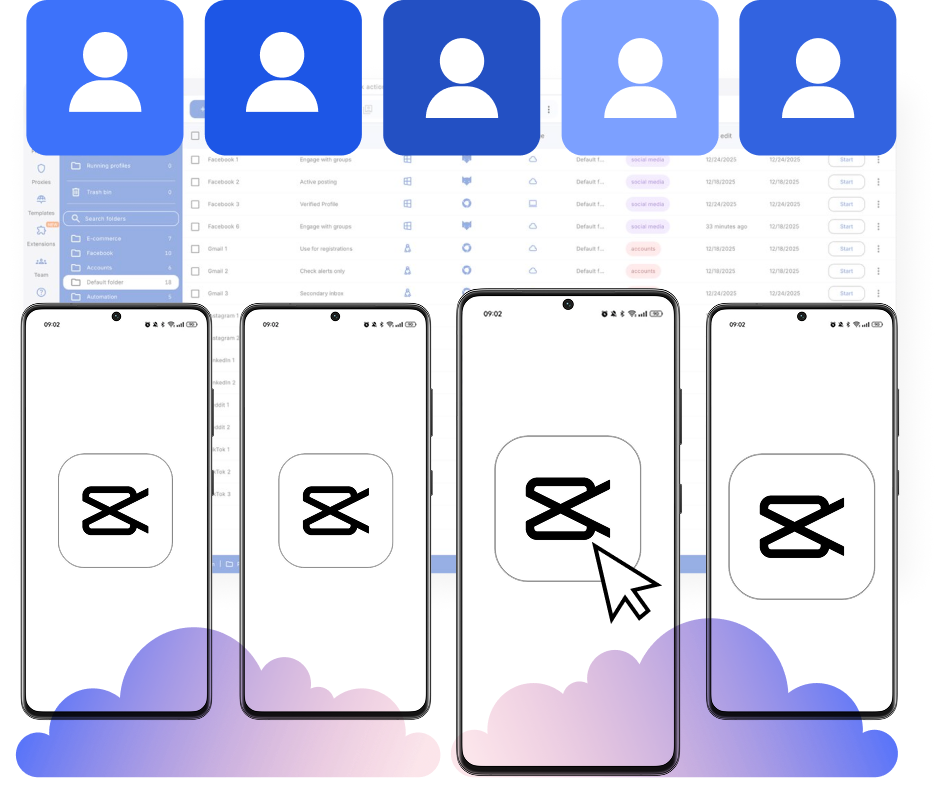
Collaborate on CapCut projects with cloud phones
Create multiple projects, set team roles, and share cloud phone access in a unified workspace. Coordinate edits and publishing efficiently across your team.
Manage Unlimited Mobile and & Web Accounts
-
3-day access to Multilogin
-
5 cloud or local profiles
-
200 MB proxy traffic included
-
3-day access to Multilogin
-
5 cloud or local profiles
-
200 MB proxy traffic included
What are cloud phones?
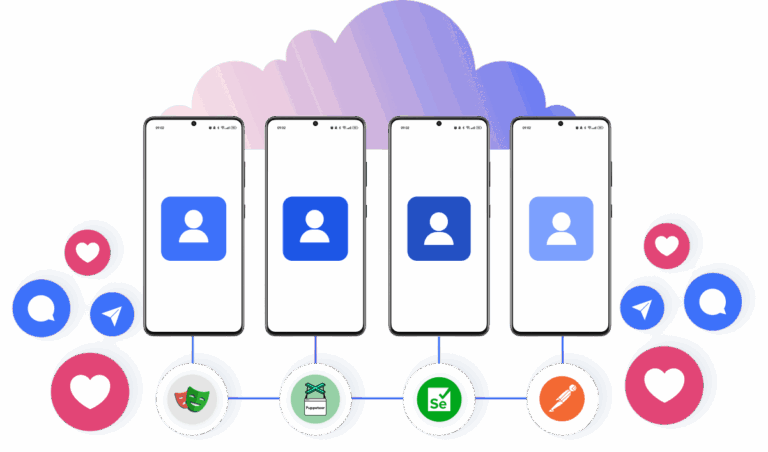
Cloud phones are Android devices hosted in the cloud that let you run multiple accounts. Each account operates on its own device with unique parameters, isolated app data, and stable sessions. Using cloud phones ensures secure, scalable account management across platforms.
Why choose Multilogin for CapCut management
Multilogin allows you to install CapCut on cloud phones in a beginner‑friendly platform. We provide Android cloud phones with unique device IDs and persistent mobile sessions for creating templates and posting videos.
Multilogin features for cloud phone management
Multilogin 2-in-1
Anti-detect browser profiles and cloud phones in one ecosystem. One app, one dashboard, full control.
Built-in proxy integration
Residential IPs are included by default. 150+ countries and 1,400+ cities with daily quality testing.
Up-to-date Android versions
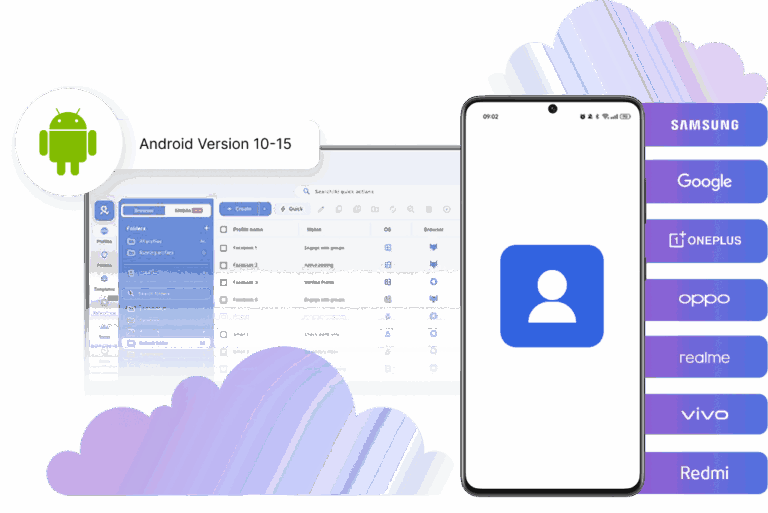
Stable Android versions 10–15, fully compatible with modern mobile apps.
Real brands and devices
Support for 7 real Android device brands with unique IMEI and system-level digital fingerprints.
App repository
Install TikTok, Instagram, Reddit, and other popular apps without Google Play. APK uploads are also supported.
Folders, tags and access control
Organize profiles using folders, tags, and role-based access. Manage team workflows with ease.
Enterprise-grade security
Profile encryption, 2FA, access control, and compliance-ready security for safe operations.
Launch real android devices in 60 seconds
Install CapCut and start managing accounts. While your competitors spend days setting up physical phones.
Why Multilogin wins for Capcut
Fast and intuitive interface
Everything at your fingertips: drag-and-drop, hotkeys, and smooth multitasking without losing speed.
Browser built for multi-accounting
Advanced engine effectively avoids multi-account detection by creating unique browser fingerprints.
Created for team collaboration
Proxies included in every plan
24/7 support in 5 languages
How to start using Multilogin cloud phone
Launch and manage real mobile environments in the cloud.

Sign up
Register using a verified email address.

Choose your plan
Select from various subscription plans tailored to your business needs.

Download Multilogin
Install the Multilogin desktop app to manage mobile sessions securely.

Access the Multilogin dashboard
Launch cloud phone, assign proxies, create tags and folders for your profiles

Manage multiple cloud phone profiles
Sign in to your CapCut accounts and manage them with cloud phones
Award winning multiple account management platform
Watch the Multilogin Demo
Get a 10-minute demo video on how Multilogin can help you easily build your database of cloud phone profiles while remaining undetected. Just fill in your name, last name and email below, and we’ll deliver the demo video directly to your inbox.
CapCut on Multilogin cloud phones: Managing and editing videos without physical phones
Managing multiple social media accounts often starts with simple account switching on a single phone. As video production and content scheduling scale, this manual approach becomes difficult to sustain. Editing, uploading, and managing templates start happening across different profiles.
Switching between sessions or sharing devices can lead to mistakes. That’s why it’s important to use the right tools for each of your accounts.
Using Multilogin cloud phones to scale video production
Physical phones work well for a small number of accounts. When a business or agency starts managing dozens of profiles, hardware becomes a bottleneck.
Common issues include:
- Shipping devices to remote team members
- Sharing Apple IDs and logging in and out constantly
- Tracking which phone belongs to which profile
- Managing accounts in different countries
Multilogin cloud phones remove these physical limits. Each account runs in its own Android environment in the cloud. You can launch these devices from a single dashboard. This allows for growth without needing more hardware.
Separating mobile and desktop workflows for content creation
Social media managers often use both the mobile app and a desktop browser.
The mobile app is used for editing in CapCut and posting to TikTok or Instagram. Desktop access is used for detailed campaign management and analytics. When these activities happen on the same device for different accounts, the data can get mixed. Keeping mobile activity separate from browser activity helps maintain organization.
A Multilogin cloud phone manages the mobile app environment. Browser isolation handles the desktop side. Using both together creates a clear boundary for each account.
The role of cloud phone environments in video editing
Every CapCut session is connected to a specific environment. This includes app data, cache, and device signals. When profiles share these signals, it is harder to keep the workflows separate.
Multilogin cloud phones provide a structured solution. Instead of physical devices, each profile runs on its own hosted Android phone. The device data stays the same between sessions. This keeps the login state and app data consistent. You can edit your videos in the mobile app from the cloud phone and then upload them directly to your mobile apps. This happens without the hassle of logging in or transferring files to physical devices.
Managing and monetizing CapCut templates as a team
Managing many social media profiles usually involves several people like editors or account managers.
Sharing passwords and devices informally makes it hard to track who is doing what. A structured system allows accounts to be assigned to specific team members. They can access the profiles without needing to change settings every time. This is especially useful for agencies that create and monetize templates for CapCut. Editors can work remotely on assigned cloud phones to build and test templates across multiple accounts.
Platforms like Multilogin support team access to cloud environments. This makes it easier to coordinate work without passing around physical phones.
Regional account management for social media
Some businesses manage social media accounts for different regions. This requires the device location and network signals to match the target area.
Multilogin cloud phones can use mobile residential IPs from over 150 available locations. This helps when managing accounts that need to appear in specific countries. It is a useful feature for agencies running global content strategies. You can choose specific hardware running Android v10 to 15 to match your target audience typical device usage.
Consistent workflows and easy file transfers
Content creation needs a stable environment to work. If sessions keep breaking, the production stops.
Cloud Android devices provide a stable session. This makes the upload, edit, and publish workflow more predictable. You can use the Upload shortcut to move raw footage from your computer directly into the cloud phone storage. This bypasses slow physical device transfers. For advanced teams, Multilogin allows cloud phones to connect with other tools through API access. This helps build a more organized system for managing many profiles.
Who uses Multilogin cloud phones for CapCut
Multilogin cloud phones are mostly used by:
- Agencies managing client profiles and scaling short-form content
- Content creators managing multiple niche accounts
- Teams creating and monetizing CapCut templates
- Businesses operating in different global regions
They are most helpful for professional operations that need a reliable and structured way to manage multiple accounts over a long period. Usage-based pricing starts from 0.009 Euro per minute, offering cost-effective scaling for any team size
FAQ
What are cloud phones for CapCut?

Cloud phones for CapCut are virtual Android devices hosted in the cloud that allow you to run the CapCut mobile app without using a physical smartphone.
Instead of installing CapCut on your local device, the app runs on a remote Android environment that you control from your computer. This setup allows video editors and social media managers to edit videos, create templates, and publish content directly from a cloud-based device.
Using cloud phones removes the need to manage multiple physical phones or transfer video files between devices.
Can CapCut run on a cloud phone?
Yes. CapCut runs on cloud phones the same way it runs on a regular Android device.
Multilogin cloud phones operate on real Android systems (versions 10 to 15), which allows native mobile apps like CapCut to function normally. You can install CapCut through the Google Play Store, open projects, edit videos, and export or publish content from the device.
The app behaves exactly like it would on a physical smartphone.
Why use cloud phones for CapCut video editing?
Cloud phones help simplify video production workflows when working with multiple accounts or large amounts of content.
Traditional editing workflows often involve downloading video files, transferring them between devices, and uploading them again to social media platforms. This creates delays and increases the risk of version conflicts.
Using cloud phones for CapCut allows editors to:
- Keep projects stored directly in the editing environment
- Avoid repeated downloads and uploads
- Edit and publish content from the same device session
- Manage multiple editing environments at the same time
This creates a more organized workflow for high-volume content production.
Can CapCut templates be created and managed on cloud phones?
Yes. CapCut templates can be created, edited, and tested on cloud phones just like on physical Android devices.
Because each cloud phone maintains its own persistent environment, template files, drafts, and editing settings remain saved between sessions. This allows creators or agencies to maintain template libraries without constantly exporting or transferring projects.
For teams producing template packs or monetized template collections, cloud phones provide a consistent environment for managing those assets.
Do cloud phones keep CapCut projects and sessions saved?
Yes. Multilogin cloud phones maintain persistent sessions.
When you close a cloud phone and reopen it later, the device state remains the same. Installed apps, CapCut projects, account logins, and editing history remain stored in the device environment.
This allows editors to continue working on projects without needing to reinstall apps or log in again.
How do you transfer videos to a cloud phone for editing?
Videos can be uploaded directly from your computer to the cloud phone storage.
Multilogin includes an upload shortcut that allows files to move directly into the Android device environment. Once uploaded, the footage appears in the cloud phone’s file system and can be opened inside CapCut for editing.
This removes the need to send files through messaging apps, cloud storage services, or physical cables.
Can teams collaborate on CapCut workflows using cloud phones?
Yes. Teams can assign specific cloud phones to different members.
Editors, content managers, and social media specialists can access their assigned devices through the shared dashboard. This allows multiple people to work on separate projects or accounts without sharing passwords or physical devices.
Role-based access also helps maintain clear responsibilities across team workflows.
Are cloud phones useful for managing CapCut content across different regions?
Yes. Some content strategies require accounts to operate from specific regions.
Multilogin cloud phones can use mobile residential IP connections from many global locations. This allows the network signals used by the device to match the intended region for the account.
For teams running international content campaigns, this helps maintain consistent regional activity signals.
Who benefits most from cloud phones for CapCut?
Cloud phones are most useful for professionals managing large volumes of content or multiple social media profiles.
Typical users include:
- Video editors working on multiple client projects
- Social media agencies managing many content accounts
- Creators running several content channels
- Teams producing and monetizing CapCut templates
For these workflows, cloud phones provide a structured way to edit, organize, and publish video content without relying on physical devices.