


Multi‑account browser with cloud phones
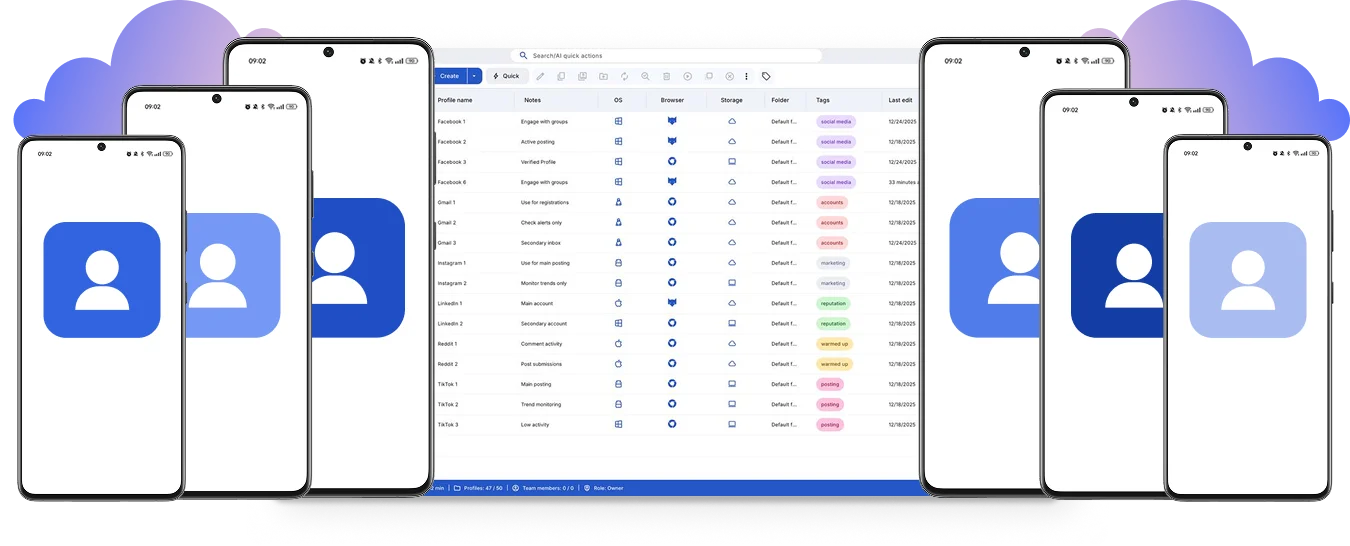
Run a multi‑account browser to manage multiple accounts from one workspace. Control accounts across platforms using cloud phones and browser profiles.
Sign into accounts with a multi‑account browser
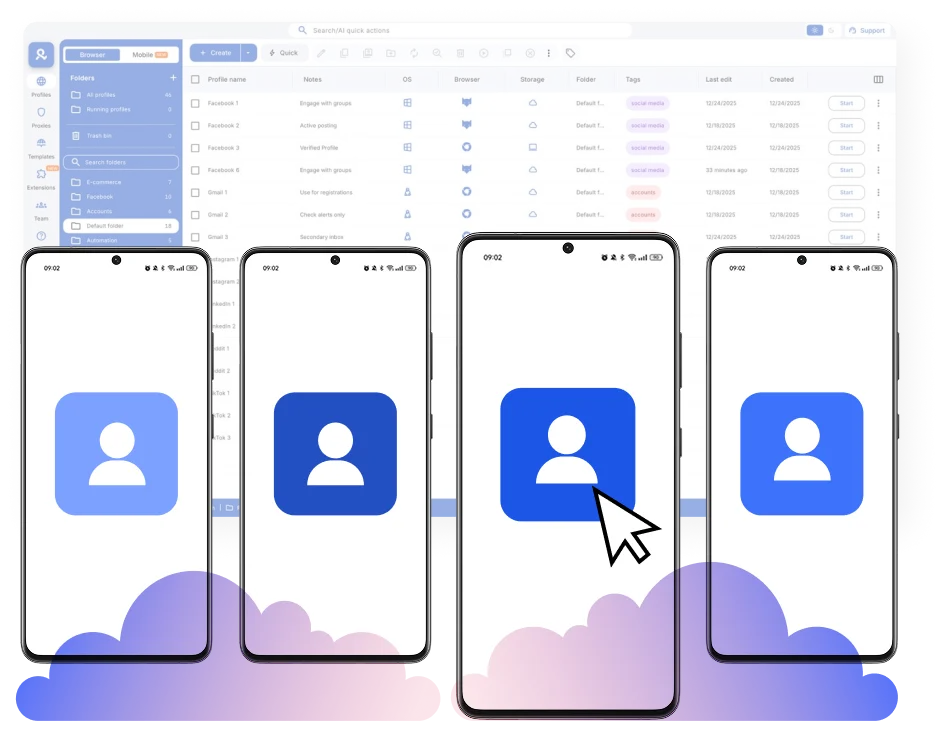
Create accounts with browser profiles and easily warm them up with Cookie Robot. Connect cloud phones to manage accounts with unique cloud devices.
Automate your multi‑account browser to boost performance
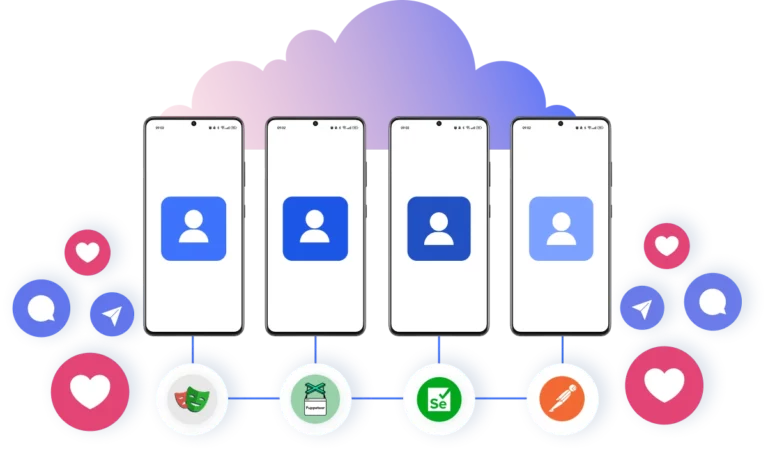
Add your custom scripts to the multi‑account workflow to automate repetitive actions like likes, posts, follows, and other routine tasks. Use frameworks such as Selenium, Playwright, Puppeteer, or Postman to reduce manual work.
Access accounts from anywhere in the world
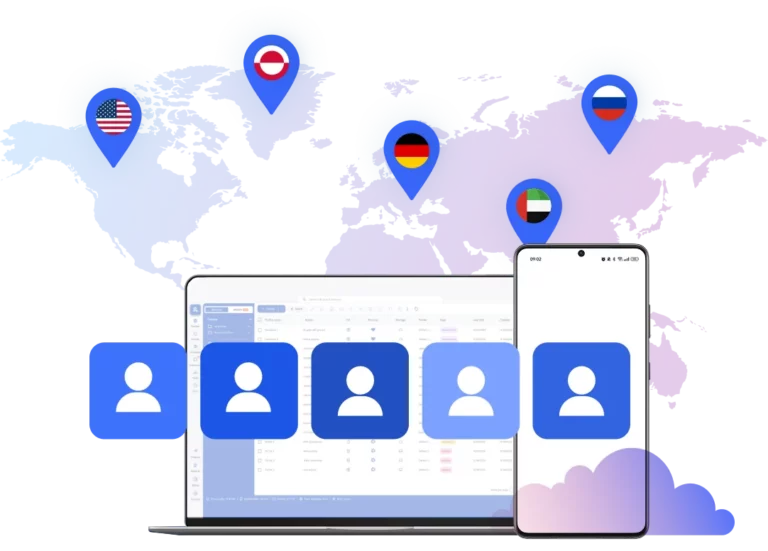
Choose from more than 150 locations to establish the connection. Act as a real user from an authentic location with cloud phones and browser profiles without any VPN or extra tools.
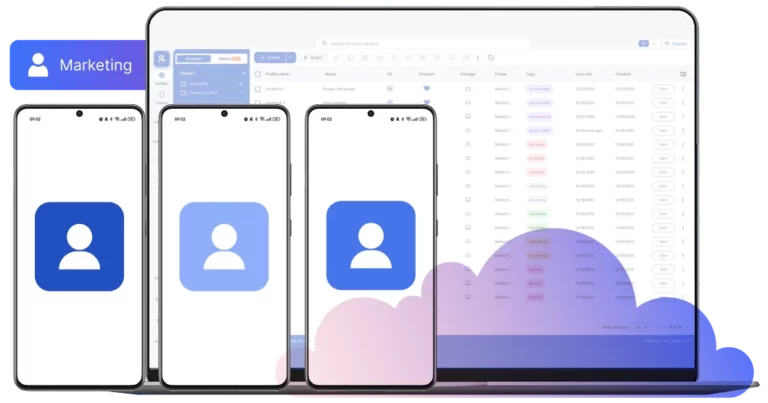
Collaborate in one workspace in a multi‑account browser
Give permissions and share your accounts in one dashboard. Coordinate tasks and invite more teammates to grow your team’s results.
Manage Unlimited Mobile and & Web Accounts
-
3-day access to Multilogin
-
5 cloud or local profiles
-
200 MB proxy traffic included
-
3-day access to Multilogin
-
5 cloud or local profiles
-
200 MB proxy traffic included
What is a multi‑account browser?
A multi‑account browser is a tool that allows you to manage multiple accounts from one workspace without linking them. Multilogin is one of the best multi‑account browsers on the market. It provides not only browser profiles for multiple accounts, but also cloud phones and built‑in proxies.

Why choose Multilogin as a multi‑account browser?
Multilogin provides all the tools you need to manage your accounts on any platform in one beginner‑friendly solution. It includes unique Android cloud phones, browser profiles with 55+ fingerprint parameters, and a stable desktop app. Get started in minutes without buying physical phones and reduce the risk of account bans.

Multilogin features for cloud phone management
Multilogin 2-in-1
Anti-detect browser profiles and cloud phones in one ecosystem. One app, one dashboard, full control.
Built-in proxy integration
Residential IPs are included by default. 150+ countries and 1,400+ cities with daily quality testing.
Up-to-date Android versions
Stable Android versions 10–15, fully compatible with modern mobile apps.
Real brands and devices
Support for 7 real Android device brands with unique IMEI and system-level digital fingerprints.
App repository
Install TikTok, Instagram, Reddit, and other popular apps without Google Play. APK uploads are also supported.
Folders, tags and access control
Organize profiles using folders, tags, and role-based access. Manage team workflows with ease.
Enterprise-grade security
Profile encryption, 2FA, access control, and compliance-ready security for safe operations.
Launch real android devices in 60 seconds
Donwload Multilogin and start managing accounts. While your competitors spend days setting up physical phones.
Why Multilogin wins for multiple accounts
Fast and intuitive interface
Everything at your fingertips: drag-and-drop, hotkeys, and smooth multitasking without losing speed.
Unique cloud phones and browser profiles
Custom browser cores with advanced fingerprinting and real Android cloud devices to help reduce the risk of bans.
Created for team collaboration
Proxies included in every plan
24/7 support in 5 languages
Manage accounts across all major platforms













How to start using Multilogin
Launch and manage mutliple accounts for any platform

Sign up
Register using a verified email address.

Choose your plan
Select from various subscription plans tailored to your business needs.

Download Multilogin
Install the Multilogin desktop app to manage mobile sessions securely.

Access the Multilogin dashboard
Launch cloud phone, assign proxies, create tags and folders for your profiles

Manage multiple cloud phone profiles
Sign in to your accounts and manage them with cloud phones
Most awarded antidetect browser













Watch the Multilogin Demo
Get a 10-minute demo video on how Multilogin can help you easily build your database of cloud phone profiles while remaining undetected. Just fill in your name, last name and email below, and we’ll deliver the demo video directly to your inbox.

Multi-account browser: Managing multiple online profiles with Multilogin
Creating multiple online profiles is easy. Keeping them active, stable, and effective over time is where many strategies fail. Online platforms look at devices, sessions, and network behavior over time. Using a dedicated setup that matches each profile’s location and session history is key for long-term account stability.
If you plan to manage multiple online profiles seriously, the foundation matters more than just content strategy.
In this article, you can learn more about Multilogin multi-account browsers.
Potential issues in multi-account setups without multi-account browser
Online profiles are tied to browser environments and devices, not just logins. Each profile needs its own stable environment. When multiple profiles share the same browser, phone, or an unstable setup, problems can arise.
Your content can be perfect. You can engage manually and consistently. Even then, profiles may not perform as expected. The reason is simple: technical limits in the browser or device environment. A common issue is when a standard browser profile does not properly isolate each session, leading to detection. This is why a specialized multi accounting browser is often needed.
The limits of standard browsers and simple VPNs
Using one browser for multiple online profiles works only at a small scale. As soon as sessions reset, IP addresses change, or accounts multiply, identity signals overlap. Many standard browsers or VPNs reuse system parameters or rely on fake fingerprints that platforms can detect over time. Profiles may survive briefly, but instability builds silently.
When one profile gets flagged, the browser environment or device can become compromised for others. This highlights the need for an antidetect browser for multi accounting that truly separates each digital identity.
Browsers profiles and cloud phones for better profile management
A multi-account browser is not just a regular browser. It creates unique digital fingerprints for each profile. This means each profile appears as a different user on a different device. A cloud phone is an Android device hosted in the cloud. It has genuine hardware identifiers, persistent storage, and native app behavior.
With antidetect browsers and cloud phones:
- Each online profile runs in its own isolated browser environment or dedicated Android OS.
- Browser data, app data, cookies, and login states remain natural.
- Sessions stay stable between uses.
- Device and browser identity do not reset unexpectedly.
This removes the main reason behind most platform restrictions: browser and device reuse. It provides a dedicated environment for each profile, much like having a separate computer or physical phone for every account.
The best solution for multiple profile management
Multilogin combines advanced browser fingerprinting with real cloud phones and powerful profile management in a single platform. This means each online profile operates with genuine hardware IDs, non-spoofed browser and mobile fingerprinting, persistent data, and session continuity. All of this is supported by integrated mobile-grade proxies matched to geolocation.
At the same time, teams can manage web-based workflows using full browser profiles directly from the same dashboard. This unified approach ensures that all online activities are securely isolated.
Key use cases for multiple profile management
This setup is built for:
- Sales and marketing managers handling multiple outreach campaigns.
- Agencies managing client profiles for lead generation and branding.
- Social media managers running several accounts.
- Teams replacing complex virtual machine setups or physical phone farms.
It is not designed for disposable accounts or short-term experiments. Multilogin is perfect for individuals and teams that need to run multiple online profiles. You can operate regional accounts from one location and warm up new accounts using persistent sessions. All accounts can be automated with library scripts like Selenium, Playwright, and Puppeteer.
If you are working with a team, you can easily build workflows around your account setup. This makes Multilogin an all-in-one solution.
All-in-one solution for any number of profiles you need
To manage online profiles long-term, the setup must include:
- Unique browser fingerprints with genuine hardware IDs.
- Persistent browser data and session continuity.
- Non-spoofed device characteristics.
- Integrated residential proxies with matched geolocation.
- Unified control for all web and mobile workflows.
- Automation tools that respect digital identity.
Multilogin provides all of this from the start, without the need to search for or integrate additional tools. This comprehensive approach ensures that each profile maintains a distinct digital footprint, crucial for effective multi accounting browser use and cloud phone management.
Conclusion
Managing multiple online profiles is no longer just about knowing platform rules. It is about running real digital identities consistently over time. When each profile lives on a genuine browser environment or cloud phone with persistent state, matched proxies, and unified control, platforms stop seeing patterns where none should exist.
That is when multi account browser management becomes stable, scalable, and finally predictable. Using an antidetect browser for multi accounting combined with cloud phones offers the robust solution professionals need.
FAQ
What is a multi account browser?
A multi account browser is a specialized browser that allows you to run multiple online profiles in completely isolated environments. Unlike standard browsers, it creates separate digital fingerprints, storage, cookies, and session data for each profile. This prevents identity overlap and reduces the risk of account restrictions when managing several accounts at scale.
What is the difference between a multi accounting browser and a regular browser?
A regular browser shares system parameters across tabs and profiles. Even when you create multiple Chrome profiles, core device signals remain connected.
A multi accounting browser isolates:
- Browser fingerprints
- Hardware identifiers
- Cookies and local storage
- IP and geolocation settings
- Session history
This level of separation is essential for long-term account stability.
Why do I need an antidetect browser for multi accounting?
An antidetect browser for multi accounting ensures that each account operates as a unique digital identity. Platforms analyze browser fingerprints, device signals, and network behavior over time.
Without proper isolation, multiple accounts may appear linked. An antidetect browser prevents:
- Fingerprint overlap
- Session resets
- Shared device identifiers
- Cross-account contamination
This is critical when managing professional, long-term accounts.
Can I use Chrome as a multi account browser?
Many users search for a multi account browser Chrome solution. While Chrome allows multiple profiles, it does not fully isolate device fingerprints. Core system parameters remain shared.
This means Chrome is suitable only for small-scale use. For serious multi-account management, a dedicated multi account browser is required.
Does Multilogin offer a multi account browser free version?
Multilogin offers a low-cost trial, but there is no unlimited multi account browser free version.
Free tools typically rely on weak fingerprint masking or unstable VPN connections. These setups often lead to account issues over time. For professional multi-account management, stable infrastructure is more important than free access.
Where can I get a multi account browser download?
You can get the multi account browser download directly from Multilogin’s official website. The desktop application provides access to:
- Browser profile creation
- Cloud phone management
- Proxy configuration
- Automation integration
- Team workspace controls
Installation takes only a few minutes.
How do cloud phones improve multi-account management?
Cloud phones are real Android devices hosted in the cloud. Unlike emulators, they provide:
- Genuine hardware IDs
- Persistent storage
- Native mobile app behavior
- Stable device identity
This makes them ideal for managing mobile-first platforms alongside browser profiles in one unified system.
Can I automate accounts in a multi account browser?
Yes. Multilogin supports automation through:
- Selenium
- Playwright
- Puppeteer
- Playwright
- Postman
Because each profile has a stable fingerprint and persistent session, automation workflows remain consistent and less likely to trigger technical restrictions.
Is a multi account browser suitable for teams?
Absolutely. A professional multi accounting browser should support:
- Role assignment
- Shared workspaces
- Controlled profile access
- Centralized management
Multilogin allows teams to collaborate securely without sharing passwords or compromising account environments.
Why is long-term stability more important than quick setup?
Many accounts fail not because of content, but because of technical inconsistencies.
A proper multi account browser ensures:
- Persistent sessions
- Matched geolocation
- Unique device fingerprints
- Consistent browser behavior
When digital identity remains stable over time, account management becomes predictable and scalable.