


Create Multiple Upwork Accounts
Multilogin is the most reliable solution for multi-account management on Upwork. It isolates each profile, hides technical fingerprints, and keeps every session secure.
- Advanced fingerprinting (55+ options) to keep profiles distinct.
- Built-in residential proxies with precise geolocation in 150+ countries.
Run multiple Upwork accounts on one device
Multilogin lets you manage all your Upwork agency and team profiles from a single computer without confusion or data leaks.
Each teammate works in a fully isolated environment with a unique browser fingerprint.
Access your Upwork accounts instantly with Multilogin
Keep your login data safe while your team reconnects without sharing passwords. With Multilogin’s encrypted storage and 2FA, one click brings everyone back to work securely.
- Encrypted local or cloud storage for shared Upwork profiles
- Two-factor authentication for protected access
Run as many Upwork accounts as you need
With one-click proxy configuration and fully isolated browser profiles, Multilogin makes scaling effortless. Clone, transfer, or export accounts in seconds — all without overlap, detection, or limits.
This approach helps agencies manage multiple freelancers, test client markets, and maintain a flawless professional reputation.
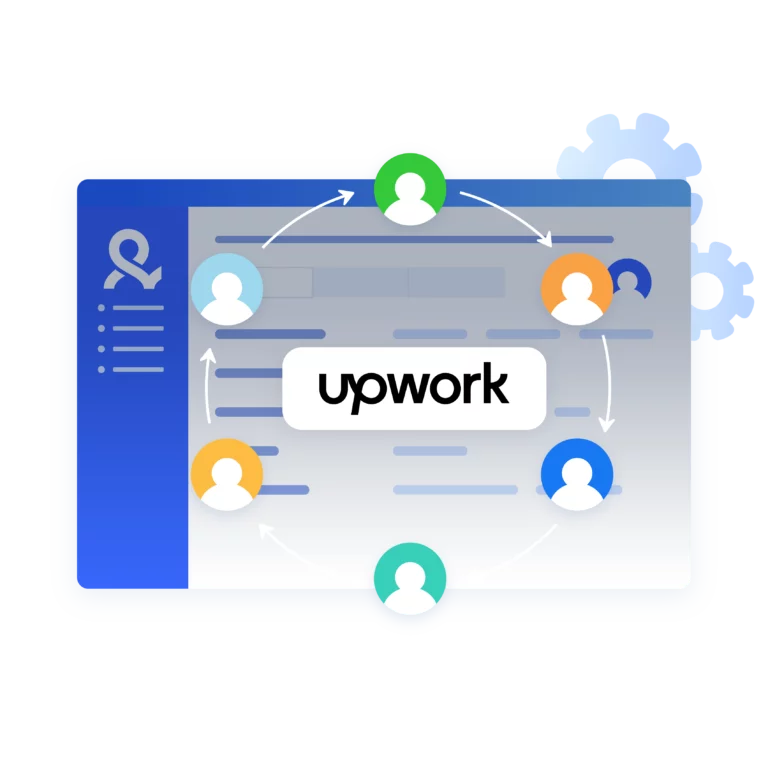
Share Upwork profiles with your team
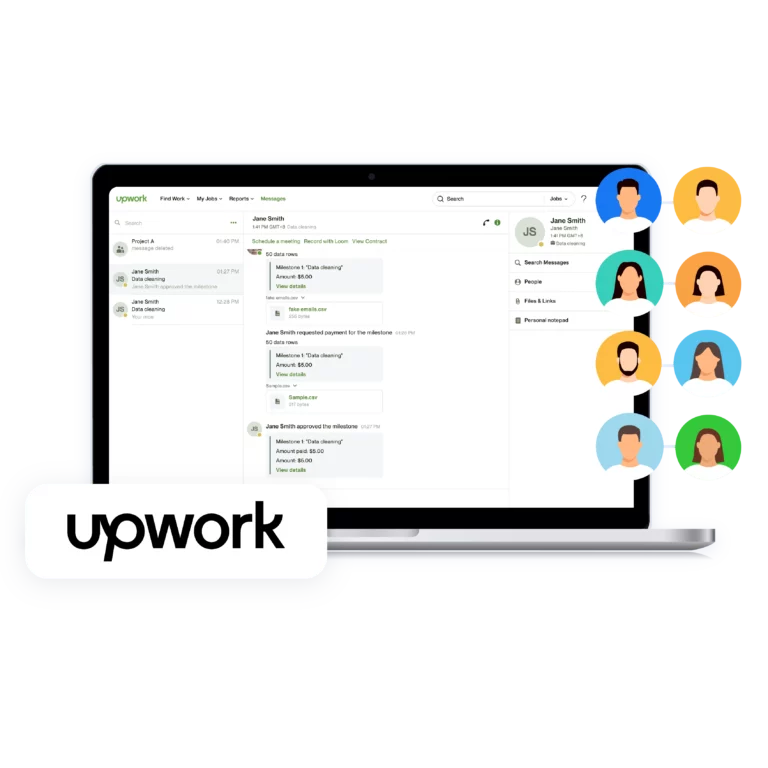
Multilogin lets you safely share Upwork profiles and assign precise permissions to each teammate for smooth, secure collaboration.
You can pause and resume any session anytime — your data, proxies, and browser environment stay exactly as you left them.
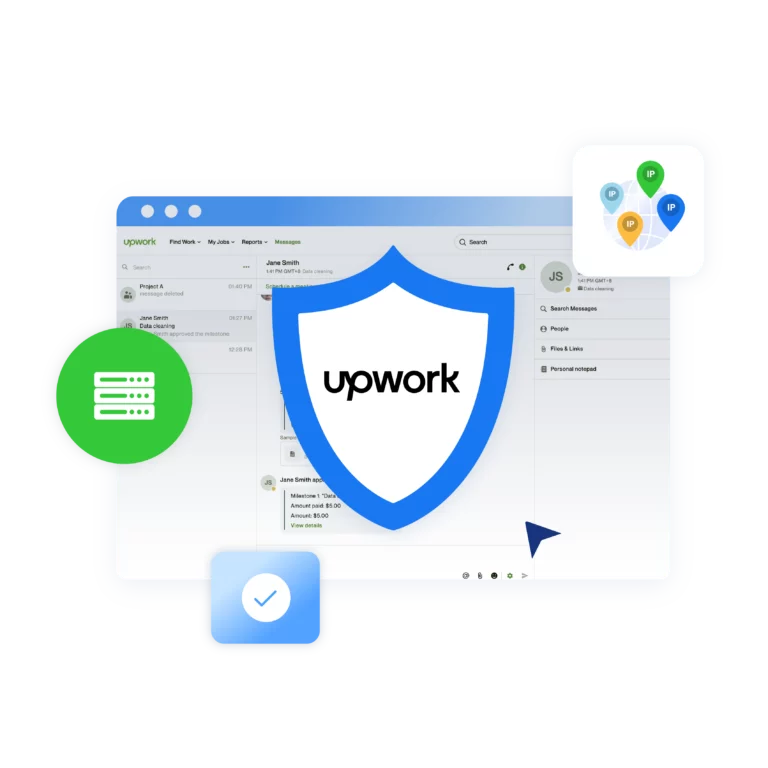
Automate Upwork workflows with Multilogin
Integrate Multilogin with Selenium, Puppeteer, Playwright, or Postman to monitor jobs, test proposals, and run scripts safely.
Use Upwork automation to speed up what already works, not to spam. Create smart scripts that:
Grow your social media accounts with Multilogin cloud phones
-
Unlimited time
-
Mobile and browser profiles included
-
Free built-in proxies & mobile minutes
-
Unlimited time
-
Mobile and browser profiles included
-
Free built-in proxies & mobile minutes
What is a cloud phone?
A cloud phone is a remote Android device with its own apps, data, and session history. Multilogin combines cloud phones with isolated browser profiles in one platform.
For Upwork, browser profiles are usually the better fit for keeping legitimate account sessions separate, while cloud phones support mobile-first workflows your team may manage alongside Upwork.
Why choose Multilogin for managing multiple accounts?
Manage agency workflows on Upwork with tools built for real teams, not one-off tricks. Multilogin keeps profiles separate, stable, and audit-ready while you focus on delivering work.
Multilogin includes premium residential proxy traffic in every plan, so you do not need third-party proxy vendors
Ready to try Multilogin?
Get browser profiles and real Android Cloud Phones in one platform.
Multilogin features for creating multiple Upwork accounts
Advanced anti-fingerprinting technology
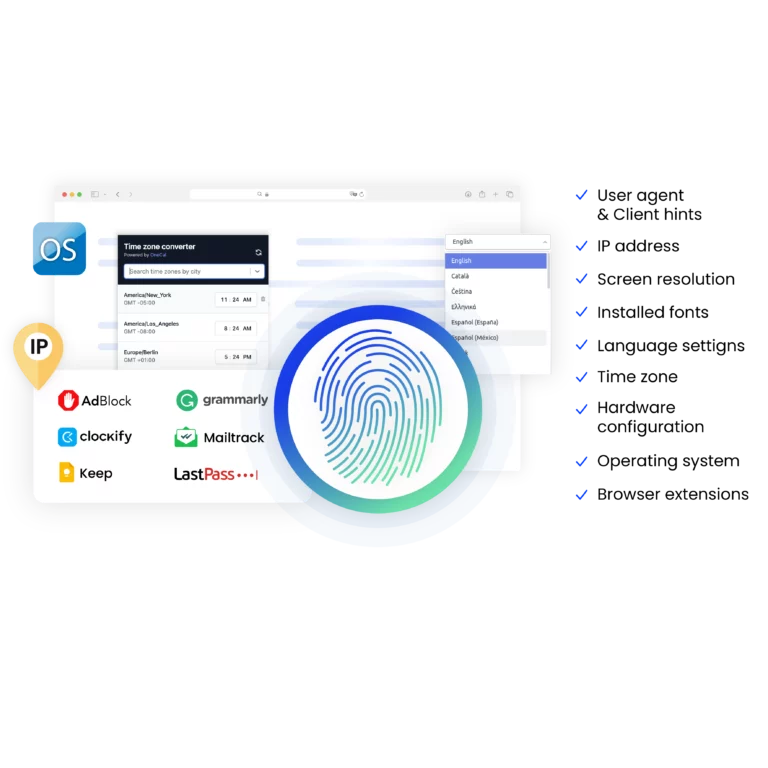
Our anti-fingerprinting tech bypasses multi-account and automated browser detection by creating unique browser fingerprints with 55+ customizable parameters.
Built-in residential proxy integration
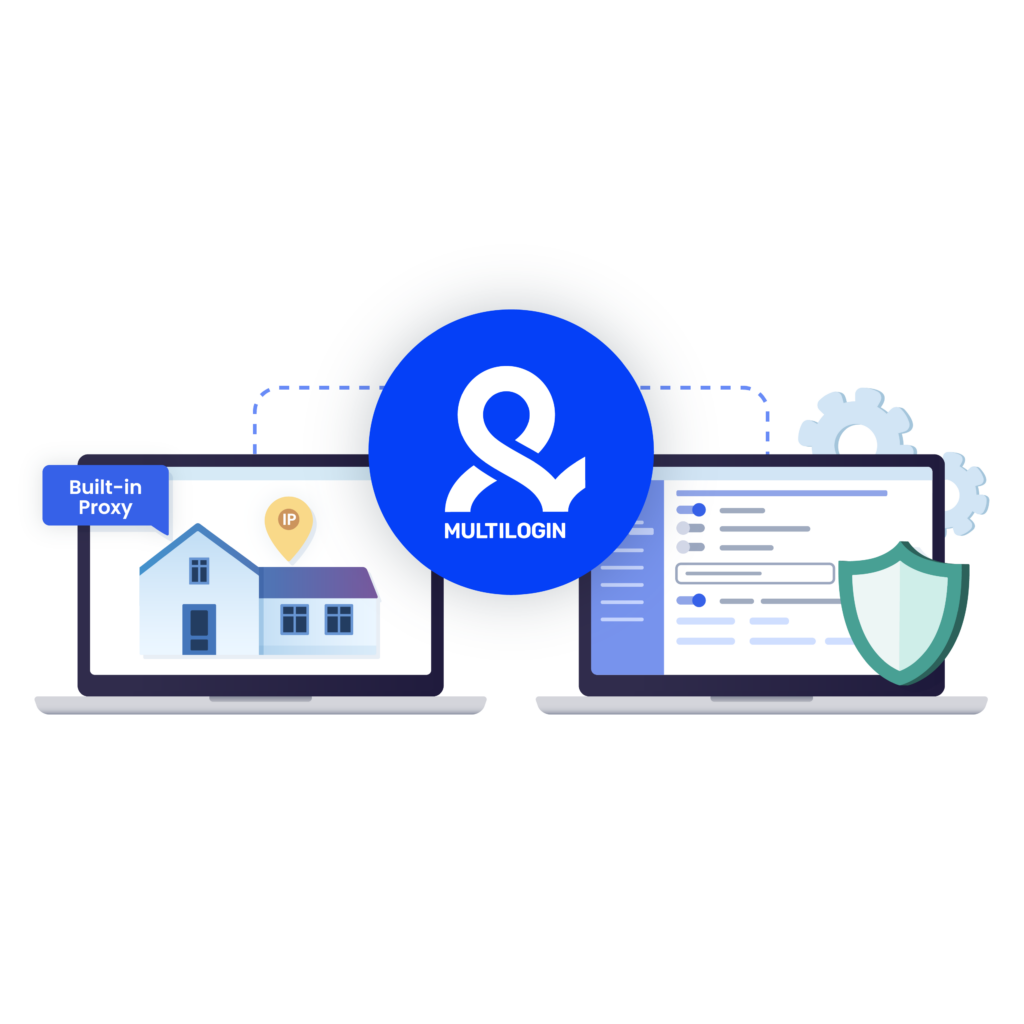
Residential IPs are included by default. 150+ countries and 1,400+ cities with daily quality testing. No separate proxy subscriptions needed: everything works out of the box.
Mimic and Stealthfox browsers
Choose between Mimic (Chromium) or Stealthfox (Firefox) browsers. Each provides a different digital identity, fully optimized to bypass detection on any platform.
Team collaboration made simple
Collaborate on browser profiles and easily share passwords, cookies, and session progress with team members. Manage access with role-based permissions for secure teamwork.
Cloud storage and sync
Use cloud browser profiles to sync data across multiple devices or VPS instances. Access your Gmail accounts from anywhere without losing session data or having to log in repeatedly.
Multilogin 2-in-1: Browser + Cloud Phones
Multi account browser profiles and cloud phones in one ecosystem. Manage web-based Gmail and mobile Gmail app from one dashboard with full control.
Real Android cloud phones
Run genuine cloud-hosted Android devices (versions 10–15) with real IMEI and system-level digital fingerprints. Install Gmail and other apps through the built-in store or APK uploads—full app compatibility guaranteed.
Why Multilogin wins for multiple accounts
Fast and intuitive interface
Everything at your fingertips: drag-and-drop, hotkeys, and smooth multitasking without losing speed.
Unique cloud phones and browser profiles
Custom browser cores with advanced fingerprinting and real Android cloud devices to help reduce the risk of bans.
Created for team collaboration
Proxies included in every plan
24/7 support in 5 languages
Try Multilogin and run Upwork accounts the right way
Run them in browser profiles or on cloud phones with the native Android app — all from one platform.
Manage multiple accounts across 50+ platforms
























Try Multilogin today and experience safer, smarter multi-accounting
Run unlimited accounts securely, bypass detection, and stay human-like online — all from one platform.
Why people love Multilogin

Ha D.
Social Media Marketing Retail

Nino Latif

Stanislav K.
Marketing Manager

Elen S.
Marketing Manager

Hamza Arif
E-commerce Manager


Nick Horvath
Marketing agency
The most awarded multi accounting platform















Watch the Multilogin Demo
Upwork Multiple Accounts Management in 2026
Searches for multiple Upwork accounts can be confusing because “account” and “profile” do not mean the same thing on Upwork.
Under the Upwork multiple accounts policy in 2026, one person should have one main Upwork account. Inside that account, Upwork allows different ways of working: one freelancer profile, one agency profile, and multiple client profiles.
So if you freelance and also hire people, you do not need two separate Upwork accounts. If you run an agency, you do not need to create freelancer accounts for your teammates either. Each person should have their own Upwork account and join the agency through Upwork’s own team structure.
That distinction matters for agencies and companies managing several legitimate users from the same wider operation. The goal is not to create duplicate identities. It is to keep authorized workspaces organized so cookies, sessions, client tools, and browser data do not get mixed between users.
This is where Multilogin’s browser profiles fit. Multilogin is a cloud phone platform that combines Android cloud phones with isolated browser profiles. Upwork is primarily a web workflow, so browser profiles are usually the relevant environment here. Cloud phones are available in the same dashboard when your broader operation also includes mobile-first platforms.
What is multi-accounting on Upwork?
Multi-accounting on Upwork usually refers to operating more than one Upwork account.
But there are two very different situations hiding behind that phrase.
The first is one person opening several freelancer accounts. Upwork does not allow this. Creating another account because your old profile has poor feedback, because you want a fresh start, or because you want more opportunities does not create a valid exception.
The second situation is a business or agency where several real people each have their own Upwork account. That is different. Upwork provides agency and team features specifically for organizations that work this way.
One person can also have several permitted roles under the same login. For example, you might work as a freelancer and also use Upwork as a client. According to Upwork’s current account structure, those roles should exist under one main account rather than separate logins.
If you manage multiple businesses as a client, Upwork also allows multiple client profiles under the same account. In unusual cases where a separate account may genuinely be required, Upwork recommends contacting its support team first.
That is a much safer interpretation of Upwork multiple profiles than treating every profile as a separate personal account.
Why people still want a second account
There are understandable reasons someone might think they need another Upwork account.
A freelancer may want to separate two very different skill sets. Someone who already freelances may start hiring contractors. An agency owner may need to organize several team members. A business operator may hire for multiple companies. Someone returning after years away may not even remember the login details of an older account.
None of those situations automatically requires a second main account.
Upwork has built much of this separation into the account itself. Freelancer, agency, and client activity can exist under one login, and multiple client profiles can be created when someone hires for different businesses.
There is also an important 2026 change for the Upwork multiple profiles query. Upwork discontinued Specialized Profiles on May 28, 2026. Freelancers no longer maintain several specialized freelancer profiles for different skills. Instead, the main freelancer profile dynamically emphasizes relevant experience depending on the opportunity.
So creating another account to separate design work from development work, for example, is not the intended replacement for Specialized Profiles.
Agencies have another option. Each freelancer keeps their own personal Upwork account and works through an agency profile when appropriate. That preserves the distinction between individual identity and agency operations.
How Upwork detects duplicate accounts
Upwork does not publish a checklist explaining every signal its Trust and Safety systems use to identify duplicate accounts.
That is important because older articles often present speculation as fact. Claims such as “Upwork checks these exact fingerprint parameters” or “changing these five settings prevents account linkage” go further than Upwork’s published documentation supports.
What Upwork does make clear is the account rule itself.
Users are expected to represent themselves authentically, keep one main account, provide accurate personal and business information, and keep their credentials private. Upwork can also request identity verification or additional information when necessary.
This means technical separation should not be treated as a substitute for account legitimacy.
Different cookies, browsers, IP addresses, laptops, or browser profiles do not change who owns an account. If two accounts belong to the same person and Upwork has not approved that arrangement, putting them in different technical environments does not make them compliant.
For legitimate teams, however, browser separation can still be useful operationally. It prevents one authorized user’s cookies, sessions, and web data from becoming mixed with another workspace on a shared company machine.
Multilogin gives each browser profile persistent storage for cookies, session data, browser settings, and other profile information. Teams that want more detail on how those environments are stored can read the guide to Multilogin cloud and local storage.
Why the “obvious” tricks fail
A second browser is not a second person.
Neither is incognito mode, a VPN, another proxy, or another laptop.
These tools change parts of the technical environment. They do not change the underlying Upwork policy.
If one person already has an Upwork account, creating another freelancer account from a different laptop still leaves them with two accounts. The same is true if the second account uses another browser or IP address.
This is also why location should not be treated as something to manufacture. Upwork expects users to provide accurate information about themselves and their businesses. A proxy can be useful for legitimate network and workspace management, but it should not be used to misrepresent where an account owner is located.
For legitimate organizational workflows, the useful part of profile separation is much simpler: keeping workspaces organized.
A dedicated browser profile can keep a user’s cookies, local storage, session history, proxy configuration, and browser settings together. That makes it easier to return to the correct environment without accidentally opening the wrong account in another user’s browser session.
If you want to understand the technical side, Multilogin’s guide to a proxy browser explains how browser profiles and proxy connections can work together.
How to manage Upwork accounts properly with Multilogin
The safest starting point is to build the Upwork structure first, then organize the browser environments around it.
If you are one freelancer, use your one main account.
If you freelance and hire, add the appropriate client profile under that account.
If you manage an agency, every team member should have their own personal Upwork account and join the agency through Upwork’s supported structure.
If your company has several legitimate Upwork users working from shared infrastructure, Multilogin can help keep those browser workspaces separate.
Keep each legitimate user in a separate browser workspace
Each Multilogin browser profile stores its own cookies, browsing history, local storage, and session data.
That means Alice’s authorized workspace does not need to share the same browser data as Daniel’s workspace simply because they work for the same company or use the same workstation.
It is operational separation rather than account duplication.
Keep sessions persistent
A persistent browser profile lets the same authorized user return to their familiar workspace instead of rebuilding the browser session each time.
This is particularly useful when several projects, clients, communication tools, or research environments are being handled from one business setup.
Use proxies where they have a legitimate purpose
Multilogin includes built-in residential proxy traffic and also supports third-party proxies.
For Upwork, a proxy should not be used to pretend that an account owner lives somewhere they do not. Its legitimate value is network management, consistent business infrastructure, testing, privacy, or maintaining a stable workspace when your use case permits it.
Organize instead of sharing credentials
Upwork says accounts are personal and should not be shared.
So a Multilogin team setup should not become a way for several people to operate one freelancer identity. Keep Upwork credentials with the account owner and use Upwork’s own agency, client-team, and permission systems for collaboration.
Multilogin’s role is to organize the environments around those legitimate users.
Keep web and mobile workflows together
Multilogin’s current platform goes beyond browser profiles.
It combines web profiles with Android cloud phones in the same dashboard. For Upwork, browser profiles will usually make the most sense. For teams that also manage TikTok, Instagram, Facebook, YouTube, or other mobile-first workflows, cloud phones give each mobile social profile a dedicated Android environment without requiring a physical phone farm.
That makes the Upwork workspace one part of a broader multi-platform operation rather than forcing the team to maintain separate tools for browser and mobile work.
A safe operating routine
A good Upwork setup is mostly about keeping ownership, permissions, and workspaces clear.
Keep one main Upwork account per person. Do not create a second freelancer account just because you want another profile, more opportunities, or a backup.
Use Upwork’s built-in account roles. Add client, freelancer, agency, or additional client profiles where Upwork permits them.
Keep personal credentials personal. Do not pass an Upwork username and password between coworkers.
Use agency and team permissions. When multiple people genuinely need to collaborate, add them through Upwork’s supported organizational structure.
Keep legitimate browser workspaces separate. If several users share business infrastructure, separate browser environments can reduce accidental cookie, session, and login mix-ups.
Keep account information accurate. Your browser or proxy setup should not contradict the identity, business, or location information you provide to Upwork.
Be careful with automation. Multilogin supports APIs and tools such as Selenium, Puppeteer, Playwright, and Postman, but that does not mean every automated action is permitted on every website. Read Upwork’s automation and API rules before connecting scripts to the platform. You can also learn more about the general mechanics of browser automation.
Contact Upwork when your situation is unusual. If you believe you genuinely need a separate account because of an employer, business structure, taxation issue, or another exceptional case, get Upwork’s guidance before creating it.
A technically tidy setup cannot fix a policy problem. Start with the permitted account structure, then use browser organization to make that structure easier to manage.
What to do if your account is already banned
If an Upwork account has already been restricted or suspended, creating another account is not a clean reset.
Upwork specifically warns against opening another account when you already have one, including when you cannot access the original account.
Start with the notice Upwork sent you. The restriction may involve identity verification, account ownership, payment information, account activity, or another policy issue. Follow the instructions in the account notification and use Upwork Support or the appeal process when available.
If you accidentally created two Upwork accounts, stop treating both as active accounts. Upwork’s current guidance is to resolve the duplicate rather than continue using both.
Do not try to “repair” the situation by switching laptops, creating a new email, changing the IP address, or opening another browser profile. Those actions do not resolve the account ownership issue.
Once the account situation is settled, you can rebuild a cleaner operational setup around the account Upwork permits you to use.
The bottom line
Can you have two Upwork accounts? For one person, the standard answer in 2026 is no.
Upwork allows one main account per person, but that account is more flexible than the phrase suggests. You can operate as a freelancer, agency member or owner, and client through permitted profiles, while multiple client profiles can support different hiring businesses.
Agencies can also work with multiple real freelancers. Each person keeps their own account rather than sharing one identity.
That is where Multilogin makes more sense.
Use browser profiles to keep legitimate web workspaces separate and organized. Keep cookies, sessions, and browser data persistent. Use built-in proxy options where appropriate. If the rest of your operation includes mobile-first social platforms, Multilogin also gives you Android cloud phones from the same dashboard.
Multilogin offers a Free plan with no time limit, so you can test the workflow before moving to a paid plan. Paid plans start at $7.08/month. You can see what is included in the Multilogin Free plan.
The browser profile manages the environment. Upwork still decides which accounts and profiles you are allowed to operate.
FAQ
Can I have multiple Upwork accounts
No. Upwork’s Terms of Service allow only one personal freelancer account per individual. Running multiple personal accounts can result in suspension or a permanent ban.
However, if you manage a verified Upwork agency, you can legally have multiple team member profiles under that agency.
Multilogin helps agencies organize these legitimate accounts, keeping each workspace isolated and secure with advanced fingerprinting, encrypted storage, and role-based access controls.
Can I have a client and freelancer account on Upwork?
Yes, you can. Upwork allows one freelancer account and one client account, as long as they’re linked under the same verified user.
With Multilogin, you can separate these roles into distinct, isolated browser profiles — avoiding accidental cross-data, cookies, or login mix-ups while staying compliant with Upwork’s rules.
Why is my new Upwork account restricted?
New accounts are often restricted if Upwork detects potential duplicates, suspicious payment methods, or policy violations.
Using shared devices, VPNs, or public networks can sometimes trigger these flags.
Multilogin helps prevent accidental overlaps by isolating profiles, fingerprints, and network signals, so legitimate users — especially agency members — can work without confusion or risk.
Can I do multiple jobs on Upwork?
Yes. You can manage several contracts at the same time within one verified account.
If you’re part of an agency, Multilogin helps coordinate multiple team members — each with their own secure workspace — so everyone can handle multiple client projects efficiently without mixing data or cookies.
Is it difficult to get clients on Upwork?
It can be challenging at first because competition is high, especially for new freelancers.
Multilogin helps agencies and teams stay organized by managing multiple verified users, portfolios, and client dashboards efficiently.
You can also use its built-in proxies to test regional markets and refine your outreach without losing stability.
How many portfolios can I have on Upwork?
You can have one main profile and multiple specialized profiles under your freelancer account.
Multilogin helps you manage these professional identities smoothly, keeping your browser environment stable, cookies intact, and login data safe — so switching between specialized work areas is seamless.
Can I use Upwork on multiple devices?
Using Upwork on more than one device does not give you permission to create more than one account.
You may access your own legitimate account through supported devices, but your Upwork login still belongs to you and should not be handed to someone else.
If your question is “can I use two Upwork accounts on the same laptop?”, start with account ownership.
If both accounts belong to you personally, Upwork’s one-main-account rule still applies regardless of the laptop.
If two legitimate accounts belong to two different people in the same organization, each person should keep control of their own credentials. Separate browser workspaces can help prevent accidental cookie and session crossover on shared business infrastructure.
For teams managing many web environments alongside mobile workflows, Multilogin combines browser profiles with its broader cloud phone platform. You can read more about how Multilogin Cloud Phones work.
How do I manage multiple Upwork accounts safely as an agency?
Treat every account as a separate person on a separate device. Give each one its own browser profile, unique fingerprint, dedicated residential IP, and a matching time zone and language. Never reuse a proxy and never log an account in outside its profile. Multilogin brings all of this into one dashboard with encrypted storage and role-based access, so a real team can scale without linking accounts.
Is it safe to buy an Upwork account?
No. Buying an Upwork account conflicts with Upwork’s requirement that users represent themselves authentically and keep control of their own account.
A purchased account carries someone else’s identity details, history, contracts, payment information, reputation, and verification state. Changing its browser, device, email, or IP address does not make that history yours.
If you want a long-term Upwork presence, create and build your own legitimate account.
For broader multi-account work outside Upwork, Multilogin provides browser profiles and Android cloud phones in one platform. Start with the Multilogin Free plan if you want to test the profile-management workflow before choosing a paid setup.
What is the Upwork multiple accounts policy in 2026?
The Upwork multiple accounts policy in 2026 allows one main account per person.
Within that account, Upwork currently permits:
One freelancer profile
One agency profile
Multiple client profiles
Each person working for a company or agency should still have their own Upwork account. Personal accounts should not be shared, sold, transferred, or operated by someone else.
Specialized Profiles are also no longer part of the structure. Upwork removed them on May 28, 2026.
So when people ask whether Upwork allows multiple profiles, the answer is yes within its permitted account structure. When they ask whether one person can freely create several independent freelancer accounts, the answer is no.
Multilogin can organize legitimate browser environments around that structure. It cannot change the structure itself.
