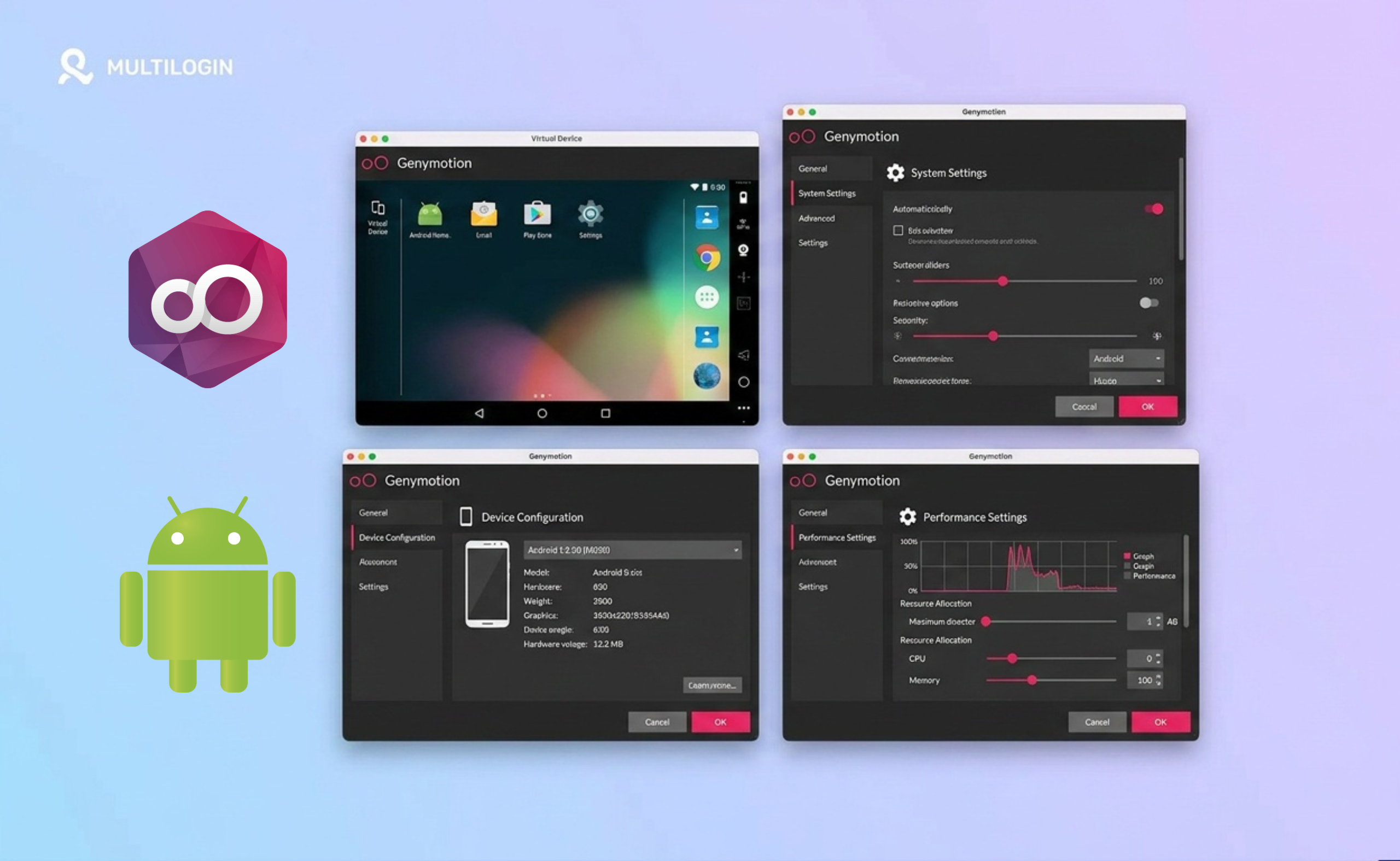



You opened Genymotion expecting one thing, and now you’re not sure it’s the right tool for the job. Maybe you’re a developer just exploring options. Maybe you’re a QA engineer comparing emulators.
In a hurry and just looking for alternatives? Skip straight to 👇 The Top Genymotion Alternatives in 2026, where we break down Multilogin Cloud Phones, Android Studio, BrowserStack, LDPlayer, and MEmu side by side. We’ll be here when you want the full picture.
You might also like these roundups from our blog:
👉 The 10 Best Cloud Phone Platforms Compared
👉 The 10 Best Android Emulators Compared
Or maybe you stumbled here because someone told you Genymotion could help you run multiple social media accounts, and you’re trying to figure out if that’s actually true.
What Is Genymotion, Exactly?
Genymotion is a virtual Android device platform. It lets you run Android environments on your computer or in the cloud, without needing a physical phone. Think of it as a virtual phone you can spin up from your desktop.
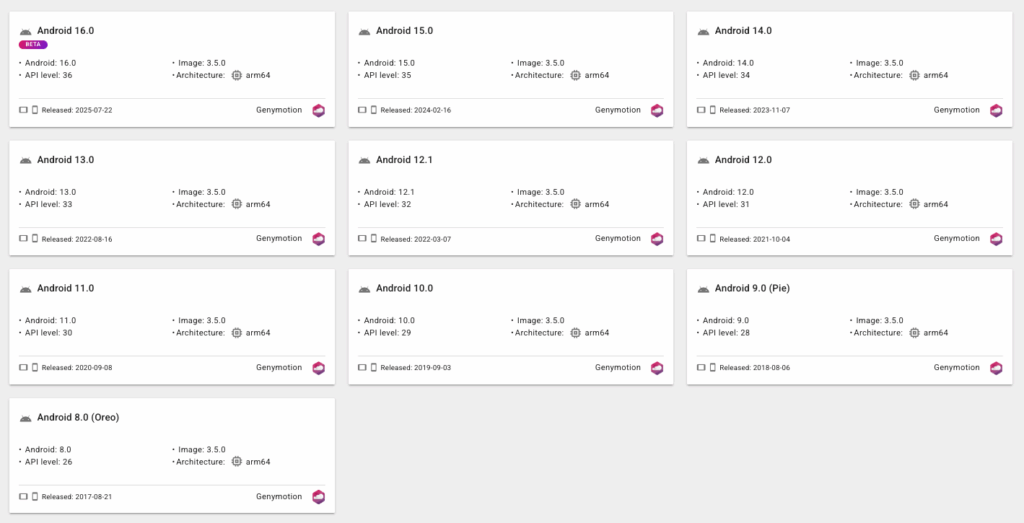
Developers use it to test apps on different Android versions, screen sizes, and device configurations. It supports integration with tools like Android Studio, Jenkins, and GitHub Actions. In short, it’s a powerful, technical tool built for app development and QA testing teams.
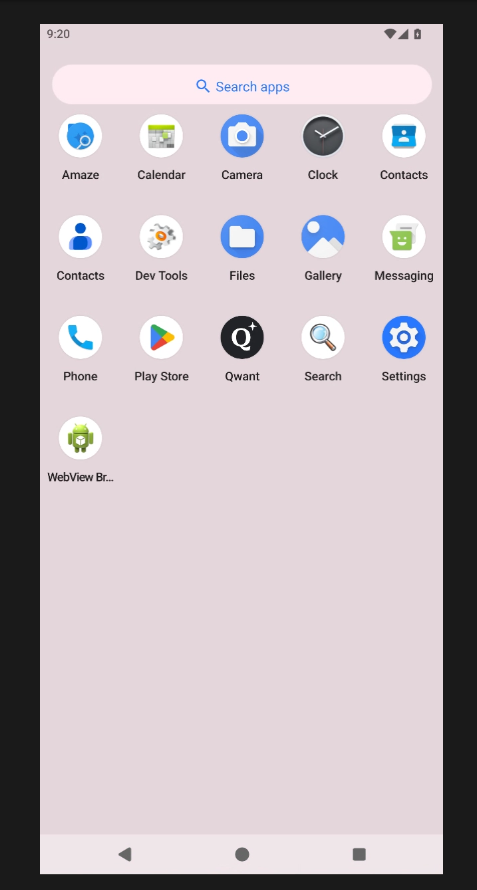
Its cloud version, Genymotion Cloud, is mainly designed for developers who need to test apps on different Android devices.
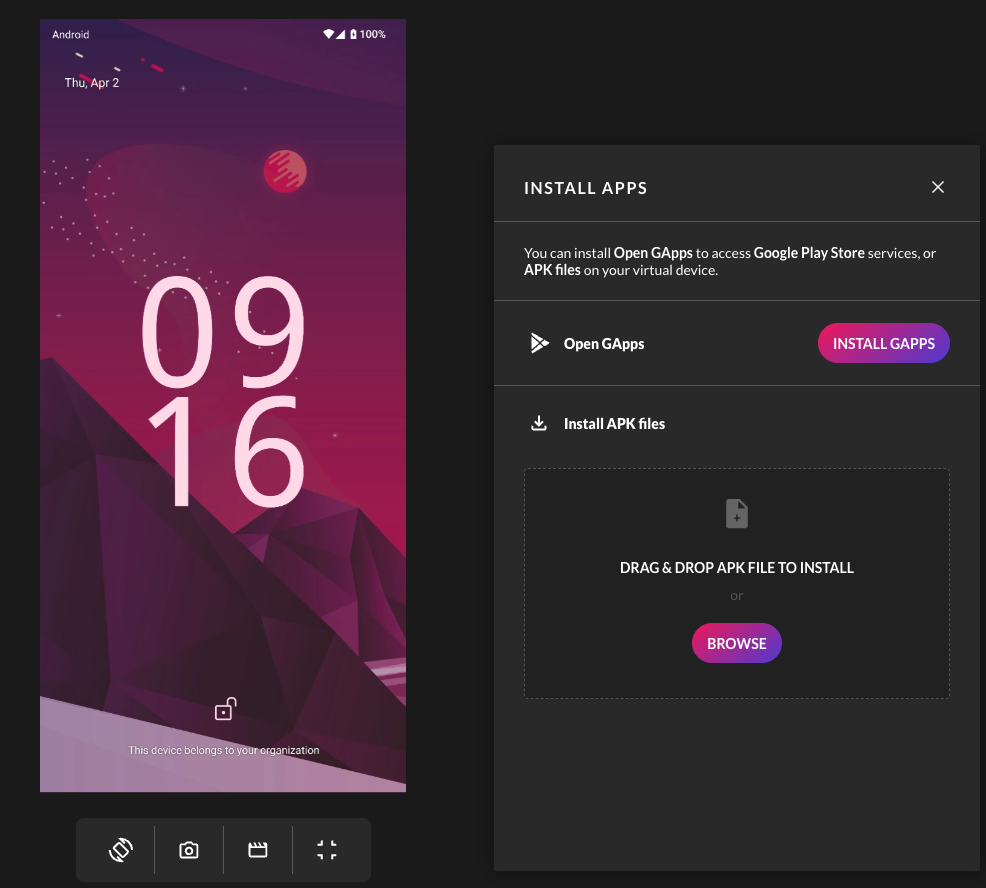
That’s a very specific audience. And if you’re reading this article, there’s a good chance you’re not in it.
Can You Use Genymotion for Social Media Account Management?
Technically, yes. Practically, it gets complicated fast.
Genymotion can run Android apps, which means you can open Instagram, TikTok, or Twitter inside it. But it was never designed with multi-account management in mind. Here’s where things fall apart.
Detection risk is real. Genymotion runs on emulation. Platforms like TikTok and Instagram actively scan for emulated environments. When they detect one, they flag the session as suspicious. This puts accounts at risk of bans.
No built-in proxies. Genymotion has no proxy management built in. Running multiple accounts from the same IP is one of the fastest ways to get them linked and banned.
No persistent sessions by design. Genymotion is built for testing, which means sessions are often reset between runs. For social media management, you need app data, login states, and cache to persist over time. That’s how platforms build trust in an account over weeks and months.
No dashboard for account organization. Managing even five accounts in Genymotion means juggling five separate virtual devices manually. There is no unified view, no labeling system, no team access controls.
So can you use it? You can. But you’ll be fighting the tool the entire way, and you’ll still be running emulated devices that platforms are built to catch.
Non-Traditional Ways People Use Genymotion
Genymotion is mostly known as a developer tool, but some users do push it outside that box.
Running mobile apps on desktop. Some people use Genymotion simply to access Android apps that have no desktop version. If an app only exists on mobile, Genymotion gives you a way to run it from your computer.
Automating repetitive mobile tasks. With Selenium and Appium integration, technically savvy users build automation scripts for mobile workflows. This is powerful but requires significant setup and coding knowledge.
Accessing geo-restricted apps. Since you can configure the network settings of a Genymotion device, some users point it to a VPN or proxy to access apps that are region-locked. Again, this requires manual configuration every time.
Demonstration and screen sharing. Sales and marketing teams sometimes use Genymotion to demo mobile apps on a big screen. It’s a cleaner way to show an app without holding up a phone to a webcam.
Testing your own app before launch. If you built an app and want to see how it behaves on different Android versions or screen sizes, Genymotion is genuinely excellent at this.
None of these non-traditional use cases change the core limitation: Genymotion is not built for account management at scale, and using it that way creates real risks.
The Full Landscape of Genymotion Alternatives
Here’s something important to understand before we dive in: not all Genymotion alternatives are the same kind of tool. The market splits into three distinct categories, and they serve very different needs.
Category 1: Developer and QA Tools (True Genymotion Alternatives)
These tools do what Genymotion does, just differently. They’re built for developers and testers.
Android Studio AVD is Google’s official emulator, built directly into Android Studio. It’s free, works on Windows, Mac, and Linux, and has improved dramatically over the past few years. Reviewers on G2 note that Android Studio stands out for comprehensive development tools, built-in Git support, and powerful emulators, with higher ratings for support quality and product direction compared to Genymotion. If you’re a developer who already lives in Android Studio, this is the obvious choice.
BrowserStack gives you access to a cloud farm of real physical devices, both Android and iOS. QA teams use it for final validation testing before release. It’s more expensive per session than emulation, but the results are closer to what real users experience.
AWS Device Farm is Amazon’s cloud testing platform. It runs automated tests on real devices at scale and integrates into CI/CD pipelines. Built for enterprise development teams.
Firebase Test Lab from Google works similarly: run automated tests on real and virtual devices in the cloud. A solid developer tool with strong Google ecosystem integration.
Category 2: Gaming Emulators (Not Genymotion Alternatives, But Often Confused With Them)
These are the tools that show up in “Genymotion alternatives” searches, but they serve a completely different audience. They’re built for gamers who want to play mobile games on a bigger screen. Developers rarely use them for serious work.
BlueStacks is the most well-known name in this category. It’s optimized for gaming performance and supports up to 240 FPS in compatible games. It’s preferred for gaming and easy to set up with common functionality like screen recording. The tradeoff: the free version shows unskippable full-screen ads, and resource consumption is significantly higher than competitors. If you have a powerful PC and want to game, it’s a strong choice. For anything else, the overhead isn’t worth it.
LDPlayer is the go-to for gamers who want performance without a powerful GPU. It leans on CPU rather than graphics card, which makes it work well on mid-range machines. In 2025 it’s considered the most reliable and frequently updated option in the gaming emulator category. It supports multiple instances and has good keymapping. Trustpilot reviews are mixed: some users love the speed, others flag concerns about the affiliate program and security of downloads.
MEmu strikes a balance between performance and flexibility. It supports multiple Android versions, multiple instances, GPS simulation, and keymapping. Users who run multiple accounts or light automation often gravitate here because it’s more flexible than the pure gaming emulators. Still, it’s built for games first.
Nox Player was one of the most popular emulators from 2017 to 2021 and is still functional for running one or two instances. It’s lightweight and simple. However, development has slowed noticeably, updates are less frequent, and multi-instance performance hasn’t improved in years. It’s no longer the recommendation it once was.
GameLoop is Tencent’s dedicated gaming platform, focused entirely on titles like PUBG Mobile and Call of Duty Mobile. There’s no pretense of being a general-purpose tool. If you play those specific games, it works well. For anything else, look elsewhere.
Category 3: Linux-Based and System-Level Options
Waydroid runs Android as a container directly on Linux. Fast, close to native performance, but requires technical setup and only works on Linux.
Anbox is another open-source Android container for Linux. Lightweight but limited in app compatibility.
Android-x86 lets you run Android as a full operating system through VirtualBox or VMware. This is more of a DIY path than a polished product. Not recommended unless you’re comfortable with system administration.
Category 4: Cloud Phone Platforms
This is the category that matters most if your goal is managing multiple social media accounts at scale. These tools are not emulators. They run real Android environments in the cloud.
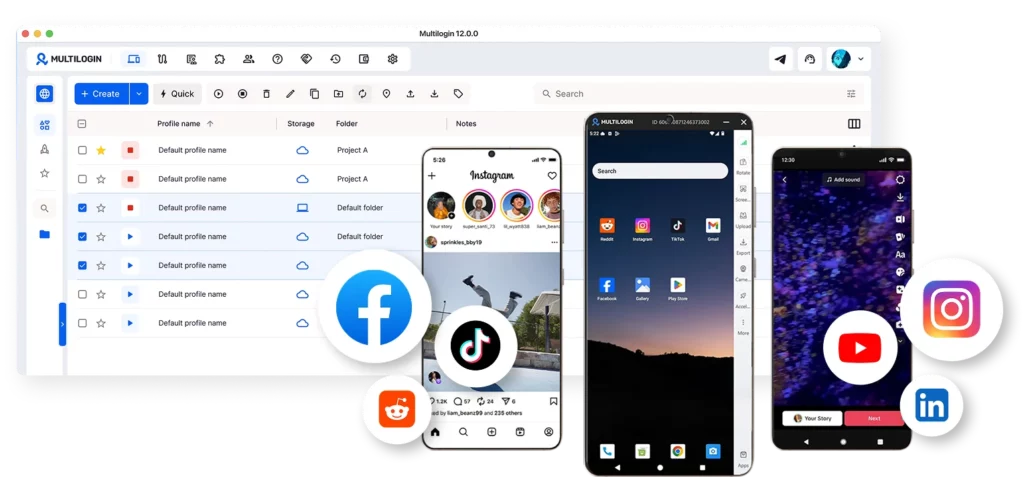
A cloud phone is a real Android device hosted in a data center, not a piece of software pretending to be a phone on your computer. When you launch one, your laptop or desktop is just a remote control.
Who Plays in This Space
Several providers offer cloud phone services. Here’s a quick rundown of who’s who:
- Redfinger: popular cloud phone platform for mobile gaming and light automation. Friendly pricing, but no built-in proxies and mostly older Android versions.
- LDCloud: the cloud version of LDPlayer. Gaming-first, not built for multi-account work.
- GeeLark: closest competitor to Multilogin in positioning. Real cloud phones with unique fingerprints, but you bring your own proxies and the antidetect browser is a separate offering.
- Duoplus: basic cloud phone service for small-scale multi-accounting on a budget. Limited Android versions and no proxy infrastructure.
- VMOS Cloud: cloud version of the VMOS virtualization tool. Older Android versions, mostly used by hobbyists already familiar with VMOS.
- BitCloudPhone: cloud phones bundled with the BitBrowser ecosystem. Works for users already in that stack, less convenient for everyone else.
Cloud Phone Platforms: Quick Comparison
These tools are not emulators. They run real Android environments in the cloud, which makes them the right category for managing multiple social media accounts at scale. Here’s how the main players compare.
| Platform | Android Versions | Built-In Proxies | Pricing |
|---|---|---|---|
| Multilogin Cloud Phones | 10, 11, 12, 13, 14, 15 | ✅ Yes, mobile-grade residential, matched geolocation | €0.009/min, plans from €5.85/mo (annual), 3-day trial €1.99 |
| GeeLark | 10, 11, 12, 13, 14 (no Android 15 yet) | ❌ No, bring your own proxy | $0.007/min (after free minutes), $1/day cap per device, monthly rental from $29.9 |
| Redfinger | Mostly Android 9 to 12 | ❌ No, external proxy required | Per-device monthly rental, varies by tier |
| LDCloud | Mostly Android 9 (cloud version of LDPlayer) | ❌ No | Per-device pricing, monthly |
| Duoplus | Limited version range | ❌ No | Per-device monthly plans |
| VMOS Cloud | Older Android versions | ❌ No | Per-device subscription |
| BitCloudPhone | Varies | ❌ No | Tiered subscription |
And then there’s Multilogin.
Why Social Media Managers Need Something Completely Different
Here’s the honest picture. Gaming emulators are built for one person running one or two game accounts. Developer tools are built for code testing. Neither category was designed for what social media managers actually need: running dozens of separate, isolated accounts, each with its own identity, location, and history, all from one organized dashboard.
That’s a different problem. And it has a different solution.
Multilogin: Built for Multi-Account Management, Not App Testing
Multilogin gives social media managers and creators a unified platform for managing multiple mobile and browser accounts from one organized dashboard.
The core idea is simple. Each mobile account runs in its own dedicated Android cloud phone. Each web account runs in its own browser. Everything lives in one place.
Real Android Cloud Phones, Not Emulators
Multilogin is not an Android emulator. It provides real Android cloud phones with genuine device identifiers. These cloud phones appear as separate physical devices to mobile apps and platforms.
Each cloud phone carries its own unique IMEI, Android ID, and MAC address. These are real hardware parameters. Platforms see each phone as a genuine, separate device, not a virtual environment running on a shared machine.
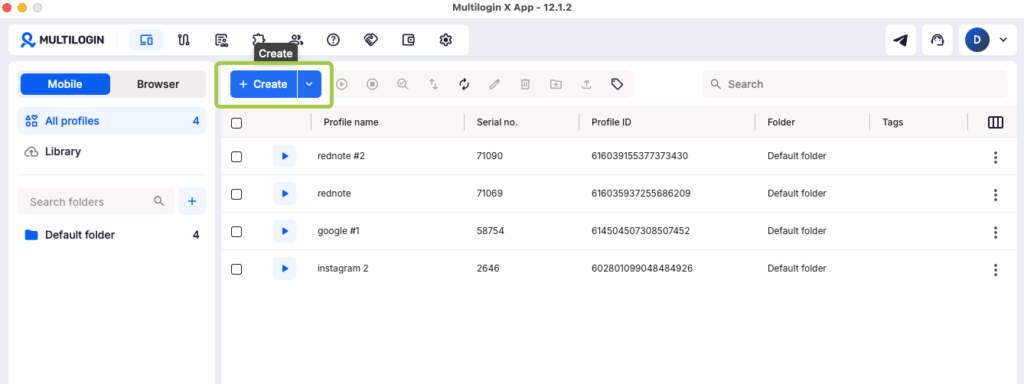
Multilogin supports Android versions 10 through 15, and approximately 30 device types across 12 brands including Samsung, OPPO, Xiaomi, Vivo, Google, OnePlus, Motorola, Infinix, Honor, Tecno, Redmi, and realme.
Persistent App Data and Session Continuity
One of the biggest problems with emulators and developer tools used for account management? Sessions disappear. You log in, get detected, and start over.
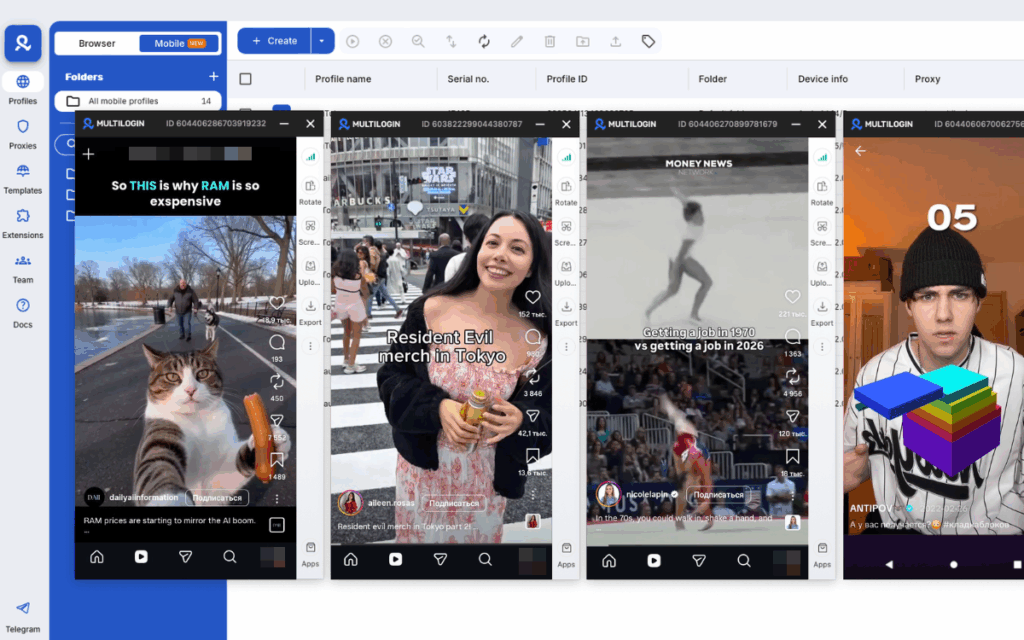
Multilogin saves app data, cache, and login states between sessions. This supports natural account warm-up and lets you continue exactly where you left off. Your accounts build history over time, the same way a real phone does.
Built-In Proxies with Matched Geolocation
Every cloud phone runs with a unique IP and real mobile data, including SIM, network, and GPS settings matched to its assigned location. Choose a country or region, and Multilogin handles the rest automatically.
No need to configure proxies separately. Everything is included and matched to each account’s location.
Mobile and Web Accounts in One Dashboard
Every Multilogin Cloud Phone purchase includes full access to the leading antidetect browser in the same dashboard. Browser profiles handle web-based accounts. Cloud phones handle app-based accounts. One subscription, one platform, complete control.
Built for Teams and Scale
Multilogin works whether you manage five accounts or five hundred. Share cloud phones with team members, assign accounts, and run bulk actions from one place. Business plans include unlimited team seats with granular permission controls.
Transparent Pricing
Cloud phones use pay-per-minute billing at €0.009 per minute. Unused minutes roll over with an active subscription. Plans start at €5.85 per month when billed annually, and a 3-day trial is available for €1.99.
Which Tool Is Right for You? A Quick Guide
If you’re a developer testing apps across Android versions, use Android Studio AVD or Genymotion. They’re built exactly for that.
If you want to play mobile games on a bigger screen, BlueStacks or LDPlayer fit the job. MeMuplay is worth considering if you want an ad-free experience.
If you need a cloud testing farm for QA at scale, BrowserStack or AWS Device Farm are the right tools.
If you’re a power user on Linux who wants to run Android apps natively, Waydroid is worth exploring.
If you manage multiple social media accounts and need each one to run in its own isolated environment with real device parameters, persistent sessions, and built-in proxies, Multilogin is built for exactly that workflow.