


Manage Spotify creator accounts with cloud phones
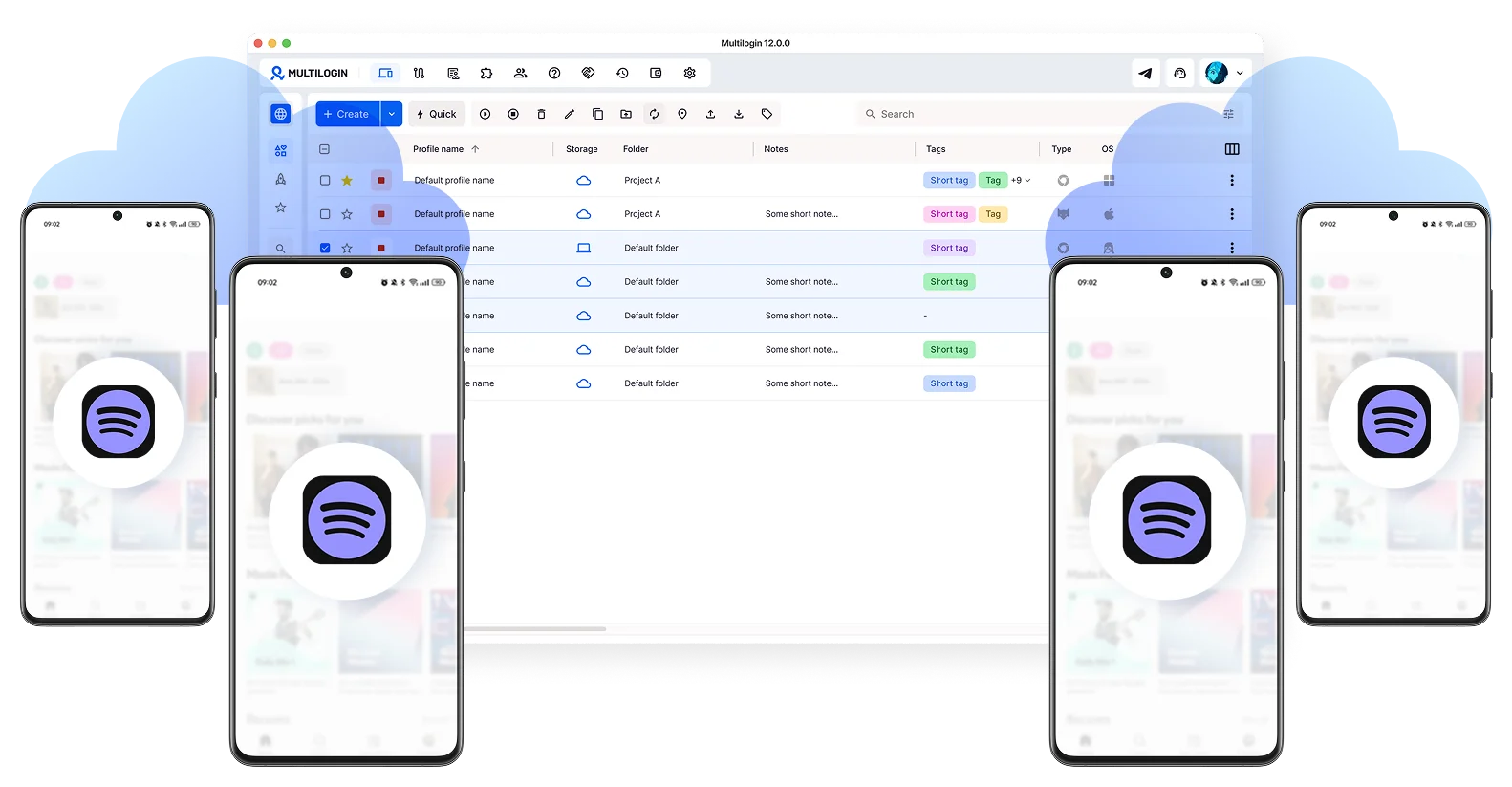
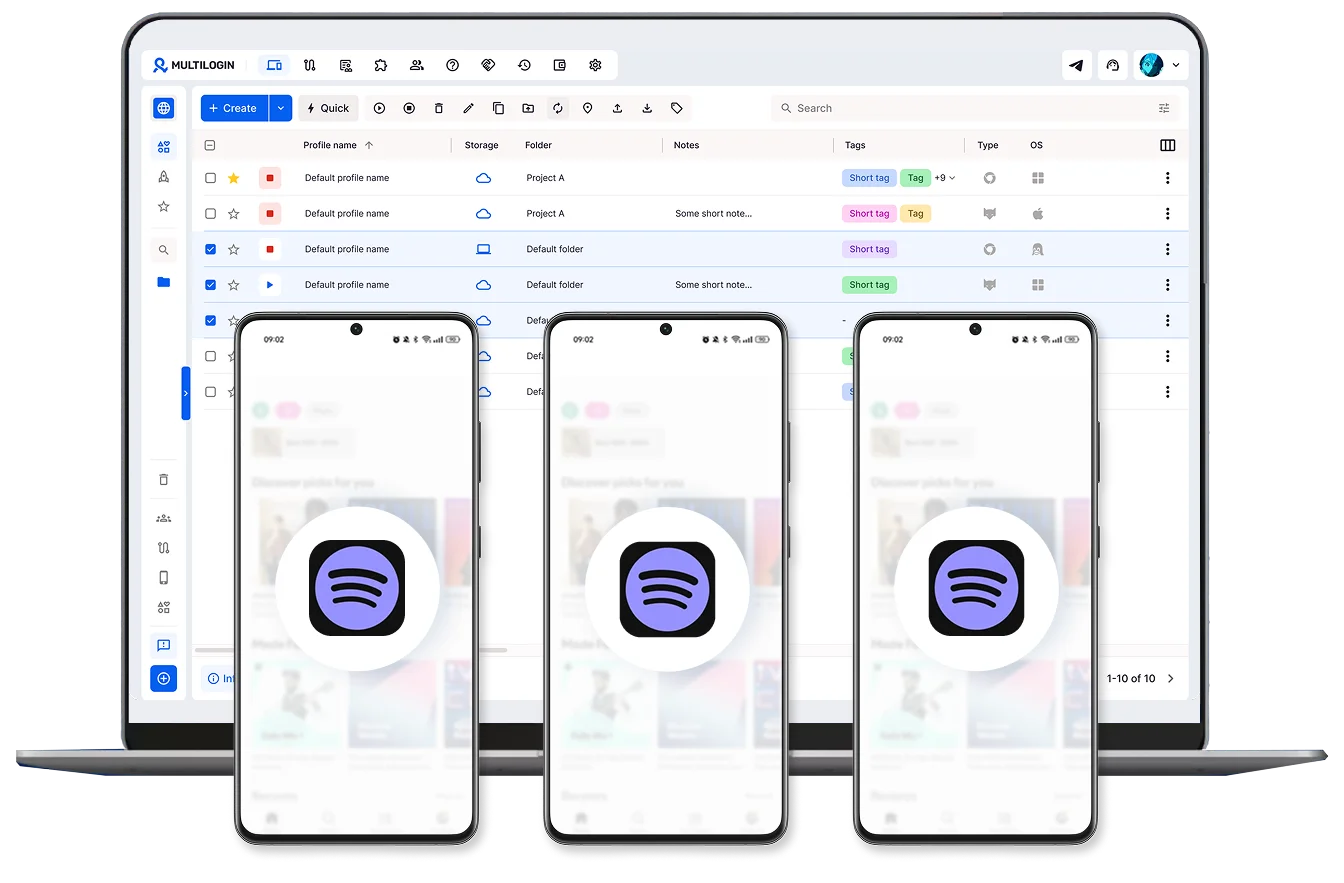
Scale Spotify creator accounts without device limits
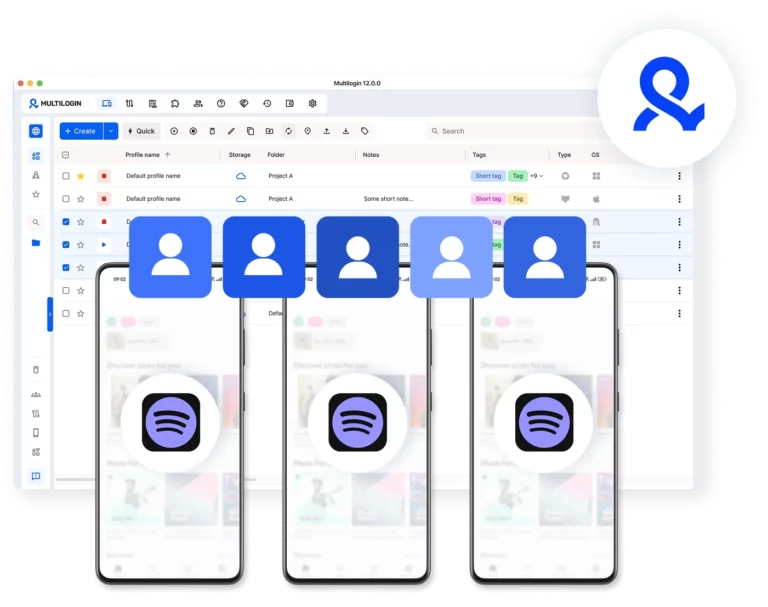
Run multiple Spotify creator accounts at the same time using separate cloud phones. Keep each artist setup independent without relying on physical devices.
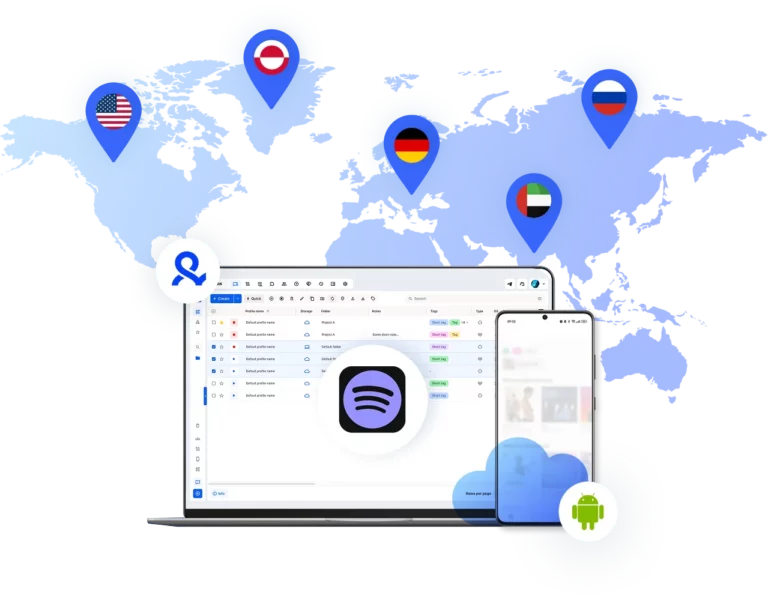
Expand Spotify creator reach across markets
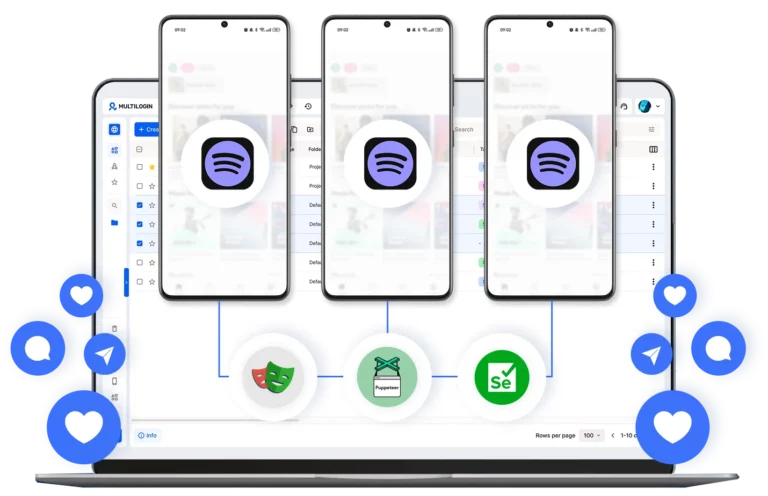
Automate Spotify creator accounts
Run routine actions across cloud phones to keep releases, updates, and artist activity consistent. Stay active without constant manual work.
Collaborate across Spotify creator accounts
Give your team access, assign roles, and manage all Spotify creator accounts from one unified dashboard.
Grow your social media accounts with Multilogin cloud phones
-
Unlimited time
-
Mobile and browser profiles included
-
Free built-in proxies & mobile minutes
-
Unlimited time
-
Mobile and browser profiles included
-
Free built-in proxies & mobile minutes
What are cloud phones for a Spotify creator account?
Cloud phones are real Android devices that run online instead of on physical hardware. They let you access and manage Spotify creator accounts through the mobile app without needing actual phones or emulators.

Why use Multilogin for Spotify creator accounts?
Multilogin gives every Spotify creator account the tools it needs: cloud phones, browser profiles, and built-in proxies, all included in one platform with no extra setup.

The most awarded multi accounting platform















Watch the Multilogin Demo
How to start using Multilogin
Get started with browser profiles and cloud phones for Spotify creator accounts in minutes.

Sign up
Register using a verified email address to create your Multilogin account.

Choose your plan
Select from various subscription plans tailored to your business needs.

Download Multilogin
Install Multilogin on Windows, macOS, or Linux to access browser profiles and cloud phone management from one place.

Access the Multilogin dashboard
Create browser profiles or launch cloud phones to manage Spotify accounts in isolated environments.

Run multiple Spotify creator accounts
Set up and manage multiple Spotify creator accounts using separate browser profiles, all from one secure platform
Spotify creator account management with Multilogin
Managing a portfolio of artist profiles requires more than just great music. For labels and digital agencies, the challenge lies in maintaining dozens of artist identities without triggering the platform’s security filters. While most focus on content strategy, the technical foundation—specifically how your devices and sessions are perceived by Spotify—is what determines whether an account thrives or faces a sudden suspension.
For professionals handling multiple artist identities, the key to long-term growth is moving away from shared hardware and toward persistent digital environments.
Technical barriers to a Spotify creator account sign up
Spotify employs sophisticated detection systems to monitor how creator accounts are accessed. When a single machine or browser is used to manage multiple profiles, the platform identifies shared hardware signals, browser fingerprints, and network patterns. Even if you follow every community guideline, the mere act of switching between accounts on the same device can flag your activity as suspicious.
These technical overlaps often result in:
- Artist profiles being shadow-banned or restricted from playlist pitching.
- Frequent login challenges and verification loops that disrupt release schedules.
- Legitimate management activity being misidentified as automated bot behavior.
Once a device identity is compromised, the risk extends to every account associated with it. This is why traditional browser switching or clearing cookies is no longer a viable solution for professional scale
Virtualizing the workflow for how to make Spotify creator account management stable
The most reliable way to handle a network of Spotify accounts is to ensure each profile operates within its own dedicated ecosystem. This means moving beyond physical hardware limits and adopting a system where every artist has a unique, stable digital footprint.
A professional management setup focuses on:
- Environment isolation: Ensuring no data or system signals are shared between different artist profiles.
- Session persistence: Maintaining active login states so you can pick up exactly where you left off without repeated logins.
- Hardware authenticity: Using real device parameters that pass even the most rigorous platform checks.
By virtualizing these environments, teams can manage hundreds of accounts from a single dashboard without the chaos of physical phone farms or multiple laptops.
Using cloud phones and learning how to get a Spotify creator account presence on mobile
Many essential Spotify for Artists features, including certain video content uploads and real-time engagement, are best handled through the native mobile app. This is where cloud phones become indispensable. Unlike emulators, cloud phones are real Android devices hosted in the cloud, providing a genuine mobile environment for every account.
Using cloud phones for Spotify management allows you to:
- Run the native Spotify for Artists app on dedicated Android versions (v10–15).
- Maintain persistent app data and cache, supporting a natural account history.
- Assign unique IMEI, MAC addresses, and GPS settings to every virtual device.
This approach ensures that your mobile activity is indistinguishable from that of a real artist using a physical smartphone, providing the highest level of security for high-value profiles.
Unified control for how to create Spotify creator account networks with Multilogin
Multilogin serves as the central hub for teams who cannot afford the instability of traditional management methods. It bridges the gap between desktop browser profiles and mobile cloud phones, offering a single interface to oversee an entire artist roster.
The platform provides a comprehensive suite of tools designed for scale:
- Advanced fingerprinting: Customize 55 different parameters to create a unique desktop identity for every profile.
- Global reach: Access a pool of 30 million residential IPs across 150 locations to match your artist’s regional presence.
- Team collaboration: Securely share access to specific artist environments without ever revealing passwords or sharing physical devices.
- Integrated proxies: Built-in mobile-grade proxies ensure that your connection signals always match your device’s virtual location.
Each environment is a silo. A security flag on one profile remains isolated, protecting the rest of your portfolio from chain reactions.
Risks of using a Spotify mass account creator
While the term “Spotify mass account creator” often refers to risky automation, professional management involves the manual setup of multiple profiles within isolated Multilogin environments. Using automated scripts to bulk-create accounts is a high-risk activity that often leads to immediate bans because these tools fail to replicate natural human behavior and unique device signals.
The safest way to scale is through:
- Manual creation within isolated Multilogin profiles or cloud phones.
- Ensuring each account has a unique, non-spoofed digital identity.
- Maintaining consistent behavior patterns that align with legitimate artist activity.
By avoiding shortcuts and focusing on technical integrity, you can build a sustainable network of artist profiles that grows over time.
Sustainable growth through technical consistency
In the competitive world of music streaming, the accounts that succeed are the ones that stay active.
Multilogin provides the tools to keep your sessions stable and your artist profiles organized. For those responsible for the digital presence of multiple artists, it is the foundation that allows for confident scaling and peace of mind.
Multiple Spotify Creator accounts FAQ
A Spotify creator account, accessed through Spotify for Artists, is the dashboard where musicians and podcasters manage their presence on the platform. It gives you access to audience analytics, playlist pitching, profile customization, and release scheduling.
For a solo artist, setting one up is simple. For labels and agencies managing a full roster, it gets more complex fast. That is where Multilogin comes in. Each artist gets their own dedicated Android cloud phone and browser profile, all managed from one dashboard. To Spotify, every account looks like a completely separate person on a completely separate device.
Switching between accounts in the same browser, using incognito mode, or clearing cookies all leave shared hardware signals that link accounts together. At professional scale, these workarounds cause chain-reaction suspensions.
With Multilogin, each artist gets a dedicated Android cloud phone for native app management and a separate browser profile for web tasks. Persistent app data means every session continues exactly where the last one left off. Built-in proxies handle location matching automatically. Everything runs from one dashboard with no data bleed between accounts.
The most common cause of restrictions for professional managers is not a content violation. It is the technical fingerprint of how accounts are accessed day to day.
Multilogin’s Android cloud phones maintain app data, cache, and login states between sessions, building a natural usage history that Spotify recognizes as a real user. Built-in mobile-grade proxies keep each account’s IP stable and geographically consistent over time. That combination is what keeps high-value artist profiles out of trouble month after month.
Building a proper account network comes down to one rule: one clean environment per artist from day one. Inside Multilogin, the setup for each artist looks like this:
- Launch a dedicated Android cloud phone with genuine hardware identifiers
- Assign a built-in proxy matched to the artist’s market
- Complete the Spotify for Artists verification within that isolated environment
- Run all ongoing management exclusively within the same environment
The cloud phone’s persistent sessions build a natural account history over time, which is exactly what Spotify’s systems look for when deciding whether to trust an account.
A Spotify mass account creator is automated software that generates large numbers of accounts quickly, usually to inflate streams or manipulate algorithms. These tools break Spotify’s Terms of Service and they get caught because they cannot fake genuine device behavior. What gives them away:
- Identical fingerprints across accounts
- Shared IP addresses with no location consistency
- Robotic interaction patterns
Multilogin is built for the opposite. Each artist profile runs on its own Android cloud phone with genuine hardware identifiers, persistent session data, and a matched proxy. Every account has a unique, stable digital identity that holds up to scrutiny, which is the only approach that actually works long term.
Most suspensions at agency level have nothing to do with content violations. They happen because multiple accounts share the same underlying device signals. Spotify’s detection systems are designed to identify shared hardware fingerprints, overlapping session data, and inconsistent IP patterns, and they act on those signals regardless of how legitimate the activity actually is.
Running each artist account on its own dedicated Android cloud phone through Multilogin eliminates this problem entirely. Each cloud phone carries genuine hardware identifiers and connects through its own matched proxy, so there is no technical overlap between accounts that could trigger a flag.
Yes, and doing it properly is important for both security and account stability. Sharing login credentials or physical devices between team members creates exactly the kind of overlapping signals that get accounts flagged.
Multilogin solves this through team collaboration features that let managers:
- Share access to specific artist environments without revealing passwords
- Assign cloud phones to individual team members with granular permission controls
- Run bulk actions across multiple profiles from one dashboard
Each team member works within the same isolated environment for each artist, keeping the account’s behavioral history clean and consistent regardless of who is logged in.
Proxy management is one of the biggest pain points for agencies handling multiple artist accounts. Buying proxies separately, matching them to the right locations, and keeping everything consistent across dozens of profiles is time-consuming and easy to get wrong.
Multilogin includes built-in mobile-grade residential proxies for every cloud phone, automatically matched to the account’s assigned location. There is no external setup required. Each artist’s account connects through a stable, geographically consistent IP that aligns with their virtual device, which is exactly the kind of identity consistency that keeps accounts trusted by Spotify over time.
