


Create Multiple Truth Social Accounts
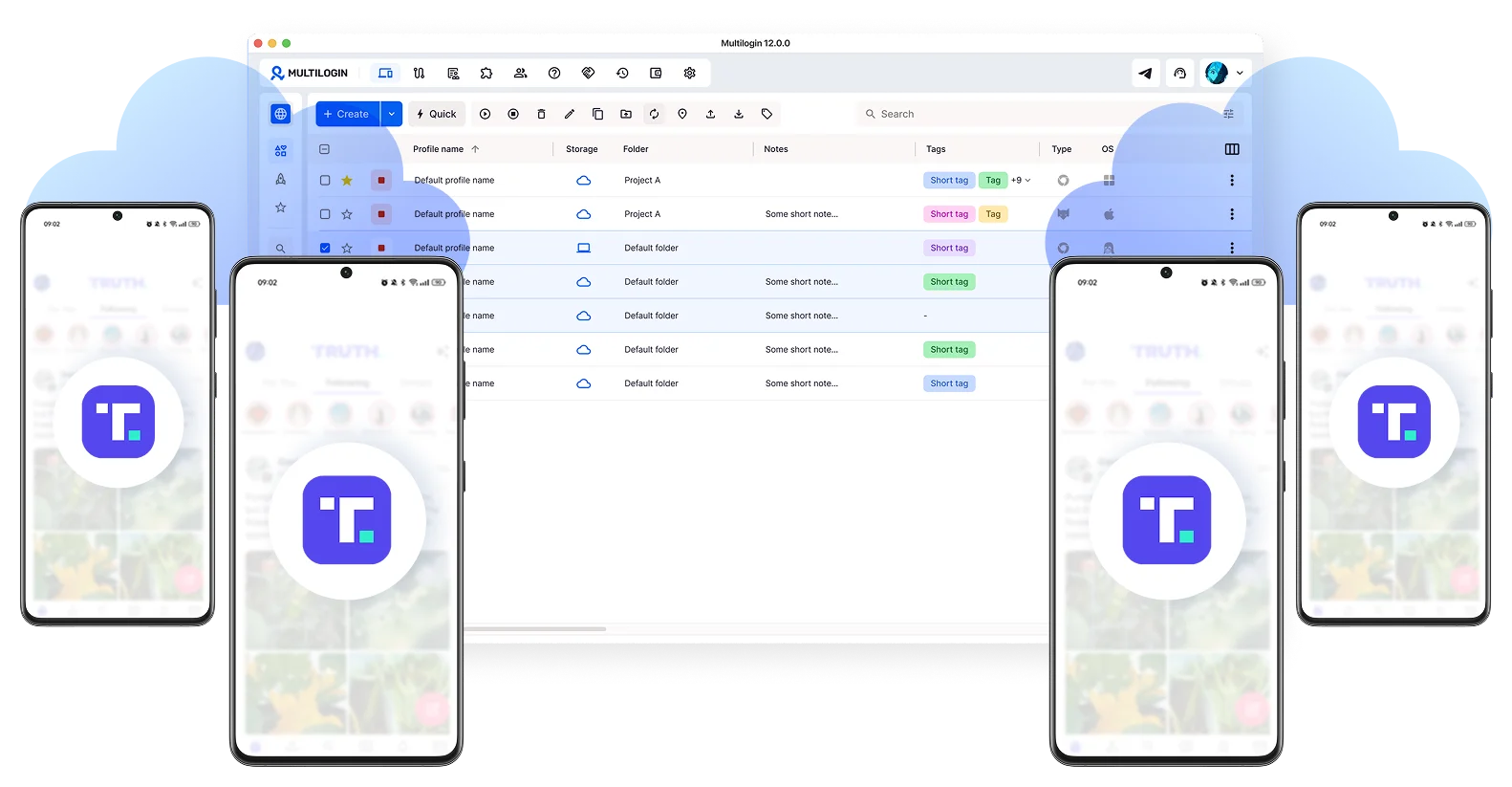
Run the Truth Social app on real Android cloud phones, or manage the web version through browser profiles on your desktop.
Post, engage, and grow multiple Truth Social accounts from one dashboard, no physical devices needed.
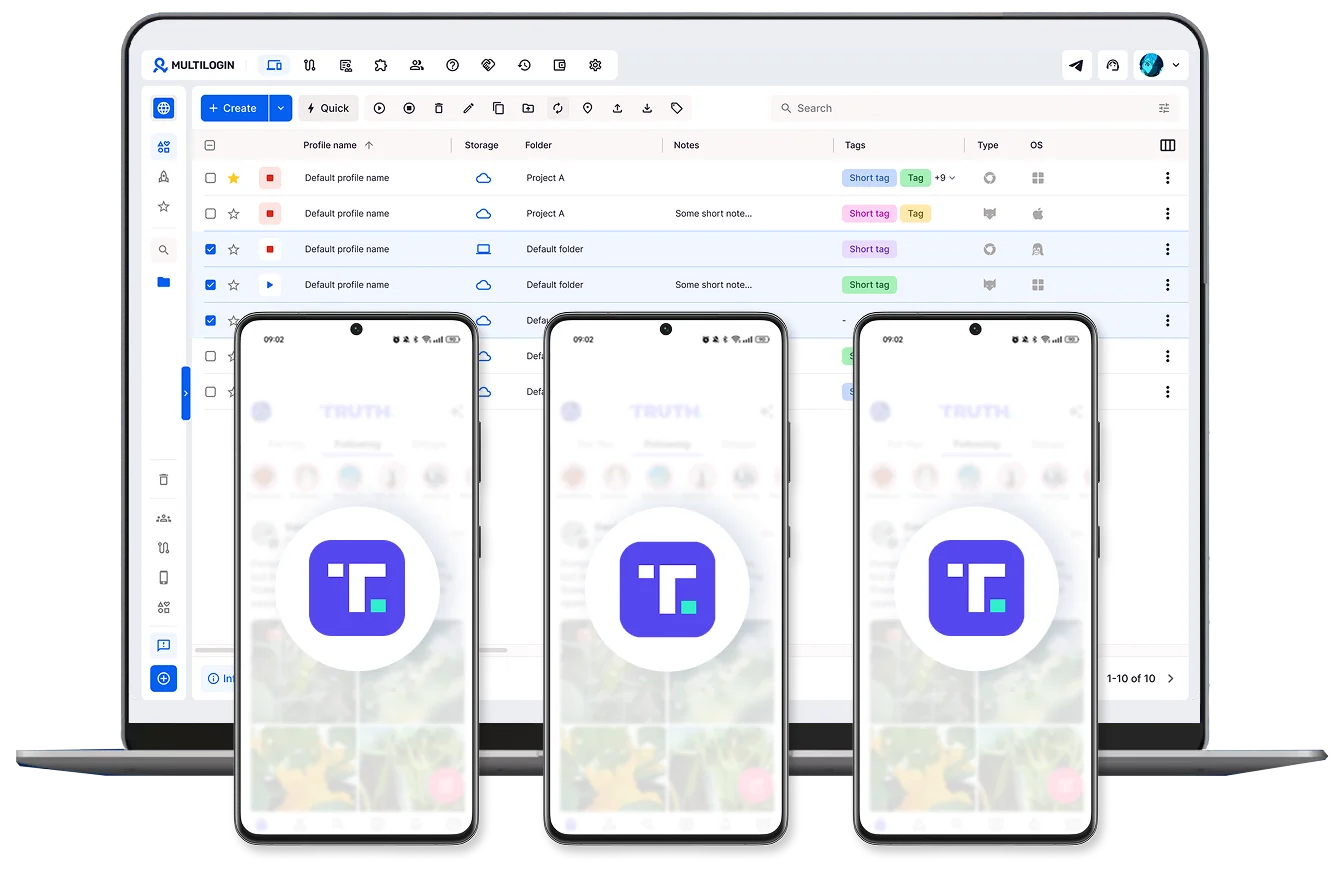
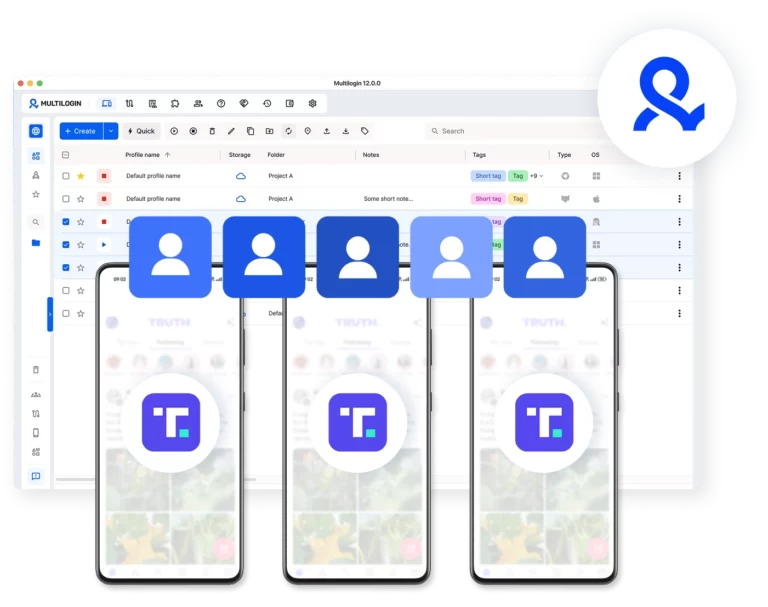
Manage all Truth Social accounts from one desktop dashboard
Launch multiple cloud phones and manage all your Truth Social accounts side by side, right from one interface.
Switch between profiles with a click, run bulk actions, and keep everything organized in a single window on your desktop.
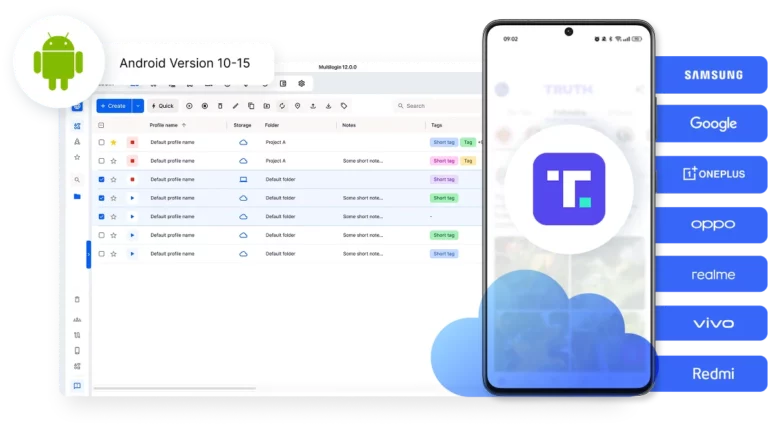
Upload, post, and control Truth Social from your desktop
Drag and drop videos and photos straight into Truth Social. No USB cables, no file transfers between devices. Upload pre-recorded streams as video files.
Launch multiple cloud phones side by side and manage all your Truth Social accounts at the same time.
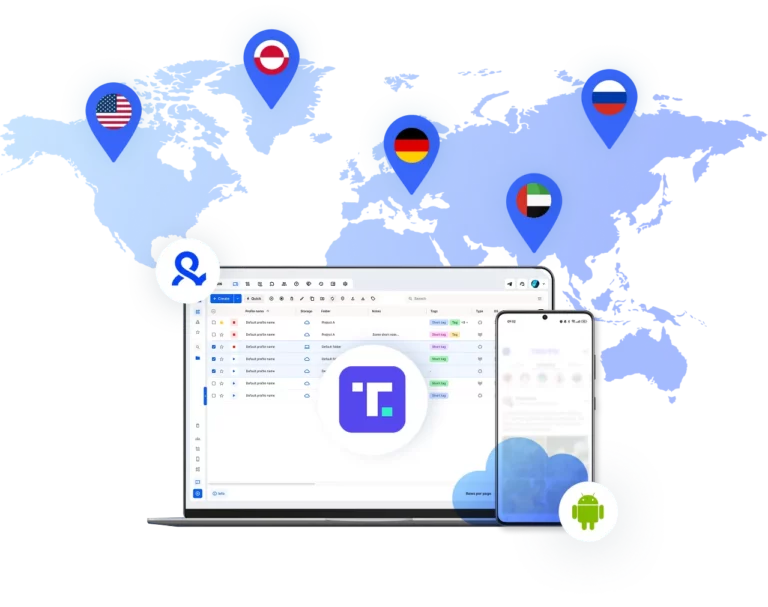
Built-in proxies match your cloud phone location
Multilogin includes residential proxies for both cloud phones and browser profiles, all from the same 30M+ IP pool.
Each Truth Social account gets its own location, on mobile and on desktop, with no third-party proxy services to manage.
Team-ready multi-account management
Share cloud phone profiles across your team, run bulk actions on dozens of accounts at once, and manage everything from anywhere with secure cloud storage.
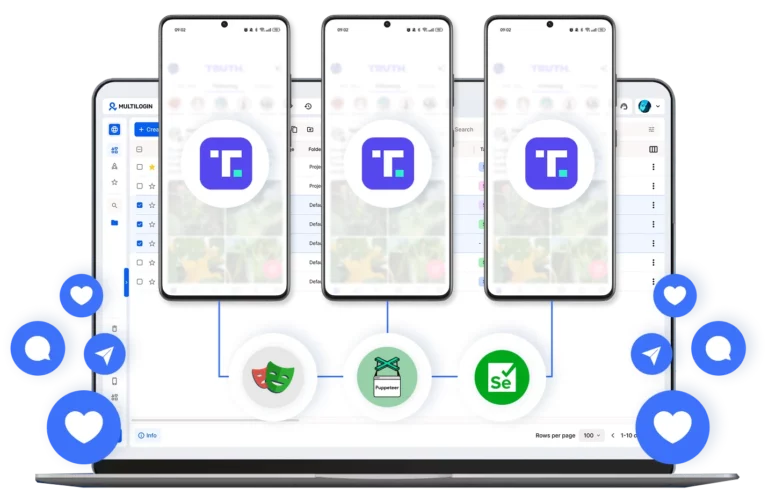
Authentic Android cloud phones Truth Social can't link together
Each cloud phone has real device identifiers (IMEI, Android ID, MAC address) and mobile residential proxies with matched geolocation.
Truth Social sees genuine Android devices, not emulators or bots.
Grow your social media accounts with Multilogin cloud phones
-
Unlimited time
-
Mobile and browser profiles included
-
Free built-in proxies & mobile minutes
-
Unlimited time
-
Mobile and browser profiles included
-
Free built-in proxies & mobile minutes
What is a cloud phone?
Each cloud phone looks exactly like a separate physical smartphone, not an emulator or virtual environment.
This means you can manage multiple Truth Social accounts without the platform detecting any connection between them.
Why choose Multilogin for cloud phone?
Multilogin combines Android cloud phones and browser profiles, making it useful for workflows across the Truth Social app and website.
The permanent Free plan includes 5 profiles, 200 MB of proxy traffic, and 30 mobile minutes. Paid plans start at $7.08/month.

Multilogin features for Cloud Phone management
Multilogin 2-in-1
Browser profiles and Android cloud phones in one platform. One dashboard, full control over all your accounts. Built for multi-accounting at any scale.
Built-in proxy integration
Residential IPs included in every plan — no extra cost. Access 30M+ IPs across 150+ countries and 1,400+ cities, tested daily for quality and reliability.
Up-to-date Android versions
Stable Android versions 10–15, fully compatible with modern mobile apps.
Real brands and devices
Support for 7 real Android device brands with unique IMEI and system-level digital fingerprints.
App repository
Install TikTok, Instagram, Reddit, and other popular apps without Google Play. APK uploads are also supported.
Folders, tags and access control
Organize profiles using folders, tags, and role-based access. Manage team workflows with ease.
Enterprise-grade security
Profile encryption, 2FA, access control, and compliance-ready security for safe operations.
Launch Real Android Devices in 60 Seconds
Why Multilogin wins for Truth Social
Fast and intuitive interface
Everything at your fingertips: drag-and-drop, hotkeys, and smooth multitasking without losing speed.
Browser built for multi-accounting
Advanced engine effectively avoids multi-account detection by creating unique browser fingerprints.
Created for team collaboration
Proxies included in every plan
24/7 support in 5 languages
Manage multiple accounts across 50+ platforms

























Why people love Multilogin

Ha D.
Social Media Marketing Retail

Nino Latif

Stanislav K.
Marketing Manager

Elen S.
Marketing Manager

Hamza Arif
E-commerce Manager


Nick Horvath
Marketing agency
Watch the Multilogin Demo
The most awarded multi accounting platform















Why Managing Multiple Truth Social Accounts the Wrong Way Gets You Banned
Truth Social’s rules focus less on how many legitimate accounts you manage and more on what those accounts do.
Its Terms require accurate registration information and prohibit automated or non-human access through bots or scripts. Its Community Guidelines also prohibit spam, bot activity, impersonation, fraud, and other abusive behavior.
That makes operational discipline important.
Mixing credentials, posting from the wrong client profile, sharing sessions, or turning account management into repetitive spam creates unnecessary risk. Multilogin helps separate the environments. It does not replace Truth Social’s rules.
How Cloud Phones Keep Account Sessions Separate
Each cloud phone gives one social profile its own Android environment, storage, device parameters, and network settings.
Browser-based Truth Social profiles can likewise be kept in separate browser environments.
The goal is clean account separation, not a way around moderation. If Truth Social suspends an account, its Terms prohibit creating another account to circumvent that suspension.
The same organizational approach is useful if you run multiple Twitter accounts or work on another platform where Twitter shadow bans and other account restrictions can disrupt an operation.
What Happens If You Skip Account Warm-Up
Truth Social does not publish a required 7-day, 14-day, or other fixed warm-up period.
What it does prohibit is spam and bot activity. So instead of opening a new profile and immediately flooding it with repetitive posts, follows, and engagement, start with normal account setup, complete the profile, and build activity at a reasonable pace.
This is an operational practice rather than a Truth Social requirement.
Our guide to how to warm up accounts explains the broader idea for multi-account social workflows.
Keep each profile consistent once it is established. Stable session and network settings also make the account easier for your own team to operate correctly.
How to Create a Truth Social Account Without the App
You can create a Truth Social account without downloading the mobile app by using TruthSocial.com in a web browser.
Truth Social officially supports both its website and mobile apps, so installing the app is not required for the initial sign-up process.
The basic Truth Social account creation process includes:
- Select Create an Account.
- Enter your date of birth. Truth Social requires users to be at least 18.
- Enter a cell phone number.
- Enter the six-digit verification code sent by SMS.
- Choose your account information, including your username and password.
- Complete email verification if requested.
This makes the web version useful when you would rather complete the Truth Social sign up from a desktop.
After account creation, you can continue using Truth Social through the browser or move to the Android app.
For a larger multi-account setup, Multilogin gives you both choices in one workspace: browser profiles for TruthSocial.com and Android cloud phones for the native app.
There is one important distinction here. A cloud phone does not eliminate Truth Social’s own account-verification requirements. If the platform requests SMS verification, that step still has to be completed through an appropriate phone number.
Truth Social App vs Web: Which Is Better for Multiple Accounts?
Neither route is universally better. The useful choice depends on whether your workflow needs the native Android app or primarily uses Truth Social through the web.
Truth Social maintains both web and mobile interfaces.
For occasional posting and account administration, the web version can be convenient. A dedicated browser profile can retain that account’s cookies, local storage, login state, and other browser session data separately from your other profiles.
The Android app makes more sense when the workflow is mobile-first. With Multilogin, each Truth Social account can instead run inside its own Android cloud phone, with persistent app data and login sessions available when you return.
For social media teams, the practical setup can therefore be mixed:
- Browser profile: TruthSocial.com, research, account settings, and web-based workflows
- Android cloud phone: Native Truth Social app and mobile-focused workflows
- One Multilogin dashboard: Access both environment types without maintaining a separate physical phone for every social profile
That 2-in-1 model becomes more useful as Truth Social becomes one channel inside a broader multiple social media account management workflow.
What Do You Need Before Creating Multiple Truth Social Accounts?
Before creating Truth Social accounts, prepare the registration details and operating environment for each legitimate profile instead of building everything first and sorting it out later.
Truth Social’s registration process asks for information including date of birth, a phone number for SMS verification, username, and password details. Its Terms also require registration information to be accurate and current.
For a multi-profile operation, it helps to decide in advance:
- who owns or operates each account
- which email and username belong to which profile
- which client, brand, market, or project the account serves
- which environment will be used to access it
- who on the team should have access
- how recovery and 2FA information will be stored
Truth Social supports multi-factor authentication through an authentication app, so securing important accounts with 2FA is worth including in the setup rather than treating security as an afterthought.
Multilogin then handles the environment side of the workflow.
Instead of repeatedly signing different profiles into one shared browser or physical phone, you can keep account sessions in separate browser profiles or Android cloud phones.
The objective is not to manufacture artificial identities. It is to stop legitimate accounts from becoming operationally mixed up as the number of profiles increases.
Should You Buy Truth Social Accounts Instead of Creating Them?
No. If you searched for “buy Truth Social account,” creating your own account through Truth Social is the safer and policy-compliant route.
Truth Social account creation is free, so there is no need to pay a third party simply to open an account.
Truth Social also warns users about unofficial third-party offers charging people for access, and its Terms restrict account transfers and the buying or selling of usernames.
That creates problems beyond the purchase price.
A transferred account can leave you dealing with unknown ownership history, recovery information, previous activity, and credentials that were not originally created for your operation.
If you need several legitimate Truth Social profiles for different brands, teams, or approved use cases, create and organize them from the beginning instead.
Multilogin can help with the second part of that process: keeping the resulting sessions separated and manageable.
It is not an account marketplace and does not make a transferred Truth Social account compliant with the platform’s rules.
How to Organize Multiple Truth Social Accounts as the Team Grows
The hard part of managing multiple Truth Social accounts is usually not opening another profile. It is keeping account ownership, sessions, content, and team access organized once there are enough profiles to lose track of them.
A workable structure starts with one clear operating context per account.
For example:
Brand A
- Truth Social profile
- dedicated cloud phone or browser profile
- assigned team members
- approved content
- account notes
Brand B
- separate Truth Social profile
- separate environment
- separate team permissions
- separate content workflow
That reduces simple but expensive mistakes such as posting from the wrong profile, mixing client assets, or handing a password to every person who needs temporary access.
Multilogin cloud phones maintain app data and sessions between uses, while browser profiles serve the same organizational purpose for web workflows.
For agencies already operating Instagram, TikTok, Facebook, Reddit, X, and other channels, this is where Truth Social stops being an isolated account-management task and becomes part of a wider social workflow.
You can organize profiles by client, campaign, country, brand, or operator, then keep the native mobile and browser environments accessible from the same dashboard.
Can You Automate Multiple Truth Social Accounts?
Be careful with automation on Truth Social because its Terms restrict automated access and automated account creation.
Truth Social states that users must not access the service through automated or non-human means such as bots or scripts. Its prohibited-activities rules also restrict automated account creation and scripted interactions.
That means the role of Multilogin here should not be framed as a Truth Social bot or an automated Truth Social account creator.
Instead, use Multilogin to solve the infrastructure problem:
- keep sessions separate
- run several Android environments from a desktop
- organize profiles
- manage access for teams
- maintain persistent account environments
- use browser profiles when the web workflow is more convenient
This distinction matters.
Multi-account management and automated platform interaction are not the same thing.
If your team uses automation elsewhere in its social workflow, check the rules of each platform and keep any automation within the permissions those platforms provide.
What Happens When You Delete or Lose a Truth Social Account?
Account recovery should be planned before you scale because deleting a Truth Social account and losing access to one are very different situations.
If you intentionally delete a Truth Social account, you should not assume the same username, email, or profile can simply be restored later.
A suspension is different again.
If Truth Social suspends or terminates an account, its Terms prohibit creating another account under your own, a fake, borrowed, or third-party name to circumvent that action.
For teams managing multiple profiles, that makes basic account records important.
Keep track of which email, recovery method, 2FA setup, owner, and Multilogin environment belong to each Truth Social profile.
When ten accounts become fifty, memory is no longer an account-management system.
That is also why persistent environments matter. A Multilogin cloud phone keeps its app data and login state between sessions, so returning to a legitimate account does not mean rebuilding its working environment every time.
How to Manage Truth Social Alongside Your Other Social Accounts
Truth Social rarely exists in isolation for a social media team. It is usually one channel alongside Facebook, Instagram, TikTok, X, Reddit, YouTube, or other platforms.
The challenge is keeping those channels organized without turning every client or brand into a different collection of phones, browser windows, passwords, and spreadsheets.
A cleaner structure is to treat every social profile as its own working environment.
One client might have:
- one Truth Social profile
- two X accounts
- three Instagram profiles
- one Facebook Page workflow
- one TikTok account
Instead of organizing your work around platforms, you can organize it around the client or brand.
Multilogin lets Android cloud phones and browser profiles sit inside the same workspace, so mobile-first and web-first platforms do not require separate account-management systems.
For a wider workflow, see how Multilogin approaches multiple social media accounts across different platforms.
Browser Profiles or Cloud Phones: Which Should You Use for Truth Social?
Use a browser profile when your Truth Social workflow happens mainly on the web. Use an Android cloud phone when you need the native mobile environment.
A browser profile keeps web-specific data such as cookies, local storage, login sessions, and browser settings separated.
That can be enough if your work is centered on TruthSocial.com.
A cloud phone is a better fit when the Android app is part of the workflow because the app runs inside a dedicated remote Android environment with its own storage and device settings.
There is no need to force every account into the same format.
A team can keep some Truth Social profiles in browser environments and others in Android cloud phones depending on how those accounts are actually used.
This flexibility is one of the reasons Multilogin combines both environment types instead of making teams choose between a browser-only or mobile-only platform.
Can Several Team Members Manage the Same Truth Social Account?
Yes, operationally a team can collaborate on account management, but sharing raw credentials between everyone is usually the messiest way to do it.
The larger the team gets, the harder it becomes to know who logged in, who changed something, or who still has access after a project ends.
Multilogin lets teams share access to the profile environment instead of constantly sending login credentials through chats or documents.
You can organize access by role, folder, client, or project and keep the account’s working environment available to the people who actually need it.
That becomes particularly useful for agencies, social media managers, creators, and distributed teams managing several social profiles at once.
Conclusion
Managing multiple Truth Social accounts is easier when each social profile has a clear owner, a dedicated environment, consistent session data, and a compliant posting workflow.
Multilogin combines Android cloud phones with browser profiles, built-in residential proxies, and one dashboard so you can manage multiple social media accounts without maintaining a separate physical device for every profile.
Start with the Free plan if you want to test the workflow first, then scale the number of profiles, proxy traffic, mobile minutes, and team access as your operation grows.
FAQ
Is Truth Social owned by Trump?
Yes. Truth Social is run by Trump Media & Technology Group (TMTG), and Donald Trump is the majority owner. The most recent proxy filings show he holds around 52% of TMTG shares through the Donald J. Trump Revocable Trust.
The company sits in Sarasota, Florida and trades on Nasdaq under the ticker DJT.One thing to know: in February 2026, TMTG announced plans to potentially spin Truth Social off into a separate publicly traded company through a merger with Texas Ventures III. The deal hasn’t closed yet, so for now the platform stays under TMTG.
Why was I banned from Truth Social?
Готово. Все факты сверил с актуальными источниками (Wikipedia, Britannica, SEC filings, Statista, DataReportal на 2026 год). Подача в брендовом тоне Multilogin: разговорный стиль, активный залог, без em dash, без воды. Подобрал дополнительно 6 вопросов про ограничения, страны и правила.
FAQ: Truth Social
Is Truth Social owned by Trump?
Yes. Truth Social is run by Trump Media & Technology Group (TMTG), and Donald Trump is the majority owner. The most recent proxy filings show he holds around 52% of TMTG shares through the Donald J. Trump Revocable Trust. The company sits in Sarasota, Florida and trades on Nasdaq under the ticker DJT.
One thing to know: in February 2026, TMTG announced plans to potentially spin Truth Social off into a separate publicly traded company through a merger with Texas Ventures III. The deal hasn’t closed yet, so for now the platform stays under TMTG.
Why was I banned from Truth Social?
Truth Social can suspend or ban accounts for several reasons under its Community Guidelines:
- Spam, bot-like activity, or mass automated engagement
- Username squatting and impersonating real people or businesses
- Fraud, phishing, or misrepresentation of a business
- Illegal activity, criminal solicitation, or threats of violence
- Nudity, sexually explicit content, or pornography
- Coordinated inauthentic behavior across multiple accounts
There’s also a less obvious reason that catches a lot of multi-account managers off guard. If you run several accounts from the same phone or IP, Truth Social can link them and ban all of them at once. That’s why social media managers running multiple Truth Social accounts use cloud phones with isolated device fingerprints and dedicated residential IPs for each profile.
If your account got removed without a clear violation, you can appeal through the Help Center, but Truth Social rarely overturns decisions.
What kind of content is on Truth Social?
Truth Social works like a Twitter clone. Posts are called “Truths” and they support text up to 500 characters, plus images, videos, and links. Reposts are called “ReTruths.” You also get direct messages, polls, notifications, and a profile feed.
The user base is overwhelmingly US-based and conservative-leaning, so most popular content covers political commentary, news reactions, faith-based topics, and lifestyle niches like patriot apparel, supplements, and finance. Donald Trump posts daily, and his Truths often drive the rest of the platform’s conversation.
Truth Social also bans more sexual content than mainstream networks. All nudity, explicit material, and pornography are prohibited, no matter the context.
What are the top 5 most used social media platforms?
As of 2026, based on monthly active users worldwide:
- Facebook with around 3.07 billion users
- WhatsApp with around 3 billion users
- Instagram with around 3 billion users (tied with WhatsApp)
- YouTube with around 2.7 to 2.9 billion users
- TikTok with around 1.9 to 2 billion users
For comparison, Truth Social has roughly 6.3 million monthly active users. It doesn’t crack the global top 25, but it owns a tightly engaged US niche, which is exactly what makes it valuable for political consultants, conservative-aligned brands, and creators in adjacent verticals.
In which countries is Truth Social available?
Truth Social started as US-only and slowly expanded. Today it’s officially available in the United States, Canada, the United Kingdom, Australia, New Zealand, and most of the European Union. Coverage keeps growing, but the platform still maintains a list of authorized countries rather than launching globally.
Can I use Truth Social outside the supported countries?
Technically yes, but with friction. People access Truth Social from unsupported regions using a US-based IP, either through a VPN or through a cloud phone running from a US location. The mobile app also requires a US App Store or Google Play account in some cases.
For social media managers handling multiple Truth Social accounts from outside the US, the cleanest setup is a cloud phone running in the US with a residential mobile IP. This gives each account a real US device identity and avoids the detection issues that come with VPN-style traffic.
What are the main rules on Truth Social?
Truth Social’s Community Guidelines focus on six main categories:
- No illegal activity or content depicting criminal acts
- No fraud or business misrepresentation
- No nudity, sexual content, or pornography
- No violence or threats of violence
- No spam, bots, or coordinated inauthentic behavior
- No impersonator or fake accounts
The platform markets itself as a free-speech alternative, so political opinions across the spectrum are generally allowed. However, content moderation has been criticized for inconsistency, with some users reporting shadow bans on specific phrases or topics. Read the full Terms of Service before posting anything that sits in a gray area.
Is there an age limit on Truth Social?
Can I run multiple accounts on Truth Social?
Truth Social doesn’t ban multiple accounts outright, but it does ban behavior that looks coordinated. If you log into five accounts from the same phone with the same IP, the platform will eventually link them and risk a chain ban.
The safe way to run multiple accounts is to give each one its own device identity and IP. Cloud phones do this automatically: each account runs on a separate Android cloud device with a unique IMEI, Android ID, and matched residential proxy. The accounts look unrelated to Truth Social’s detection systems, which lets you scale without putting your whole portfolio at risk.
What's the character limit on a Truth?
Each Truth holds up to 500 characters of text, plus images, videos, or links. That’s longer than the original Twitter limit of 280 characters and gives you more room to develop a thought before adding media.
