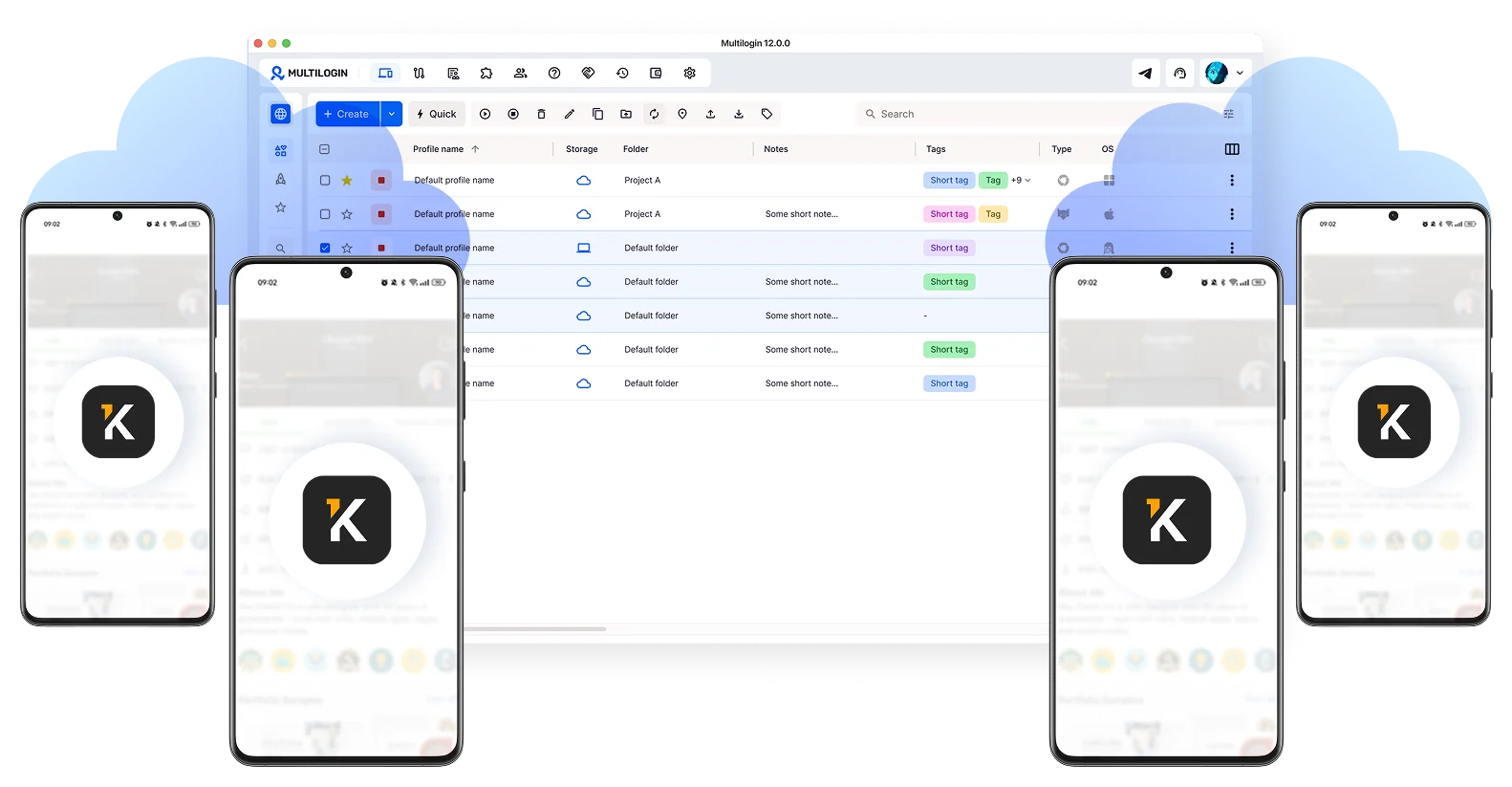
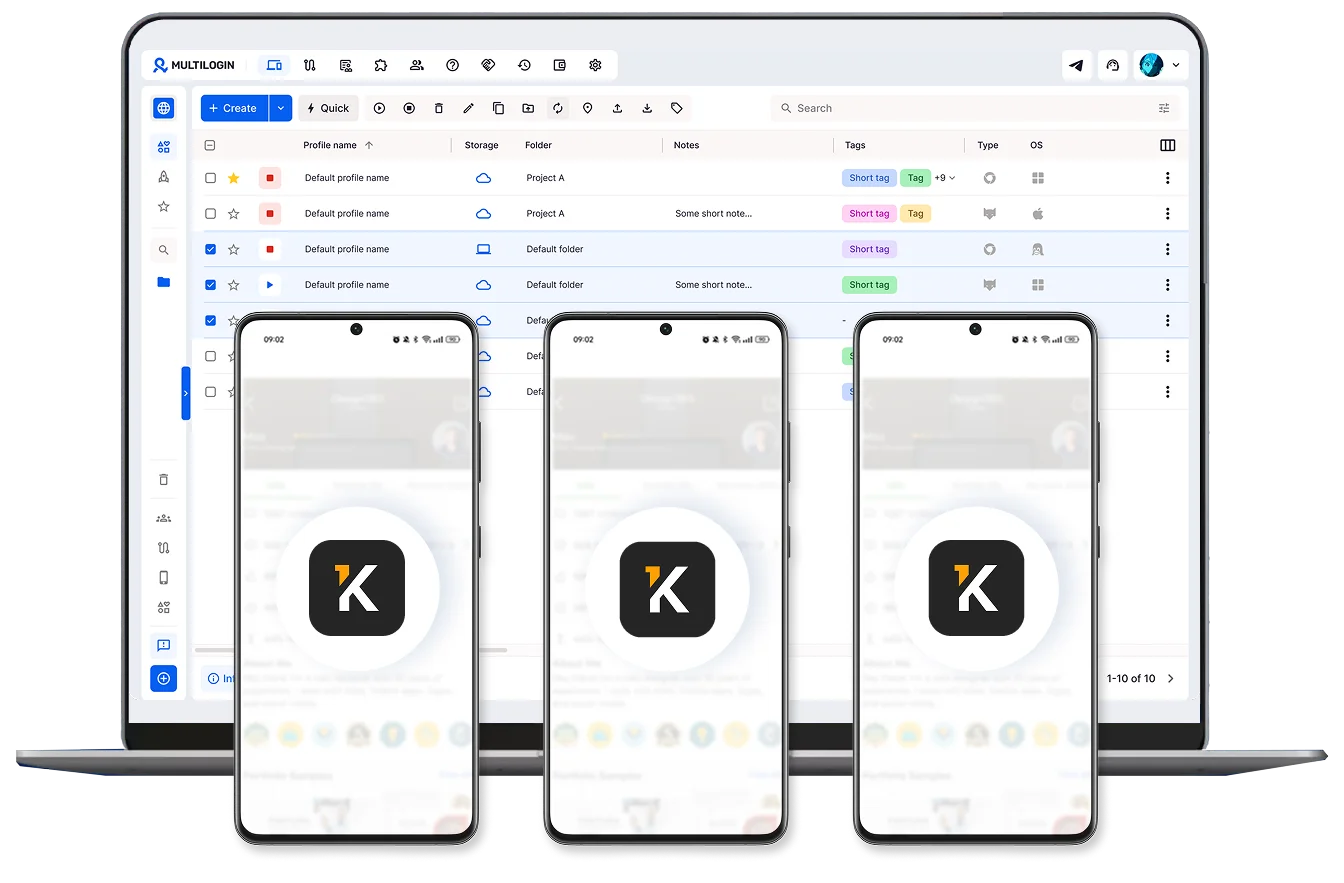
Manage Kwork accounts from one dashboard
Launch multiple cloud phones and browser profiles, then manage every Kwork account side by side from one interface.
Each account runs in complete isolation, with real device behavior. No linking risks.
Handle orders and clients from your desktop
Drag and drop project files, screenshots, and finished work straight into Kwork. No more jumping between phones and laptops to deliver a logo, a copy draft, or a video edit.
Launch multiple Kwork profiles side by side, respond to client messages across all of them, and never miss the 24-hour kickoff window again.
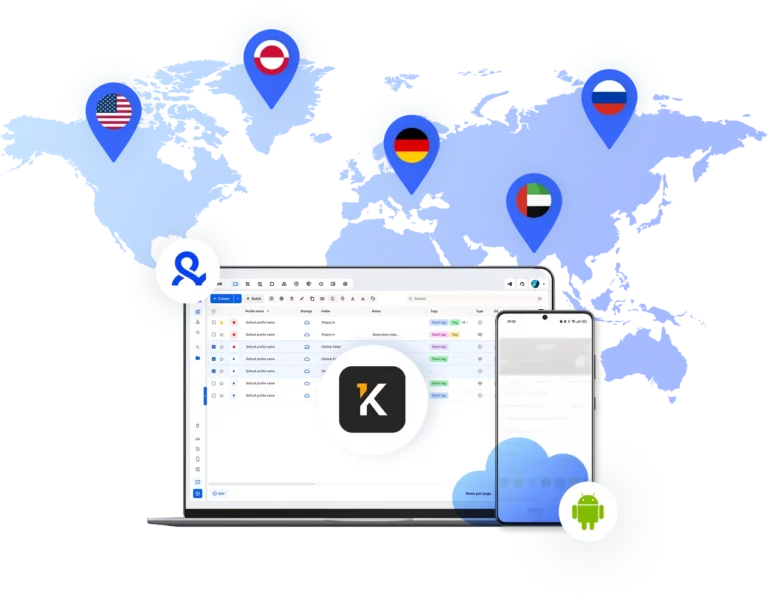
Built-in proxies match your account location
Kwork’s audience sits mostly in Russia, Ukraine, Belarus, and Kazakhstan. Logging into the platform from a random global IP raises flags fast and confuses the platform’s location signals.
Multilogin includes residential proxies for both cloud phones and browser profiles, all from the same 30M+ pool of addresses.
Team-ready multi-account management
Run an agency? Share cloud phones and browser profiles across your team, assign accounts to specific managers, and run bulk actions on dozens of profiles at once.
Authentic Android cloud phones Kwork can't link together
Each cloud phone has real device identifiers (IMEI, Android ID, MAC address) and a matched residential IP. Kwork sees genuine Android devices, not emulators or bots.
That separation is what keeps your accounts unlinked from each other and protects your full portfolio when one profile runs into a bad review or a temporary sanction.
Manage Unlimited Mobile and & Web Accounts
-
3-day access to Multilogin
-
5 cloud or local profiles
-
200 MB proxy traffic included
-
3-day access to Multilogin
-
5 cloud or local profiles
-
200 MB proxy traffic included
What is a cloud phone?
Each cloud phone looks exactly like a separate physical smartphone, not an emulator or virtual environment. This means you can manage multiple Kwork accounts without the platform detecting any connection between them, which removes the risk of mass account suspensions when one profile hits trouble.
Why choose Multilogin for cloud phone?
Multilogin’s cloud phone remain fully isolated at the identity level — enabling secure, scalable and more consistent operations.
Multilogin features for Cloud Phone management
Multilogin 2-in-1
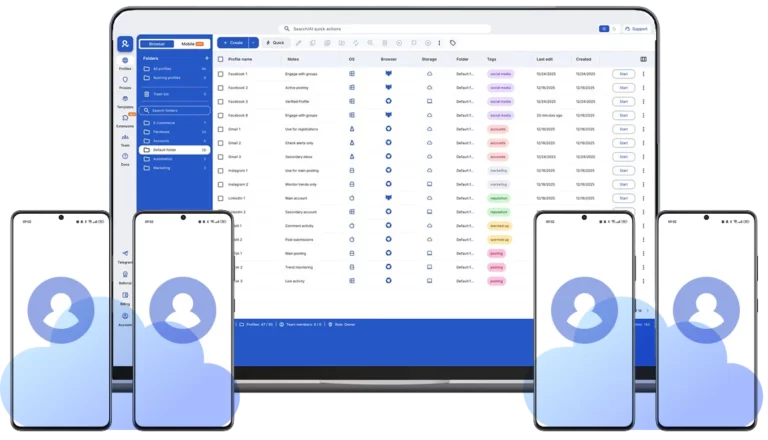
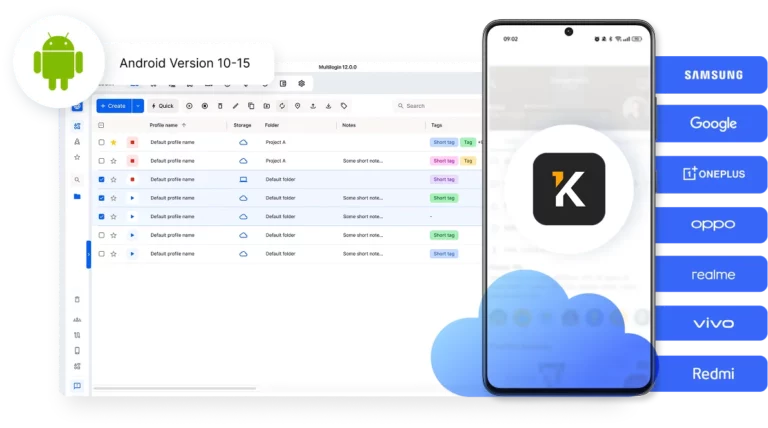
Browser profiles and Android cloud phones in one platform. One dashboard, full control over all your accounts. Built for multi-accounting at any scale.
Built-in proxy integration
Residential IPs included in every plan — no extra cost. Access 30M+ IPs across 150+ countries and 1,400+ cities, tested daily for quality and reliability.
Up-to-date Android versions
Stable Android versions 10–15, fully compatible with modern mobile apps.
Real brands and devices
Support for 7 real Android device brands with unique IMEI and system-level digital fingerprints.
App repository
Install TikTok, Instagram, Reddit, and other popular apps without Google Play. APK uploads are also supported.
Folders, tags and access control
Organize profiles using folders, tags, and role-based access. Manage team workflows with ease.
Enterprise-grade security
Profile encryption, 2FA, access control, and compliance-ready security for safe operations.
Launch Real Android Devices in 60 Seconds
Install Kwork and start managing orders. While our competitors spend days setting up physical phones.
Why Multilogin wins for Kwork
Fast and intuitive interface
Everything at your fingertips: drag-and-drop, hotkeys, and smooth multitasking without losing speed.
Browser built for multi-accounting
Advanced engine effectively avoids multi-account detection by creating unique browser fingerprints.
Created for team collaboration
Proxies included in every plan
24/7 support in 5 languages
Manage multiple accounts across 50+ platforms
Why people love Multilogin

Nino Latif

Nick Horvath
Marketing agency

Sagar C.
Social Media Marketing

Hamza Arif
E-commerce Manager

Nathan Green
Digital Marketing Specialist

George M.
Co-Founder, Small-Business
Watch the Multilogin Demo
Award winning multiple account management platform
Why Managing Multiple Kwork Accounts the Wrong Way Will Tank Your Earnings
Kwork tracks device fingerprints, IPs, and behavior patterns. Run two seller profiles from the same phone and the same IP, and the platform can link them. One sanction on one account, and your portfolio is at risk.
Even legitimate accounts get caught by this. A freelancer with four years of experience and 500+ orders had a single cancellation drop his monthly income from around 70,000 rubles to 25,000 for months. The Kwork ranking system is brutally sensitive to negative signals, and a linked account can drag down a clean one fast. Logging into multiple profiles from one phone within an hour? You’re asking for trouble.
How Cloud Phones and Browser Profiles Protect Your Kwork Income
Each cloud phone creates an isolated Android environment with real hardware identifiers (IMEI, Android ID, MAC address) that Kwork reads as a separate physical device. Each browser profile creates a clean desktop fingerprint. Add a dedicated residential IP to each one, and you get full isolation across mobile and web.
Your accounts look nothing like one another. No shared device patterns, no linkable browser fingerprint, no overlap. If one profile catches a bad review, the rest of your portfolio keeps earning. That matters even more on Kwork, where the connect system caps you at 20 to 80 bids per month per account, so multiple specialized profiles is often the only realistic way to scale.
Why Specialization Beats Generalization on Kwork
Kwork rewards specialists. A profile titled “I’ll edit your short-form video, Reels, Shorts, and TikTok content” converts better than one offering “video, design, copywriting, and SMM” all at once. Buyers trust focus.
The cleanest way to run multiple specializations is multiple specialized profiles, one per niche, each with its own portfolio, reviews, and pricing. Cloud phones and browser profiles let you build that structure without linking everything to a single device, so each profile competes on its own merit.
What Happens If You Skip Account Warm-Up
Fresh Kwork account, ten kworks published in the first hour, immediate aggressive bidding on the project board? That reads as bot behavior. Kwork will throttle your visibility or pause new account features before you build any rating.
New accounts need 7 to 14 days of warm-up: filling out the profile slowly, completing first small orders carefully, asking for honest reviews after each delivery, and learning the platform’s rhythm. This builds trust with the algorithm and moves you out of the “Newbie” tier toward “Advanced” status (10 sales with under 10% negative reviews) and eventually “Pro” (50 sales with under 8% negative).
Keep your setup consistent. Once you assign a cloud phone or a browser profile to an account, leave it. Kwork rewards stability, and sudden device or IP changes trigger detection.
Conclusion
Multi-accounting on Kwork isn’t about cutting corners. It’s about specialization, risk diversification, and team scaling, all under one organized dashboard. Cloud phones and browser profiles give each account its own real device identity and clean residential IP, so your earnings keep growing even when one profile hits a rough patch.
FAQ
What is Kwork?
Kwork is a freelance marketplace built around fixed-price service listings called “kworks.” Instead of bidding on projects (like Upwork), sellers publish ready-to-buy services with set prices, and clients order them through a cart, similar to a regular online store. The platform is mainly Russian-language and serves the CIS market (Russia, Ukraine, Belarus, Kazakhstan), with categories ranging from video editing and design to copywriting, SMM, programming, and SEO.
How does Kwork work for sellers?
You register as a seller, build out your profile with a real photo and a focused service description, then create kworks (service cards) with titles, covers, descriptions, deadlines, and pricing tiers. Each kwork goes through moderation before going live. Once approved, clients can buy directly from your storefront, or you can bid on open projects on Kwork’s project board using “connects.”
What's the commission on Kwork?
How much can you actually earn on Kwork?
Income varies wildly. Active sellers with solid portfolios commonly hit 70,000 to 120,000 rubles per month after the first six months. Top performers in niches like video editing have reached 300,000 to 350,000 rubles monthly. New sellers without reviews often earn very little for the first 1 to 3 months, since the rating system pushes unproven profiles to the bottom of search.

What are Kwork connects and how many do I get?
Can I have multiple Kwork accounts?
Kwork’s terms typically restrict one personal account per individual. Multiple accounts make sense in legitimate scenarios: agencies with multiple team members each running their own seller profile, separate accounts for clearly different specializations, or backup accounts for risk management.

What happens if I get a bad review on Kwork?
A single negative review can drop your search ranking sharply. One experienced seller reported that a single cancellation dropped his monthly income from around 70,000 to 25,000 rubles for two months. The platform’s rating system is sensitive to:
- Percentage of completed orders (cancellations hurt)
- Conversion rate on your kworks
- Frequency of negative reviews
- Repeat buyer rate
This is why many serious freelancers run more than one account: it diversifies risk, so one bad review doesn’t kill the whole operation.
Is Kwork available outside Russia and the CIS?
Yes, technically. The website is accessible globally, and many freelancers from Belarus, Kazakhstan, Ukraine, Armenia, Georgia, and other countries work on it from outside Russia.
The interface is Russian-language, and most clients communicate in Russian. Some freelancers based in Europe, Israel, and Southeast Asia use Kwork as a side income channel, often through residential proxies matched to a CIS region for stable platform access.
What gets you banned on Kwork?
Common reasons:
- Sharing contact info with clients (Telegram, email, phone, payment cards) outside the platform
- Discussing the commission with clients or trying to negotiate around it
- Multiple personal accounts run from the same device
- Failing to start work within 24 hours of an order being placed
- High cancellation rate or repeated late deliveries
- Spam, fraud, or fake reviews
- Posting kworks that violate moderation rules (illegal services, contact info in descriptions, false promises)
What are the best niches on Kwork?
Based on demand and earning potential: short-form video editing (Reels, Shorts, TikTok), marketplace cover design (Ozon, Wildberries), thumbnail design for YouTube, SEO copywriting, SMM (paid ads, content management), website development, Telegram bot creation, and graphic design. Video editing tends to have the highest ceiling, while design and copywriting offer the most consistent demand.