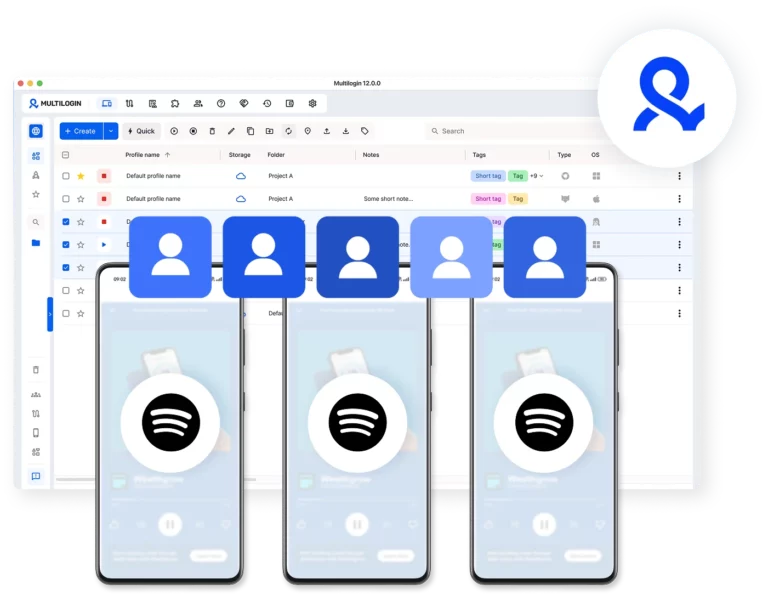


Create multiple Spotify Ads accounts

Run multiple Spotify Ads accounts with browser profiles and cloud phones with built-in proxies. Manage your Spotify Ads Manager, test audio campaigns, and scale earnings from music promotion, podcast advertising, and client ad services. 

Run multiple Spotify Ads accounts with browser profiles and built-in proxies
Create and manage as many Spotify Ads accounts as you need

Multiple Spotify Ads accounts without device Llimits

Create and manage as many Spotify Ads accounts as you need using separate browser and cloud phone profiles. Run audio campaigns in parallel without relying on physical devices. 

Operate Spotify Ads accounts from different locations

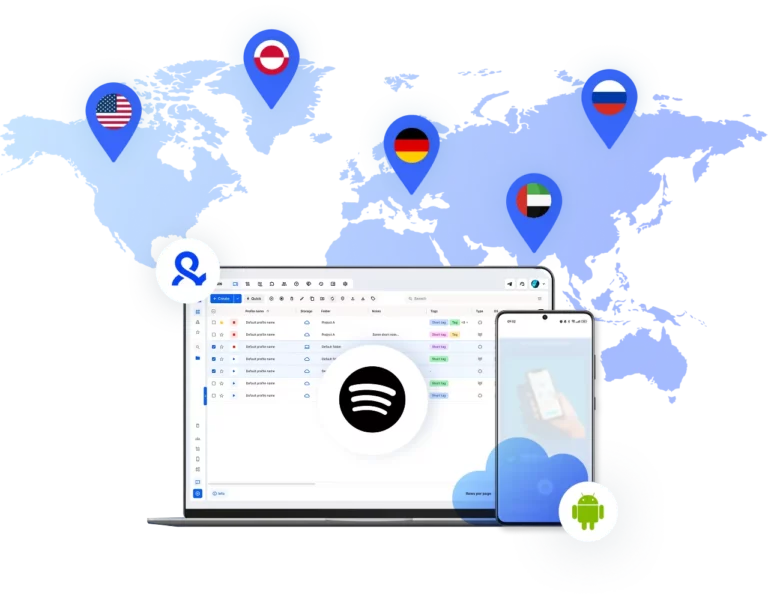
Make your Spotify Ads global

Operate Spotify Ads accounts from different locations to run localized audio campaigns, test markets, and reach listeners in multiple regions at scale — each profile with its own regional IP and language configuration. 
Automate your Spotify Ads accounts

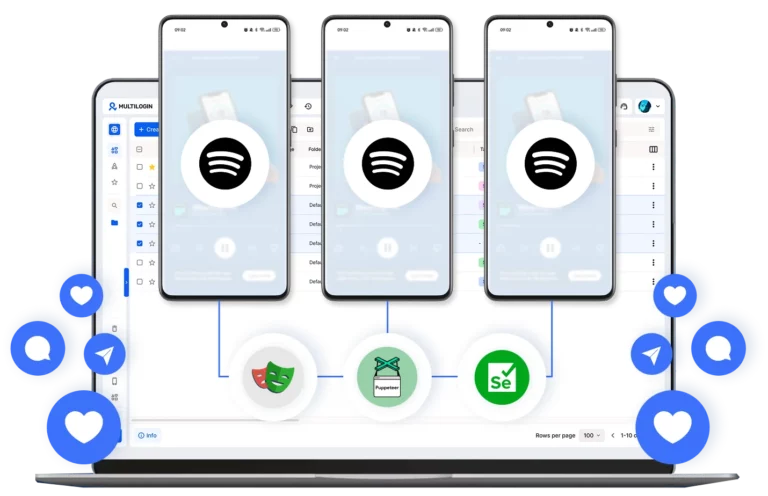
Automate Spotify Ads workflows

Schedule and manage Spotify campaigns with automation. Optimize delivery through Spotify Ads Manager to improve performance across audio, video, and display formats without constant manual work. 

Share access with your team on Spotify Ads

Run Spotify Ads campaigns with your team

Share access with your team, assign role-based permissions, and manage all Spotify Ads accounts from one unified dashboard — without passing around login credentials. 

Manage Unlimited Mobile and & Web Accounts

Multilogin comes with built-in residential proxies to make multi-accounting, web scraping and web automation easier than ever. No extra setup, no third-party services—just undetectable browsing at no additional cost.
  • 3-day access to Multilogin

  • 5 cloud or local profiles

  • 200 MB proxy traffic included

  • 3-day access to Multilogin

  • 5 cloud or local profiles

  • 200 MB proxy traffic included

What are cloud phones for Spotify accounts?

Cloud phones are real Android devices that run online instead of on physical hardware. They let you access and manage Spotify accounts and Spotify Ads Manager through the mobile app without needing actual phones or emulators. 

Multiple cloud phone devices running in parallel for mobile account management

Why use Multilogin for Spotify Ads accounts?

Multilogin gives every Spotify Ads account the tools it needs: cloud phones, browser profiles, and built-in proxies, all in one platform with no extra setup.  

Cloud phone management platform with multiple cloud phone devices controlled from one interface

Award winning multiple account management platform

High Performer
Momentum leader
Best support
Momentum leader

Watch the Multilogin Demo

Learn how Multilogin can boost your business. Check the video below to see its full capabilities in a short demo video.

How to start using Multilogin 

Get started with Spotify Ads accounts quickly

Step 1 of how to use Multilogin

Sign up

Register using a verified email address to create your Multilogin account.

Step 2 of how to use Multilogin

Choose your plan

Select from various subscription plans tailored to your business needs.

Step 3 of how to use Multilogin

Download Multilogin

Install Multilogin on Windows, macOS, or Linux to access browser profiles and cloud phone management from one place.

Step 4 of how to use Multilogin

Access the Multilogin dashboard

Create browser profiles or launch cloud phones to manage Facebook Ad accounts in isolated environments.

Step 5 of how to use Multilogin

Run multiple Spotify Ads Accounts

Set up and manage multiple Spotify Ads Accounts using separate browser profiles, all from one secure platform.

Grow your Spotify Ads accounts with Multilogin cloud phones

Spotify has grown into a serious advertising platform — one that reaches over 600 million listeners across music, podcasts, and audiobooks. For brands, agencies, and media buyers, that reach is compelling. But capitalizing on it at scale means running multiple Spotify accounts, and that introduces operational and technical challenges that most standard tools aren’t built to handle. 

Spotify Ads Manager operates entirely in the browser, which means account detection relies on the same signals any web platform uses: browser fingerprints, IP addresses, cookies, and session behavior. When multiple Spotify Ads accounts are managed from the same browser environment, those signals overlap — and Spotify’s systems notice. Multilogin eliminates this problem at the root, giving each account a fully independent browser identity. 

What Multilogin offers for Spotify Ads accounts

Because Spotify Ads Manager is web-based, browser profiles are the correct isolation tool, and Multilogin’s profiles go far deeper than standard browsers or incognito mode. Each profile is a self-contained environment with its own fingerprint, session history, and network identity. 

What makes this critical for Spotify Ads specifically: 

  • Browser-level isolation: Spotify Ads Manager collects fingerprint data through the browser. Multilogin profiles spoof these at the parameter level so each Spotify Ads account registers as a completely different device and user. 
  • No shared data trails: Cookies, cached sessions, and local storage are siloed per profile. There’s no bleed between accounts, which is one of the most common triggers for Spotify account restrictions in multi-account setups. 
  • Region-matched IPs: Spotify Ads Manager is sensitive to IP consistency, particularly for billing and regional campaign eligibility. Pairing each profile with a residential proxy from the account’s target region reduces verification friction and keeps campaigns running without interruptions. 
  • Persistent sessions: Once logged into Spotify Ads Manager inside a browser profile, that session stays intact across days and weeks. No re-authentication loops, no repeated 2FA prompts when switching between accounts. 
  • Long-term account health: Spotify rewards accounts with stable, consistent access patterns. Browser profiles maintain the same fingerprint over time, helping your Spotify Ads accounts build a trustworthy history and avoid flags from irregular behavior. 

Run Spotify Ads campaigns built for performance testing

One of the most underused advantages of running multiple Spotify Ads accounts is the ability to test cleanly. Spotify’s ad delivery algorithm optimizes based on engagement signals — and once a campaign starts learning, introducing new variables mid-flight compromises the data. Multiple isolated accounts let you run clean tests across formats, audiences, and creative approaches without one test contaminating another. 

Practical applications include: 

  • Audio creative testing at scale: Run the same campaign objective against completely different audio scripts, voiceovers, or music styles simultaneously across separate Spotify Ads accounts, without algorithmic bias bleeding between tests. 
  • Format experimentation: Test Spotify’s audio ads, video takeovers, podcast ads, and display formats in parallel campaigns, each isolated in its own account environment. 
  • Geo-segmented campaigns: Manage dedicated Spotify Ads accounts per market, each with its own regional IP and locally relevant creative. No audience overlap, no billing conflicts between regions. 
  • Client and brand separation: Keep each client or brand’s Spotify Ads account in its own isolated profile. One flagged account never puts the others at risk. 

Manage multiple Spotify Ads accounts efficiently

The technical side of multi-account management is only half the challenge. The operational side, who accesses which account, how teams hand off work, how quickly someone can move between campaigns, is where most setups break down in practice.

Multilogin centralizes the entire operation. Every Spotify Ads account lives in its own browser profile inside a single dashboard. There’s no logging in and out, no manual cookie clearing, no dedicated machine per account. A media buyer can open multiple client profiles in parallel, work across all of them in the same session, and close out without any of those environments touching each other.

For agencies and larger teams, access control matters as much as isolation. Multilogin lets team leads assign specific profiles to specific people, with permissions that determine what each member can open or edit. When someone leaves the team or a client relationship ends, access is revoked at the profile level — the account environment stays intact and nothing else is disrupted.

Handoffs work cleanly too. Because each browser profile stores its own session state and login history, whoever opens the profile next picks up exactly where the last person left off, the Spotify Ads Manager session is warm, the account history is consistent, and Spotify sees no change in device or behavior. That continuity is what keeps Spotify Ads accounts in good standing and campaigns delivering without interruption.

Conclusion

Spotify’s advertising platform rewards consistency and penalizes shortcuts. The agencies and media buyers that scale successfully are the ones who build properly — with isolated environments, stable account identities, and the infrastructure to manage multiple Spotify Ads accounts without operational fragility. Multilogin browser profiles provide exactly that foundation: unique browser identities, session persistence, built-in residential proxies, and a centralized dashboard that makes running Spotify ads at scale both manageable and sustainable. 

Multiple Spotify Ads accounts accounts FAQ

Yes. Multilogin lets you create and manage as many Spotify Ads accounts as you need. Each account runs in its own browser profile with a unique fingerprint, separate IP address, and isolated session, so Spotify treats each one as a completely independent user.

Spotify detects multiple accounts by identifying shared signals: same browser fingerprint, same IP address, overlapping sessions, or identical behavioral patterns. Multilogin eliminates these shared signals entirely, giving Spotify no technical basis to link your accounts together.

Yes. The Multilogin dashboard lets you access all your browser profiles, and therefore all your Spotify Ads Manager accounts — from a single interface, without logging in and out between accounts. 

It’s one of the primary use cases. Each client’s Spotify Ads account runs in its own isolated browser profile, with its own fingerprint and IP. If one client’s account faces an issue, it stays fully contained and doesn’t affect any other client’s campaigns.

Thank you! We’ve received your request.
Please check your email for the results.
We’re checking this platform.
Please fill your email to see the result.

Multilogin works with amazon.com















