Browser Emulator vs Multilogin: Which Is Better in 2026?
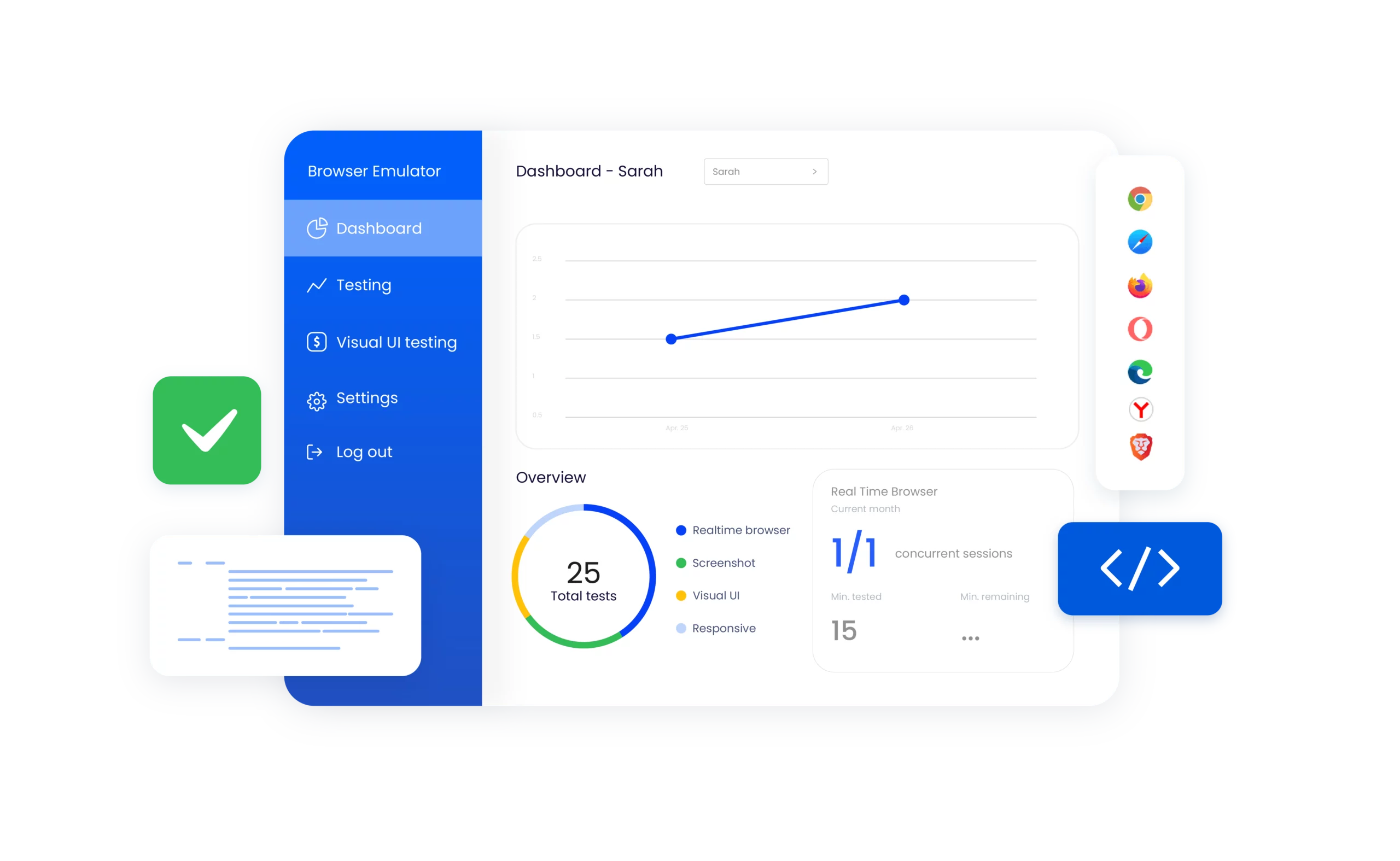
Browser emulators are useful when you need to preview how a website looks and behaves across different screens, browsers, or devices. But they are not designed to organise persistent account environments across mobile apps and websites.
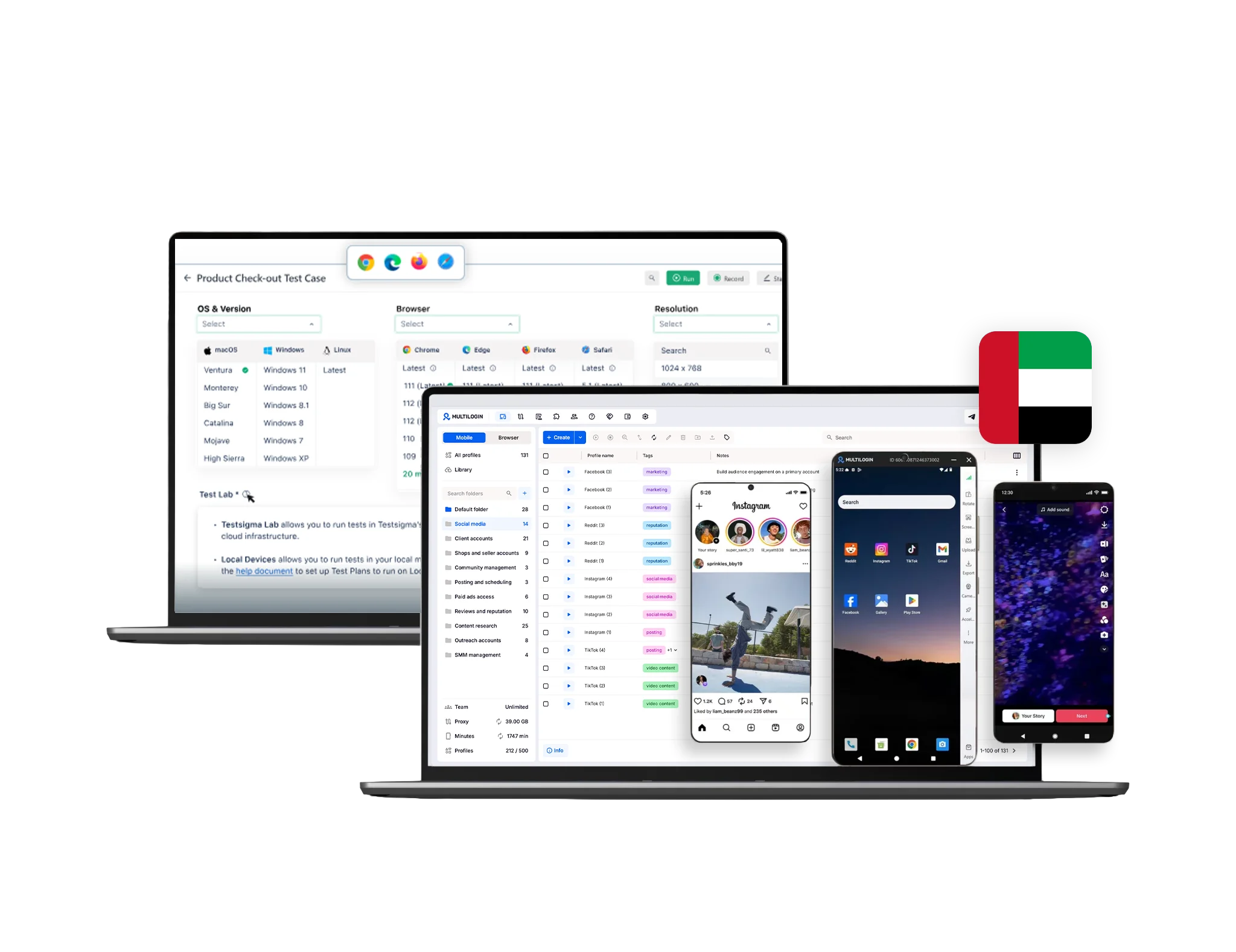
Multilogin serves a different purpose. It is a multi-account management platform that combines Android cloud phones, isolated browser profiles, premium proxy traffic, automation, and team tools in one dashboard.
Use a browser emulator when your goal is website testing. Use Multilogin when you need to manage ongoing mobile and web account workflows without maintaining separate physical devices or repeatedly logging in and out of the same browser.
Start free with five cloud mobile and browser profiles. No credit card required.
What is a browser emulator?
A browser emulator simulates selected characteristics of another browser or device. Depending on the tool, it may change the viewport size, user agent, screen resolution, touch controls, network speed, geolocation, or other testing conditions.
Browser emulators are commonly used to:
Check responsive website layouts
Preview mobile and tablet screen sizes
Test touch interactions
Reproduce selected network conditions
Review how a page responds to different user agents
Identify basic browser-compatibility issues
Chrome describes its own Device Mode as an approximation of the mobile experience rather than an actual mobile device. It can simulate selected conditions, but the website still runs through Chrome and the operating system on the user’s computer.
Some browser-testing platforms go further by providing access to real browsers or physical devices. These tools remain primarily focused on website and application testing rather than long-term account management.
What is Multilogin?
Multilogin is a platform for managing multiple mobile and web account environments from one dashboard.
It provides two distinct profile types:
Each environment maintains its own session data, cookies or app storage, device settings, login state, and proxy configuration. Profiles remain available between sessions, so users do not need to rebuild their working environment each time they return.
Multilogin also includes tools for profile organisation, bulk operations, automation, proxy assignment, and team access. Its free and paid plans combine cloud mobile and browser profiles within the same platform.
When should you use a browser emulator?
A browser emulator is the right tool when the main question is:
How will this website look or behave in another browser or on another screen?
For example, a designer may use an emulator to check whether a navigation menu fits on a mobile screen. A QA team may simulate touch events or slower network conditions. A content team may preview a page before publication.
Browser emulators are fast and convenient for early testing. They let users review many common conditions without purchasing several phones or installing multiple browser versions.
However, emulation has technical limits. A simulated mobile viewport does not reproduce every hardware feature, operating-system behaviour, browser-engine difference, or native application workflow found on a real device. Google and BrowserStack both recommend real-device testing when accurate device behaviour matters.
When should you use Multilogin?
Multilogin is the better fit when the main question is:
How can I organise and manage separate accounts across mobile apps and websites?
Common examples include:
Managing social media accounts for different brands or clients
Using native Android applications without maintaining a physical phone for every profile
Keeping browser sessions separated by client, project, store, or region
Assigning selected profiles to team members
Managing web dashboards alongside mobile-app workflows
Reducing repetitive profile setup and account administration
Running authorised data collection or QA workflows across separate environments
A browser emulator may show what a page looks like on a mobile screen. Multilogin provides an ongoing environment where a mobile or web account can retain its session and working data.
Browser profiles vs browser emulation
A standard browser emulator temporarily changes how a browser presents itself for testing. A Multilogin browser profile is a persistent environment created for ongoing web work.
Each Multilogin browser profile maintains separate:
This means one browser profile can be assigned to one client account, while another profile is used for a different project. Users can return to each profile without clearing cookies or repeatedly signing in and out.
Multilogin’s multi-account browser also provides folders, tags, notes, start URLs, cloning, and bulk operations. These features are designed to organise account workflows rather than simply preview website layouts.
Browser profiles can be useful for platforms where the main work happens through a website, including:
No isolated browser environment can guarantee that an account will never be reviewed or restricted. Platform rules, account history, content, behaviour, and access patterns still matter.
Android cloud phones vs mobile browser emulation
Mobile browser emulation and an Android cloud phone are not the same thing.
Mobile browser emulation changes selected browser conditions, such as screen size, user agent, touch events, or network speed. The website still runs through a desktop browser and desktop operating system.
A Multilogin Android cloud phone is a complete Android device hosted in the cloud. It runs Android on real smartphone hardware and supports native Android applications. Multilogin currently supports Android versions 10–16.
Each cloud phone retains its own:
Users control the phone remotely through the Multilogin dashboard. They can install applications from the built-in repository or upload APK files without maintaining a rack of physical phones.
Cloud phones are particularly relevant when the workflow depends on a native Android application rather than a mobile website. This may include posting, messaging, content management, app testing, or other functions that are unavailable or different in the browser version of a platform.
Built-in premium proxy traffic
A browser emulator may simulate geolocation for testing, but this does not necessarily change the network connection used by the browser. Users may still need a separate proxy or VPN service when the workflow requires a specific public IP location.
Multilogin includes premium residential proxy traffic in its free and paid plans. Its network covers more than 30 million IPs across 150+ countries and 1,400+ cities. Proxies can be assigned directly to both browser profiles and Android cloud phones.
Users can also connect third-party proxy providers when they already have a preferred service.
Keeping the profile and proxy controls in one dashboard reduces setup steps. Users can select an environment, assign the required location, and retain that configuration for future sessions.
Users working with browser-based environments should still understand network settings such as WebRTC and DNS behaviour. The Multilogin guides to preventing WebRTC leaks and understanding IP leaks provide more detail.
Automation for repetitive workflows
Browser emulators often support test automation. Their automation features are generally designed to check whether a website functions correctly across different browser or device conditions.
Multilogin automation is designed around repeatable account and profile workflows.
Users can reduce manual work by automating or streamlining tasks such as:
Creating and launching profiles
Assigning proxies
Starting and stopping sessions
Cloning profile setups
Running actions across profile groups
Organising repeatable browser workflows
Connecting AI agents or external automation tools
Managing cloud-phone actions through ADB
Multilogin supports Selenium, Puppeteer, Playwright, Postman, API, CLI, predefined scripts, and Android automation through ADB. Users can begin with simple bulk operations and add more advanced workflows as their operation grows.
The practical advantage is coverage. Multilogin’s automation tools can support browser-based work as well as native Android environments.
Automation should always respect the rules, limits, and authorised-use requirements of the platform being accessed.
Profile organisation and team workflows
A browser emulator is often opened for a specific test and closed when that test is complete. Multilogin profiles are designed to become part of an ongoing operating workflow.
Users can organise mobile and browser profiles by:
Client
Brand
Platform
Country or market
Campaign
Team member
Account status
Folders, tags, filters, notes, sorting, and search help teams locate the correct profile without relying on separate spreadsheets or informal naming systems.
Eligible Multilogin plans also provide role-based access. Businesses can decide which people can create, edit, start, or manage selected profiles rather than giving every teammate the same level of access.
This is useful for agencies, distributed teams, virtual assistants, social media managers, e-commerce operations, and businesses where several people work with the same account portfolio.
Persistent sessions and storage
Many basic browser emulators are designed for temporary testing sessions. Once the test ends, the user may not need the cookies, login state, or browser history again.
Multilogin is designed for profiles that are reused.
Browser profiles can preserve their working data between launches, while Android cloud phones retain installed apps, app data, files, and login sessions. Users can stop an environment and return to it later without rebuilding the entire setup.
This persistence is important for account workflows because each profile can develop its own consistent session history over time.
It also reduces repetitive work. Users do not need to reinstall applications, reconfigure the same proxy, restore browser settings, or sign back into every service at the beginning of each session.
Security and access controls
Browser emulators vary widely. A browser’s built-in device mode may store data within the user’s normal browser environment, while a commercial testing platform may provide its own security and collaboration controls.
Multilogin separates browser profiles and provides two-factor authentication, encrypted storage options, and controlled team access. Users can choose local or cloud storage for browser profiles depending on the required workflow.
These controls help businesses organise profile access, but they do not replace good security practices. Teams should still use strong passwords, enable two-factor authentication, restrict permissions, review account access, and follow each platform’s rules.
Multilogin pricing and free plan
Multilogin has a permanent free plan with no credit card requirement.
The free plan includes:
Five profiles including one cloud mobile and 4 browsers
200 MB of premium proxy traffic as a one-time bonus
One cloud mobile profile
30 cloud-phone minutes as a one-time bonus
Access to customer support and the knowledge base
The free plan itself has no time limit. Free profiles are automatically removed when no profile has been started for seven consecutive days, but users can continue using the free account and recreate profiles.
Paid Multilogin pricing starts at $7.08 per month for Pro 10. Monthly pricing for Pro 10 starts at $11 per month.
Pro 10 includes:
10 cloud mobile and browser profiles
1 GB of premium proxy traffic each month
60 mobile minutes each month
Quick cloning and bulk operations
Automation-friendly API access
Larger Pro and Business plans increase profile limits, proxy traffic, mobile minutes, team access, and automation capacity.
Browser-emulator pricing is harder to compare directly. Basic device emulation may be built into a browser at no cost, while commercial cross-browser testing platforms charge for browser access, parallel tests, automation, real devices, and team features.
The right comparison is therefore not simply free versus paid. It is whether the tool performs the job the user needs.
What Multilogin offers beyond browser emulation
Android cloud phones
Run native Android applications through cloud-hosted devices instead of being limited to a simulated mobile browser.
Isolated browser profiles
Maintain separate cookies, storage, login sessions, proxy settings, and profile data for ongoing web workflows.
One dashboard for mobile and web
Manage cloud phones and browser profiles without subscribing to separate mobile-device and browser-profile platforms.
Premium proxy traffic
Assign residential proxy locations directly to mobile and browser environments or connect a third-party provider.
Persistent account environments
Return to the same installed apps, browser storage, login states, and working configurations.
Bulk operations
Clone, create, edit, organise, launch, and manage multiple profiles with fewer repetitive steps.
Browser and Android automation
Streamline repetitive workflows across websites and native Android applications.
Team access
Organise profiles by client or project and assign appropriate permissions to team members.
Free plan
Test five mobile and browser profiles, premium proxy traffic, and one cloud phone without a credit card.
Use cases that go beyond website testing
Social media management
Use Android cloud phones for native mobile applications and browser profiles for web dashboards, analytics, advertising tools, and content administration.
This lets teams keep mobile and web work within one dashboard instead of maintaining several phones and browser installations.
Agency account management
Organise profiles by client, give teammates access to the profiles they need, and retain account sessions when responsibility moves between team members.
E-commerce operations
Use separate browser profiles for stores, marketplaces, seller centres, advertising accounts, customer support, and analytics. Use cloud phones when the marketplace or workflow depends on a native Android app.
Affiliate and campaign management
Separate browser sessions by campaign, offer, client, or market. Assign the appropriate location and retain the configuration between sessions.
Quality assurance and location checks
Use browser profiles and cloud phones to review authorised user experiences across different environments and locations.
A browser emulator may still be preferable when the goal is responsive-design testing across many browser versions.
Permitted data collection
Browser profiles and automation tools can support authorised data-collection workflows where the website permits them.
Users should review the target site’s terms, robots instructions, API options, data-protection requirements, and applicable laws before collecting information. The guides to collecting eBay data legally and working with Instagram Explore data provide additional context.
Browser emulator or Multilogin: Which should you choose?
Choose a browser emulator when you need to:
Test a responsive website
Preview common screen sizes
Simulate touch interactions
Check selected network conditions
Review basic browser compatibility
Run temporary QA sessions
Identify visual layout problems
Choose Multilogin when you need to:
Manage multiple ongoing account environments
Use native Android applications
Keep mobile and browser sessions separate
Retain cookies, app data, files, and login states
Assign profiles to clients, campaigns, or team members
Integrate proxy locations into profile setup
Reduce repetitive profile-management work
Manage mobile apps and websites from the same dashboard
Some businesses may use both. A product team might use a browser emulator for responsive testing and Multilogin for authorised account operations, location-based QA, or persistent mobile and browser workflows.
Final verdict: Is Multilogin better than a browser emulator?
Multilogin is not a replacement for every browser emulator.
A browser emulator is the better tool for quickly checking how a website responds to different screens, user agents, or testing conditions. It is purpose-built for previewing and quality assurance.
Multilogin is the better tool for ongoing multi-account management. It combines real Android cloud phones, isolated browser profiles, premium proxy traffic, persistent sessions, automation, and team controls in one platform.
The deciding question is simple:
Need to test a website? Use a browser emulator.
Need to manage separate mobile and web account environments? Use Multilogin.
Need both? Use each tool for the job it was designed to perform.
Multilogin does not guarantee that accounts will avoid reviews, restrictions, or suspensions. The safest approach combines properly separated environments with accurate account information, original content, genuine activity, secure access practices, and compliance with each platform’s rules.
Start free with five cloud mobile and browser profiles. No credit card required.