



If you want to have multiple OnlyFans accounts, the real challenge is not creating them. It is keeping them technically separated over time.
Opening a second or third account is simple. Many creators split niches to protect brand identity. Agencies manage accounts for several models. Some test new content strategies before going public. Others separate personal and business personas. The need is common.
The risk starts when accounts share infrastructure.
Platforms do not just evaluate usernames and passwords. They analyze environments. When multiple accounts operate from the same browser, device signals, or network pattern, small overlaps begin to form. Those overlaps build patterns. Patterns create linkage. Linkage leads to reviews or restrictions.
The goal is not to create more accounts. The goal is to isolate each one so problems stay contained instead of spreading.
Can you have multiple OnlyFans accounts without getting banned?
Yes, but only when each account runs inside its own consistent environment.
Most restrictions do not happen instantly. Accounts often work fine for days or weeks before one is reviewed. That delay confuses people. The root cause is usually shared signals.
If you were restricted before, stop creating new accounts inside the same setup. Reusing the same environment almost always produces the same result.
Long-term stability comes from:
One isolated environment per account
No switching between accounts in the same browser session
Consistent IP behavior per account
Avoiding incognito mode as a “solution”
Pausing all activity if one account is flagged
The number of accounts is rarely the issue. Overlap is.
Why OnlyFans accounts get linked
Linking does not happen because of one mistake. It happens because environments repeat patterns.
Shared browser storage
Cookies, local storage, cache, and session data stay inside a browser profile. Logging out does not reset them. When multiple accounts pass through the same profile, traces accumulate. Eventually, accounts stop looking independent.
Reused IP addresses
Repeated logins from the same connection create clear signals. One login is not a problem. Ongoing reuse across accounts builds a pattern that is easy to detect.
Device and fingerprint consistency
Every device exposes characteristics: system configuration, graphics behavior, time zone, screen resolution, browser engine details. When two accounts share too many of these signals, they begin to look related.
Why clearing cookies is not enough
Deleting cookies changes one layer. The browser fingerprint, system behavior, and connection history remain unchanged. That is why “starting fresh” often fails.
The surface resets. The foundation does not.
Can you have multiple OnlyFans accounts on one device
Yes, but only if the device runs separate environments internally.
From a technical perspective, a device is not just hardware. It is the combination of browser profile, fingerprint, stored data, and network behavior. If multiple accounts operate inside one shared environment, they are not truly separate.
Proper separation means each account has its own isolated space where:
Storage does not overlap
Fingerprints are not reused
IP sessions remain stable
Behavior patterns stay consistent
Without that, one flagged account can trigger scrutiny across others.
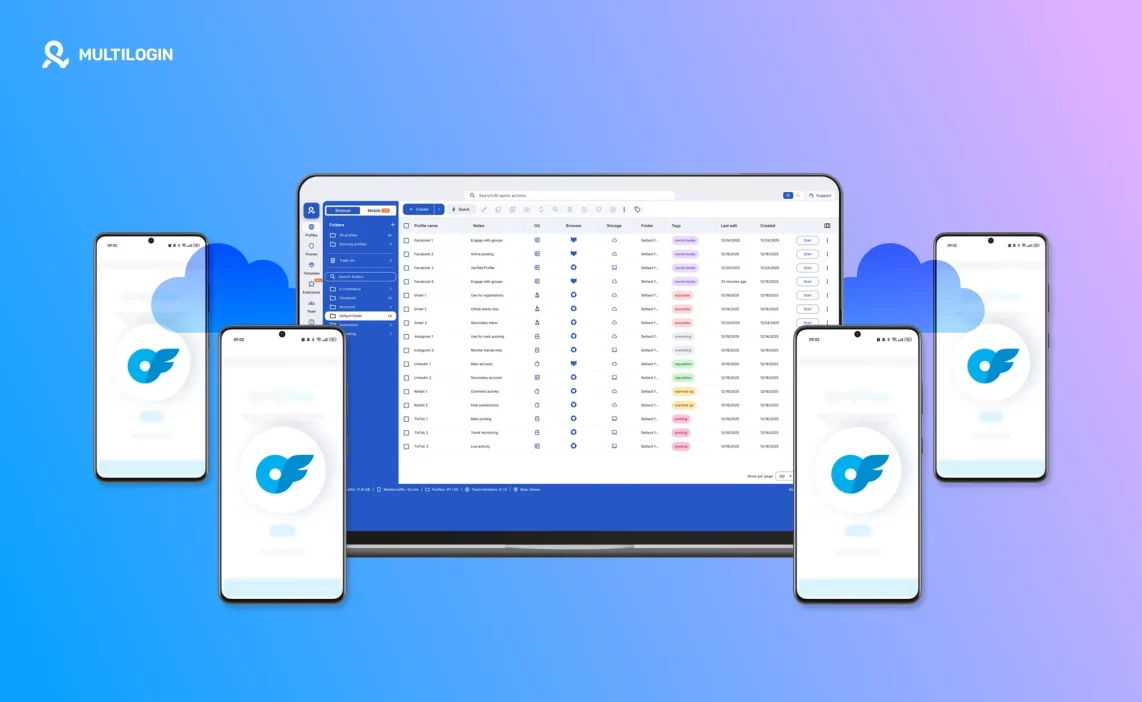
How to have multiple OnlyFans accounts using cloud phones and Multilogin
Most people try to solve account linking by rotating IPs or clearing cookies. That treats symptoms. The real solution is infrastructure separation.
Multilogin approaches this at two levels: browser isolation and Android Cloud Phones.
1. Isolated browser environments
Each Multilogin profile runs independently with its own:
Storage container
Browser fingerprint
Session history
Proxy connection
You do not log in and out of accounts. You open the correct profile for the correct account. That structural discipline prevents accidental overlap.
2. Dedicated Android Cloud Phones
For creators who operate through mobile apps or want mobile-level consistency, Multilogin Cloud Phones provide:
A real Android OS hosted remotely
Unique device identifiers such as Android ID, IMEI, and MAC address
Persistent app storage between sessions
Stable mobile-grade proxy alignment
One account per Android environment
This is not an emulator. It is a full Android environment running in the cloud. Each OnlyFans account can operate inside its own mobile device identity. If one account is restricted, the others remain unaffected because the device-level signals are not shared.
3. Built-in residential proxy alignment
Each profile or Cloud Phone can run through a dedicated residential proxy. This prevents repeated IP reuse across accounts and keeps network behavior consistent.
When browser, fingerprint, device ID, and IP all stay isolated, accounts stop bleeding signals into each other.
That is what reduces accidental linking.
Can you have multiple OnlyFans accounts for different niches?
Yes. Many serious creators split brands intentionally.
One account might focus on premium content. Another might test a niche audience. Agencies may manage dozens of independent creators. Growth often requires separation.
The mistake is assuming content separation is enough.
Posting different material does not protect accounts if they share infrastructure. If everything runs through one browser or one device setup, a restriction on one project can impact others.
Treat each account like a separate operation. Separate niche. Separate environment. Separate identity.
Common mistakes when managing multiple accounts
Most issues come from habits, not violations.
Using the same browser profile and simply logging out
Trusting incognito mode to “hide” activity
Changing IP with a VPN but keeping the same fingerprint
Switching accounts during one open session
Rebuilding accounts without changing infrastructure
These shortcuts feel efficient at first. They become expensive later.
Consistency and isolation are what protect long-term growth.
Start your 3-day Multilogin trial for €1.99
and protect your accounts
What happens when you try to have multiple OnlyFans accounts without proper separation
In the beginning, everything seems fine. You create a second account, log in from the same browser, maybe switch between tabs, and nothing breaks. The platform does not react immediately. That delay creates a false sense of security.
Over time, sessions accumulate inside the same environment. Cookies build history. Device signals stay identical. IP patterns repeat. The system does not need one major mistake. It observes consistency. When accounts behave like they originate from the same infrastructure, internal reviews start quietly.
This is why restrictions often feel random. They are not random. They are delayed reactions to shared technical foundations. Once accounts are linked internally, separating them afterward becomes difficult. The only reliable prevention is structural isolation from the beginning.
Why cloud-level device identity matters when you have multiple OnlyFans accounts
When you have multiple OnlyFans accounts, browser separation alone is sometimes not enough, especially if mobile behavior is part of your workflow. Platforms evaluate device-level identity, not just web sessions.
An Android Cloud Phone provides:
A full Android operating system running remotely
Unique hardware identifiers like Android ID, IMEI, and MAC address
Persistent app storage that behaves like a real phone
Stable mobile proxy alignment by region
One independent device identity per account
This means each account does not just look like a different login. It looks like it belongs to a different device entirely.
That difference matters. When one account is flagged, it stays tied to its own Android environment. Other accounts, running in their own Cloud Phones, remain structurally independent.
Isolation at the device level creates long-term stability that simple profile switching cannot guarantee.
Manage multiple OnlyFans accounts
without bans using Multilogin
Final thoughts
Yes, you can have multiple OnlyFans accounts, but only if you treat separation as infrastructure, not as a trick.
There is no reliable way to undo shared environments after accounts are linked. Clearing cookies, rotating IPs once, or logging out carefully does not erase deeper signals.
What works long term is:
One account per isolated browser profile
One account per dedicated Cloud Phone when needed
Stable fingerprint and IP alignment
Consistent behavior patterns
When accounts stay isolated, problems stay isolated. That is the difference between short-term experimentation and structured scaling.
Start with the structure. Growth becomes much safer after that.
Frequently asked questions about can you have multiple OnlyFans accounts
Can you have multiple OnlyFans accounts under the same name?
Yes, it’s possible, but the name itself doesn’t protect you or put you at risk. Linking happens through technical signals, not display details. If multiple accounts under the same name are accessed from the same browser environment or device setup, they can still be connected. Separation of environments matters far more than how similar the account details look.
Can you have multiple OnlyFans accounts on the same IP?
Using the same IP occasionally isn’t an instant problem, but repeated logins across accounts from the same connection create patterns. Over time, those patterns become strong signals. If accounts rely on the same IP consistently, the chance of linking increases. Stable, account-specific connections reduce that risk.
Does incognito mode help with multiple OnlyFans accounts?
No. Incognito only hides browsing history from the user. It does not reset the browser environment, device signals, or connection behavior. Accounts accessed through incognito mode still share the same underlying setup, which is why people often get linked even when they think they’re being careful.
Is it risky to log in and out of OnlyFans accounts in one browser?
Yes. Switching accounts inside the same browser session is one of the most common causes of linking. Even short logins leave traces behind. Over time, those overlaps add up. If one account gets reviewed or restricted, others accessed the same way often follow.
What’s the safest way to manage multiple accounts long term?
The safest approach is consistency and isolation. Each account should have its own browser environment, its own connection, and its own routine. Avoid shortcuts, avoid quick checks, and don’t mix accounts “just this once.” Tools like Multilogin support this by making separation easy to maintain over time, especially when the number of accounts grows.


