


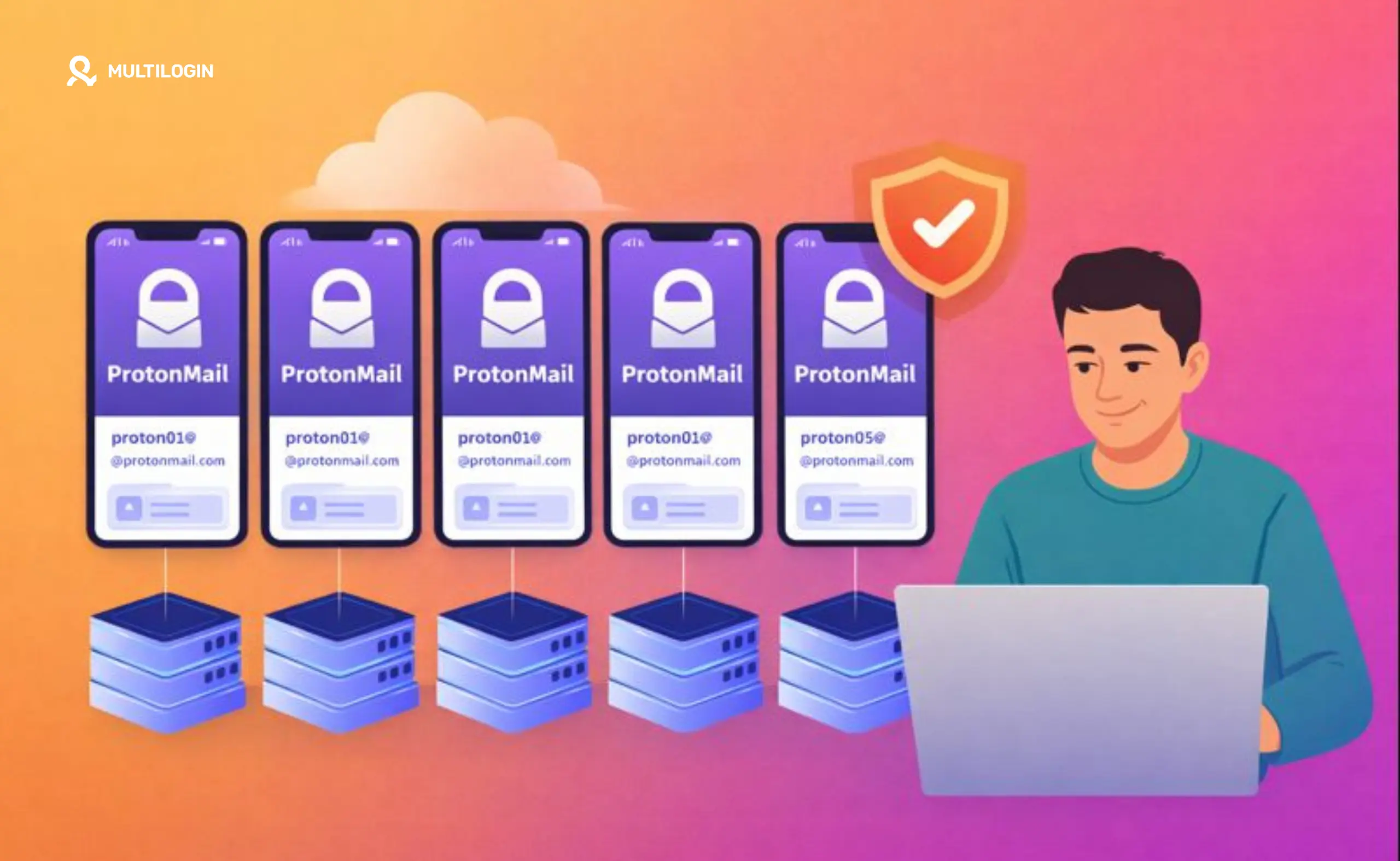



So, you’re wondering, can I create multiple ProtonMail accounts? It’s a fair question. In a world where we juggle different online identities for work, personal life, and side projects, having separate, secure email inboxes seems like a no-brainer.
Maybe you’re a social media manager running multiple client accounts, an agency managing different brand personas, or a phone farmer looking to keep your operations clean. The need for separation is real.
The short answer is yes, you can. But it’s not a free-for-all. ProtonMail, a leader in encrypted email, has specific rules in place to prevent abuse, and understanding them is key to keeping your accounts in good standing.
This guide breaks down everything you need to know, from the hard limits on free accounts to the best practices for managing them on your iPhone and desktop. We’ll even cover the critical difference between using aliases and creating entirely separate accounts, plus a powerful solution for professional-grade multi-account management.
Let’s dive in and get you set up the right way.
Can You Have Multiple ProtonMail Accounts? The Short Version
Yes, you absolutely can have multiple ProtonMail accounts. However, there’s a crucial distinction between what’s allowed for free and what you can do with a paid plan. Here’s the quick rundown:
- Free Accounts: You are limited to creating a maximum of two free ProtonMail accounts. This is a firm limit that our research in online communities has confirmed. [1]
- Paid Accounts: You can create and manage an unlimited number of paid accounts.
- Mixed Setup: You can simultaneously be logged into one free account and an unlimited number of paid accounts within the official mobile apps.
Why the limit on free accounts? It comes down to abuse prevention. ProtonMail offers a valuable service with its end-to-end encryption, and to keep it sustainable, they need to prevent bad actors from creating endless free accounts for spam or other malicious activities. Exceeding this limit can get your accounts flagged and potentially suspended, so it’s a rule worth following.
ProtonMail Free Account Limits Explained
While ProtonMail’s official documentation focuses more on the “how” of managing multiple accounts, community discussions, particularly on Reddit, shed light on the strict policy regarding free accounts.
Users frequently report encountering an error message stating, “Maximum number of 2 free accounts has been exceeded” when attempting to create a third free account. This isn’t just a suggestion; it’s a hard-coded platform rule.
ProtonMail employs various methods to detect users who create more than two ProtonMail free accounts. While they don’t disclose all their techniques, it’s understood that they monitor factors like device fingerprints, IP addresses, and recovery email patterns.
Attempting to bypass these checks can lead to your accounts being flagged. Once an account is flagged, it may be temporarily or permanently suspended, cutting off your access to your inbox.
This is where understanding the distinction between separate accounts and aliases becomes critical. For many users who simply need different email addresses for organizational purposes, aliases offer a much safer and more efficient solution.
For those who genuinely need to manage multiple, truly separate identities for their business operations, relying on free accounts is a risky strategy. This is where investing in a professional multi-accounting solution becomes essential for long-term stability and security. For instance, using an antidetect browser that isolates accounts is a standard practice for professionals.
How to Create Multiple ProtonMail Accounts: Step-by-Step
If you’ve decided you need a second, separate ProtonMail account, the process is straightforward. However, to avoid immediate flagging, it’s wise to use different verification details than your first account.
Here’s how to complete the ProtonMail sign up process for a new account:
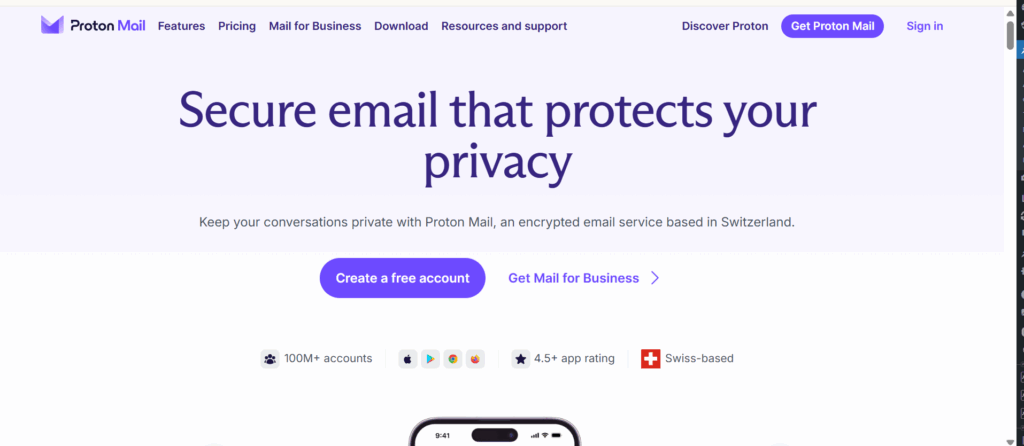
- Visit the ProtonMail Website: Navigate to the official ProtonMail homepage and click on “Create a free account.”
- Enter Your Details: Choose a username and a strong, unique password. This password should be different from any other account you own.
- Set a Recovery Email: Provide a recovery email address. Common Mistake: Avoid using the same recovery email you used for your first ProtonMail account. This is a simple pattern for Proton to detect and can lead to flagging.
- Complete Verification: You may be asked to verify that you’re human via a CAPTCHA, or by receiving a code to another email address or phone number.
- Confirm and Log In: Once verified, your new account is ready. You can now log in and start using your second secure inbox.
How to Switch Between ProtonMail Accounts on iPhone
For users who need to manage their accounts on the go, the ProtonMail on iPhone app offers a seamless experience for account switching. The app is designed to handle one free account and multiple paid accounts simultaneously.
Here’s how to add an account and switch between them:
- Log Into Your First Account: If you haven’t already, download the ProtonMail app from the App Store and log in with your primary account credentials.
- Access the Account Menu: Tap on the menu icon (usually three horizontal lines) in the top-left corner of the app.
- Add a New Account: At the top of the menu, you’ll see your current account details. Next to it, there should be an option to “Switch or add account.” Tap on it.
- Enter Credentials: You’ll be prompted to enter the username and password for the second account you wish to add.
- Switch with Ease: Once added, you can instantly switch between the inboxes of your different accounts directly from this menu. It makes managing communications for different roles incredibly efficient.
This multi-account feature is a huge plus for productivity, but remember the platform’s rules. The app is optimized for a mix of free and paid plans, reinforcing the idea that for serious multi-account management, upgrading is the intended path.
Managing Multiple Accounts on Web and Desktop
While the mobile app is great for quick switching, you have even more flexibility when managing multiple ProtonMail accounts on a computer. The most common method is simply using different browser tabs.
The Browser Tab Method
You can log into one ProtonMail account in a regular browser tab and a second account in an incognito or private window. Because private windows don’t share cookies with your main browser session, ProtonMail will treat it as a separate login. For even more separation, you can use different web browsers (e.g., Chrome for one account, Firefox for another).
However, this method relies on basic browser separation and isn’t foolproof for users needing robust isolation to avoid device fingerprinting and account detection.
Desktop App and Bridge
The official ProtonMail Desktop App currently only supports logging into one account at a time. However, for power users, ProtonMail Bridge offers a solution.
The Bridge integrates with third-party desktop email clients like Thunderbird or Outlook, allowing you to add multiple ProtonMail accounts to your client of choice. This is a more advanced setup but offers a unified inbox experience for those who prefer traditional desktop email clients.
Should You Use ProtonMail Aliases or Multiple Accounts?
Now for the million-dollar question: do you really need separate accounts, or would aliases do the job? Understanding the difference is key to effective and safe email account management.
Feature | Multiple Accounts | Email Aliases |
Login | Separate username and password for each | Same login for all addresses |
Inbox | Completely separate inboxes | All emails arrive in the same inbox |
Security | Fully isolated; a breach of one doesn’t affect the other | A single password breach compromises all addresses |
Use Case | Managing distinct identities, high-security separation | Organizing emails, filtering spam, signing up for services |
Creation | Limited to 2 for free users | Paid users can create multiple aliases; free users can use +aliases |
What are +aliases?
Every ProtonMail user, including those on a free plan, can create unlimited “plus” aliases. If your email is [email protected], you can receive emails at [email protected], [email protected], and so on. These all deliver to your main inbox but can be filtered into folders automatically.
Recommendation
For most users, aliases are the superior choice. They provide the organizational benefits of multiple addresses without the security overhead of managing separate passwords or hitting the free account limit. Create separate accounts only when you need true identity isolation.
If you’re managing accounts for clients or engaging in activities where account linking could be disastrous, you need more than just aliases. You need a system designed for professional session management. Check out our pricing and plan options in EUR to see how we can help.
What Happens If You Exceed the Limit?
Let’s be clear: ProtonMail takes its anti-abuse policies seriously. If you attempt to create more than two free accounts, their system is designed to flag this activity. This isn’t a scare tactic; it’s a reality of maintaining a secure platform.
Here’s what typically happens:
- Account Flagging: Your accounts are flagged internally as being potentially in violation of the terms of service.
- Suspension: You may find your accounts are suspended. This could happen immediately upon creation of the third account or after a short period.
- Recovery: Regaining access usually requires contacting ProtonMail support and explaining the situation. In many cases, you’ll be asked to consolidate your free accounts or upgrade to a paid plan.
This process is a hassle and can disrupt your workflow. The best approach is to respect the limits from the start. If you find you need more than two accounts, it’s a strong signal that you’ve outgrown the free plan and should consider upgrading or using a dedicated tool for your needs.
Managing Multiple ProtonMail Accounts with Multilogin Cloud Phones
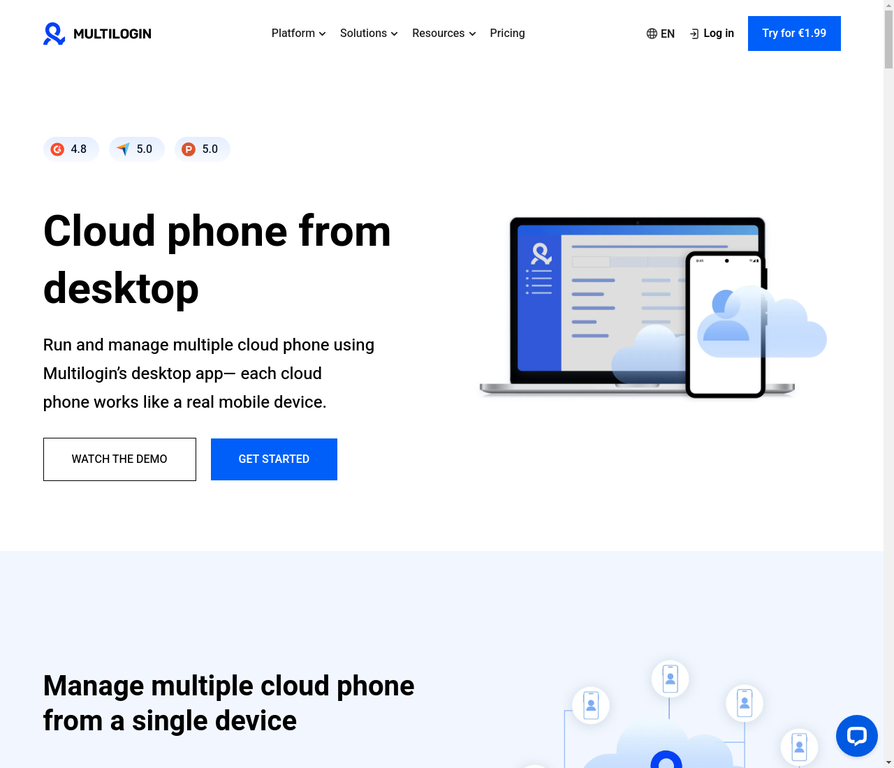
For professionals who need to manage multiple ProtonMail accounts at scale with true account isolation, Multilogin’s mobile antidetect browser and cloud phone capabilities offer a game-changing solution. This approach goes far beyond basic account switching and provides enterprise-grade protection against detection.
Why Cloud Phones Matter for Multiple ProtonMail Accounts
When you create multiple ProtonMail accounts on regular devices or emulators, platforms can detect patterns that link your accounts together. Device fingerprints, IP addresses, browser data, and behavioral signals all create a digital footprint that ProtonMail’s systems can recognize. Even if you use different passwords and recovery emails, the underlying device identity remains the same.
Multilogin’s mobile antidetect browser solves this by creating completely isolated mobile environments for each ProtonMail account. Each profile operates with its own unique device fingerprint, cookies, local storage, and browser data. From ProtonMail’s perspective, each account appears to come from a different real mobile device, making account linking virtually impossible.
How Multilogin Cloud Phones Isolate Your Accounts
Unlike basic mobile emulators or browser extensions that only change screen size or user-agent, Multilogin’s approach focuses on complete isolation at the browser level. Here’s what makes it different:
- Unique Device Fingerprints: Each profile gets a distinct fingerprint that remains consistent across sessions, mimicking real mobile device behavior.
- Isolated Cookies and Storage: Nothing leaks between profiles unless you explicitly allow it. Each account maintains its own session data completely separate from others.
- Consistent Network Identity: Profiles can connect through dedicated residential proxies, ensuring location signals align with mobile behavior and remain stable over time.
- Long-Term Session Persistence: Unlike fragile emulators that break after a few logins, Multilogin profiles stay active and reusable indefinitely.
This structure is especially important when managing social platforms, mobile web accounts, or workflows that rely on long-term account stability. When location, browser identity, and session data stay aligned, ProtonMail sees a coherent user instead of fragmented traffic.
Scaling Multiple ProtonMail Accounts Safely
The real power of Multilogin cloud phones emerges when you need to scale. What works for two accounts often collapses at ten. What works for ten breaks at fifty. The problem isn’t the number of accounts; it’s the lack of structure.
Multilogin makes scaling predictable by keeping profiles independent. New profiles don’t affect existing ones. Old profiles can be reused without resetting identity. Troubleshooting becomes possible because environments remain intact. From one dashboard, you can create, organize, pause, or reuse profiles without rewriting workflows or rebuilding setups.
When to Use Multilogin Cloud Phones for ProtonMail
Multilogin’s mobile antidetect browser is ideal when you need:
- Multiple ProtonMail accounts managed from a single dashboard
- True account isolation that prevents linking and detection
- Long-lived mobile sessions that remain active across restarts
- Consistent location and network behavior aligned with account activity
- Scalability to manage dozens or hundreds of accounts reliably
Whether you’re running an agency managing client accounts, farming crypto airdrops that require email verification, or managing social media profiles with separate email accounts, Multilogin provides the infrastructure to do it safely.
Getting Started with Multilogin for ProtonMail
The setup is straightforward. Each ProtonMail account gets its own isolated profile in Multilogin. You can:
- Create unlimited mobile profiles, each with unique fingerprints and session data
- Assign dedicated proxies to each profile for consistent network behavior
- Keep login sessions active indefinitely without re-verification
- Switch between accounts instantly from the dashboard
- Monitor and troubleshoot individual accounts without affecting others
Ready to take your multi-account operations to the next level? Check out Multilogin’s pricing to see which plan fits your needs. For a quick overview of how it all works, start your trial and experience the difference that true account isolation makes.


Run Unlimited Accounts Without Bans
Run your social media accounts on cloud phones & web browsers
Frequently Asked Questions About Multiple ProtonMail Accounts
You can create a maximum of two free accounts. Attempting to create more will likely result in your accounts being flagged for violating ProtonMail’s terms of service.
Yes. ProtonMail’s mobile and web apps are designed to let you be logged into one free account and an unlimited number of paid accounts at the same time.
Absolutely. It is completely legal and very common for people to have multiple email accounts for different purposes, such as separating work and personal communications.
In the ProtonMail iOS app, open the main menu and select the “Switch or add account” option to log into and toggle between your different accounts.
Aliases are different email addresses that all deliver to the same inbox and share one password. Separate accounts have their own unique login credentials and completely isolated inboxes.
Yes. You can log into different accounts in separate browser tabs, especially if you use a combination of regular and private/incognito windows. For better isolation, consider using an antidetect browser.
The Bottom Line: Multiple ProtonMail Accounts Made Simple
So, can you create multiple ProtonMail accounts? Yes, but the rules are clear: stick to two free accounts, or upgrade to a paid plan for unlimited access. For most people, leveraging ProtonMail’s alias feature is the smartest way to organize their digital life without breaking the rules.
However, if your work involves managing multiple client accounts, running an agency, or any activity that requires true, robust account isolation, you’ve likely already felt the limitations of using consumer-grade tools. When account linking means lost revenue or a damaged reputation, you need a professional solution.
Multilogin is built for this exact challenge. It provides a secure and reliable way to manage multiple online identities by creating unique browser environments for each account, preventing them from being linked. With Multilogin’s mobile antidetect browser and cloud phone capabilities, you get enterprise-grade account isolation that keeps your ProtonMail accounts completely separate and undetectable.
If you’re ready to take your multi-account operations to the next level, start your plan and experience the peace of mind that comes with true account separation. For more information on cloud phones specifically, check out our cloud phones features.


