Manage multiple Telegram accounts on cloud phones

Run the native Telegram app on cloud-based Android devices. No physical phones or emulators required.

Operate channels, manage communities, warm up accounts, and scale Telegram operations without risk.

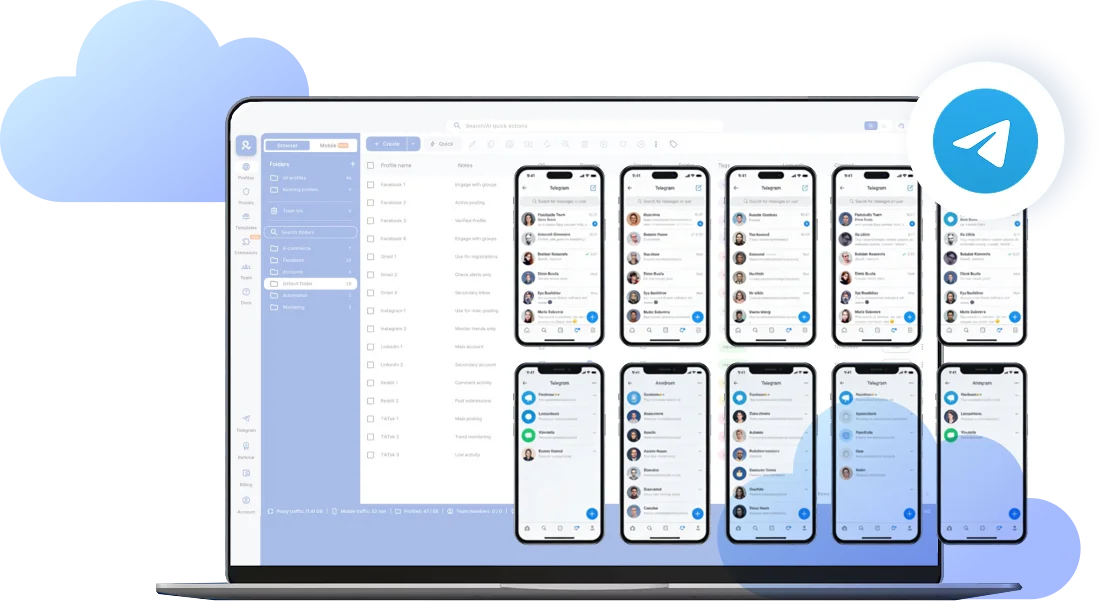
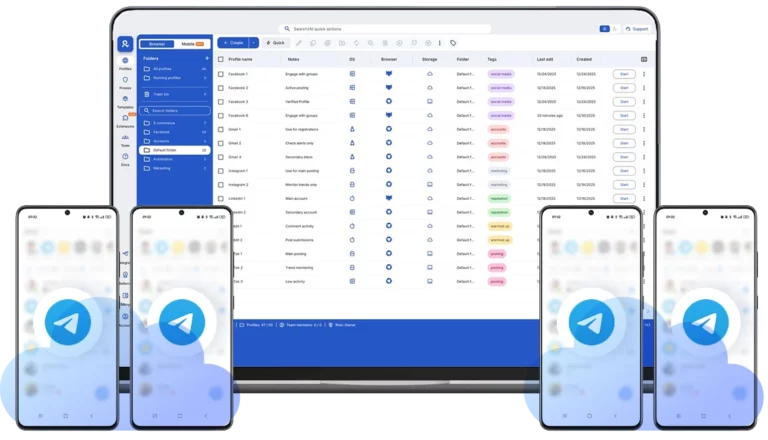
Cloud phones for Telegram displayed on desktop dashboard with multiple isolated Android devices running Telegram accounts simultaneously
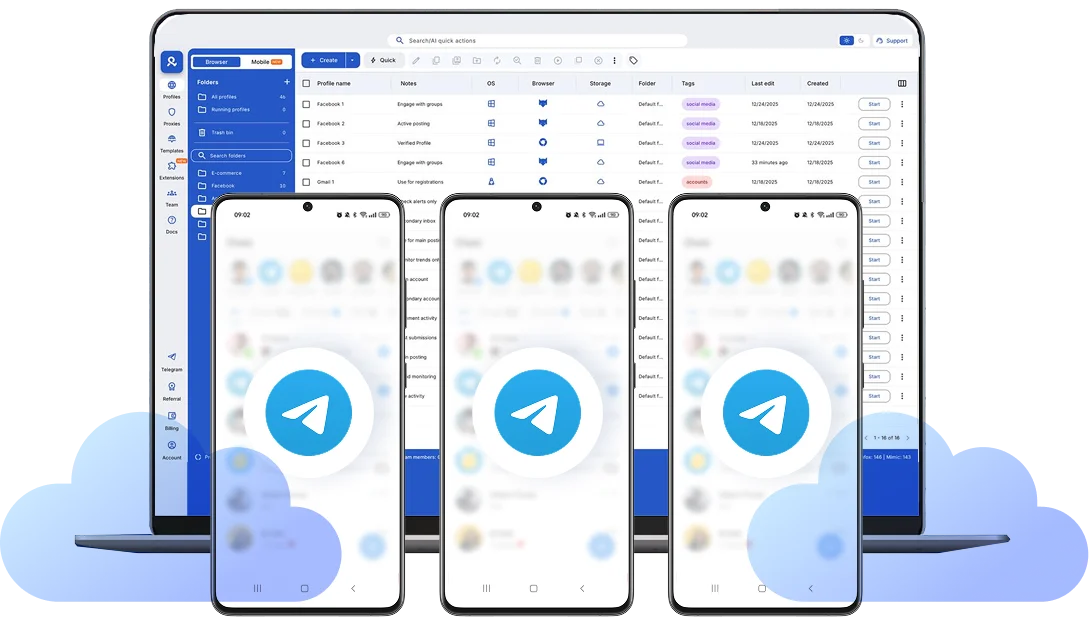
Telegram cloud phones displayed on desktop dashboard with multiple isolated Android devices running separate accounts

Access all Telegram accounts from one dashboard

Launch multiple cloud phones and control every account side-by-side. Each Telegram runs on its own isolated Android device with a stable mobile identity.

No shared devices. No account linking. Just structured Telegram scaling.

Telegram mobile app running on Android cloud phone with media and content management icons

Control Telegram mobile app directly from your desktop

Work inside the official Telegram Android app to manage channels, moderate groups, and run outreach with real mobile behavior.

Support account warming, community growth, client projects without disrupting active sessions.

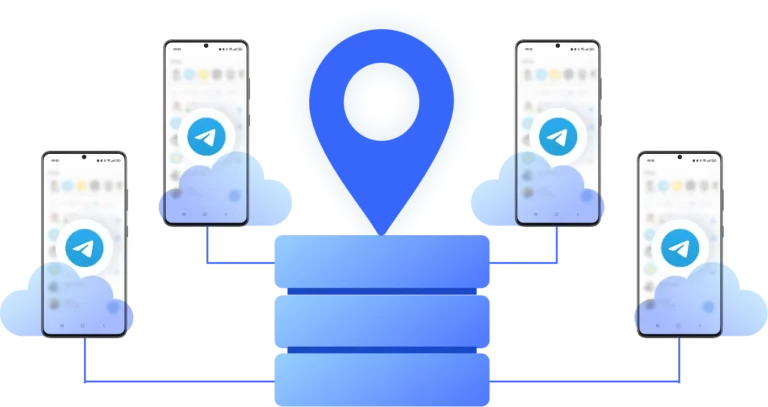
Telegram cloud phones connected through mobile residential IPs with aligned Android device and network signals

Built-in proxies aligned with your Telegram device

Each cloud phone connects through mobile-grade residential IPs in 150+ countries, aligned with its Android environment.

Telegram sees consistent device and network signals from real locations, reducing risk from IP and device mismatches.

Telegram cloud phone enabling team-based multi-account management with secure role separation

Team-ready Telegram account management

Share Telegram cloud phone environments across your team, assign roles, and keep client or campaign accounts clearly separated.

Manage accounts securely without sharing passwords or mixing access between projects.

Cloud phone dashboard displaying multiple isolated Telegram Android devices running side-by-side for multi-account management

Authentic Android cloud phones Telegram can’t link

Each cloud phone includes unique Android identifiers such as IMEI, Android ID, device model, and system build data.

Telegram sees stable Android devices, not emulators or reused environments.

Manage Unlimited Mobile and & Web Accounts

Multilogin comes with built-in residential proxies to make multi-accounting, web scraping and web automation easier than ever. No extra setup, no third-party servicesβ€”just undetectable browsing at no additional cost.
  • 3-day access to Multilogin

  • 5 cloud or local profiles

  • 200 MB proxy traffic included

  • 3-day access to Multilogin

  • 5 cloud or local profiles

  • 200 MB proxy traffic included

What is a cloud phone?

Each cloud phone looks exactly like a separate physical smartphone β€” not an emulator or virtual environment. This means you can manage multiple TikTok accounts without the platform detecting any connection between them, eliminating the risk of mass account bans.

Multiple cloud phone devices running in parallel for mobile account management

Why chooseΒ MultiloginΒ for cloud phone?Β 

Multilogin’s cloud phone remain fully isolated at the identity level β€” enabling secure, scalable and more consistent operations.

Cloud phone management platform with multiple cloud phone devices controlled from one interface

Multilogin features for Cloud Phone management

Multilogin 2-in-1

Anti-detect browser profiles and cloud phones in one ecosystem. One app, one dashboard, full control.

Built-in proxy integration

Residential IPs are included by default. 150+ countries and 1,400+ cities with daily quality testing.

Up-to-date Android versions

Stable Android versions 10–15, fully compatible with modern mobile apps.

Real brands and devices

Support for 7 real Android device brands with unique IMEI and system-level digital fingerprints.

App repository

Install TikTok, Instagram, Reddit, and other popular apps without Google Play. APK uploads are also supported.

Folders, tags and access control

Organize profiles using folders, tags, and role-based access. Manage team workflows with ease.

Enterprise-grade security

Profile encryption, 2FA, access control, and compliance-ready security for safe operations.

Launch Real Android Devices in 60 Seconds

Install Telegram and start managing accounts. While your competitors spend days setting up physical phones.

Why Multilogin wins for Telegram

Fast and intuitive interface

Everything at your fingertips: drag-and-drop, hotkeys, and smooth multitasking without losing speed.

Browser built for multi-accounting

Advanced engine effectively avoids multi-account detection by creating unique browser fingerprints.

Created for team collaboration

Proxies included in every plan

24/7 support in 5 languages

Manage accounts across all major platforms

How to start using MultiloginΒ for Telegram

Launch and manage Telegram apps from real mobile environments in the cloud.

Step 1 of how to use Multilogin

Sign up

Register using a verified email address.Β 

Step 2 of how to use Multilogin

Choose your plan

Select from various subscription plans tailored to your needs.

Step 3 of how to use Multilogin

Download Multilogin X

Install the Multilogin desktop app or web-version to manage cloud phones securely.

Step 4 of how to use Multilogin

Access the Multilogin dashboard

Launch cloud phone, assign proxies, configure fingerprints.

Step 5 of how to use Multilogin

Manage multiple cloud phone profiles

Set up and manage multiple Telegram profiles using professional cloud phones.

Most Awarded Antidetect Browser

Kinza awards for Multilogin.
Conversion club badge for Multilogin.
Mask group badge for Multilogin
Startup 2019 awards badge for Multilogin
badge for Multilogin
Best Value Software 2022 badge for Multilogin
Best support
Momentum leader
High Performer
High Performer Small Business
SourceForge top performer 2023 badge
GetApp user reviews badge

Watch the Multilogin Demo

Get a 10-minute demo video on how Multilogin can help you easily manage multiple Telegram accounts while remaining undetected. Just fill in your name and email below, and we’ll deliver the demo video in few seconds.

Name
Last Name
Email *
Image of locked video for Multilogin demo preview

Cloud phone for Telegram: scalable mobile infrastructure

A cloud phone for Telegram is a dedicated Android device hosted in the cloud. Instead of running multiple Telegram accounts from one physical phone or emulator, each account operates inside its own isolated Android environment.

This allows teams to manage Telegram operations at scale while maintaining stable device identity, consistent IP signals, and persistent sessions.

For affiliate marketers, agencies, crypto communities, and lead generation teams, Telegram growth depends on infrastructure β€” not just account quantity.

Telegram cloud Android vs emulators

Many users try to scale Telegram with Android emulators or low-cost virtual Android rentals. The issue is that Telegram analyzes device-level signals such as Android ID, IMEI, system build data, and device fingerprints.

Emulators often leave detectable traces or reuse similar Android configurations across sessions.

A Telegram cloud Android device provides:

  • Unique IMEI and Android ID
  • Independent system and hardware fingerprint
  • Persistent storage
  • Consistent mobile-grade IP alignment

This reduces risk of device association and account linking over time.

How to manage multiple Telegram accounts safely

Telegram officially limits the number of accounts per device. When multiple accounts operate inside the same Android environment, device identifiers become shared.

To manage multiple Telegram accounts safely, each account should run in a separate Android device environment with:

  • Dedicated system identifiers
  • Isolated storage
  • Stable networking configuration
  • Long-term session persistence

Environment separation prevents technical overlap between accounts and reduces restriction risk in growth-heavy niches.

Why Telegram mobile behavior matters

Some Telegram trust signals behave differently on mobile compared to desktop. Features such as moderation flows, contact imports, and certain account activity patterns are processed as mobile-native behavior.

Using a Telegram cloud phone allows you to:

  • Warm up accounts naturally
  • Moderate groups from mobile context
  • Operate region-based accounts
  • Maintain long-term session stability

For professional Telegram operations, mobile-native interaction increases consistency and reduces behavioral anomalies.

Cloud phones vs traditional Telegram scaling methods

Method

Device identity

Isolation level

Risk of linking

Scalability

One phone, multiple accounts

Shared

Low

High

Limited

Android emulator

Often similar builds

Medium

Moderate–High

Medium

Shared office devices

Reused

Low

High

Low

Telegram cloud phone

Unique IMEI & Android ID

High

Low

High

Β 

Cloud phones provide structured, infrastructure-level scaling rather than account stacking on shared devices.

Persistent sessions for long-term Telegram growth

Telegram may trigger repeated SMS verification or logout loops when device signals change frequently.

Cloud phones maintain:

  • Stable Android build
  • Persistent session memory
  • Consistent networking environment

This is critical for:

  • Account warming
  • Channel ownership
  • Paid communities
  • Automation tied to mobile sessions

Stable sessions reduce friction and protect long-term Telegram operations.

Conclusion

Scaling Telegram safely isn’t about adding more SIM cards or switching devices β€” it’s about building the right mobile infrastructure.

A cloud phone for Telegram provides isolated Android environments, stable device identity, and persistent sessions, allowing teams to manage multiple Telegram accounts with lower risk and greater operational control.

FAQ

A cloud phone for Telegram is a dedicated Android device hosted in the cloud. Each device runs the official Telegram mobile app in a separate environment, allowing you to operate accounts with stable device identity and persistent sessions.

Emulators often share similar system builds and leave detectable traces. Telegram analyzes device identifiers such as IMEI, Android ID, and system data. Reused or inconsistent environments increase the risk of restrictions over time.

Telegram limits the number of accounts per device. With cloud phones, each account runs on its own Android device, so scaling depends on how many isolated environments you create β€” not on a single phone’s limitations.

Each cloud phone has unique Android identifiers, separate storage, and consistent network configuration. Because device signals are not shared, accounts cannot be technically associated through reused fingerprints.

Yes. Some moderation flows, contact actions, and behavioral signals are processed differently on mobile. Running Telegram inside a dedicated Android device ensures consistent mobile-native behavior.

Multilogin Cloud Phones support Android versions 10 through 15, covering all major TikTok-compatible releases. You can choose from ~30 popular device models including Samsung, OPPO, vivo, Google Pixel, Redmi, and OnePlus.

Multilogin pricing starts at €5.85/month (annual billing) for the Pro 10 plan, which includes 10 browser profiles, 1GB residential proxy traffic, and 60 mobile minutes monthly. Cloud phone usage beyond included minutes costs €0.009/minute. Start with a 3-day trial for €1.99 (5 profiles + 200MB proxy traffic) to test the platform.

Yes. Warming up accounts with gradual activity is still important. Cloud phones provide stable sessions and consistent device identity, which supports natural growth patterns.

Yes. Cloud phone environments can be assigned to different team members with controlled access, allowing agencies and growth teams to manage accounts without sharing passwords or mixing projects.

Yes. With cloud phones, you can stream live to TikTok directly from your desktop setup through the native TikTok app running in your cloud phone. You can also upload pre-recorded streams as video files. This gives you better production quality than mobile-only streaming while maintaining the authentic mobile app environment TikTok requires.

Thank you! We’ve received your request.
Please check your email for the results.
We’re checking this platform.
Please fill your email to see the result.

Multilogin works with amazon.com