Scrape websites without blocks: free 2026 guide
Download this free guide and learn how to scrape websites without getting blocked. Get clear steps for stable IPs, clean fingerprints, and long-lasting scraping sessions.
Why web scraping triggers detection systems
Web scraping isn’t blocked because of data collection—it’s blocked when traffic stops looking like a real user. Modern detection systems connect multiple signals to identify automation and cut access early.
IP and rate limits from repeated requests
Fingerprint and session overlap
Aggressive bot protection on major platforms
How this guide shows you to scrape websites safely with Multilogin
Websites detect scraping by linking IP behavior, browser fingerprints, and session data. Multilogin keeps scraping sessions isolated and consistent, so automation looks like real user activity instead of repeated machine traffic.
Unique fingerprints and isolated profiles
Residential or mobile IPs per profile
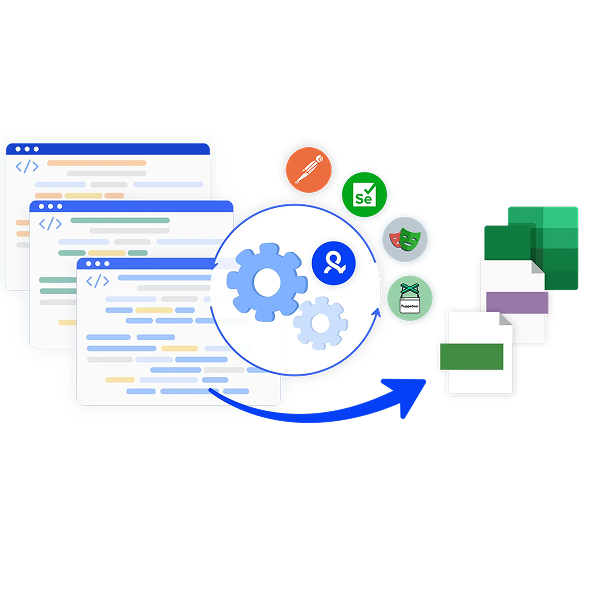
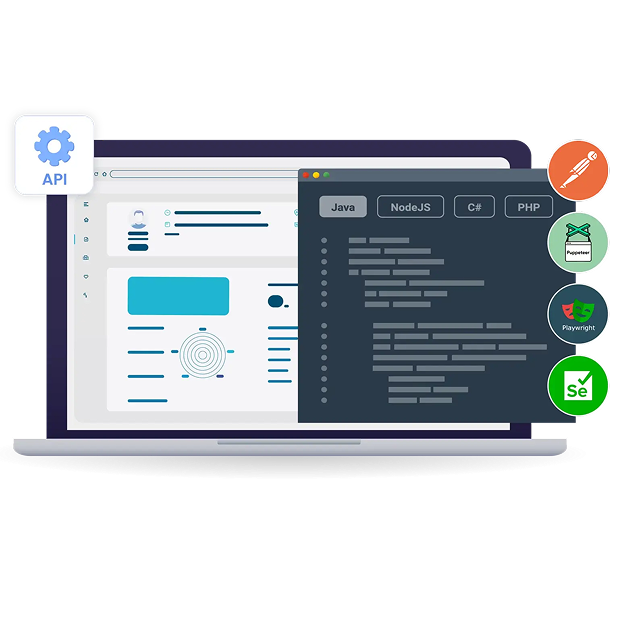
Automation support for Selenium, Playwright, Puppeteer, Postman, and CLI
72%
Of mid-to-large enterprises use web scraping for competitive intelligence.
85%
Of e-commerce companies track competitor pricing through automated scraping.
$4.9 billion
Forecasted size of the AI-driven web scraping industry.Of mid-to-large enterprises use web scraping for competitive intelligence.
What this guide explains about why scraping setups get blocked
Websites flag scraping when your traffic stops looking like a real user. Detection systems check IP patterns, fingerprints, cookies, and request speed — and block anything that feels automated.

Same IP too often, repeated requests from one IP look unnatural.

Too many requests too quickly, rapid hits expose automation.

Fake-looking fingerprints identical or odd browser details get flagged.

Shared cookies across sessions, one browser mixes data and links your traffic.

Low-quality or datacenter proxies, many are already blacklisted.

Outdated bots, old tools leave predictable, easy-to-trace patterns.
What you'll learn
about sustainable web scraping with Multilogin
Scraping detection signals
Learn how modern anti-bot systems connect IP behavior, fingerprints, cookies, and timing patterns to identify automated traffic; even when proxies rotate.
Fingerprints and session identity
Understand how to separate sessions properly using isolated browser profiles, consistent fingerprints, and dedicated storage so scraping tasks don’t get linked.
Proxy usage in scraping
See how IP reputation, rotation, and proxy quality affect detection, throttling, and long-term access.
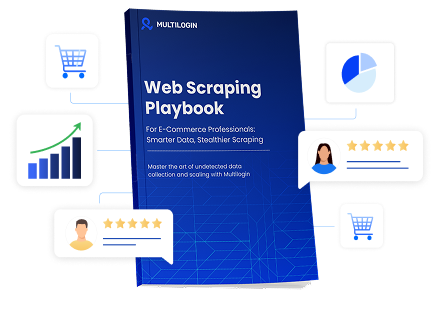
Download our latest web scraping handbook
FAQ
How can I scrape a website without getting blocked?
Scraping a website without getting blocked depends on whether your traffic looks like a real user over time. Blocks usually happen when requests are too fast, browser fingerprints repeat, or sessions reset constantly. Using isolated browser profiles, consistent fingerprints, stable IP behavior, and realistic interaction patterns allows scraping sessions to last longer instead of failing after a few runs.
What causes websites to block web scraping bots?
Websites block web scraping bots when multiple signals point to automation. Common triggers include repeated requests from the same IP, identical browser fingerprints across sessions, reused cookies, and predictable timing patterns. Even when proxies rotate, shared browser identity is often enough to trigger detection.
What are the best ways to avoid being banned when scraping a website?
Avoiding bans when scraping a website requires separating identity, not just rotating IPs. Each task should run in its own browser environment with isolated storage, consistent fingerprints, and natural pacing. This is why advanced setups rely on full browser profiles instead of raw HTTP requests alone.
Is it possible to scrape websites without using proxies?
Scraping websites without using proxies is possible only at very small scale. Without proxies, IP reputation and rate limits quickly expose scraping behavior. A residential proxy helps distribute traffic across real user IPs, but it must be combined with browser and session isolation to stay effective when you scrape websites at scale.
How do websites detect scraping attacks?
Websites detect scraping attacks by correlating IP behavior, browser fingerprints, cookies, and interaction patterns. Detection systems look for repetition and inconsistency, such as the same fingerprint appearing across many sessions or traffic behaving differently from real users.
What techniques do anti-bot systems use to block scrapers?
Anti-bot systems block scrapers using rate limiting, fingerprint analysis, behavioral scoring, cookie tracking, and challenge-response systems like CAPTCHAs. Modern systems rarely rely on one signal alone; they connect multiple weak signals to identify automation reliably.
Are there legal consequences to web scraping?
Legal consequences of web scraping depend on what is scraped, how it is accessed, and local regulations. Public data scraping is often legal, while scraping restricted, copyrighted, or login-protected content may raise legal or contractual issues. It’s important to review terms of service and applicable laws before collecting data.
What tools help you scrape a website reliably?
Tools that help you scrape a website reliably focus on stability, not speed. Effective setups combine isolated browser profiles, fingerprint control, session persistence, and automation frameworks like Selenium or Playwright. This is why Web scraping with Multilogin is often used as infrastructure, allowing automation to run in long-lasting, consistent browser environments. Web scraping with Multilogin focuses on keeping identities separate so detection signals don’t overlap.