
Facebook bans don’t always come with a warning. One day, your ad account works, and the next, you’re locked out with a message about “unusual activity.” It happens because Facebook doesn’t just see what you post — it sees how your devices, IPs, and browsers connect. If too many accounts share the same digital fingerprint, Facebook links them and starts cutting.
Read our guide about why Facebook Ad accounts get banned!
That’s why people ask: how many Facebook accounts can you have before it’s risky? The truth is, there’s no fixed number — there’s only how clean your setup is. With Multilogin antidetect browser, each account lives in its own world: unique browser fingerprint, proxy, cookies, and login pattern. It’s not about running ten or a thousand accounts — it’s about making each one look like a real, separate person.
With Multilogin, you can manage hundreds or even thousands of Facebook accounts safely, as long as every profile has its own proxy, fingerprint, and behavior pattern. If you get banned, pause all related sessions, isolate the flagged profile, and rebuild it clean before logging back in.
How many Facebook accounts can you have
Facebook doesn’t publish an exact number of accounts you can own — but anyone who’s tried running several quickly learns there’s an invisible limit. Once the platform notices similar logins, shared IPs, or repeating activity patterns, it begins flagging them. Some people manage two or three without trouble; others lose all of them overnight after logging in from the same device or browser.
Each account you create leaves a technical trail — your IP address, cookies, browser fingerprint, and behavior patterns. When those trails overlap, Facebook connects the dots. if you manage multiple pages, ad accounts, or client profiles from one setup, it can look like automation or suspicious coordination. That’s when bans, phone verifications, and locked sessions start piling up.
If you get banned, don’t rush to create new accounts right away. Stop logging into the old ones, clear stored cookies, change your network, and let a few days pass before testing a fresh login. The key isn’t how many accounts you can open — it’s how different each one looks when Facebook examines it.
Why are multiple Facebook accounts getting banned
Facebook bans don’t come out of nowhere. They build up quietly — a few login warnings, extra verifications, and then one day, you’re locked out. Most bans happen because Facebook’s system spots patterns that look unnatural. When several accounts share the same IP, device, or browsing behavior, it flags them as one person trying to manipulate the platform. Once that link is made, bans spread fast — one profile falls, then the rest follow.
If you get banned, stop all logins right away. Don’t try to recover every account at once. Change your IP, clear cookies, and rebuild slowly. Facebook’s algorithm remembers connections, so rushing only confirms them.
Main triggers for Facebook bans:
- Logging into multiple accounts from the same IP or device.
- Using identical browser setups or fingerprints.
- Repeating actions across accounts — posting, liking, or messaging in the same rhythm.
- Sharing recovery emails, phone numbers, or payment methods.
- Ignoring early warning signs like captchas and verification loops.
Each of these signals tells Facebook that your accounts might belong to the same person. The more they match, the faster you get flagged.
How to have unlimited Facebook accounts without being banned with Multilogin
Facebook doesn’t ban accounts for no reason — it bans activity that looks unnatural or connected. Below are the top triggers, each explained simply, followed by how Multilogin prevents the link and a short recovery action you can take right away.
1. Logging in from different devices or IPs too often
If you log in from many cities, devices, or random IPs, Facebook suspects account takeover and starts flagging the account.
How Multilogin fixes it
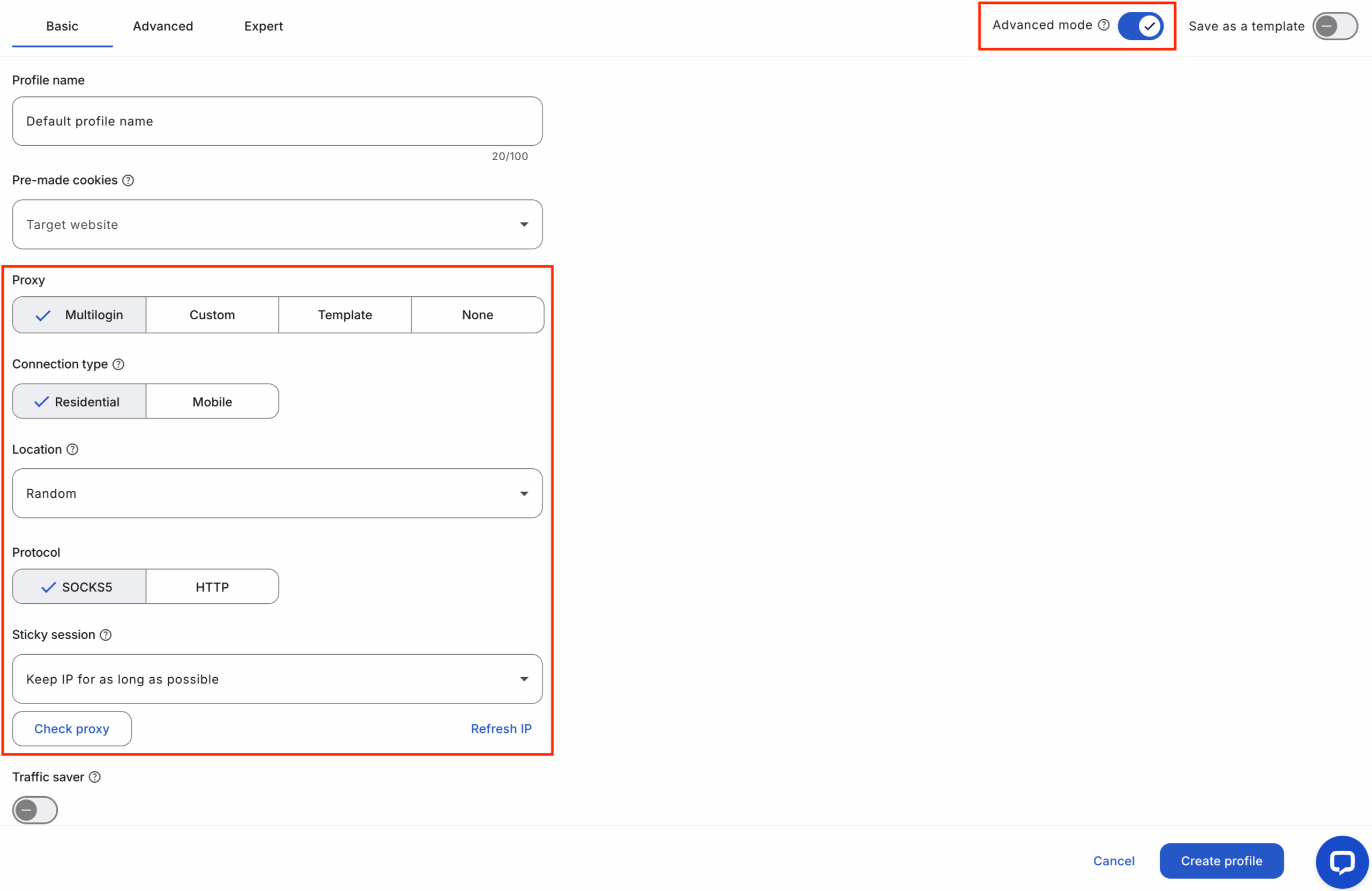
Assign a dedicated residential proxy per profile so each account always logs in from one consistent location/IP. Pair that with a matching fingerprint so the account looks like one normal user from one place.
Do this now (1–3 steps):
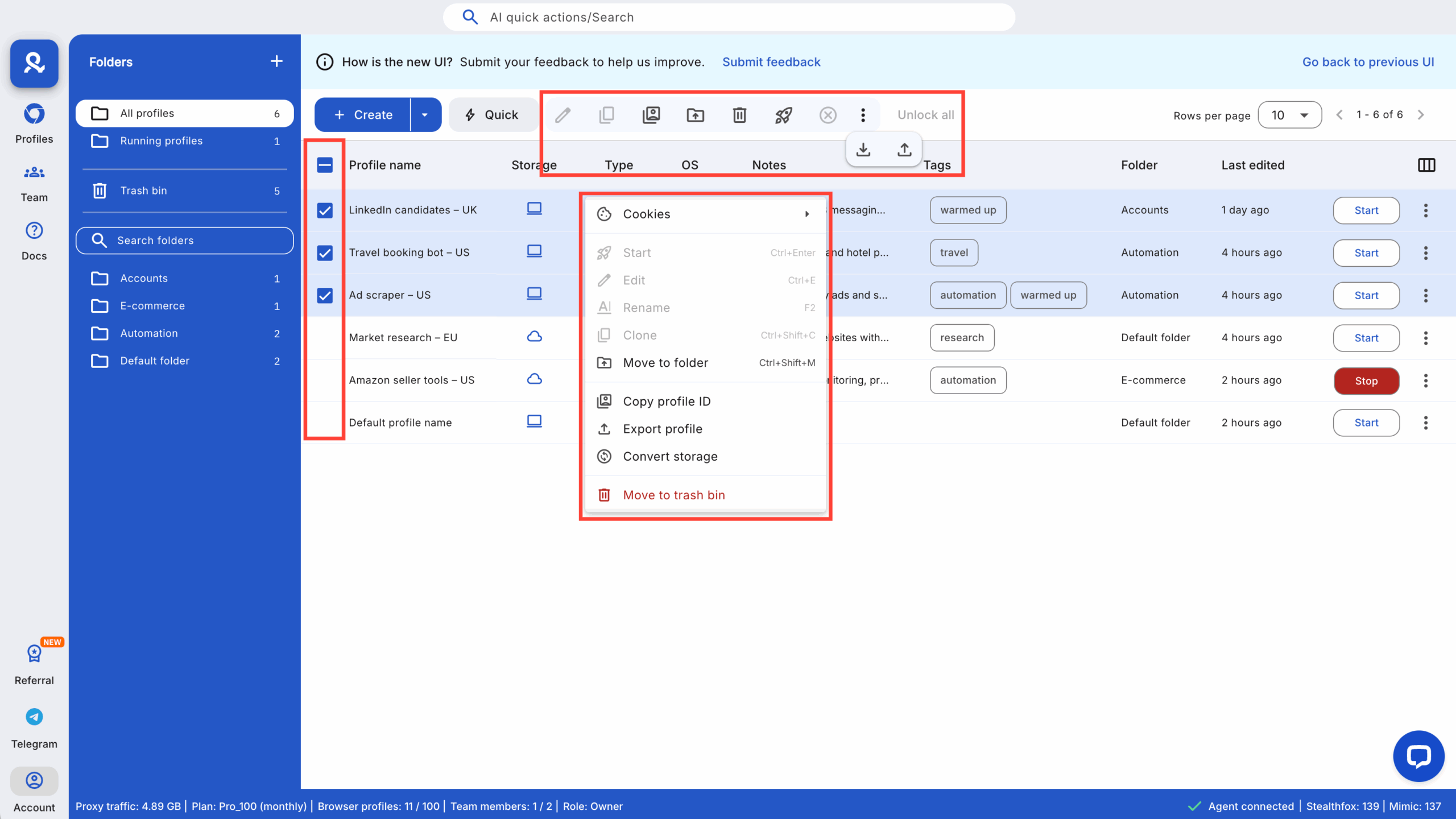
- Open the profile → proxy settings.
- Select residential proxy → pick the geo that matches the account.
- Save and always use that profile for that Facebook account.
2. Adding friends, posting links, or joining groups too fast
Rapid, repetitive actions look like spam. Facebook throttles or bans accounts that act too quickly or too uniformly.
How Multilogin fixes it
Run each account in its own profile and use automation jitter. Randomize timings and action sequences per profile so behavior differs across accounts.
Do this now (1–3 steps):
- Create one profile per account.
- If automating, connect to Multilogin’s local API and add randomized delays.
- Test on a single profile before rolling out.
3. Using fake names or posting content that breaks rules
Fake identity or rule-breaking content leads to immediate bans. Facebook enforces policy first, then looks at links between accounts.
How Multilogin fixes it
Multilogin doesn’t change policy risk — it prevents unrelated accounts from being linked. Use real, verifiable account details and keep each profile’s activity consistent with the claimed identity and region.
Do this now (1–3 steps):
- Add accurate recovery info and 2FA per profile.
- Match fingerprint locale and proxy geo to the account’s country.
- Keep posting behavior steady and human-paced.
4. Running many accounts from one browser (cookie leakage)
Managing multiple Facebook accounts in one browser leaks cookies, autofill, and fingerprint data — and Facebook connects them.
How Multilogin fixes it
Profiles are fully isolated: separate cookies, cache, localStorage, and autofill per profile. That stops cross-account leaks and prevents Facebook from linking accounts.
Do this now (1–3 steps):
- Create one Multilogin profile per account.
- Label profiles clearly (ClientName_Country).
- Never log another account inside that same profile.
5. Bots and cheap automation tools leave detectable patterns
Identical scripts across accounts create repeatable patterns: the same clicks, the same timing. Facebook spots that quickly.
How Multilogin fixes it
Multilogin integrates with Puppeteer, Playwright, Selenium and exposes API hooks so you can run per-profile automation with randomized behaviour and isolated environments.
Do this now (1–3 steps):
- Connect your automation to Multilogin’s local API.
- Add jittered delays and vary action order per profile.
- Monitor logs and adjust per account.
6. Sharing recovery data or identifiers across accounts
Using the same phone number, email, or payment method links accounts instantly.
How Multilogin fixes it
Multilogin helps you keep profile-level notes and exportable records so recovery data stays unique per profile. Combine that with distinct proxies and fingerprints to avoid shared identifiers.
Do this now (1–3 steps):
- Store unique recovery phone/email per profile.
- Document recovery info in a secure team vault.
- Audit for duplicates weekly.
7. Mobile verification mismatches
Some verifications only accept mobile contexts. Desktop logins can look suspicious if the account usually uses mobile.
How Multilogin fixes it
Use Android emulation for mobile-first sessions. That gives the right user agent, sensors, and viewport so mobile verification flows behave normally.
Do this now (1–3 steps):
- Create an Android profile for mobile-first accounts.
- Pair it with a mobile or residential proxy.
- Run recovery attempts from the Android profile if requested.
Start your Multilogin trial today for €1.99 — assign unique proxies, use fingerprint templates, and warm accounts before heavy activity.