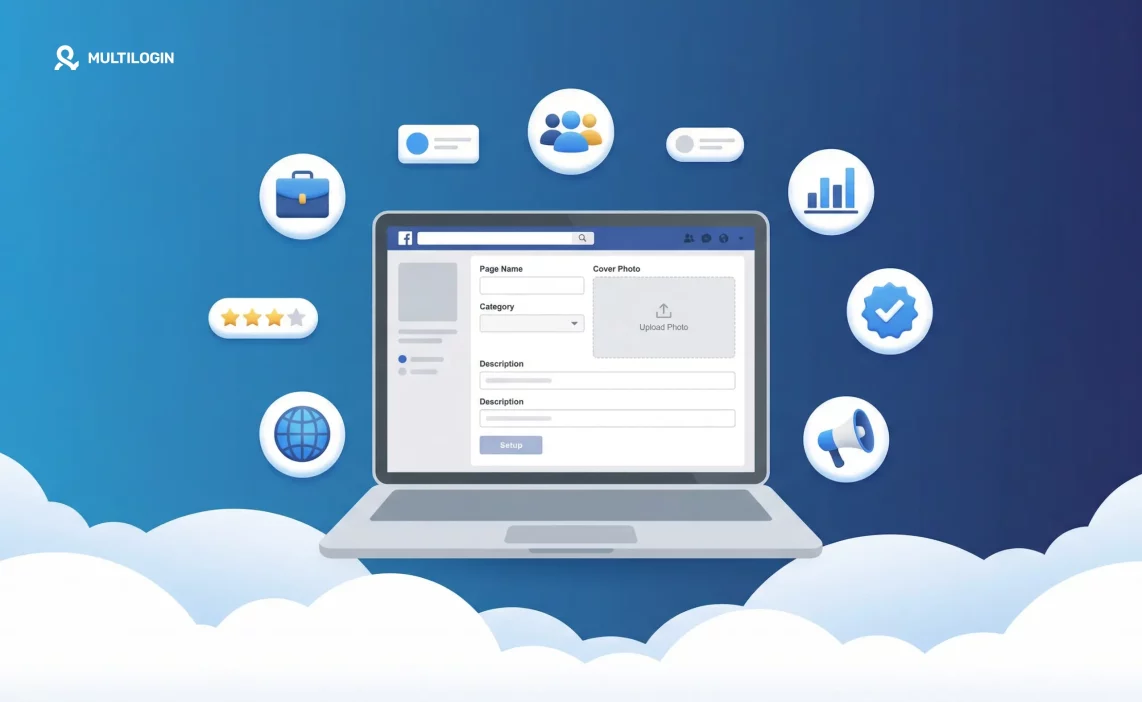

A Facebook business page is separate from your personal profile — it’s the public presence your brand, business, or client has on Facebook. Anyone can follow a page. Visitors don’t see your personal account. And you control who on your team has access.
Creating one takes about ten minutes. Optimizing it properly takes a little longer. And if you’re managing multiple Facebook accounts across clients, there’s a setup step most guides skip.
This covers everything: page creation, optimization, roles, and what changes when you’re running pages for multiple clients.
Try Multilogin now to manage multiple Facebook pages without account linking risk — starting at €5.85/month.
What you need before you start
Facebook requires a personal account to create a business page. You don’t need to make your personal account visible or link it to the page publicly — but the page needs to be attached to a personal account on the backend.
If you’re setting up pages for clients, this means you’ll be creating pages from your own account (and then assigning the client as an admin), or helping the client create the page from their own account. More on this in the roles section below.
How to create a Facebook business page on desktop
Step 1: Log into Facebook and click the Pages icon in the left-hand navigation (or go to facebook.com/pages/create).
Step 2: Click Create new page.
Step 3: Enter your Page name. Use the business name exactly as customers would search for it.
Step 4: Choose a Category. Start typing your industry and select from the suggestions — Facebook uses this to help categorize the page in search. You can add up to three categories.
Step 5: Add a Description. This is a short summary (up to 255 characters) that appears below your page name. Write it as a clear statement of what the business does.
Step 6: Click Create page.
You’ll land on the page setup screen where Facebook walks you through adding your profile picture, cover photo, and other details. You can skip steps and come back to them.
How to create a Facebook business page on mobile
Step 1: Open the Facebook app and tap the three-line menu.
Step 2: Tap Pages, then tap Create.
Step 3: Enter the page name, category, and description.
Step 4: Tap Create.
The mobile setup is slightly more condensed than desktop, but all the same fields are there. If you want to add more detail to the About section or configure advanced settings, it’s easier to finish on desktop.
How to optimize your Facebook business page after setup
Creating the page is step one. A blank page with no photo and no information gets almost no traction. Here’s what to complete:
Profile picture: Displays as a circle on your page and next to all posts. For businesses, use your logo. Recommended size: 170 x 170 pixels on desktop. Upload at 720 x 720 for best quality.
Cover photo: The banner across the top of your page. Recommended size: 851 x 315 pixels on desktop, 640 x 360 on mobile. Keep text minimal — it gets cropped differently on different devices.
Username (custom URL): Go to your page settings and set a @username. This gives you a shareable URL like facebook.com/yourbrandname. Available once your page is created, no minimum follower count required.
About section: Click Edit page info (or find it under your page’s About tab). Fill in:
- Website URL
- Phone number
- Address (if physical location)
- Business hours
- Price range
- Founded date
The more complete your About section, the better your page ranks in Facebook search — and the more professional it looks to visitors.
CTA button: Click Add a button below your cover photo. Choose the action that matches your goal: Book now, Contact us, Send message, Shop now, Sign up, Learn more, Watch video. Link it to the right destination. This is one of the most underused elements on Facebook pages.
Page transparency: Facebook shows visitors when your page was created and whether it’s running ads. You don’t control this directly, but it reinforces trust for established pages.
Facebook page categories: how to pick the right one
The category you choose affects how Facebook classifies your page in search and recommendations. It also determines which features are available — some categories unlock additional fields like menus (for restaurants), appointment booking, or services listings.
Some common category examples:
- Local business or place (retail stores, restaurants, services with a physical location)
- Company, organization, or institution (corporate brands, nonprofits, businesses without a fixed location)
- Brand or product (products, not companies)
- Artist, band, or public figure (creators, musicians, public personalities)
- Entertainment (media brands, shows, communities)
- Cause or community (community groups, advocacy pages)
Pick the category that most accurately describes the entity, not the one that sounds most impressive. Accurate categorization improves discoverability.
How to set up Facebook page roles
You don’t have to manage a page alone — and for client work, you almost certainly shouldn’t be the only admin. Facebook page roles let you grant different levels of access:
- Admin: Full access. Can publish, edit, manage roles, run ads, view insights, and delete the page. Reserve this for yourself and the client’s primary contact.
- Editor: Can publish and edit content, respond to comments and messages, run ads, and view insights. Can’t manage roles or delete the page.
- Moderator: Can respond to comments and messages, remove comments, and view insights. Can’t publish or edit.
- Advertiser: Can run ads and view insights only. Can’t publish content.
- Analyst: View insights only.
To add a role: Go to your page, click Settings, then Page roles (or New pages experience > Page access). Enter the person’s Facebook name or email and assign their role.
For client work, the cleanest setup is: you as admin during build-out, then add the client as admin, and have them remove you if they want full control. Or keep yourself as an editor so you can manage content without holding full administrative access to their account.
Managing Facebook pages for multiple clients
If you’re an agency or freelance social media manager, you’re not running one Facebook page — you’re probably managing five, ten, or twenty. That introduces a problem most guides don’t mention.
Facebook’s systems monitor accounts for coordinated behavior. If multiple pages are managed from the same browser, same IP, and same login session, Facebook may flag those accounts as connected. One page getting restricted can pull the others into review.
The standard workaround agencies use is creating multiple Facebook accounts as separate management identities — one per client or one per account cluster — each with its own browser profile and proxy. That way the sessions are genuinely isolated and there’s no digital fingerprint connecting them.
Managing Facebook pages for multiple clients at scale requires this kind of setup to avoid cascade bans. Managing multiple Facebook accounts with Multilogin is the practical implementation: each account gets its own browser profile with unique fingerprint, its own proxy, and independent cookie storage — so switching between client pages doesn’t leave shared signals.
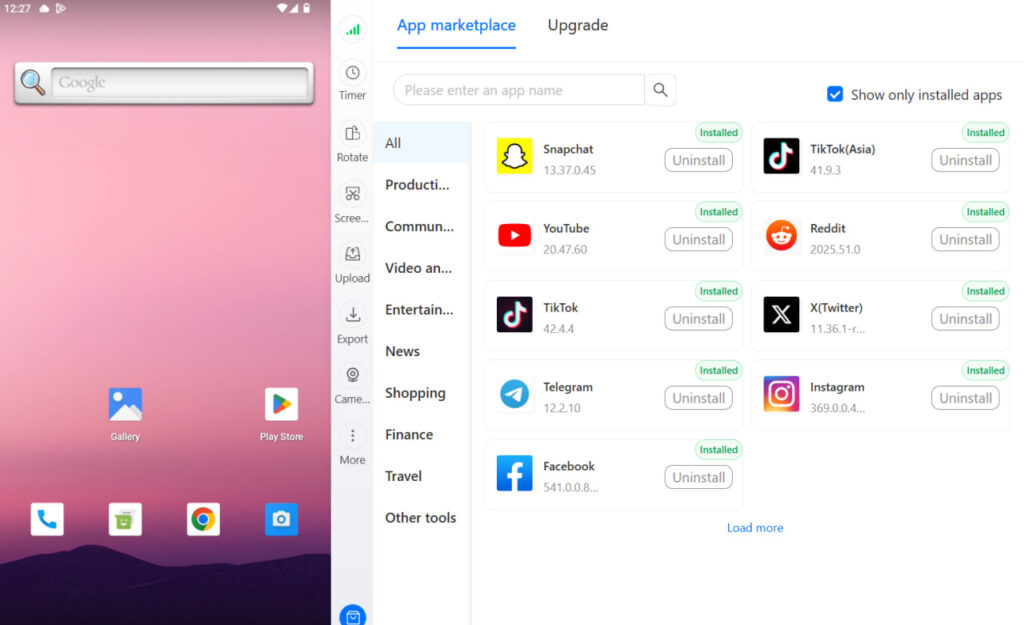
The best antidetect browsers for Facebook handle this at the browser level. For mobile-first management — posting from the app, managing comments, going live — a cloud phone for Facebook gives each client account its own real Android environment.
Try Multilogin now with the Facebook proxy and antidetect bundle to run multiple client pages safely.
Need to manage multiple Facebook accounts? Try Multilogin Cloud Phones.
Frequently asked questions About How to create a business Facebook page
Yes. Facebook requires a personal account to create and manage a page. Your personal account isn’t visible to page visitors, but the page is attached to it on the backend.
Go to your page Settings > Page roles (or Page access in the new pages experience). Search for the person by name or email and assign their role. They’ll need a Facebook account to accept.
A profile is a personal account with friends. A page is a public presence for a brand, business, or public figure — anyone can follow it without a connection request. Pages have analytics, ad tools, and role management that profiles don’t.
Yes. One personal account can create and manage multiple pages. If you’re running pages for multiple clients, separate management accounts (each with their own browser profile and proxy) are the cleaner approach for avoiding account linking.
After creating the page, go to Settings > General > Username (or find it in the Edit page info section). Choose a @username that matches your brand name. No minimum followers required.
851 x 315 pixels on desktop. Upload at least 640 x 360 for mobile. Keep important elements toward the center — the edges get cropped differently on different devices.
Click “Add a button” below your cover photo. Choose from options like Book now, Contact us, Send message, Shop now, or Sign up. Link it to your website, booking tool, or contact form.
Conclusion
Creating a Facebook business page takes ten minutes. Doing it properly — complete profile, optimized About section, custom username, working CTA — takes another thirty. That’s the setup that makes the page look credible and work as a real business asset.
Where it gets operationally complex is when you’re managing pages for multiple clients. That’s when account isolation, separate browser profiles, and proper proxy setup go from being “nice to have” to “the thing that keeps your accounts from getting flagged.”
Social media management across accounts at scale needs a proper infrastructure behind it — and that starts before the first post goes up.
Try Multilogin now and set up your client Facebook pages properly from day one.

