
Going live on TikTok is one of the platform’s most powerful tools for building an audience and earning directly from viewers. But the requirements have changed, the options have expanded (including proper desktop support), and there are a few workarounds worth knowing if you haven’t hit the standard thresholds yet.
This covers everything: standard requirements, TikTok LIVE Studio, how to go live on PC, co-hosting, and what creators managing multiple accounts need to know.
Standard TikTok live requirements
To go live on TikTok from the standard mobile app, you need:
- 1,000 followers on your account
- Age 16 or older to broadcast (age 18 or older to receive gifts)
- A TikTok account in good standing (no recent violations)
These are the thresholds for the standard live feature accessible through the “+” button in the app. If you don’t see the live option, it’s because one or more of these conditions isn’t met.
Quick reality check: Many accounts that meet the follower and age requirements still don’t see the live option immediately after crossing 1,000 followers. TikTok’s rollout of features isn’t always instant. If you’ve crossed 1,000 followers and still can’t go live, try updating the app, waiting 24–48 hours, or submitting a request through TikTok’s in-app support.
How to go live on TikTok step by step
- Open the TikTok app on your phone
- Tap the + button at the bottom center
- Swipe left through the recording options until you see LIVE
- Add a title (make it descriptive — viewers see this before joining)
- Add a cover photo if desired
- Tap Go LIVE
Once live, viewers can join, comment, and send virtual gifts. You can add effects, switch cameras, and invite co-hosts during the stream.
To end: tap the X in the top corner, then confirm you want to end the stream.
How to go live on TikTok without 1,000 followers
There are two legitimate paths:
Request early access through TikTok. TikTok has offered early access to live for accounts that don’t meet the standard threshold. In the app, go to Settings and Privacy, then Creator tools, and look for a live request option. Not all accounts see this, and it’s not always available, but it’s worth checking.
TikTok LIVE Studio (desktop). TikTok’s official desktop streaming application, LIVE Studio, has a separate application process and different eligibility requirements from the standard mobile live feature. Some accounts qualify for LIVE Studio access without meeting the 1,000 follower threshold for in-app live. Download it from TikTok’s official LIVE Studio page, apply through the app, and TikTok will review your account.
How to go live on TikTok on PC
TikTok has two desktop options:
TikTok LIVE Studio — TikTok’s official streaming desktop application. Supports scene switching, overlays, screen sharing, and third-party camera/mic setups. Useful for gaming streams, instructional content, or any live format that benefits from a desktop production environment. Apply through the LIVE Studio app after downloading it.
OBS with TikTok LIVE Studio integration — TikTok LIVE Studio supports OBS as a source, which means you can use OBS for advanced scene management and route through LIVE Studio. This is the setup most serious streamers use.
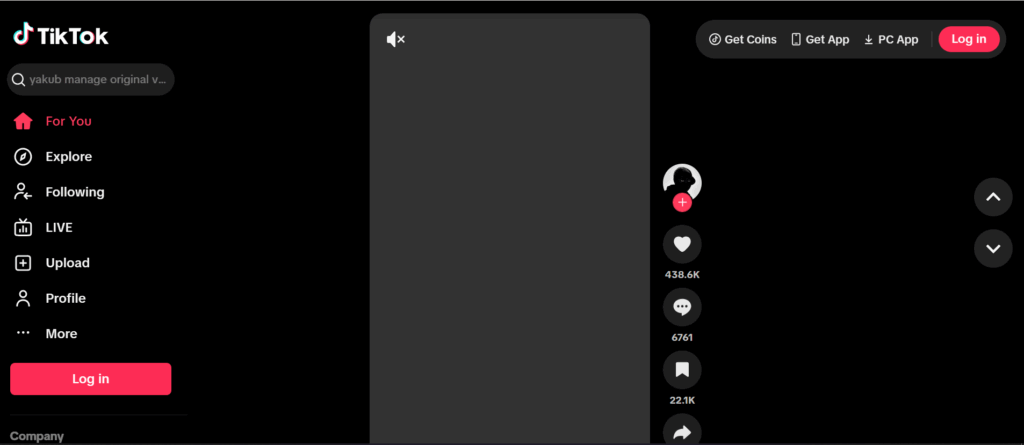
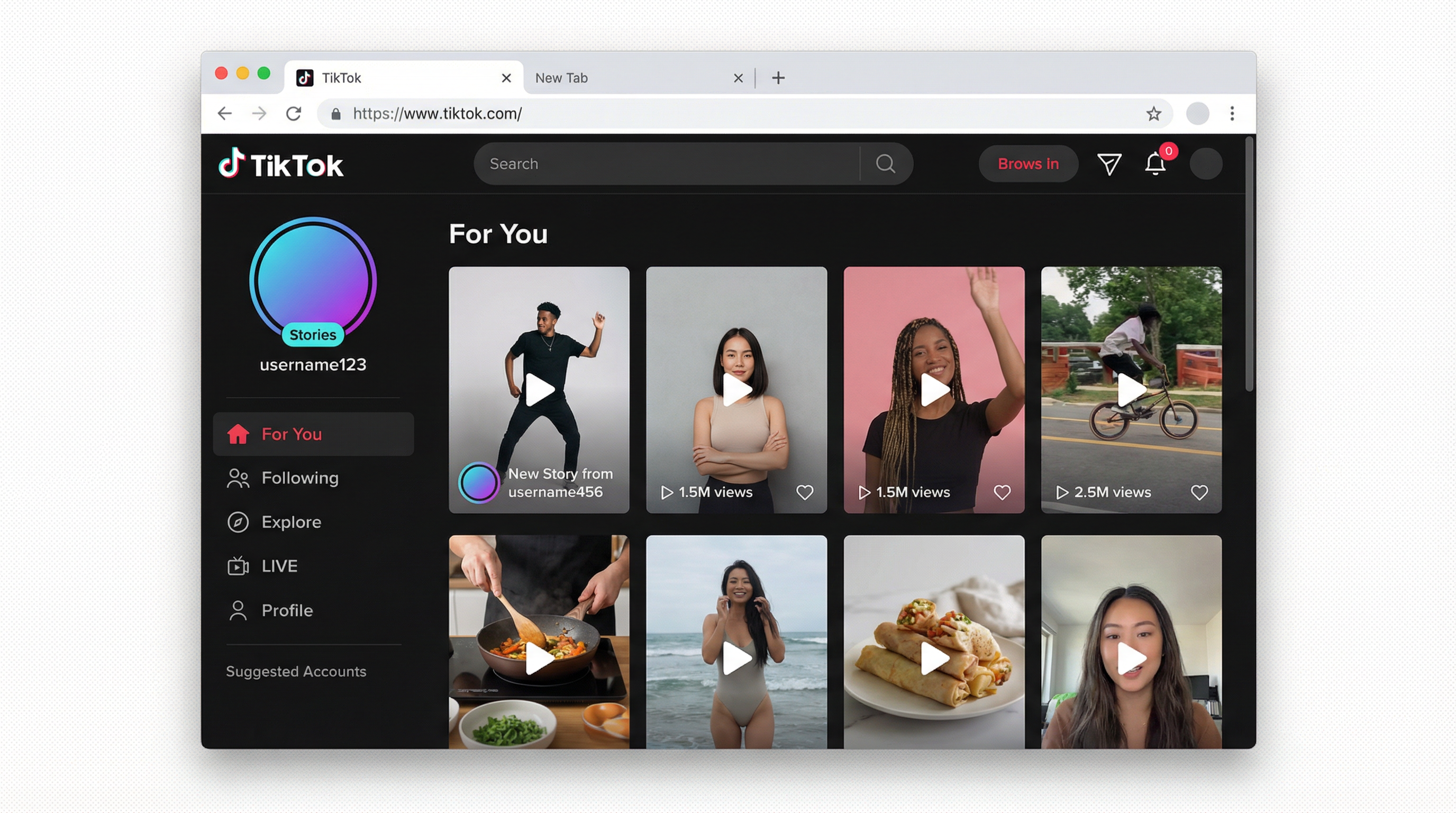
The basic web version does not support going live — tiktok.com in a browser won’t give you live functionality. You need LIVE Studio or the mobile app.
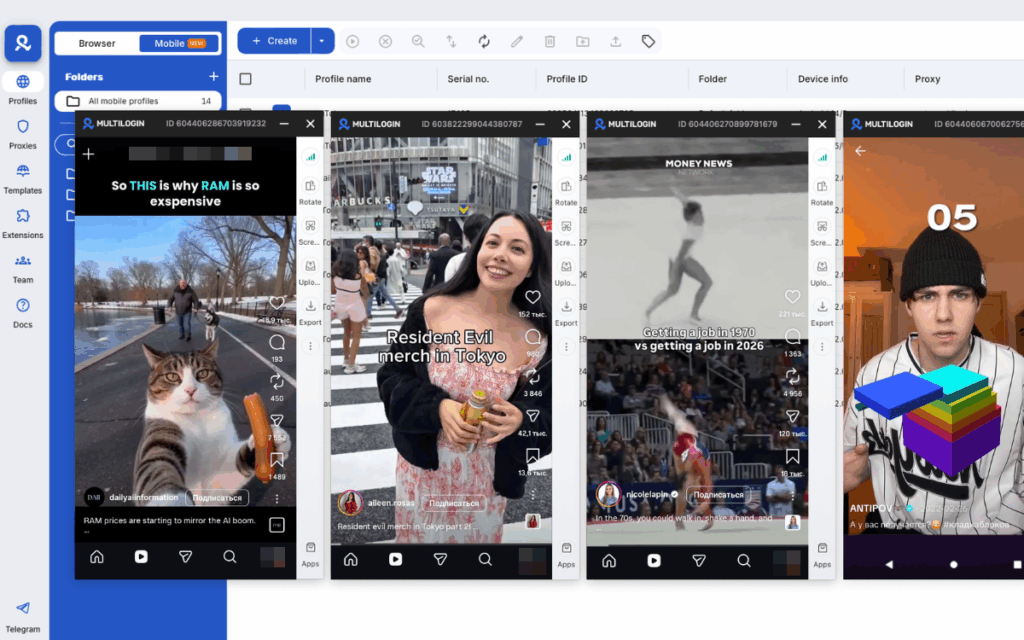
For creators who want to run the TikTok app itself from a desktop environment, Multilogin’s cloud phones let you run a full Android environment remotely, including the TikTok app, managed from your desktop. Each cloud phone has its own genuine hardware identifiers and persistent session state, so the TikTok app on a cloud phone behaves exactly as it would on a physical device.
How to go live with someone on TikTok (co-host)
TikTok’s co-host (multi-guest) feature lets you go live with one or more other creators simultaneously:
- Start your live as normal
- Tap the multi-guest icon during the stream
- Send an invite to the account you want to co-host with
- They accept and appear in a split-screen view
You can also join someone else’s live as a guest by requesting during their stream. The host has to accept.
Co-hosting is particularly effective for growth because both accounts’ followers get notified about the live, effectively doubling the initial viewer pool.
How to go live on TikTok and make money
TikTok live has two direct income mechanisms:
Virtual gifts — viewers send gifts (purchased with TikTok coins) during your stream. Gifts convert to diamonds, which convert to cash. The conversion rate is roughly $0.005–$0.01 per coin. To receive gifts, you must be 18 or older and in a qualifying country.
LIVE subscriptions — monthly subscriptions where followers pay for a badge and exclusive LIVE perks. Available to qualifying accounts in the TikTok creator program.
Beyond direct gifts, going live consistently is one of the strongest signals TikTok’s algorithm reads for account growth. Live sessions increase follower velocity, which compounds all other monetization. See how to make money on TikTok for the full breakdown of TikTok income streams beyond live.
For creators trying to grow their account faster and hit the 1,000 follower threshold, the academy guide on getting more likes on TikTok with Multilogin covers growth strategies using proper account setup and warm-up.
Need to manage multiple Tiktok accounts? Try Multilogin Cloud Phones.
Managing multiple TikTok live accounts
Creators operating multiple TikTok accounts — testing different niches, managing client accounts, or running separate content verticals — face the same account-linking risk during live sessions as they do at any other time.
TikTok reads device signals during live broadcasts. If multiple accounts stream from the same device or share an IP, TikTok can cluster them. If one account receives a warning or ban during or after a live, it increases risk for the others in the cluster.
For proper separation, each account needs its own device environment and IP. Multilogin’s cloud phones give each TikTok account a genuine Android environment with unique hardware identifiers (IMEI, Android ID, MAC), independent app storage, and its own mobile proxy. You manage all of them from the Multilogin desktop app without switching devices.
The guide to running multiple TikTok accounts without bans goes deeper on how TikTok detects account clusters and the specific signals that trigger flags. If you’re scaling to multiple accounts, read it before the accounts are operational, not after.
Start your Multilogin plan to see how many cloud phone profiles fit your setup.
Frequently asked questions About How to go live on TikTok
1,000 followers for standard in-app live. The TikTok LIVE Studio desktop application has separate eligibility and some accounts qualify without meeting the mobile threshold. Age requirement is 16+ to broadcast and 18+ to receive gifts.
Apply for LIVE Studio through TikTok’s official desktop application, which has a separate eligibility process. Also check in-app Settings under Creator tools for any early access request option. Neither is guaranteed, but both are legitimate paths.
Yes, through TikTok LIVE Studio (TikTok’s official desktop app) or by running the full TikTok Android app via a cloud phone managed from your desktop. The TikTok website itself does not support going live.
16 or older to broadcast. 18 or older to send or receive virtual gifts during live sessions.
Through virtual gifts sent by viewers during the stream (viewers buy TikTok coins, send gifts, you earn diamonds that convert to cash) and through LIVE subscriptions (monthly recurring payments from subscribers for exclusive live access). Gift eligibility requires being 18+ in a qualifying country.
No. There’s no notification for unblocking, just as there’s no notification for blocking.
Start your live, tap the multi-guest icon, and send an invite to the co-host. They accept and appear in split-screen. Both accounts’ followers are notified, which increases the initial viewer count significantly.
How many followers do you need to go live on TikTok?

