

Facebook groups are one of the most underused audience-building tools available. A well-run group compounds over time — members recruit other members, engagement stays high because the content is relevant, and the community becomes a real asset rather than another platform to maintain.
The problem is that most groups never get past a few hundred members before going quiet. The content dries up, engagement drops, and the algorithm stops surfacing the group to new people. Growth stalls not because of bad tactics, but because the fundamentals weren’t set up right from the start.
This guide covers how to grow a Facebook group — whether you’re starting from zero or trying to revive a stalled one — with the content approaches, engagement mechanics, and promotion strategies that actually move the member count. For operators managing multiple Facebook pages or accounts alongside their group, managing multiple Facebook accounts is a related consideration covered separately.
Get the fundamentals right before you focus on growth
Growing a Facebook group before it’s ready is counterproductive. New members join, find no active community, and immediately disengage or leave. Every disengagement sends a negative signal to Facebook’s algorithm.
Before you focus on growing membership, make sure these are in place:
A clear, specific purpose. “A community for digital marketers” is too broad. “A community for freelance social media managers who work with small businesses” is specific enough that the right person immediately knows whether it’s for them. Specific groups grow more slowly at first but retain members better and generate more word-of-mouth referrals.
Group rules that protect quality. Set rules that prevent spam, define what’s on-topic, and explain how the community works. Pin them at the top. Good rules create a shared standard that members enforce themselves — they’ll flag off-topic posts because they value the group’s focus.
A welcome post that orients new members. Pin a post that explains what the group is for, what members can expect, and how to introduce themselves. Make the first interaction intentional rather than passive.
At least 20–30 posts of existing content. A new member who joins and sees a sparse feed leaves immediately. Seed the group with a base of useful, relevant content before you start inviting people in.
Content that drives organic growth
Facebook’s group algorithm rewards content that generates conversation, not content that generates passive reactions. A post with 40 comments will be surfaced far more widely than a post with 200 likes and no discussion.
Content formats that consistently drive engagement in groups:
- Questions. Simple, specific, debatable questions in your niche. “What’s the most overrated advice for [X]?” “What would you do differently if you were starting over?” These work because they have no single right answer — anyone can contribute, and most people have an opinion.
- Polls. Quick, easy, low-commitment engagement. Good for gathering data on member preferences and for generating initial discussion around a topic you want to dig into more in a follow-up post.
- Useful resources with a context prompt. Don’t just drop a link or an image. Add “here’s why I found this useful and how I’ve applied it — have you tried anything similar?” This converts a passive content share into a conversation starter.
- Problems and challenges. “Has anyone dealt with X? What actually solved it for you?” These generate dense comment threads because they invite personal experience, not just opinions. Members who have dealt with the same problem feel compelled to help.
The best time to post on Facebook varies by audience, but for groups specifically: Tuesday through Thursday tends to see higher engagement, and late morning to early afternoon (audience time zone) is generally when groups are most active.
How the Facebook group algorithm works
Facebook doesn’t distribute group posts equally. It surfaces content based on signals from each individual member — what they’ve engaged with in the group before, how recently they’ve been active, and how similar content has performed with other members.
The practical implication: posts that get fast early engagement get surfaced to more members. Posts that start slow often never recover visibility.
This means your first 15–20 group members matter disproportionately. If they’re genuinely interested and active, they create the engagement momentum that makes your content visible to the next wave. If they’re passive contacts you invited to hit a number, they don’t engage, and the algorithm deprioritizes your posts before you have a real audience.
Invite people who will actually participate before you invite people who will merely make the count look higher.
Tactics for growing membership
- Cross-platform promotion. Your Facebook group should be promoted everywhere your target audience already finds you. Link to it in your email signature, mention it in newsletters, add it to your YouTube video descriptions, and post about it on your personal profile and page. Using other platforms to feed group growth — particularly Instagram, where professional and niche communities overlap — is a reliable driver for groups targeting business or creator audiences.
- Invite existing contacts selectively. Don’t mass-invite your entire Facebook friends list. Select contacts who actually match your group’s purpose, and send them a personal message explaining why you thought of them specifically. A targeted invite with personal context converts better than a mass notification.
- Use your group URL consistently. Facebook gives every group a custom URL. Put it in your bio links, your website, your email footer. Make joining frictionless by having the link accessible anywhere someone might decide they want to.
- Collaborate with other group admins. Find groups in adjacent niches (not direct competitors) and propose a cross-promotion: each admin shares the other’s group with a genuine recommendation. The key is adjacent, not competing — you’re not poaching members, you’re introducing complementary communities.
- Incentivize member invites. Pin a post explaining that members who invite others who then engage actively will be recognised in the group (featured post, admin shoutout, etc.). Social recognition is a strong motivator in community contexts. Keep it light — not a formal referral program, just an acknowledgement that valued members who grow the community are seen.
What slows group growth (and how to fix it)
- Inconsistent admin activity. Groups where the admin disappears for weeks go quiet fast. If you can’t post daily, schedule content in batches so there’s always something new. Even one substantive post every two days is enough to keep a group alive.
- Approving every member request too quickly. Counterintuitive, but true: approving 200 member requests the same day creates a wave of passive observers who joined on impulse and never engage. Process requests in smaller batches, use the membership questions feature to filter for genuine intent, and accept members who’ve provided real answers over those who left everything blank.
- Letting spam go unanswered. One spam post that stays up for days signals to members that the group isn’t monitored. Remove spam immediately and remind members of the rules. Active moderation creates safety, and members in groups they trust participate more.
- A Facebook shadow ban on your account or page. If your posts and group are tied to an account that’s been restricted by Facebook — reduced distribution, reduced visibility — that affects the group too. Accounts with unusual activity patterns or policy violations can see reduced reach on everything attached to them.
For agencies and operators managing multiple groups
Some social media managers and agencies manage Facebook groups for multiple clients, or run several groups targeting different niches simultaneously.
The operational challenge is account management. Each group you own or admin on Facebook is tied to a Facebook account. If you’re managing groups for multiple clients from the same account, or logging in and out of multiple accounts from the same device, you’re introducing account linking risk — Facebook’s systems can flag this as unusual behavior.
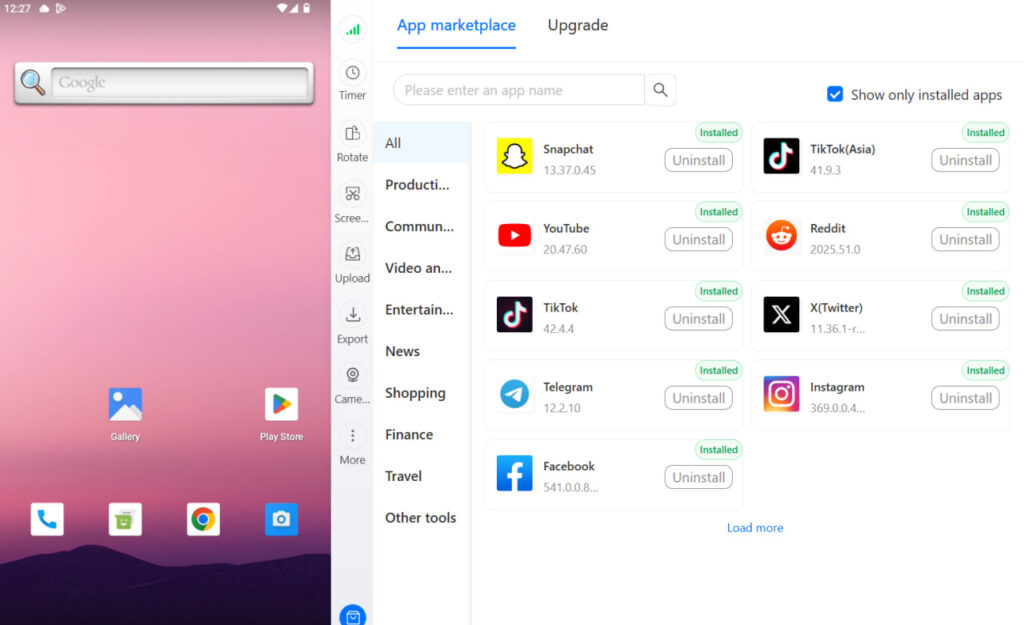
Managing client social media accounts and multi-account management tools allow each client’s Facebook account to operate from its own isolated environment. Multilogin’s cloud phone for Facebook is the right infrastructure for anyone managing multiple Facebook accounts professionally, with each account assigned its own device identity and proxy. Managing multiple Facebook accounts with Multilogin covers the setup in detail.
For teams, social media management tools that support multiple account access with permission controls make the day-to-day workflow manageable without creating security or linking risks.
Need to manage multiple Facebook accounts? Try Multilogin Cloud Phones.
Frequently asked questions About How to Grow a Facebook Group
It varies significantly based on niche, promotion activity, and how engaged the early members are. With consistent content, active cross-platform promotion, and selective member invitations, most focused groups reach 1,000 members within 3–6 months. Groups in highly engaged niches (entrepreneurship, niche hobbies, local communities) can reach it faster. Groups with passive early membership and inconsistent posting often plateau below that.
Private groups generally outperform public ones for engagement. Members in a private group feel more comfortable sharing genuine opinions and experiences — there’s an implicit “safe space” effect that public groups don’t have. Private groups also tend to attract more intentional members: someone who requests access has already decided they want to be there. For discoverability, public groups rank better in Facebook search, but the engagement trade-off usually favors private.
Questions and polls consistently outperform other content types in groups. Content that invites personal experience or opinion — “what worked for you,” “have you dealt with this” — generates comment threads that increase algorithmic visibility. Straightforward informational posts tend to get reactions but not discussion, which doesn’t help distribution as much.
Organic growth primarily comes from: cross-platform promotion (email, YouTube, Instagram, LinkedIn depending on your audience), targeted personal invitations to people who match the group’s purpose, collaboration with admins of adjacent groups, and content quality that makes existing members want to recommend the group to their own networks.
After creating the page, go to Settings > General > Username (or find it in the Edit page info section). Choose a @username that matches your brand name. No minimum followers required.
851 x 315 pixels on desktop. Upload at least 640 x 360 for mobile. Keep important elements toward the center — the edges get cropped differently on different devices.
Click “Add a button” below your cover photo. Choose from options like Book now, Contact us, Send message, Shop now, or Sign up. Link it to your website, booking tool, or contact form.

