

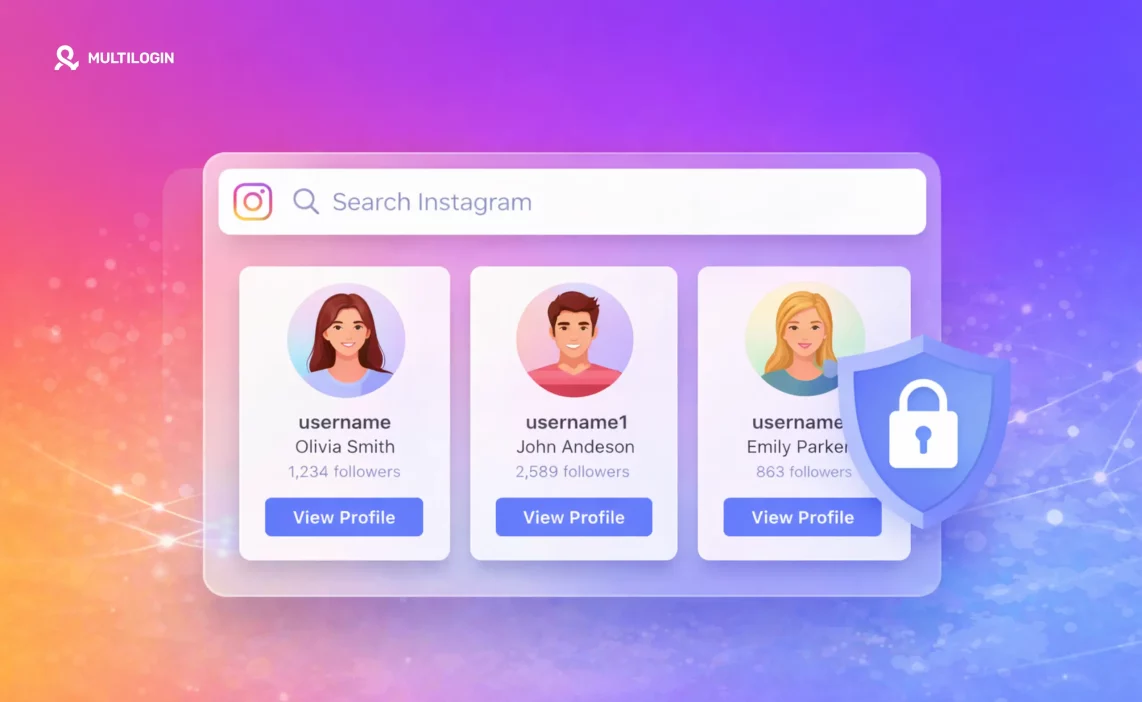

Everyone gets curious. You wonder who is looking at your Instagram profile. This leads many people to search for an “Instagram profile viewer.” But most of these tools are bait. They promise to reveal your secret admirers but often lead to scams or data theft. Here is what actually works for private browsing and what is just a myth.
Run Instagram research in a separate mobile profile (cloud-synced), so your main account stays clean. Start your plan with Multilogin.
Instagram Profile Views: Does Instagram Show Who Viewed Your Profile?
The direct answer is no. Instagram does not have a feature that shows you a list of users who have viewed your profile. While many apps and websites claim they can provide this information, they are not able to deliver on that promise. Instagram’s privacy policy and API limitations prevent third-party tools from accessing this specific data.
So, what information does Instagram actually provide? You can see who interacts with your content in specific ways:
- Story Views: You can see a list of everyone who has watched your Instagram Story.
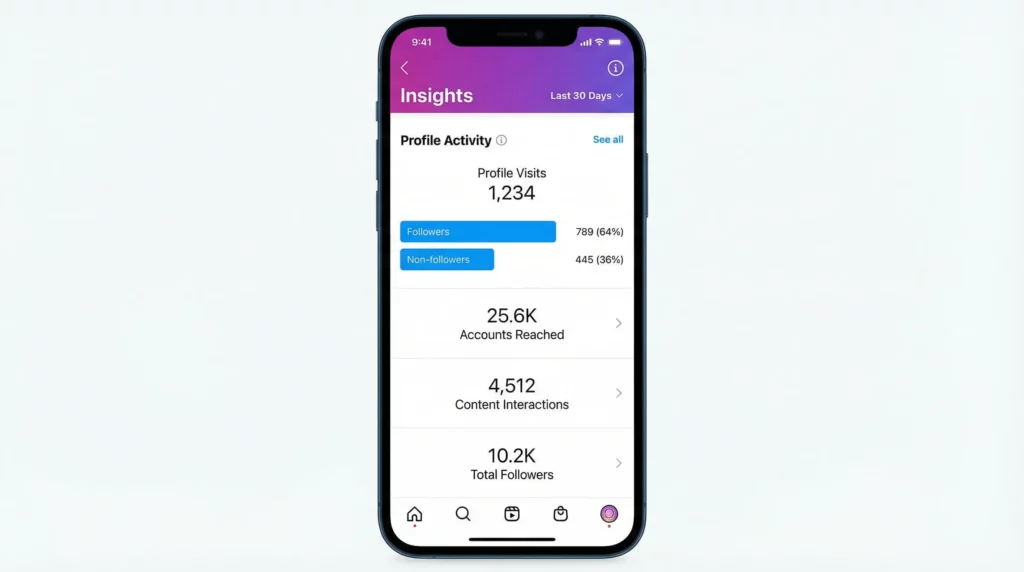
- Reels and Post Insights: For professional or business accounts, Instagram provides analytics. This includes the number of accounts reached and engagement metrics, but not the names of individual viewers.
Live Video Viewers: When you host a Live video, you can see who is currently watching.
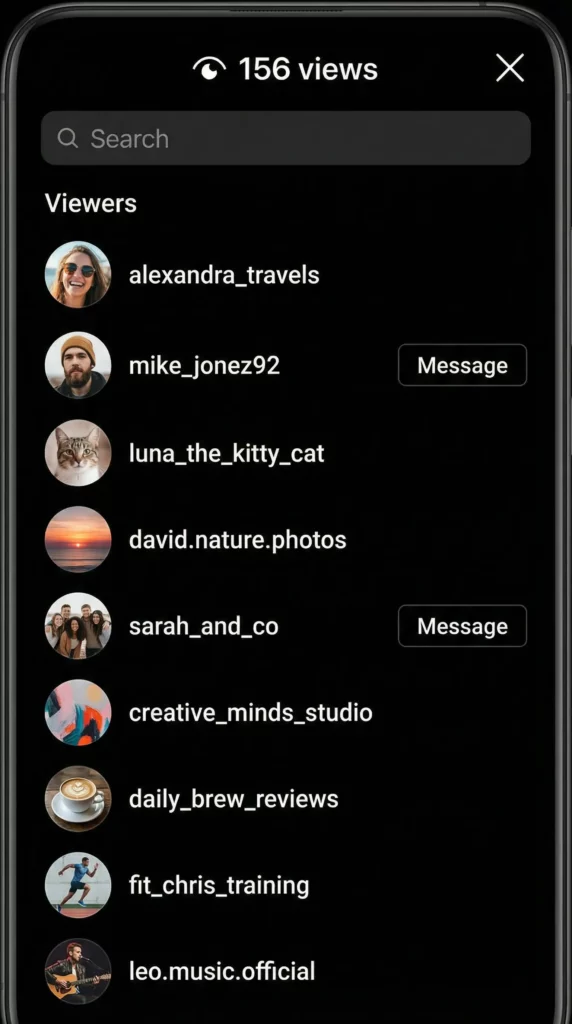
Why “Who Viewed My Profile” Apps Cannot Work
Third-party apps that claim to show you who viewed your profile are almost always misleading. They cannot access this data from Instagram’s servers. Instead, these apps often generate random lists of usernames, show you users who recently interacted with your posts, or worse, they are designed to steal your personal information through browser tracking.
Quick Checklist: How to Spot a Fake “Profile Viewer” Tool
- It asks for your Instagram password: Never give your login details to a third-party app that is not officially recognized by Instagram.
- It requires a download: Be cautious of downloading software, as it could contain malware.
- It promises the impossible: If it sounds too good to be true, it probably is. Instagram protects its user data carefully.
- It has poor reviews or no online presence: A quick search will often reveal if a tool is a known scam.
Can People See if You View Their Profile on Instagram?
No, people cannot see if you simply view their Instagram profile. You can browse through someone’s feed, look at their photos, and read their bio without them being notified. Instagram keeps this activity private.
However, your actions are not completely invisible. Certain interactions will create a notification or signal for the other user:
- Liking a post: The user will receive a notification that you liked their post.
- Commenting on a post: The user will be notified of your comment.
- Following an account: The user will get a notification that you have followed them.
- Viewing an Instagram Story: Your username will appear on the list of viewers for that story.
- Accidental taps: If you accidentally like a post while browsing, the user will be notified, even if you quickly unlike it.
Anonymous Instagram Profile Viewer: What People Mean by “Anonymous”
When people search for an “anonymous Instagram profile viewer,” they usually want two things:
- To reduce tracking: They want to browse Instagram without leaving digital footprints that can be traced back to them.
- To avoid leaving engagement signals: They want to look at profiles without accidentally liking a post or appearing in a story’s viewer list.
This is especially important for users who need to conduct research, such as journalists, marketers, or recruiters. For them, maintaining privacy is essential through anonymous browsing techniques.
Public vs. Private Accounts
The visibility of a profile depends on its privacy settings. A public account can be viewed by anyone, with or without an Instagram account. A private account can only be viewed by approved followers. No third-party tool can legitimately bypass a private account’s settings.
How to View Instagram Profiles More Privately (Safe Methods)
There are safe and legitimate ways to view Instagram profiles with more privacy. These methods do not involve shady tools or breaking Instagram’s rules. They are ideal for various professional use cases:
- Competitor Research: Marketers can analyze competitors’ content strategies without revealing their company’s identity.
- Creator Sourcing and UGC Scouting: Talent scouts and brands can find user-generated content or potential collaborators without tipping them off prematurely.
- Trend Research: Researchers can study emerging trends and content patterns across different niches.
- Ad and Library Research: Businesses can review ad campaigns and content libraries to inform their own strategies.
Here are some practical privacy basics for these tasks:
- Use a separate research account: Create a dedicated Instagram account for research purposes that is not tied to your personal or main business profile.
- Be mindful of your digital footprint: Avoid interacting with posts or stories from your research account unless you intend to. Learn more about managing your digital footprint.
- Use a secure and private browsing environment: This is where a tool like Multilogin becomes invaluable with its antidetect browser technology.
Instagram Private Profile Viewer: Why “Private Viewer” Tools Are Usually Scams
Tools that claim to be an “Instagram private profile viewer” are almost always scams. Private profiles are private for a reason. Instagram’s security is designed to protect users’ privacy, and there are no secret backdoors for third-party apps to exploit.
Common Scam Patterns
- Login Harvesting: These tools trick you into entering your Instagram username and password, giving them full access to your account.
- “Verification” Loops: They send you through endless surveys, app downloads, or other tasks, claiming you need to “verify” yourself. They earn money from these actions, but you never get to see the private profile.
- Paid Redirects: Some sites will ask for payment to unlock the feature, but they will either take your money and run or redirect you to other scam websites.
What to Do Instead
If you need to see a private profile, there are only a few legitimate options:
- Send a follow request: This is the most straightforward and respectful way to ask for access.
- Use official features: If you have a mutual friend who follows the account, you could ask them for information.
- Rely on public signals: Sometimes, you can find information about a person or brand through other public channels or search engines.
How to View a Blocked Instagram Profile (What’s Possible vs. Not)
If someone has blocked you on Instagram, you will not be able to find their profile, view their posts, or interact with them from your account. There is no technical way to bypass this block. Any tool that claims to let you view a blocked profile is a scam.
The only way to see the profile of someone who has blocked you is to use a different Instagram account that has not been blocked. However, it is important to respect people’s privacy and their decision to block an account.
A Safer Workflow for Instagram Research (Where Multilogin Fits)
For professionals who need to conduct Instagram research safely and efficiently, using a dedicated tool to manage browsing environments is the best approach. This is where Multilogin comes in. Multilogin is not just another browser; it is a powerful antidetect browser that allows you to create multiple, distinct browser profiles, each with its own unique digital fingerprint.
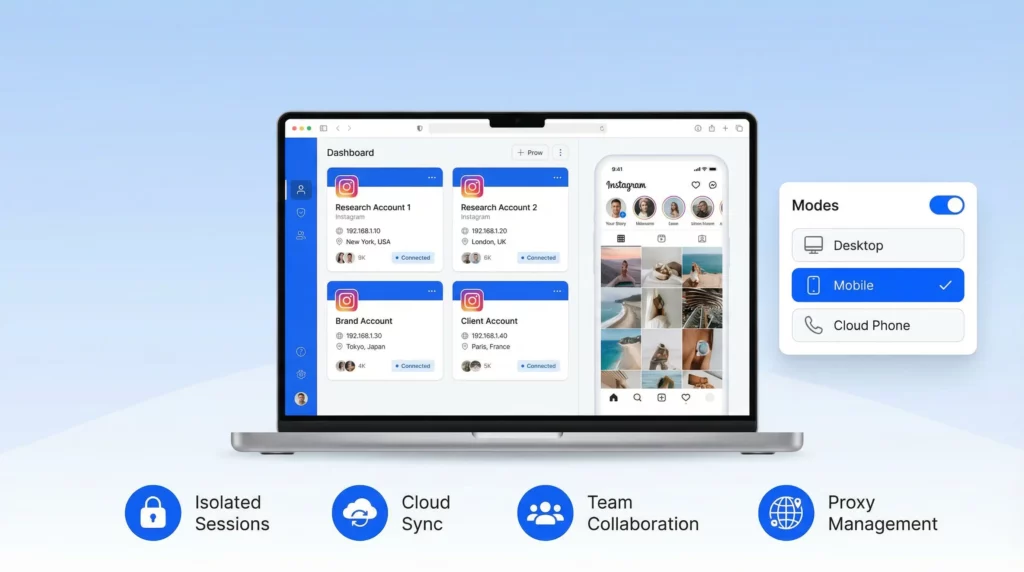
This means you can run all your Instagram research in separate, isolated sessions, so your main account stays clean and your research accounts remain unlinked. Here is how Multilogin provides a safer workflow:
- Mobile Profiles for Consistency: Since Instagram is a mobile-first platform, using mobile antidetect browser profiles ensures your browsing environment matches that of a typical user, reducing the risk of detection.
- Cloud-Synced Sessions: Your browsing sessions and cookies are stored in the cloud. This allows you to maintain consistency across different devices or even share sessions with your team members securely.
- Separate Identities for Separate Tasks: You can create a unique browser profile for each research task, client account, or brand you manage. This prevents session crossover and keeps your digital activities neatly organized through effective multi-account management.
Run Instagram research in a separate mobile profile (cloud-synced), so your main account stays clean. Start your Multilogin plan.
If You Manage Multiple Instagram Accounts, Don’t Mix Sessions
Managing multiple Instagram accounts for different clients or business purposes can be challenging. If you are not careful, you can easily get your accounts flagged or even banned. This often happens due to:
- Session Crossover: When you log in and out of multiple accounts from the same browser, you leave traces that Instagram can detect through browser fingerprinting.
- Inconsistent Device Signals: Switching between different devices and networks can raise red flags.
- IP Address Chaos: Using the same IP address for multiple accounts can lead to them being linked and penalized together.
To avoid these issues, it is crucial to use a tool that can create truly separate browsing environments. For more information on managing multiple accounts safely, check out our guides on how to create multiple Instagram accounts and how to avoid an Instagram shadowban.
Stop fighting blocks one by one — run clean isolated sessions
Frequently Asked Questions About Instagram Profile Viewer
No, Instagram does not allow users to see who has viewed their profile. You can only see the number of profile visits if you have a professional account, but not the specific users.
Yes, for professional accounts, Instagram provides a “profile views” metric in its Insights. This shows how many times your profile was visited in a certain period. However, it is just a number and does not reveal who the visitors were.
No. As long as you do not interact with their content (by liking, commenting, or viewing their story), the other user will not know that you have visited their profile.
It depends. Web-based viewers that do not ask for a login are generally safer for viewing public profiles. However, apps that require you to log in or download software are often scams and can pose a security risk. For truly safe and anonymous browsing, using a tool like Multilogin with secure browsing capabilities is the recommended approach.
No. Any tool that claims to be able to show you a private Instagram profile is a scam. There is no legitimate way to bypass Instagram’s privacy settings.
You cannot view a profile that has blocked you from your own account. The only way to see it would be from a different account that has not been blocked.
Conclusion
While the idea of an Instagram profile viewer is tempting, the reality is that most of these tools are fake and dangerous. The best way to protect your privacy and conduct research effectively is to use safe, legitimate methods.
For professionals who need to manage multiple accounts or conduct sensitive research, a tool like Multilogin is the ultimate solution.
With its ability to create separate mobile and cloud-synced profiles, Multilogin ensures that your research remains anonymous, your accounts stay unlinked, and your data remains secure through advanced fingerprint masking technology. Stop relying on risky third-party apps and start using a professional tool designed for secure and efficient multi-account management.
Ready to take your Instagram research to the next level? Try Multilogin’s mobile profiles for clean, cloud-synced research sessions. Need team workflows? Use cloud-stored profiles so everyone works inside the same isolated session.

