


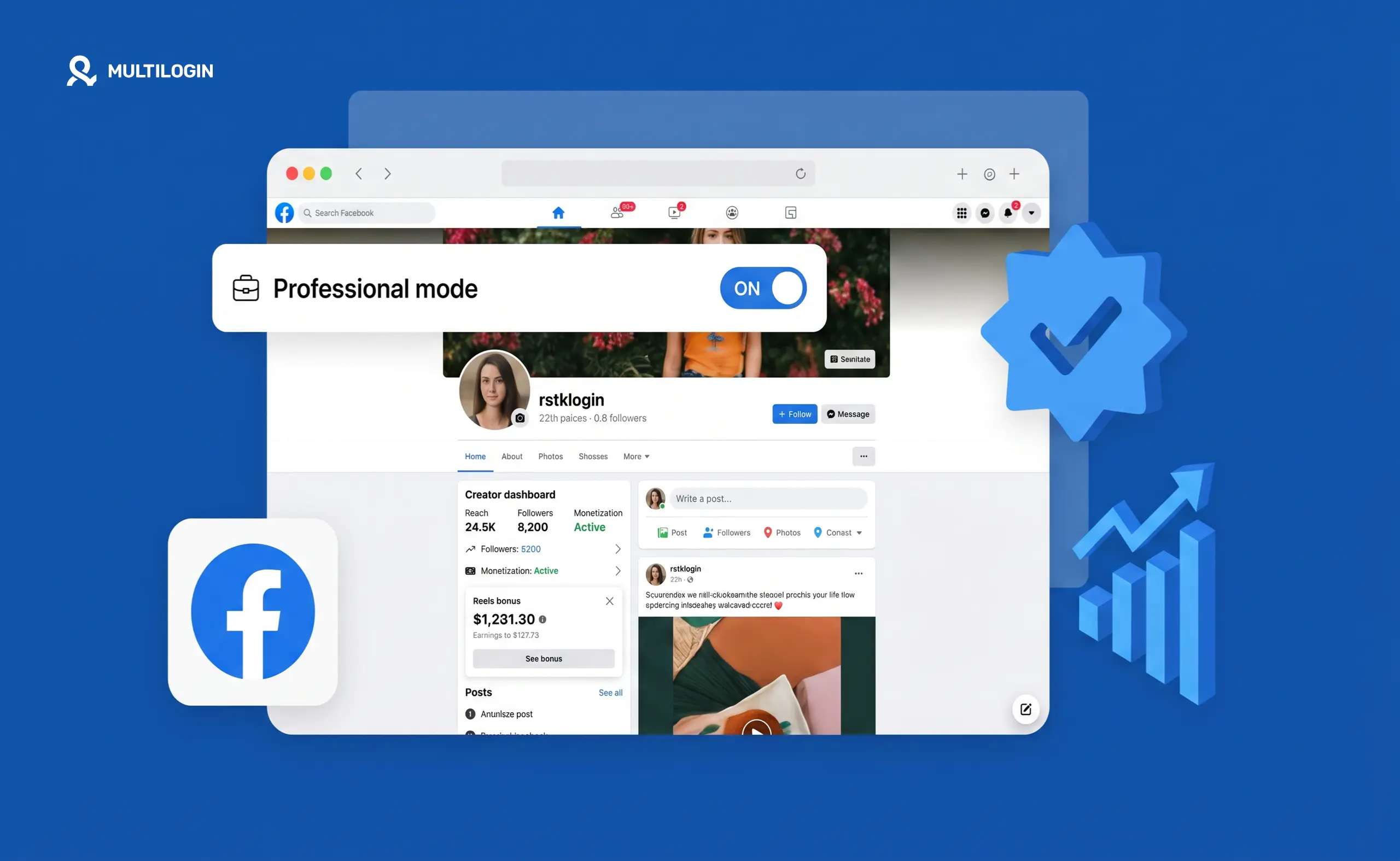



Facebook professional mode turns your personal profile into a creator-style account — without converting it into a Facebook Page. It lets you grow a public following, access monetisation tools, and see performance analytics, all while keeping your personal profile intact.
Whether it’s worth enabling depends on what you’re trying to do. Here’s the full picture.
What does professional mode do on Facebook?
Professional mode adds a creator layer on top of your personal Facebook profile. The core changes:
- Public followers. Anyone can follow you without you having to accept a friend request. Your follower count appears on your profile. Your public posts reach followers in the same way a Page’s posts would reach its audience.
- Creator Studio and analytics. You get access to Facebook’s professional dashboard showing reach, engagement, follower growth, and which content is performing.
- Monetisation tools. Professional mode is required to access Facebook’s creator monetisation programmes — Stars (tipping during Lives), in-stream ads on videos, and fan subscriptions. Without professional mode, these aren’t available on a personal profile. For a deeper look at how Facebook pays creators, the guide to Facebook content monetization covers every income stream including in-stream ads and Stars in detail.
- Reels tools. Creators in professional mode get access to the same Reels creation and analytics tools as Pages.
What doesn’t change: your friends list stays the same. Private posts remain private. Your existing Facebook friends still see what they saw before. Professional mode only affects your public-facing content and the tools you can access.
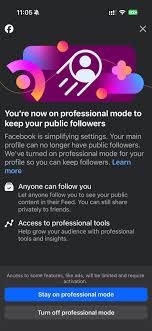
Who should use Facebook professional mode?
Professional mode makes sense if you want to build a public audience on Facebook using your personal profile rather than a separate Page.
It’s useful for:
- Content creators who post public videos, Reels, or written content and want analytics and monetisation
- Freelancers or consultants who want their personal profile to double as a professional presence
- People who want to grow a following without managing a separate Page
- Anyone who wants to earn from Facebook Stars or in-stream ads without creating a business Page
It’s probably not worth enabling if:
- You use Facebook mainly for personal connections and private posts
- You don’t plan to post public content regularly
- You’re running a business and need proper Page features (ads manager, Business Manager integration, business inbox)
How to turn on professional mode on Facebook
Turning on professional mode takes about 30 seconds.
- Go to your Facebook profile
- Tap the three-dot menu (⋯) below your profile photo and cover photo
- Select Turn on professional mode
- Follow the prompts — you’ll be asked to choose a category (Creator, Public Figure, etc.)
- Tap Turn on
That’s it. Your profile now shows a follower count and you can access the professional dashboard from your profile.
On desktop: go to your profile, look for Professional dashboard in the left sidebar (it appears once professional mode is active), or find the option in your profile settings.
How to turn off professional mode on Facebook
Turning off professional mode is just as simple.
- Go to your profile
- Tap Professional dashboard (or the three-dot menu → Professional mode settings)
- Scroll down to find Turn off professional mode
- Confirm
When you turn off professional mode, your follower count disappears (but followers aren’t lost — they’ll come back if you re-enable it). Your monetisation access is suspended. Your profile returns to standard personal mode.
If you set up in-stream ads or Star monetisation, these pause when professional mode is off. Any pending payouts process normally.
Professional mode vs Facebook Page: which one?
This is the real question most people have when they discover professional mode.
Professional mode (personal profile):
- Keeps your personal profile as the hub
- Easier to grow — people are more likely to follow a real person than a Page
- Limited ad capabilities (you can’t run Facebook Ads from a personal profile)
- Good for individual creators and personal brands
- Simpler to manage
Facebook Page:
- Separate from your personal profile
- Required for running Facebook Ads properly
- Supports team access (multiple admins, different permission levels)
- Better if you’re building a brand, a business, or need Business Manager access
- Can be harder to grow from scratch because people engage less with Pages than people
For solo creators: professional mode is usually the better starting point. For businesses: a Page is the right structure. The guide to how to create a Facebook business page walks through the full setup if you decide a Page is the right call for your situation. For creators who want to run ads: you’ll need a Page eventually, but professional mode can work in parallel.
Does professional mode affect who sees your posts?
Professional mode itself doesn’t change your post reach — what changes is that you now have a public follower base who can see your public posts. If you were posting publicly before, professional mode mostly just adds the analytics layer and monetisation access.
One nuance: in professional mode, Facebook may start distributing your public posts beyond just your followers, similar to how it distributes Page content. This can mean higher organic reach for well-performing content, but also means your public posts are more visible to people who don’t know you personally.
If you have posts you want to keep semi-private, set them to Friends rather than Public. Professional mode doesn’t override your individual post privacy settings.
Facebook professional mode and managing multiple accounts
Facebook has strict one-account-per-person policies for personal profiles. Professional mode doesn’t change this — it enhances a single personal profile, not create additional ones.
For creators or agencies who manage multiple Facebook presences — multiple client pages, multiple ad accounts — the professional mode question is separate from the multi-account management question.
If you’re running multiple Facebook accounts or managing Facebook for multiple clients, the operational requirement is keeping each account and Page isolated at the device level. Facebook’s systems track device fingerprints and flag accounts that are accessed from shared environments. Running each client account from an isolated cloud phone for Facebook keeps device signals separate and prevents one account’s activity from affecting others.
For the Facebook ads side specifically, cloud phones for Facebook Ads management give each ad account its own clean device identity — particularly important because Meta’s ad system is aggressive about flagging accounts that share environments. Agencies that manage social at scale tend to use the social media management setup from a single dashboard rather than juggling individual phones per client.
Try Multilogin now for managing Facebook profiles and Pages across multiple clients without device-level linking.
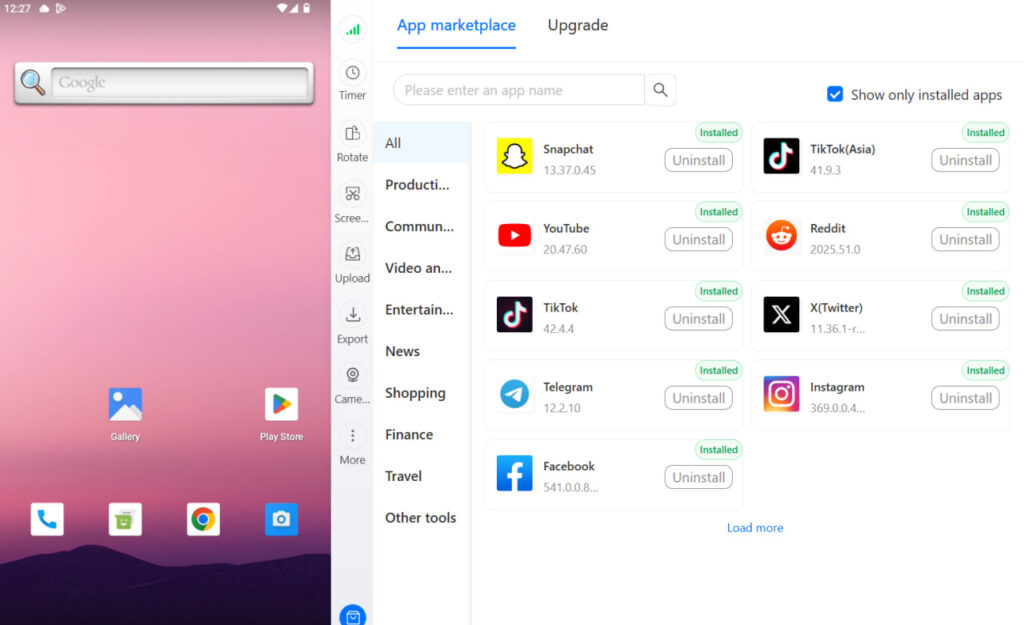


Manage multiple accounts with Android cloud phones
Build account trust, reach new locations, and grow faster from one dashboard
Frequently asked questions About What Is Facebook Professional Mode
Professional mode is a feature that adds creator tools to your personal Facebook profile — public followers, analytics, and access to monetisation programmes like Stars and in-stream ads — without converting your profile into a Facebook Page.
No. Professional mode enhances your personal profile. A Facebook Page is a completely separate entity. Pages are better for businesses and running ads; professional mode is better for individual creators who want to build a public following from their personal profile.
Go to your profile → Professional dashboard → scroll to find Turn off professional mode → confirm. Your profile returns to standard personal mode.
Yes. One personal account can create and manage multiple pages. If you’re running pages for multiple clients, separate management accounts (each with their own browser profile and proxy) are the cleaner approach for avoiding account linking.
No, professional mode is free. Some monetisation features (like Stars) involve Facebook taking a percentage of earnings, but enabling professional mode itself costs nothing.
Not effectively. Running Facebook Ads requires a Page and a Business Manager account. Professional mode doesn’t give you ad account access on its own.
Only for public posts. Private posts and friends-only posts are unaffected. Public posts become more visible because you now have a follower base and Facebook may distribute well-performing public content more widely.
Conclusion
Facebook professional mode is a low-friction way for individual creators to access monetisation and analytics tools without the complexity of managing a separate Page. If you post public content regularly and want to grow a following on Facebook, it’s worth enabling — it costs nothing and adds meaningful capability.
The decision to use a Page instead comes down to whether you need ad infrastructure or team access. Most individual creators don’t, which is why professional mode is the right starting point for the majority of people asking this question.
Where things get operationally interesting is at scale: agencies managing multiple Facebook accounts for clients can’t run all of those profiles from the same device without creating linkage risk. That’s a separate problem from what professional mode solves — and one that cloud phones for social media address at the device identity level, keeping every account cleanly separated regardless of how many you’re running.
Try Multilogin now and keep every Facebook account in its own isolated environment.


