


The best Android cloud phone for TikTok is one that matches your device requirements, proxy setup, automation needs, team structure, and usage level. Multilogin is our best overall choice for teams combining TikTok mobile workflows with built-in residential proxies, team controls, automation access, and isolated browser profiles for related web work.
Other tools serve narrower needs. GeeLark focuses on ready-made social automation. VMOS Cloud has a lower advertised entry price. BitCloudPhone provides emulator-based environments. MobileRun targets developers and AI-agent builders.
This comparison explains those differences without claiming that any cloud phone can prevent TikTok restrictions.
Key takeaways
- Multilogin is our best overall choice for combined mobile, web, proxy, team, and automation workflows.
- Cloud-phone providers may use real Android hardware, virtual ARM infrastructure, or Android emulators.
- A low advertised price may not include devices, active minutes, proxies, rentals, team seats, or parallel sessions.
- Persistent app data and clear profile ownership matter more than a long list of loosely related features.
- A cloud phone can help keep TikTok profile environments separate, but it cannot guarantee protection from platform restrictions.
- Teams should test app compatibility, connection quality, proxy configuration, permissions, and recovery before expanding.
How we compared the best Android cloud phones for TikTok
We compared each option using the same TikTok workflow criteria rather than accepting provider marketing claims as proof.
The evaluation covers:
- Device and infrastructure type
- Native TikTok app support
- Persistent app data and sessions
- Proxy configuration or included traffic
- Automation and API options
- Team access and profile organization
- Pricing structure
- Setup requirements
- Main strengths and limitations
- Best-fit user
Category awards such as “best overall” are editorial assessments based on these criteria. Claims about preventing bans or being impossible to detect were not used as ranking factors.
Quick comparison of the best cloud phones for multiple TikTok accounts
Prices were checked on September 9, 2026.
| Cloud phone | Proxy setup | Team access | Starting price or model |
| Multilogin | Built-in residential proxies | Roles and permissions | Free plan, paid from $7.08/month |
| GeeLark | Configurable proxies | Team-based access | Cloud phones from $0.007/minute |
| VMOS Cloud | Verify by plan | Shared operation | From $4.99 for 30 days |
| DuoPlus | HTTP, HTTPS, and SOCKS5 | Multi-user workflows | Separate device and runtime options |
| BitCloudPhone | Configurable proxies | Centralized management | Usage-based options |
| MoreLogin Cloud Phone | Configurable proxies | Centralized management | $0.006/minute or monthly rental |
| Redfinger | Depends on setup | Centralized access | Tiered subscriptions |
| iRemotech | Depends on setup | Team-oriented access | Configuration dependent |
| MobileRun | Networking options | Developer-oriented controls | From $0.03/minute or $5/month rentals |
| FoxPhone | Verify with provider | Centralized multi-device access | Verify with provider |
These starting prices are not directly equivalent. Providers package subscriptions, devices, minutes, proxies, rentals, and parallel sessions differently.
Why use a cloud phone for managing multiple TikTok accounts?
A cloud phone can make multiple TikTok workflows easier to organize by giving each social media account a separately managed mobile environment.
Managing profiles across physical phones creates practical work. Devices need charging, storage, updates, physical access, and clear ownership. Distributed teams may also need to exchange devices or credentials whenever responsibility changes.
A cloud phone moves the Android environment to remotely accessible infrastructure. A creator, account manager, or reviewer can open the assigned device from a computer and continue working with its saved app data when persistence is supported.
Depending on the provider, the practical benefits can include:
- Access to the native TikTok Android app
- Separate app data for different social media accounts
- Persistent sessions
- Remote team access
- Clearer device assignments
- Configurable proxy settings
- Automation support
- Less physical hardware to maintain
These are operational benefits. They do not replace TikTok-compliant content, ownership, engagement, or automation practices.
Real Android hardware vs. virtual ARM vs. Android emulators
Real Android hardware, virtual ARM infrastructure, and Android emulators provide different kinds of remote mobile access.
What is a virtual ARM cloud phone?
A virtual ARM cloud phone runs Android on ARM-based cloud infrastructure without necessarily assigning a physical handset to each user.
These environments can support native Android applications, quick provisioning, and usage-based pricing. However, “ARM-based” does not automatically mean “physical handset.” Buyers should ask each provider how its environment is hosted and whether app data persists between sessions.
What is an Android emulator?
An Android emulator reproduces an Android environment through software.
Emulators can be useful for testing, occasional workflows, and running multiple applications from a computer. They should not be described as physical Android phones. BitCloudPhone, for example, identifies its product as an Android emulator.
Top 10 cloud phones for multiple TikTok accounts
1. Multilogin: Best overall for combined mobile and web workflows
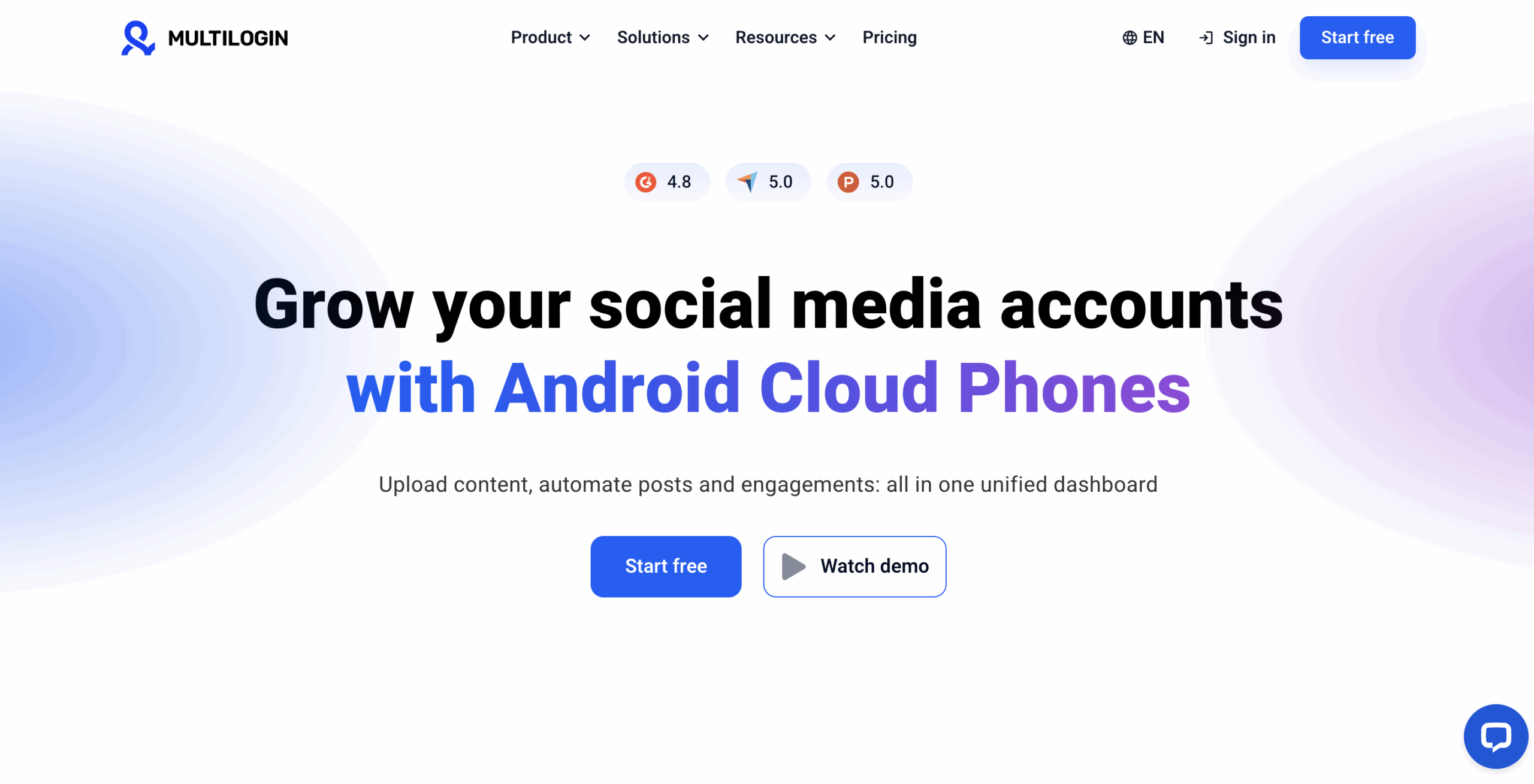
Multilogin is our best overall choice for teams that need Android cloud phones, built-in residential proxies, team controls, automation access, and isolated browser profiles in one platform.
Each mobile TikTok account can use a dedicated Android cloud phone. App data and login history persist, allowing the user to return to the same working environment.
Multilogin also provides isolated browser profiles for web workflows. These browser profiles have their own cookies, sessions, and IP addresses. They are separate from the Android environments used for mobile TikTok work.
Key features
- Android cloud phones
- More than 30 device types across 12 brands
- Persistent app data and login history
- Built-in residential proxies
- Isolated browser profiles
- Team access and permissions
- Unlimited team seats on Business plans
- ADB and API access
- Selenium, Puppeteer, Playwright, and Postman support
- Custom columns, color tags, and notes
- Live running-profiles dashboard
- Local or encrypted cloud storage
- Two-factor authentication
Proxy integration: Residential proxies are included in every plan. Users can also add third-party proxies.
Pricing: Multilogin offers a Free plan with no fixed time limit, including 200 MB premium proxy traffic, 30 mobile minutes, a combination of cloud phone and browser profiles and paid plans from $7.08 per month.
Additional proxy traffic starts at $3.50 per GB. Additional mobile minutes start at $0.0073 per minute. Unused additional traffic and minutes roll over.
The Free plan includes five profiles in total, 200 MB of one-time proxy traffic, and 30 one-time mobile minutes. Free-plan profiles are deleted after seven days of inactivity.
Pros
- Combines Android cloud phones and browser profiles
- Includes residential proxies
- Supports human-operated, scripted, and AI-assisted workflows
- Provides team permissions and organizational tools
- Brings mobile, web, proxy, and automation workflows into one platform
Cons
- A stable internet connection is important for the best experience
- First-time users may face a short learning curve
- Free-plan profiles are deleted after seven days of inactivity
Best for: Multilogin is best for social media marketers, creators, agencies, affiliate and media buyers, e-commerce teams, and AI workflow builders managing mobile and web profiles.
2. GeeLark: Best for ready-made TikTok automation
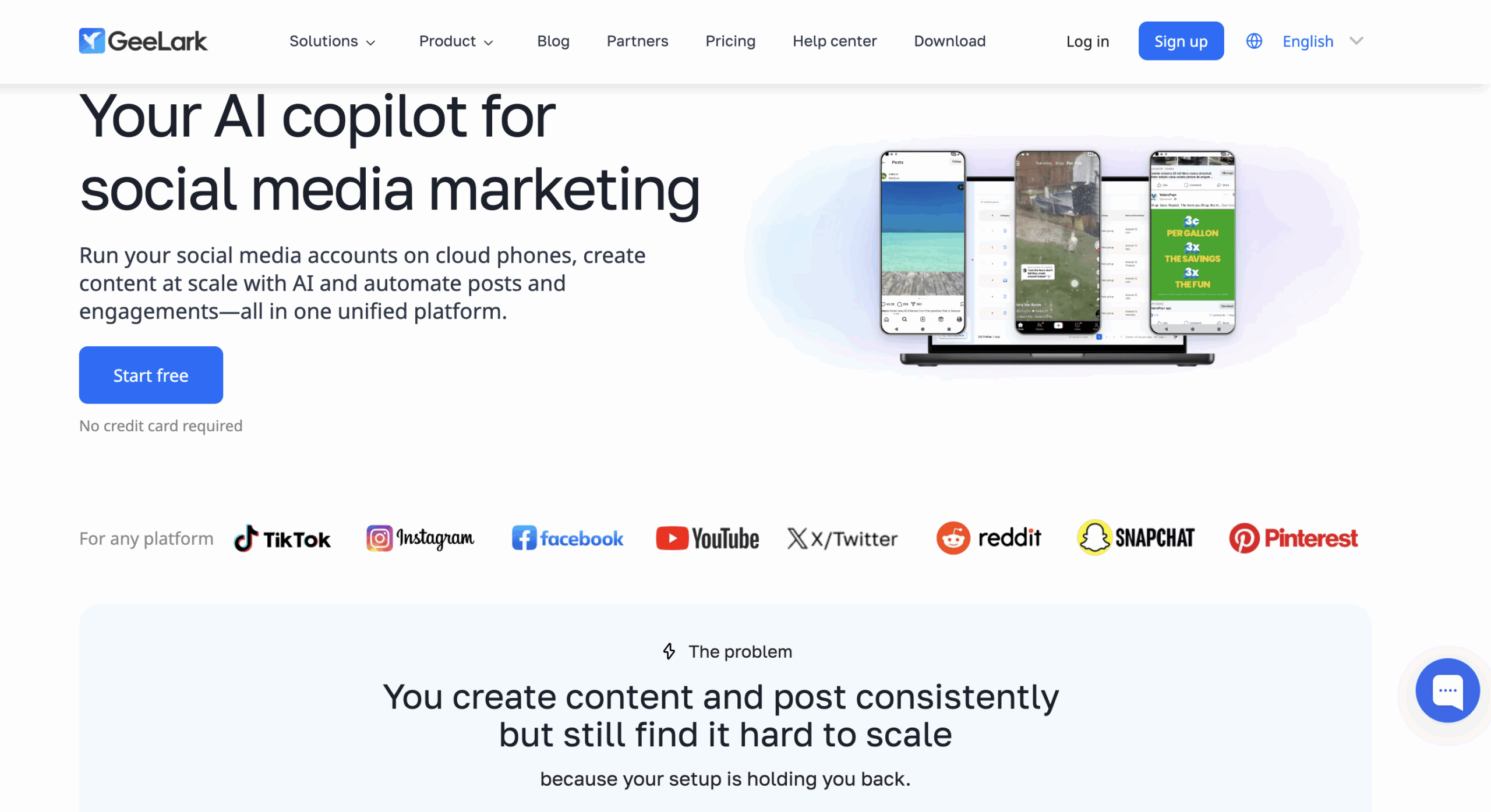
GeeLark is a strong option for teams that want Android cloud phones with ready-made social media automation.
GeeLark gives TikTok accounts separate Android environments and provides RPA tools for repetitive mobile processes. Team-based access supports work distribution without exchanging physical phones.
Key features
- Android cloud-phone environments
- TikTok and Instagram app workflows
- Ready-made automation
- RPA tools
- Profile templates
- Team-based access
- Proxy configuration
- AI-assisted content tools
Proxy integration: GeeLark supports proxy configuration. Buyers should include any external proxy expense in their cost comparison.
Pricing: GeeLark lists standard cloud-phone use at $0.007 per minute. Monthly rentals and additional usage options are available.
Pros
- Provides automation for non-developers
- Focuses on social media operations
- Supports team access
- Offers usage-based and rental choices
Cons
- Pricing may involve several components
- Proxies can add to the total cost
- Buyers should verify whether the environment type meets their infrastructure requirements
Best for: GeeLark is best for small teams that prioritize ready-made TikTok automation over custom development.
3. VMOS Cloud: Best for a lower advertised entry price
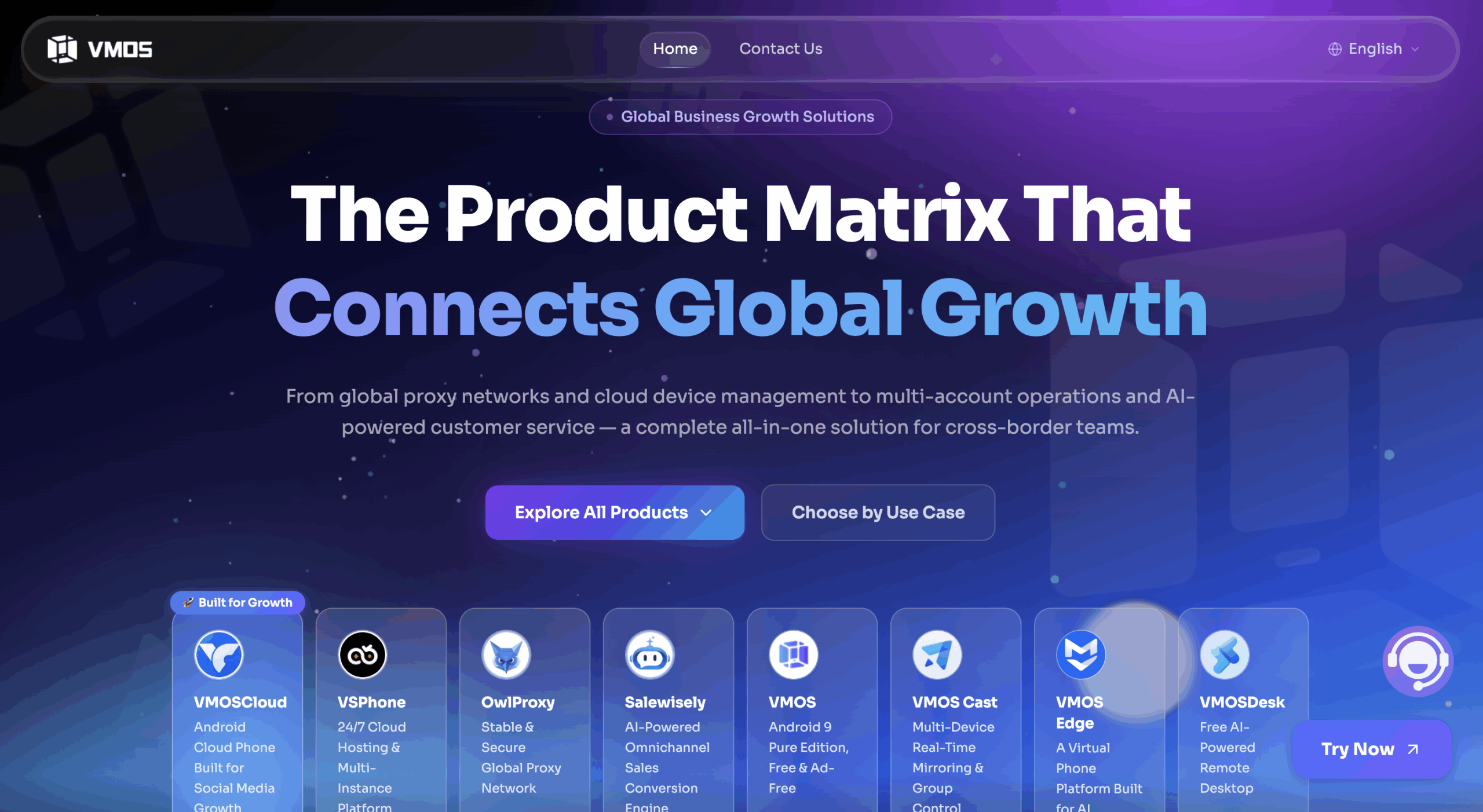
VMOS Cloud is a practical option for users comparing lower-cost Android cloud environments and TikTok-oriented automation.
VMOS Cloud supports remotely operated Android environments. Its TikTok use-case page documents scheduled operations and synchronized actions across cloud devices.
Key features
- Cloud-hosted Android environments
- TikTok app support
- TikTok-oriented automation
- Synchronized actions
- Shared operation
- Centralized cloud-phone control
- Access from several operating systems
Proxy integration: Buyers should confirm which network or proxy features are included in their selected plan and which require separate configuration.
Pricing: VMOS Cloud advertises plans starting at $4.99 for 30 days. Total cost depends on the selected device, duration, automation needs, and network setup.
Pros
- Lower advertised starting price
- TikTok-oriented automation
- Centralized device operation
- Several access options
Cons
- The starting price may not represent the complete operating cost
- Network and proxy arrangements need separate review
- Teams needing isolated browser profiles may require another tool
Best for: VMOS Cloud is best for budget-conscious users testing Android cloud-phone workflows.
4. DuoPlus: Best for flexible proxy configuration
DuoPlus is a useful option for teams that want Android cloud phones with several proxy protocols and flexible runtime choices.
Its proxy-management system supports one-to-one device and proxy binding. DuoPlus also documents timed TikTok operations, app installation, and batch management.
Key features
- Android cloud phones
- TikTok app workflows
- Timed operations
- Batch device management
- App installation and version management
- Independent environment and storage
- Temporary and monthly startup choices
Proxy integration: DuoPlus supports HTTP, HTTPS, and SOCKS5 proxies. A proxy can be assigned to an individual cloud phone.
Pricing: DuoPlus separates cloud-device pricing from temporary or monthly startup-time options. Buyers need to calculate both components and any proxy costs.
Pros
- Supports several proxy protocols
- Offers flexible runtime choices
- Documents TikTok-oriented timed operations
- Supports batch mobile workflows
Cons
- Pricing has multiple components
- Proxy expenses are separate from the core device and runtime calculation
- Teams may need another product for isolated web workflows
Best for: DuoPlus is best for teams that already have proxies and want control over device-to-proxy assignments.
5. BitCloudPhone: Best for emulator-based testing
BitCloudPhone is best considered an emulator-based option for testing and occasional mobile workflows.
BitCloudPhone describes its product as an Android emulator. It supports browser-based access, bulk creation, batch management, synchronized operations, and connections with browser profiles.
Key features
- Android emulator environments
- Browser-based control
- Bulk profile creation
- Batch import and export
- Synchronized operations
- Browser-profile integration
- TikTok app workflows
Proxy integration: Users can configure proxies for individual profiles. Supported network types and additional costs should be checked before purchase.
Pricing: BitCloudPhone uses usage-based pricing options. Check its current pricing page for the relevant device and runtime rates.
Pros
- Suitable for Android testing
- Offers bulk and synchronization tools
- Connects mobile and browser-profile management
- Can suit occasional use
Cons
- It is an emulator, not a physical Android phone
- It may not fit workflows that require real hardware
- Total cost depends on usage and proxy requirements
Best for: BitCloudPhone is best for testing, short sessions, and teams deliberately choosing an emulator-based environment.
6. MoreLogin Cloud Phone: Best for occasional usage
MoreLogin Cloud Phone suits users who prefer per-minute billing for occasional TikTok app work.
MoreLogin provides cloud-hosted Android environments and documents TikTok installation and registration. Users can pay for active time or choose a monthly cloud-phone option.
Key features
- Cloud-hosted Android environments
- TikTok app installation
- Centralized profile access
- Per-minute billing
- Monthly rental option
- Connection with MoreLogin’s broader profile-management product
Proxy integration: MoreLogin supports proxy configuration. Proxy costs need to be included separately when estimating the total expense.
Pricing: MoreLogin lists usage at $0.006 per active minute. Monthly cloud-phone options start at approximately $25.
Pros
- Per-minute pricing can suit light use
- Monthly options are available
- Supports TikTok app workflows
- Connects mobile and browser-profile tools
Cons
- Frequent use can change the economics of per-minute billing
- Proxy costs may be separate
- The right pricing option depends on active time
Best for: MoreLogin Cloud Phone is best for users who need short or occasional sessions.
7. Redfinger: Best for persistent Android and gaming workflows
Redfinger is a native Android cloud emulator with persistent runtime and a strong gaming focus.
Its Android environments can remain online after the local client closes. Redfinger is accessible through Windows, Android, web, and iOS clients.
Key features
- Native Android cloud environment
- 24/7 cloud runtime
- Multiple applications or accounts
- Access through several client platforms
- Tiered performance plans
- Documented TikTok use case
Proxy integration: Proxy availability depends on the selected setup. Buyers should confirm the supported options and costs directly.
Pricing: Redfinger uses tiered subscriptions, including VIP, KVIP, SVIP, and XVIP options. Check the current pricing associated with the required environment and performance level.
Pros
- Supports persistent cloud operation
- Provides several client options
- Supports multi-instance use
- Offers several performance tiers
Cons
- Its primary positioning is gaming
- Social media team controls are not the central product focus
- Plans require careful feature comparison
Best for: Redfinger is best for users who need persistent Android access across gaming, general application, and selected social media workflows.
8. iRemotech: Best cross-platform alternative for teams considering iOS
iRemotech is a relevant alternative for teams comparing Android cloud phones with remote iPhones.
It is included because some TikTok teams begin with an Android cloud-phone query but later find that their workflow requires iOS. It should not be treated as an Android-first entry.
Key features
- Remote iPhone infrastructure
- Social media use cases
- Remote-device access
- Operating-system-based device selection
- Team-oriented workflow positioning
Proxy integration: Network and proxy options depend on the selected setup. Confirm the available configuration before purchasing.
Pricing: Pricing depends on the device and infrastructure required. Consult the provider for the applicable plan.
Pros
- Relevant to iOS-dependent workflows
- Helps buyers compare operating systems before selecting infrastructure
- Provides an alternative to Android-only platforms
Cons
- It is not a direct Android cloud-phone equivalent
- Public prices may not cover every configuration
- Small creator teams may not require this type of infrastructure
Best for: iRemotech is best for teams that determine they need remote iPhones rather than an Android-only environment.
9. MobileRun: Best for developers and AI agents
MobileRun is designed for developers and AI-agent builders that need programmable mobile infrastructure.
MobileRun documents cloud-hosted Android and iOS options, persistent state, APIs, SDKs, and agent-oriented tools. Its focus is closer to development and programmable automation than no-code social media management.
Key features
- Android and iOS device infrastructure
- Persistent device state
- API and SDK access
- Agent-oriented development tools
- Network configuration
- Pay-as-you-go access
- Physical-device options for selected workflows
Proxy integration: MobileRun offers networking options for programmable workflows. Teams should confirm whether those options match their market and proxy requirements.
Pricing: MobileRun lists pay-as-you-go access from $0.03 per minute and rentals from $5 per month.
Pros
- Provides developer tooling
- Supports Android and iOS
- Fits AI-agent workflows
- Supports persistent state
Cons
- Requires more technical knowledge than creator-focused platforms
- Per-minute costs can add up during long sessions
- It is not primarily a no-code social media dashboard
Best for: MobileRun is best for developers, technical automation teams, and AI workflow builders.
10. FoxPhone: Best for testing TikTok-focused automation
FoxPhone is a TikTok-focused cloud Android option for teams evaluating centralized automation.
FoxPhone documents cloud-hosted Android environments, multi-device access, and automated TikTok workflows. Buyers should test the precise actions they need before expanding usage.
Key features
- Cloud-hosted Android environments
- TikTok app workflows
- Multi-device access
- TikTok-focused automation
- Centralized management
Proxy integration: Confirm the supported proxy protocols, available locations, and additional costs directly with FoxPhone.
Pricing: Confirm current cloud-device and automation pricing directly with the provider.
Pros
- Focuses on TikTok workflows
- Provides centralized multi-device operation
- Documents automated processes
- Reduces local hardware requirements
Cons
- Public pricing needs confirmation
- Product performance claims come primarily from the provider
- Teams should test compatibility and session behavior before expanding
Best for: FoxPhone is best for teams running a small test of TikTok-focused cloud-device automation.
How do you choose the best Android cloud phone for TikTok?
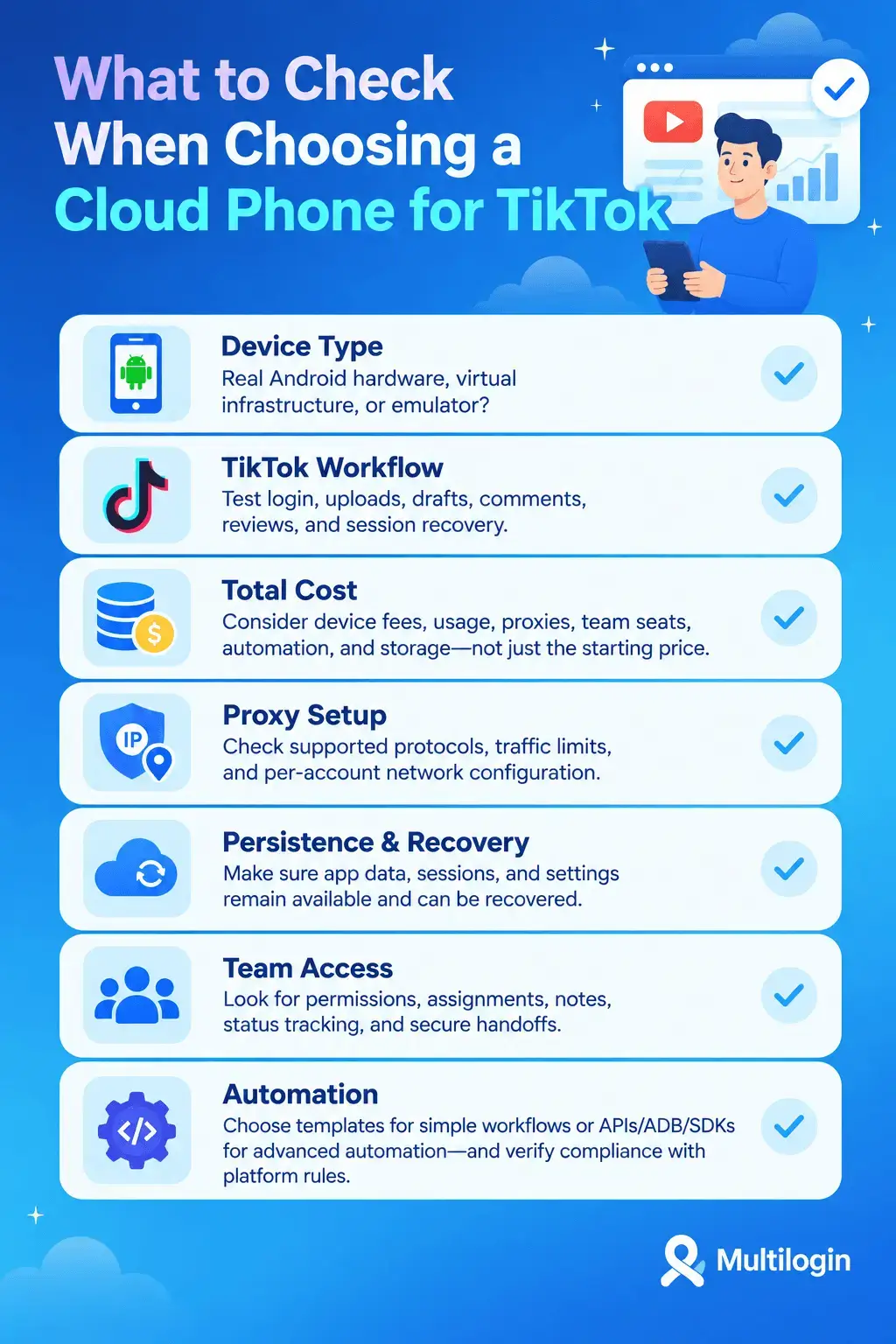
Choose an Android cloud phone by matching its infrastructure, pricing, proxy setup, automation, and team controls to the work your team performs each day.
Confirm the device type
Check whether the provider offers real Android hardware, virtual ARM infrastructure, or an Android emulator.
Do not treat “cloud phone” as a complete technical description. If real hardware is a requirement, ask the vendor to document how its devices are hosted.
Test the native TikTok workflow
Install TikTok and test every required action, including login, content upload, drafts, comments, reviews, and session recovery.
A provider may support the application while still lacking a specific feature or operating process your team needs.
Calculate the complete cost
Include every relevant expense:
- Base subscription
- Cloud-device fee
- Active mobile minutes
- Monthly rental
- Parallel sessions
- Proxy traffic
- Team seats
- Automation access
- Storage or backup
The lowest advertised starting price is not always the lowest cost for the completed workflow.
Review proxy configuration
Check the supported proxy protocols, whether proxy traffic is included, and whether each account can maintain its intended network configuration.
A proxy is one part of the setup. It does not replace clear account ownership, original content, real engagement, or compliance.
Check persistence and recovery
Confirm whether app data, login sessions, and device settings remain available between working periods.
Ask what happens when a session fails, a device stops, or responsibility passes to another team member.
Evaluate team access
Look for permissions, profile assignments, labels, notes, status visibility, and controlled handoffs.
One shared master password is not a practical access model for a growing team.
Match automation to the team
Ready-made templates suit teams that want accessible repetitive workflows. APIs, ADB, and SDKs are more relevant to developers and AI workflow builders.
Verify every automated action against TikTok’s current rules before using it.
Five best practices for cleaner TikTok profile operations
1. Assign one persistent environment to each account
Keep each TikTok profile mapped to a clearly identified cloud-phone environment so app data, responsibility, and working history remain organized.
Document any planned move between environments.
2. Maintain consistent network settings
Use an appropriate network configuration for each profile and record who manages its proxy.
Consistency also makes login or connection problems easier to investigate.
3. Follow TikTok’s rules
Use original content, real engagement, accurate ownership information, and platform-compliant processes.
A cloud phone is infrastructure. It does not authorize prohibited automation or misleading account practices.
4. Test workflows before expanding
Start with a small number of profiles and test app compatibility, uploads, connection quality, automation, team access, and recovery.
Expand after the operating process works for the people responsible for it.
5. Record ownership and handoffs
Document which client, brand, region, operator, device, and proxy belong together.
Clear records reduce accidental account switching and make incomplete work easier to investigate.
How can teams organize creator and client TikTok workflows?
Teams can organize TikTok workflows by assigning every account a named owner, dedicated environment, content purpose, and documented handoff process.
In Multilogin, mobile TikTok profiles can use dedicated Android cloud phones, while isolated browser profiles support related web work. Teams can use permissions, custom columns, color tags, notes, and the live running-profiles dashboard to track profile status and responsibility.
For example, an agency can assign one Android cloud phone to each client TikTok profile. It can label profiles by client and region, record content instructions in notes, and give account managers access to the environments needed for their work.
Creators can keep branded profiles organized without maintaining several local phones. Technical teams can connect ADB or API-based workflows, while the browser-profile layer supports related web processes.
If you are running paid campaigns rather than organic profile and content workflows, read our guide to using Cloud Phones for TikTok Ads: https://multilogin.com/blog/cloud-phone-for-tiktok-ads/
For creator teams managing multiple brand or client profiles, Multilogin can help keep daily account work organized without turning your analytics workflow into a login mess.
Multilogin is not a way around platform rules; the safest approach combines clean account separation with original content, real engagement, and platform-compliant activity.
Final verdict
Multilogin is our best overall option for teams that combine TikTok mobile workflows with built-in residential proxies, team collaboration, automation access, and isolated browser profiles for web work.
GeeLark is a strong alternative for ready-made social automation. VMOS Cloud has a lower advertised entry price. DuoPlus provides flexible proxy configuration. BitCloudPhone is a clearly labeled emulator option. MobileRun targets developers and AI agents. iRemotech belongs on the shortlist when the workflow requires remote iPhones rather than Android alone.
Test the native TikTok workflow before committing to a provider. Then calculate the complete cost across devices, active time, proxies, automation, seats, and parallel sessions. The right cloud phone is the one that fits the operating process without relying on unsupported promises about account outcomes.