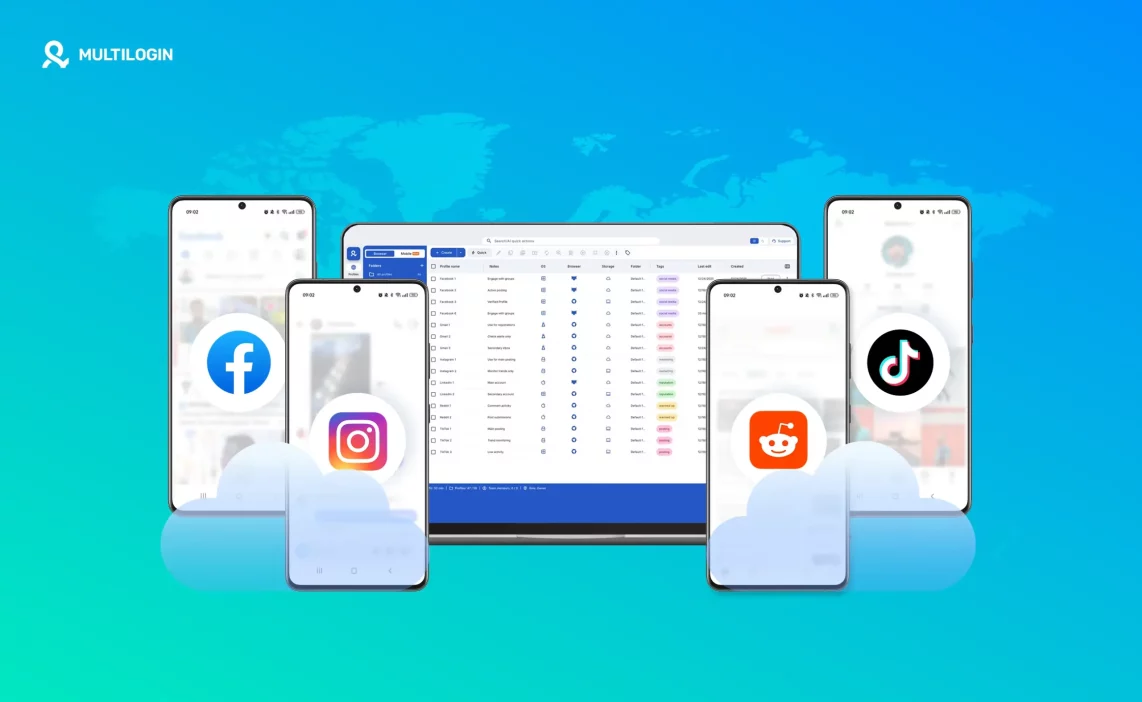

The term online Android phone keeps showing up whenever people try to manage more than one account on mobile apps. That is not a coincidence. It usually appears right after something breaks: an account gets restricted, sessions stop holding, or a setup that worked yesterday suddenly feels unstable.
For years, physical phones were the default. One phone, one account. Then the number of accounts grew. People started switching profiles, cloning apps, resetting devices, or buying more phones. That worked for a while. Then it didn’t.
The real problem is not the number of accounts. It’s device reuse. Mobile apps were never designed for multiple identities sharing the same environment over time. This article explains what an online Android phone actually is, how it differs from common alternatives, and why it changes how multi-account workflows work in practice.
What is an online Android phone?
An online Android phone is a real Android device that runs remotely instead of in your hand. You access it through your computer, but the phone itself lives in the cloud and behaves like a normal Android smartphone.
It is not a simulation and not a shortcut. It has its own operating system, storage, app data, and device identity. When you open it today, close it, and come back tomorrow, everything is still there.
Here’s how it differs from common alternatives:
- A physical Android phone: Physical phones are limited, hard to scale, and tied to one location. Managing many accounts means buying, charging, updating, and organizing hardware.
- An emulator: Emulators imitate Android behavior. They often reuse detectable patterns and reset frequently, which makes long-term use unstable.
- App cloning tools: Cloners create copies of apps but still run on the same operating system and hardware layer. The separation is visual, not structural.
The key idea is simple:
An online Android phone is a real Android device that runs remotely and stays persistent over time.
Why People Struggle With Multiple Accounts on One Phone
Before talking about tools, it’s important to understand why things fall apart in the first place. Most people don’t fail because they did something wrong. They fail because the setup was never meant to scale.
One Device Was Never Built for Multiple Identities
Mobile apps store long-term signals inside the device itself. This includes app data, cache, session history, and behavior patterns. Switching accounts inside an app does not reset that environment.
You may log out, but the device remembers. Over time, apps start treating those accounts as related, even if they look separate on the surface.
How Shared Devices Quietly Link Accounts
When multiple accounts live on the same phone, their data does not stay cleanly separated. Session information overlaps. App storage builds up. Small signals repeat.
Nothing breaks immediately. That’s why people think the setup is fine.
Then problems appear later. Access issues. Extra verification. Reduced reach. Strange limitations that are hard to trace back to the device.
Why issues get worse as account activity grows
The more active the accounts become, the more pressure the shared environment creates. Logging in more often, switching faster, posting regularly, or using teams all increase the risk.
At some point, one account’s issue starts affecting others. That’s when people realize the problem is structural, not behavioral.
Why emulators and app cloners don’t solve the problem
Emulators and app cloners are popular because they look like shortcuts. They remove friction at the start, but they introduce risk over time.
Emulators reuse recognizable device patterns. Many reset environments frequently, which sends “fresh device” signals again and again. That does not build trust. It erodes it.
App cloners keep everything on the same operating system and hardware layer. The apps may look separate, but the environment is shared underneath.
Both approaches often work short term. They fail long term because they don’t solve device reuse. They just hide it.
Why do people turn to an online Android phone
After enough resets, re-logins, and fixes, people stop looking for tricks. They start looking for separation.
An online Android phone offers that without forcing you to buy and manage physical hardware.
People turn to it because they need:
- Separation without owning dozens of phones
- Persistence without rebuilding environments every week
- Access from anywhere, not one location
- Stability that holds over time, not just today
At this point, “remote but stable” matters more than convenience.
What an online Android phone needs to work long term
Not every remote setup qualifies. For an online Android phone to actually work over time, a few conditions must be met.
A real solution must provide:
- A dedicated Android environment per account, not shared space
- Persistent app data and session history that survives restarts
- A stable device identity that does not change every login
- Consistent location and network signals
- No shared system data between accounts
- Centralized control as the number of accounts grows
If any of these are missing, problems simply show up later instead of sooner.
How Multilogin online Android phones enable multiple accounts safely
Online Android phones work only when they solve the real problem behind multi-account instability. Being remote is not enough. What protects accounts long term is strict isolation at the system level, combined with persistence and consistency across every session. This is exactly how Multilogin online Android phones are designed.
With Multilogin, each account runs inside its own cloud-hosted Android phone that behaves like a dedicated physical device. Environments are never reused, never shared, and never reset in ways that blur identity signals over time. That separation is what removes the quiet overlaps that cause restrictions, session drops, and unexplained account issues months after setup.
Manage each account on a dedicated Android phone with Multilogin — from €5.85/month.
One Android environment per account
In Multilogin, every account lives inside a standalone Android environment that functions as a single-purpose device rather than a shared workspace. There is no account switching inside the same system and no background overlap where data can mix without you noticing. App storage, system history, cached data, and session context belong to one account only, and they remain isolated for the entire lifetime of that cloud phone.
This design removes the most common cause of long-term instability: silent account linking. When environments are never reused, platforms have no technical reason to associate one account’s behavior with another, even as activity increases or sessions extend over long periods.
Persistent sessions instead of constant rebuilds
Multilogin online Android phones preserve sessions instead of recreating them. Apps reopen exactly where they were left, with the same state, the same stored data, and the same usage context. Accounts do not face forced logouts after restarts, and the device does not send repeated “new phone” signals that trigger additional checks.
This persistence is critical for trust. Constant rebuilding may feel safer at first, but it actually creates inconsistency. Platforms learn devices through repeated, stable behavior. When a phone behaves the same way every time it is used, trust compounds instead of resetting.
Stable device and location signals over time
Each Multilogin cloud phone maintains a consistent device identity across sessions, including system-level identifiers and behavioral patterns that platforms expect to remain stable. Location works the same way. The phone does not appear in one country today and another tomorrow, and network behavior does not shift unpredictably between logins.
From the platform’s perspective, activity looks continuous rather than fragmented. Over time, this continuity is what prevents sudden restrictions, unexplained reach drops, or repeated verification prompts. Multilogin does not hide signals or rotate them artificially. It keeps them aligned, realistic, and unchanged.
When isolation, session persistence, and stable device and location behavior work together, managing multiple accounts stops being fragile. The setup holds because nothing underneath it is being reused, rebuilt, or contradicted.
Common use cases for Multilogin online Android phones
Multilogin online Android phones are used wherever mobile apps and multiple accounts intersect:
- Social media account management
- E-commerce and marketplace operations
- App-based business tools
- Testing and quality assurance workflows
- Team-based account handling
The use case changes, but the underlying requirement stays the same: clean separation without operational chaos.
Learn more about cloud based phone system for small businesses!
Scaling accounts without adding complexity
Most setups break at scale because growth forces reuse. More accounts end up sharing the same devices, histories, or system signals.
With Multilogin, scaling becomes additive instead of destructive. Each new account is created as a new online Android phone. Existing environments remain untouched, with their sessions, data, and identity intact. Nothing needs to be reset, cleaned, or rebuilt as volume grows.
This is how growth stops increasing risk.
Managing multiple Multilogin online Android phones from one place
As the number of environments increases, visibility becomes more important than speed. Multilogin centralizes control so environments remain understandable and traceable.
From one dashboard, you get:
- A centralized view of all online Android phones
- Clear ownership per account or business function
- Notes and tags for context and organization
- The ability to launch or pause environments without juggling tools
Once volume increases, control and clarity matter more than fast switching.
Automation and Multilogin online Android phones
Automation only works when the foundation is stable. On reset-based setups, automation fails because sessions do not hold and environments change underneath scripts. On persistent Multilogin environments, automation becomes predictable.
Multilogin supports high-level automation layers only because device identity, sessions, and app state remain consistent between runs. Automation is applied on top of structure, not used as a workaround for instability.
Run accounts on dedicated Android phones with Multilogin
Final verdict about virtual phone vs cloud phone
The demand for online Android phones keeps growing because mobile platforms are not becoming simpler. They are becoming more sensitive to patterns, reuse, and instability.
People are moving away from workarounds and toward infrastructure.
Once environments are separated, managing multiple accounts stops feeling fragile. Problems don’t vanish overnight, but they stop multiplying. And that alone changes everything.
Get started with Multilogin — plans start at €5.85/month. Switch from virtual phones to cloud phones with Multilogin
Frequently asked questions
An online Android phone is a real Android device that runs in the cloud instead of in your hand. You access it from your computer, but the phone itself has its own operating system, storage, apps, and device identity. When you close it and return later, everything remains exactly as it was, including app data and login sessions.
For short tests, emulators may seem sufficient, but they struggle with long-term use. Emulators often reuse detectable device patterns and rely on frequent resets, which leads to instability as accounts age. Online Android phones maintain a consistent device identity and persistent sessions, which is why they hold up much better over time.
Technically, yes, but doing so removes the main benefit. Running multiple accounts inside the same Android environment reintroduces shared system data and overlapping signals. The safest and most reliable approach is one account per online Android phone, where each account remains fully isolated.
They work because they eliminate device reuse. Each account keeps the same environment, the same app state, and the same device behavior across sessions. This consistency prevents the gradual trust erosion that happens when accounts are created, reset, or accessed from changing environments.
Anyone who manages more than one mobile account and needs those accounts to remain stable over time. This includes social media managers, e-commerce operators, testers, and teams who want to stop rebuilding setups and start working with environments that don’t fall apart as usage grows.

