A guide to Multilogin's cloud phone
Mobile platforms have changed how digital products, ads, and accounts are evaluated. Today, many workflows only work properly inside real mobile environments — especially native Android apps, mobile-only features, and region-specific experiences.
At the same time, platforms analyze much more than surface-level interactions. Device fingerprints, hardware identifiers, IP consistency, geolocation signals, and long-term session behavior all play a role in how mobile activity is classified.
When mobile workflows rely on shared devices, emulators, or unstable setups, results become inconsistent. Sessions break, identities overlap, and behavior no longer reflects how real users interact with apps. This makes operations harder to scale and outcomes difficult to trust.
By running real Android cloud phone profiles with independent device identities, Multilogin allows teams to operate mobile workflows in environments that behave like real mobile phones — while remaining fully controllable from the desktop.
Why mobile workflows need cloud phone environments
Traditional mobile setups usually fall into two categories: physical phone farms or Android emulators.
Physical mobile phones are expensive, difficult to maintain, and limited by geography and hardware availability. Managing dozens of devices introduces operational overhead that grows quickly as teams scale. On the other side, android emulators reduce hardware costs, but they often reuse system signals or fail to reproduce real mobile phone behavior. Apps can detect these inconsistencies over time, leading to unstable sessions, limited functionality, or restricted actions.
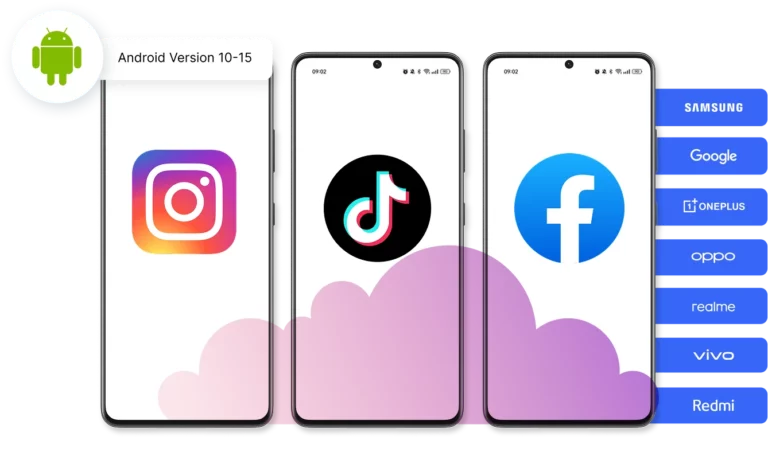
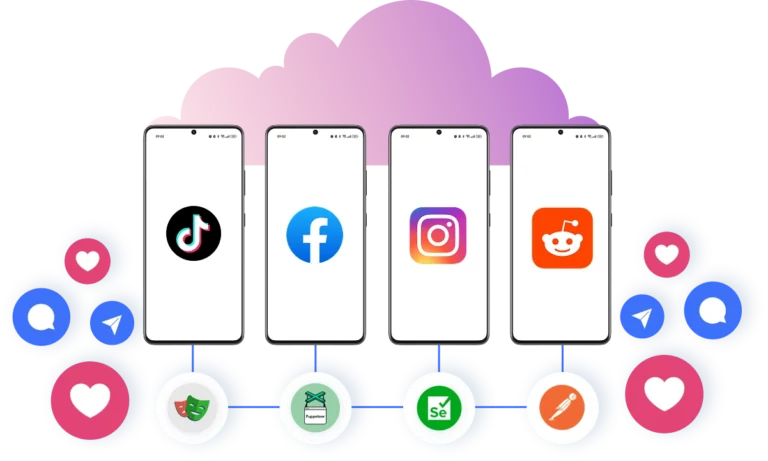
Using a cloud phone solves this by acting as independent mobile phone hosted entirely in the cloud. Each phone in the cloud runs its own Android OS, maintains persistent app data, and operates with a consistent device and network identity.
This separation ensures that mobile workflows behave like real user activity — not like reused or synthetic environments.
Why choose Multilogin's cloud phone
Multilogin’s cloud phone give you a complete 2-in-1 environment: cloud-based mobile devices combined with the industry’s most advanced antidetect browser. Instead of juggling separate tools, you can run secure, scalable mobile and web workflows from a single platform.
Bypass platform restrictions with built-in high-quality proxies, manage multiple accounts without fear of bans, and keep every session fully isolated. Multilogin’s advanced fingerprinting technology lets you customize 55+ profile settings, creating unique, realistic identities for each account. Fingerprints are automatically matched across device, OS, browser, and network signals to bypass detection systems with confidence.
Key benefits of Multilogin's cloud phone
The core benefit of Multilogin’s cloud phone is identity consistency.
Each cloud phone Android environment includes its own operating system, hardware identifiers, storage, and proxy connection. Using our antidetect browser, nothing is shared between phones unless intentionally configured. This prevents session overlap and removes many of the issues caused by reused mobile phone environments.
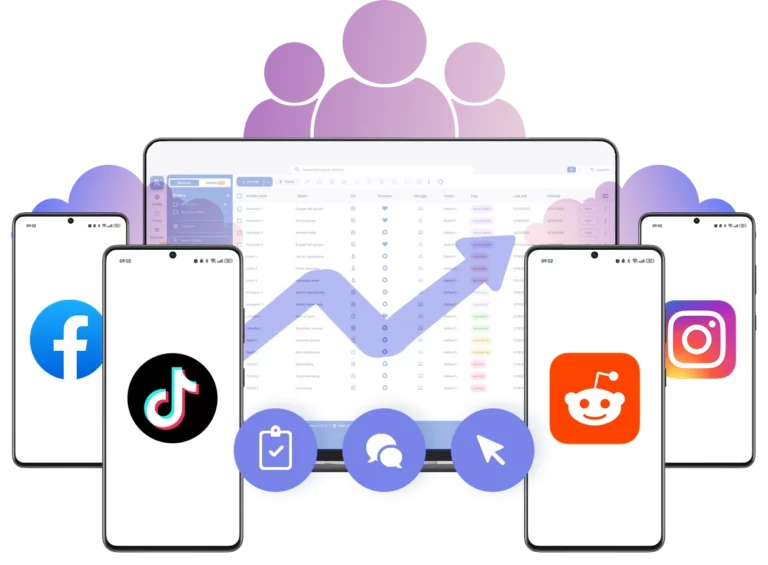
Scalability is another key advantage. Because cloud phones run remotely, teams are no longer limited by physical devices or local machine resources. You can manage multiple accounts on mobile phones in parallel without affecting performance or stability.
Multilogin also makes mobile workflows easier to control across regions. A cloud phone can be connected to HTTP(S), SOCKS5, or mobile proxies, allowing teams to align IP address with device settings and session behavior. This creates coherent mobile identities that remain stable over time.
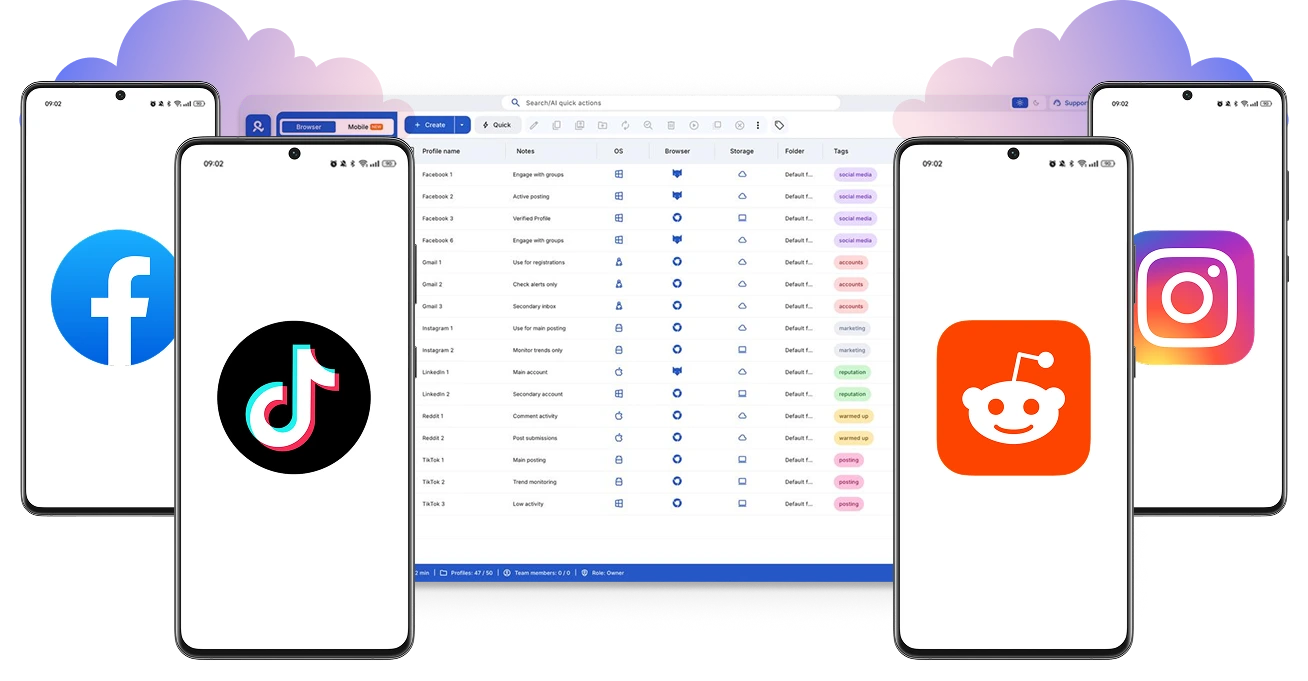
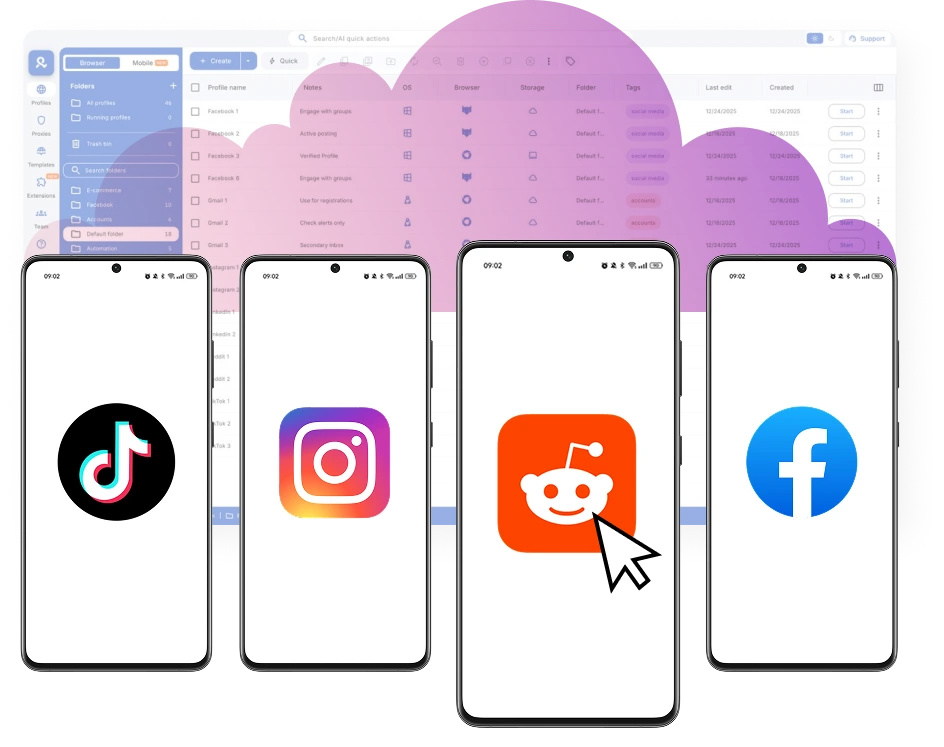
From an operational perspective, a cloud phone integrates naturally into existing workflows. Teams can install native Android apps, automate actions, and manage multiple mobile phone environments from a single platform — without changing how those apps are used.
How teams use a cloud phone in practice
For multi-account operations, each account runs inside its own cloud phone with persistent data and a unique device identity. This makes long-term account management more stable and reduces the risk of session conflicts.
When issues arise, cloud phones simplify troubleshooting. Teams can return to the same phone-in-the-cloud environment — with the same apps, settings, and device signals — to reproduce behavior under identical conditions instead of rebuilding setups manually.
For workflows that require scale, cloud phones allow multiple mobile phone environments to run at the same time. Actions can be automated or synchronized where needed, while identities remain fully isolated. This is especially important for platforms that monitor behavior patterns over time.
As operations grow, cloud phones remove the limitations of physical hardware. Teams can launch new phones on demand, operate remotely, and maintain consistent mobile behavior without managing devices, storage, or physical space.
Across these use cases, Multilogin’s cloud phone fits into existing mobile strategies without forcing teams to rethink how apps are used. The difference is in the environment: mobile workflows run in controlled, realistic phone environments that remain stable as scale increases.
Cloud phone across regions and mobile environments
Modern mobile workflows often depend on location-specific behavior. Content visibility, app features, and user flows can vary significantly by region.
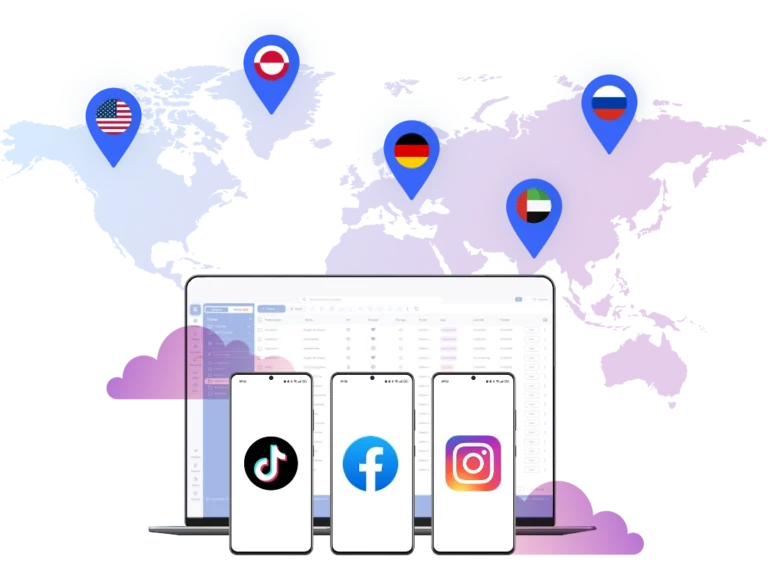
With Multilogin, each cloud phone can be connected to a dedicated proxy and configured to match geolocation signals at the device and session level. This allows mobile phones to behave like real devices operating from specific regions, rather than relying on mismatched or rotating setups. By keeping network signals, device settings, and session behavior aligned, Multilogin ensures cloud phones remain coherent and reliable — even when operating across multiple markets.
Conclusion
A cloud phone only deliver value when they behave like real mobile phones. If device identities are reused, signals don’t align, or sessions aren’t stable over time, mobile workflows quickly become unreliable.
Multilogin provides a more dependable way to run mobile operations by giving each cloud phone its own Android environment, device identity, and network configuration. This removes many of the limitations of physical phone farms and basic emulators, especially as workflows scale.