


Create multiple Hinge accounts
Manage your Hinge accounts across web and mobile. Increase match volume and generate more leads.
Run multiple Hinge accounts on phones
Use an Android devices for each account. Keep app data, device identity, and session history fully separate so nothing gets linked.
Control Hinge accounts from your desktop
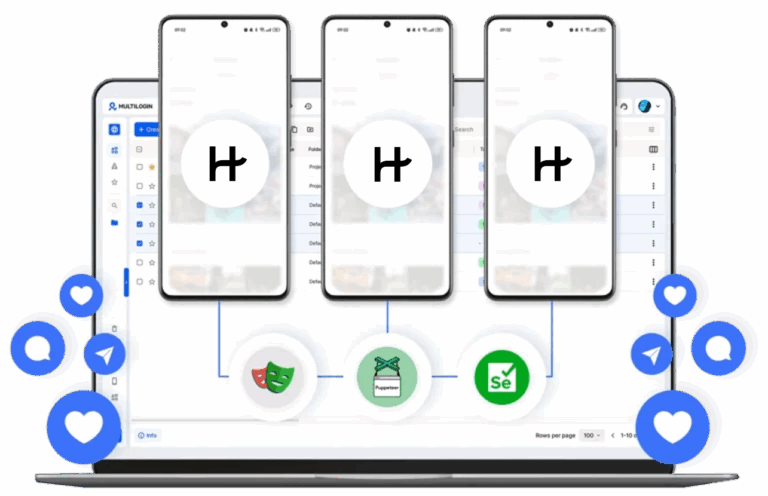
Launch and manage all cloud phones from one Multilogin dashboard. Switch between accounts in seconds without touching a physical device.
Connect Hinge accounts from any location
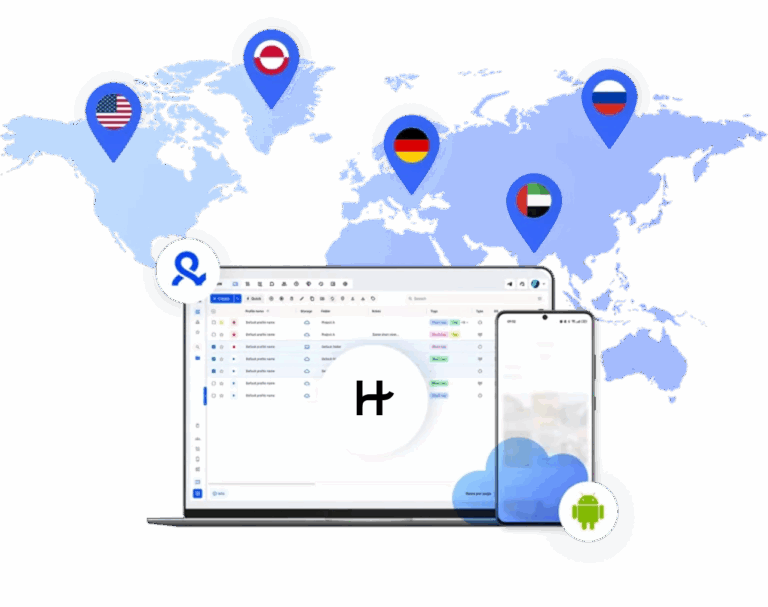
Access 150+ locations for your accounts. Use high-quality IPs and reach regional audiences organically.
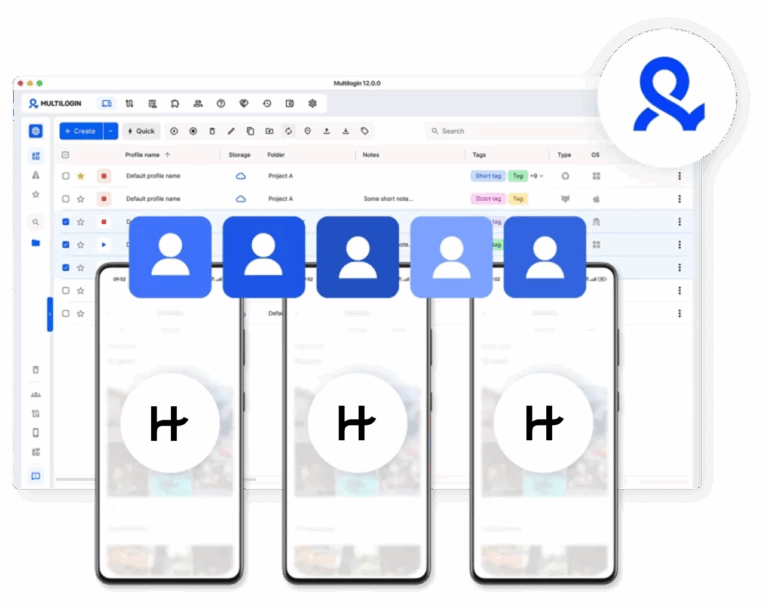
Work with your team on multiple Hinge accounts
Share cloud phone profiles across your team. Invite teammates to your workspace and scale your activities.
Grow your social media accounts with Multilogin cloud phones
-
Unlimited time
-
Mobile and browser profiles included
-
Free built-in proxies & mobile minutes
-
Unlimited time
-
Mobile and browser profiles included
-
Free built-in proxies & mobile minutes
What are cloud phones for Hinge accounts?
Cloud phones are Android devices running remotely in the cloud. Each device is unique, and multiple cloud phones allow you to manage many accounts from one dashboard.

Why use Multilogin for Hinge accounts?
Hinge reads device signals from the first session. Multilogin keeps every account in its own separate environment with unique hardware identifiers, built-in proxies from 150+ locations, and persistent session data, all managed from one dashboard.

The most awarded multi accounting platform















Watch the Multilogin Demo
Hinge accounts: what to know before creating another profile
Can I have two Hinge accounts? According to Hinge’s current Terms, no.
Hinge lists having no other accounts on its services as one of the requirements for using the platform. It also says users who were previously removed cannot simply create another account unless Hinge gives express permission.
This matters because some Hinge Help Center articles mention situations where an old account and a newer account may both exist. For example, Hinge says subscription problems can occur when another account is connected to a different phone number, then recommends deleting one of the accounts.
So there is an important difference between Hinge recognizing that duplicate or old accounts can exist and Hinge allowing one person to actively maintain multiple accounts.
For users who are searching “can I have two Hinge accounts,” that distinction is the answer.
Hinge accounts are identities, not just profiles
Hinge expects each account to represent one real dater.
Its Community Guidelines say every account must belong to one dater and require users to represent themselves authentically. Misleading identity information, sharing another person’s account, or using accounts after enforcement action can violate Hinge’s rules.
That makes the account itself more important than the device it happens to be opened on.
A dedicated device can make account access cleaner and easier to organize, but it does not create permission to maintain another Hinge identity.
Can you have two Hinge accounts on the same phone?
The device is not the deciding factor.
Hinge’s Terms say users must not have another account on its services, so using two different phones instead of one does not change the underlying rule.
If you have an old Hinge account that you no longer use, deal with that account first rather than treating a second device as a workaround.
Hinge’s own subscription support documentation recommends deleting an old account if another account connected to a different number is causing conflicts.
And if your phone number has changed, Hinge says it cannot simply replace the number attached to the existing account. Support can instead help delete the old account so you can create a fresh one with the current number.
Why use a real Android device instead of an emulator?
Hinge is primarily an app-based experience, so using Android gives you the native mobile workflow rather than trying to reproduce it through a desktop-only setup.
A cloud phone gives you an Android environment without requiring a physical phone on your desk. The distinction is operational. We should not claim that Hinge automatically bans emulators or reduces profile visibility simply because an emulator is being used unless Hinge publishes evidence supporting that claim.
For a broader technical comparison, read cloud Android emulator vs real device.
If your main concern is replacing shelves of hardware, the cloud phone farm vs physical phone farm comparison explains the infrastructure tradeoffs.
Creating Hinge accounts: use the mobile app, not a browser profile
The previous workflow on this page recommended creating Hinge accounts through a Multilogin browser profile. That no longer matches Hinge’s current onboarding instructions.
Hinge says new users should:
- Download the Hinge app for iOS or Android.
- Tap Create Account.
- Enter a mobile phone number.
- Enter the SMS verification code.
- Link and verify an email address.
Google Account or Apple ID can then be connected as additional login options.
So for Hinge, the Android cloud phone is the relevant Multilogin environment. Browser profiles remain useful for web-based platforms and other web workflows, but they should not be presented as the current way to register a Hinge account.
Managing Hinge with Multilogin cloud phones
Once you have a Hinge account that you are permitted to use, a Multilogin cloud phone can give that account a persistent Android environment that you control remotely.
Useful parts of the setup include:
- Remote Android access. Open the cloud phone from your computer rather than keeping another handset nearby.
- Persistent sessions. App data remains in the cloud phone between sessions.
- One dashboard. Keep your cloud phones and browser profiles organized from the same Multilogin interface.
- No physical phone farm. Add cloud environments without purchasing and maintaining more Android hardware.
- Free starting point. Multilogin has a Free plan with five profiles, plus one-time proxy traffic and mobile-minute bonuses. Paid plans start at $7.08/month.
If you also work with supported social platforms, Multilogin can manage browser profiles, Instagram, and Facebook workflows from the same product.
Hinge features that benefit from a real Android environment
Hinge’s current onboarding starts with its iOS or Android app, which makes mobile access central to the product experience.
Using an Android cloud phone gives you access to the mobile app environment, including app notifications, media features, profile editing, discovery, matching, and account settings.
The important point is not that a cloud phone makes a Hinge account “safer” from enforcement. It gives you remote access to an Android device.
That distinction keeps the page aligned with what Multilogin actually provides without making unsupported claims about Hinge’s internal detection systems.
Workflows for teams managing Hinge-related devices
Teams need to be especially careful here.
Hinge’s Terms prohibit sharing an account or using another member’s account. That means a team should not treat one person’s Hinge login as a shared marketing asset.
Multilogin team features are better used for permitted infrastructure and organization around your broader mobile and social media workflows.
For Hinge specifically, keep the actual dater in control of their own account.
For other social platforms where team account management is permitted, Multilogin’s Android cloud phones can sit alongside TikTok, Instagram, Facebook, Reddit, and YouTube environments from one dashboard.
Running Hinge when you travel or change location
Hinge gives users direct control over their profile location.
During onboarding, you can use device-level location or manually select a city, neighborhood, address, or ZIP code. Existing users can later change their location in their profile settings or Discover preferences. Hinge also says it does not automatically change your profile location every time you log in.
That means this page should not suggest that changing an IP address or cloud phone region is required to appear in another Hinge location.
Use Hinge’s own location controls and check whether Hinge is available in the destination. Hinge warns that a new account may be removed if its initial location is set somewhere the app is not available for download.
For Multilogin’s core social media use cases, the same dashboard can also organize cloud-phone workflows for TikTok and Instagram.
Conclusion
Can you have two Hinge accounts? Hinge’s current Terms say users must not have another account on the service. Using another phone, a cloud phone, a browser profile, or another login method does not change that rule.
Can you log into Hinge on multiple devices? Hinge does not currently publish a clear Help Center rule guaranteeing simultaneous multi-device access. When signing into your existing account, use the same login method and keep the account under your own control.
Where Multilogin fits is simpler. It is a cloud phone platform that gives you remote Android environments from your desktop, alongside browser profiles and built-in infrastructure for broader social media workflows.
The Free plan has no time limit, and paid plans start at $7.08/month.
FAQ
Can you have multiple Hinge accounts without getting banned?
Yes, but only if each account runs from its own separate device environment. Hinge links accounts at the device level, not just by username or email. Running two accounts from the same phone, even on different profiles, is enough to get both flagged. Multilogin solves this by giving each Hinge account its own cloud phone with a unique device identity and dedicated proxy, so accounts stay completely independent from each other.
Why do phones with Instagram on them affect account reach?
Instagram uses device signals to decide how much an account looks like a real person versus a coordinated operation. When phones with Instagram on them share fingerprints, run through the same IP, or show emulator patterns, reach drops gradually even when no ban is issued. Accounts in this state can still post and message, but their content barely surfaces on Explore or in followers’ feeds.
Multilogin avoids the issue by giving each account its own cloud phone with a unique fingerprint and dedicated proxy, so the signals stay clean and the account looks like a standalone user instead of part of a connected cluster.
Does Hinge ban accounts based on the device, not just the profile?
Yes. Hinge checks device signals from the moment the app opens, including the phone model, IP address, location, and session history. If a new account opens from a device already linked to a banned account, Hinge can restrict it before the profile is even complete. This is why switching to a new username or email is not enough after a ban. A genuinely separate device is what makes the difference, which is what Multilogin cloud phones provide.
Can you manage multiple Hinge accounts from one place?
Yes. Multilogin lets you control all your Hinge cloud phones from a single desktop dashboard. You can launch, switch between, and monitor every account without touching a physical device. Each account still runs in its own isolated environment, so managing them from one dashboard does not create any connection between them.
Does running Hinge on a real Android device affect how many people see your profile?
It can. Hinge’s algorithm reads device signals as part of how it evaluates accounts. Profiles that produce organic mobile signals, the kind that come from a genuine Android device used by a real person, tend to be treated more favorably than accounts flagged as suspicious or running on emulators. Multilogin cloud phones run a real version of Android, so the signals Hinge reads look natural, which gives profiles a better chance of being pushed to more people.
Can you create multiple Hinge accounts without a phone number?
Hinge’s current signup process requires a mobile phone number and SMS verification when creating a new account. After signup, you can also connect supported login options such as Google Account or Apple ID. A Multilogin cloud phone provides the Android environment, but it does not replace Hinge’s phone-number verification requirements.
Do Hinge accounts get linked if they use the same proxy?
They can. If two accounts share the same IP address, Hinge may associate them even if the devices are different. Multilogin assigns a dedicated proxy to each cloud phone, matched to the device’s region and time zone. Each account gets its own clean IP, so there is no overlap at the network level between accounts.
Can Multilogin help recover a banned Hinge account?
Multilogin does not restore accounts that Hinge has already banned. What it does is make it possible to start fresh without getting flagged immediately. Creating a new account from the same device that was banned almost always triggers an instant restriction. Starting from a new Multilogin cloud phone gives the new account a clean device identity with no connection to the previous one, which is the only reliable way to avoid carrying a ban over to a new profile.
Can I have two Hinge accounts?
No. Hinge’s current Terms state that users must not have another account on its services. If you have an old account connected to another phone number, resolve or delete that account rather than maintaining two active Hinge accounts.
Can you have two Hinge accounts on the same phone?
No. The issue is not whether the accounts are on the same phone or separate phones. Hinge’s Terms require users not to have another Hinge account, so moving a second account to another device does not change the rule.
Can you log into Hinge on multiple devices?
Hinge does not currently publish a specific rule confirming simultaneous use of one account across multiple personal devices. When logging into an existing account, Hinge recommends using the same login method you originally used, such as your phone number, Google Account, or Apple ID.
Keep the account under your own control. Hinge’s Terms do not allow you to share your account with another person.
Can you have Hinge on two devices?
You can reinstall Hinge or access your existing account when changing devices, provided you use the correct login method. Hinge does not currently document a separate multi-device feature that guarantees simultaneous sessions across two devices.
If you need remote access to Android, a Multilogin cloud phone gives you a dedicated Android environment that you can control from your desktop.
Can I use Multilogin for Hinge?
Yes, Multilogin can give you remote access to the Hinge Android app through an Android cloud phone. Your app data and session stay inside the cloud phone, and you can control the environment from your desktop.
Multilogin does not change Hinge’s account rules. Hinge accounts should still be created and used according to Hinge’s Terms and Community Guidelines.
What happens if I change the phone number linked to my Hinge account?
Hinge says it cannot update the phone number connected to an existing account. If you no longer have access to the original number, Hinge Support can help delete the old account so you can create a fresh account using your current number.
This is different from keeping two Hinge accounts active at the same time.
Can Multilogin help if my Hinge account was banned?
Multilogin cannot restore or reinstate a banned Hinge account. Hinge provides an appeal process for eligible banned accounts, and its Terms prohibit creating another account after removal unless Hinge gives permission.
If your account was banned, use Hinge’s official appeal process rather than creating replacement accounts.
Can I change my Hinge location when using a cloud phone?
Yes, but you normally do not need a separate device or IP just to change your Hinge profile location. Hinge provides its own location settings, allowing users to choose their location inside the app where that feature is available.
A Multilogin cloud phone is useful when you need remote Android access, while Hinge’s own settings should be used to manage your Hinge profile location.
