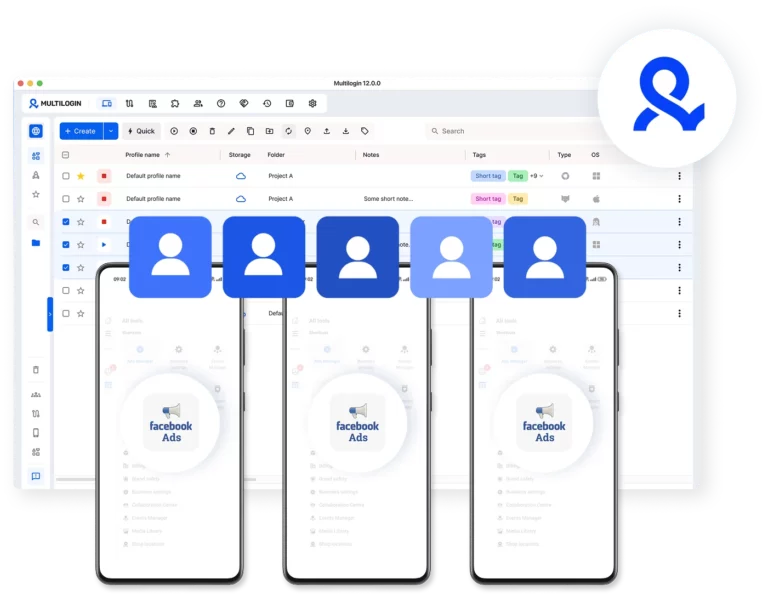
















Create Facebook Ad Accounts with cloud phones
Run multiple Facebook Ad Accounts with cloud phones and browser profiles. Manage paid traffic, test campaigns, and scale earnings from affiliate marketing, e-commerce, and client ad services.
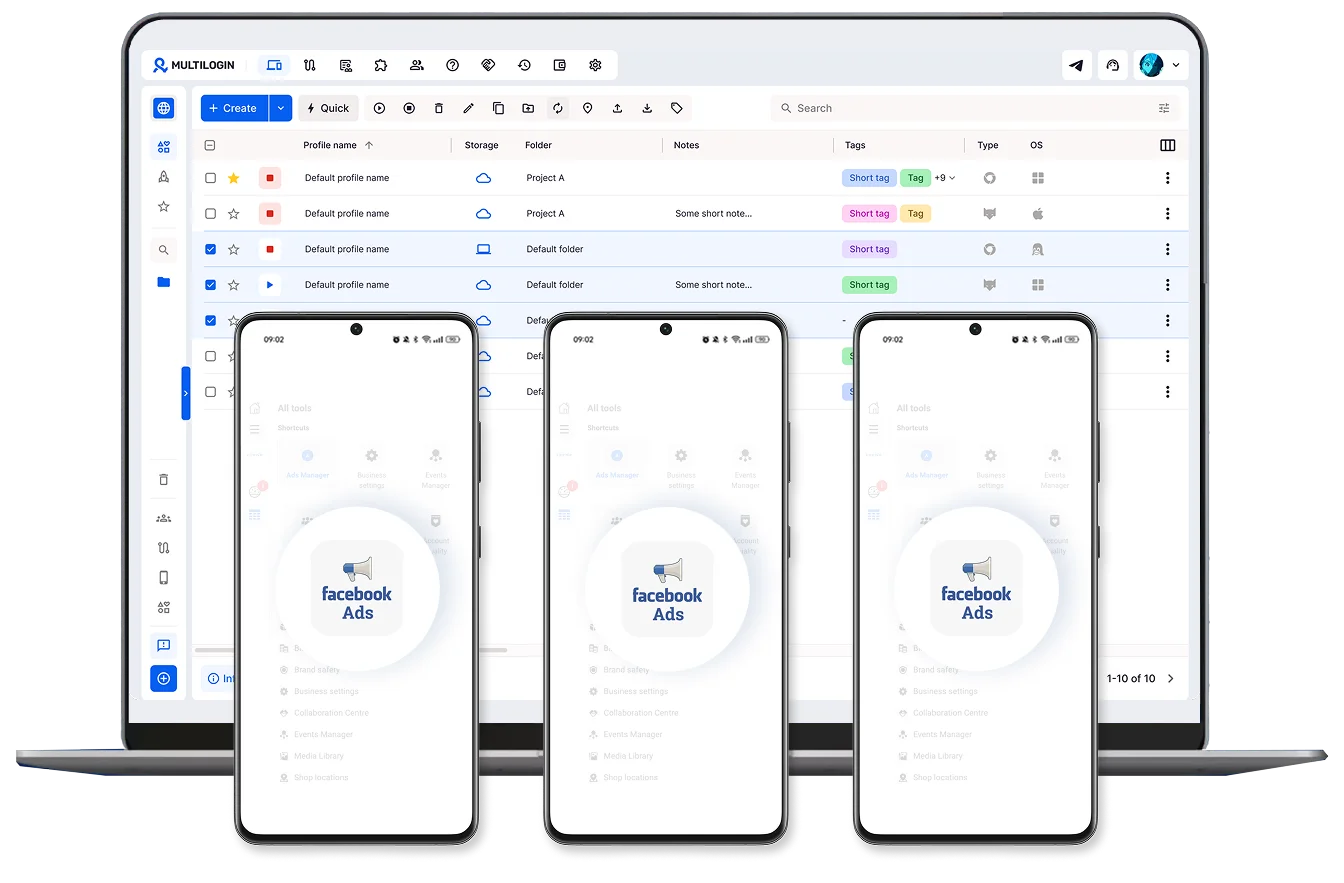
Run multiple Facebook Ad Accounts without device limits
Create and manage as many Facebook Ad Accounts as you need using separate cloud phones. Run campaigns in parallel without relying on physical devices.
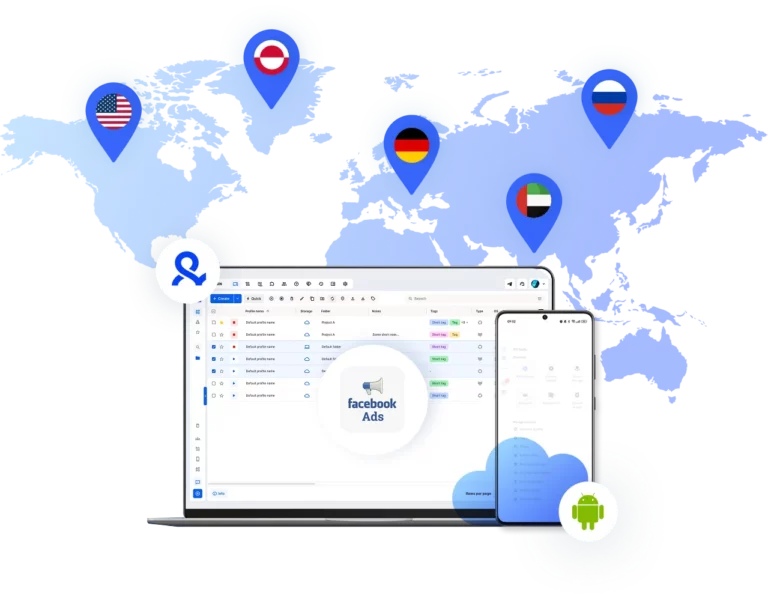
Make your Facebook Ads global
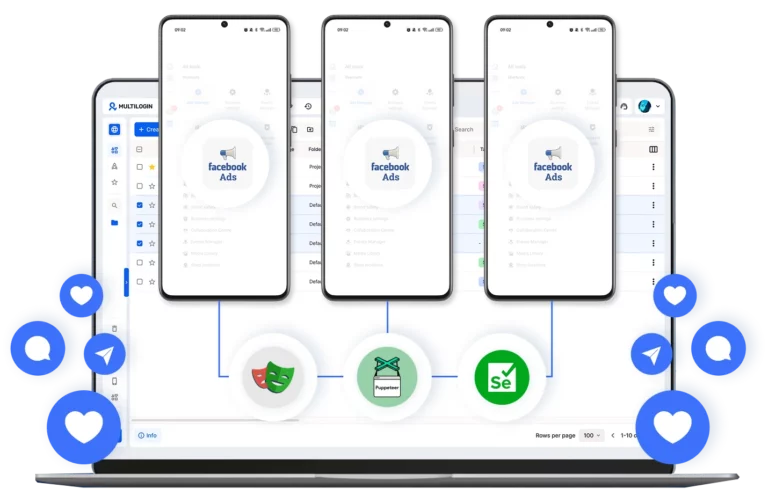
Automate Facebook Ads workflows
Schedule and manage Facebook campaigns with automation. Optimize delivery to improve performance without constant manual work.
Run Facebook campaigns together with your team
Share access with your team, assign role-based permissions, and manage all Facebook Ad Accounts from one unified dashboard.
Manage Unlimited Mobile and & Web Accounts
-
3-day access to Multilogin
-
5 cloud or local profiles
-
200 MB proxy traffic included
-
3-day access to Multilogin
-
5 cloud or local profiles
-
200 MB proxy traffic included
What are cloud phones for Facebook Ad Accounts?
Cloud phones are real Android devices that run online instead of on physical hardware. They let you access and manage Facebook Ad Accounts through mobile apps without needing actual phones or emulators.
Why use Multilogin for Facebook Ad Accounts?
Multilogin gives every Facebook Ad Account the tools it needs: cloud phones, browser profiles, and built-in proxies, all in one platform with no extra setup.
Award winning multiple account management platform
Watch the Multilogin Demo
How to start using Multilogin
Get started with Facebook Ad accounts quickly

Sign up
Register using a verified email address to create your Multilogin account.

Choose your plan
Select from various subscription plans tailored to your business needs.

Download Multilogin
Install Multilogin on Windows, macOS, or Linux to access browser profiles and cloud phone management from one place.

Access the Multilogin dashboard
Create browser profiles or launch cloud phones to manage Facebook Ad accounts in isolated environments.

Run multiple Facebook Ad Accounts
Set up and manage multiple Facebook Ad Accounts using separate browser profiles, all from one secure platform.
Grow your Facebook ad accounts with Multilogin cloud phones
Managing multiple Facebook Ad accounts can be tricky. Facebook’s systems are designed to spot unusual activity, which can make it hard for marketers and agencies to expand their advertising efforts. Multilogin cloud phones offer a clear solution, giving each Facebook account its own secure and consistent space.
What Multilogin cloud phones offer for Facebook ad accounts
Multilogin cloud phones are like virtual Android devices that live in the cloud. They give each Facebook account a dedicated environment. This makes each account look like it’s being used on a real, separate smartphone, which helps Facebook’s systems see it as unique.
Here’s what you gain:
- Android devices: Each cloud phone has unique device details, like an IMEI and Android ID. Facebook sees these as separate physical phones.
- Private spaces: Each account gets its own dedicated area. This keeps app data and login details separate, preventing accounts from being linked together.
- Consistent access: Your login sessions and app data stay saved. This means no constant logging in and out, making account management smoother.
- Local internet connections: You can assign a specific internet address (residential IP) that matches your account’s region. This makes sure Facebook sees consistent activity from the right location.
Stable device profiles: Each cloud phone keeps the same device signature over time, helping your accounts stay active and trusted for longer.
How to create a new ad account Facebook easily
Setting up and running new Facebook Ad accounts needs careful handling to avoid immediate problems. When you create ad account Facebook using Multilogin cloud phones, you start with a secure and isolated environment. This greatly reduces the risk of issues that come from creating many accounts on the same device or network.
To create facebook ad account effectively, you can:
- Launch a new Multilogin cloud phone, making sure it has a unique, local internet address for your target area.
- Install the official Facebook app inside this isolated cloud phone.
- Then, create a new ad account Facebook just like you would on a physical phone. Facebook will see this as a real user operating from a unique smartphone.
This method helps you create new ad account facebook instances with more safety and consistency, building a strong base for your advertising.
Run ad campaigns and boost your marketing
Multilogin cloud phones do more than just help avoid account issues; they enable you to run effective and scalable ad campaigns. By giving each ad account a clean, separate environment, marketers can:
- Manage many campaigns at once: Run multiple ad accounts simultaneously without Facebook linking them together.
- Reach different audiences: Set up accounts for various groups or regions, each with its own local presence.
- Improve ad spending: Test different ad strategies across accounts, track what works best, and get better results for your money.
- Expand affiliate marketing: Safely manage multiple affiliate campaigns, ensuring each one operates independently and effectively.
This organized approach gives you more control and flexibility, leading to more successful advertising and higher earnings.
Keep your Facebook ad accounts running smoothly
Facebook’s systems are always changing, and sometimes even normal activities can lead to account restrictions. Common problems include accounts being flagged, requests for verification, or unexpected limits. Multilogin cloud phones help prevent these issues by:
- Preventing account links: Because each cloud phone is separate, it’s harder for Facebook to connect multiple accounts based on device or network details.
- Maintaining consistent activity: Stable sessions and unchanging device profiles help keep each account’s activity history consistent, reducing suspicion.
- Easier problem-solving: If an account does get flagged, the isolated environment makes it simpler to fix the problem without affecting your other accounts.
While cloud phones significantly lower the chance of problems, it’s still important to follow Facebook’s advertising rules within each isolated environment.
Why buying Facebook ad accounts is risky
Some marketers think about buying existing Facebook Ad accounts to skip the initial setup. However, this comes with big risks and is not recommended.
- Breaks Facebook’s rules: Buying or selling accounts goes against Facebook’s terms of service and can lead to permanent bans.
- Hidden problems: Bought accounts often have a history of suspicious activity or fake followers, making them likely to face immediate restrictions.
- No real engagement: Accounts with artificial engagement won’t deliver genuine results for your ad campaigns.
Building a lasting advertising presence on Facebook requires a legitimate approach. Multilogin cloud phones give you the tools to build and manage accounts properly and safely, helping you achieve long-term success.
Manage multiple Facebook ad accounts efficiently
Multilogin cloud phones make managing many Facebook Ad accounts simple. They offer a central dashboard to control numerous virtual Android devices. This removes the hassle of using physical phones and provides a clean, consistent environment for each account.
With Multilogin, you can:
- Launch several Android cloud devices at the same time.
- Run multiple Facebook accounts side-by-side from one workspace.
- Ensure each account operates on its own device with unique hardware and network identity.
This setup is perfect for agencies, advertisers, and businesses that need to manage many client accounts, run different ad campaigns, or handle community moderation at scale, all while keeping each identity separate.
Conclusion
Successfully managing multiple Facebook Ad accounts is key to growing your digital advertising. Multilogin cloud phones are an essential tool for this, providing isolated, consistent, and secure environments that act like real mobile devices. By using these cloud phones, marketers can create ad account Facebook instances with confidence, run diverse campaigns, and keep their accounts healthy. This leads to more successful and sustainable advertising. Choose a solution that supports your growth and helps you follow the rules.
Multiple Facebook Ad accounts accounts FAQ
Creating a single Facebook ad account is simple. Creating several without triggering Facebook’s detection systems is where most marketers run into trouble. Facebook monitors device signals, IP addresses, and hardware identifiers during every sign-up. When multiple ad accounts are created from the same device or network, the platform links them together and restricts them, often before you have even run a single campaign.
The reliable way to do it is through Multilogin. Each new ad account is created inside its own dedicated Android cloud phone with genuine hardware identifiers including IMEI and Android ID. To Facebook, each account looks like a real user setting up their first account on a brand new smartphone.
The safest approach is one dedicated environment per client from day one. When agency accounts share the same device or network connection, Facebook links them together and a restriction on one client can bring down the entire portfolio.
With Multilogin, each client’s Facebook ad account runs on its own Android cloud phone with unique hardware identifiers and a residential IP matched to the client’s target region. App data and login states are saved between sessions, so you can jump straight into managing campaigns without repeated verification requests. Each account builds its own independent history from the very first session.
Running campaigns across different markets means each ad account needs to look like it is genuinely operating from its target region. An account based in one country connecting through a mismatched IP is one of the fastest ways to trigger a review.
Multilogin’s Android cloud phones handle this automatically. Each cloud phone is assigned a built-in residential IP matched to the account’s target location, with consistent GPS and network signals that align with that region. Whether you are managing campaigns across the US, Southeast Asia, or Europe, each account connects to Facebook as a real local device every single time.
Account linking is the most common problem agencies face when scaling. Facebook’s systems look at shared device identifiers, overlapping IP addresses, and similar behavioral patterns to connect accounts together. Once accounts are linked, a problem with one affects all of them.
The solution is complete isolation from the start. Each new ad account created inside a Multilogin cloud phone gets its own unique IMEI, Android ID, MAC address, and residential IP. There is no shared data between cloud phones, no overlapping signals, and no way for Facebook to connect one account to another. A flag on one account stays contained within that cloud phone and never reaches the others.
No, and it is one of the riskier shortcuts in digital advertising. Buying or selling Facebook accounts directly violates Facebook’s Terms of Service and can result in permanent bans across your entire portfolio. Beyond the policy risk, purchased accounts often carry a hidden history of suspicious activity or policy violations that make immediate restrictions very likely.
Building accounts properly through Multilogin is the only approach that works long term. Each account starts with a clean identity on its own dedicated Android cloud phone, builds a natural usage history over time, and stays completely isolated from every other account you manage.
Managing several ad accounts at once without a proper system means constantly switching devices, logging in and out, and risking accounts getting linked through shared signals. It slows down campaign management and puts your entire operation at risk.
Multilogin brings everything into one dashboard. Each Facebook ad account runs on its own Android cloud phone, with its own Ads Manager, pixel, and audience data completely separated from every other account. You can launch multiple cloud phones simultaneously, monitor campaigns side by side, and manage different clients or niches without any data leakage between them.
Facebook’s systems are constantly updated, and accounts that looked fine one month can face restrictions the next if their signals change or become inconsistent. The accounts that stay healthy are the ones with a stable, consistent identity over time.
Multilogin’s Android cloud phones maintain the same device signature, app data, and login state between every session. That consistency builds a credible account history that Facebook recognizes as a real, active advertiser. And because each cloud phone is completely isolated, any issue that does arise stays contained to that one account without putting the rest of your campaigns at risk.