


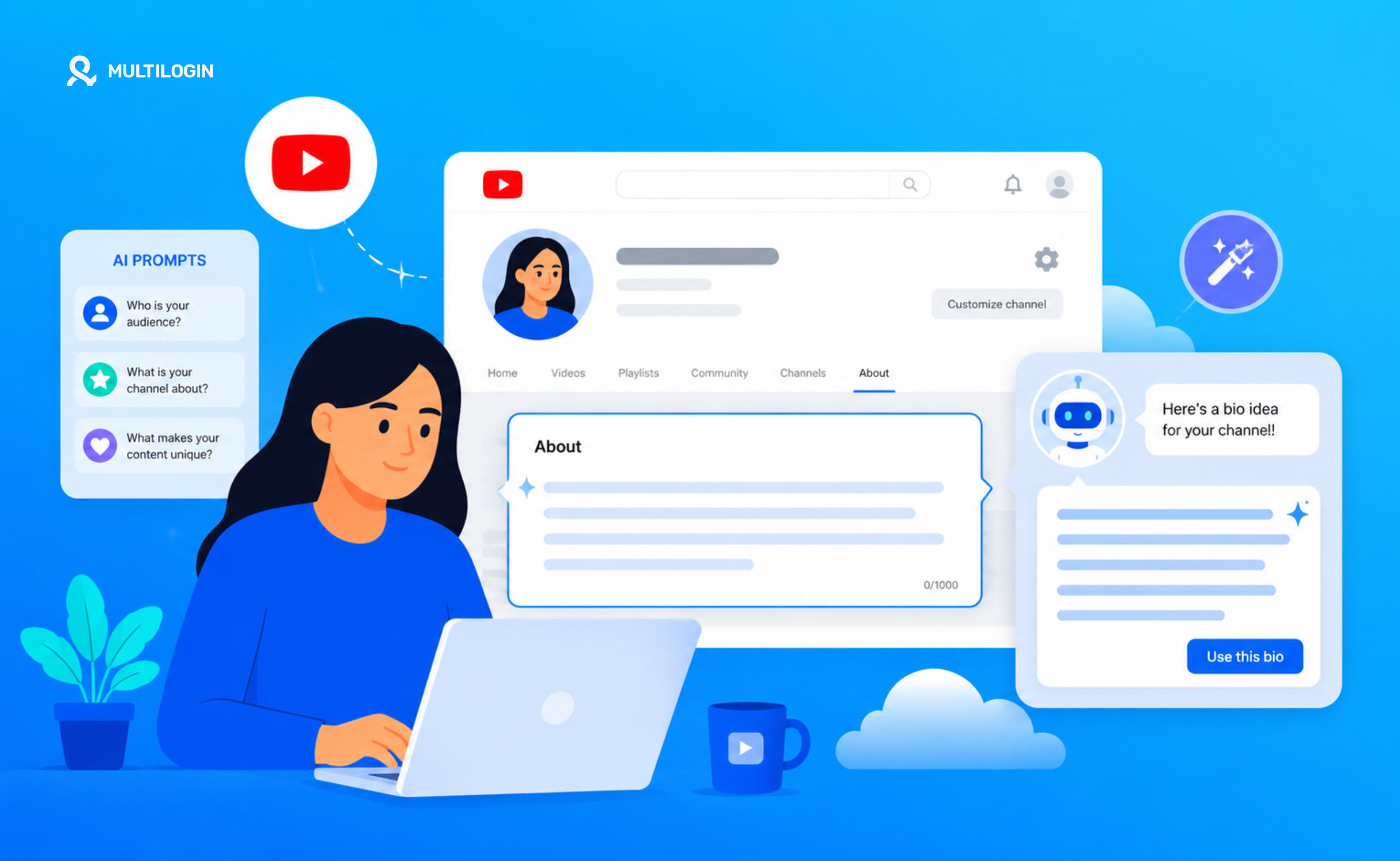



Your YouTube bio — the About section of your channel — does more work than most creators realise. It’s what shows up when someone clicks your channel page to decide if you’re worth subscribing to.
It’s what YouTube’s algorithm reads to understand what your channel is about. And it’s often the first thing a brand looks at when considering a sponsorship for a YouTube channel.
Most YouTubers either write two sentences that tell us nothing, or dump a wall of text nobody reads. This guide gives you a simple formula for writing a great YouTube bio, AI prompts to make the process fast, and examples that show what good looks like.
What your YouTube bio actually does
Before you write a word, it helps to understand what a YouTube bio is working toward. It serves four specific functions:
- Audience filtering: It tells the right people ‘this channel is for you’ and helps the wrong people self-select out.
- Algorithm signalling: YouTube’s search and recommendation algorithm reads your channel description to understand your content category. Keywords in your bio help your channel surface for relevant queries.
- Social proof and credibility: It’s where you establish why someone should trust your perspective — experience, credentials, community size, press mentions.
- Brand and sponsorship signalling: Brands checking whether you’re a fit for a campaign often start with your About tab. A professional, clear YouTube bio signals that you take your channel seriously.
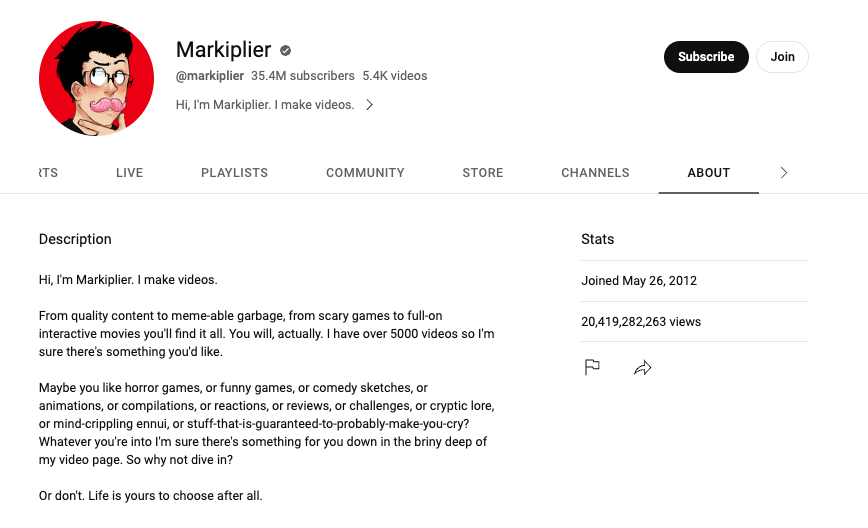
The YouTube bio formula that works
- Hook line: One sentence that states exactly who the channel is for and what they get from it.
- What you cover: Two to three sentences describing the specific topics, formats, or problems you address. Be concrete, not vague.
- Why trust you: One to two sentences establishing your credibility — years of experience, professional background, community size.
- Upload schedule: When do you post? New subscribers want to know when to come back.
- CTA or contact: Where should people go next? Email for business enquiries, a link to your other platforms, or an invitation to subscribe.
That’s a complete YouTube channel bio in roughly 150 to 250 words. It’s enough to tell the story without losing people halfway through.
YouTube bio ideas: examples for different channel types
Creator and personal brand
‘I help 9-to-5 professionals build a side income through freelance writing — without needing a following or a portfolio. I share real client work, pricing strategies, and the systems I use to earn $5k/month from writing in my spare time. New videos every Tuesday and Friday. For brand collaborations: [email protected]’
Business channel
‘Welcome to [Brand Name] — we make project management software for remote teams. On this channel: product walkthroughs, workflow tutorials, and real stories from teams that have eliminated 10+ hours of meetings per week. New content every Wednesday. Try [Product] free at [website].’
Educational channel
‘Financial literacy for people who were never taught how money works. I cover investing basics, debt payoff strategies, and the psychology of spending — explained simply, with zero jargon. Former financial adviser, now teaching what I wish I’d learned at 22. New videos every Sunday.’
How to use AI to write your YouTube bio
AI is genuinely useful for YouTube bio writing because the formula is clear and the output length is short. Here are prompts that produce good results:
Prompt 1: Information dump approach
‘Write a YouTube channel bio using this information: [channel topic], [target audience], [content types], [posting schedule], [your background], [contact details]. Make it specific, conversational, and between 150 and 200 words. Use second person to speak directly to potential subscribers.’
Prompt 2: Refinement approach
‘Here is my current YouTube bio: [paste your existing bio]. Rewrite it to be more specific about who the channel is for, more concrete about the content I cover, and more compelling for someone deciding whether to subscribe. Keep it under 200 words. Don’t change my posting schedule or contact details.’
Prompt 3: Variation generator
‘Write three different versions of a YouTube bio for a channel about [topic] targeting [audience]. Version 1 should lead with credibility. Version 2 should lead with the benefit to the viewer. Version 3 should lead with a direct question that resonates with the audience’s main pain point.’
The AI output is a starting point, not the final version. Read it out loud — if it doesn’t sound like you, edit until it does.
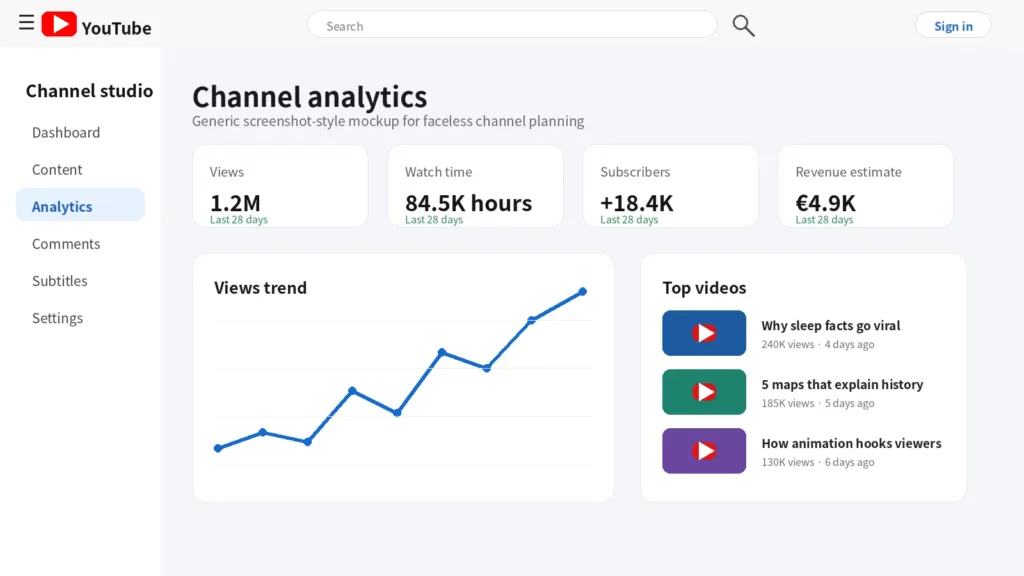
Keywords to include in your YouTube bio for search
YouTube’s algorithm uses your channel description as one of the signals for categorising your content. Including relevant keywords in your YouTube bio can help your channel surface for searches and in recommendations alongside similar channels.
You don’t need to force anything — natural mentions of your topic and niche are enough. A channel about digital marketing for small businesses would naturally include ‘digital marketing,’ ‘small business,’ ‘social media,’ ‘marketing tips’ without any stuffing.
How to edit your YouTube bio
To update your YouTube bio: go to YouTube Studio (studio.youtube.com), click ‘Customisation’ in the left menu, select the ‘Basic info’ tab, and edit the Description field. Changes go live immediately.
Your YouTube description can be up to 1,000 characters — roughly 150 to 200 words. Only the first two to three lines are visible before the ‘read more’ button on most devices, so put the most important information first.
What to include in your YouTube bio: a checklist
- Who the channel is specifically for — not ‘everyone interested in X’
- What specific topics, formats, or problems you cover
- Why you’re credible or qualified to cover them
- How often you post and which days
- A contact email or CTA for business enquiries
- Relevant keywords that naturally describe your content
Managing multiple YouTube channels
If you run multiple YouTube channels — for different niches, different clients, or different brand identities — YouTube tracks device identifiers and IP addresses. Multiple channel admin accounts accessed from the same device can be linked, and a policy violation on one can create risk for others.
Multilogin Cloud Phones give each YouTube channel its own isolated Android environment with a unique device fingerprint and IP address. Each channel is completely independent. Plans from $7.08/month.
Managing YouTube channels for multiple clients or brands? Multilogin Cloud Phones keep each account fully isolated. Plans from $7.08/month, 3-day trial at $2 — multilogin.com.
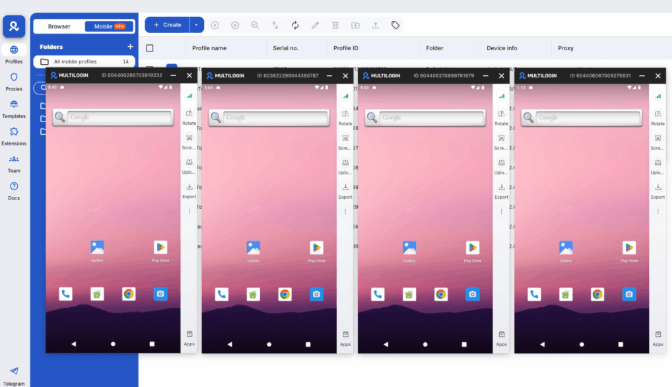
Looking to manage multiple YouTube accounts safely? Try Multilogin Cloud Phones Now!
Frequently Asked Questions
How long should a YouTube bio be?
Between 150 and 250 words is ideal. Long enough to tell the story and signal keywords, short enough that people actually read it. You have up to 1,000 characters but using all of them rarely adds value.
Should I include keywords in my YouTube bio?
Yes. YouTube uses your channel description as a categorisation signal. Including the natural keywords that describe your content and audience helps the algorithm understand your channel.
What is the difference between a YouTube bio and a channel description?
They’re the same thing. The About section of a YouTube channel is the channel description. Some people call it a YouTube bio, others a channel description. The content, location, and function are identical.
Can I create YouTube thumbnails on my phone?
Yes. Canva and Adobe Express both have mobile apps that work well for thumbnail creation.
Is it safe to run multiple faceless YouTube channels?
Yes, but only if you keep them properly isolated. Using separate browser profiles with tools like Multilogin, combined with dedicated residential proxies for each channel, prevents YouTube from linking your accounts.
How do I create engaging YouTube thumbnails?
Use a strong face with clear expression, high contrast between subject and background, minimal bold text (3-5 words), and consistent branding across your channel. Check your CTR in YouTube Analytics and test different designs.
Wrapping up
A great YouTube bio tells the right people exactly why they should subscribe, signals to the algorithm what your channel is about, and establishes your credibility. Use the formula, run it through an AI prompt to generate options, edit it to sound human, and update it every six to twelve months as your channel evolves.

