


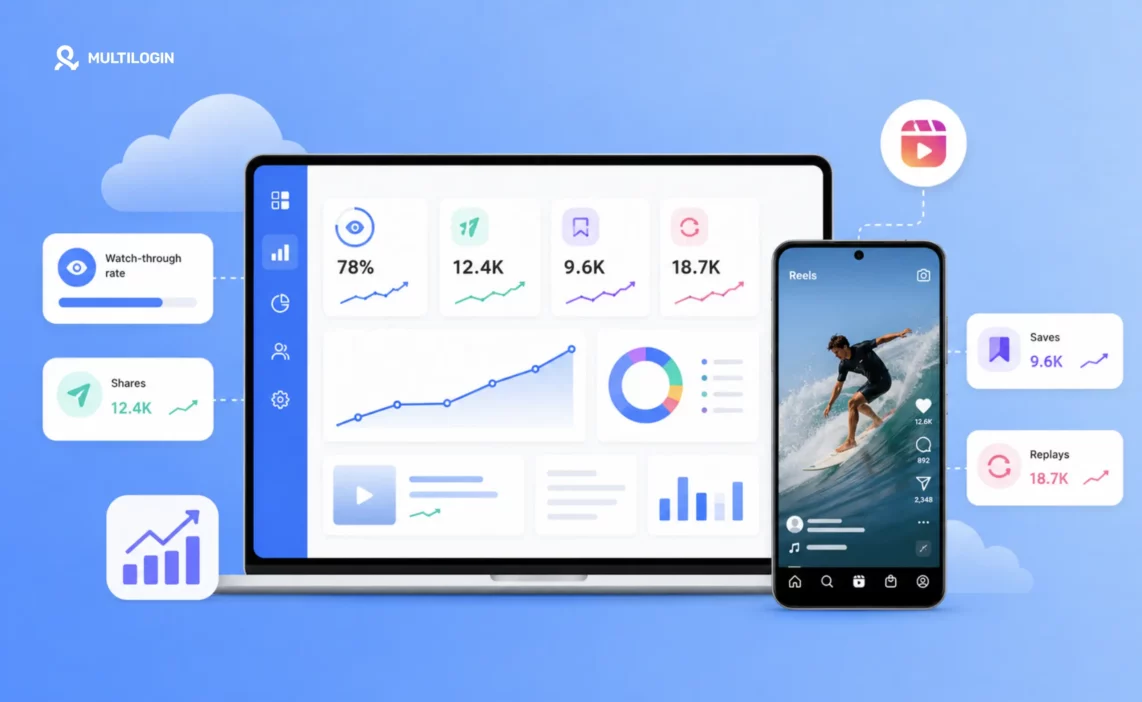



To grow Instagram Reels engagement, you need to optimise for four specific signals the algorithm measures: watch-through rate, shares, saves, and replays. These are not the same as likes and comments — they’re what tells the algorithm your content is worth distributing to people who don’t follow you yet.
A Reel with 200 views and 90% watch-through will get pushed further than one with 2,000 views and 20% watch-through. This guide covers exactly what drives each signal, which content formats perform best in 2026, and the posting strategy that compounds engagement growth over time.
How to Grow Instagram Reels: The Four Algorithm Signals That Matter
Instagram has been public about the ranking signals its Reels algorithm uses. These four carry the most weight. Everything else — posting time, hashtags, caption length — is secondary to getting these right.
Watch-Through Rate: The Primary Instagram Reels Engagement Signal
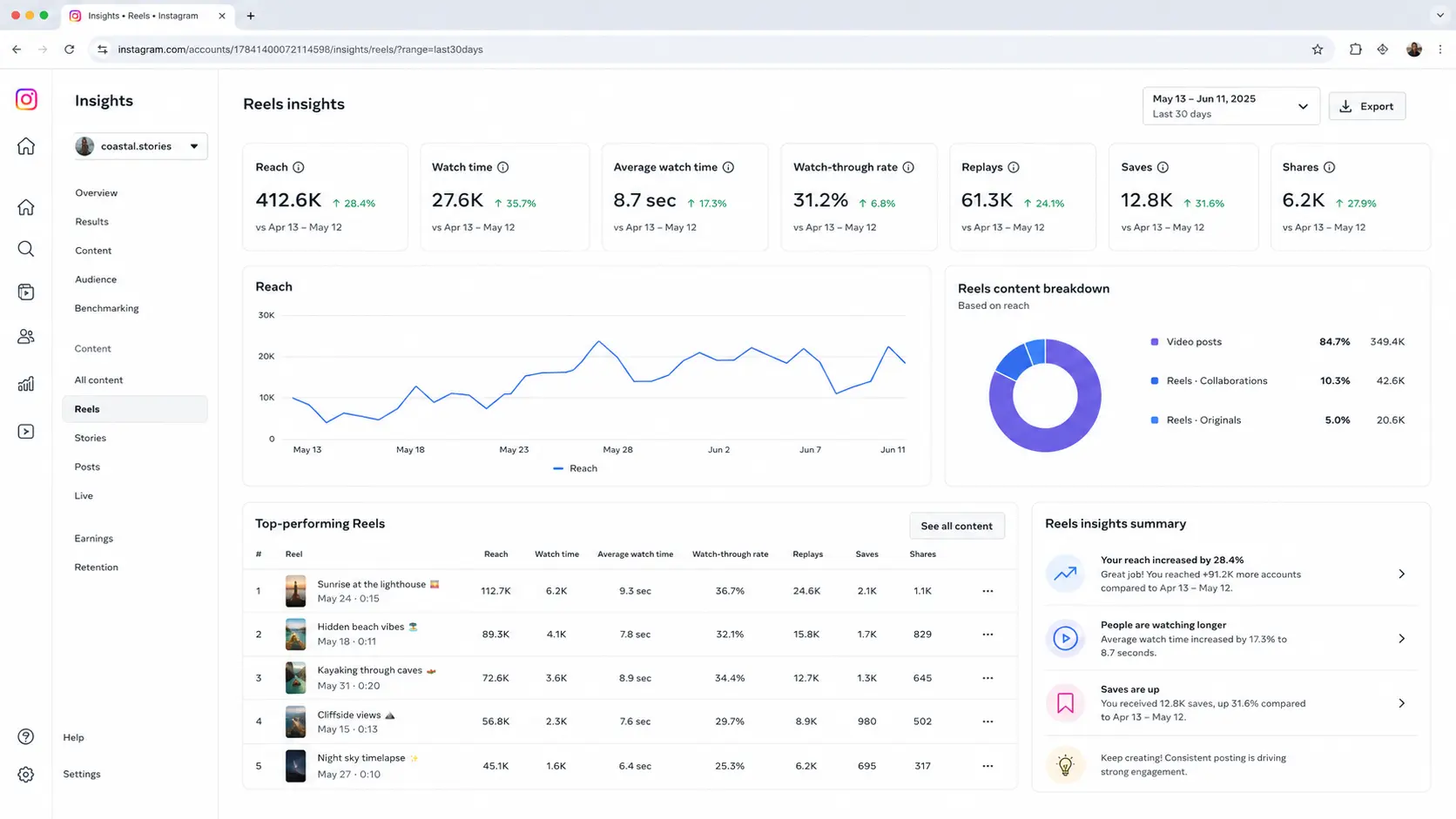
Watch-through rate measures how much of your Reel people actually watch. If the average viewer watches 80% of a 30-second Reel, that’s a strong signal the content holds attention. If they drop at four seconds, the algorithm reads that as a failure and limits distribution immediately.
Watch-through rate is the dominant Reels signal — more important than follower count, more important than likes. It’s why a strong hook isn’t optional. If you don’t capture attention in the first three seconds, your watch-through tanks and the Reel gets buried regardless of how good the rest of it is.
Shares to Stories and DMs: The Strongest Instagram Engagement Signal for Reach
When someone shares a Reel to their Story or sends it to a friend in a DM, Instagram reads that as the strongest possible endorsement. Shares extend reach beyond your follower base — which is exactly what Reels were designed for. A high share rate is the clearest signal that content is genuinely useful, funny, or worth passing on, and the algorithm responds by distributing it to new audiences.
Saves: The Instagram Engagement Signal for Educational Content
Saves tell the algorithm someone intends to return to this content — it’s valuable enough to bookmark. Saves are especially powerful for tutorial, educational, and how-to content. If your Reels teach something, a save is the expected outcome and the algorithm rewards it heavily. “Save this for later” is one of the most effective CTAs on Instagram for this reason — it explicitly drives the signal that matters most for this content type.
Replays: The Instagram Reels Engagement Signal Most People Ignore
When someone watches a Reel more than once, that’s a powerful engagement signal. Dense, information-rich Reels that reward multiple viewings — tutorials, rapid-fire lists, before-and-afters with detail — generate more replays than single-point talking-head content. Designing for replays means packing enough value into a short format that one watch isn’t enough to catch everything.
How to Grow Instagram Reels Views: The Hook That Stops the Scroll
Instagram users decide whether to keep watching within the first three seconds. If you don’t capture attention immediately, watch-through rate crashes and the algorithm won’t push the Reel further. The hooks that consistently perform in 2026:
Pattern Interrupts That Stop Instagram Users From Scrolling
Start with something unexpected — an unusual visual, an unexpected action, a surprising opening statement. The brain notices novelty and pauses the scroll. A static talking head on a plain background does the opposite: it blends into every other piece of content on the feed and gets skipped.
Direct Questions That Match Your Instagram Audience’s Situation
“Are you managing multiple Instagram accounts from the same phone?” — if that’s your viewer, they stop scrolling. Direct questions that precisely match a viewer’s specific situation create instant relevance. The more specific the question, the stronger the response from the exact audience you’re trying to reach.
Bold Claims With a Clear Payoff for Instagram Reels
“I ran 15 client Instagram accounts for six months without a single flag. Here’s the exact setup.” This tells the viewer there’s a specific, concrete payoff coming — which motivates them to watch through for the answer. Vague promises don’t hold attention. Specific, credible claims do.
Visible On-Screen Text for Muted Instagram Viewers
A significant portion of Instagram users watch Reels without sound. Visible text in the first three seconds communicates the hook even on mute. Captions throughout the entire Reel extend this — they keep muted viewers engaged the whole way through and contribute to watch-through rate.
Instagram Reels Length: What Actually Gets the Best Engagement
Instagram supports Reels up to 90 seconds. The best-performing lengths depend on the content type:
- 7–15 seconds: High-energy visual content — transformations, before/afters, quick demonstrations. High loop rate and high replay signal. Best for reach to new audiences.
- 20–35 seconds: The sweet spot for most formats. Long enough to deliver real value, short enough to maintain watch-through. Tutorials, tips, short storytelling clips.
- 45–90 seconds: Only works when the content genuinely needs the length — multi-step processes, storytelling with a complete arc, educational deep-dives. Drop-off is higher but saves and shares are also higher when the content delivers real, substantive value.
The rule isn’t “shorter is better.” It’s “as long as it needs to be and not one second longer.” Every second of a Reel that doesn’t add value reduces watch-through rate — and watch-through is the primary signal.
Instagram Reels Audio Strategy for Maximum Reach
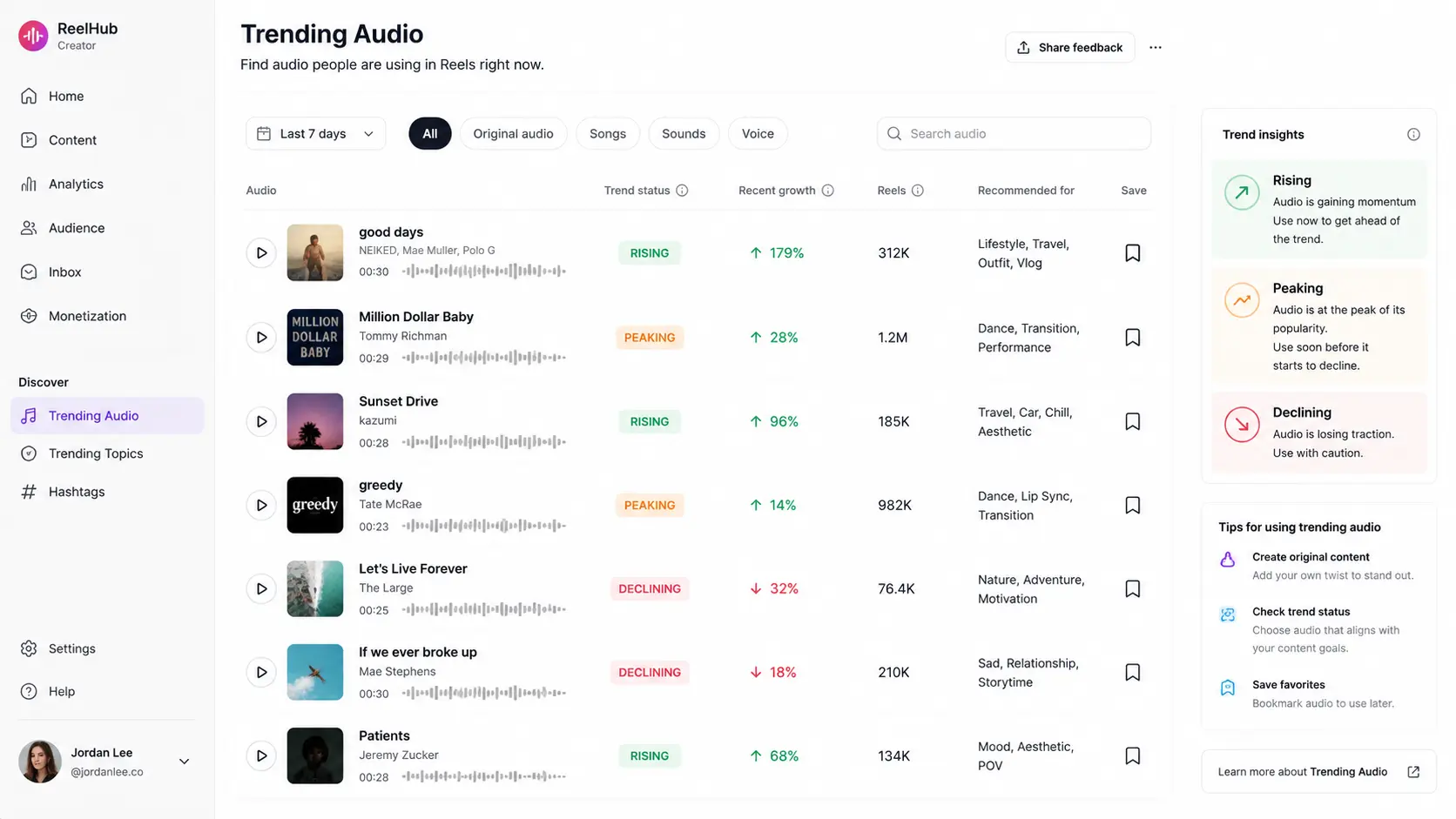
Instagram’s Reels tab surfaces trending audio to new audiences. Using audio that’s currently on an upward trend — not at peak, not in decline, but on the upswing — gives a Reel an additional distribution channel through the audio page itself.
How to Find Trending Instagram Reels Audio Before It Peaks
- Check the Reels tab daily and note which audio tracks are appearing frequently on content from accounts without massive followings — those are gaining organic momentum
- Look for the trending arrow icon next to audio tracks in the Reels creation interface
- Check the audio page — if a track has been used in under 100,000 Reels, it’s early enough to ride the trend wave
Original audio also works — particularly when your account builds an audience that associates a specific sound with your content. But for reaching new audiences, trending audio is a consistent accelerant.
Instagram Content Strategy: Formats Getting the Most Reels Engagement in 2026
These are the content formats performing consistently across niches and account types for Instagram Reels engagement in 2026:
Step-by-Step Tutorials That Drive Instagram Saves
“Step 1, Step 2, Step 3” — the visible progress structure keeps people watching through to the complete payoff. Each step answered builds anticipation for the next. These Reels get saves because people want to reference the steps later. If you’re producing educational content for Instagram, a structured tutorial format is the highest-save content type available.
Problem-First Reels That Drive Instagram Shares
Open with a problem the audience recognises, then deliver the solution. “If you’re managing 10 client Instagram accounts and they keep getting linked — here’s why.” The problem-recognition creates instant engagement from the exact people you’re trying to reach. The solution delivery earns the share — people forward things that solve problems their contacts have too.
Rapid-Fire Lists for Instagram Reels Replay Rate
“Five things Instagram managers get wrong about posting time.” Fast-paced, text-driven, easy to rewatch. High replay rate because viewers often want to go back and catch what they missed on first watch. This format also works exceptionally well for watch-through because the anticipation of the next item keeps people watching.
Behind-the-Scenes Content That Grows Instagram Engagement Organically
Raw, unpolished content that shows real process consistently outperforms produced, branded content on Reels. People engage with people, not polished presentations. Agencies showing their client workflow, freelancers showing their daily routine, brands showing product creation — all of these perform above average for comments and shares because they feel real.
Instagram Posting Strategy: Timing and Frequency for Consistent Reels Growth
How Often to Post Instagram Reels for Maximum Engagement Growth
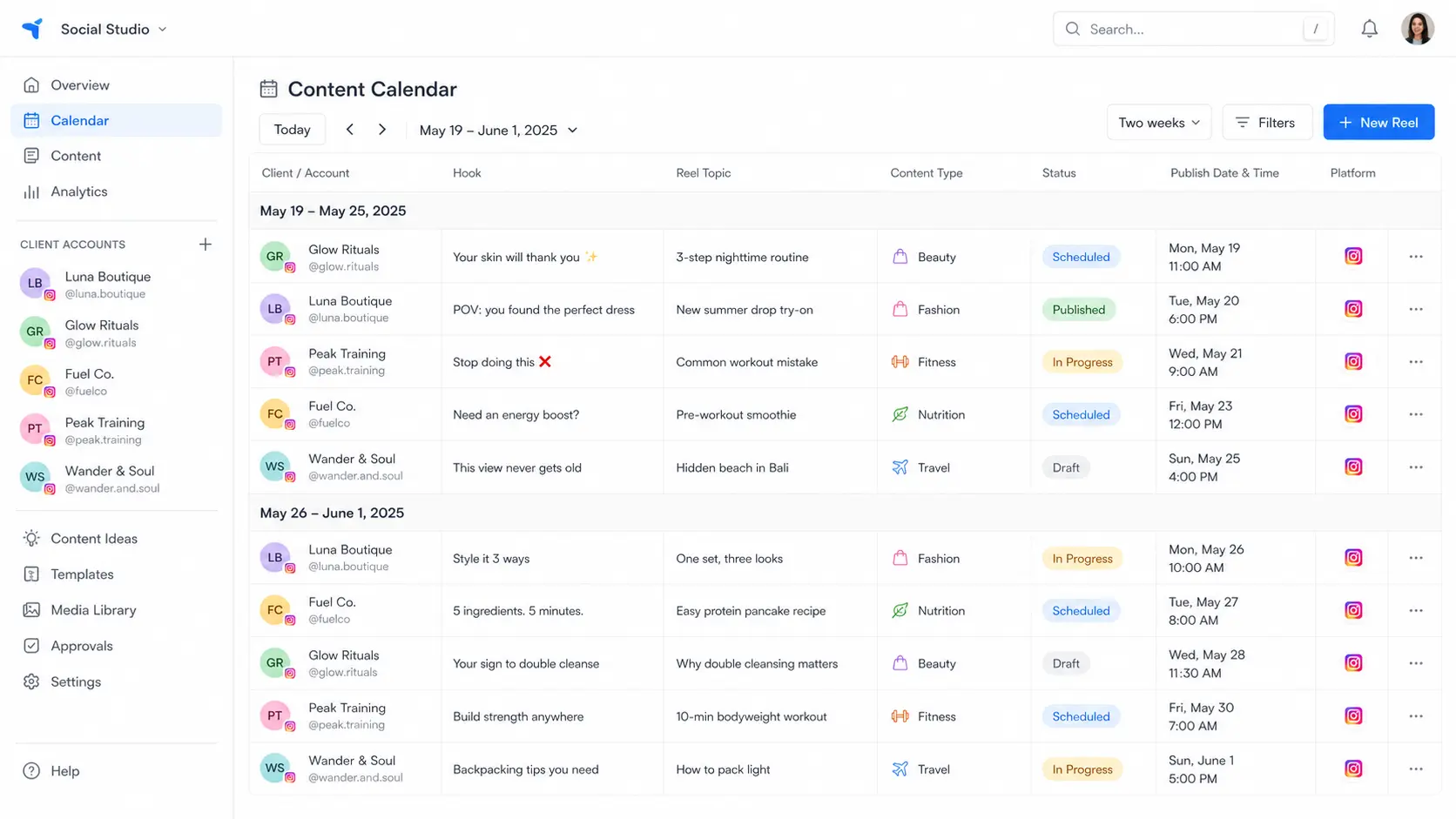
Three to five Reels per week is the sweet spot for most accounts. Fewer than three and the algorithm doesn’t have enough material to test and distribute. More than seven risks quality declining faster than reach grows. Consistency matters more than frequency — an account that posts four Reels per week every single week outperforms one that posts twelve in a burst and then nothing for two weeks. The algorithm favours accounts it can predict.
Best Time to Post Instagram Reels for Your Audience
Instagram now factors in your specific audience’s active periods, not global averages. For most audiences, the highest engagement windows are early morning (6–9 AM), midday (11 AM–1 PM), and evening (7–10 PM) in the audience’s local timezone. Check your Instagram Insights under “Most active times” — it’s more accurate for your specific account than any industry benchmark.
Instagram Posting Strategy for Multiple Client Accounts
For social media managers running Reels across multiple client accounts, stagger posting times between clients. Posting from five accounts within minutes of each other creates a behavioural pattern flag — even when the content is account-specific and the device environments are isolated. Space client posts by at least 30–60 minutes.
If you’re using Multilogin cloud phones to manage multiple Instagram accounts, each account posts from its own isolated environment — separate device identity, separate IP — so Instagram sees five genuinely separate accounts posting at staggered times, not one person batch-posting across profiles.
Instagram Hashtag Strategy for Reels Reach in 2026
Hashtags matter less for Reels reach than they did three years ago. Instagram uses the full content of the Reel — visual signals, audio, captions, and engagement patterns — to determine audience distribution, rather than relying primarily on hashtags.
The practical approach: three to five highly specific, relevant hashtags rather than twenty broad ones. Specific hashtags signal context. Hashtag stuffing — twenty or more tags — is a negative signal that Instagram has explicitly flagged as a reach-reducing behaviour.
Instagram Captions That Drive Reels Engagement
Captions don’t directly affect algorithmic reach, but they drive the engagement rates that then affect reach. A caption with a specific question gets comments. Comments signal active engagement, which signals good content.
What works in Instagram Reels captions:
- A direct question the target audience has a strong opinion about
- Additional context that rewards people who tap to read more
- “Save this for later” — consistently effective for educational content, directly drives the save signal the algorithm values
What doesn’t work: a wall of hashtags, a description of what’s in the video, or no reason to comment.
How to Grow Instagram Reels Engagement Across Multiple Client Accounts Safely
For social media managers running Reels strategy across multiple client accounts, the engagement growth question is inseparable from the account safety question. The tactics above work — but only when the accounts are stable and not under restriction.
The most common reason client Instagram accounts get restricted isn’t content problems. It’s account linking. When multiple client accounts share a device fingerprint or IP address, Instagram connects them. A flag on one triggers a review across all connected accounts.
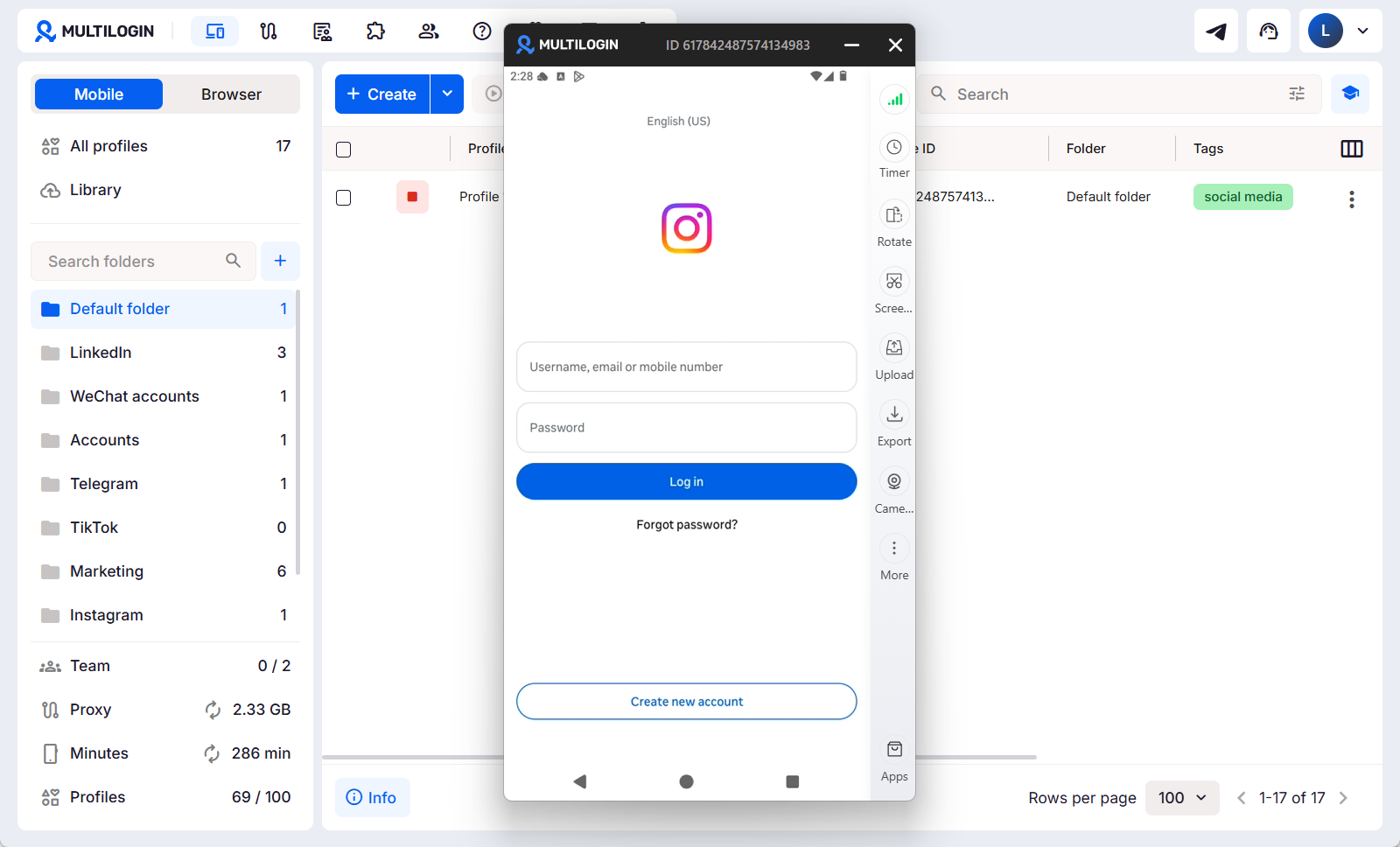
The solution is device separation: each client’s Instagram account runs on its own cloud phone with its own dedicated residential proxy. Instagram sees a separate device with a separate IP for each account — nothing connects them technically. Multilogin cloud phones give each Instagram account real Android hardware identity, its own IP from a built-in residential proxy network (30M+ IPs, 150+ countries), and its own persistent session history.
Start with a $2 three-day trial to see the full setup.




