





Post more,
work less
Perfect for multiple accounts
Unique cloud phones for each account
Built-in proxies
Residential and mobile proxies included in every plan
Grow organically
Post from real devices
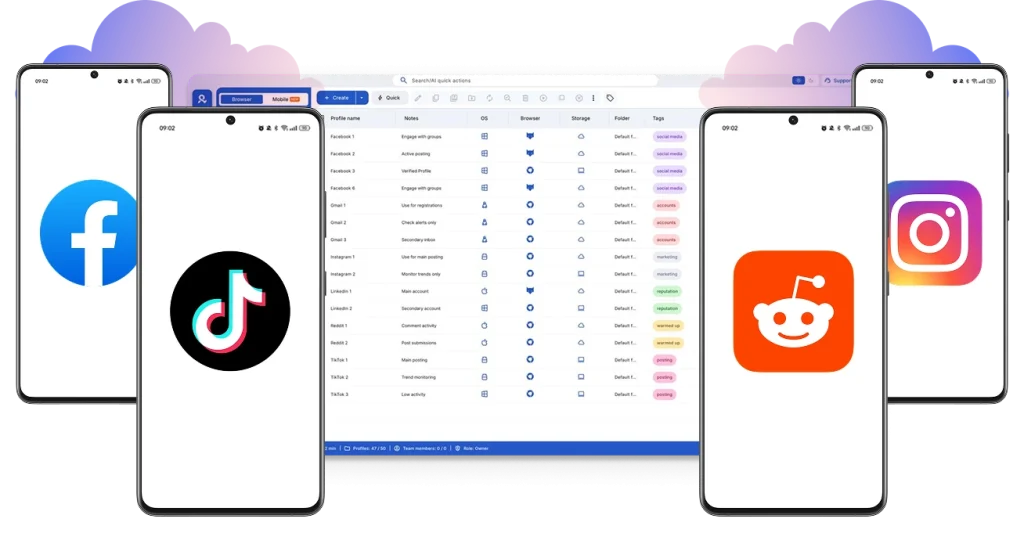
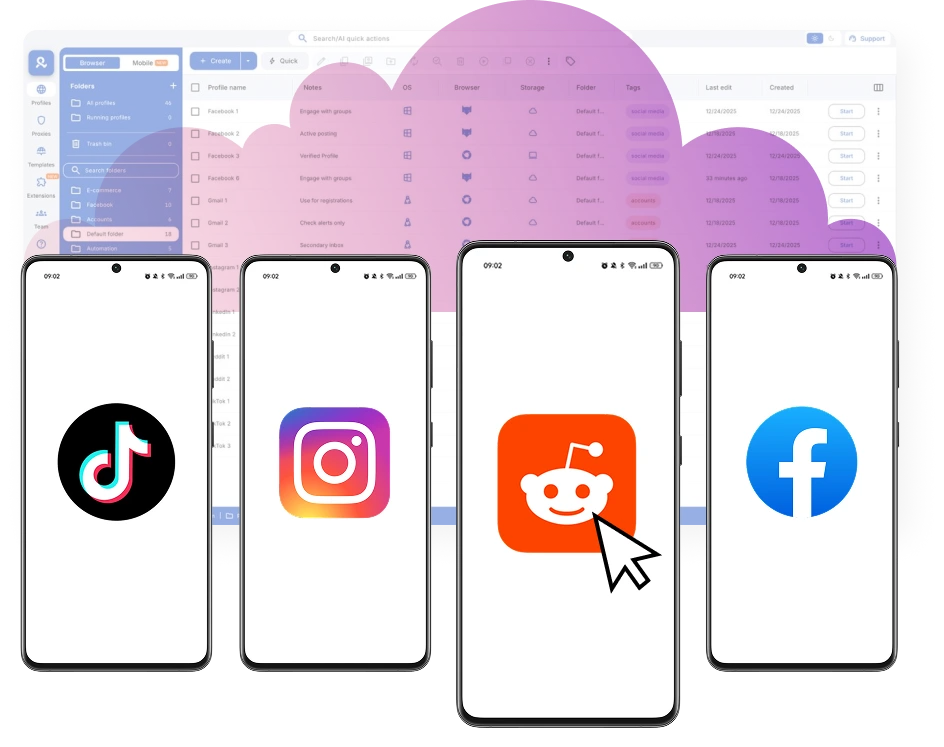
Connect unique cloud phones for social media
Use unique devices to grow through organic posting on mobile-oriented platforms. Run each device independently with its own system, identity, and configuration.
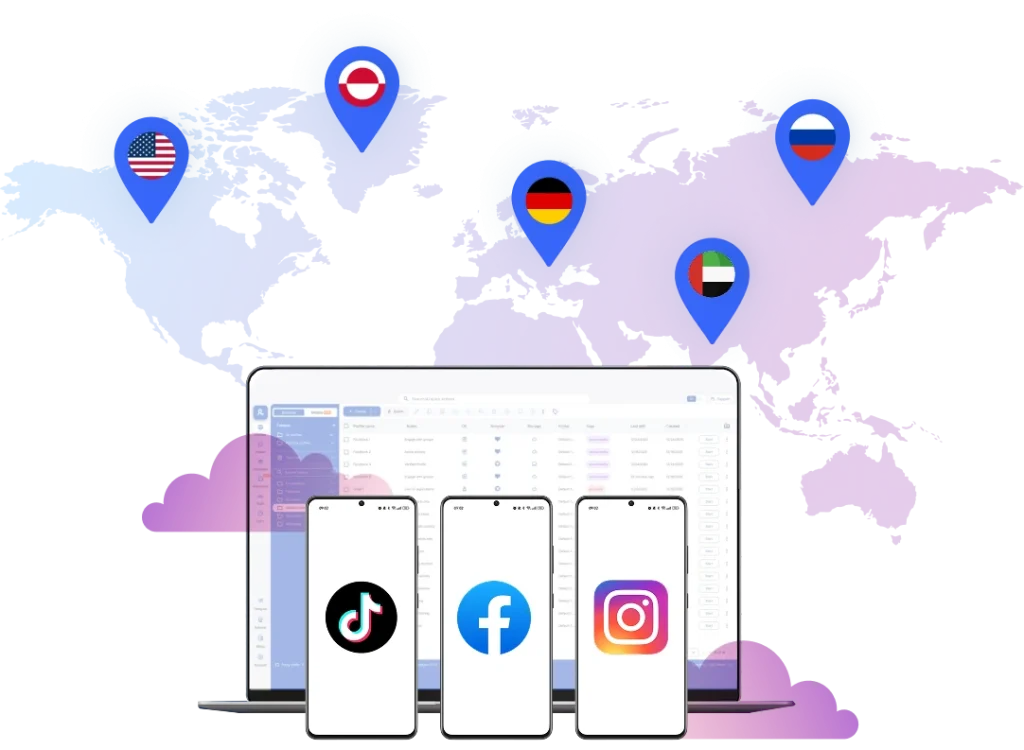
Target social media audiences from 150 locations
Target global audiences from more than 150+ locations worldwide with built-in proxies. Become visible in regional markets and local niches.
Reduce manual work with automation
Get better results with automated content posting using scripts and integrations. Chain simple tasks to scale without manual effort.
Save time and effort with automation for cloud phones
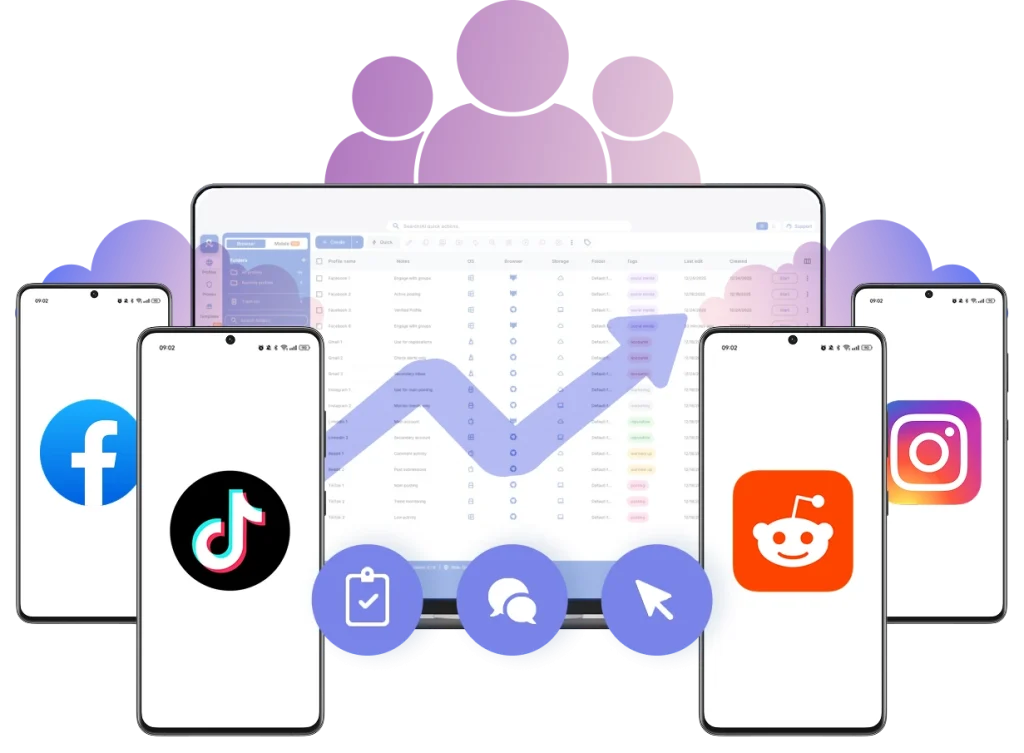
Work together on shared cloud phones with your team. Add members, assign access, and manage multiple accounts without repeated logins and resume sessions anytime.
What is a cloud phone?
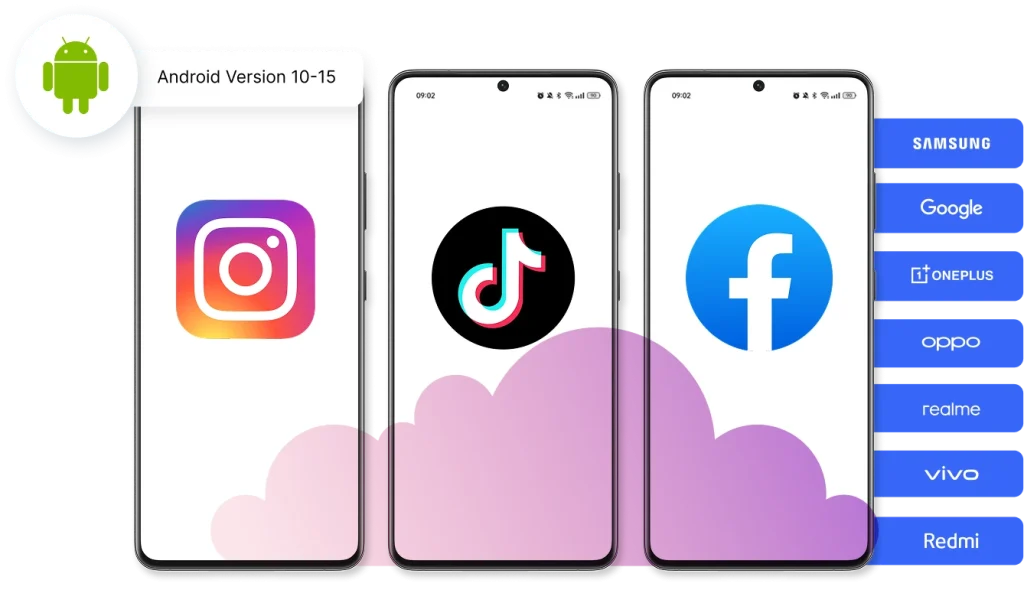
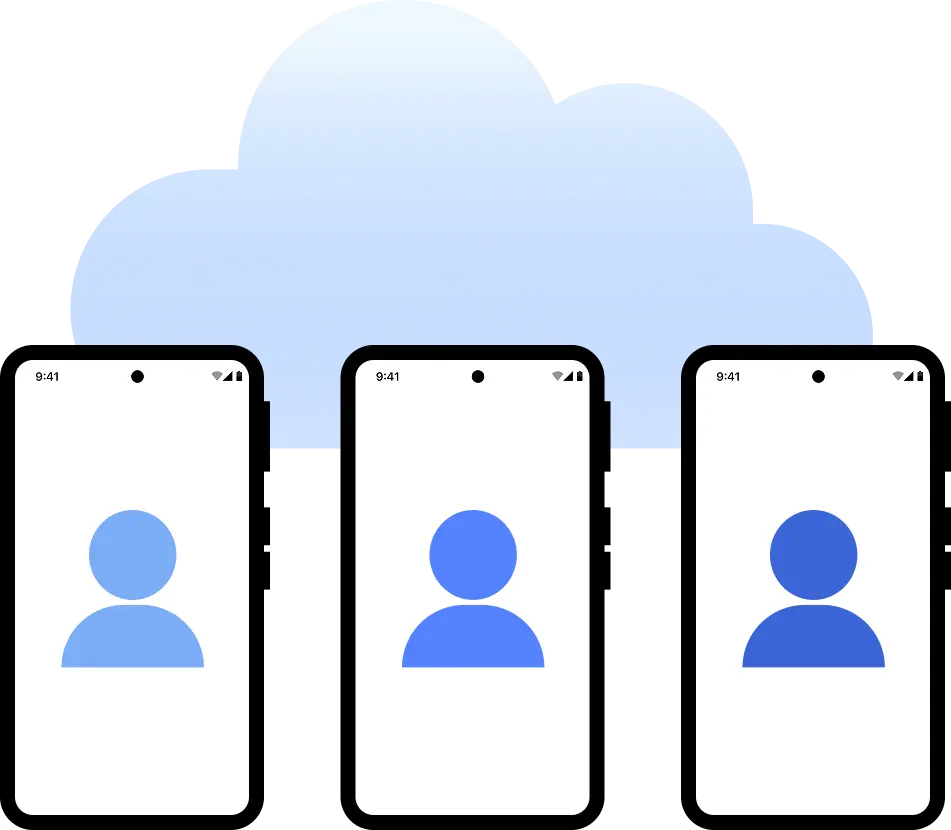
A cloud phone is a real Android device that lives in the cloud instead of on physical hardware. Each device works independently with its own system, storage, settings, and network identity. You can use it just like a normal smartphone, including installing and running any mobile apps directly from your computer.
Why choose cloud phones in Multilogin?
Multilogin is a beginner-friendly platform with cloud Android phones designed for social media marketing. Cloud phones help deliver authentic device signals to platforms, supporting organic growth and better visibility in algorithm-driven feeds.
With Multilogin, you get all the necessary tools to start: mobile proxies, cloud mobile devices, and browser profiles.

How to start using Multilogin cloud phone
Launch and manage real mobile environments in the cloud.
Sign up
Register using a verified email address.
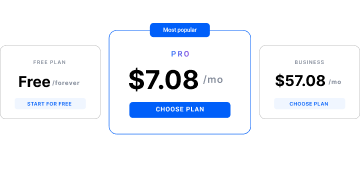
Choose your plan
Select from various subscription plans tailored to your business needs.
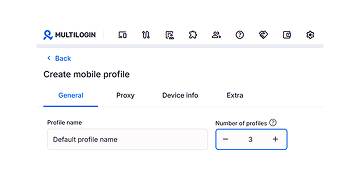
Manage multiple cloud phone profiles
Set up and manage multiple cloud phone profiles using separate browser profiles with consistent identities.
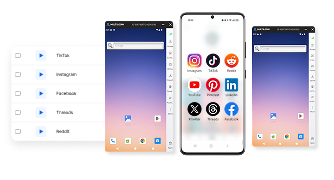
What is Multilogin?
Multilogin lets you manage multiple accounts from one beginner-friendly platform. You get a full set of features needed for both browser and mobile account management without any extra tools.
One-click Android cloud phone launch
Start cloud phones and install any apps without physical devices.
The award-winning platform for social media growth













Watch the Multilogin Demo
Learn how Multilogin can boost your business. Check the video below to see its full capabilities in a short demo video.
More mobile and cloud phone solutions
- Android Cloud Gaming & AFK Farming with Multilogin Cloud Phones
- Android emulator alternative with cloud phones
- Antidetect Browser for Android
- Antidetect phone
- Cloud Phone for Gmail
- Cloud Phone for LinkedIn
- Cloud Phone for PayPal
- Cloud Phone for Social Media
- Cloud phone for Telegram
- Cloud Phone for Twitter
- Cloud phones for WhatsApp
- Cloud phones for Adobe Express
- Cloud phones for CapCut
- Cloud Phones for eBay Sellers and Agencies
- Cloud phones for KineMaster
- Cloud phones for Kwai
- Cloud phones for Shein
- Cloud phones for Splice
- Cloud phones for VN editor
- Compare
- Connect phones with Instagram
- Create multiple Facebook Ad Accounts with cloud phones
- Create multiple Hinge accounts
- Create multiple Lazada accounts
- Create multiple LINE accounts with cloud phones
- Create multiple Meta Business Suite accounts
- Create multiple Spotify Ads accounts
- Create multiple Spotify Creator accounts
- Get your mobile phone farm in the cloud with Multilogin
- Instagram marketing tool
- Manage multiple Android phones
- Manage TikTok Creator accounts with cloud phones
- Mobile emulator online
- Online survey for money with cloud phones
- Phones with TikTok
- QA Automation
- Run mobile testing with Multilogin’s Android Emulation
- Run TikTok ad accounts on cloud phones
- Social media management
- Social media proxies
- YouTube AI Influencers: Run Multiple Channels
- Cloud phone
- Multi‑account browser with cloud phones
- Phone Farming
- Virtual phones for managing multiple accounts
- Remote phone
- AI influencer
- Reddit for AI
- Cloud cell phone for managing mobile accounts
- Сloud Android emulator
- Cloud Phone for TikTok
- Cloud Phone for Instagram
- Cloud Phones for Reddit
- Cloud Phone for Facebook
- Cloud Phone for YouTube
Cloud phones for social media management: Grow your presence naturally
Mobile platforms have changed how digital products, ads, and accounts are evaluated. Today, many tasks only work correctly inside real mobile environments. This is especially true for native Android apps, mobile-only features, and experiences specific to certain regions.
Platforms like TikTok, Instagram, and Facebook also look at more than just surface-level actions. Device hardware IDs, consistent IP addresses, location signals, and long-term session behavior all help decide how mobile activity is seen.
When mobile tasks use shared devices, emulators, or unstable setups, results become inconsistent. Sessions break, identities mix, and behavior no longer looks like real users. This makes it hard to grow operations and trust the outcomes.
Multilogin cloud phones for social media management
Traditional mobile setups usually fall into two groups: physical phone farms or Android emulators.
Physical mobile phones are costly, hard to keep up, and limited by location and hardware. Managing many devices adds a lot of extra work as teams grow. Android emulators reduce hardware costs, but they often reuse system signals or fail to act like real mobile phones. Apps can spot these differences over time. This leads to unstable sessions, limited features, or blocked actions on platforms like Reddit or Instagram.
Cloud phones solve this by acting as independent mobile phones hosted entirely in the cloud. Each cloud phone runs its own Android operating system, keeps app data, and works with a consistent device and network identity. This ensures mobile tasks act like real user activity, supporting natural growth on social media.
Real devices for organic growth and algorithm trust
Multilogin’s cloud phones give you a full 2-in-1 environment. They combine real cloud-based Android devices with a powerful multi-account platform. Instead of using separate tools, you can run secure, scalable mobile and web tasks from one place.
Because Multilogin uses real Android devices, your activity is seen as organic by social media algorithms. This is a major advantage for accounts that need to grow naturally without being flagged for automation. You can manage multiple browser profiles and cloud phones side-by-side, ensuring every session stays fully separate and secure.
Global reach with residential and mobile proxies
A key part of managing social media is appearing in the right location. Multilogin makes this easy by providing built-in residential and mobile proxies.
You can access over 150 locations with precise city-level targeting. This lets you align your IP address perfectly with your target audience. Whether you need to post content for a specific city or manage accounts across different countries, the network signals will always match your device settings. This creates stable mobile identities that social media platforms trust over time.
Key benefits of Multilogin cloud phones
The core benefit of Multilogin’s cloud phones is identity consistency.
- Consistent identity: Each cloud phone Android environment includes its own operating system, hardware IDs, storage, and proxy connection.
- Session isolation: With our multi-account platform, nothing is shared between phones unless you set it up that way. This stops sessions from mixing.
- Scalability: Because cloud phones run remotely, teams are not limited by physical devices or local computer power.
- Parallel management: You can manage multiple accounts on mobile phones at the same time without slowing down or causing issues.
Easy integration: A cloud phone fits easily into existing tasks. Teams can install native Android apps and automate actions without changing how those apps are used.
Social media team workflows with cloud phones
For managing many accounts, each account runs inside its own cloud phone. It has its own data and a unique device identity. This makes long-term account management more stable and lowers the risk of session problems.
When issues come up, cloud phones make troubleshooting simple. Teams can go back to the same cloud phone environment. It will have the same apps, settings, and device signals. This helps reproduce problems under the same conditions instead of setting things up again by hand.
For tasks that need to grow, cloud phones let many mobile phone environments run at once. Actions can be automated or synced when needed, but identities stay fully separate. This is very important for platforms that watch behavior patterns over time.
As operations grow, cloud phones remove the limits of physical hardware. Teams can launch new phones when they need them, work from anywhere, and keep mobile behavior consistent. They do this without managing devices, storage, or physical space.
Global social media strategies and cloud phones
Modern mobile tasks often depend on behavior specific to a location. What content you see, app features, and how users move through apps can be very different by region.
With Multilogin, each cloud phone can connect to a special proxy. It can also be set up to match location signals at the device and session level. This makes mobile phones act like real devices working from specific regions. It avoids using mismatched or changing setups. By keeping network signals, device settings, and session behavior aligned, Multilogin makes sure cloud phones stay consistent and reliable. This is true even when working across many markets.
FAQ
How can I avoid social media account bans when using multiple profiles?
A cloud phone for social media isolates each account in a separate Android environment. In Multilogin, every cloud phone has its own device parameters, storage, and network identity. This reduces overlap between accounts at both the device and network level.
Each cloud phone can also be paired with a residential proxy, so traffic comes from a consistent location per account. This separation helps prevent accounts from being linked through shared device or network signals.
How can I scale social media operations without buying more phones?
Cloud phones run in a cloud environment, so no physical hardware is required. In Multilogin, new cloud phones can be created on demand and used as separate Android devices.
This allows account setup and management to scale by increasing the number of virtual devices rather than purchasing additional phones or maintaining hardware.
How do I avoid algorithm flags when automating activity on TikTok or Instagram?
A cloud phone for social media uses a real Android system instead of an emulator. Each device produces standard mobile signals, including system identifiers and app-level behavior.
When combined with residential proxies, actions such as posting or engagement originate from consistent device and network profiles. This reduces inconsistencies that can trigger platform detection systems.
How can I safely manage social media accounts with a remote team?
Multilogin allows cloud phone profiles to be assigned to individual users. Each team member accesses only the devices they are given.
Accounts remain separated by cloud phone, so login data and session activity are not shared between users. Access can be changed or removed without affecting other accounts in the system.
How do I keep accounts logged in without repeated logins?
Each cloud phone stores session data, including login state, cookies, and app cache. This data remains available between sessions.
When a cloud phone is reopened, the apps continue from the same state, so accounts stay logged in unless manually logged out or reset.
How can I combine mobile and desktop social media workflows?
Multilogin combines cloud phones and browser profiles in one platform. Mobile tasks run inside cloud phones, while desktop-based tasks such as automation or data handling run in browser profiles.
Both environments operate under the same workspace, allowing content preparation, posting, and account management to be handled without switching tools.